


 All CategoriesAll CategoriesAll Categories





Warranty Notice:
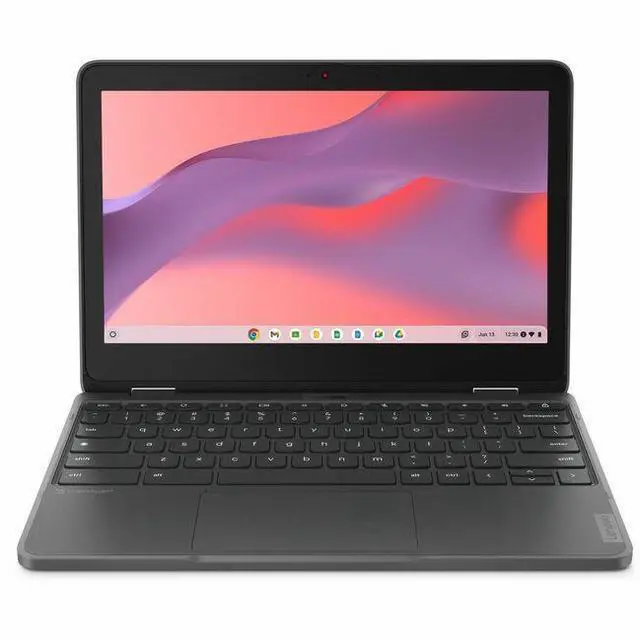
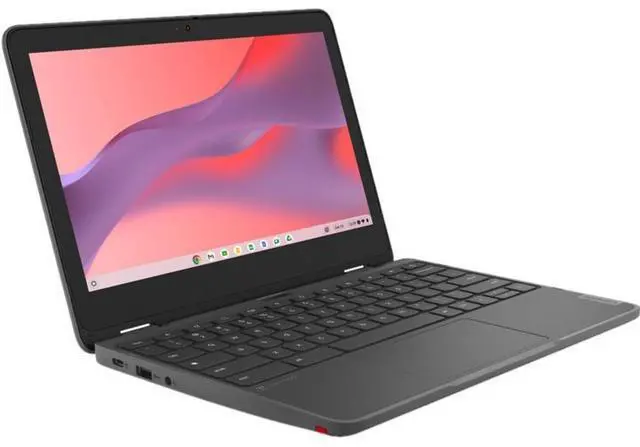
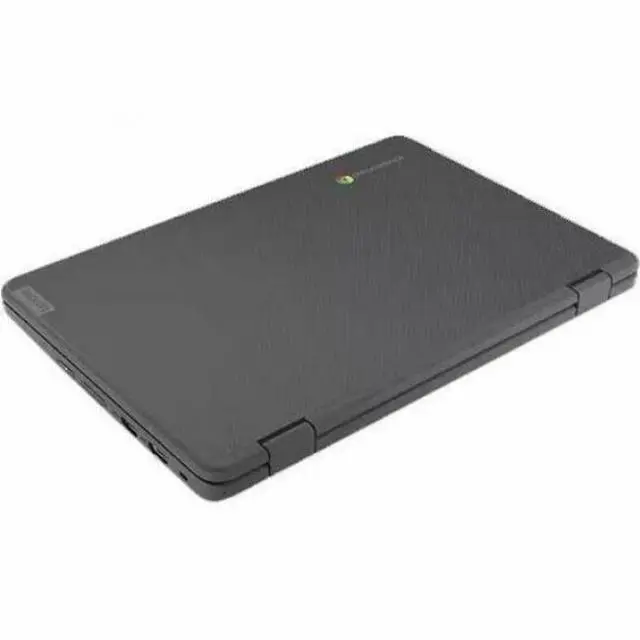
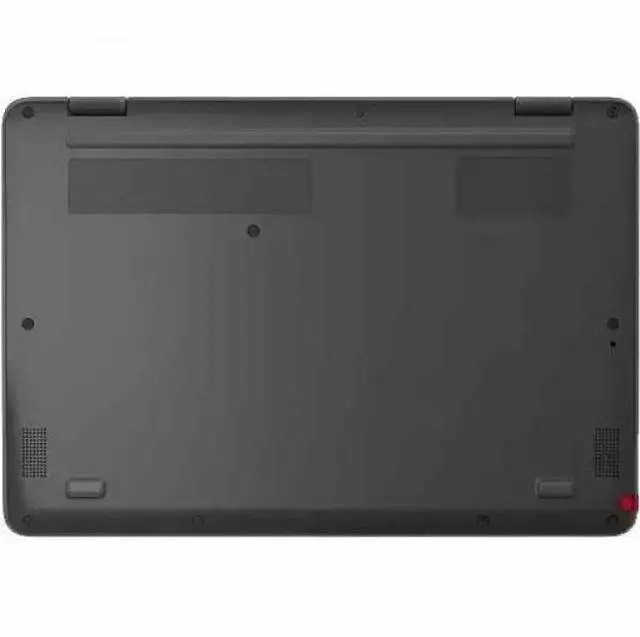
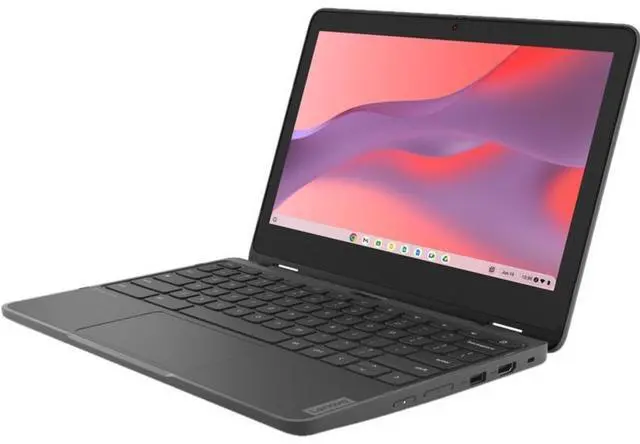
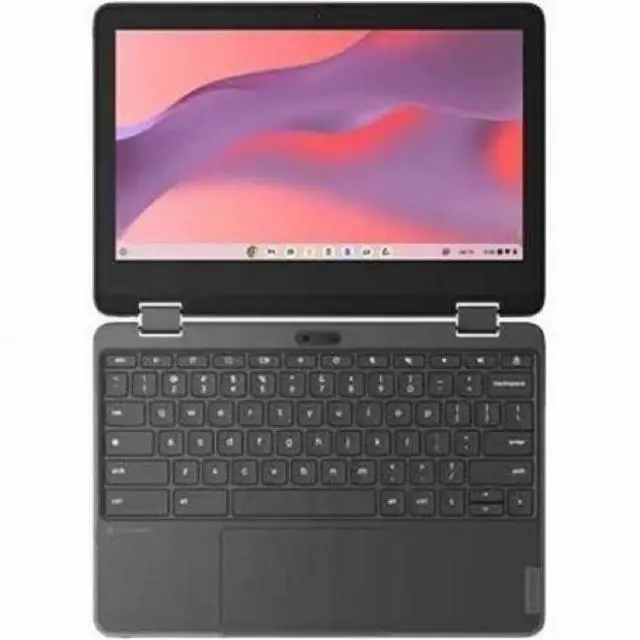
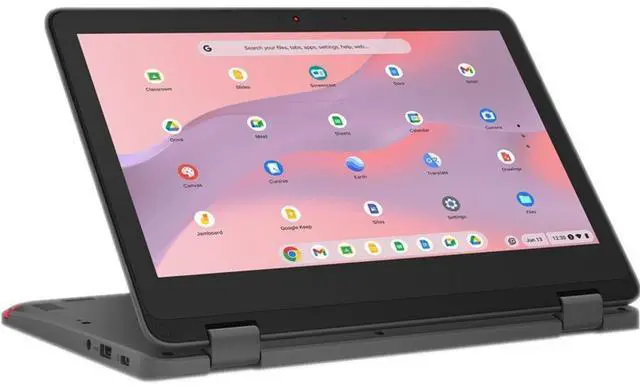
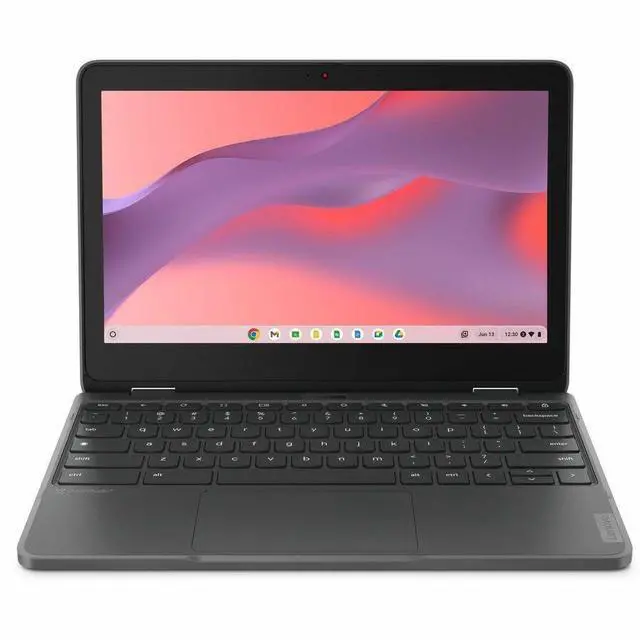
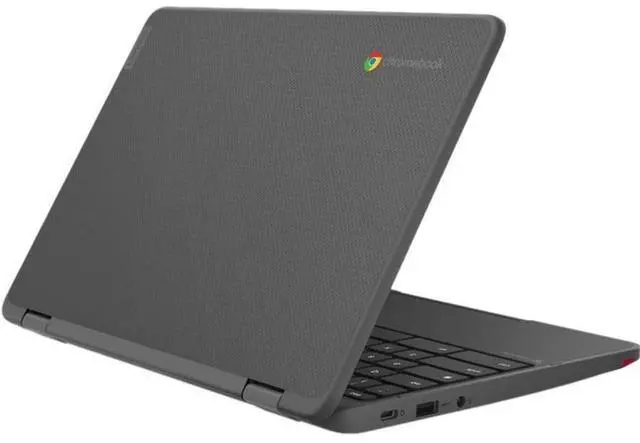
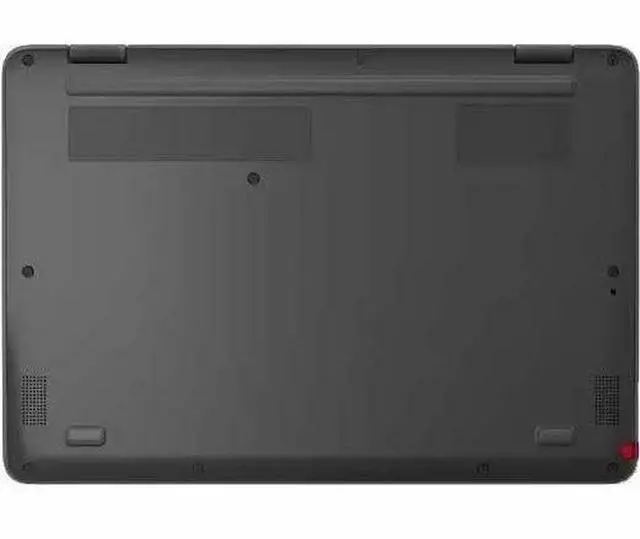
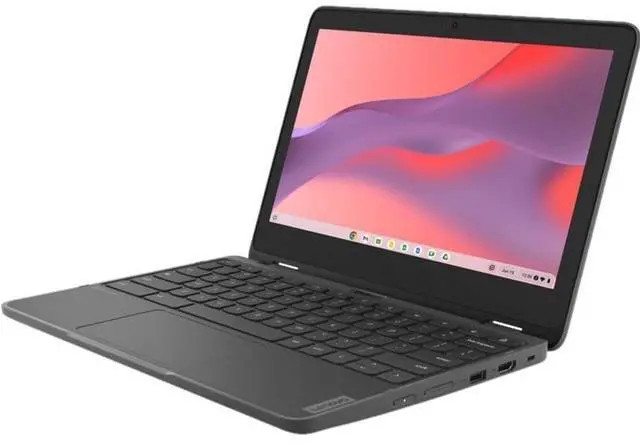
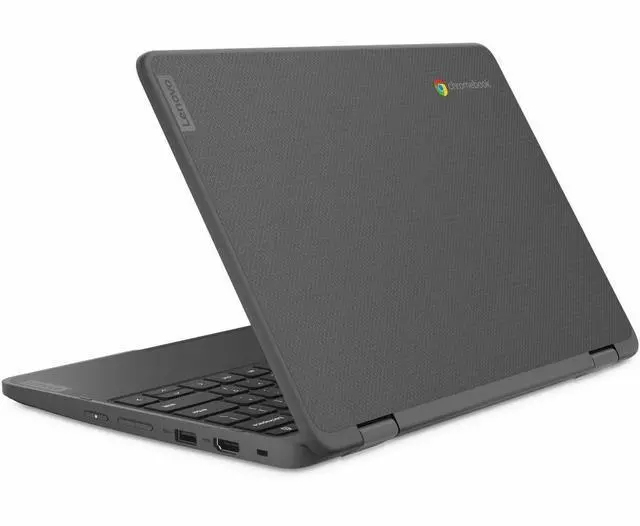
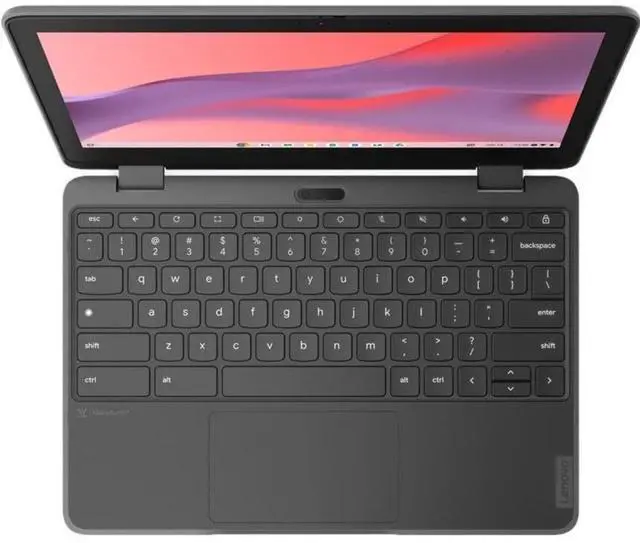
This product does not include manufacturer warranty when purchased or used outside of its designated sales region. By purchasing internationally, you acknowledge that warranty support from the manufacturer will not be available.The Lenovo 300e Yoga Chromebook Gen 4 is an 11.6-inch touchscreen 2-in-1 Chromebook built for students, families, and everyday users who want a compact device for web browsing, schoolwork, streaming, and app-based tasks in a flexible laptop or tablet form.
| Attribute | Value |
|---|---|
| Best For | Home/personal use — compact 11.6" 2-in-1 Chromebook running Chrome OS with a capacitive touchscreen for tablet and laptop modes |
| Processor And Core Count | ARM Kompanio 528 processor (single processor package) with reported top speed 2.2 GHz; model/gen identifiers provided |
| GPU And VRAM | Integrated ARM Mali-G52 2EE MC2 GPU with shared graphics memory |
| Display Spec | 11.6" HD (1366 x 768) IPS LCD capacitive touchscreen with reported max brightness 250 nits |
| Memory Configuration | 8 GB RAM installed; reported memory technology listed as LPDDR4X (external sources also list DDR4 SDRAM) and memory speed reported as 3600 MHz |
| Storage And Expansion | 64 GB internal eMMC storage |
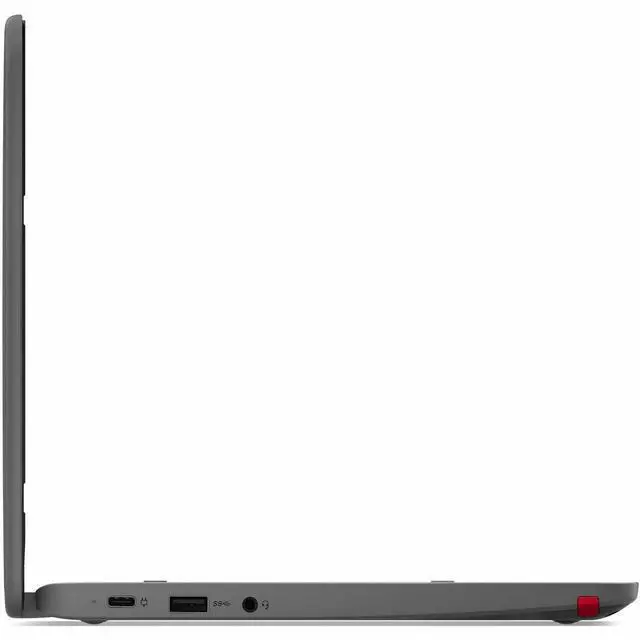
| High Speed I O | One HDMI output and three USB ports (reported as 3 USB 3.0 ports, no USB 2.0 ports reported) |
| Wired And Wireless Networking | Wi‑Fi 6 (802.11ax) and Bluetooth wireless; HDMI and USB available for wired peripheral and display connections |
| Webcam And Privacy | Built-in webcam |
| Keyboard And Control | English keyboard |
| Portability | Unit weight reported ~2.9 lb (item display weight); listed item/package dimensions 16.3 x 9.8 x 2.7 inches and package weight 4.1 lb |
| External Display And Docking Fit | Compatible with external displays via HDMI; works with USB peripherals and Bluetooth accessories listed by the manufacturer |
| Model Identifiers | Lenovo 82W2002NUS — 300e Yoga Chromebook Gen 4, US version (model year 2026) |
Q: Should I choose the Lenovo 300e Yoga Chromebook Gen 4 or a Chromebook Plus model?
A: Choose the Lenovo 300e Yoga Chromebook Gen 4 if you want a smaller 11.6-inch convertible Chromebook for web apps, Google Docs, streaming, and classroom-style portability. Choose a Chromebook Plus model if you want a larger higher-resolution display, 128GB-class storage, and stronger multitasking headroom for heavier browser workloads. The main trade-off is mobility and simplicity on the 300e Yoga Gen 4 versus higher performance and a more premium everyday experience on Chromebook Plus systems.
Q: Is the Lenovo 300e Yoga Chromebook Gen 4 a better fit than an Intel N100 Chromebook?
A: The Lenovo 300e Yoga Chromebook Gen 4 is the better fit if you value a compact 2-in-1 design, lower-power ARM efficiency, and basic ChromeOS use such as browsing, documents, and video. An Intel N100 Chromebook is usually the better fit if you expect heavier multitasking, more tabs, or a more laptop-like performance profile. Community comparisons commonly describe Kompanio-class ARM Chromebooks as efficient for light use, while N100 systems are favored when performance comes first.
Q: How does the Lenovo 300e Yoga Chromebook Gen 4 compare with the Lenovo 300e Chromebook Gen 3?
A: Choose the Lenovo 300e Yoga Chromebook Gen 4 if you want the convertible Yoga form factor, newer platform generation, Wi‑Fi 6 support, and a longer remaining ChromeOS support window. The Gen 3 is the better comparison point if you are specifically looking at older AMD-based 300e systems and mainly want a lower-cost used or clearance option. For most new-buy decisions, the Gen 4 is the more current choice with longer useful life.
Q: Should I buy this 8GB/64GB Lenovo 300e Yoga Chromebook Gen 4 or a 4GB Chromebook?
A: Choose this 8GB Lenovo 300e Yoga Chromebook Gen 4 if you want smoother day-to-day ChromeOS use with more browser tabs, better longevity, and fewer slowdowns during multitasking. A 4GB Chromebook still fits lighter use, but 8GB is the safer choice for students and home users who keep multiple tabs and Android apps open. The trade-off is that some 4GB models may cost less, while this configuration is positioned for a more comfortable long-term experience.
Q: Is the Lenovo 300e Yoga Chromebook Gen 4 better for portability than a 14-inch Chromebook?
A: Yes. The Lenovo 300e Yoga Chromebook Gen 4 is the better choice when portability, durability-focused design, and flexible tablet or tent use matter more than screen size. Its 11.6-inch chassis and roughly 2.93-pound weight make it easier to carry than most 14-inch Chromebooks. A 14-inch model is the better choice if you spend more time in desktop-style work, want more viewing area, or prefer Full HD or better resolution for side-by-side work.
Q: Is this a good Chromebook for note-taking, meetings, and everyday office work?
A: Yes, for browser-based office work it is a practical fit. The 2-in-1 touch design works well for notes, video calls, web apps, Google Docs, and light multitasking. Its main limits are the small 11.6-inch HD display and ChromeOS workflow, so it is better for portable everyday tasks than for heavy desktop-style productivity.
Q: Who is this Lenovo 300e Yoga Chromebook Gen 4 best for?
A: It is best for students, families, and travelers who want a small convertible Chromebook for web use, email, streaming, online classes, documents, and meetings. It is less suitable for buyers who need a large screen, lots of local storage, or Windows and Mac-only software.
Q: Can it replace a Windows laptop for school or basic work?
A: It can replace a Windows laptop for users who mainly work in Chrome, Google Docs, web apps, email, and video meetings. It is not a full replacement if you depend on native Windows programs, advanced file-heavy workflows, or pro creative software. ChromeOS is simpler, but that simplicity is also the main trade-off.
Q: Is it good for drawing or handwritten notes with a stylus?
A: It is reasonable for casual handwritten notes and touch input because it is a convertible touchscreen Chromebook, and comparable retail listings confirm USI stylus support on the Gen 4 300e Yoga line. It is still better suited to note-taking than serious art work because the display is only 11.6 inches with 1366 x 768 resolution.
Q: What are the main trade-offs versus a larger Chromebook or a Lenovo Duet-style alternative?
A: The main advantage here is durability-minded portability: you get a compact 11.6-inch convertible form factor, touch, 8GB RAM, and simple ChromeOS use in a small package. The trade-offs versus larger Chromebooks are a lower-resolution screen and less workspace. Versus detachable models like a Duet, this is usually the better choice for lap use and keyboard-first work, while a Duet-style device is often better for media use and a sharper display.
Q: Who is the Lenovo 300e Yoga Chromebook Gen 4 best suited for?
A: It is best suited for basic ChromeOS use: web apps, schoolwork, email, video calls, note-taking, and light travel use. The 11.6-inch convertible design and touchscreen make it more practical for students and users who want a small, durable 2-in-1 than for buyers seeking a primary productivity laptop.
Q: Is it a good buy if you want a small travel or secondary laptop?
A: Yes, if your priority is portability, touchscreen flexibility, and basic browser-based work. With 8 GB RAM and 64 GB storage, it fits light everyday tasks better than heavy multitasking, offline storage needs, or demanding desktop-style work.
Q: Can this replace a regular Windows laptop for work or study?
A: Only for users whose work is mostly in the browser or Android-compatible apps. It is a Chromebook with an 11.6-inch HD display and ARM processor, so it is a better fit for documents, web platforms, and remote learning than for specialized Windows software, large-file workflows, or advanced multitasking.
Q: What are the main trade-offs of choosing this model?
A: The main trade-offs are screen size, display resolution, and performance ceiling. Its 11.6-inch 1366x768 panel and entry-level Chromebook class hardware are fine for basic tasks, but less ideal for multitasking-heavy use, detailed visual work, or users who want a roomier screen for long sessions.
Q: Are there any reliability concerns to consider before buying?
A: Some Reddit discussion around the Lenovo 300e Yoga Chromebook Gen 4 mentions model-specific issues such as sleep/wake tab-loading problems and power-related complaints. That does not prove all units are affected, but it does make this a model where buyer caution is reasonable if reliability is your top priority.


