


 All CategoriesAll CategoriesAll Categories
Shipped by Newegg




Warranty Notice:
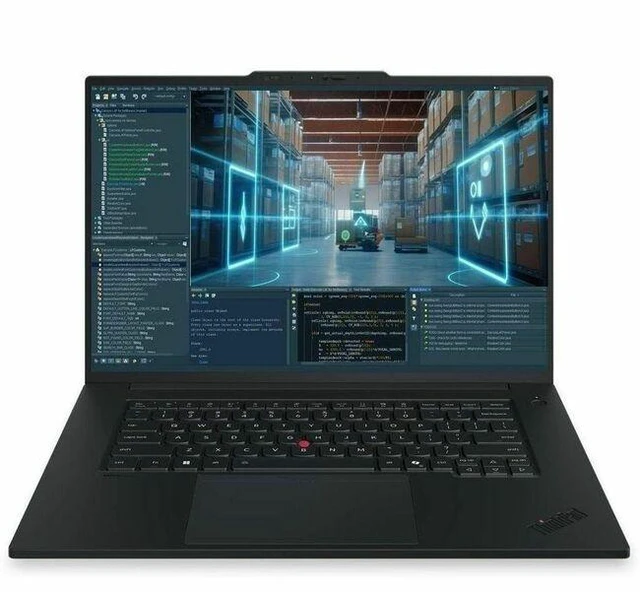
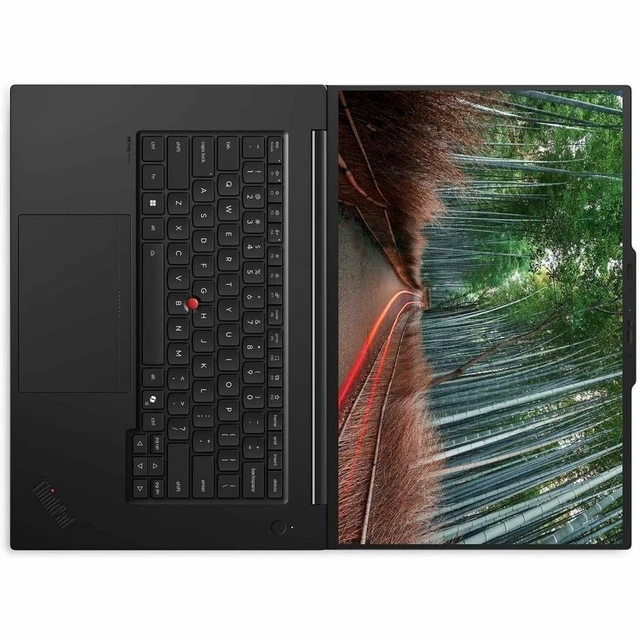
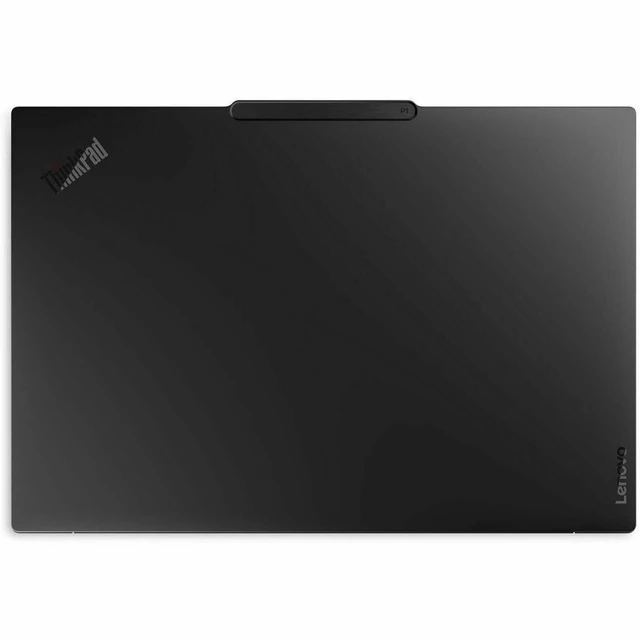
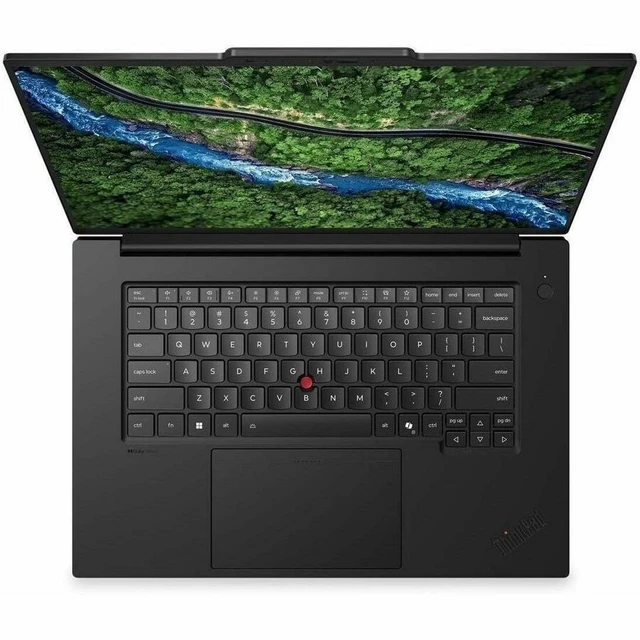
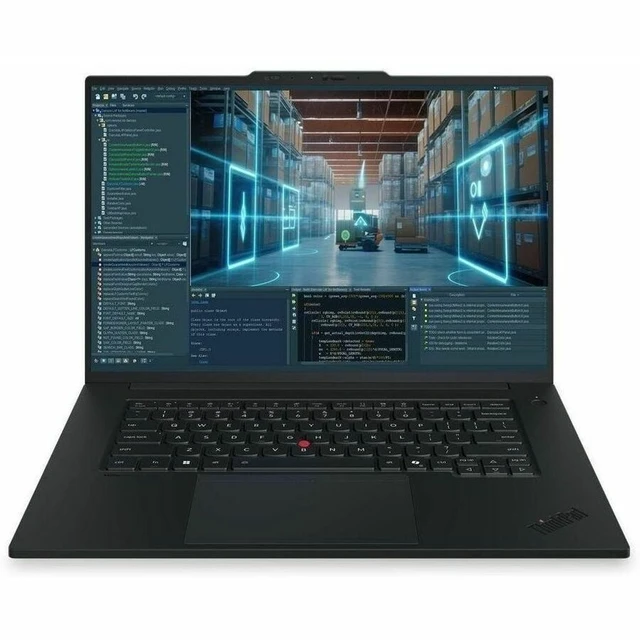
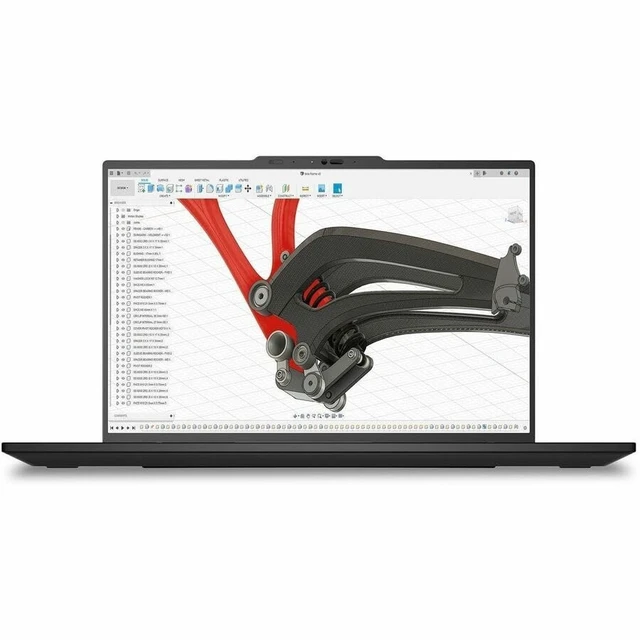
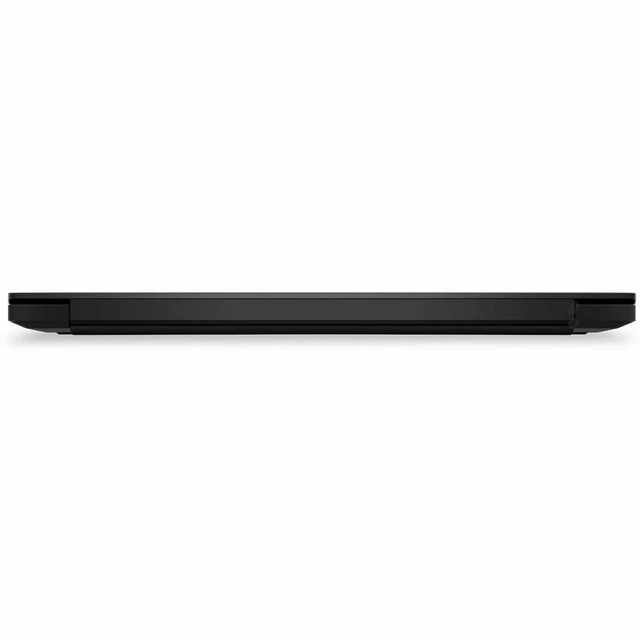
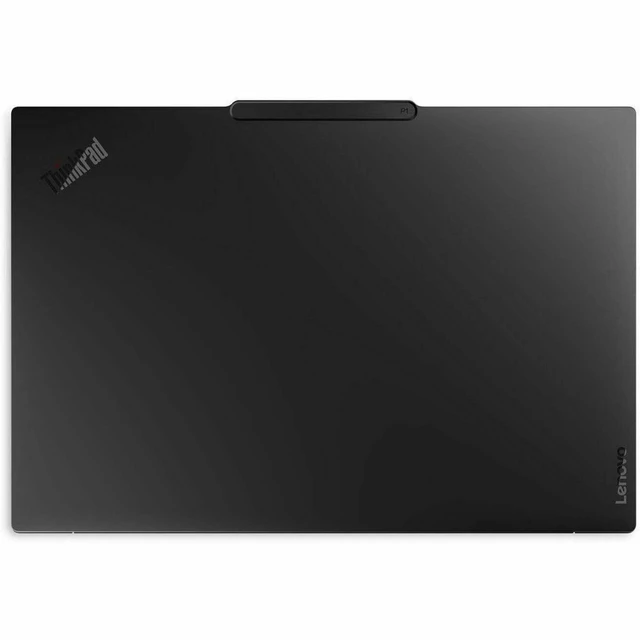
This product does not include manufacturer warranty when purchased or used outside of its designated sales region. By purchasing internationally, you acknowledge that warranty support from the manufacturer will not be available.The Lenovo ThinkPad P1 Gen 9 21UE0019US is a 16-inch mobile workstation with an Intel Core Ultra 9 386H, 64 GB memory, 2 TB SSD, and NVIDIA RTX PRO 2000 8 GB graphics, suited to professionals who need a powerful Windows 11 Pro system for demanding work.
| Attribute | Value |
|---|---|
| Best For | Mobile workstation use involving graphics-focused professional tasks and AI-enabled workflows, with a 16-core processor, NVIDIA RTX PRO graphics, 64 GB memory, and a 50-TOPS NPU |
| Processor And Core Count | Intel Core Ultra 9 386H, 16 cores, 2.1 GHz listed processor speed and up to 4.9 GHz |
| GPU And VRAM | NVIDIA RTX PRO 2000 graphics with 8 GB GDDR7 |
| AI Processing | Intel AI Boost NPU rated at 50 TOPS; Copilot+ PC |
| Display Spec | 16-inch touchscreen Tandem OLED with 3200 × 2000 resolution, 120 Hz refresh rate, Eyesafe display technology, and up to 1500 nits brightness |
| Memory Configuration | 64 GB LPDDR5X installed memory; maximum memory listed as 96 GB, with 1 memory slot |
| Storage And Expansion | 2 TB M.2 SSD |
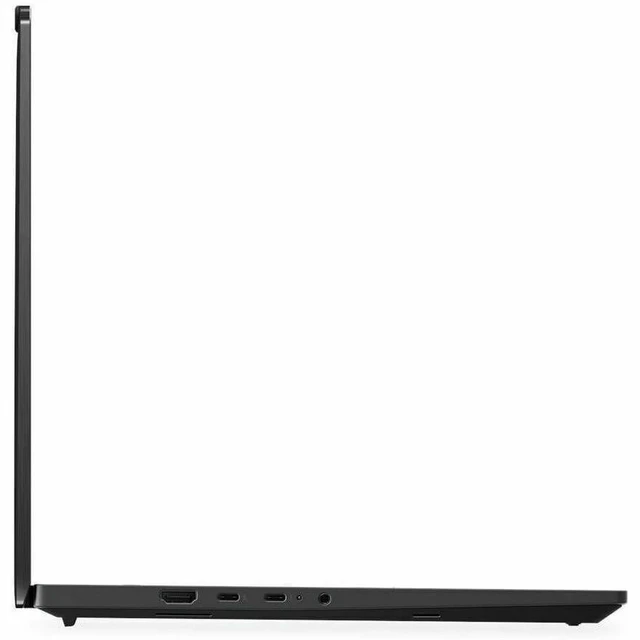
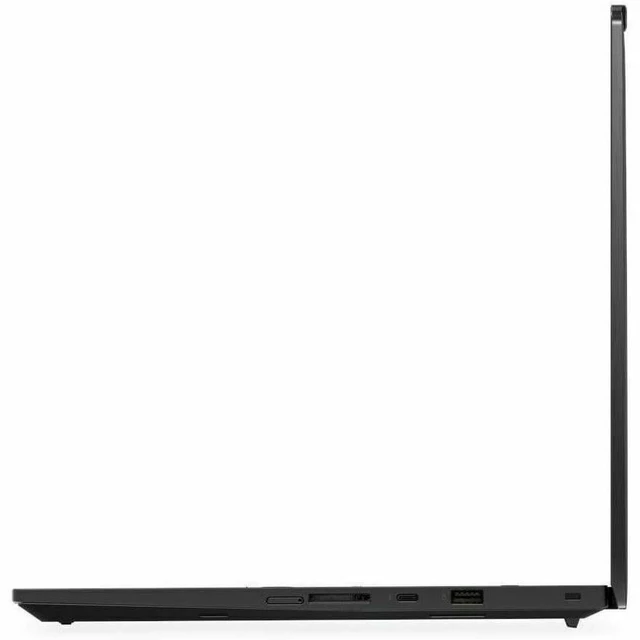
| Ports And Connectivity | 1 HDMI port, 1 Thunderbolt port, and 1 USB port; Wi-Fi 7 (IEEE 802.11be) and Bluetooth |
| Webcam And Audio | Webcam with stereo audio |
| Keyboard And Controls | English (US) keyboard |
| Battery And Power | Lithium-ion battery and AC adapter listed |
| Operating System And Finish | Windows 11 Pro; black |
| Model Identifiers | Lenovo ThinkPad P1 Gen 9; model and part number 21UE0019US |
Q: ThinkPad P1 Gen 9 vs. P1 Gen 8: what does the newer model add?
A: Choose this P1 Gen 9 for its Core Ultra Series 3 processor, 50-TOPS NPU, and support for up to 96GB of memory. The P1 Gen 8 can also be configured with an RTX PRO 2000 Blackwell GPU, so the clearest reasons to choose Gen 9 are its newer platform and higher memory ceiling.
Q: Should I choose the Core Ultra 9 P1 Gen 9 or a Core Ultra 7 configuration?
A: Choose this Core Ultra 9 386H configuration when you want the higher processor tier: Lenovo lists a maximum 4.9GHz P-core frequency, compared with up to 4.7GHz for the Core Ultra 7 356H. Both can be configured with the RTX PRO 2000, making the processor tier the main distinction when comparing otherwise similar builds.
Q: P1 Gen 9 with RTX PRO 2000 or with Intel Arc Pro graphics—which configuration should I pick?
A: Choose this RTX PRO 2000 configuration for workloads that call for NVIDIA professional graphics and its dedicated 8GB of GDDR7 memory. Choose an Intel Arc Pro configuration if you prefer the P1 Gen 9’s integrated-graphics option; Lenovo pairs that option with Core Ultra X-series processors.
Q: Is the 64GB RAM and 2TB SSD P1 Gen 9 worth choosing over a smaller configuration?
A: Choose this configuration when your workflow benefits from keeping more applications and large project files on the laptop: it combines 64GB of memory with a 2TB SSD. A smaller P1 Gen 9 configuration can suit workloads with lighter memory and storage needs.


