


 All CategoriesAll CategoriesAll Categories
Shipped by Newegg
 Top Rated





Warranty Notice:
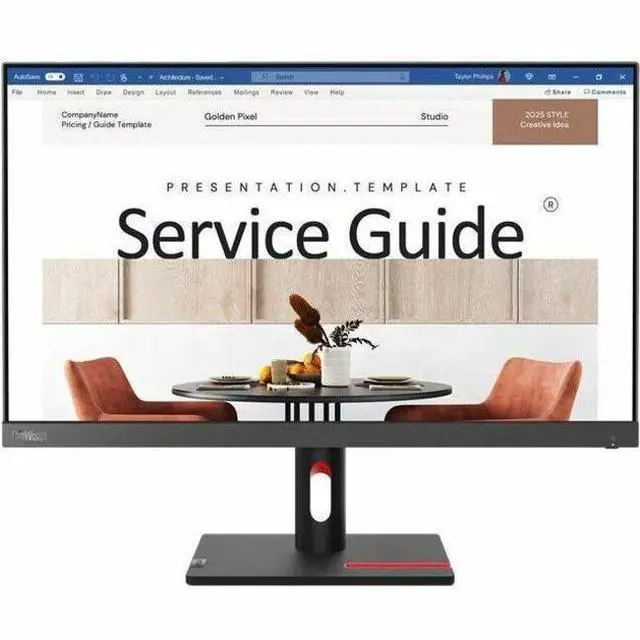
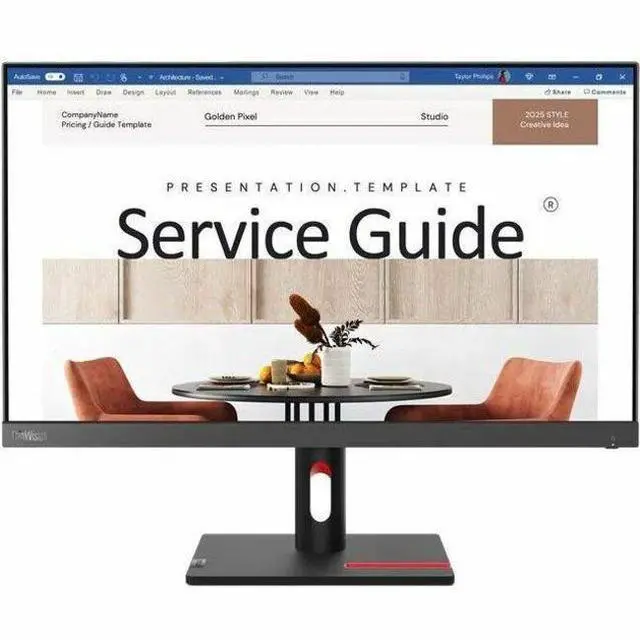
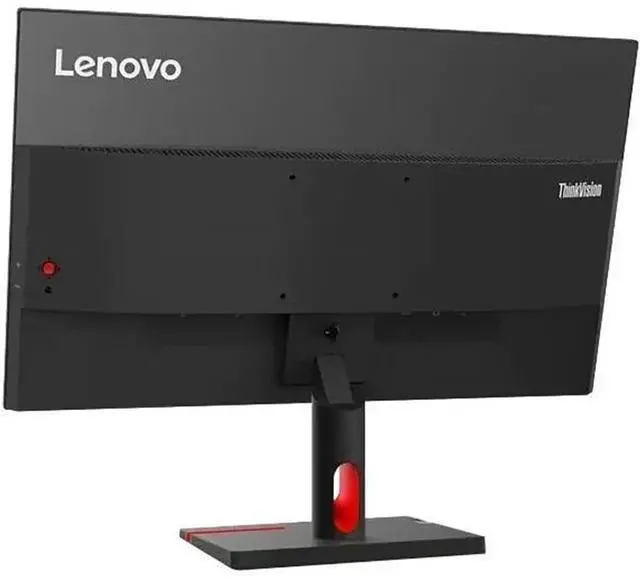
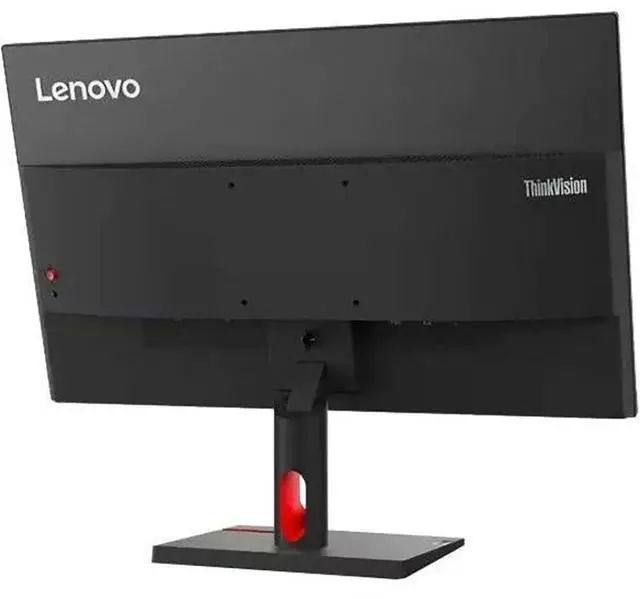
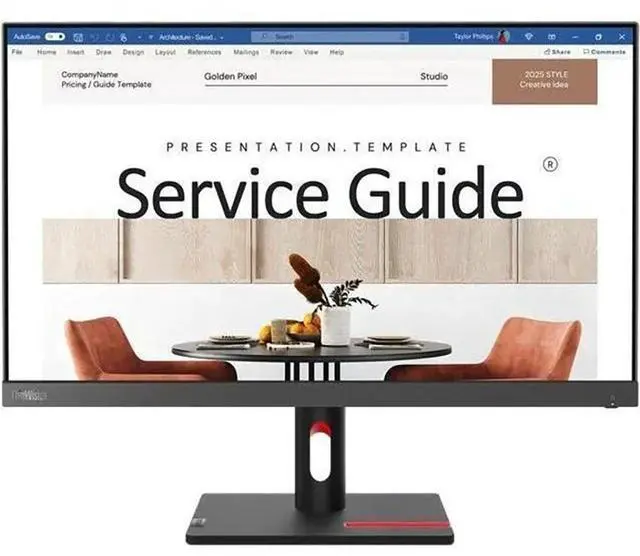
This product does not include manufacturer warranty when purchased or used outside of its designated sales region. By purchasing internationally, you acknowledge that warranty support from the manufacturer will not be available.The Lenovo ThinkVision S24i-30 is a 23.8-inch Full HD IPS monitor with a 100Hz refresh rate, suited to everyday office and home use where clear viewing and smoother on-screen motion are priorities.
| Attribute | Value |
|---|---|
| Best For | Desktop use with a 23.8-inch Full HD display for everyday viewing |
| Panel And Resolution | 23.8-inch-viewable LED display with IPS technology, 1920 × 1080 resolution, 16:9 aspect ratio, 16.7 million colors, 99% sRGB gamut, 178° viewing angle, 1,300:1 contrast ratio, and 250-nit typical brightness |
| Refresh Rate And Response | 100 Hz refresh rate, 4 ms response time, and FreeSync adaptive sync |
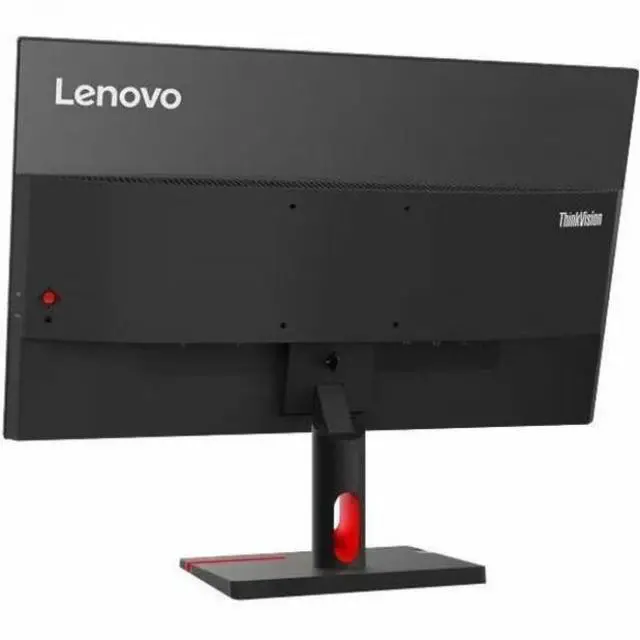
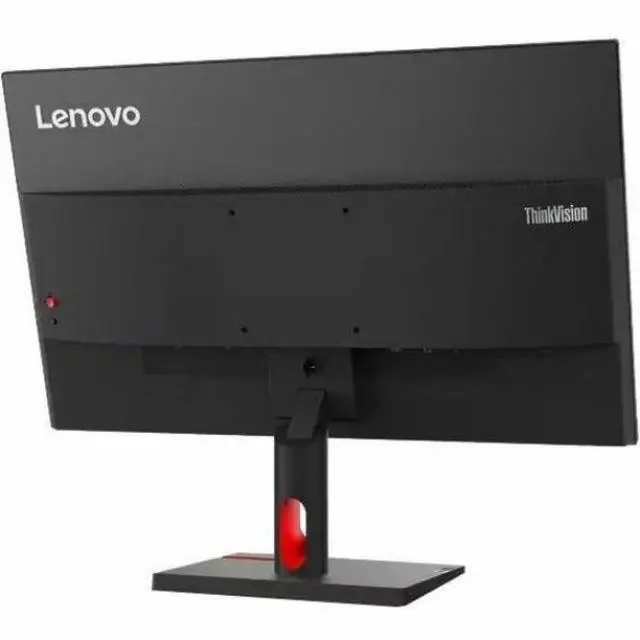
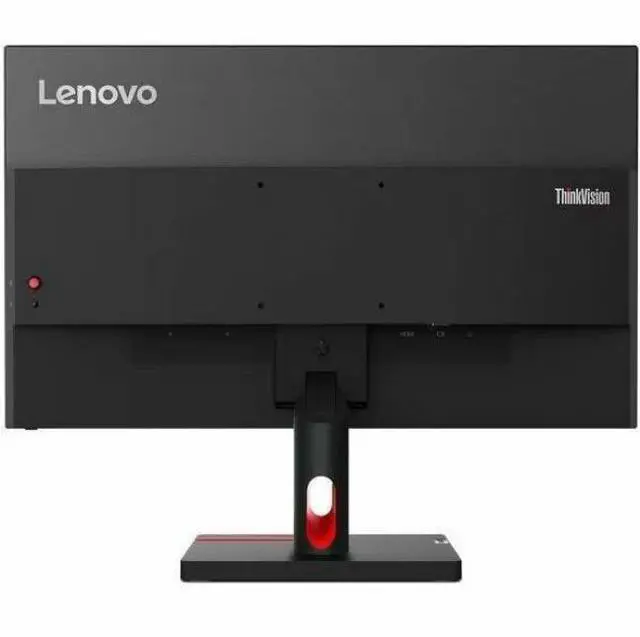
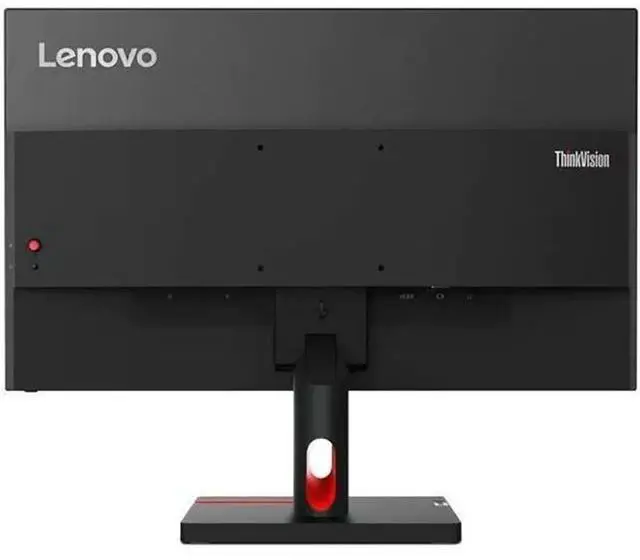
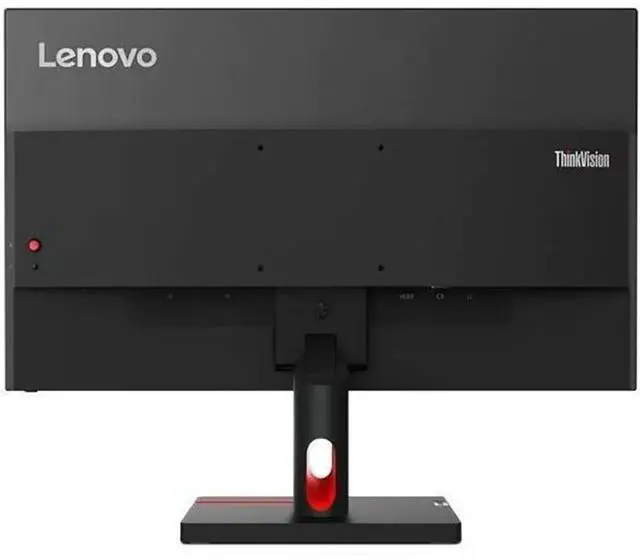
| Ports And Connectivity | One HDMI port and VGA connectivity; HDMI cable included; no USB or Thunderbolt ports |
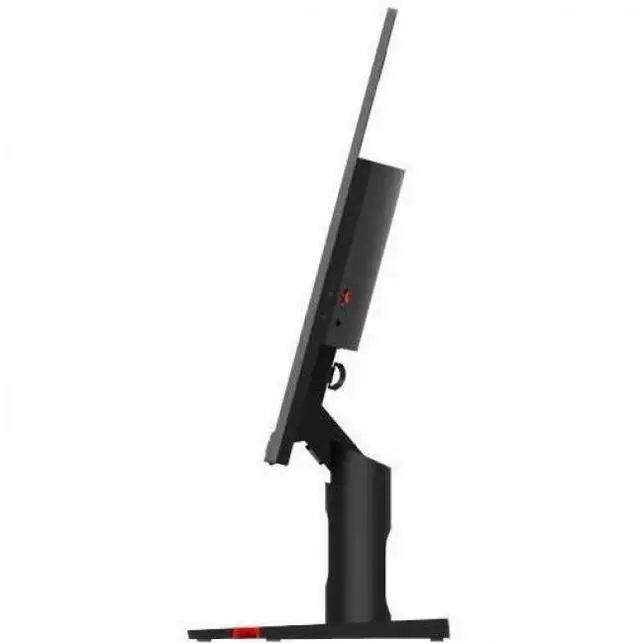
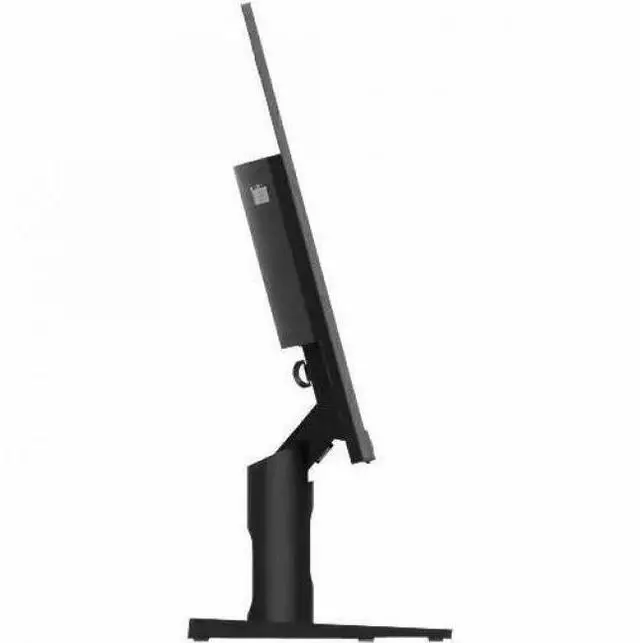
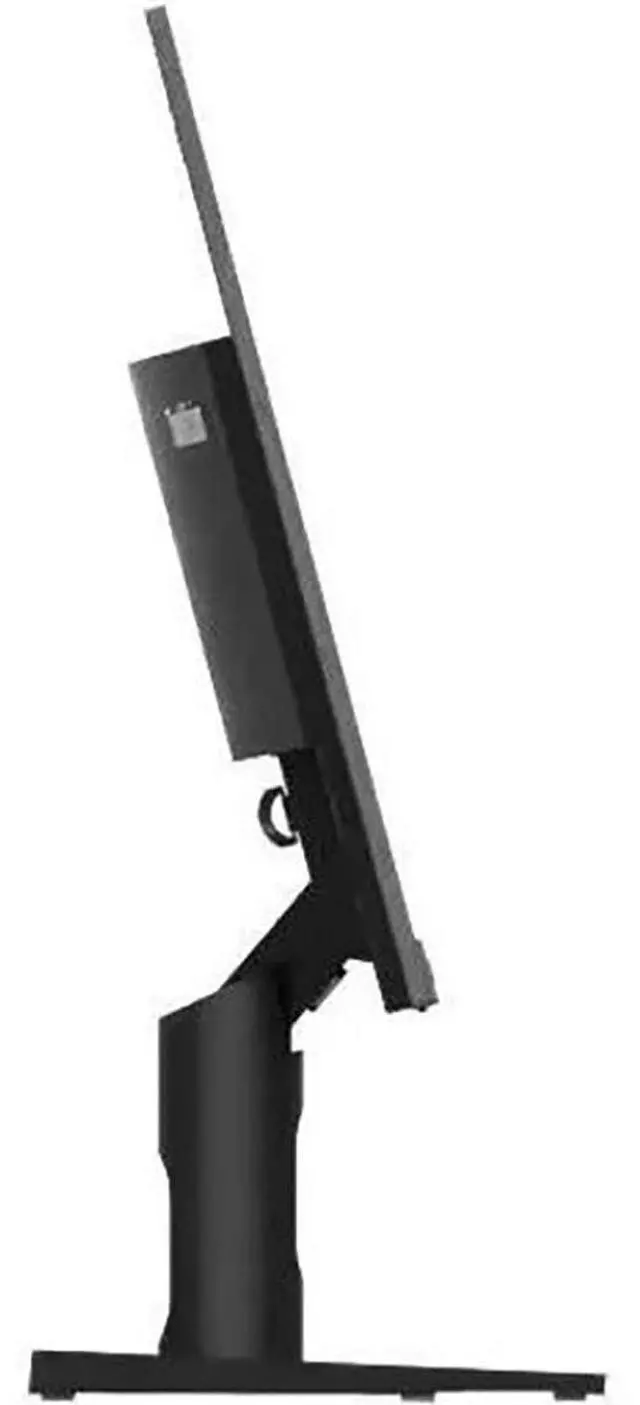
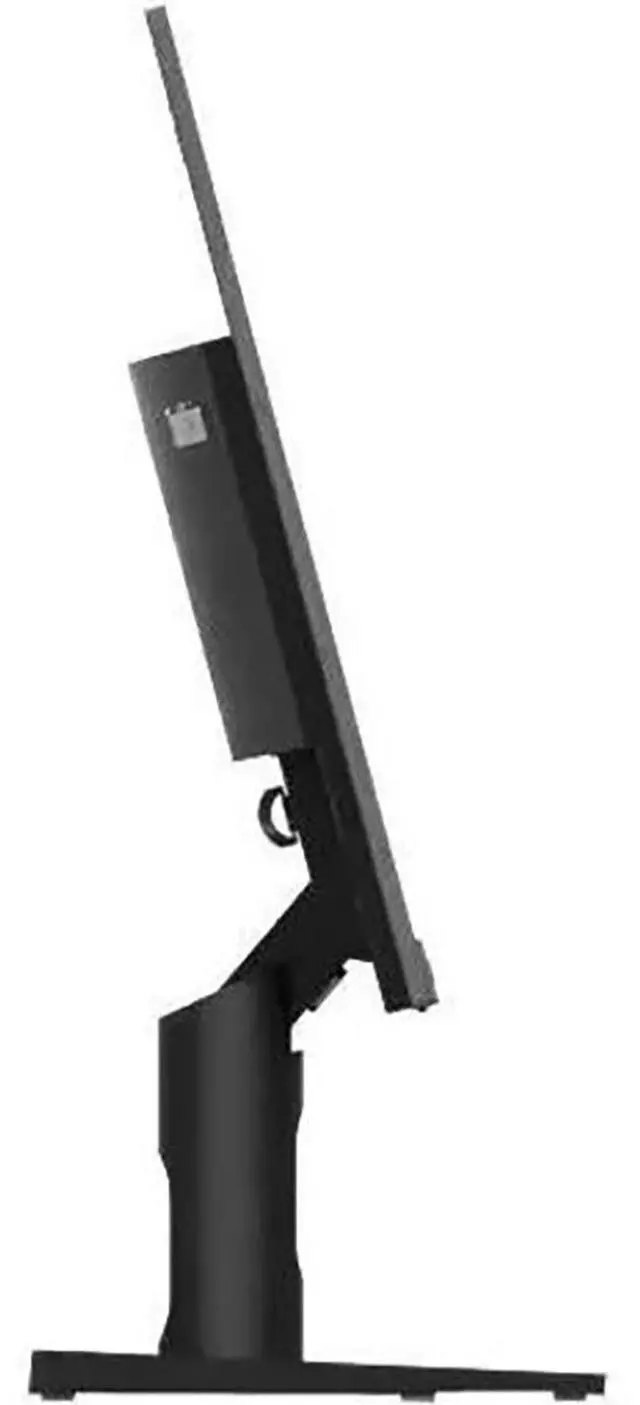
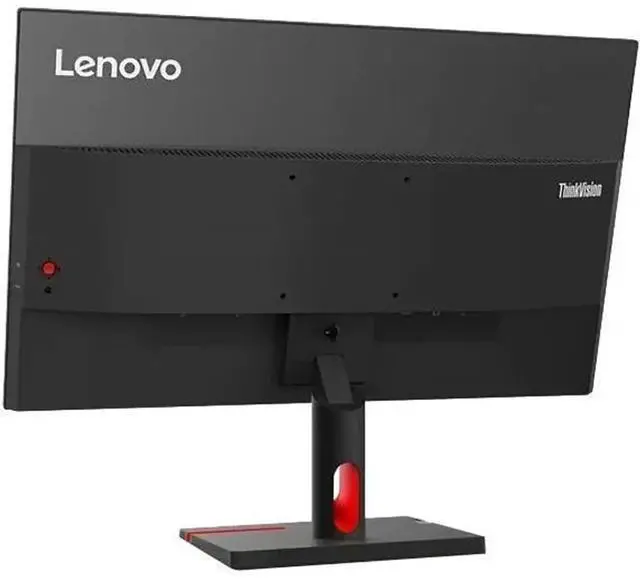
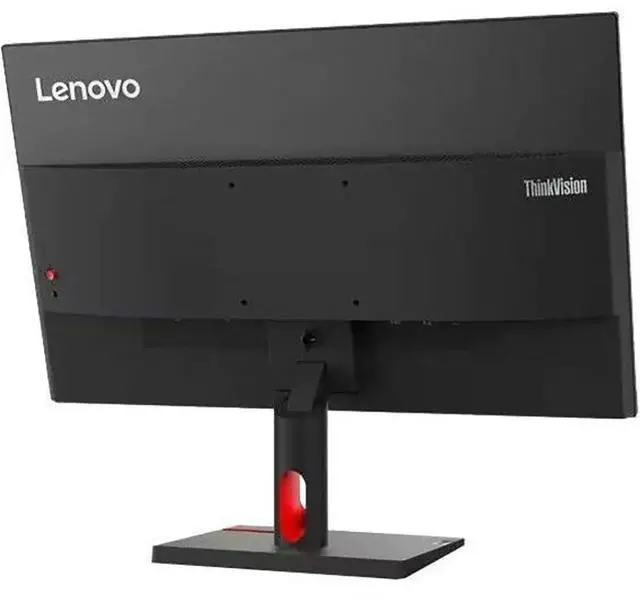
| Stand And Ergonomics | Tilt adjustment, 100 × 100 mounting support, cable management, cable lock slot, and low-blue-light eye-care features |
| Built-In Features | No built-in speakers or webcam; button controls |
| Model Identifiers | Lenovo ThinkVision S24i-30; model and part number 63DEKAT3US |
Q: ThinkVision S24i-30 vs T24i-30: which is better for a 24-inch work monitor?
A: Choose the ThinkVision S24i-30 if you prioritize a 100Hz refresh rate for smoother on-screen motion. Choose the ThinkVision T24i-30 if your setup benefits from its DisplayPort connection, four-port USB hub, and height-, swivel-, and pivot-adjustable stand. Both are 23.8-inch Full HD IPS monitors.
Q: Should I get the ThinkVision S24i-30 or spend more on the P24q-30?
A: Choose the S24i-30 for a 23.8-inch Full HD display with a 100Hz refresh rate. Choose the P24q-30 if you want a sharper 2560 × 1440 resolution, 300-nit brightness, a USB hub, and a height-adjustable, swivel, and pivot stand.
Q: Is the ThinkVision S24i-30 a good step up from a 60Hz Lenovo Full HD monitor?
A: The S24i-30 is a suitable upgrade when you want to keep a 23.8-inch Full HD IPS display and move to a 100Hz refresh rate. For example, compared with the ThinkVision T24i-30, it offers the higher refresh rate, while the T24i-30 offers a USB hub and a more adjustable stand.
Q: Can I use this monitor as a second screen for my laptop?
A: Yes, if your laptop has an HDMI or VGA video output. The ThinkVision S24i-30 has both HDMI and VGA inputs; a compatible adapter may be needed if your laptop uses a different port.
Q: Does this monitor have built-in speakers or a webcam for meetings?
A: No. The product specifications list neither built-in speakers nor a webcam, so use your computer’s audio and camera or connect separate devices.
Q: Is this monitor suitable for everyday office work and video meetings?
A: It is suited to everyday computer work, such as documents, browsing, and using a laptop as a second screen. Its 23.8-inch 1920 × 1080 IPS display runs at up to 100 Hz. It has no built-in webcam or speakers, so meetings require separate audio and camera equipment.
Q: Can I adjust the height or mount this monitor on an arm?
A: The included stand supports tilt adjustment only; it does not provide height adjustment. The monitor supports a 100 × 100 mm VESA mount, so it can be attached to a compatible monitor arm or wall mount.
Q: Is the ThinkVision S24i-30 suitable as a basic second monitor without a webcam?
A: It can serve as a basic external display: it has a 23.8-inch Full HD IPS screen and HDMI and VGA inputs. It has no built-in webcam or speakers, so those need to be provided separately if required. A Reddit user seeking a camera-free second monitor was pointed to this model.
Q: Does it seem adequate as a simple, inexpensive monitor?
A: One Reddit owner described it as working fine for basic use after buying it secondhand. That is a single user’s impression, not broad reliability evidence. Its listed specs—Full HD resolution, IPS panel, and 100 Hz refresh rate—fit general desktop use; it has no built-in speakers or webcam.


