


 All CategoriesAll CategoriesAll Categories
Shipped by Newegg

Make informed decisions with expert advice. Learn More



Warranty Notice:
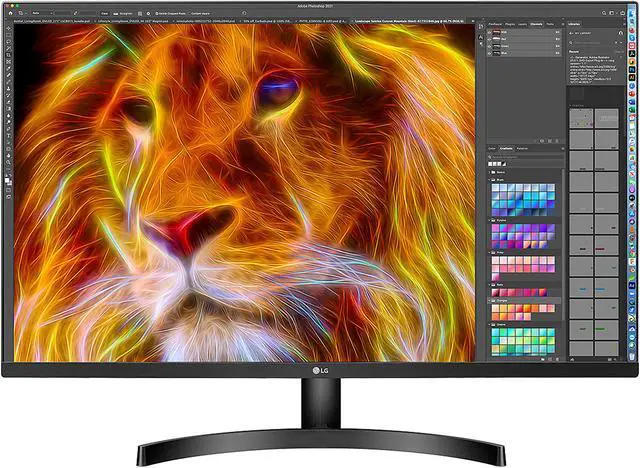
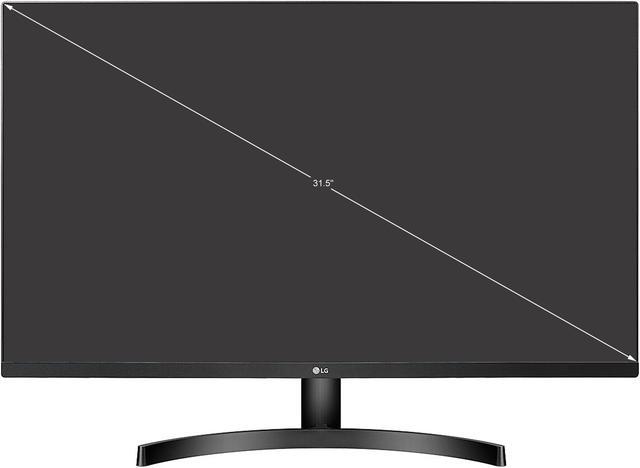
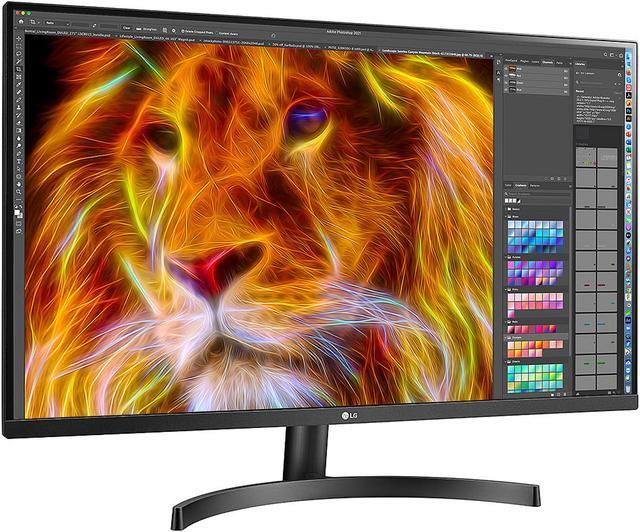
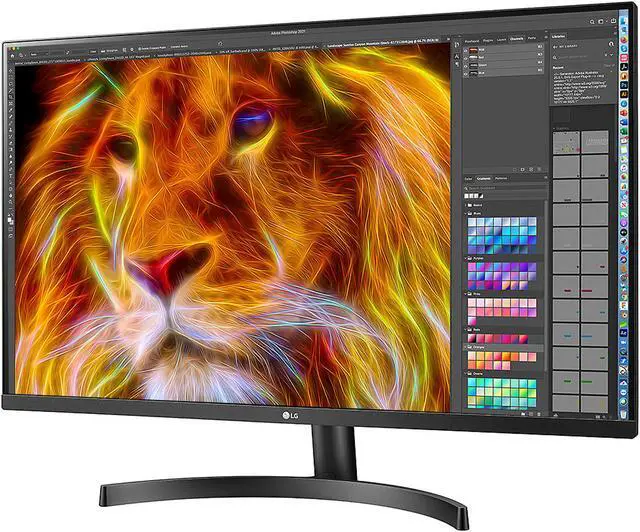
This product does not include manufacturer warranty when purchased or used outside of its designated sales region. By purchasing internationally, you acknowledge that warranty support from the manufacturer will not be available.The LG 32BN50U-B is a 31.5-inch 4K UHD monitor with a VA panel, HDR10, and 90% typical DCI-P3 coverage, suited to users who want a large, detailed screen for everyday work, media, and general-purpose desktop use.
| Attribute | Value |
|---|---|
| Best For | Home viewing and 4K UHD content |
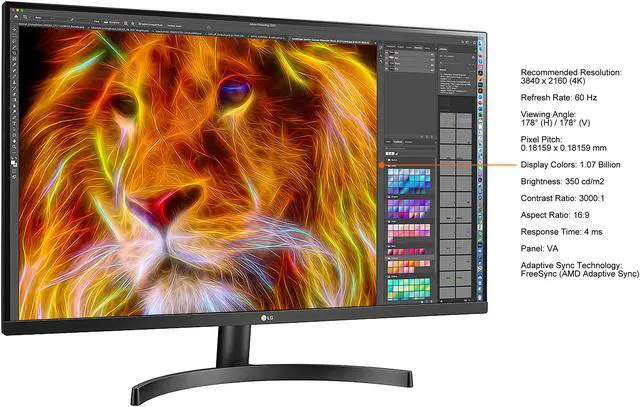
| Panel And Resolution | 31.5-inch VA LCD with LED backlighting, 3840 × 2160 4K UHD resolution, 16:9 glossy screen, 178° horizontal and vertical viewing angles, 350 cd/m² brightness, 3000:1 contrast ratio, 1.07 billion display colors, and 0.18159 mm pixel pitch; supports HDR10 |
| Refresh Rate And Response | 60 Hz refresh rate, 4 ms response time, and AMD FreeSync adaptive sync |
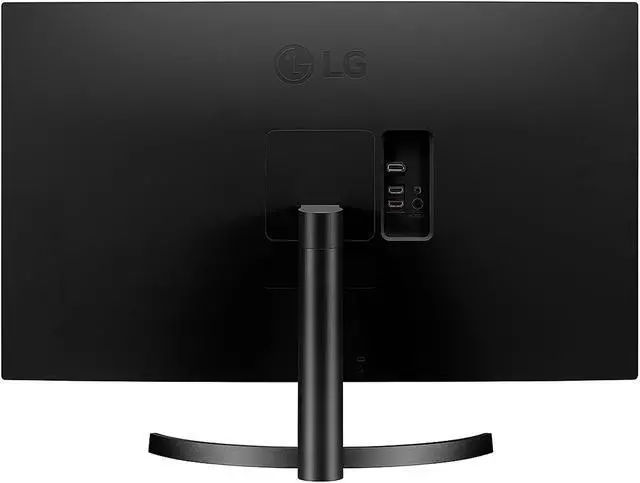
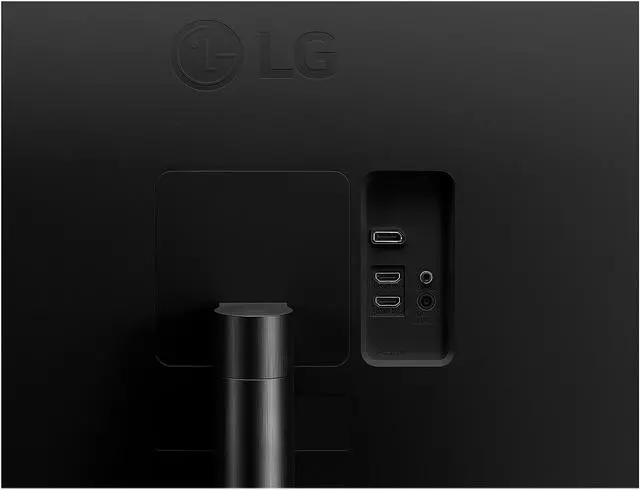
| Ports And Connectivity | Two HDMI ports and one DisplayPort; HDCP supported |
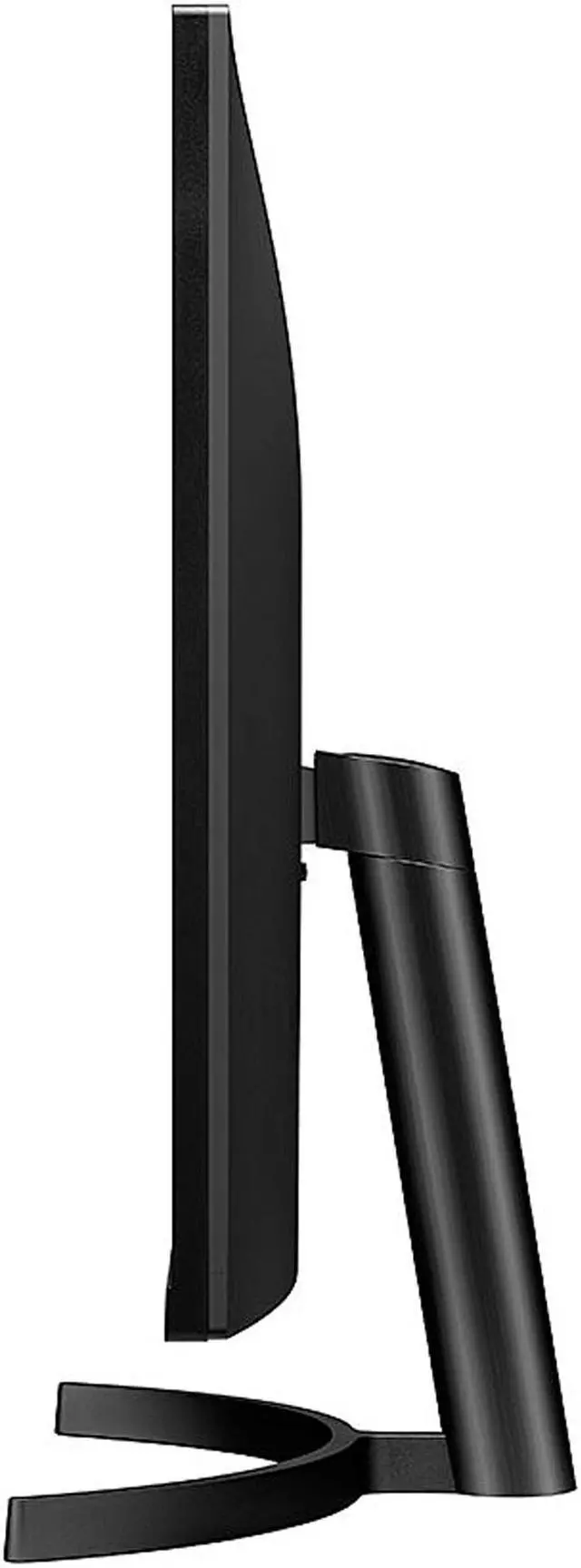
| Stand And Ergonomics | Tilt adjustment from -5° to +15°; 100 × 100 mm VESA mounting |
| Audio Setup | Built-in speakers |
| Power And Compliance | 100–240 VAC, 50/60 Hz power supply; 45 W typical, 55 W maximum, 30.75 W ENERGY STAR, 0.5 W in sleep mode, and less than 0.3 W when DC off; ENERGY STAR compliant |
| Physical Specifications | 28.10 × 20.20 × 8.20 inches with stand; 28.10 × 16.50 × 1.80 inches without stand; weighs 17.20 lb with stand and 15.00 lb without stand |
| Model Identifiers | LG 32BN50U-B, black |
Q: LG 32BN50U-B vs. 32UN550-W: which is a better fit for a TAA-compliant 4K setup?
A: Choose the LG 32BN50U-B when TAA compliance is a procurement requirement: LG identifies it as TAA compliant, and it combines a 31.5-inch 4K VA display, HDR10, DCI-P3 90%, FreeSync, and built-in speakers. The 32UN550-W shares a similar 31.5-inch 4K VA display and adds height adjustment to its stand, making it a fit when that adjustment is a priority.
Q: LG 32BN50U-B vs. 32UN650-W: which 32-inch 4K monitor should I choose?
A: Choose the 32BN50U-B for its VA panel, stated 3000:1 contrast ratio, built-in 5W speakers, and TAA-compliant business positioning. Choose the 32UN650-W if you prioritize an IPS panel, up to 95% DCI-P3 color gamut, and a height-adjustable stand. Both are 31.5-inch 4K displays with HDR10 and FreeSync.
Q: LG 32BN50U-B vs. 27BA45U-B: should I choose the larger screen or the adjustable stand?
A: Choose the 32BN50U-B for a larger 31.5-inch 4K workspace, a stated 3000:1 contrast ratio, 350-nit typical brightness, and built-in speakers. The 27BA45U-B offers a 27-inch 4K IPS display and a stand with height, swivel, pivot, and tilt adjustments, making it a fit when flexible screen positioning is a priority.
Q: Is this monitor suitable for office work and multitasking?
A: Yes. Its 31.5-inch 4K display provides a large workspace for documents and multiple windows. It supports up to 60Hz and connects through HDMI or DisplayPort. The stand tilts but does not adjust in height, so consider a monitor arm or riser if you need more ergonomic positioning.
Q: Does it have speakers and a webcam for video meetings?
A: It has built-in MAXXAUDIO speakers, but no built-in webcam. You can use the speakers for audio playback; a separate webcam is needed for video calls. The provided specifications do not describe the speakers’ audio quality.
Q: Can it be wall-mounted, and does the stand adjust for height?
A: It supports 100 × 100 mm VESA mounting. The included stand only tilts from -5° to +15°; it does not provide height adjustment according to the supplied specifications.
Q: Is it a good choice for gaming?
A: It can suit casual gaming: it supports 4K resolution, AMD FreeSync, and a 60Hz refresh rate. Its 60Hz limit makes it less suited to buyers seeking high-refresh-rate competitive gaming.
Q: Is the LG 32BN50U-B a good fit for work and multitasking?
A: It may suit office work, browsing, programming, and keeping multiple windows visible: a Reddit discussion specifically favors its 31.5-inch 4K resolution for productivity and office use. Its 60Hz refresh rate is a trade-off mainly for users who also prioritize high-refresh gaming.
Q: Is it suitable for video editing?
A: It offers 4K resolution and a stated 90% DCI-P3 gamut, but its VA panel and the lack of supplied calibration-accuracy information make it difficult to recommend for color-critical editing without checking calibration results. A Reddit discussion about this model’s options also raises concerns about VA panels for editing.
Q: Is this a good choice for gaming, or should I prioritize a higher refresh rate?
A: It supports 4K at 60Hz and AMD FreeSync, which aligns better with 4K gaming at up to 60Hz than with high-refresh competitive play. A Reddit buyer considering this model explicitly weighed its 60Hz refresh rate and FreeSync against a lower-resolution 165Hz alternative.