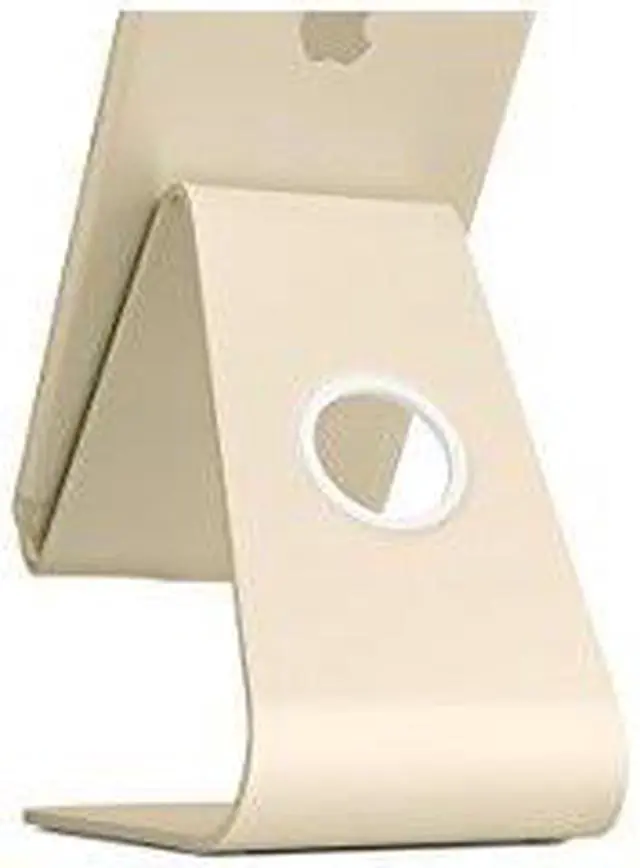
The Rain Design mStand Mobile is a stand for smartphones and iPads, suited to people who want hands-free viewing or video calls at a desk.
Recommended For
- Desk-based iPhone or iPad users who want their device propped up for hands-free video calls or watching videos.
- People who regularly tap, swipe, or type on a phone or tablet at a desk and prefer it raised rather than lying flat.
- Users who keep a compatible device plugged in while using it and want the charging cable routed through the stand.
- People who use a device with a down-facing speaker for desk listening and want sound directed forward by the stand’s acoustic base.
Real-World Use Scenarios
- At a desk during a video call, prop up a phone or compatible small tablet to keep it visible and free your hands; the angled stand is intended for hands-free viewing.
- When watching a video or following a tutorial at a desk, set a compatible device in portrait or landscape orientation; the base channels sound from a down-facing speaker toward the front.
- While working at a computer, keep a phone propped nearby for quick screen checks or calls instead of holding it; the stand is designed to support hands-free use.
- At a desk or counter, use a compatible phone or small tablet for tapping, swiping, or typing while it rests on the stand, leaving your hands free between interactions.
- When using the device while it charges at a desk, route the cable through the stand’s rear opening to keep it from cluttering the immediate work area.
Spec Summary
| Attribute | Value |
|---|
| Best For | Holding a smartphone or iPad |
|---|
| Brand | Rain Design |
|---|



 All Categories