


 All CategoriesAll CategoriesAll Categories
Shipped by Newegg
 Top Rated






Warranty Notice:
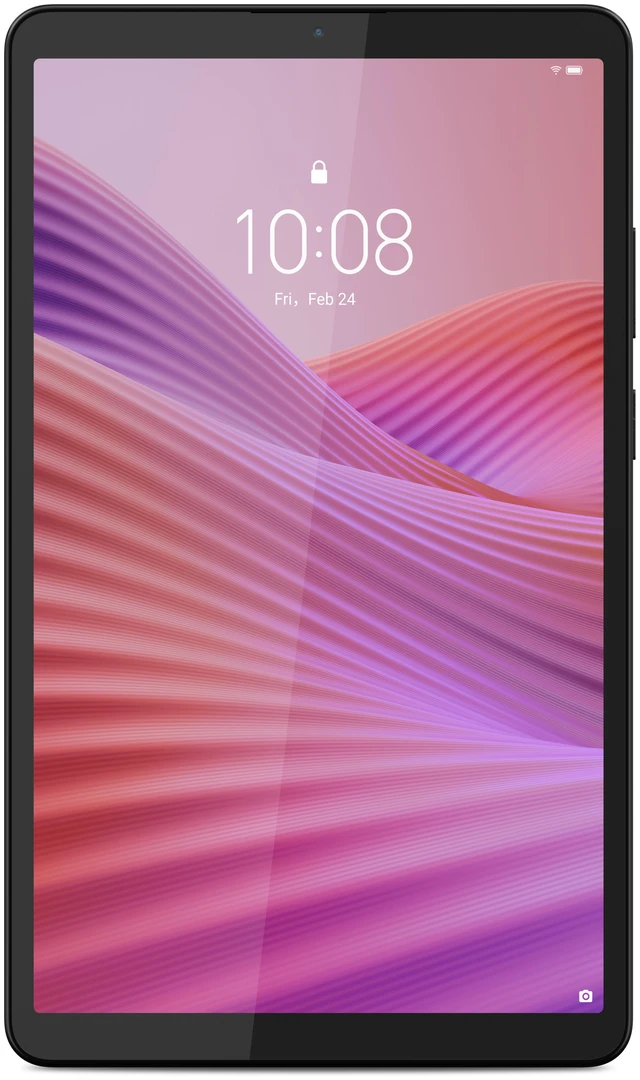
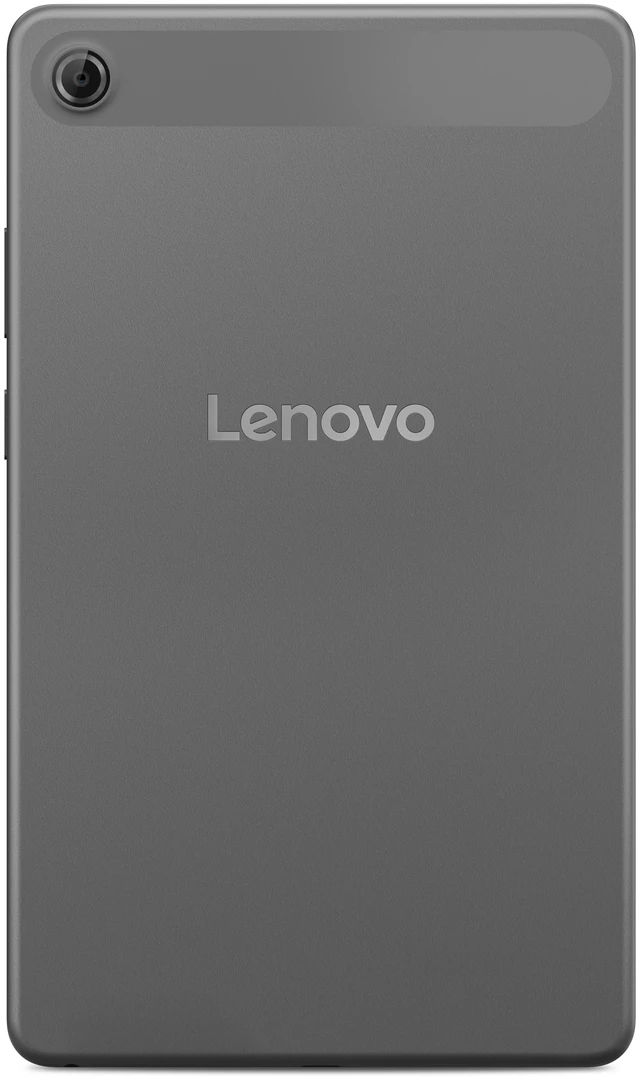
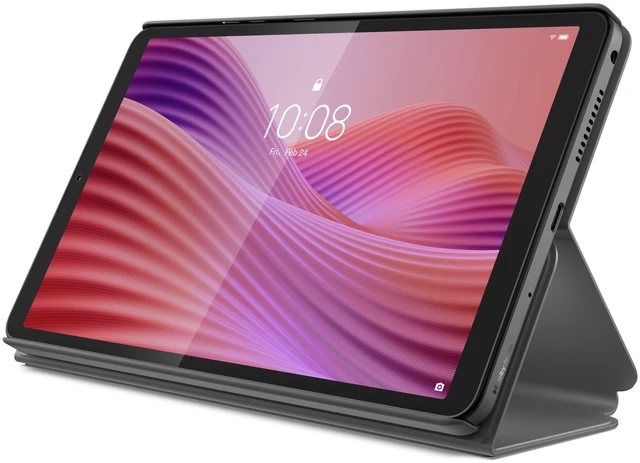
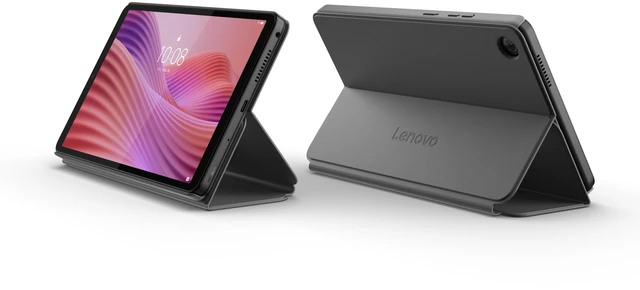
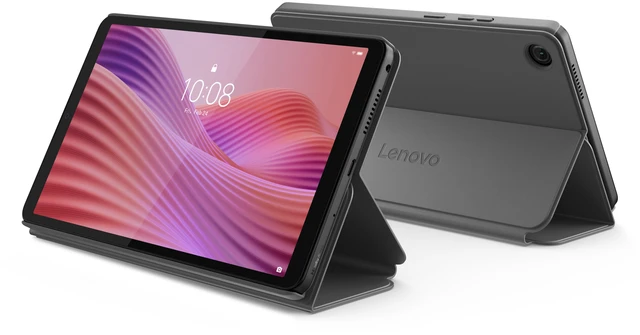
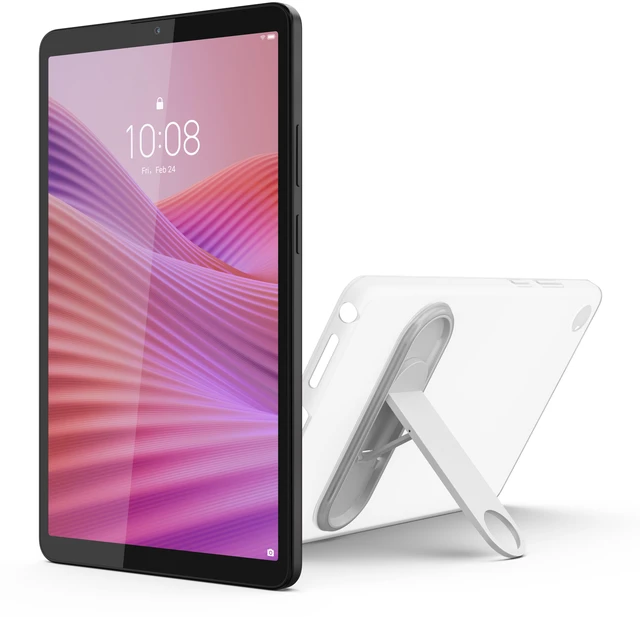
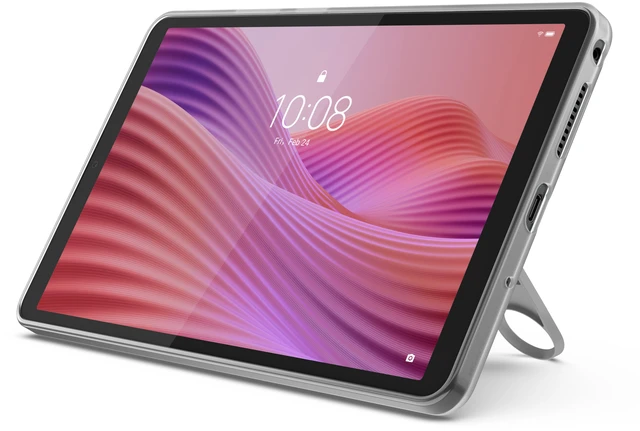
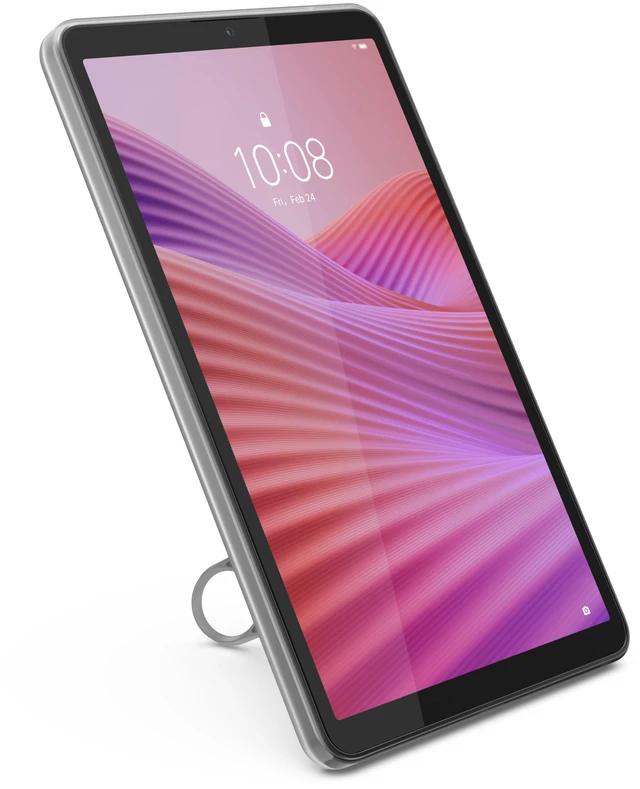
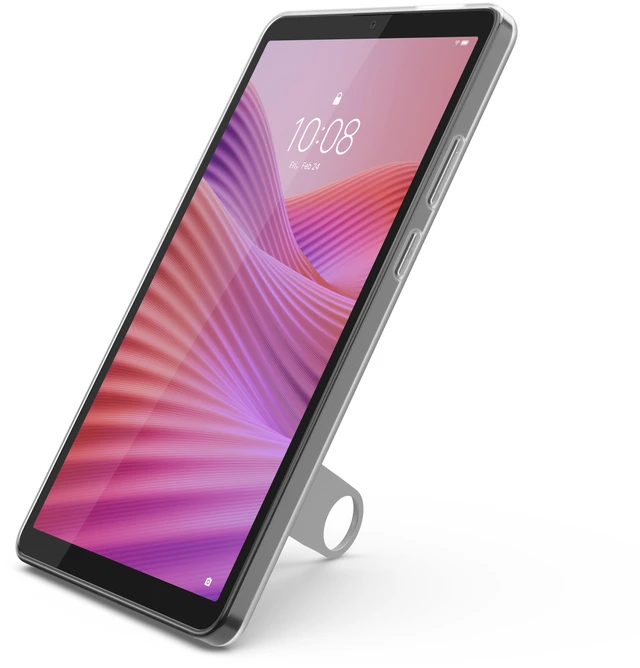
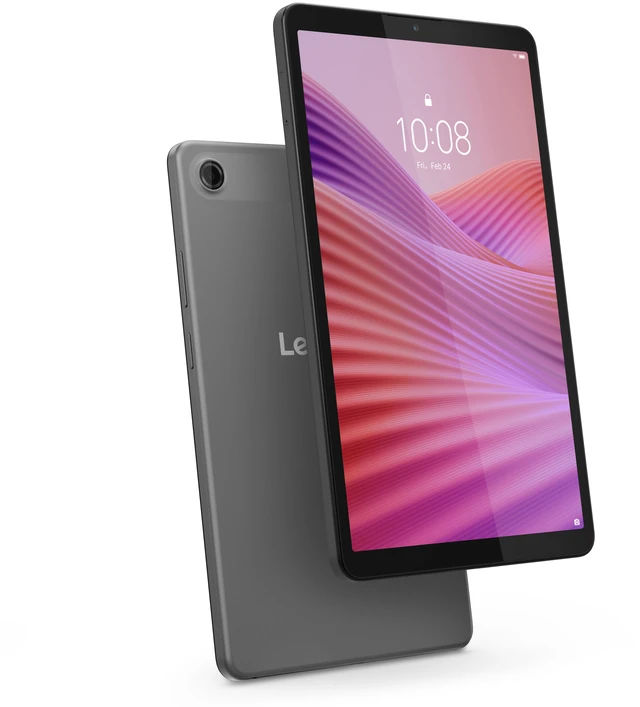
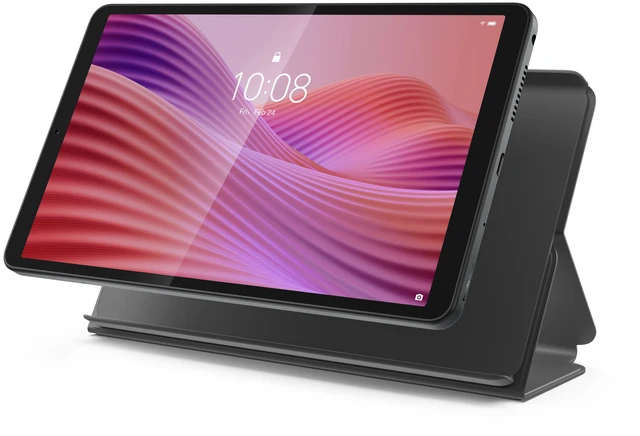
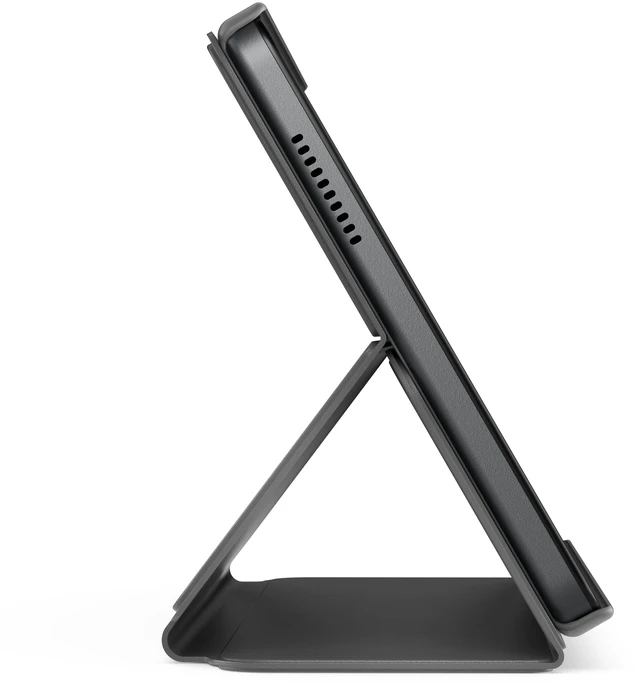
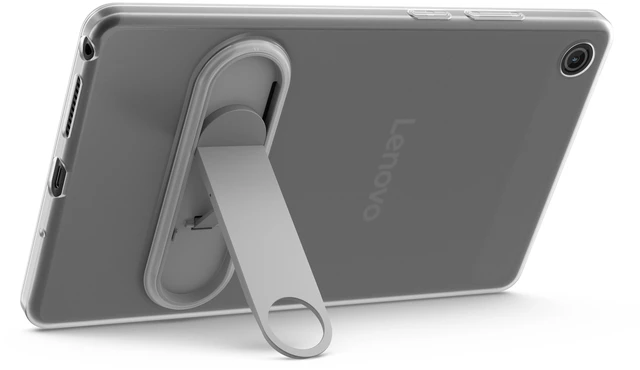
This product does not include manufacturer warranty when purchased or used outside of its designated sales region. By purchasing internationally, you acknowledge that warranty support from the manufacturer will not be available.The Lenovo Tab One TB305FU is a compact 8.7-inch Android 14 tablet with a MediaTek Helio G85, 4GB RAM, and 64GB storage, making it a practical fit for everyday browsing, streaming, reading, and light app use for students, families, and casual users.
| Attribute | Value |
|---|---|
| Best For | Everyday personal use on an 8.7" Android tablet — suitable for web browsing, media consumption, and on-device navigation with built-in GPS |
| Processor And Core Count | MediaTek Helio G85 processor at 2 GHz |
| Display Spec | 8.7" LCD, 1340 x 800 (16:10) native resolution, 60 Hz refresh rate and reported maximum brightness 480 nit |
| Memory And Storage | 4 GB RAM with 64 GB internal flash storage |
| Graphics And Video | Integrated ARM-based video processor with integrated graphics |
| Battery And Power | Built-in lithium‑ion battery (non-replaceable) with one cell; capacity reported as 5100 mAh and also listed as 5600 mAh in sources, average life ~12 hours, batteries included |
| Cameras And Sensors | Rear 8 MP and front 2 MP cameras; video/photo capture up to 8 MP; built-in GPS and satellite support (Galileo, GLONASS, Beidou); accelerometer sensor |
| Connectivity And Wireless | Wi‑Fi (802.11ac) and Bluetooth wireless; USB-C for charging/data and transflash (microSD) interface support indicated |
| Physical And Packaging | Luna Gray tablet, approx. 8.3 x 4.9 x 0.3 in and 1.08 lb, single-unit retail package |
| Software And OS | Android 14 |
| Model Identifiers | Lenovo Tab One — internal model/part ZAF00043US; external model number TB305FU; Sub‑brand/Model Name: Tab One |
| Additional Features | Touchscreen input, anti‑fingerprint surface, volume control button; GPS-enabled and intended for personal use |
Q: Lenovo Tab One vs Samsung Galaxy Tab A9: which should I buy for a small Android tablet?
A: Choose the Lenovo Tab One if your priority is a lower-cost 8.7-inch tablet for reading, streaming, browsing, and travel-friendly use. Official Lenovo materials position it as a compact entertainment tablet with Android 14, Wi‑Fi 5, Bluetooth 5.3, GPS, and up to 12.5 hours of YouTube streaming. Choose the Samsung Galaxy Tab A9 if you want stronger everyday performance and a longer-established software support reputation. Professional reviews identify the Tab A9's Helio G99 platform as a clear step up in speed, while Samsung also offers broader ecosystem features and a longer published update commitment. Community comparisons commonly frame the trade-off as Lenovo for value and compact simplicity, Samsung for faster performance and longer-term ownership.
Q: Is Lenovo Tab One a better buy than Lenovo Tab M9?
A: In most cases, yes. The Lenovo Tab One is the more current small Lenovo tablet and keeps the same practical formula of an affordable media tablet, while adding newer software out of the box and updated platform positioning. Third-party comparisons and community discussions regularly treat it as the replacement path for the Tab M9. Buy the Tab One if you want the newer model for casual use such as YouTube, reading, web browsing, and light apps. Buy the Tab M9 only if you specifically want its slightly larger 9-inch form factor or find it at a meaningfully lower price.
Q: Should I get Lenovo Tab One or move up to a larger tablet like the Galaxy Tab A9+?
A: Get the Lenovo Tab One if compact size matters more than multitasking power. Its 8.7-inch format is better for one-hand reading, travel, bedside use, and casual streaming. Move up to a larger tablet such as the Galaxy Tab A9+ if you expect more split-screen use, longer typing sessions, gaming, or video viewing where a bigger display improves comfort. Community guidance often points buyers toward the A9+ when they can accept the larger size and higher spend, while the Tab One remains the simpler choice for portability-first use.
Q: Is Lenovo Tab One good enough for portability-focused use, or should I choose a performance-first tablet?
A: The Lenovo Tab One is a good fit for portability-focused use. External reviews consistently describe it as suitable for light tasks such as streaming, reading, browsing, and simple apps, and Lenovo markets it around compact entertainment and battery life. If your use is closer to gaming, heavier multitasking, or keeping many apps active, a performance-first tablet with a stronger chipset and often more RAM will be the better fit. The main trade-off is simple: Tab One favors size, cost, and everyday media use, while performance-first models favor speed and headroom.
Q: Is this tablet good for travel, reading, and streaming?
A: Yes, it fits light travel use well. The 8.7-inch size is easier to hold than a full-size tablet, and the 64GB storage, Bluetooth, headphone jack, and quoted battery life make it a practical choice for reading, video, web browsing, and casual apps. The main trade-off is the 1340 x 800 HD display, which is fine for everyday media use but not ideal if you want a sharper screen for heavy reading, detailed documents, or premium video viewing.
Q: Can this tablet replace a laptop for work, meetings, and note-taking?
A: Only for basic work. It can handle email, video calls, web apps, light document review, and simple note-taking, but it is not a strong laptop substitute for multitasking or office-heavy use. The limiting factors are the compact 8.7-inch HD screen, 4GB RAM, and entry-level tablet positioning. If your workflow depends on split-screen productivity, long document editing, or a keyboard-first setup, a larger tablet or laptop is the better fit.
Q: Who is this tablet best suited for?
A: It is best suited for buyers who want a low-cost Android tablet for casual use: streaming, reading, web browsing, kids' apps, light gaming, and travel. It also makes sense as a secondary household tablet. It is less suitable for power users who want high-end gaming, advanced multitasking, stylus-focused productivity, or a large high-resolution display.
Q: What are the main trade-offs versus a larger tablet like the Lenovo Tab M11 or Tab P11?
A: The Tab One is more portable and typically more budget-friendly, but you give up workspace and display quality. Compared with larger Lenovo tablets, the main compromises are the smaller 8.7-inch screen, lower 1340 x 800 resolution, and a more basic productivity setup. A larger model is better for document editing, multitasking, drawing, and longer media sessions, while this model is better for portability and simpler everyday use.
Q: Can it run normal Android apps, and is it a good choice for kids or family use?
A: Yes. It runs Android 14, so it is intended for normal Google Play Android app use rather than a restricted app ecosystem. That makes it a practical family tablet for common streaming, reading, education, and communication apps. For kids, it is more suitable when paired with parental controls such as Google Family Link. The main caution is that 64GB storage can fill up quickly if you download a lot of games or offline video.
Q: Is the Lenovo Tab One a good buy for basic use like reading, web browsing, YouTube, and notes?
A: Yes, it is a reasonable buy for basic tablet use. Reddit discussions repeatedly describe it as good for reading, web browsing, streaming, and light note-taking, which matches the hardware: an 8.7-inch 1340x800 display, Helio G85, and 4GB RAM. The main limit is that it is a budget tablet, so it is better for light everyday tasks than for demanding multitasking or productivity work.
Q: Who is the Lenovo Tab One best suited for?
A: It is best suited for buyers who want a small, inexpensive Android tablet for reading, travel, casual streaming, and general media use. Reddit comments often frame it as a good fit for people who specifically want an 8-inch-class tablet that is easier to hold than a 10- or 11-inch model. It is less suited to buyers who want a larger screen for long writing sessions or more serious work.
Q: Can the Lenovo Tab One replace a larger tablet or laptop for work and writing?
A: Not really. It can handle short notes, recipes, PDFs, and light typing, but the small 8.7-inch 1340x800 display makes it a weaker choice for long writing sessions, split-screen work, or laptop-style productivity. If your main use is work or extended writing, a larger and sharper tablet is the better fit.
Q: What are the main trade-offs of buying the Lenovo Tab One?
A: The main trade-offs are screen quality, performance headroom, and long-term competitiveness versus better small Android tablets. Its 1340x800 display and 4GB RAM are adequate for budget use, but they are not ideal for sharper text, heavier multitasking, or more demanding apps. Reddit comparisons also point out that some competing small tablets offer faster processors, more RAM, or better update support for a modest price increase.
Q: Is the Lenovo Tab One a good replacement for an older small tablet like a Fire HD 8 or Nexus 7?
A: Yes, for buyers who mainly want a modern small Android tablet, it can be a practical replacement. Reddit users specifically compare it with older compact tablets and describe it as a meaningful upgrade over the Fire HD 8, while also noting that the current small-tablet market has few strong options. The decision mainly makes sense if compact size matters more to you than top-tier performance or display quality.


