


 All CategoriesAll CategoriesAll Categories
Shipped by Newegg








Warranty Notice:
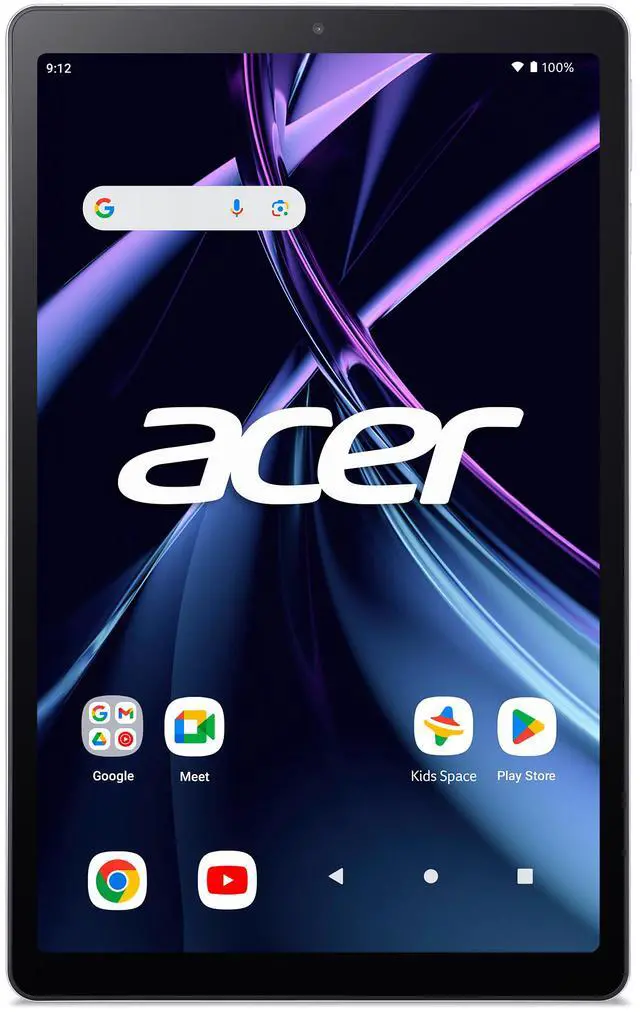
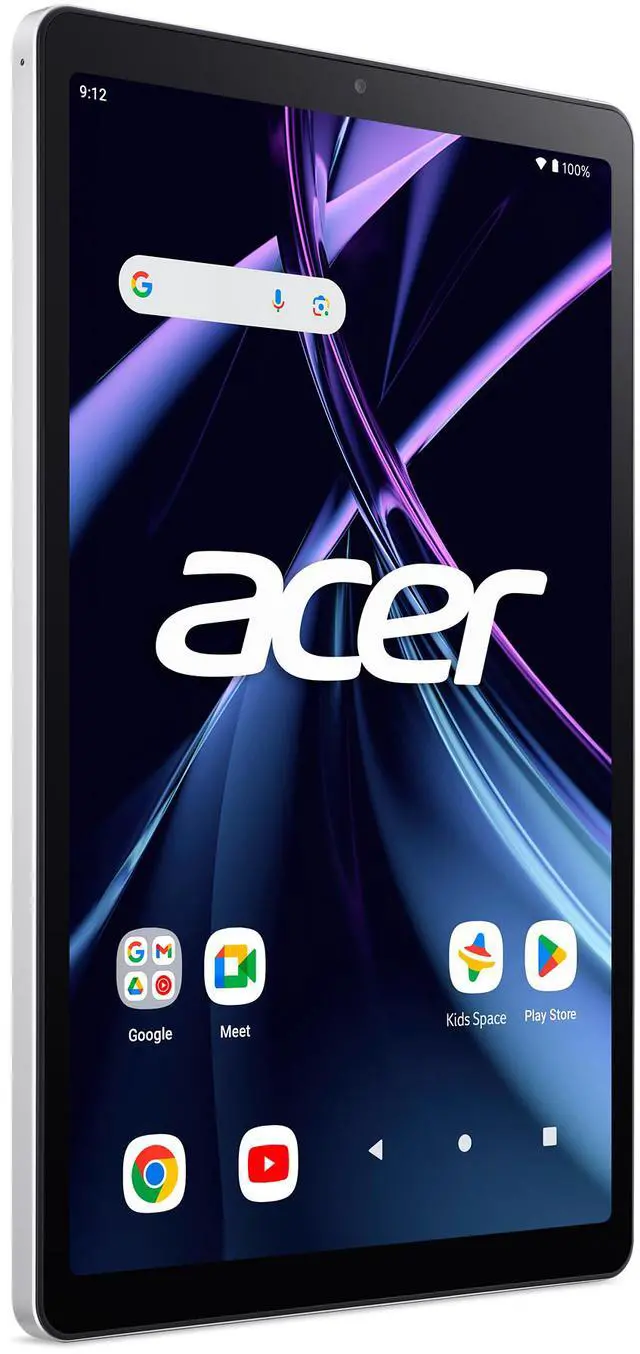
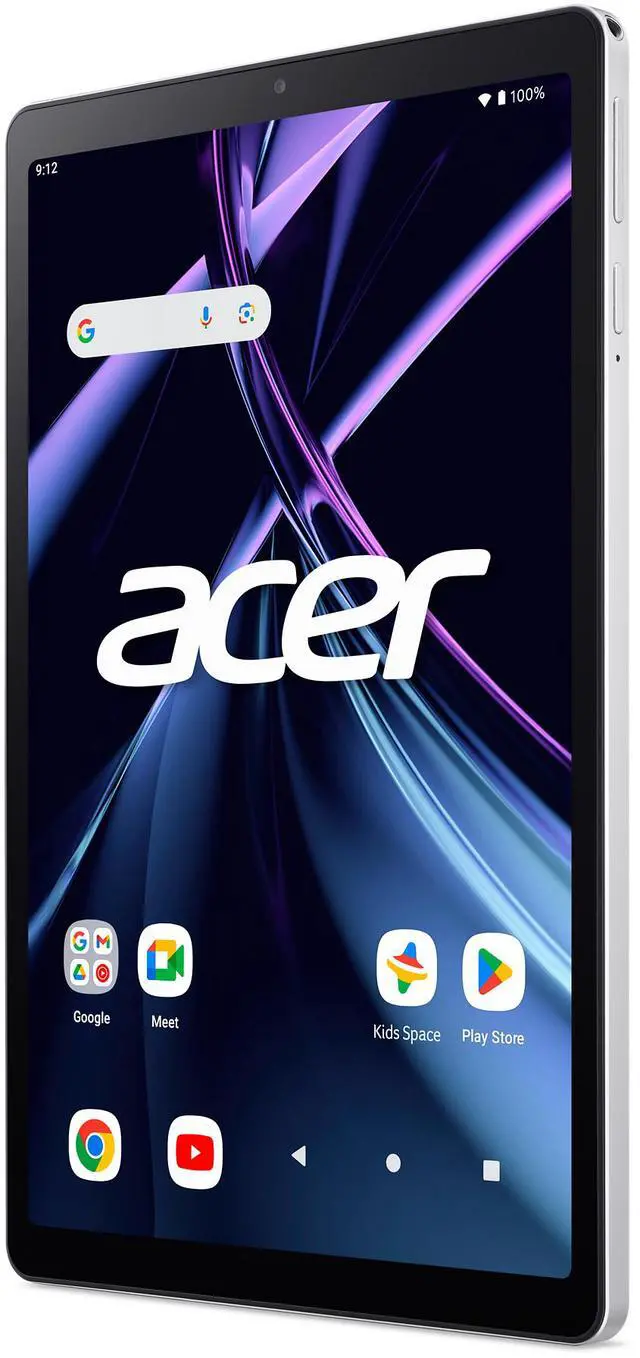
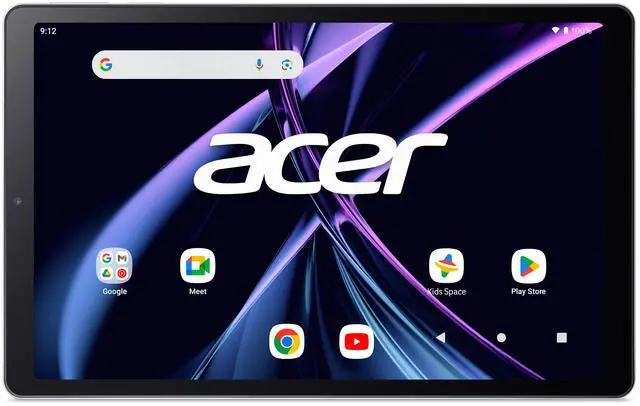
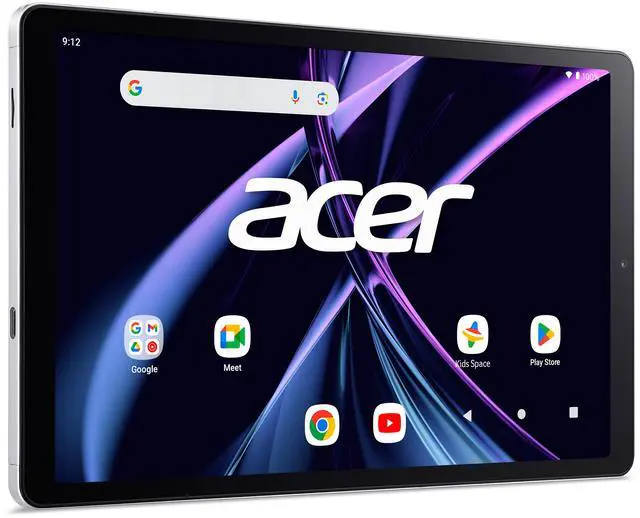
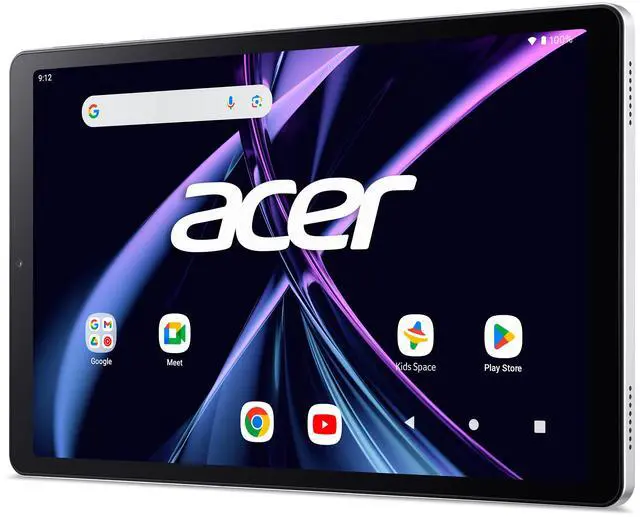
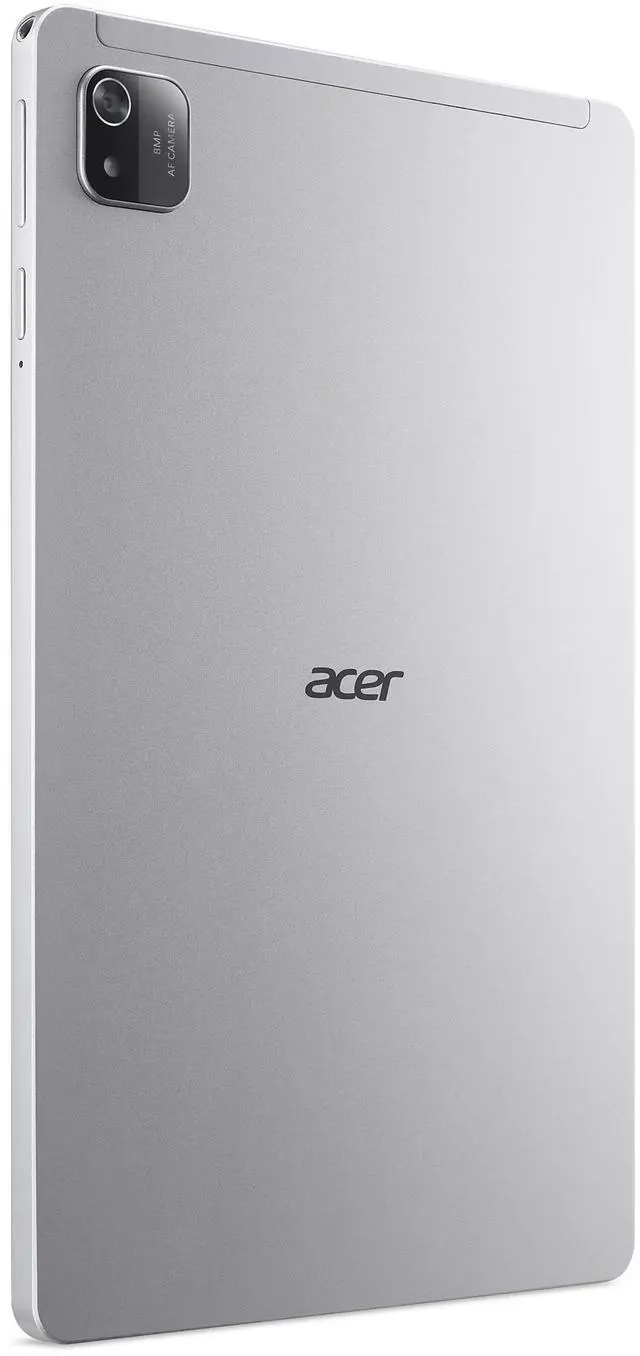
This product does not include manufacturer warranty when purchased or used outside of its designated sales region. By purchasing internationally, you acknowledge that warranty support from the manufacturer will not be available.The Acer Iconia Tab A10 is a 10.1-inch Android 14 tablet with a WXGA IPS display, 4GB of memory, and 128GB of storage, making it a practical fit for students, families, and everyday users who want a simple large-screen device for web browsing, streaming, reading, and light app use.
| Attribute | Value |
|---|---|
| Best For | Students and general Android use — a 10.1" tablet with 4 GB RAM, 128 GB storage and Android 14 suitable for schoolwork, media playback and everyday apps |
| Display Spec | 10.1-inch LCD display with native WXGA 1280×800 resolution and 16:9 aspect ratio |
| Memory Configuration | 4 GB RAM (installed) |
| Storage And Expansion | 128 GB internal flash storage with microSD support for expansion |
| Processor And Platform | A523 processor listed up to 2.0 GHz; runs Android 14 |
| Graphics And Video | Integrated Intel UHD Graphics; video capture supported up to FHD 1080p |
| Battery And Power | 6000 mAh lithium‑ion battery (2 cells), average runtime listed ~10 hours; battery included |
| Connectivity | Wi‑Fi (802.11ax) and Bluetooth wireless connectivity |
| Ports And Expansion | One USB-C port (total USB ports: 1) for charging and data |
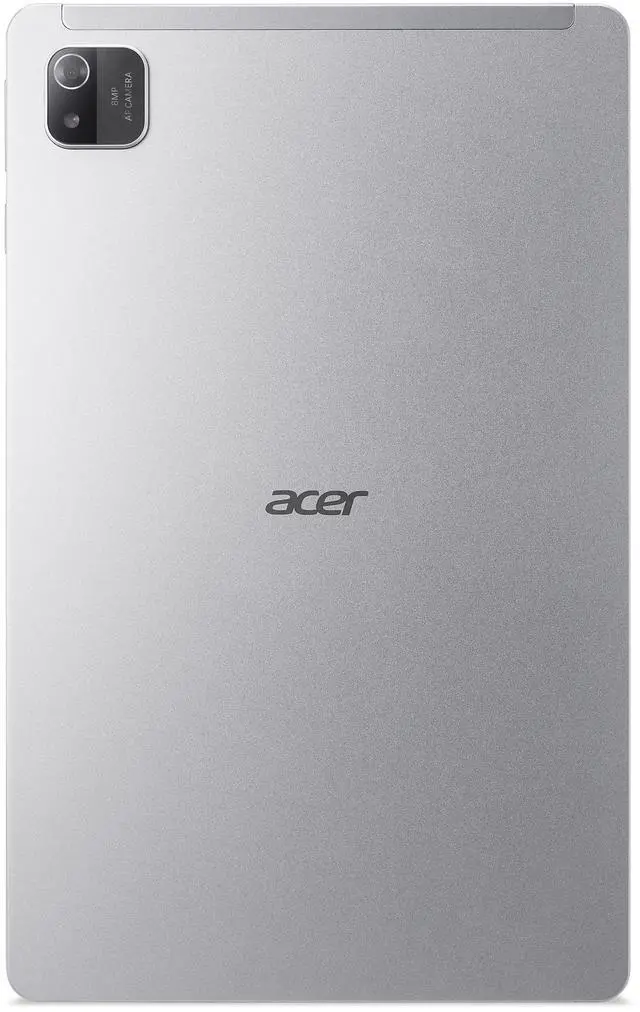
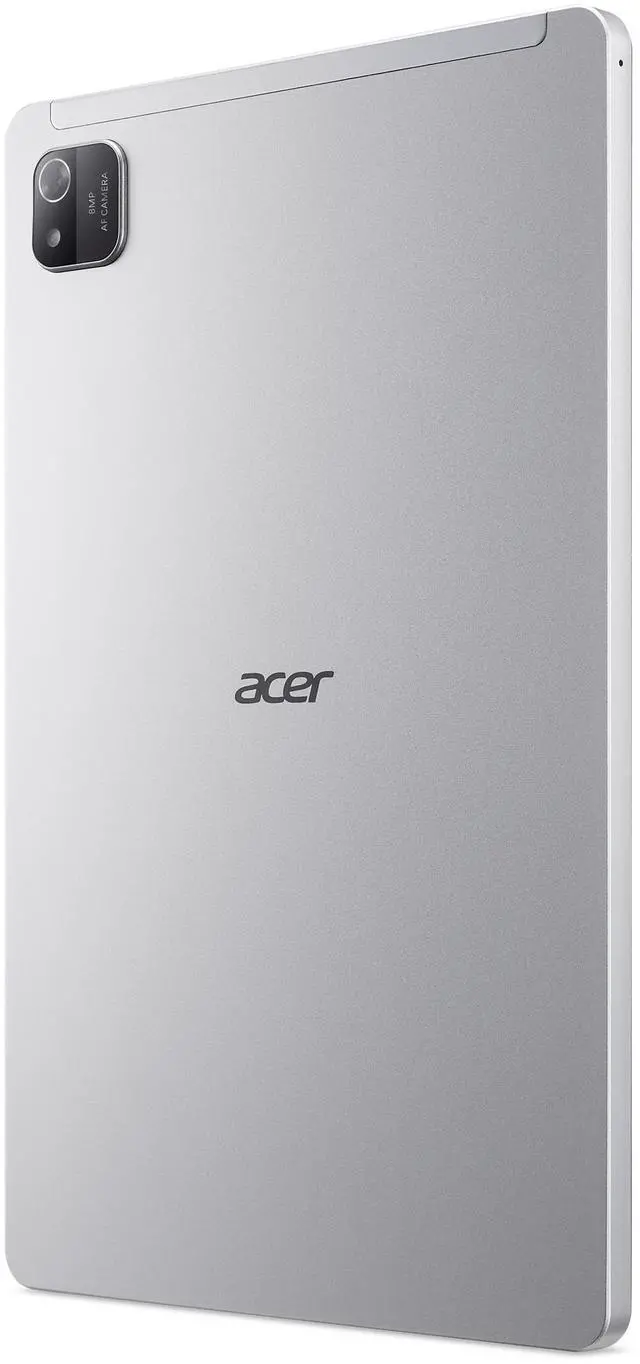
| Cameras And Media | Rear camera: 8 MP; front-facing webcam present (front resolution not specified); supports FHD 1080p video capture |
| Audio Setup | Stereo speakers |
| Input And Controls | Touchscreen input |
| Physical Dimensions And Weight | Approx. 9.92 × 6.06 × 0.38 inches; item weight 1.1 pounds |
| Model Identifiers | Model Name: Tab A10; Model Number/Configuration: NT.LH8AA.001; Sub Brand: Iconia Tab A10; Manufacturer: acer; Color: Silver/Grey; Style Name: Modern Minimalist; Model Year: 2024 |
Q: Should I buy the Acer Iconia Tab A10 or the Lenovo Tab M11?
A: Choose the Acer Iconia Tab A10 if you want a basic 10.1-inch Android tablet for web use, streaming, reading, and light family use, and 128GB of storage matters more than screen sharpness or accessory support. Choose the Lenovo Tab M11 if you want a clearer 11-inch 1920 x 1200 display, a faster Helio G88 platform, and stronger note-taking or education features such as pen support. In practical terms, the Acer fits entry-level tablet needs, while the Lenovo is the better step-up for multitasking and longer-term versatility.
Q: Is the Acer Iconia Tab A10 a better buy than the Samsung Galaxy Tab A9+?
A: The Acer Iconia Tab A10 makes more sense when the goal is a lower-cost Android tablet for simple everyday use and you are comfortable with an HD-class 1280 x 800 display. The Samsung Galaxy Tab A9+ is the stronger choice if you care about smoother overall performance, a larger 11-inch 1920 x 1200 screen, and a more premium media experience. For buyers comparing value, the Acer is the simpler budget option; the Samsung is the better fit when display quality and responsiveness are the priority.
Q: Is the Acer Iconia Tab A10 good enough for streaming and reading, or should I move up to a higher-tier tablet?
A: The Acer Iconia Tab A10 is suitable when your main uses are video streaming, reading, browsing, and light apps, and you prefer a straightforward Android 14 tablet with 128GB storage. Moving up to a higher-tier tablet is worthwhile if you want a sharper display, better gaming headroom, more comfortable split-screen multitasking, or stylus-focused productivity. The trade-off is simple: the Acer covers basic entertainment well, while higher-tier 11-inch models are better for heavier daily use.
Q: Should I choose the Acer Iconia Tab A10 over a smaller tablet if portability matters most?
A: Choose the Acer Iconia Tab A10 if you want a larger screen for videos, reading, and shared family use, but still want an affordable tablet that stays easy to carry around the house or in a bag. Choose a smaller tablet instead if one-hand comfort, travel convenience, or child-focused portability matters more than screen area. The Acer is the better fit for couch and desk use; smaller tablets are usually the better fit for grab-and-go use.
Q: Is this a good tablet for email, web browsing, video calls, and light document work while traveling?
A: Yes for light travel use. The Acer Iconia Tab A10 has a 10.1-inch display, Android 14, 4GB RAM, 128GB storage, and a listed 10-hour battery target, which fits email, browsing, streaming, video calls, and basic cloud-based document editing. It is not a full laptop replacement for heavier multitasking or desktop software, because it is an Android tablet rather than a Windows device.
Q: Is it good for note-taking, meetings, and office apps?
A: It is suitable for basic note-taking and mobile office tasks, but not advanced pen-first work. Retail Q&A patterns for comparable 10.1-inch Android tablets repeatedly show that buyers use tablets like this with Microsoft Word, Excel, PDF apps, and OneNote-style note-taking. However, this Acer model does not list an active stylus, and comparable Q&A commonly distinguishes simple capacitive stylus use from true pressure-sensitive pen input. That makes it better for typed notes, annotations, and meetings than for handwriting-heavy workflows or art.
Q: Who is this tablet most suitable for?
A: This tablet is best suited to buyers who want a lower-cost general-purpose Android tablet for streaming, reading, school portals, video chat, light productivity, and travel. Its 4GB RAM and 1280 x 800 display suggest a budget-to-entry positioning rather than a premium productivity or creative device. It is a better fit for casual users, students with basic needs, and households wanting a larger-screen media tablet than for power users.
Q: What are the main trade-offs versus a similar Samsung or Lenovo tablet?
A: The main trade-off is newer software and higher local storage on this Acer versus stronger premium features on better-known alternatives. This Acer lists Android 14 and 128GB storage, which is useful in an entry tablet. But its 1280 x 800 resolution and 4GB RAM are modest, so comparable Samsung or Lenovo models may offer better displays, accessory ecosystems, or pen support depending on price tier. In short: the Acer looks stronger on basic value and storage, while higher-tier alternatives may be better for display quality, creative input, or heavier multitasking.
Q: Can this replace a laptop for school or office work?
A: Only for basic work. Comparable retail Q&A repeatedly shows shoppers asking whether 10.1-inch tablets can handle schoolwork, Office apps, PDFs, email, and web tasks. This Acer should handle those lighter uses, especially if work is browser-based or app-based. It is not the right choice if you need desktop Windows programs, advanced multitasking, keyboard-first productivity, or specialized professional software.
Q: Is the Acer Iconia Tab A10 worth buying for basic everyday use?
A: Yes, if your needs are light and price matters. Based on the product specs, it fits basic browsing, video streaming, reading, and simple apps with its 10.1-inch display, 4GB RAM, 128GB storage, and Android 14. The main trade-off is that its 1280 x 800 screen and entry-level Allwinner A523 chip make it less suitable for buyers expecting faster multitasking or a sharper display.
Q: Who is the Acer Iconia Tab A10 best suited for?
A: It is best suited for budget buyers who want a simple 10-inch Android tablet for web use, casual media, light reading, and basic apps. It makes more sense for users replacing an older low-end tablet than for users who need a work tablet, gaming tablet, or long-term premium device.
Q: Is the Acer Iconia Tab A10 a good choice for work, study, or note-taking?
A: Only for light tasks. It should handle reading, web research, email, and video calls, but the hardware and 1280 x 800 resolution suggest clear limits for heavier multitasking, split-screen work, or handwriting-focused note-taking. There is also no provided evidence here of bundled pen support, so it should not be treated as a stylus-first tablet.
Q: What are the main trade-offs of choosing the Acer Iconia Tab A10?
A: The main trade-offs are performance headroom, display sharpness, and uncertainty around long-term support. Its 4GB RAM and Allwinner A523 platform point to entry-level performance, and the 1280 x 800 resolution is fine for basic use but modest by current tablet standards. Community discussion also shows that some buyers actively question Acer's Android and security update support, so software longevity may matter if you plan to keep the tablet for several years.
Q: Should I buy the Acer Iconia Tab A10 if I want a trouble-free long-term tablet?
A: Probably not, unless low price is your top priority. Reddit discussion around the A10 includes questions about update policy and reports of owners needing warranty or reset help. That does not prove the product is unreliable overall, but it does make the A10 a less confident pick for buyers who prioritize long-term support, easier servicing, and fewer ownership risks.


