


 All CategoriesAll CategoriesAll Categories
Shipped by Newegg
 Top Rated



Warranty Notice:
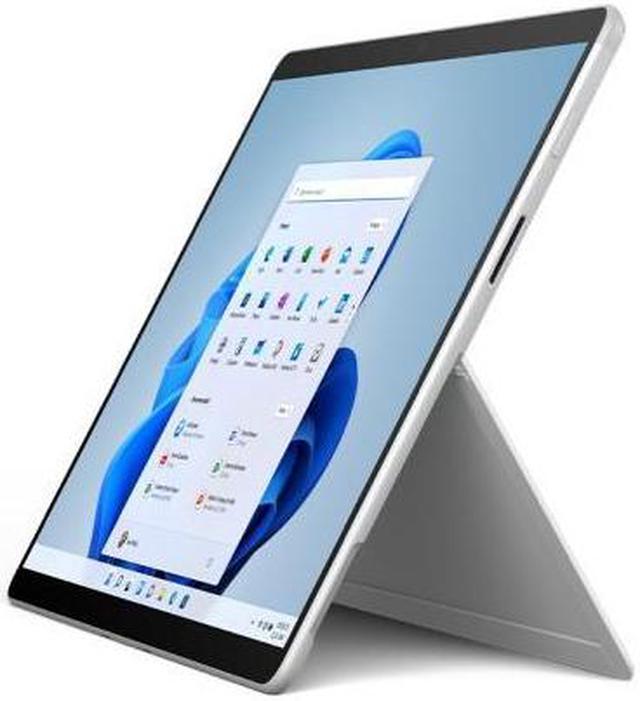
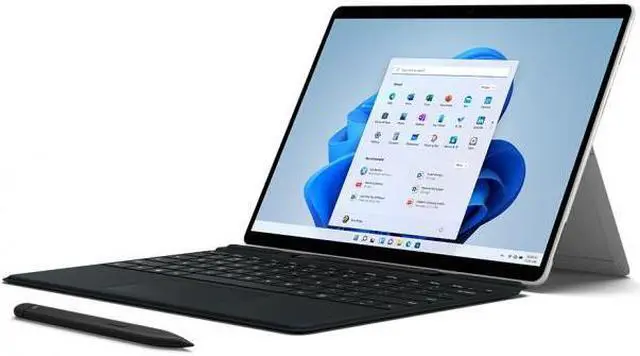
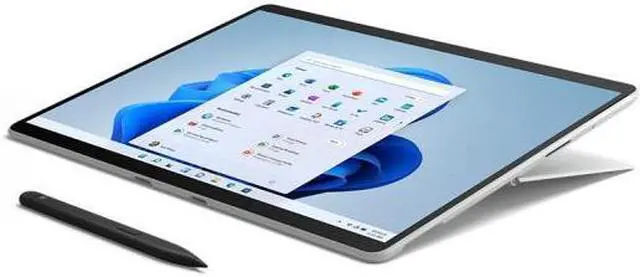
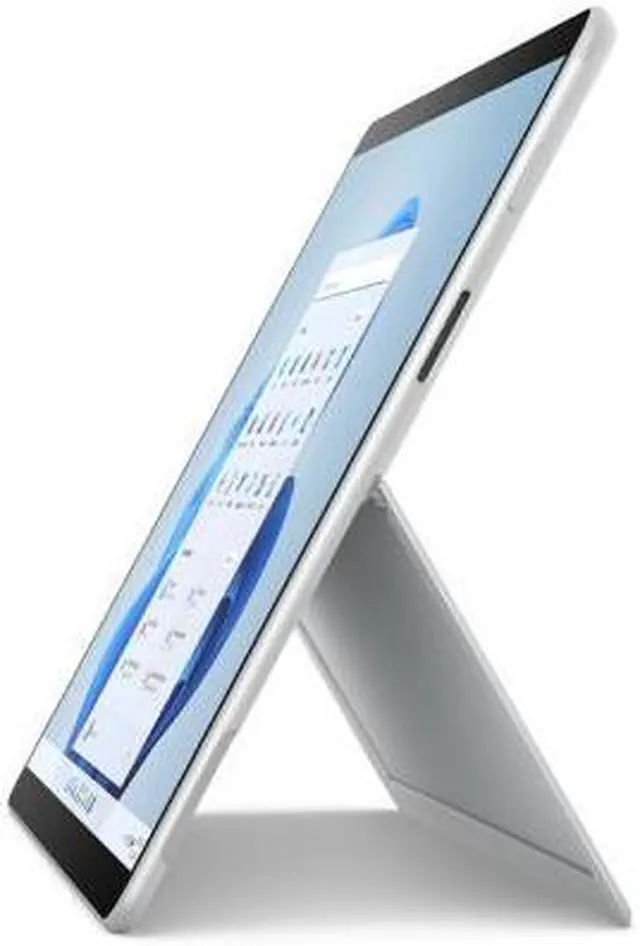
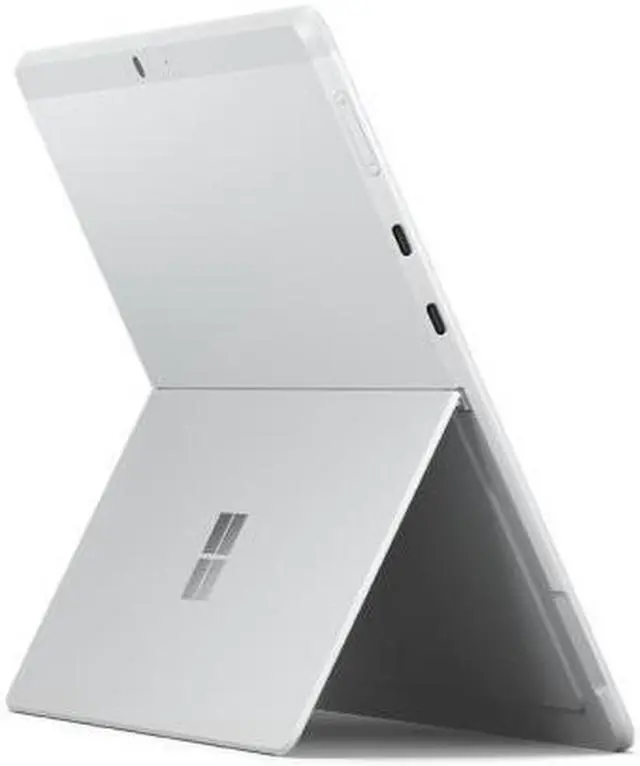
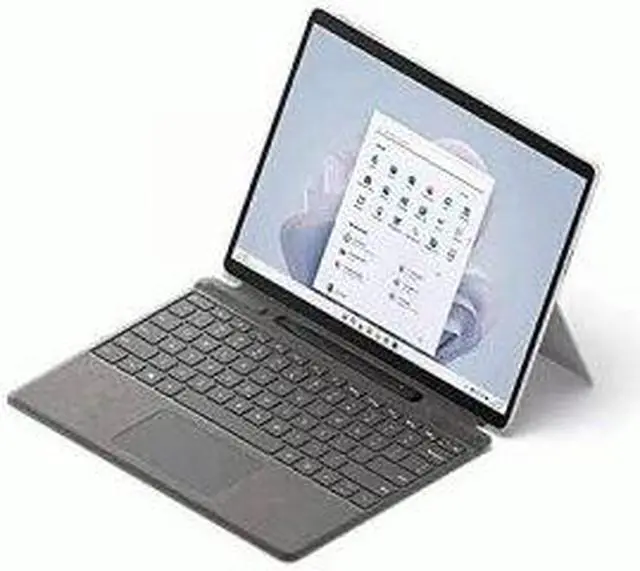
This product does not include manufacturer warranty when purchased or used outside of its designated sales region. By purchasing internationally, you acknowledge that warranty support from the manufacturer will not be available.The Microsoft Surface Pro 9 VYW-00001 is a 13-inch touchscreen 2-in-1 tablet PC with a 2880 x 1920 display, Intel Core i5-1235U, 8GB RAM, and 256GB SSD, making it a strong fit for students, mobile professionals, and everyday users who want premium portability for web work, Office tasks, streaming, and light creative use.
| Attribute | Value |
|---|---|
| Best For | Convertible 13" Surface Pro for multimedia, business and light gaming tasks — portable touchscreen device with integrated Iris Xe graphics and a 12th‑Gen Intel Core i5 suited to everyday productivity and media consumption |
| Processor And Core Count | Intel Core i5-1235U (12th Gen) mobile processor, single physical processor indicated |
| GPU And Graphics | Integrated Intel Iris Xe Graphics (no discrete GPU/VRAM listed) |
| Display Spec | 13.0" QHD 2880 x 1920 IPS LCD glossy capacitive touchscreen, 10‑point multi-touch, listed peak brightness 450 Nit |
| Memory Configuration | 8 GB DDR5 RAM installed; maximum RAM listed as 8 GB |
| Storage And Expansion | 256 GB SSD internal storage (no available M.2 slot for expansion listed) |
| Ports And Connectivity | Two USB ports (USB Type-C listed); Total Thunderbolt Ports listed as 0; no Ethernet ports; wireless: Wi‑Fi 6 (802.11ax) and Bluetooth 5.1 |
| Battery And Power | 3‑cell Lithium Ion battery with AC adapter power; batteries not required or included; charger listed in package contents |
| Audio And Camera | FHD 1080p webcam with internal audio output and dual far‑field/dual‑array studio microphones for voice capture and recording |
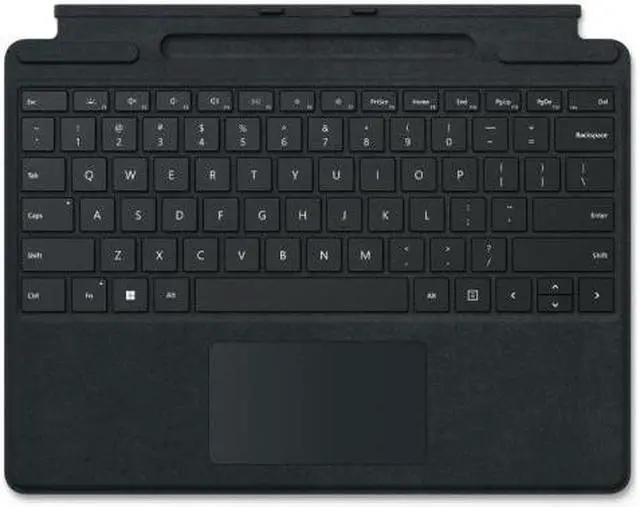
| Form Factor And Input | Convertible tablet form factor with capacitive 10‑point multi‑touch input; keyboard layout listed as QWERTY and keyboard described as backlit |
| Operating System And Software | Windows 11 Home operating system; includes Microsoft Office and Windows Defender (internet security) |
| Model Identifiers | Microsoft Surface Pro 9 — Model VYW-00001 (Mfr P/N VYW00001), Series 9, Color: Platinum, UPC 196388131136 |
| Physical And Package | Item dimensions 10.2 x 12.7 x 2.8 inches, unit weight 5.8 Pounds, package weight 5.85 Pounds; package quantity 1 and package contents list computer, charger, user guide |
| Other Specs | Listed as not VR ready; number of USB/port counts and projector/display support details as above |
Q: Should I buy Surface Pro 9 or Surface Pro 10?
A: Choose Surface Pro 9 if you want the same core 13-inch detachable Surface experience at a lower entry point and your workload is mainly web, Office, note-taking, and general productivity. Choose Surface Pro 10 if you want the newer platform, longer-term platform freshness, and stronger business-focused positioning. Across official specs and review coverage, Surface Pro 10 is mainly an iteration on the same form factor rather than a full category change, so Surface Pro 9 still makes sense when value matters more than getting the newer generation.
Q: Is Surface Pro 9 with 8GB RAM enough, or should I look for 16GB?
A: The 8GB Surface Pro 9 configuration fits lighter use: note-taking, browser-based work, email, streaming, and basic Office tasks. If you expect heavier multitasking, larger spreadsheets, creative apps, coding tools, or longer ownership, 16GB is the safer comparison point. Community discussions around Surface Pro 9 consistently treat 16GB as the more flexible choice because memory is not user-upgradable, while 8GB is usually described as adequate for simpler workloads.
Q: Surface Pro 8 or Surface Pro 9: which one is the better buy?
A: Choose Surface Pro 9 if you want the newer Intel generation, somewhat stronger CPU positioning, and the more current version of Microsoft's detachable flagship. Choose Surface Pro 8 if price is meaningfully lower and you prefer maximizing memory or bundled accessories for the same budget. In real buying discussions, this comparison often comes down to whether you value Surface Pro 9's newer internals more than a better-specced or better-priced Surface Pro 8 package.
Q: Should I choose this Surface Pro 9 i5/8GB/256GB model or a higher-tier i7/16GB version?
A: Choose the i5/8GB/256GB model when portability and mainstream productivity matter more than headroom. It is the more practical fit for browsing, document work, meetings, annotation, and tablet-first use. Move to the i7/16GB version if you want more performance margin for sustained multitasking, heavier desktop-style workflows, or longer-term use. Reviews of the Surface Pro 9 line generally show the platform scales up well with stronger configurations, but the higher-tier models make the most sense when your workload can actually use the extra RAM and CPU headroom.
Q: Is Surface Pro 9 a better choice than a performance-first laptop?
A: Choose Surface Pro 9 when you want a lighter detachable design, touch input, pen-friendly use, and frequent switching between tablet and laptop modes. Choose a performance-first clamshell laptop when sustained heavy workloads, more ports, higher thermal headroom, or better value-per-performance matter more than flexibility. Surface Pro 9 is usually the better comparison fit for mobile productivity and handwriting workflows, while traditional laptops make more sense for users who work primarily at a desk and prioritize raw performance.
Q: Is this Surface Pro 9 a good fit for note-taking, meetings, and everyday office work?
A: Yes. This configuration is well suited to note-taking, web apps, Microsoft 365, video meetings, and general office tasks. The 13-inch 2880 x 1920 touchscreen, kickstand design, and Surface pen support make it practical for handwritten notes and annotations. The main limitation is memory headroom: 8GB RAM is fine for routine productivity, but less ideal if you keep many browser tabs, large spreadsheets, or heavier apps open at the same time.
Q: Is it worth buying as a travel work device?
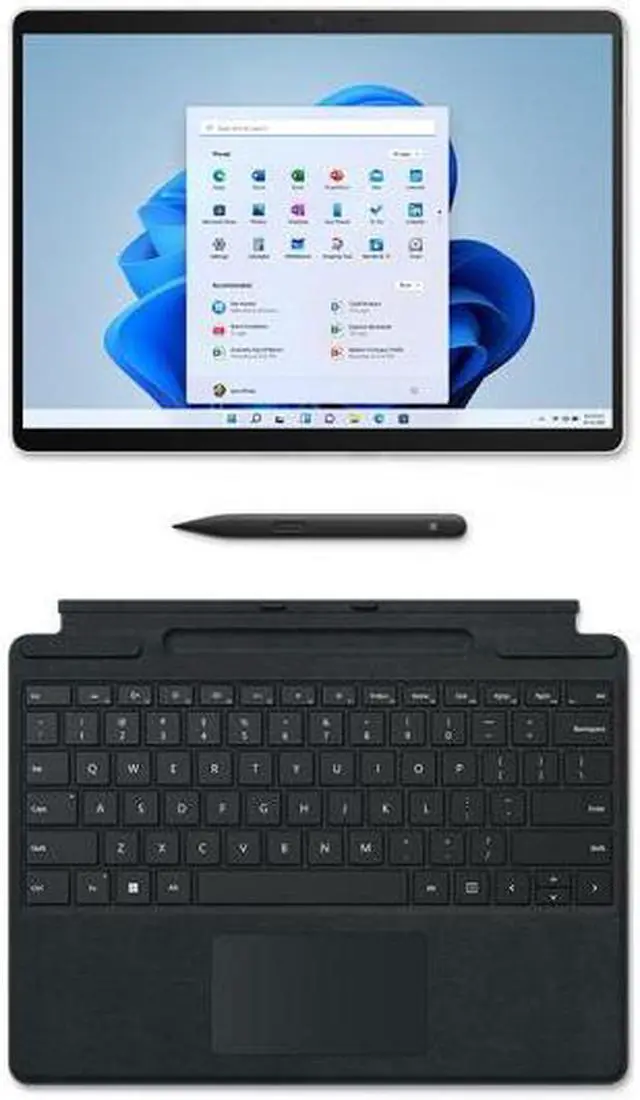
A: Yes, if you want a very portable Windows 2-in-1 for email, documents, meetings, and light multitasking on the go. Surface Pro 9 is repeatedly discussed as lightweight and easy to carry, and its kickstand helps in planes, trains, and small desks. The trade-offs for travel are practical rather than performance-related: this model is sold as device-only, the keyboard and pen are usually extra, and there is no built-in HDMI or USB-A, so many buyers end up carrying a USB-C hub or adapter.
Q: Who is this 8GB/256GB Surface Pro 9 best for?
A: It is best for students, mobile professionals, and home-office users who want a premium Windows tablet-laptop hybrid for writing, browsing, streaming, note-taking, and standard business apps. It is a weaker fit for buyers who expect workstation-style multitasking, heavier creative workloads, or long-term performance headroom, because 8GB RAM is the entry-level memory option and cannot be upgraded later.
Q: What are the main trade-offs versus a traditional clamshell laptop?
A: The Surface Pro 9 is better if you value tablet use, pen input, and a smaller travel footprint. A traditional laptop is usually better if you want a built-in keyboard, more ports, lap stability, and fewer accessory purchases. For this specific model, the most repeated buying friction points are that the keyboard is typically sold separately, the pen is separate unless bundled, and port selection is limited enough that some users need adapters.
Q: Is this 8GB model a better buy than stepping up to a 16GB Surface Pro or similar alternative?
A: Choose this 8GB model if price, portability, and everyday productivity are your priorities. Step up to a 16GB model or a more traditional laptop if you expect heavier multitasking, longer useful life, or more demanding apps. The reason is simple: the SSD can be serviceable on supported configurations, but the RAM is not user-upgradeable, so memory capacity matters more at purchase time than storage does.
Q: Is the Surface Pro 9 with Core i5, 8GB RAM, and 256GB SSD a good buy for basic work and everyday use?
A: Yes, this configuration makes sense for basic productivity, web use, video calls, note-taking, and light Office work. The main trade-off is memory: 8GB RAM is workable for light use, but it is a limiting factor for heavier multitasking, long-term use, or demanding apps.
Q: Is this Surface Pro 9 a good choice for note-taking, school, or meetings?
A: Yes, it is well suited to digital note-taking, reading, annotation, and classroom or meeting use because of its 13-inch 2880 x 1920 touchscreen and Surface Pro tablet form factor. It is a better fit if handwriting and portability matter more than lap stability or sustained heavy desktop-style work.
Q: Can the Surface Pro 9 replace a regular laptop?
A: It can replace a laptop for light to moderate Windows work, especially if you want one device for typing, touch, and tablet use. It is less ideal if you often work on your lap, need maximum keyboard stability, or run many apps at once, because the kickstand design and 8GB RAM are the main compromises.
Q: Who should avoid the 8GB / 256GB Surface Pro 9 configuration?
A: Users who expect heavy multitasking, creative workloads, large local file storage, or a longer performance runway should avoid this specific configuration. The processor and display are strong enough for mainstream tasks, but 8GB RAM and 256GB storage are the clearest constraints in real-world buying discussions.