


 All CategoriesAll CategoriesAll Categories
Shipped by Newegg




Warranty Notice:
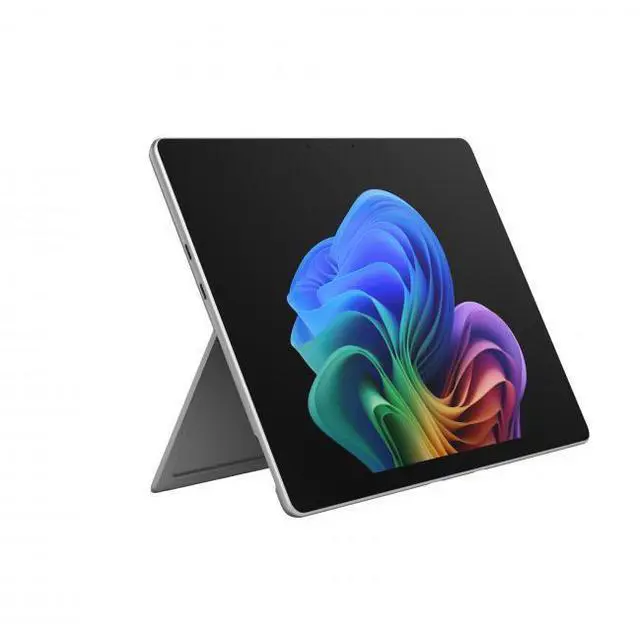
This product does not include manufacturer warranty when purchased or used outside of its designated sales region. By purchasing internationally, you acknowledge that warranty support from the manufacturer will not be available.Microsoft Surface Pro 13 is a premium Windows 11 2-in-1 tablet for professionals, students, and mobile users who want strong everyday performance, a sharp 2880 x 1920 touchscreen, and modern wireless connectivity in a very light device that is best suited to productivity, streaming, note-taking, and general multitasking.
| Attribute | Value |
|---|---|
| Best For | Business and students who want a 13-inch detachable Windows tablet with a PixelSense touchscreen, built-in AI Copilot features and long battery life (listed at 15.5 hours) |
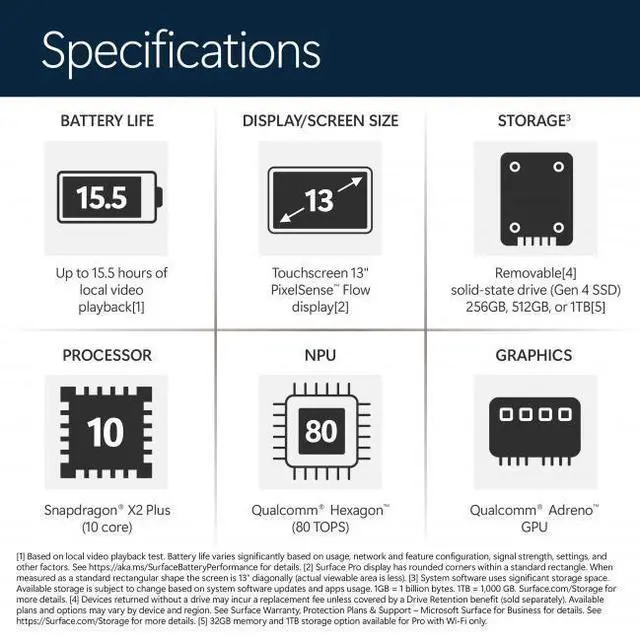
| Processor And Core Count | Qualcomm Snapdragon X2 Plus deca-core processor (10 cores) with a listed clock of 4 GHz |
| Memory Configuration | 16 GB LPDDR5x RAM installed (RAM technology LPDDR5x; maximum listed 16 GB) |
| Storage And Expansion | 512 GB internal SSD |
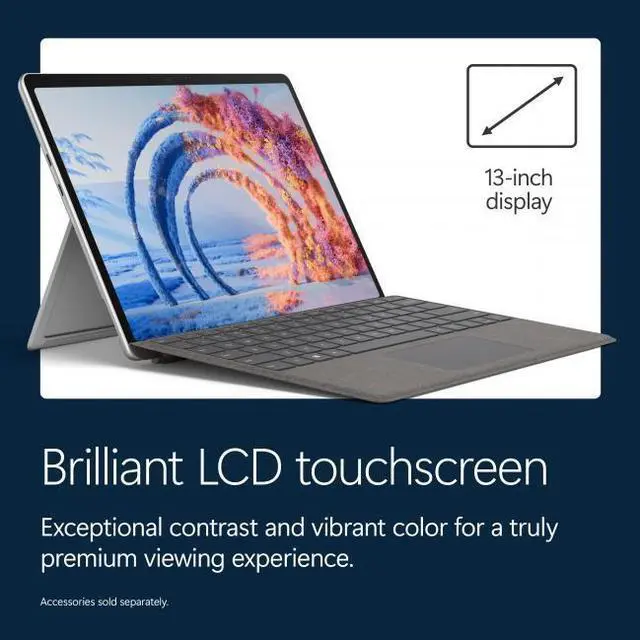
| Display Spec | 13.0-inch PixelSense LCD touchscreen, native resolution 2880 x 1920, maximum brightness listed at 600 nit |
| Graphics And Video | Integrated Qualcomm Adreno graphics using shared system memory, with DisplayPort video output supported |
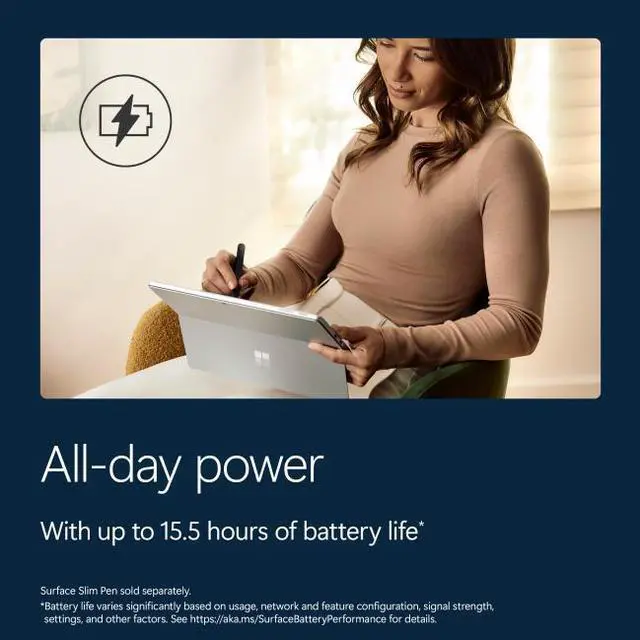
| Battery And Power | Built-in lithium-ion battery (47.7 Wh, 4 cells) with listed battery life of 15.5 hours; 39 W USB-C AC adapter included; battery weight listed as 195 grams |
| Wireless And Networking | Wi‑Fi 802.11be and Bluetooth 5.4 |
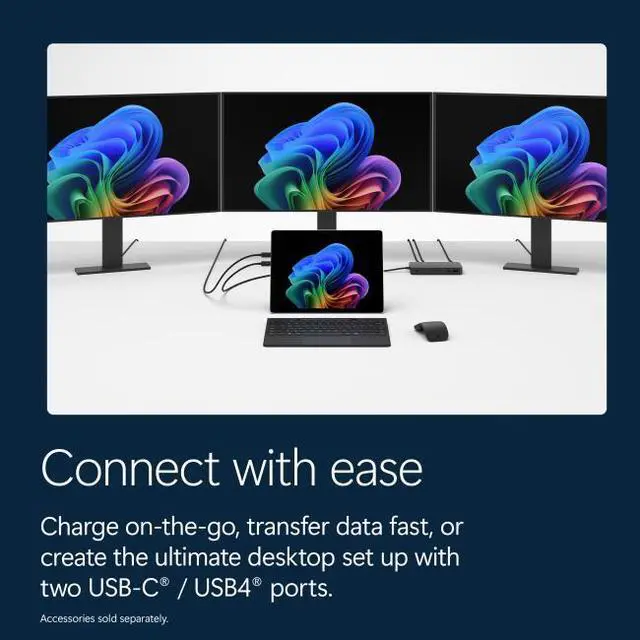
| Ports And High Speed I O | Two USB‑C ports (listed as Thunderbolt 4) supporting Power Delivery, total ports listed as 2; DisplayPort video output supported over connectivity |
| Form Factor And Build | Detachable 2-in-1 design with a 165-degree fluid kickstand, platinum color, dimensions 11.3 x 8.2 x 0.37 inches and weight 1.97 lbs |
| Webcam And Human Interface | Front-facing webcam present; touchscreen input supported and touch pad listed as a human-interface input |
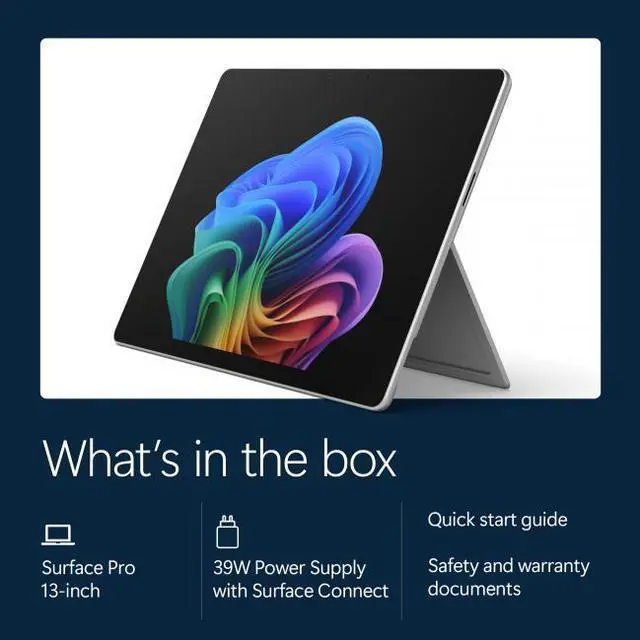
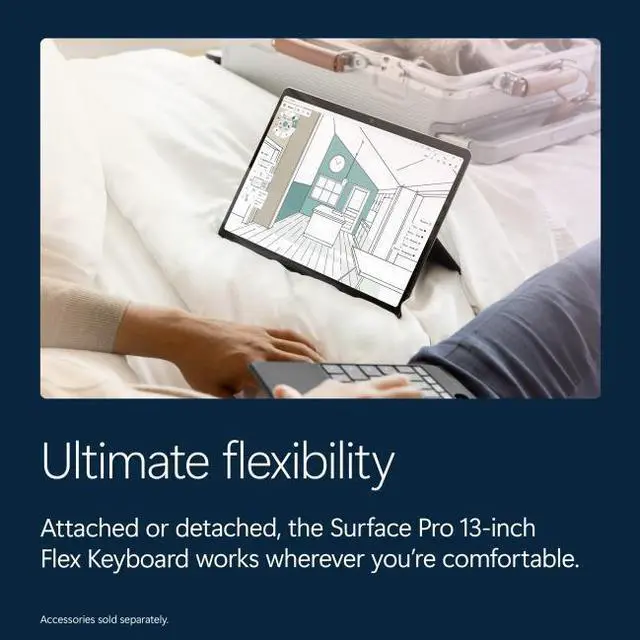
| Accessories And Keyboard | Keyboard sold separately (Surface Pro 13-inch Flex Keyboard listed); package contents list tablet, quick start guide, safety and warranty documents and PSU (if included) |
| Special Features | AI-powered device with a built-in AI companion (Copilot), touchscreen and 2-in-1 kickstand design |
| Model Identifiers | Microsoft Surface Pro (Model EP2-73249 / Model Number EP2-73249), Series Surface Pro, Manufacturer Microsoft, Model Year 2026, Windows 11 Home (Pro edition listed) |
Q: Should I buy the 2026 Surface Pro 13-inch with Snapdragon X2 Plus or the previous Surface Pro 11 with Snapdragon X Plus?
A: Choose the 2026 Surface Pro 13-inch if you want the newer Snapdragon X2 platform, stronger graphics, Wi-Fi 7 support, and the latest Surface generation without moving away from the same core 2-in-1 design. Choose the Surface Pro 11 instead if price matters more and your workload is mostly web, Office, note-taking, and general productivity, because the older model keeps the same Surface Pro format and is still positioned for those everyday tasks.
Q: Is the Snapdragon X2 Plus Surface Pro enough, or should I step up to a higher-tier X2 Elite configuration?
A: The Snapdragon X2 Plus model is the practical choice for mainstream Surface Pro buyers who want the full 13-inch Surface Pro experience for school, office work, travel, web apps, video calls, and light creative tasks. Move up to an X2 Elite configuration if you expect heavier multitasking, longer useful life under larger workloads, or want premium options that are commonly paired with higher trims, such as OLED in some configurations. In short: X2 Plus is the value-focused configuration, while X2 Elite is the better fit for sustained performance headroom.
Q: Should I get this 16GB/512GB Surface Pro, or pay more for 32GB RAM or 1TB storage?
A: The 16GB/512GB version is the balanced choice for most buyers because it fits the common Surface Pro use case: browser-based work, Microsoft 365, streaming, handwritten notes, and moderate multitasking. Paying more for 32GB makes more sense if you regularly keep many heavy apps open, work with larger creative files, or want more memory margin over several years. Paying more for 1TB is mainly about local file needs. If your workload is typical productivity and cloud-first storage, 16GB/512GB is usually the easier recommendation.
Q: Is the 2026 Surface Pro 13-inch better for portability than a Surface Laptop with the same Snapdragon generation?
A: Choose the Surface Pro if portability means tablet flexibility, pen input, detached use, and a device that can switch easily between note-taking, sketching, desk work, and travel. Choose a Surface Laptop if portability means a more traditional clamshell setup with fewer compromises for lap use and extended typing. The Surface Pro is the better fit when touch and inking are part of the workflow; the Surface Laptop is the better fit when keyboard-first productivity comes first.
Q: Should I choose this LCD Surface Pro configuration or look for an OLED Surface Pro model?
A: Choose this LCD configuration if you want the lower-cost path into the 13-inch Surface Pro line and your priorities are general productivity, battery-conscious everyday use, and the core Surface Pro experience. Look for an OLED configuration if display quality is a buying priority for media use, creative work, or simply wanting the more premium panel option. The decision is mainly about display preference and budget, not a different form factor.
Q: Is this a good travel work device for email, documents, video meetings, and light multitasking?
A: Yes, it fits that use case well. The 13-inch Surface Pro is very light for a Windows PC at 1.97 lb, has a high-resolution 2880 x 1920 touch display, built-in webcam, Wi‑Fi 7, and two USB-C/Thunderbolt 4 ports. Retail Q&A patterns around Surface Pro devices repeatedly focus on battery life, cameras, microphones, and portability, which signals that buyers often evaluate it as a mobile work machine. The main trade-off is that this listing is device-only, so most travelers will also need to budget for a keyboard, and possibly a pen.
Q: Is it good for note-taking, meetings, and office work?
A: Yes, for those tasks it is a strong fit. The touchscreen form factor, front webcam, built-in microphones, and Windows 11 setup make it well suited for meetings, handwritten notes with a compatible pen, web apps, Microsoft 365, and everyday office workflows. The repeated retail questions around pen support, cameras, microphones, and battery suggest buyers commonly choose Surface Pro for school and productivity rather than for heavy graphics or gaming. The caveat is that the pen is typically sold separately, and this unit does not include the keyboard.
Q: Does this Surface Pro include a keyboard or pen, and does that affect the buying decision?
A: No. This listing is device-only, so the keyboard is not included, and buyers should also assume the pen is separate unless a bundle explicitly says otherwise. That matters because Surface Pro is easiest to use as a laptop replacement when paired with a keyboard, and many note-taking buyers also need a stylus. For comparison, some competing detachables and some Surface bundles include the keyboard in the box, which can make their total cost easier to justify.
Q: Who is this model most suitable for, and who should skip it?
A: It is most suitable for buyers who want a thin Windows tablet-first PC for travel, note-taking, meetings, browsing, and general productivity. It makes the most sense for students, hybrid workers, and users who value portability and touch input more than raw graphics power. Buyers who should think twice are those who need a keyboard included at base price, rely on niche legacy Windows apps with uncertain Arm support, or want a machine mainly for AAA gaming or heavy workstation-class creative workloads.
Q: What is the main trade-off versus a similar detachable like the ASUS ProArt PZ13?
A: The main trade-off is ecosystem and accessory cost versus bundle value. Surface Pro is the more established Windows detachable with strong pen-and-keyboard workflow expectations, but this listing is sold without the keyboard. A comparable option like the ASUS ProArt PZ13 is positioned more as a value alternative because it includes a detachable keyboard and case in the box. In short: choose Surface Pro if you specifically want the Surface form factor and accessory ecosystem; choose a bundle-first rival if lowering total setup cost matters more.
Q: Is this Surface Pro a good fit for work, note-taking, and travel?
A: Yes, if your workflow is mainly web, Office, OneNote, meetings, and light creative work. The 13-inch Surface Pro design, 1.97 lb weight, touchscreen, and 2880 x 1920 display make it well suited to portable work and handwriting use. Community discussion around recent Snapdragon Surface Pro models repeatedly highlights strong battery life, quiet operation, and the convenience of switching between tablet and laptop-style use. The main caveat is that keyboard and pen use are often part of the real-world experience, but this listing is for the device only.
Q: Can this replace a traditional laptop?
A: It can replace a laptop for many general users, but not for everyone. It is a better fit if you mostly use browser apps, Microsoft 365, video calls, note-taking, and mainstream Windows software. It is a weaker fit if you depend on niche desktop apps, older drivers, or hardware that may not support Windows on ARM. As a decision rule: it works best as a laptop replacement when your software stack is already modern and cloud-friendly.
Q: What are the main trade-offs of buying this Snapdragon Surface Pro instead of an Intel laptop?
A: The main advantages are portability, likely better battery efficiency, and a more flexible tablet-plus-laptop form factor. The main trade-offs are ARM compatibility risk, shared graphics memory, and less certainty for specialized peripherals, legacy utilities, and some pro apps. Compared with a conventional Intel laptop, this model is the safer choice for mobile productivity than for edge-case software support.
Q: Is this a good choice if I use Adobe apps or light creative tools?
A: It can be a good choice for light to moderate creative work, but buyers should verify each app they use. Community discussion suggests Photoshop and other mainstream apps are improving on ARM, while some Adobe tools, plug-ins, and related workflows have had gaps or delays. With 16GB RAM and integrated Adreno graphics, this configuration is more suitable for photo editing, drawing, and everyday design work than for heavier GPU-dependent production.
Q: Who should avoid this model?
A: Users who rely on older printers, specialized drivers, uncommon VPN tools, or any must-have app that is not clearly supported on Windows on ARM should be cautious. This model is also less ideal if you want strong gaming or workstation-class graphics. If compatibility certainty matters more than mobility and touch use, a conventional x86 laptop is usually the lower-risk choice.