


 All CategoriesAll CategoriesAll Categories
Shipped by Newegg




Warranty Notice:
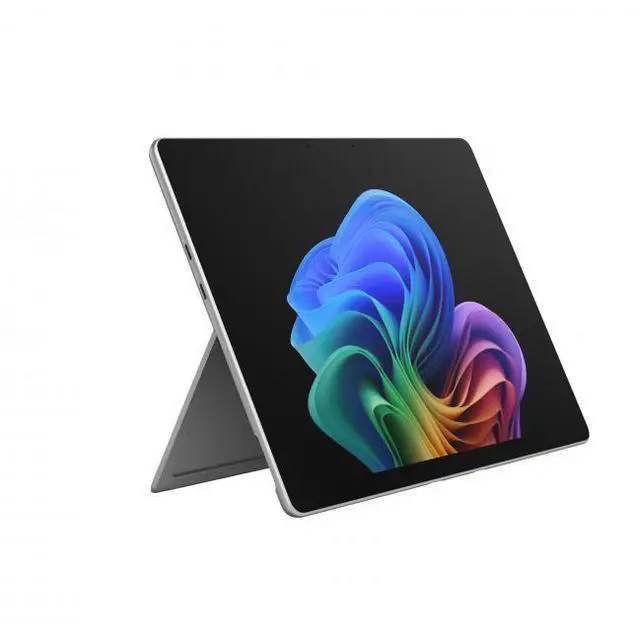
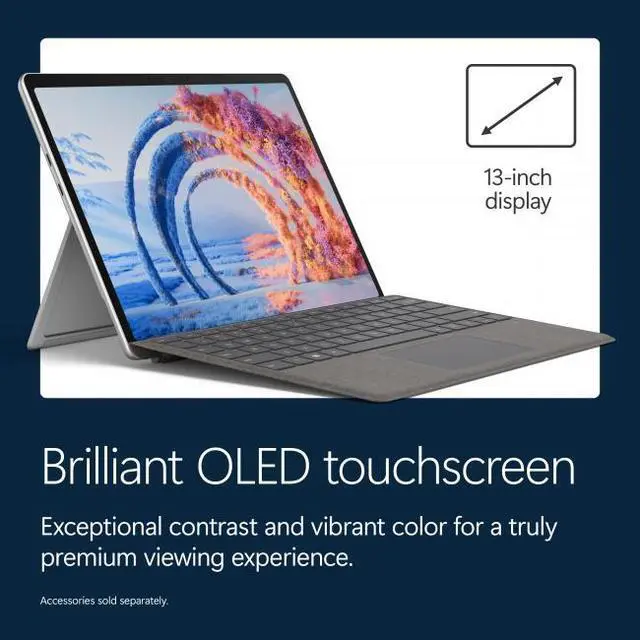
This product does not include manufacturer warranty when purchased or used outside of its designated sales region. By purchasing internationally, you acknowledge that warranty support from the manufacturer will not be available.The Microsoft Surface Pro 13-inch OLED is a premium Windows tablet with a Snapdragon X2 Elite processor, 16GB memory, and 1TB storage, built for professionals and students who want a highly portable Copilot+ PC for multitasking, note-taking, web work, and everyday creative tasks.
| Attribute | Value |
|---|---|
| Best For | 13-inch OLED Windows tablet configured with a Snapdragon X2 Elite SoC, 16GB RAM and 1TB storage—suited for mobile productivity, media consumption, and on-the-go multitasking |
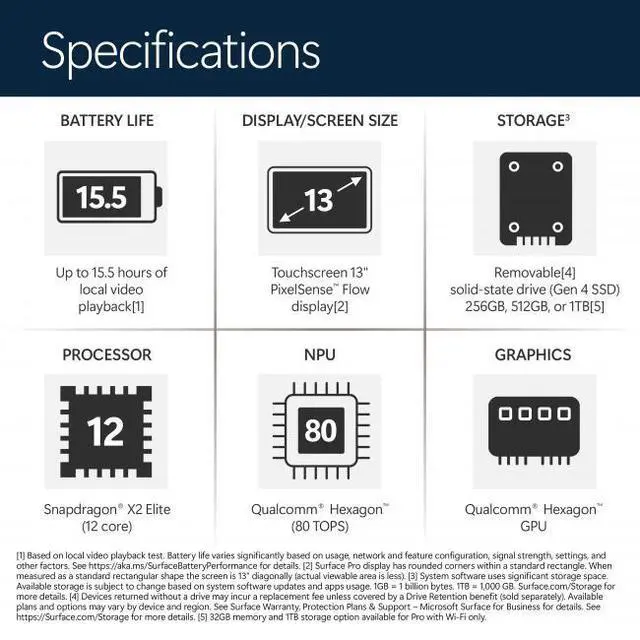
| Display Spec | 13.0-inch OLED touchscreen with 2880 x 1920 resolution |
| Processor And Core Count | Qualcomm Snapdragon X2 Elite system-on-chip (12-core) |
| Memory And Storage | 16GB LPDDR5x system memory with 1TB built-in storage (16GB/1TB configuration) |
| Graphics And Video Memory | Integrated Qualcomm Adreno GPU using shared system memory |
| Battery And Power | Built-in lithium-ion battery (1 battery, 4 cells, 53.3 Wh; battery weight 208 g; nonstandard battery) and 39 W USB-C AC adapter |
| Connectivity And Ports | Two USB-C ports with Thunderbolt 4 and Power Delivery |
| Wired And Wireless Networking | Wi‑Fi (802.11be) wireless LAN and Bluetooth 5.4 |
| Camera | Built-in webcam for video calls and conferencing |
| Physical Dimensions And Weight | Approximately 11.3 x 8.2 x 0.37 inches and 1.97 lbs for the tablet |
| Operating System | Windows 11 Home |
| Model Identifiers | Microsoft Surface Pro (model EP2-65013 / Surface Pro series), Platinum finish, style 'OLED', 2026 model year |
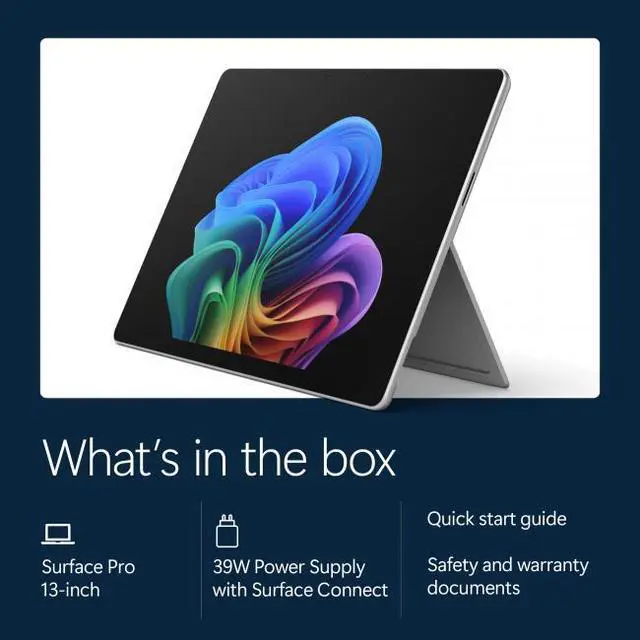
| Box Contents | Includes tablet, quick start guide and safety/warranty documents; PSU is listed as 'if included' in package notes |
Q: Should I buy this Surface Pro or an iPad Pro 13-inch for one device that can handle laptop work?
A: Choose this Surface Pro if you want a tablet that can also run full Windows desktop software, handle browser-heavy multitasking, and replace a light laptop more directly. Choose the iPad Pro 13-inch if your priority is the tablet experience first, especially for media, touch-first apps, and Apple Pencil workflows. Across reviews and user discussions, the usual trade-off is Windows flexibility on the Surface Pro versus a more polished tablet app ecosystem and stronger display reputation on the iPad Pro.
Q: Is this 16GB/1TB OLED Surface Pro worth buying over a lower-tier LCD configuration?
A: Buy this configuration if you specifically want the OLED display and more built-in storage without planning an immediate SSD upgrade. For everyday web, Office, streaming, and note-taking, lower-tier Surface Pro configurations with LCD and Snapdragon X Plus are widely seen as the better value because the real-world performance gap is usually smaller than the price gap. This 1TB OLED model makes more sense when display quality and storage capacity matter more than keeping cost down.
Q: Is this 2026 Snapdragon X2 Elite Surface Pro a meaningful upgrade over the previous Surface Pro with Snapdragon X Elite?
A: It is a sensible upgrade if you want the newest Surface platform and somewhat better graphics or compute performance, but it does not look like a mandatory jump for most Surface Pro 11 owners. Microsoft positions the 2026 model as faster, especially in graphics, but third-party testing suggests the improvement over the previous OLED X Elite model is modest in many real workloads. If you already have the prior generation, the upgrade case is strongest for buyers who value incremental performance gains and newer platform features, not a major day-to-day change.
Q: Should I get this Surface Pro or a traditional ultraportable laptop if I care more about productivity than tablet use?
A: Choose this Surface Pro if you want pen input, detachable tablet use, and the flexibility to switch between handwriting, touch, and laptop-style work. Choose a traditional ultraportable laptop if you spend most of your time typing at a desk or on your lap and rarely use tablet mode. The Surface Pro's main advantage is versatility, while a standard clamshell usually offers the simpler productivity setup for keyboard-first use.
Q: Is this a good travel work device?
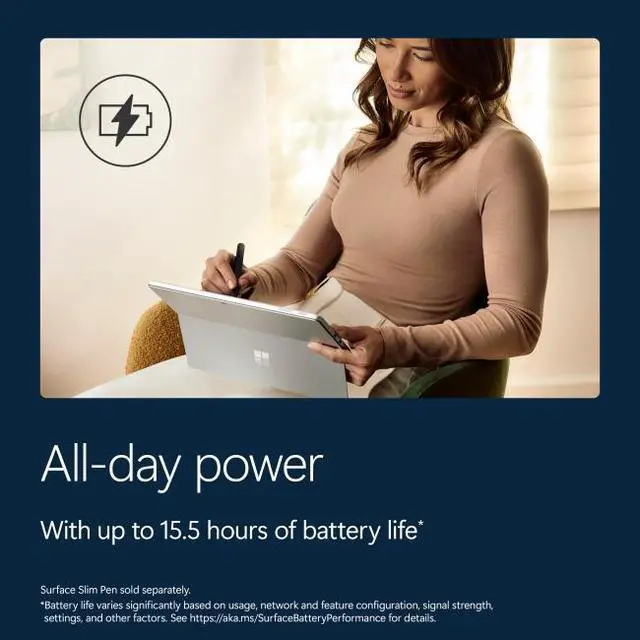
A: Yes for mobile office work and meetings. It is very light for a full Windows 2-in-1 at 1.97 lb, has a built-in kickstand, two USB-C ports, Wi‑Fi 7, a webcam, and Microsoft lists up to 15.5 hours of battery life for the comparable 2026 1TB Surface Pro configuration. The main trade-offs for travel are that this listing is device-only, so you may need to buy the keyboard and pen separately, and ARM-based Windows can still require app compatibility checks for some specialized software and peripherals.
Q: Is it good for note-taking, meetings, and office work?
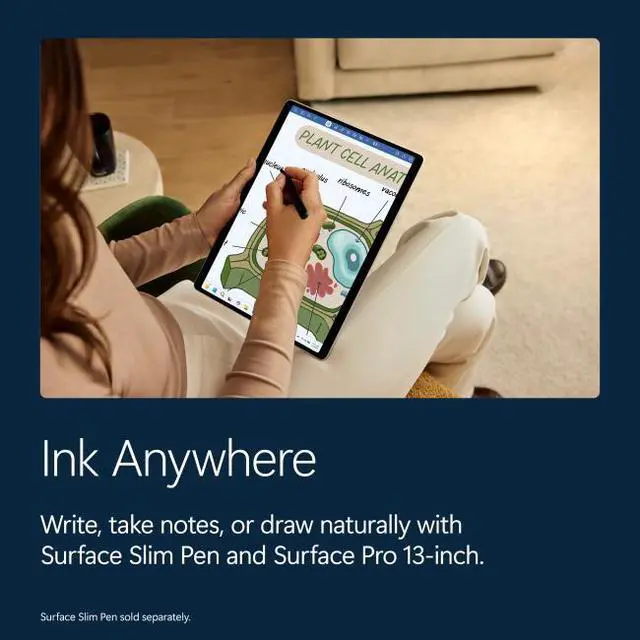
A: Yes. This Surface Pro is well suited for note-taking, video calls, document work, web apps, and general multitasking. The 13-inch 2880 x 1920 OLED touchscreen, built-in webcam and microphone, and 16GB of memory make it a strong fit for meetings and productivity. It is a better fit if you want a tablet-first Windows device that can add keyboard and pen input, but the pen is not included in this device-only version.
Q: Does it come with the keyboard or stylus?
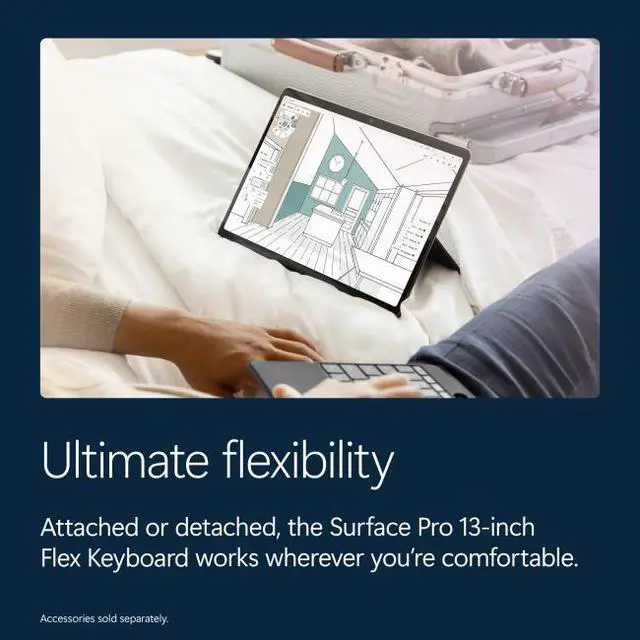
A: No. This is a device-only configuration, so the keyboard is not included and the stylus is not included. That matters because many shopper questions on retail product pages ask whether Surface Pro includes these accessories. If you want a laptop-like setup for work or school, budget for a compatible keyboard, and add a pen only if you plan to handwrite notes or draw.
Q: Who is this Surface Pro best for?
A: It is best for buyers who want a premium Windows tablet-laptop hybrid for productivity, travel, meetings, handwriting, and media use, and who value low weight and flexibility more than maximum port variety or lowest price. It is less ideal for buyers who need many built-in ports, want the keyboard included, or depend on niche legacy apps or accessories that may behave differently on ARM-based Windows.
Q: Is it better than a lower-priced Surface Pro alternative?
A: It is better if you specifically want the higher-end 13-inch OLED model with more storage and a faster premium-class Snapdragon X2 Elite platform. It is not automatically the better value for everyone. Lower-priced Surface Pro models on retail sites are much cheaper and may already be enough for web work, Office, note-taking, and meetings. Choose this model if display quality, extra storage, and higher performance matter more than price; choose a cheaper Surface Pro if your workload is lighter and value is the priority.
Q: Is the Surface Pro with Snapdragon X Elite a good fit for travel and everyday work?
A: Yes for mobile productivity. Reddit discussions repeatedly describe the Surface Pro X Elite as a strong fit for travel, documents, browsing, research, and light coding because it is thin, light, and works as both a tablet and laptop-style device. The main trade-off is that you may need to buy the keyboard separately to get the full work setup.
Q: Can this Surface Pro replace a laptop for work and study?
A: For many office and study tasks, yes. The product specs match the kind of configuration users discuss for spreadsheets, Word, research, web work, note-taking, and external-monitor use. It is a better laptop replacement if your workload is mostly productivity-focused and you are comfortable with a 13-inch detachable form factor rather than a traditional clamshell laptop.
Q: Is this a good choice for note-taking and tablet use?
A: It is a reasonable choice if you want one device for tablet-style use and Windows productivity. Community discussion around the Surface Pro OLED/X Elite models often centers on note-taking, pen use, studying, and replacing an iPad-plus-laptop setup. The trade-off is that Windows tablet apps and touch workflows may still feel less polished than a dedicated tablet ecosystem.
Q: What are the main trade-offs of choosing the Snapdragon Surface Pro instead of a traditional laptop?
A: The main trade-offs are app compatibility expectations, the detachable form factor, and value. Reddit discussions show that some buyers like the speed, battery life, and flexibility, while others prefer a conventional laptop for a more familiar keyboard-and-lap experience or fewer workflow compromises. This Surface Pro is best for buyers who prioritize portability and 2-in-1 use over a standard laptop design.
Q: Who is this Surface Pro best suited for?
A: It is best suited for buyers who want a premium Windows 2-in-1 for work on the go: students, travelers, note-takers, and office users who mainly use browser apps, documents, meetings, and light creative tasks. It is less ideal for people who want a pure tablet experience, a full-power creator machine, or the simplest traditional laptop setup.