


 All CategoriesAll CategoriesAll Categories

Make informed decisions with expert advice. Learn More



Warranty Notice:
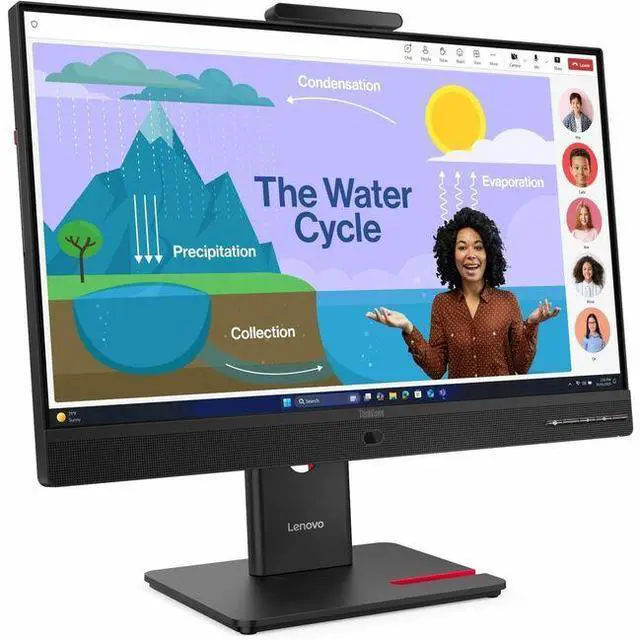
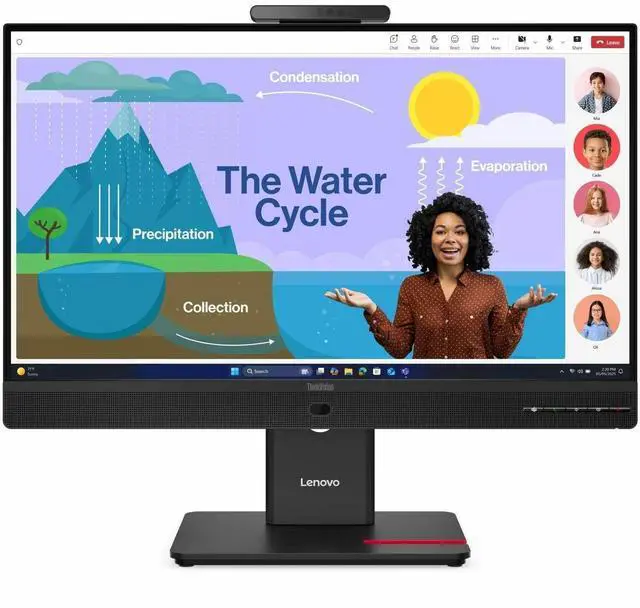
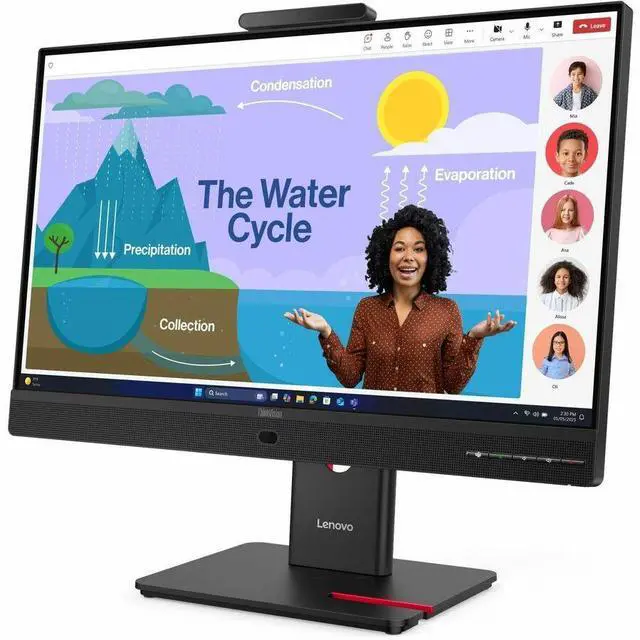
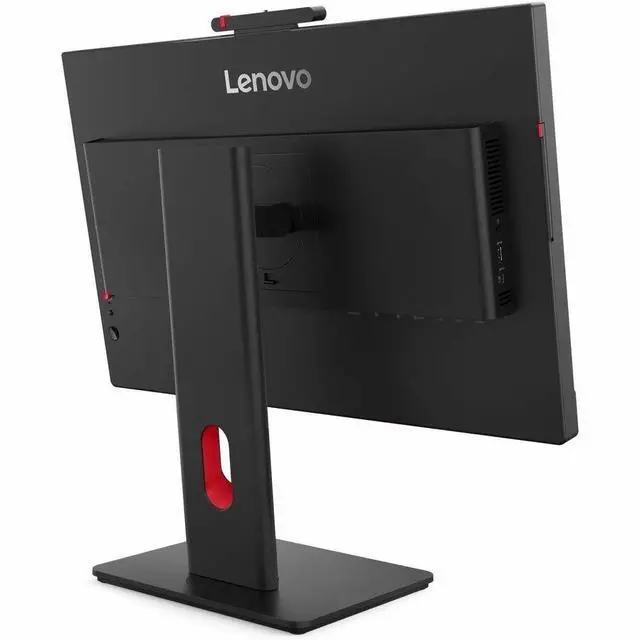
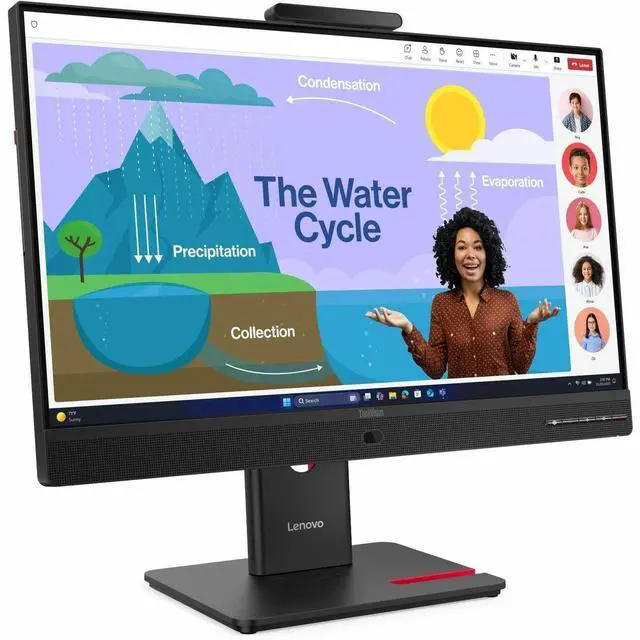
This product does not include manufacturer warranty when purchased or used outside of its designated sales region. By purchasing internationally, you acknowledge that warranty support from the manufacturer will not be available.The Lenovo ThinkVision T24D-4v is a 23.8-inch FHD IPS monitor with a 120Hz refresh rate, USB-C connectivity, and built-in speakers, suited to everyday work, video calls, and general home or office use.
| Attribute | Value |
|---|---|
| Best For | FHD desktop viewing with USB-C and USB hub connectivity, plus an adjustable stand |
| Panel And Resolution | 23.8-inch IPS LED display with 1920 × 1080 FHD resolution, 16:9 aspect ratio, 178° viewing angle, 1500:1 contrast ratio, and 99% sRGB gamut; anti-glare finish |
| Refresh Rate And Response | 120 Hz refresh rate with 4 ms response time |
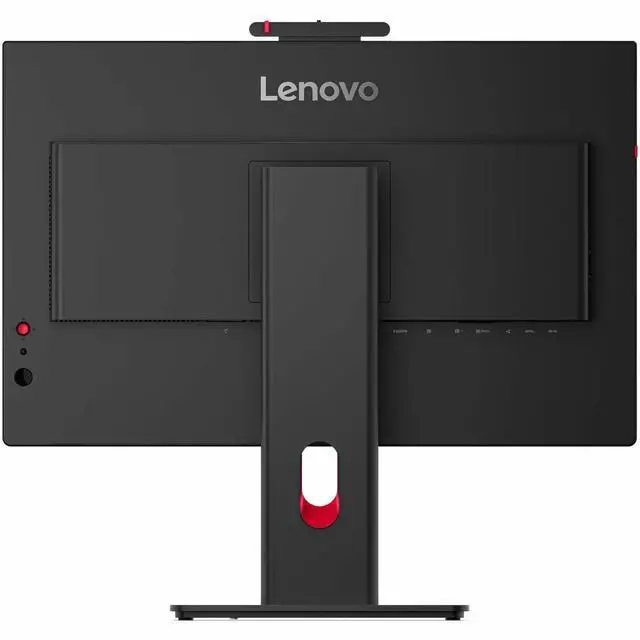
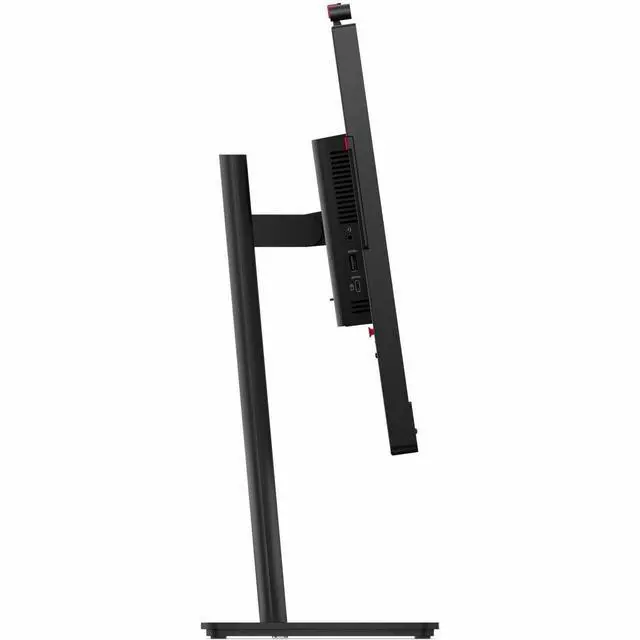
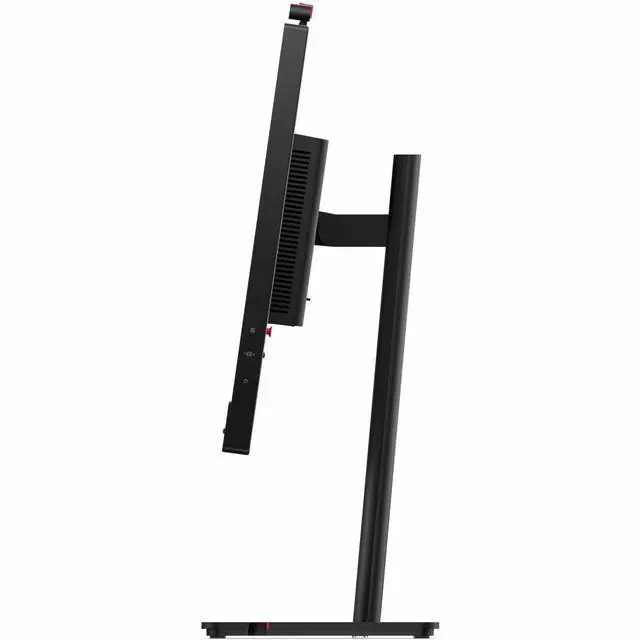
| Ports And Connectivity | HDMI, DisplayPort, USB, USB-C, and Ethernet connectivity; includes 1 HDMI port and 5 USB ports |
| Stand, Ergonomics And Mounting | Adjustable stand and 100 × 100 mounting compatibility |
| Features And Power | Includes a USB hub, webcam, microphone, ambient light sensor, Eyesafe certification, eye-comfort technology, and low-blue-light feature; listed power consumption is 16 W |
| Physical Design | Eclipse Black finish; listed item weight is 18.1 lb |
| Included Components | Monitor, DisplayPort cable, and USB-C-to-USB-C cable |
| Model Identifiers | Lenovo ThinkVision, model 64B7UAR1US |
Q: ThinkVision T24D-4v vs T24D-40: which is a better fit for video calls?
A: Choose the ThinkVision T24D-4v if you want conferencing hardware built into the monitor: it has a 5MP IR/RGB webcam, integrated microphone, and 5W × 2 speakers. Both models have a 23.8-inch FHD IPS display with a 48–120Hz refresh range and USB-C laptop charging up to 100W.
Q: ThinkVision T24D-4v vs T24-4v: which is better for a one-cable laptop desk?
A: Choose the ThinkVision T24D-4v for a USB-C connection that carries video and data while providing up to 100W laptop power, plus built-in Gigabit Ethernet. The T24-4v has the same 23.8-inch FHD, 48–120Hz display class and integrated webcam, while the T24D-4v’s connectivity is geared toward monitor-based laptop docking.
Q: ThinkVision T24D-4v vs T24-40: which gives me a built-in video-call setup and laptop charging?
A: The ThinkVision T24D-4v combines a built-in 5MP IR/RGB webcam, microphone, and stereo speakers with USB-C video, data, and up to 100W laptop power delivery. Both monitors offer a 23.8-inch FHD IPS panel with a 48–120Hz refresh range; choose the T24D-4v when integrated conferencing and USB-C docking are priorities.
Q: Can I connect a laptop with USB-C and charge it through the monitor?
A: Yes. The monitor’s USB-C upstream port supports video, data, and up to 100W of power delivery, so a compatible laptop can use one cable for display and charging. Check the laptop’s USB-C video support and power requirements; charging is limited to 100W.
Q: Is it suitable for everyday office work and video meetings?
A: It is suited to everyday office tasks such as documents, browsing, and spreadsheets, with a 23.8-inch IPS Full HD display, 120Hz refresh rate, adjustable stand, and built-in speakers. The provided specifications do not confirm a camera or microphone, so check those requirements separately for video calls.
Q: Can I adjust the screen for portrait use or a more comfortable desk position?
A: Yes. The listed stand adjustments include swivel, tilt, height adjustment, and pivot, so the screen can be positioned for different desk setups and rotated into portrait orientation.
Q: Is this a practical monitor to take on work trips?
A: It is better suited to a fixed desk than frequent travel. At 23.8 inches, it is a full-size desktop monitor, and the provided specifications do not list a battery or portable design. USB-C can simplify a compatible laptop connection at a desk, but it does not make the monitor travel-sized.