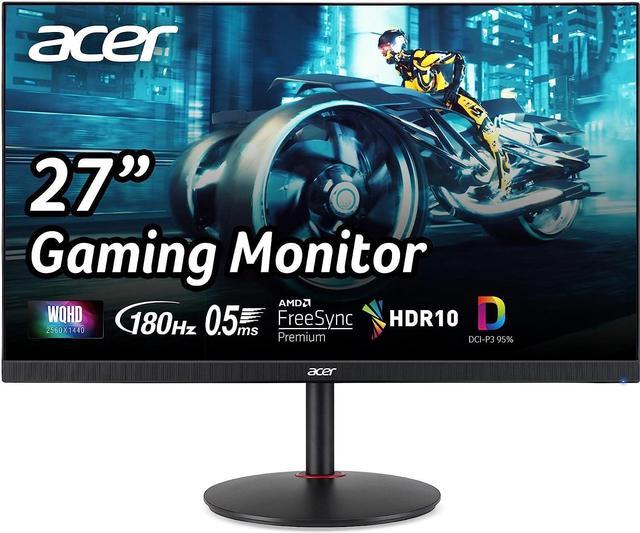
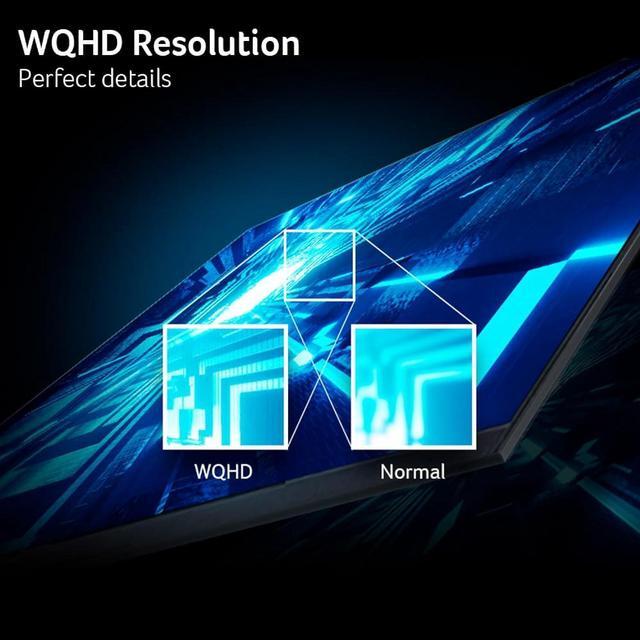
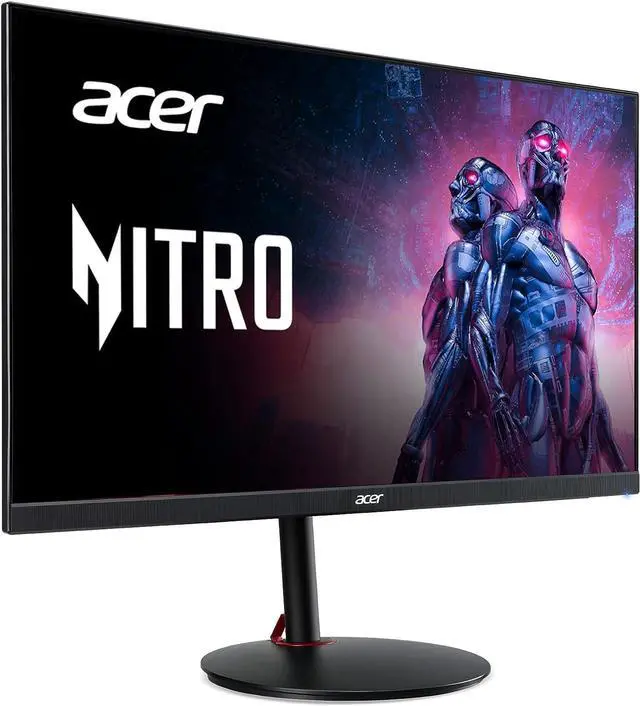
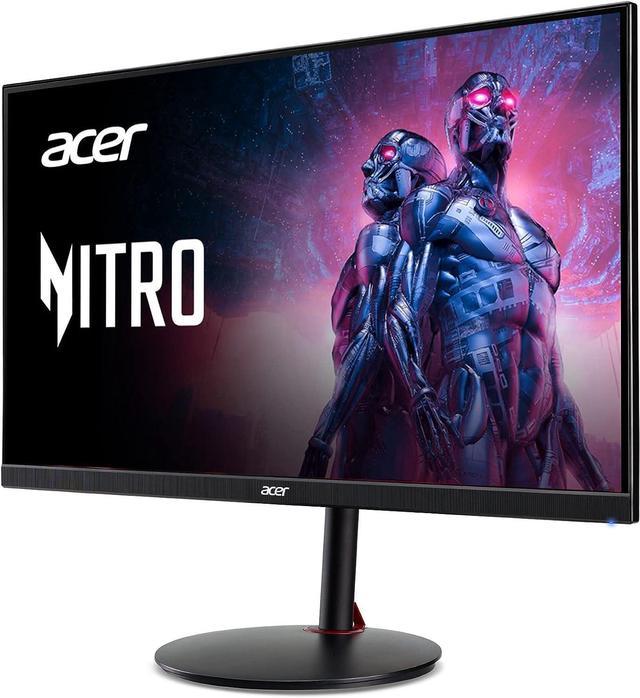
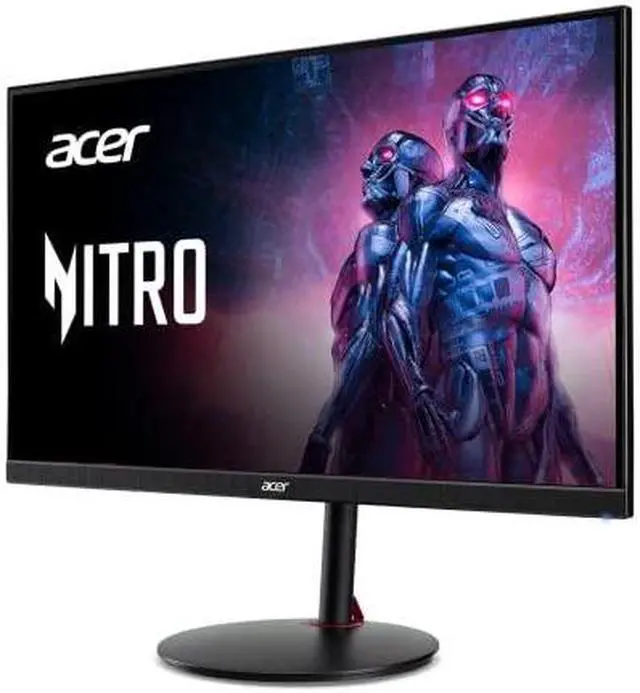
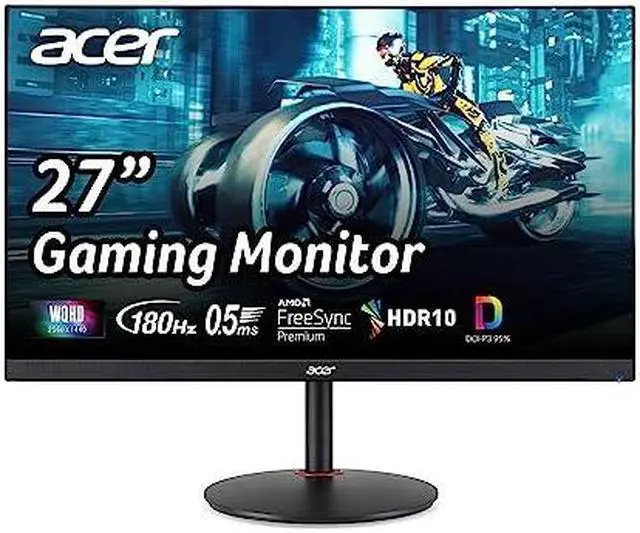
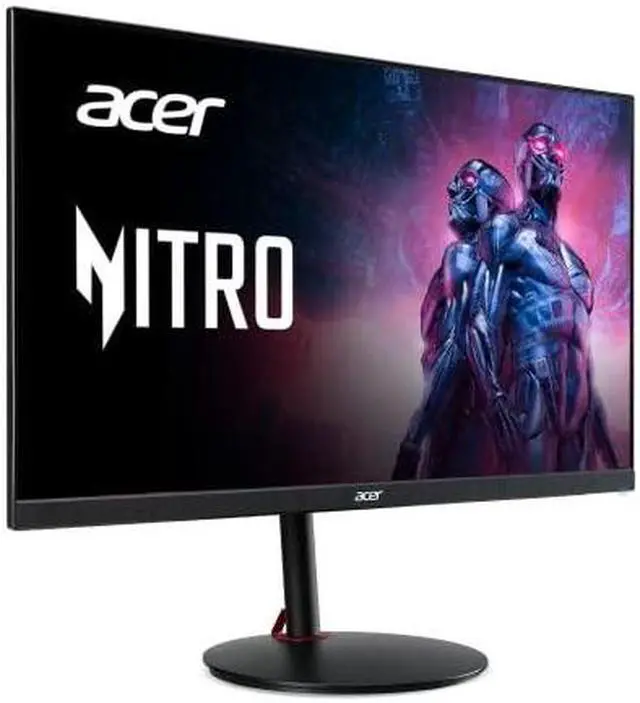
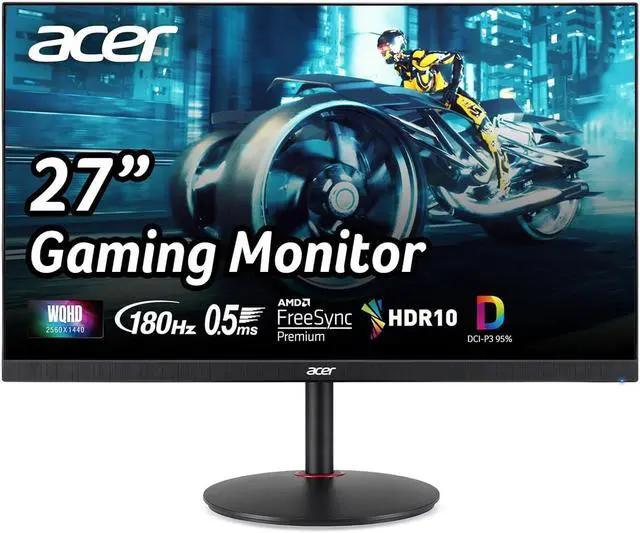
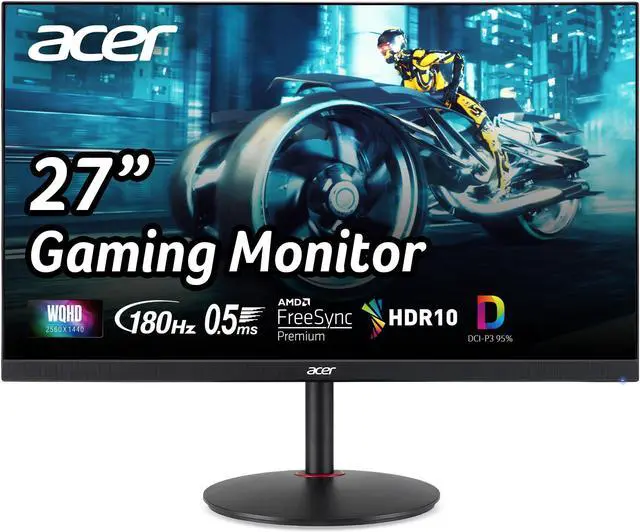
The Acer Nitro XV271U M3BMIIPRX is a 27-inch QHD (2560 × 1440) IPS gaming monitor with a 180Hz refresh rate and AMD FreeSync, suited to PC gamers who want sharp detail and smooth gameplay on a flat screen.
Recommended For
- PC gamers with a mid-range system who want 1440p detail and high-refresh gameplay on a 27-inch screen; the reviewer identifies this resolution-and-refresh combination as a practical fit for many mid-range gaming PCs.
- PC players of fast-moving games who want a responsive display with variable refresh rate; testing reports low input lag, effective motion handling, and FreeSync support up to 180Hz.
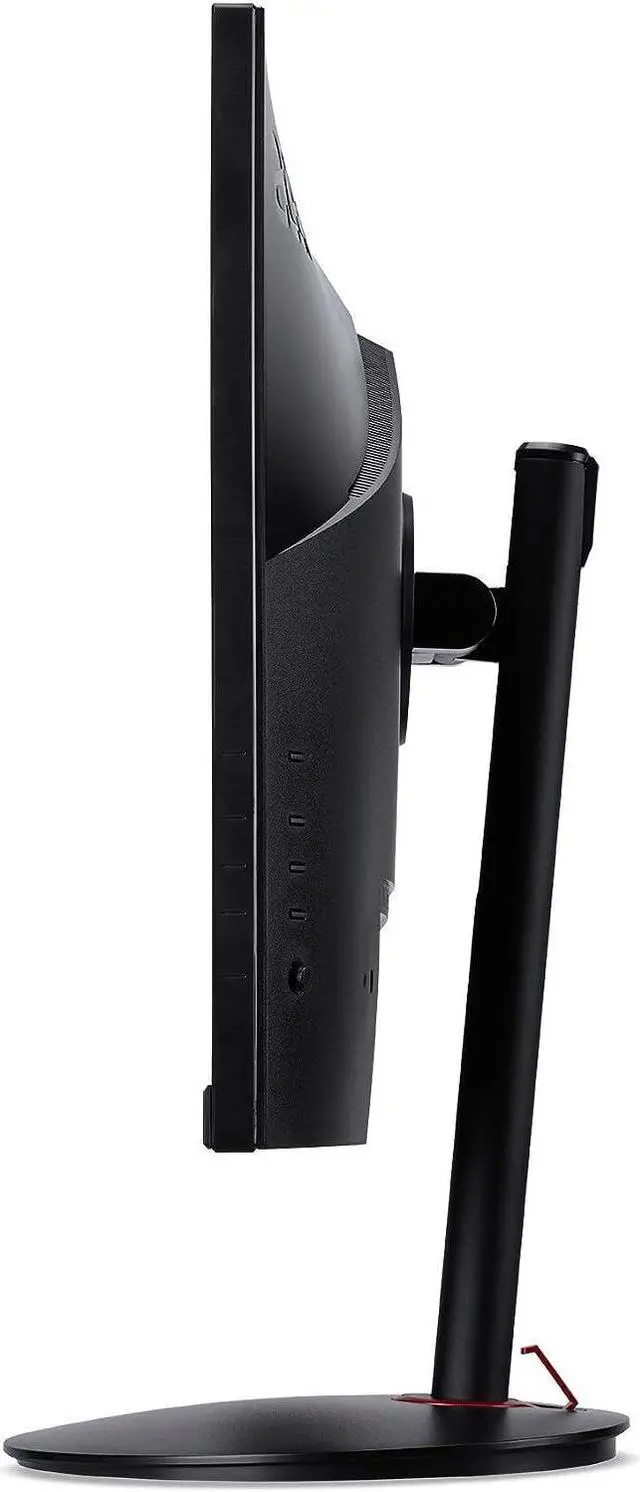
- People who switch between gaming and desk work and want to adjust screen height, tilt, swivel, or orientation without buying a separate monitor arm.
- Users who want vivid-looking games and media, plus a selectable sRGB mode for more restrained color when viewing standard SDR content.
- Console players who are comfortable with HDMI refresh rates up to 144Hz and want a 1440p screen that can also connect to other devices.
Real-World Use Scenarios
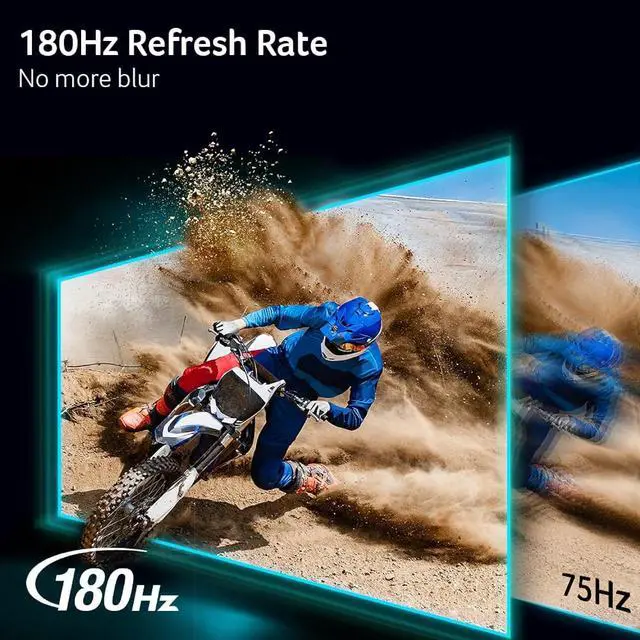
- Playing PC shooters or racing games, a player with a DisplayPort-connected PC that can produce high frame rates can use the high refresh rate for smoother motion; FreeSync can help reduce tearing when frame rates fluctuate.
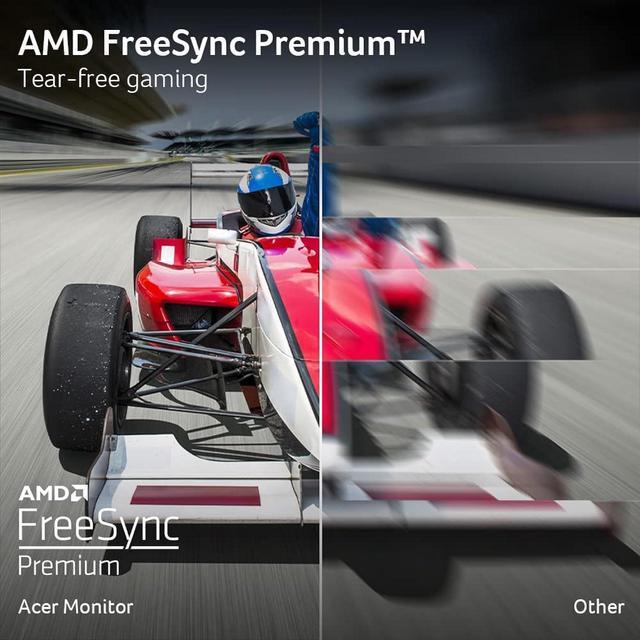
- Playing games whose frame rates vary, a PC gamer can use variable refresh rate to reduce visible tearing and stutter; the benefit depends on the connected system and game.
- Using the monitor for a console alongside a gaming PC, someone can connect multiple devices and switch between them; HDMI supports up to 144Hz at 1440p, while DisplayPort supports up to 180Hz.
- Working with documents, browser windows, or several apps, a user gets a sharp 27-inch 1440p workspace and can adjust the monitor’s height, tilt, swivel, or pivot to suit their desk setup.
- Doing hobby photo or design work, a user can take advantage of the IPS panel’s wide viewing angles and broad color gamut; for more predictable standard-color work, the review recommends using the sRGB mode.
- Watching HDR movies or playing HDR games, users can view HDR content, but should not expect strong HDR highlights or deep dark-scene contrast; the review notes the monitor’s brightness and lack of local dimming limit the effect.
Spec Summary
| Attribute | Value |
|---|
| Best For | Gaming, desktop, and business use with a 27-inch QHD display and 180Hz refresh rate |
|---|
| Panel And Resolution | 27-inch flat IPS LCD panel with a matte finish, 2560 × 1440 resolution, 16:9 aspect ratio, 178-degree viewing angle, 250-nit brightness, 1000:1 contrast ratio, 1 billion colors, and 0.233 mm pixel pitch |
|---|
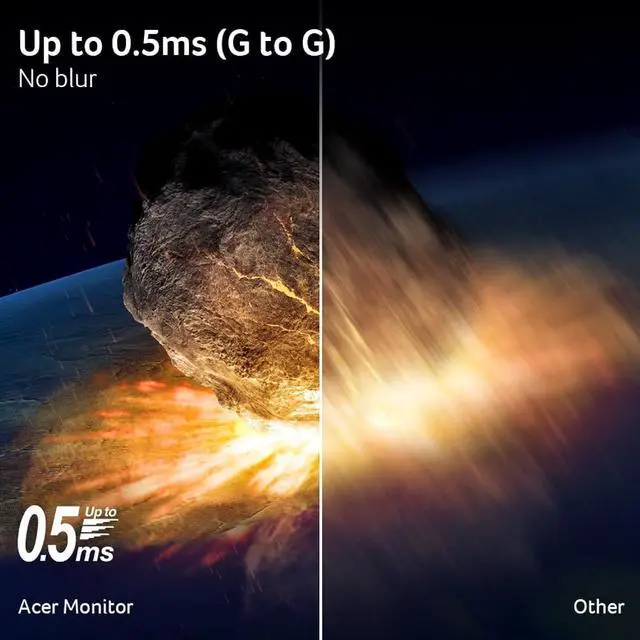
| Refresh Rate And Response | 180Hz refresh rate, 0.03 ms response time, and FreeSync (AMD Adaptive Sync) |
|---|
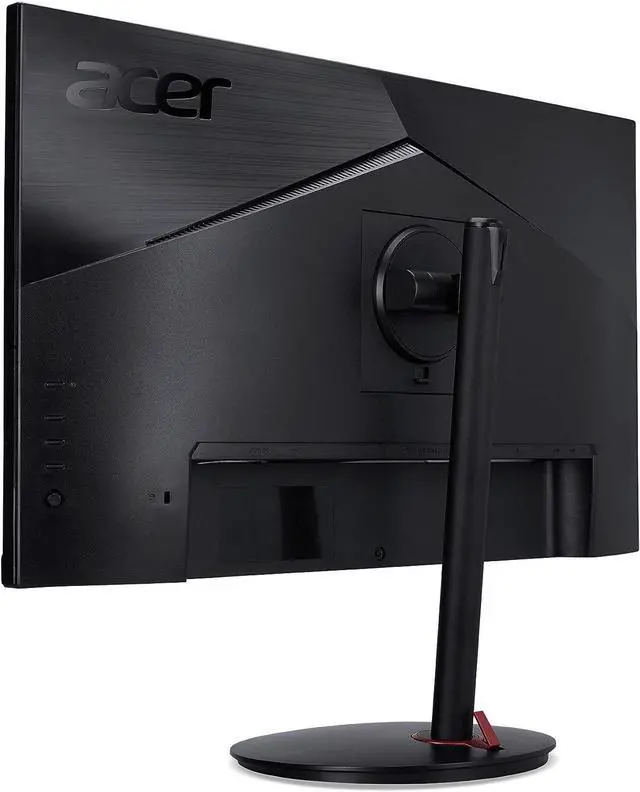
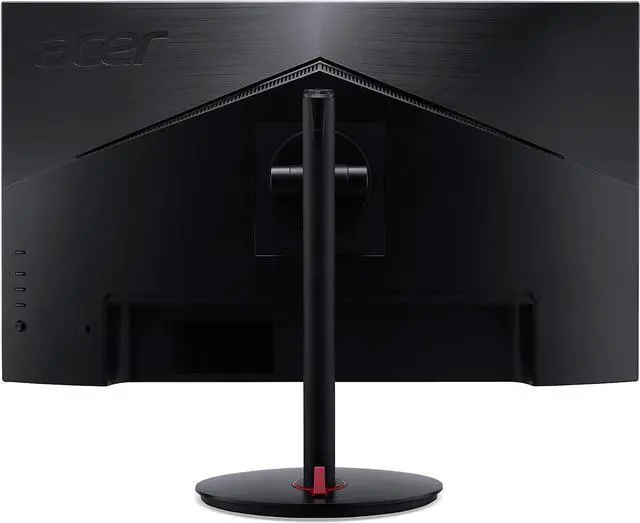
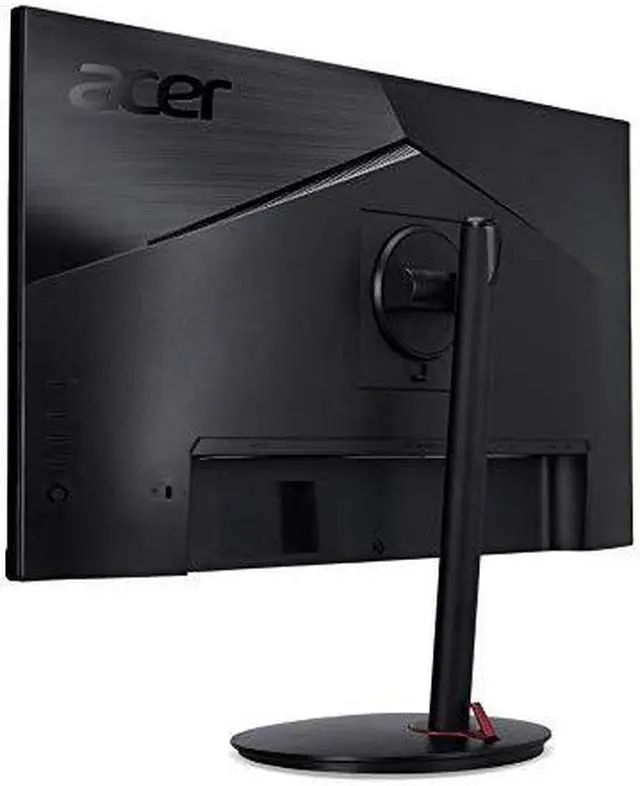
| Ports And Connectivity | Two HDMI 2.0 ports and one DisplayPort 1.4; no USB or Thunderbolt ports |
|---|
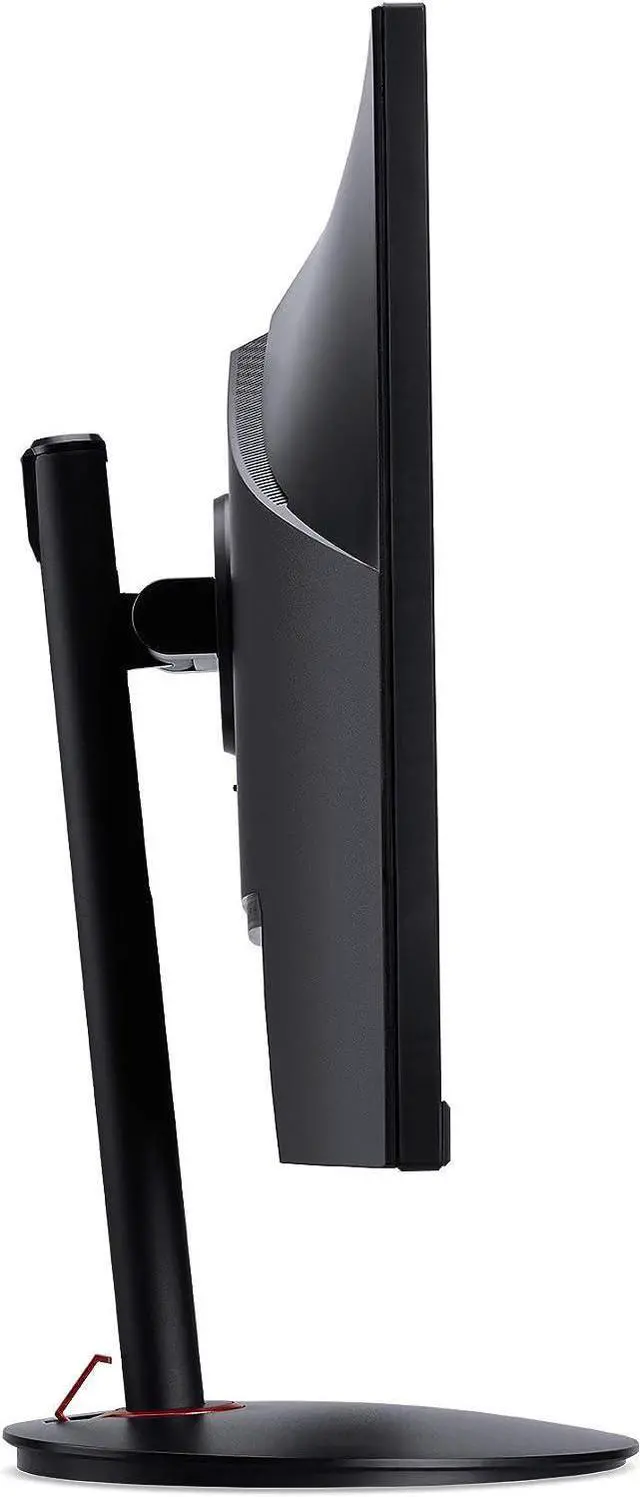
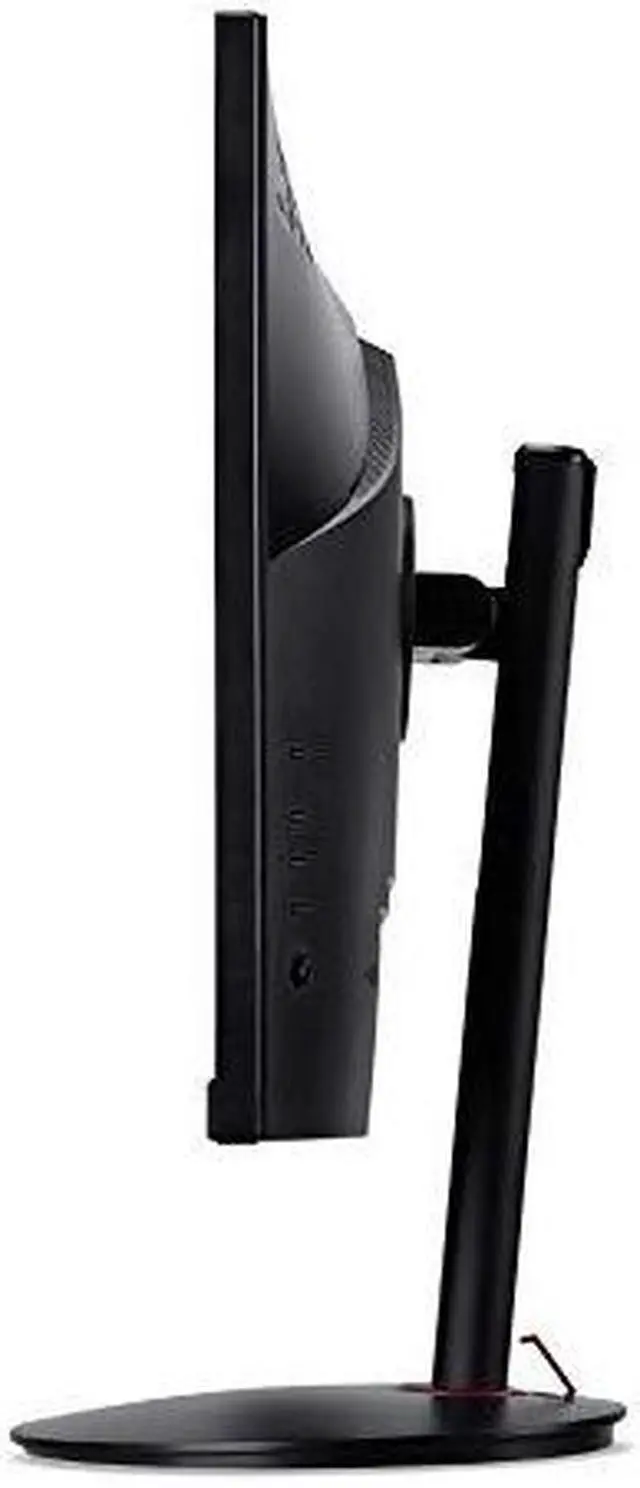
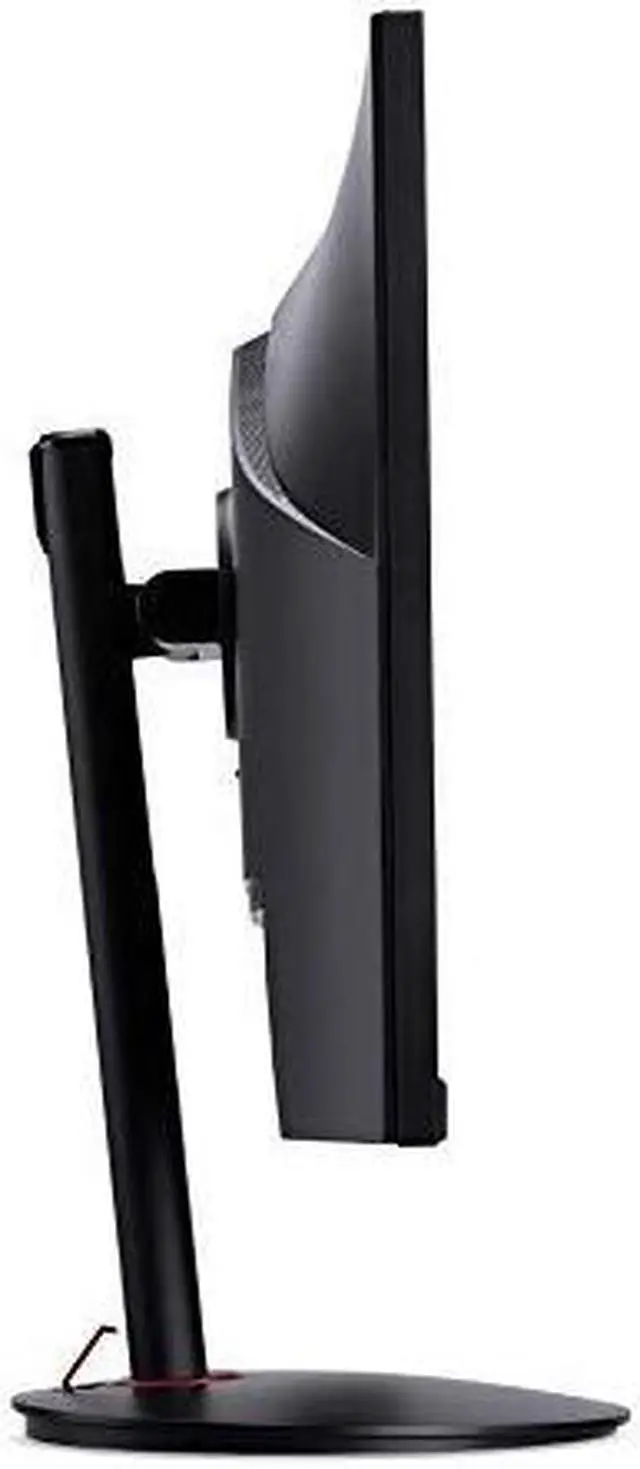
| Stand And Ergonomics | Height, pivot, swivel, and tilt adjustments; VESA 100 × 100 mm mounting compatibility |
|---|
| Audio And Features | Two built-in 2W speakers; ComfyView, Flicker-less, Low Dimming, and Acer VisionCare display technologies |
|---|
| Physical Specifications | 24.2 inches wide, 9.2 inches deep, and 15.8–20.5 inches tall; 6.3 kg |
|---|
| Power | 2 W power consumption |
|---|
| Included Items | Monitor, stand, power cord, DisplayPort cable, HDMI cable, quick start guide, and warranty card |
|---|
| Model Identifiers | Acer Nitro XV271U M3BMIIPRX; part number UM.HX1AA.301 |
|---|
Reference Q&A
Q: Acer Nitro XV271U M3 or KTC H27T22: which should I choose?
A: Choose the Acer Nitro XV271U M3 if you want up to 180Hz over DisplayPort and an sRGB picture mode. Choose the KTC H27T22 if a brighter image is more important: DisplayNinja measured higher peak brightness on the KTC, while both monitors offer 27-inch 1440p IPS panels and adjustable stands.
Q: Is the Acer Nitro XV271U M3 worth choosing over a 1440p 144Hz monitor?
A: Choose the XV271U M3 if you want the option of a higher refresh rate: it supports up to 180Hz over DisplayPort, while Acer lists HDMI refresh up to 144Hz. The difference is most relevant if your PC can deliver frame rates above 144 FPS; otherwise, a 144Hz 1440p monitor may meet your needs.
Q: Should I get the Acer XV271U M3 or a cheaper 1080p gaming monitor?
A: Choose the Acer if you want sharper detail and more desktop space at 27 inches: it has a 2560 × 1440 resolution, IPS panel and refresh rates up to 180Hz over DisplayPort. A 1080p monitor may suit a tighter budget or a PC that prioritizes higher frame rates at lower resolution; the Acer’s 1440p resolution also asks more of the graphics card than 1080p.
Q: Should I upgrade from the Acer XV271U M3 to a 1440p mini-LED monitor?
A: Keep the XV271U M3 if you mainly want 1440p gaming, an IPS display and up to 180Hz over DisplayPort. Consider a mini-LED upgrade such as the KTC M27T6 if improved HDR is a priority: its full-array local-dimming backlight has 1,152 zones, while the Acer review notes that the XV271U M3 lacks local dimming.
Q: Is this monitor suitable for PC gaming?
A: Yes. Its 27-inch 2560 × 1440 IPS display, 180Hz refresh rate, and AMD FreeSync make it suitable for high-refresh-rate PC gaming. The computer and connection must support the resolution and refresh rate you want; the monitor has DisplayPort 1.4 and two HDMI 2.0 inputs.
Q: Can I adjust the stand or rotate the screen to portrait?
A: Yes. The included stand supports height adjustment, tilt, swivel, and pivot, so you can rotate the display between landscape and portrait orientations.
Q: Is it suitable for office work as well as gaming?
A: Yes. Its 27-inch QHD IPS screen is suitable for everyday tasks such as documents, email, and spreadsheets, as well as gaming. It has built-in 2W-per-channel speakers, but no built-in webcam.
Q: Can I mount it on a monitor arm or wall mount?
A: Yes. It supports standard 100 × 100 mm VESA mounting. A mount or monitor arm is not listed among the included package contents, so plan to provide one separately.
Q: Does it have built-in speakers?
A: Yes. It has two built-in 2W speakers. The specs do not indicate a built-in webcam.
Q: Is the Acer Nitro XV271U M3 suitable for office work and occasional gaming?
A: It fits that mixed use on paper: it has a 27-inch, 2560 × 1440 IPS display, a 180Hz refresh rate, and a stand adjustable for height, pivot, swivel, and tilt. A Reddit owner also described using it for schoolwork and occasional gaming, while noting they had limited gaming experience with it.
Q: Is this monitor bright enough for a room with a lot of daylight?
A: It may be less suitable for a brightly lit room. Reddit discussions identify this model as a 250-nit display and describe that brightness as more appropriate for darker rooms than for spaces with strong natural light. The supplied product data does not list brightness, so treat those figures as community-reported information.
Q: What are the main trade-offs to consider before buying it?
A: The listed connections are two HDMI 2.0 ports and one DisplayPort 1.4 port; USB connectivity is not listed. One Reddit owner reported weak HDR performance and unimpressive built-in speakers. Consider another monitor if USB ports or stronger HDR are priorities.
Q: Is it a good value around the $200 price range?
A: It offers the key specifications discussed by budget-minded shoppers—27-inch QHD resolution and up to 180Hz—but whether it is a good value depends on its current price and competing options. Reddit posts considered it in roughly the $180–$230 range, but the discussions do not establish a definitive best buy.



 All Categories