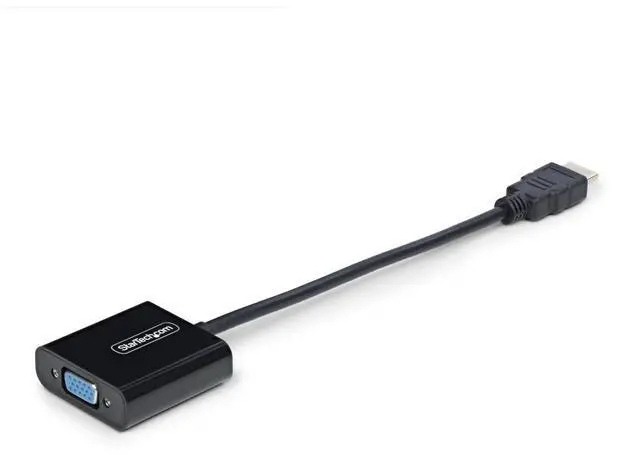
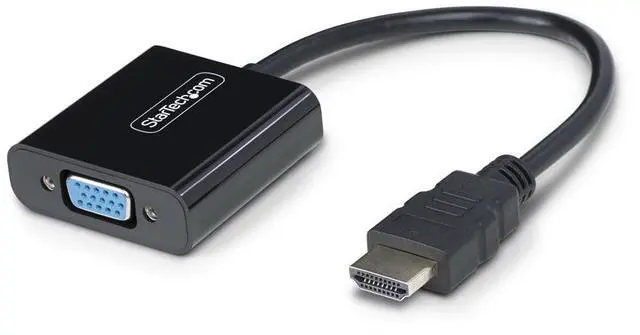
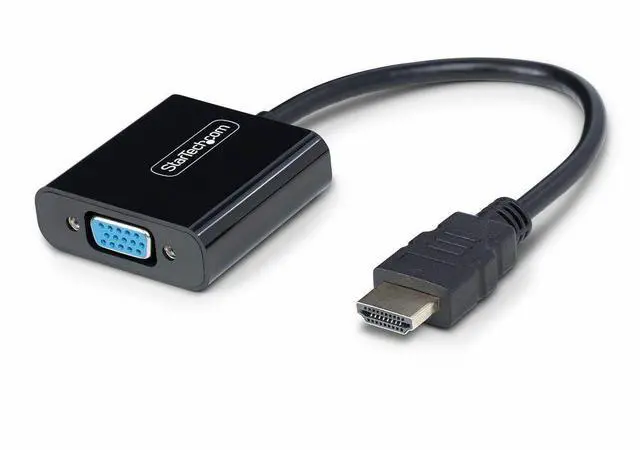
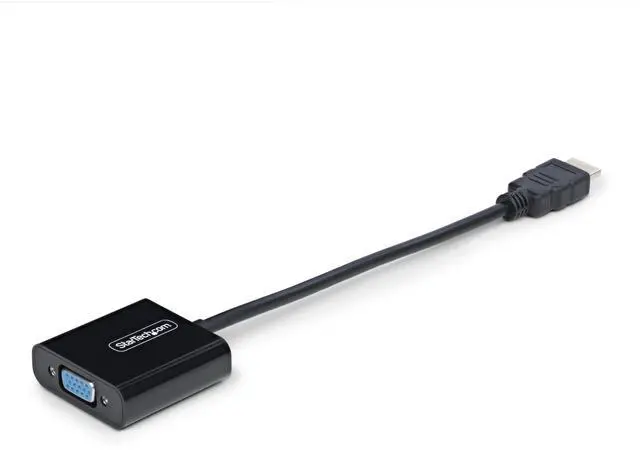
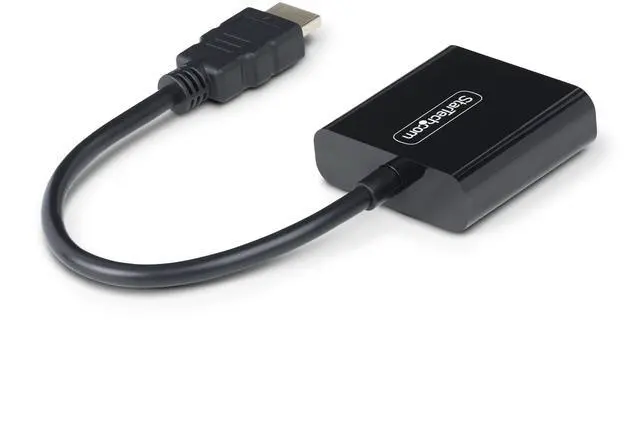
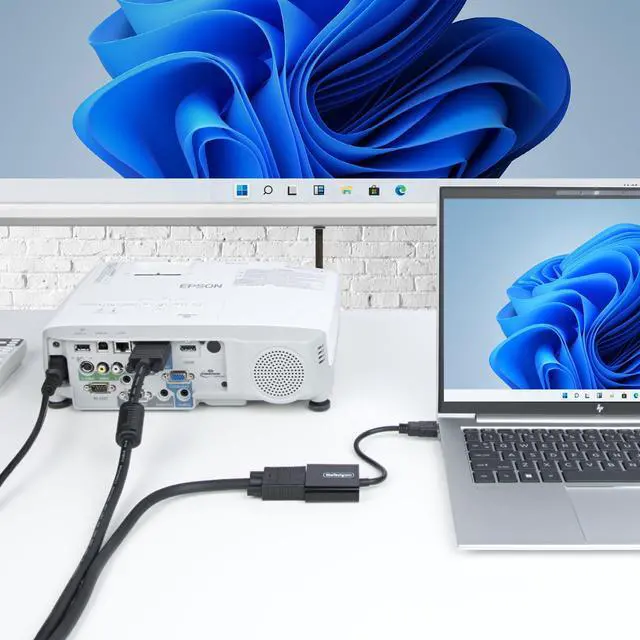
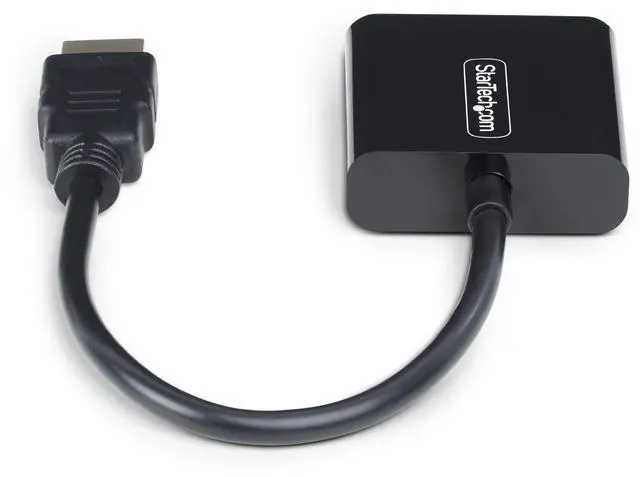
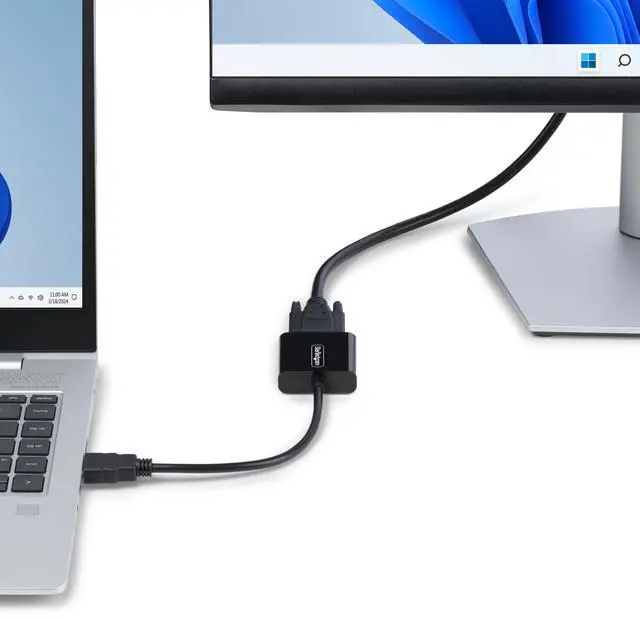
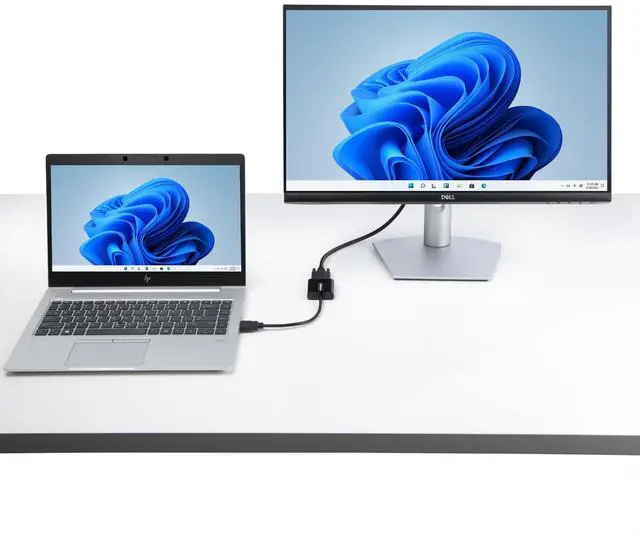
The StarTech HD2VGAE3 is an active HDMI-to-VGA adapter for connecting an HDMI laptop or desktop to a VGA monitor, display, or projector, making it suitable for users keeping legacy VGA equipment in service. It supports up to 1920×1200 or 1920×1080 and requires no power adapter.
Recommended For
- Presenters carrying an HDMI-equipped laptop who need to connect to a meeting-room or classroom projector that only has VGA; the adapter is compact and needs no external power.
- Office users adding a VGA-only monitor as a mirrored or extended display to an HDMI-equipped laptop or desktop, for routine desktop and productivity tasks.
- Mobile staff or technicians who occasionally visit sites with legacy VGA displays and want a small adapter they can keep in a laptop bag.
- Users reconnecting a newer HDMI source to a VGA-only projector or monitor for basic video output, provided the display accepts a compatible resolution.
Real-World Use Scenarios
- For a class or meeting in a room with a VGA-only projector, connect an HDMI laptop to the projector’s VGA cable to show slides or other computer content without replacing the projector; audio must be played separately because VGA carries no audio.
- At a desk with an older VGA monitor, use the adapter to connect an HDMI-equipped laptop or desktop and keep using the monitor for everyday work; the computer can mirror its screen or extend the desktop, depending on its display settings.
- When replacing a computer but keeping a VGA display, connect the new HDMI-equipped computer through the adapter rather than replacing the display immediately; the image still depends on the monitor’s supported resolution and the computer’s display settings.
- For a traveling presenter who may encounter older VGA displays, keep the compact adapter in a laptop bag and use it to connect an HDMI laptop without needing a separate power adapter; check the room’s cable and display setup before presenting.
- In a room where a long VGA cable or wall jack runs to the projector, use the adapter at the HDMI laptop end to feed that existing connection; the result can vary with the installed cable and display setup, so test the connection and resolution in advance.
Spec Summary
| Attribute | Value |
|---|
| Best For | Connecting an HDMI-equipped laptop or desktop to a VGA monitor |
|---|
| Ports And Connectivity | HDMI and VGA connectors |
|---|
| Cable Length | 5.8 inches |
|---|
| Physical Specifications | Black plastic enclosure; 9.2 × 1.8 × 0.6 inches |
|---|
| Model Identifiers | StarTech.com HD2VGAE3 |
|---|



 All Categories
 Top Rated