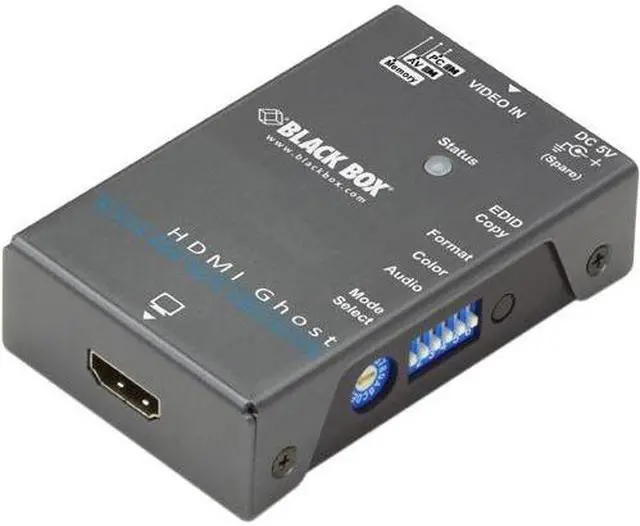
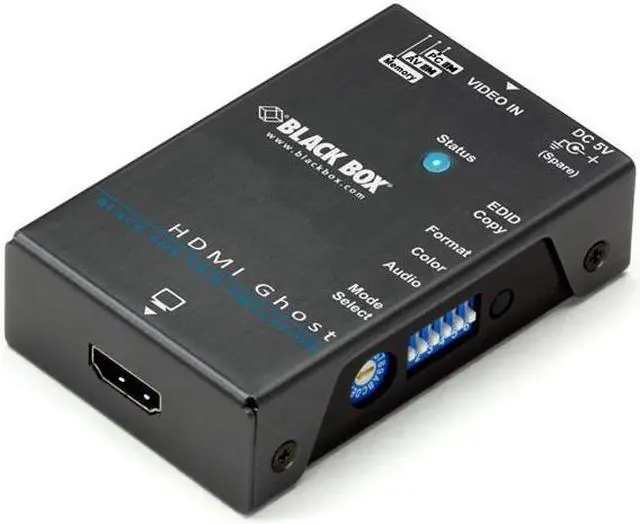
The Black Box HDMI EDID Ghost is an external HDMI EDID emulator that learns and stores a display’s EDID so a connected video source can use the display’s settings; it suits users troubleshooting display detection or resolution handshakes in HDMI setups.
Recommended For
- PC users whose HDMI signal passes through a KVM, switch, or extender and falls back to a lower resolution can use the Ghost to copy the display’s EDID and present it consistently to the source.
- People who need a computer’s HDMI port to remain active when a display is disconnected or unavailable can use the stored EDID so the source can retain its display settings.
- AV technicians managing several 1080p display setups can use its stored EDID profiles to select or compare resolutions across different installations.
- Home-theater users connecting a Blu-ray player, game console, or set-top box through intermediary AV equipment can use EDID copying or emulation to help the source identify the connected display’s supported settings.
Real-World Use Scenarios
- When a KVM switch or video extender prevents a PC from reading the monitor’s EDID, copy the monitor’s display information to the Ghost; the PC can then select a supported resolution instead of falling back to a lower default.
- In a PC-to-projector or PC-to-TV setup where the display’s EDID is unavailable or unreliable, use a copied or default EDID profile; the source can keep a usable video mode rather than losing video or choosing an unsuitable resolution.
- For a Blu-ray player, game console, or set-top box connected to a TV or projector, select an EDID mode suited to the AV setup; this can help the source choose a compatible picture resolution, color format, and audio-channel setting.
- When a source is used with different displays or installations, save their EDID profiles in the Ghost and select the needed profile later; this reduces the need to recopy display information each time the setup changes.
- In an installation where a PC’s video port deactivates because display information is not reaching it, use a stored or emulated EDID; the source can continue detecting a display profile, though the result depends on the connected equipment and settings.
Spec Summary
| Attribute | Value |
|---|
| Best For | Consumer-electronics applications |
|---|
| Brand | Black Box Corporation |
|---|



 All Categories