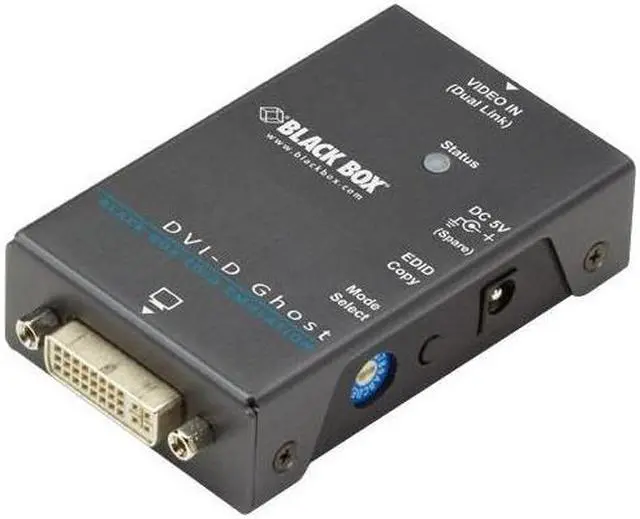
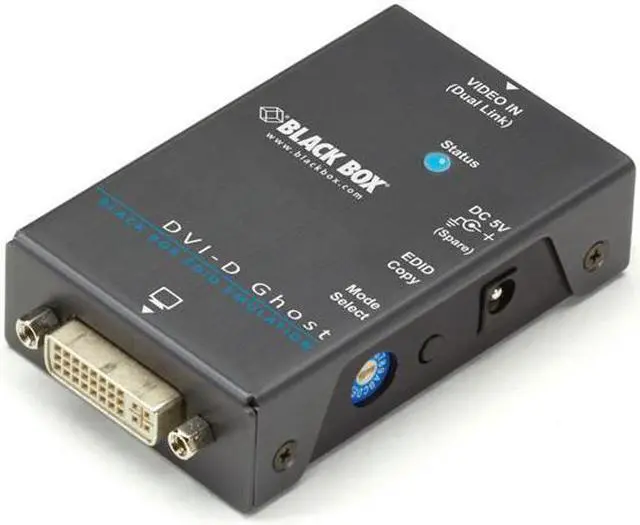
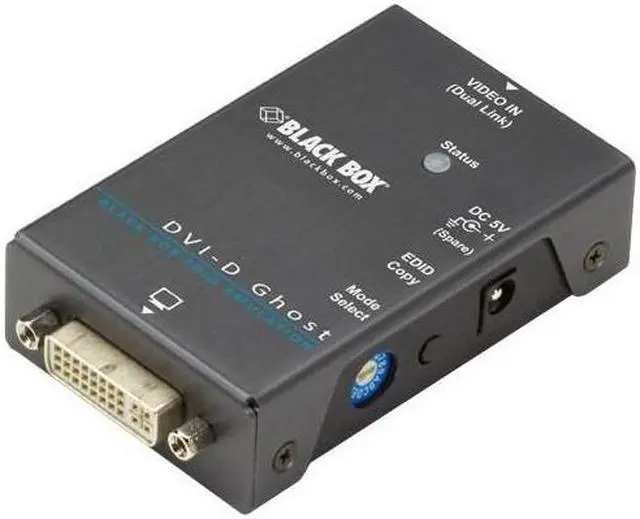
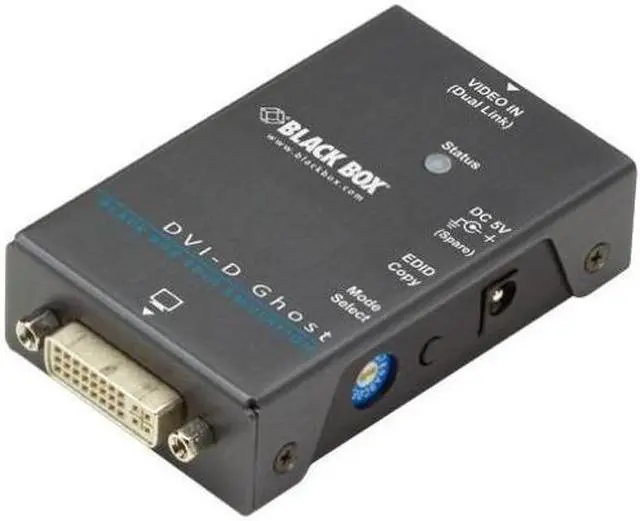
The Black Box DVI-D EDID Ghost (VG-DVI) is a DVI display-configuration device that learns and stores a monitor’s EDID so computers can use suitable display settings; it’s suited to AV installers and IT teams managing DVI displays, switches, or computers that may otherwise lose display detection.
Recommended For
- AV or IT teams using a DVI-connected KVM switch or extender that hides the display’s EDID, causing a computer to fall back to the wrong resolution or lose its video output.
- Operators of DVI-based PCs or workstations that need a saved display profile so the source can boot with the intended resolution when the monitor is not reliably detected.
- Technicians troubleshooting DVI systems whose graphics cards deactivate a port or select a default resolution when the display’s EDID is unavailable.
- Installers who need to copy a DVI display’s EDID or select a listed resolution for a source in a fixed display setup.
Real-World Use Scenarios
- When a DVI KVM switch or video extension system prevents a PC from reading the monitor’s EDID, copy the display’s EDID to the Ghost so the source can select a resolution the display supports.
- When a PC starts before its DVI monitor is available, store the monitor’s EDID in the Ghost so the PC can still detect display information and start with the saved settings.
- If a computer falls back to a lower resolution because a switch or extender is obscuring the display’s capabilities, use the Ghost to present the display’s copied EDID to the source; the result depends on the connected equipment and supported resolutions.
- In an installation that alternates among DVI displays, save multiple displays’ EDID data and select a stored profile so the source can use the intended display settings without relearning each display.
- When a PC disables a DVI output because it detects no connected display, use EDID learning and emulation to keep display information available to the computer.
Spec Summary
| Attribute | Value |
|---|
| Best For | DVI-D display setups using an EDID ghost |
|---|
| Product Identity | Black Box consumer electronics |
|---|



 All Categories