


 All CategoriesAll CategoriesAll Categories
Shipped by Newegg




Warranty Notice:
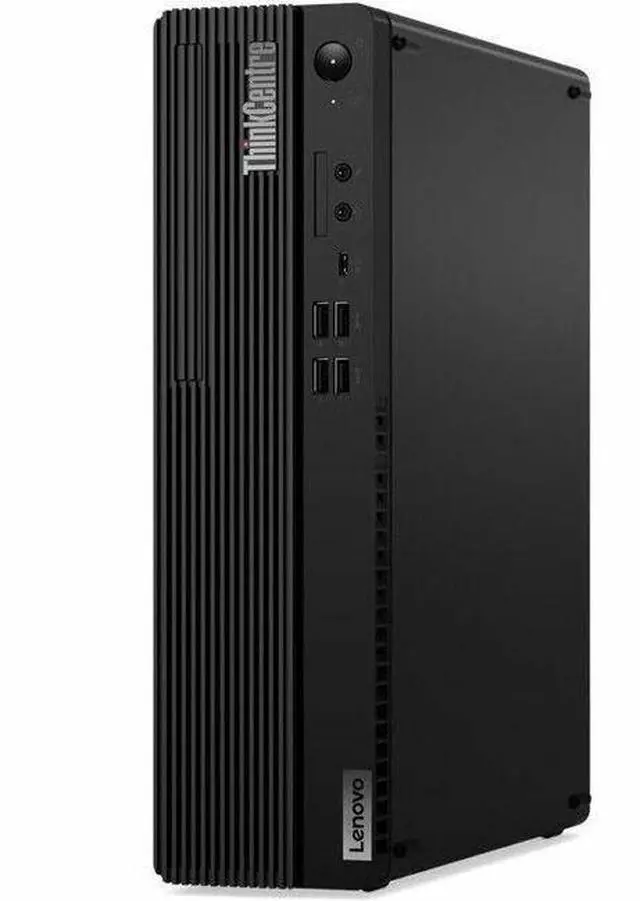
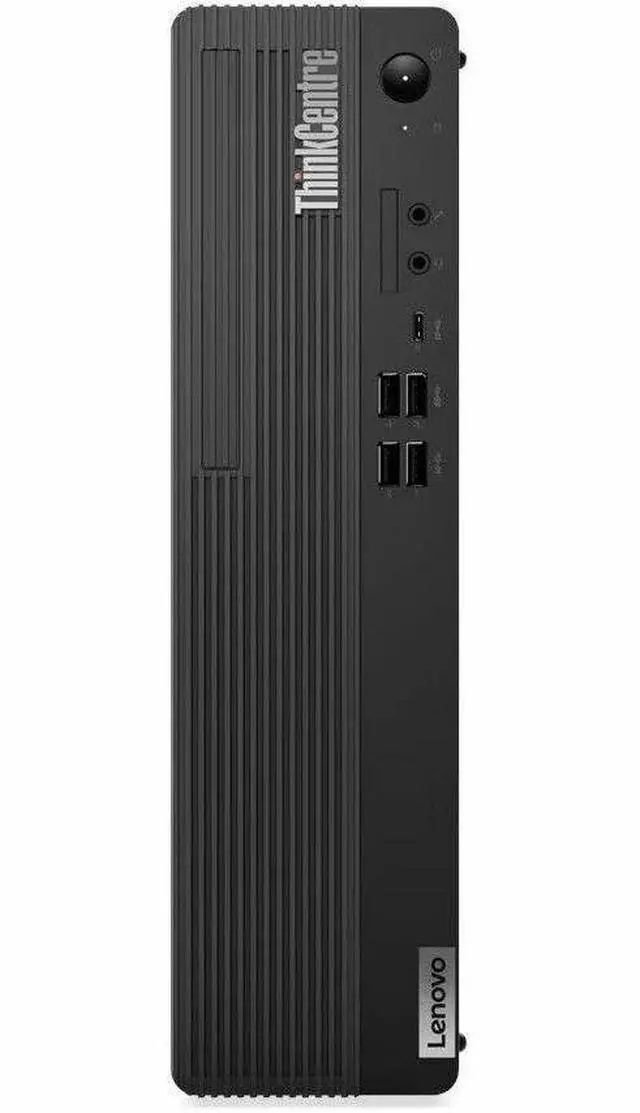
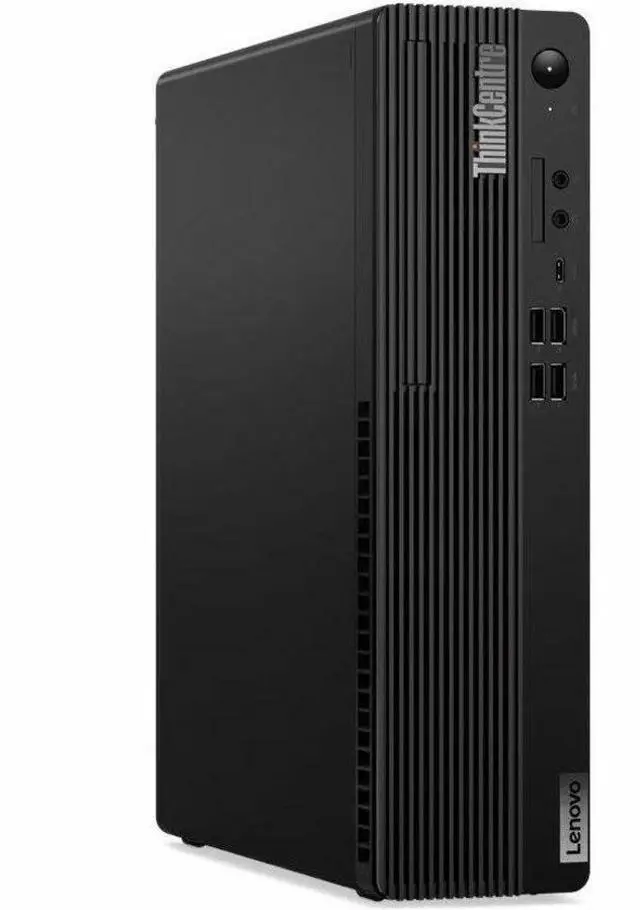
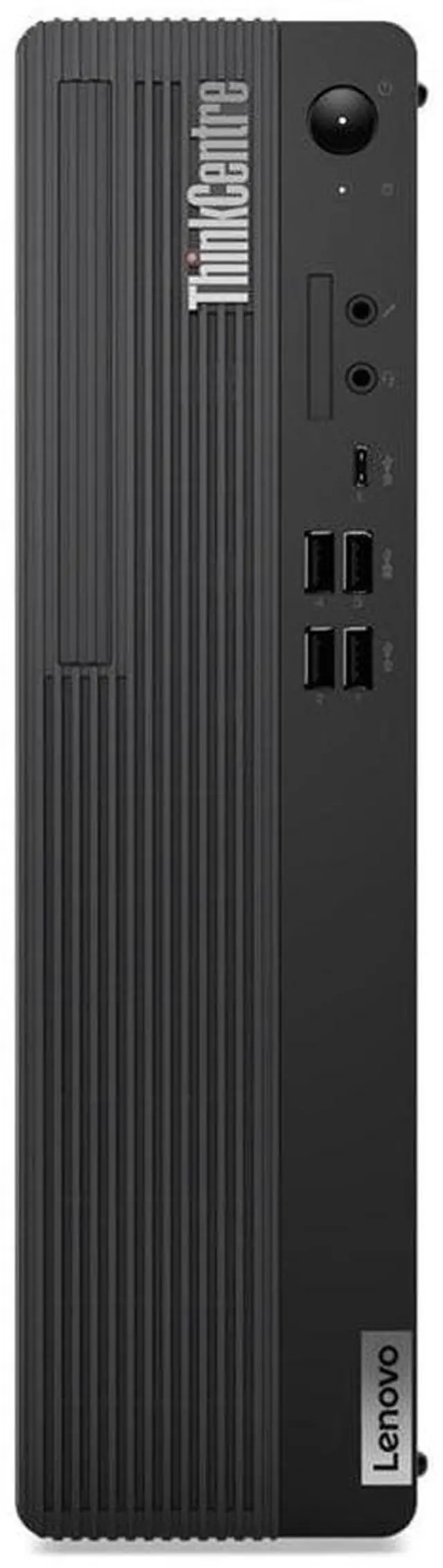
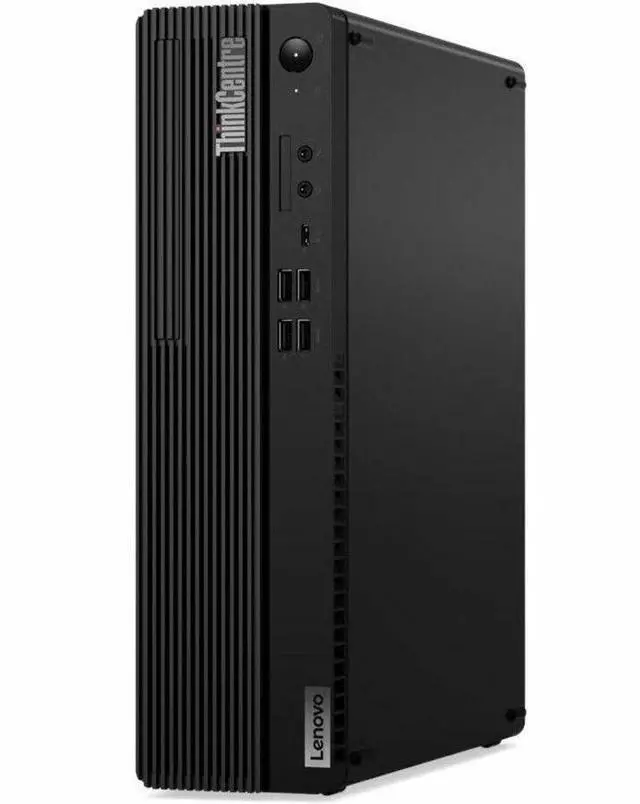
This product does not include manufacturer warranty when purchased or used outside of its designated sales region. By purchasing internationally, you acknowledge that warranty support from the manufacturer will not be available.The Lenovo ThinkCentre M90s Gen 5 is a small-form-factor business desktop with an Intel Core i7-14700, 32GB of memory, a 512GB SSD, and Windows 11 Pro, suited to office and work users who need a capable desktop for everyday productivity.
| Attribute | Value |
|---|---|
| Best For | Business, work, home-office, and everyday computing |
| Processor | Intel Core i7-14700, 14th Gen, with vPro; 2.1 GHz processor speed and 33 MB cache |
| Graphics | Integrated Intel UHD Graphics 770 with shared graphics memory |
| Memory | 32 GB DDR5 RAM at 4400 MHz, expandable to 128 GB |
| Storage And Optical Drive | 512 GB PCIe x4 SSD, no HDD, plus a DVD+RW optical drive |
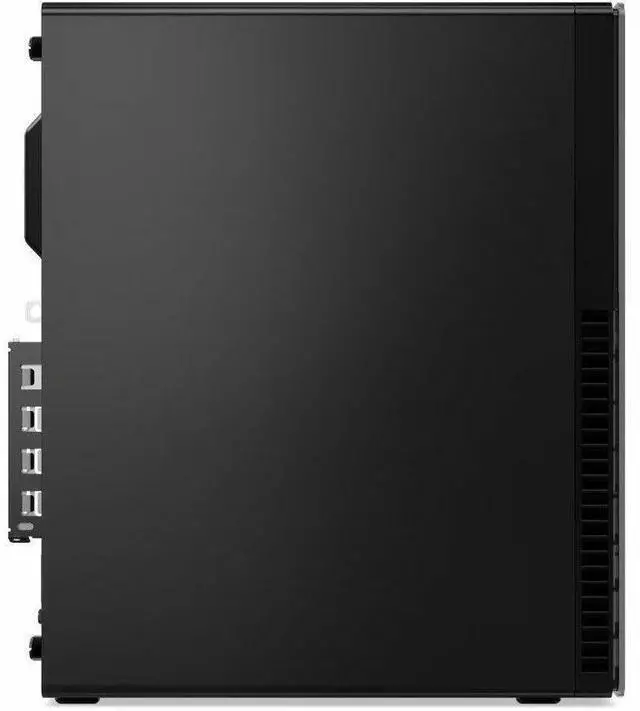
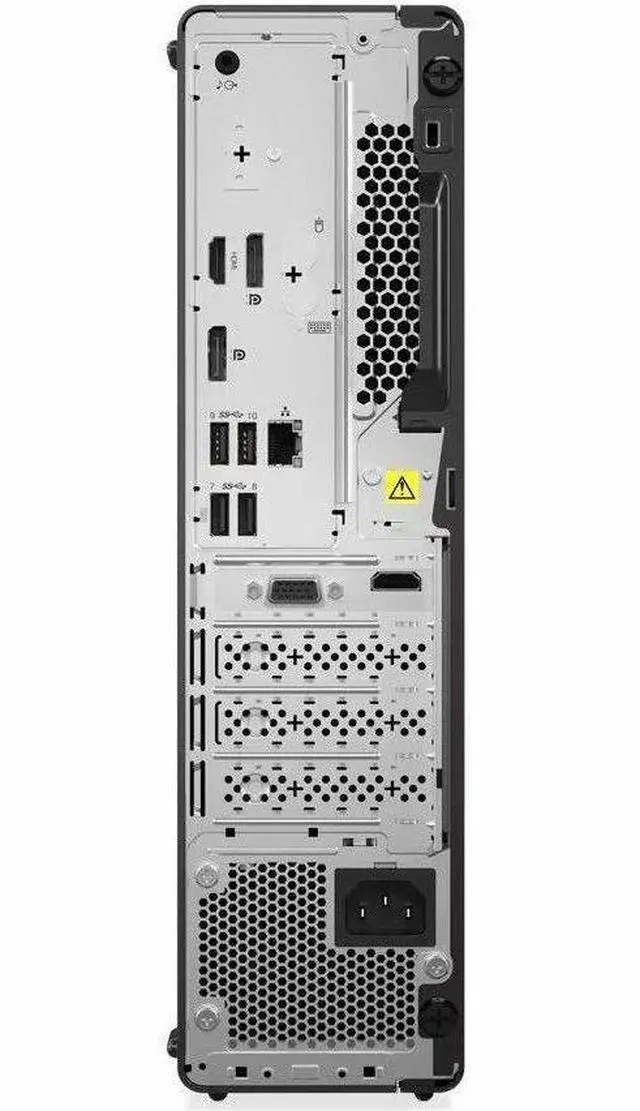
| Ports And Connectivity | 9 USB ports, 1 HDMI port, Gigabit Ethernet, Wi-Fi 6 (802.11ax), and Bluetooth |
| Operating System | Windows 11 Pro |
| Display | No built-in screen; monitor not included |
| Keyboard And Controls | USB traditional keyboard with QWERTY layout; button controls |
| Physical Specifications | 14.55 lb; 21.1 × 15.4 × 7.4 inches |
| Model Identifiers | Lenovo ThinkCentre M90s Gen 5, model 12V40006US |
Q: Should I get the ThinkCentre M90s Gen 5 with the i7-14700 or an i5-14500 configuration?
A: Choose this i7-14700 configuration for heavier multitasking and CPU-intensive work: the processor has 20 cores and 28 threads, compared with 14 cores and 20 threads for the i5-14500. Both use Intel UHD Graphics 770, so the i7 upgrade is mainly for CPU performance, not a step up in integrated graphics. This SKU also includes 32GB of RAM and a 512GB SSD.
Q: ThinkCentre M90s Gen 5 or M90q Gen 5 Tiny—which should I choose?
A: Choose the M90s Gen 5 if you want a small-form-factor desktop with a DVD writer and more room for expansion; Lenovo lists additional PCIe expansion on the M90s. Choose the M90q Gen 5 Tiny when minimizing desk or mounting space matters most: it is a 1-liter system, and Lenovo offers it with the i7-14700 as well. The two options prioritize expandability and compactness, respectively.
Q: Is the M90s Gen 5 i7 worth choosing over the M90s Gen 4 i7?
A: Choose the Gen 5 i7-14700 version if your work can use more processor cores: Lenovo lists 20 cores and 28 threads for the i7-14700, versus 16 cores and 24 threads for the Gen 4 i7-13700. Both generations list Intel UHD Graphics 770, so the change is more relevant to CPU-heavy workloads than to integrated-graphics performance. For routine office tasks, the older model may be sufficient if its configuration and price suit your needs.
Q: ThinkCentre M90s Gen 5 or M70s Gen 5—which suits a setup with more expansion needs?
A: The M90s Gen 5 is the more suitable choice when you need its additional PCIe expansion slot or faster front USB-C connection: Lenovo lists a third PCIe slot on the M90s and USB-C at 10Gbps, while the M70s has fewer listed PCIe slots and USB-C at 5Gbps. The M70s may fit a setup that does not need those specific expansion and port options; compare the exact configurations before choosing.
Q: Is this desktop suitable for office work and multitasking?
A: Yes. Its Intel Core i7-14700 processor, 32 GB of memory, 512 GB SSD, and Windows 11 Pro make it suitable for typical business tasks and running several work applications at once. It is a desktop, not a portable travel computer.
Q: Does this desktop come with a monitor?
A: No. The monitor is not included, so you will need to provide one separately.
Q: Is this desktop a good choice for gaming?
A: It has integrated Intel UHD Graphics 770, and the provided specifications do not list a dedicated graphics card. It may suit basic graphics needs, but demanding games may require a system with a dedicated GPU.
Q: Does it have a built-in DVD drive?
A: Yes. The listed configuration includes a DVD writer for reading and burning compatible discs.
Q: Is the M90s Gen 5 suitable for a home server or homelab?
A: It may suit a homelab that benefits from an i7-14700, 32 GB RAM, and a compact business desktop. One M90s Gen 5 owner described it as quiet in ordinary use, but more audible during CPU boost. The listed 512 GB SSD and integrated graphics may be limiting if your server needs substantial storage or a discrete GPU; compare those needs and the price with a custom build before buying.
Q: Can I add a graphics card later for gaming or GPU-heavy work?
A: The listed configuration specifies Intel UHD Graphics 770, not a discrete graphics card. Reddit discussions about fitting low-profile GPUs into M90s Gen 5 systems raise questions about card clearance and power, so don’t assume a particular GPU will work. Check the exact unit’s power supply, slot and card dimensions, and Lenovo compatibility before purchasing an upgrade.
Q: Is the M90s Gen 5 worth choosing over the M70s Gen 5?
A: A Reddit buyer comparing M90s and M70s configurations with the same i7-14700 asked whether the M90s’s higher price was justified, including differences in listed memory speed. That discussion does not establish a universal winner. For this listing, weigh its 32 GB RAM, 512 GB SSD, Windows 11 Pro, and vPro against the competing model’s exact configuration and price; confirm specifications for the specific units you’re comparing.