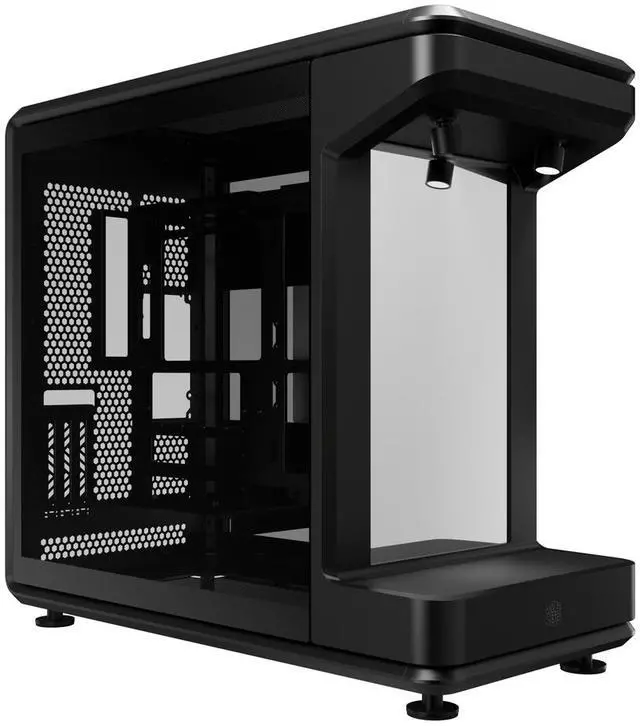
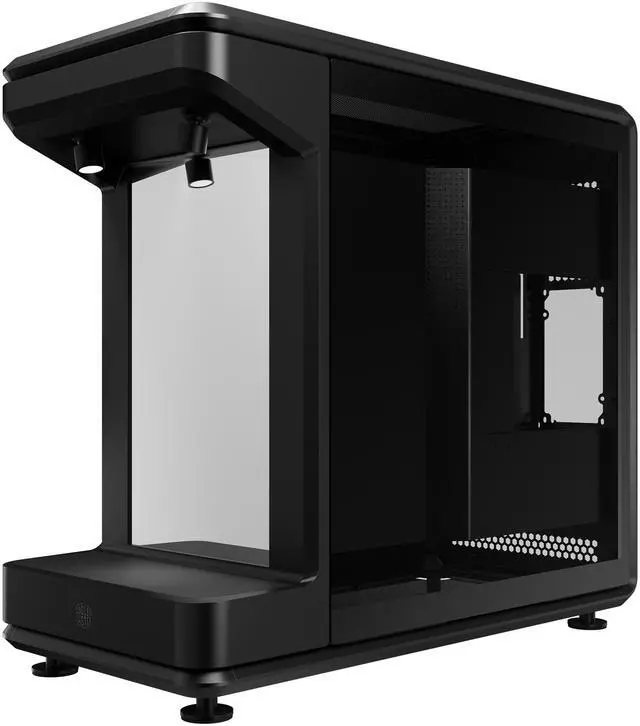
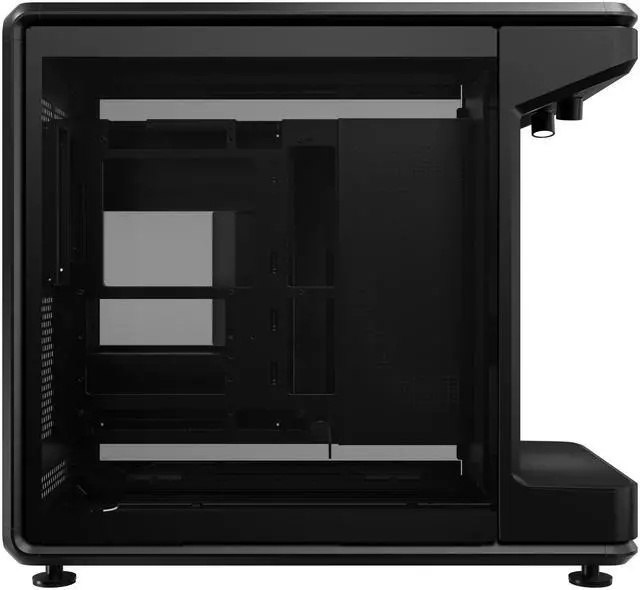
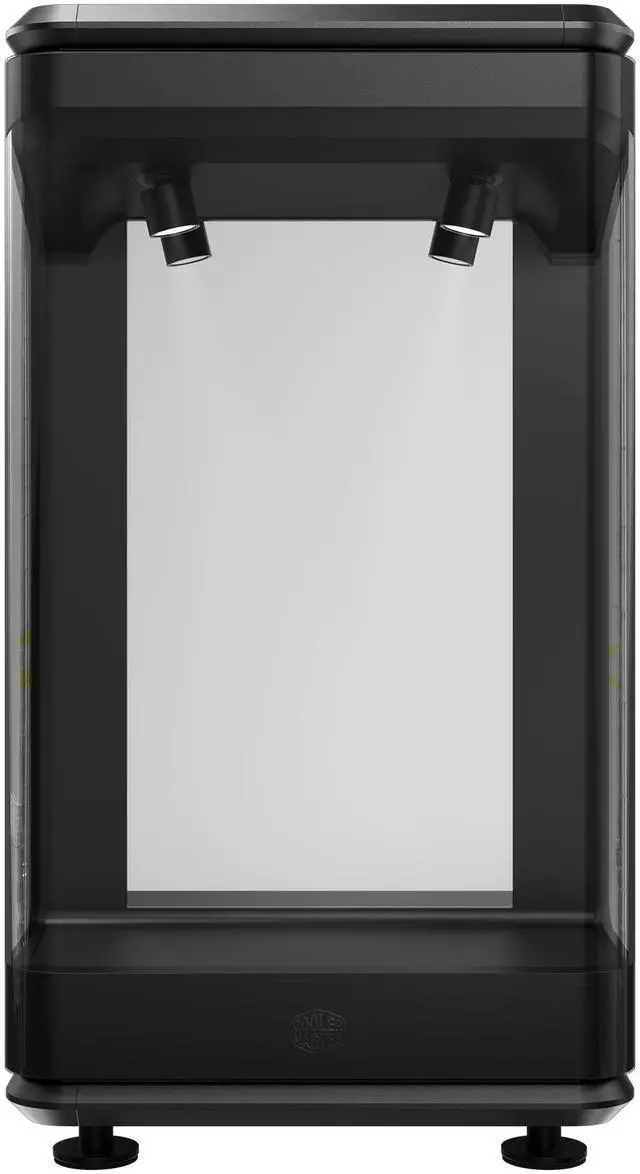
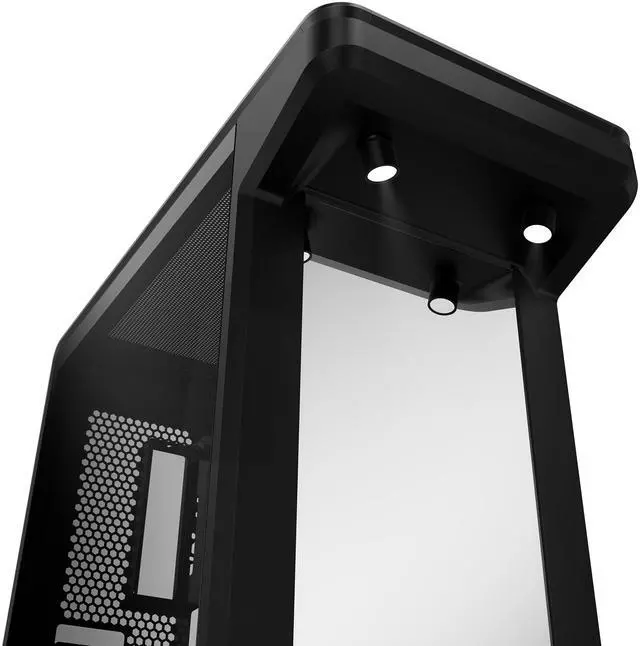
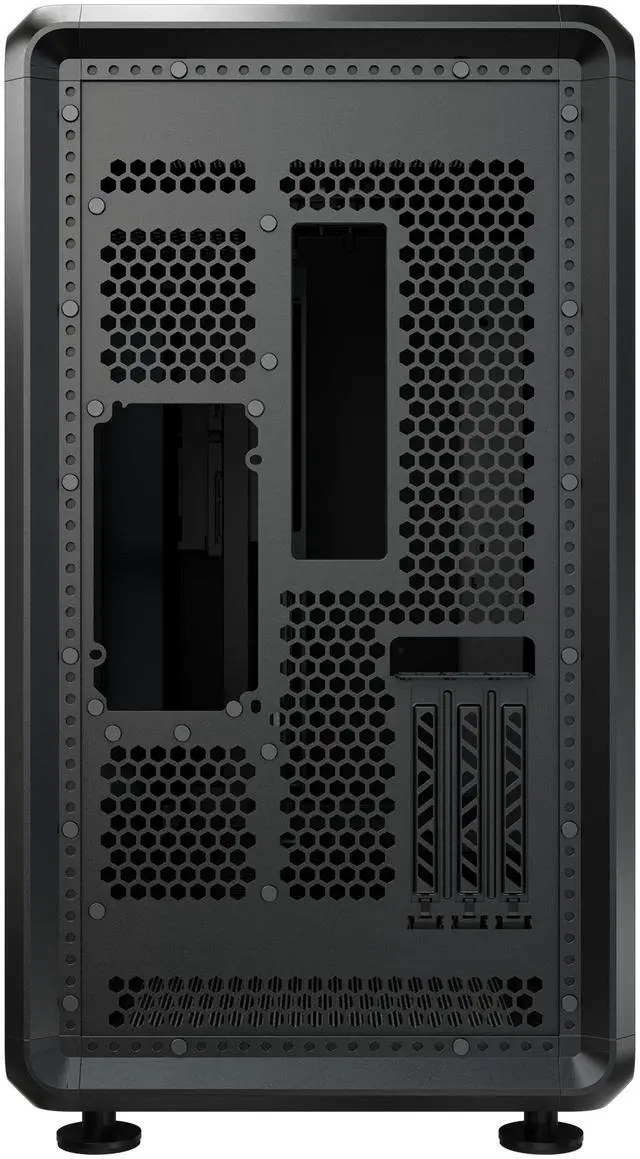
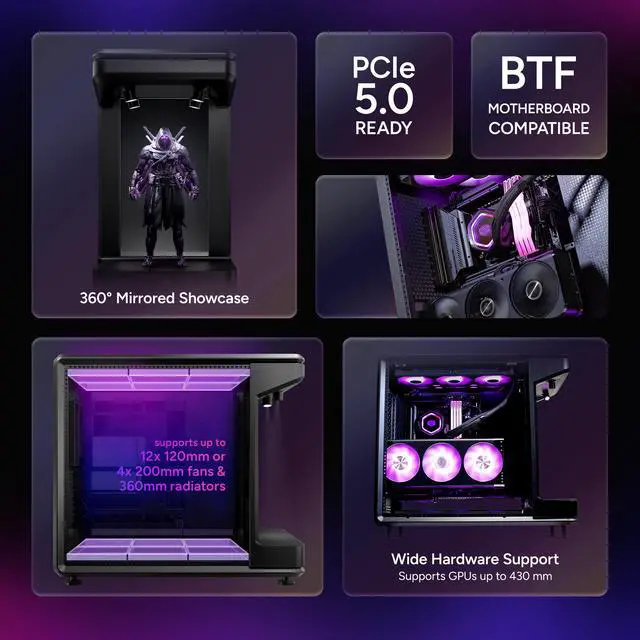
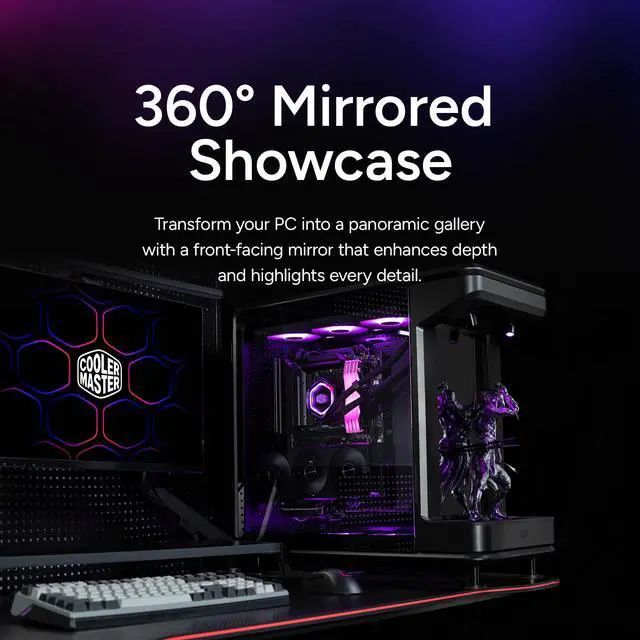
The Cooler Master MasterFrame 360 Stage Mirror is an open-frame ATX mid-tower PC case built for showcase-focused gaming and creator builds, with a mirrored front display stage, included PCIe 5.0 vertical GPU mount, support for GPUs up to 430mm, and room for up to twelve 120mm fans or 360mm radiators.
Recommended For
- PC builders creating a display-first setup with visible GPU, lighting, and themed decor. Cooler Master positions the Stage Mirror as a visual-first showcase case with a front collectibles display and mirrored stage, so it fits users who want the case to be part of the room setup rather than hidden under a desk.
- Custom-loop and showcase-cooling enthusiasts planning a visually open build with multiple radiators, pump/res hardware, and a vertical GPU. Official positioning highlights support for up to 360 mm radiators and pump support, while community builds show the chassis being used for elaborate water-cooled projects.
- Users building around very large modern components, such as long flagship GPUs and back-connect ATX motherboards, who still want the system to look clean on display. The case is positioned around wide component clearance, vertical GPU presentation, and deep cable-routing space.
- Collectors and hobbyists who want to integrate figures, models, or props into a PC build. Across official marketing and review coverage, the front stage is treated as a display area for collectibles, making it a match for anime, gaming, or themed desk setups.
Real-World Use Scenarios
- A builder assembling a visual-first gaming or creator PC can use this case to make the GPU, cooling hardware, and themed accessories part of the display; the likely result is a build that is meant to sit in view rather than under a desk.
- Someone planning a high-end build with a long modern graphics card and vertical GPU presentation can use this case without giving up the showcase layout; the likely experience is cleaner GPU visibility and enough room for current flagship-class parts.
- A custom-loop or heavy-airflow builder can use the open layout for large cooling setups and easy hardware access; the likely outcome is more freedom for radiator, fan, pump, and tubing placement than in a conventional closed mid-tower.
- A collector or themed-build owner can place a figure, prop, or decorative component on the front stage so the PC doubles as display furniture; the likely result is stronger visual impact than a standard glass-front case, especially from multiple angles.
- A modder who frequently swaps parts, changes cable routing, or rebuilds for a new theme can use the open-frame structure as an easier-access platform; the likely experience is simpler iteration than with tighter enclosed cases, though it is best suited to users comfortable with exposed builds.
Spec Summary
| Attribute | Value |
|---|
| Best For | Showcase- and collector-style PC builds that highlight internal components with a front mirrored stage; supports ATX/Micro-ATX/Mini-ITX and BTF layouts, long GPUs up to 430 mm, and extensive air/water cooling including 360 mm radiators and up to 12×120 mm fans |
|---|
| Model Identifiers | Cooler Master MASTERFRAME Series MF360-KHNN-S01 (Black) — model name MasterFrame 360 Stage Mirror |
|---|
| Chassis And Materials | SGCC steel exterior with metal enclosure and tempered glass side panels (left/right TG); mesh-only dust filters |
|---|
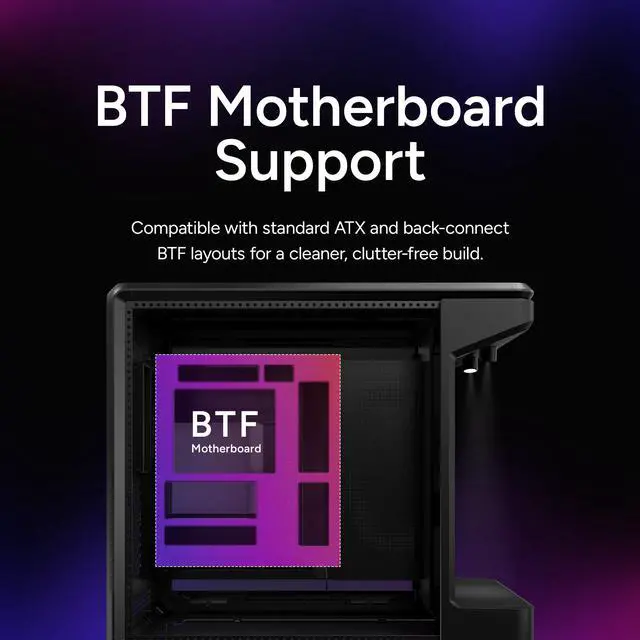
| Motherboard Compatibility | Supports Mini-ITX, Micro-ATX, ATX and BTF (back-connect ATX) layouts |
|---|
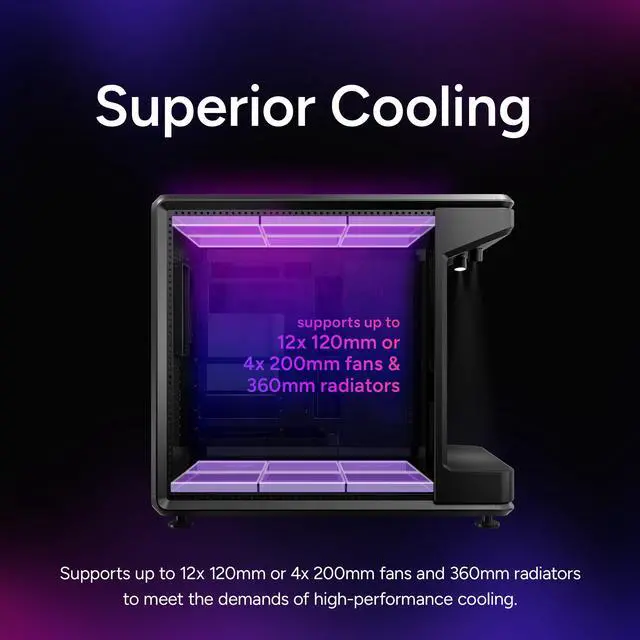
| Cooling And Radiator Support | Supports air and water cooling; top and bottom accommodate up to 6×120 mm each (up to 12×120 mm total) and optional larger fans (2×140 mm / 2×180 mm / 2×200 mm); radiator support up to 360 mm with maximum thickness clearance 75 mm |
|---|
| Graphics & PSU Clearance | GPU clearance up to 430 mm; PSU length up to 210 mm; CPU cooler height up to 145 mm |
|---|
| Drive Bays & Expansion | One 3.5-inch drive bay and two 2.5-inch bays; PCI expansion slots listed as '3.5' in source data |
|---|
| Front I/O & Audio | Front I/O includes 1× USB4 Gen 2×2 Type‑C (20 Gbps), 2× USB 3.2 Gen 1 Type‑A (5 Gbps), and 1× 3.5 mm headset jack |
|---|
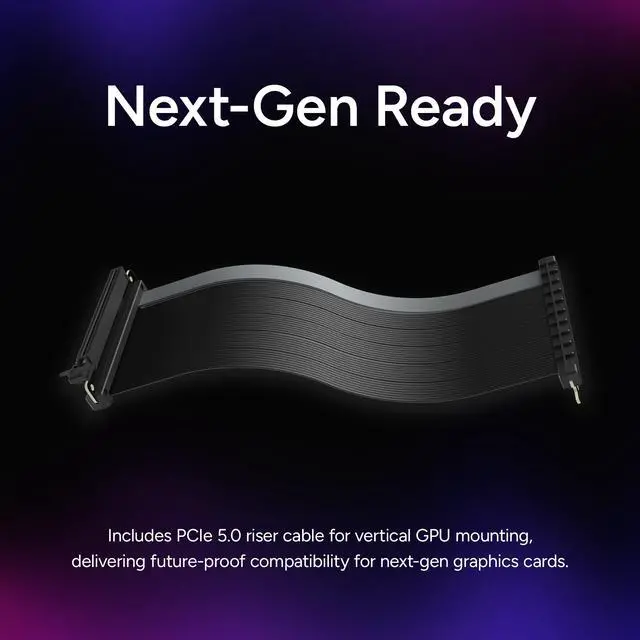
| Included Accessories & Mounting | Includes PCIe 5.0 riser cable for vertical GPU mounting; bottom-mounted PSU |
|---|
| Dimensions & Weight | 549 × 291 × 581 mm (D × W × H); weight 13.72 kg |
|---|
Reference Q&A
Q: Should I choose the Cooler Master MasterFrame 360 Stage Mirror or the HYTE Y60 for a showcase gaming build?
A: Choose the MasterFrame 360 Stage Mirror if your priority is an open-frame display build with more visible presentation, broader top-and-bottom fan placement, and included PCIe 5.0 vertical GPU mounting. Choose the HYTE Y60 if you want a more enclosed panoramic case with built-in bottom airflow support and a more conventional tempered-glass chassis layout. The MasterFrame 360 is the better fit for display-first builds and custom visual themes, while the Y60 is the safer fit for users who want showcase styling in a more traditional enclosure.
Q: Is the MasterFrame 360 Stage Mirror worth it over a smaller mATX open-frame case like the MasterFrame 400 Mesh?
A: Choose the MasterFrame 360 Stage Mirror if you want full ATX support, more room for very large GPUs, more total fan positions, and a larger visual showcase area. Choose the MasterFrame 400 Mesh if you want a more compact open-frame build and are comfortable building around Micro-ATX or Mini-ITX. In practice, the 360 is the better option for larger flagship parts and display-heavy builds, while the 400 makes more sense when footprint and system size matter more than maximum hardware headroom.
Q: Should I get the MasterFrame 360 Stage Mirror or a traditional airflow case for a performance-first build?
A: Choose the MasterFrame 360 Stage Mirror if you want high cooling capacity together with open presentation and easy access for a visually planned build. Choose a traditional airflow case if your priority is a more enclosed structure, easier dust control, and less emphasis on cable presentation. Reviews of the MasterFrame 360 variants consistently frame them as showcase-focused cases that can support strong cooling hardware, but they reward builders who are willing to manage cable visibility and desktop space carefully.
Q: Is the MasterFrame 360 Stage Mirror a better choice than an older open-frame case like the Thermaltake Core P5?
A: Choose the MasterFrame 360 Stage Mirror if you want a newer showcase concept with modern front I/O, included PCIe 5.0 vertical GPU support, and a platform designed around current large GPUs and radiator layouts. Choose the Thermaltake Core P5 if you specifically want a classic wall-mount-style open-frame layout and are shopping around that older design philosophy. The MasterFrame 360 is the more current option for modern ATX display builds, while the Core P5 still appeals to users who prefer a simpler open-frame presentation format.
Q: Who is this case actually suitable for?
A: This case is best for showcase-focused desktop builds, not for buyers who want a compact or conventional enclosed tower. Its strongest fit is for users who want an open-frame display case for a themed gaming PC, collector build, or creator setup with a vertically mounted GPU and visible components. It is less suitable for people who prioritize portability, minimal maintenance, or a closed, dust-controlled design.
Q: Is this a good choice for high-end GPUs and large liquid-cooling builds?
A: Yes, it is a strong fit for high-end parts if your goal is space and presentation. Based on the provided specs, it supports GPUs up to 430 mm, radiators up to 360 mm on both the top and bottom, and up to twelve 120 mm fans. That makes it better suited than many mainstream mid-towers for oversized GPUs and heavy cooling setups. The trade-off is that you still need to plan fan purchases and airflow direction carefully, because large support on paper does not mean fans are included.
Q: Does it include vertical GPU mounting hardware, or do I need to buy that separately?
A: The provided product data says the case includes a PCIe 5.0 vertical GPU mount and riser cable, so you should not need to buy a separate vertical-mount kit for a standard vertical display build. That is a practical advantage over many cases where vertical mounting is optional, limited, or requires an added bracket or riser. As always, buyers should still confirm GPU thickness and clearance before purchase.
Q: What are the main trade-offs versus a more traditional airflow case?
A: The main advantage is display value: this case is built to show off the GPU, cooling hardware, and themed components more aggressively than a standard mesh-front tower. The main trade-offs are practical. A traditional airflow case is usually easier to keep dust-controlled, may include fans more often, and can be simpler for builders who just want quiet, low-maintenance performance. This Cooler Master model makes more sense if visual presentation is part of the buying decision, not just cooling efficiency.
Q: Is this a better buy than a glass-front panoramic case like the HYTE Y60 or Y70?
A: It depends on what you value more. The MasterFrame 360 Stage Mirror is the better fit if you want a more open, stage-style display concept, larger stated GPU clearance, and a bundled PCIe 5.0 riser. A panoramic case like the HYTE Y60 or Y70 is usually the safer pick for buyers who want a more conventional enclosure with similar visual appeal. In short: choose this Cooler Master case for maximum showcase character, and choose a panoramic enclosed case for a more balanced mix of display and everyday practicality.
Q: Who is the MasterFrame 360 Stage Mirror best suited for?
A: It is best suited for showcase-focused PC builders who want an open-frame case with strong visual presentation, vertical GPU display, and room for custom cooling. It makes more sense for themed builds, collectibles, and display-heavy setups than for buyers who just want a compact or discreet tower.
Q: Is the MasterFrame 360 Stage Mirror a good choice for high-end GPUs and custom cooling?
A: Yes, if your priority is hardware clearance and build flexibility. Based on the product specs, it supports GPUs up to 430 mm, up to 360 mm radiators at the top and bottom, and very high fan capacity. Community discussion also centers on large-GPU fitment and multi-radiator builds, so it is a practical option for high-end display builds. The trade-off is that cooling performance may still depend heavily on fan setup and noise targets.
Q: What are the main trade-offs of buying the MasterFrame 360 Stage Mirror?
A: The main trade-offs are size, open-frame practicality, and storage limits. It is a large case, it prioritizes presentation over a conventional closed-tower layout, and the listed drive support is modest with only one 3.5-inch bay and two 2.5-inch bays. It is a better fit for modern SSD-based showcase builds than for compact, understated, or storage-heavy systems.
Q: Is the MasterFrame 360 Stage Mirror worth buying over a normal mid-tower case?
A: It is worth buying if you specifically want a case that doubles as a display piece and you will use its open layout, vertical GPU mount, and large cooling capacity. It is less compelling than a normal mid-tower if your priorities are compact size, conventional desk fit, or simple value-per-dollar. The decision mostly depends on whether the visual showcase design is a core requirement rather than a nice extra.
Q: Should you buy this case if you want lots of internal drives or broad motherboard support?
A: Only if your storage needs are light and your motherboard is within the supported formats. The product data lists support for Mini-ITX, Micro-ATX, ATX, and ATX BTF, but not E-ATX, and community discussion specifically raises E-ATX as a limitation. It also offers limited legacy drive mounting, so it is not the best choice for storage-heavy builds.



 All Categories