


 All CategoriesAll CategoriesAll Categories
Shipped by Newegg


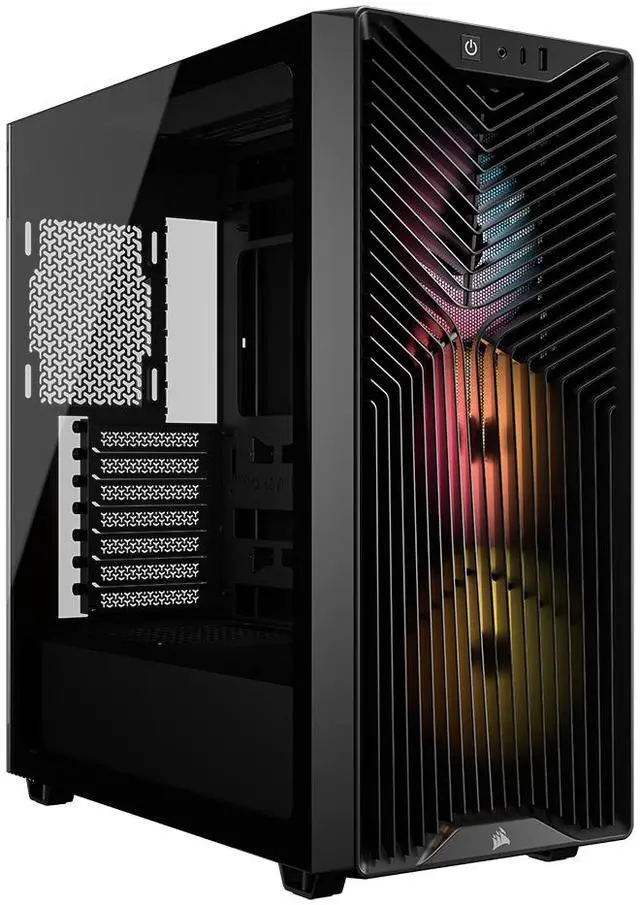
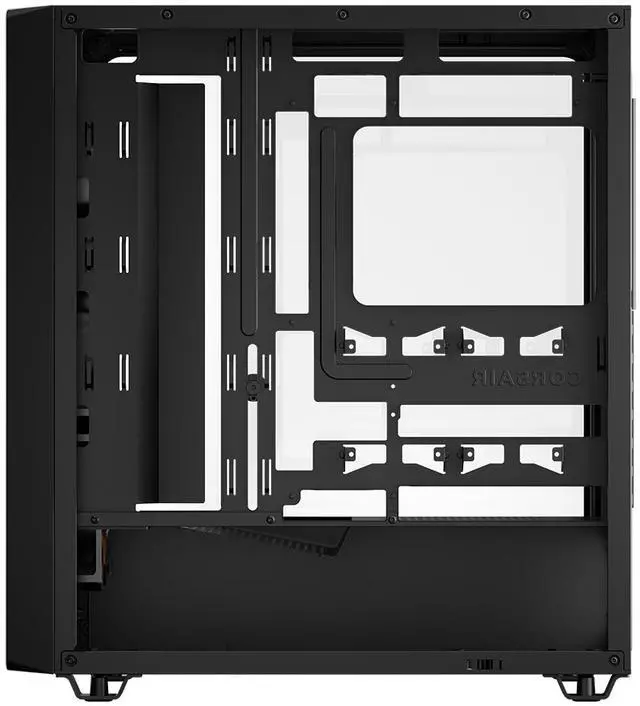
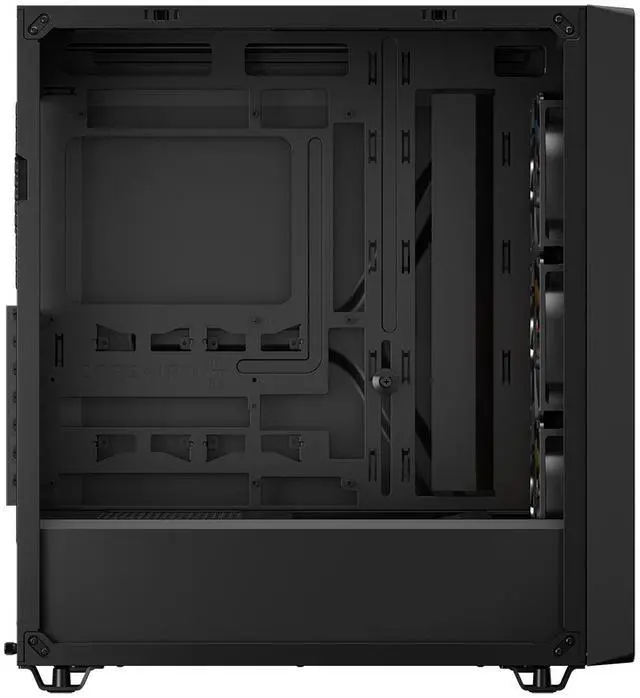
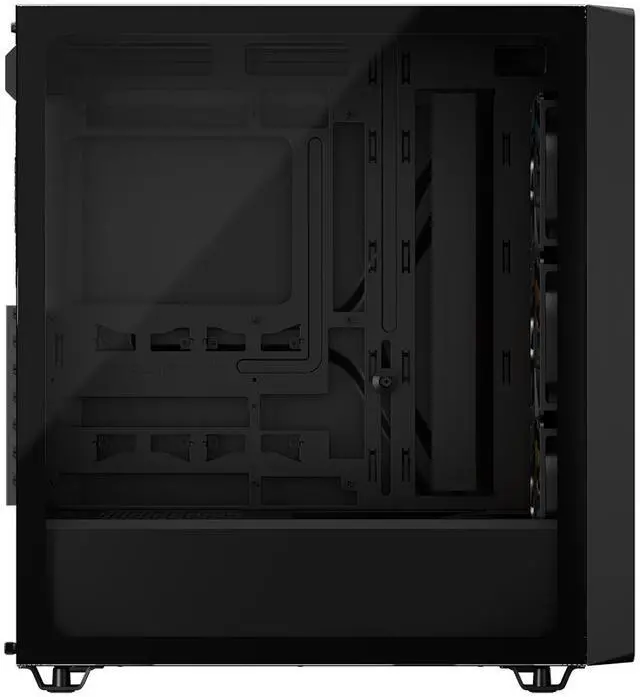
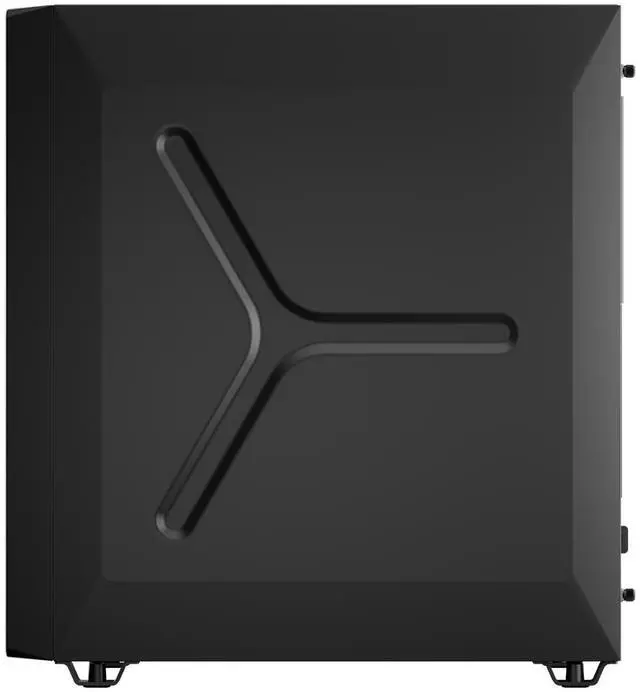
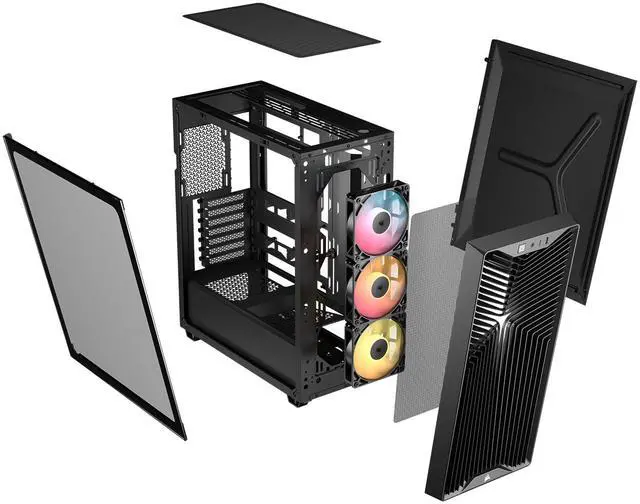
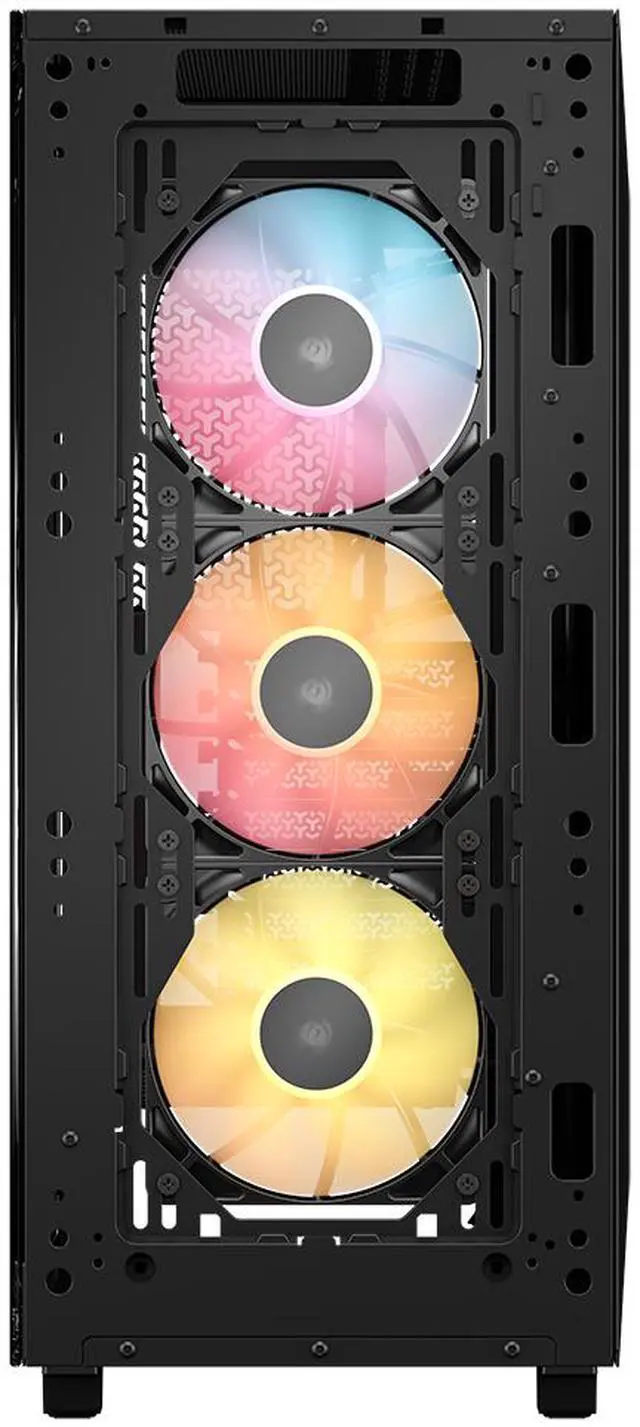
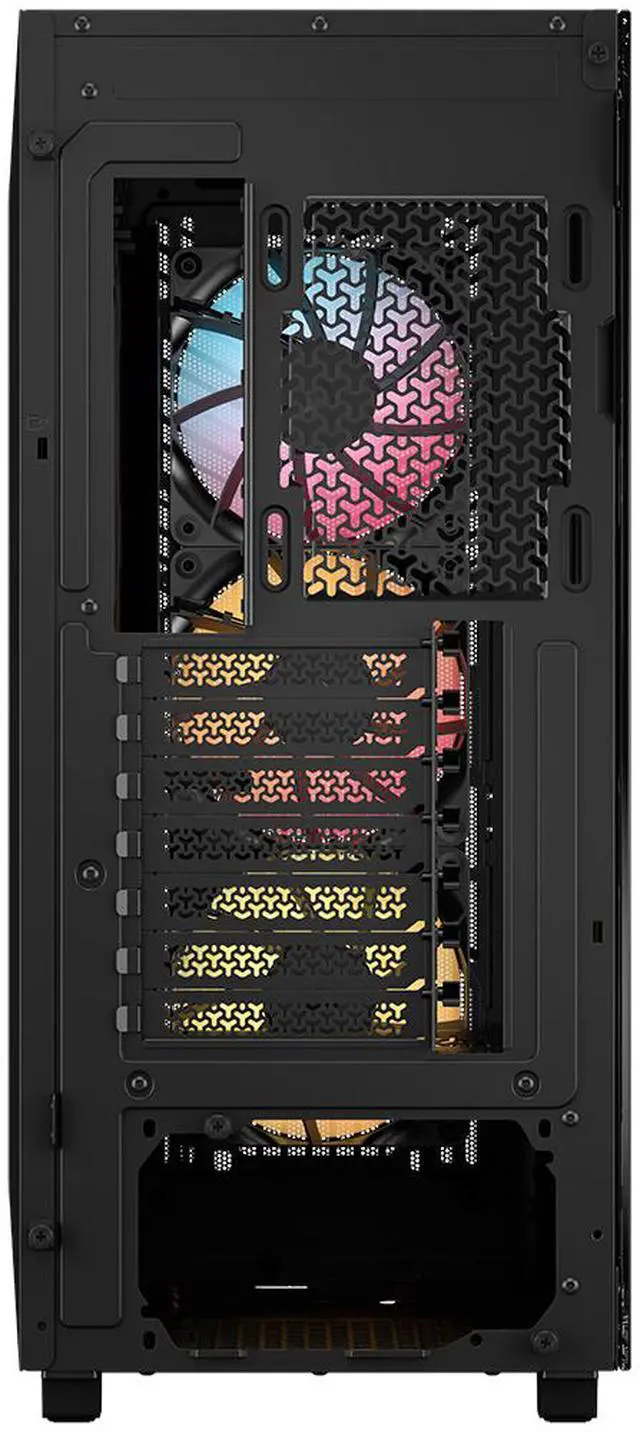


| Brand | Corsair |
|---|---|
| Model | 3200D RS ARGB, BLACK |
| Part Number | CC-9011344-WW |
| Color | Black |
|---|---|
| Case Material | Steel / Plastic / Tempered Glass |
| Motherboard Compatibility | ATX / Micro ATX / Mini ITX |
| Dust Filters | Bottom / Front / Top |
| Internal 3.5" Drive Bays | 1 |
|---|---|
| Internal 2.5" Drive Bays | 2 |
| Expansion Slots | 7 Horizontal |
| Fan Options | 3x 120mm, 2x 140mm (3x RS120 ARGB Fans Included) |
|---|---|
| Radiator Options | Front - Up to 240mm / Front - Up to 280mm / Front - Up to 360mm / Top - Up to 240mm / Top - Up to 280mm / Top - Up to 360mm |
| Max GPU Length | 400 mm |
|---|---|
| Max CPU Cooler Height | 170 mm |
| Max PSU Length | 180 mm |
| Dimensions | 476 x 214 x 446 mm |
| Weight | 6.9kg |
| First Listed on Newegg | June 11, 2026 |
|---|
Warranty Notice:
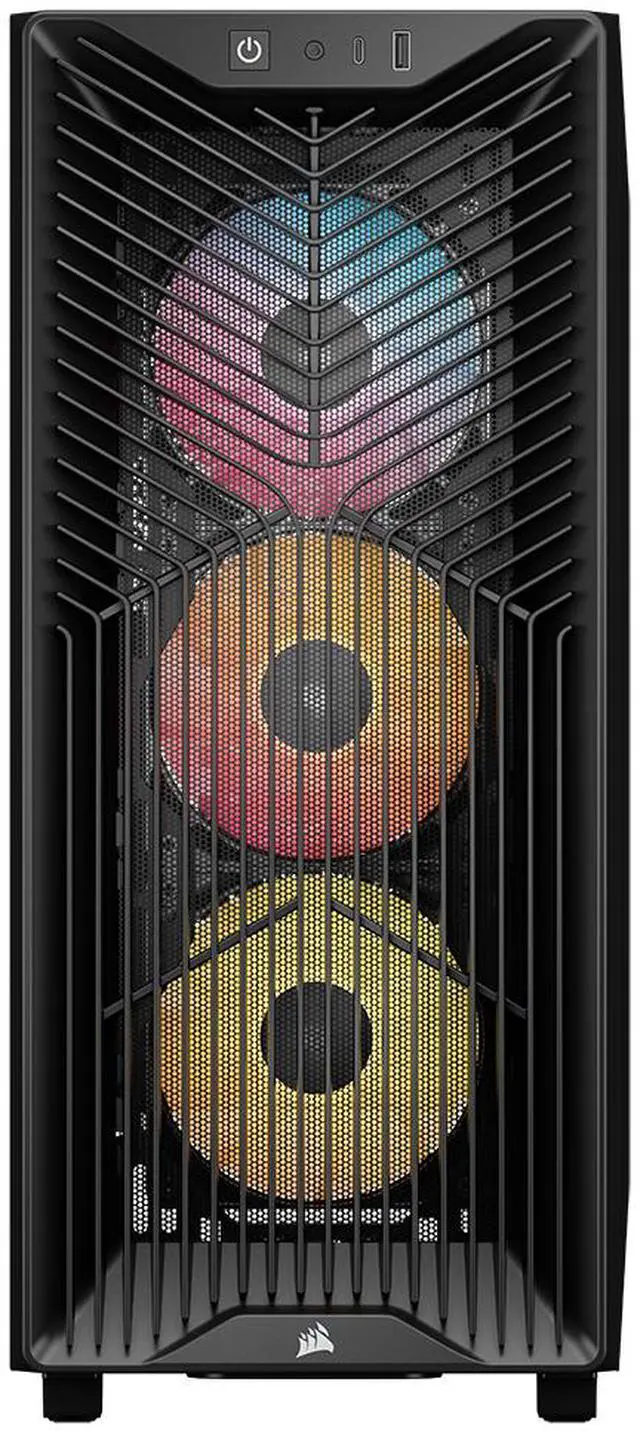
This product does not include manufacturer warranty when purchased or used outside of its designated sales region. By purchasing internationally, you acknowledge that warranty support from the manufacturer will not be available.The Corsair 3200D RS ARGB is a mid-tower PC case built for mainstream and high-performance gaming or creator systems, offering strong airflow, 3 included RS120 ARGB fans, support for up to 360mm radiators, and room for large GPUs up to 400mm.
| Attribute | Value |
|---|---|
| Best For | Mid-tower ATX/Micro-ATX/Mini-ITX builds that need ARGB lighting and room for large GPUs (up to 400 mm) and up to 360 mm radiators |
| Model Identifiers | Corsair 3200D RS ARGB — model CC-9011344-WW |
| Case Type & Materials | Mid Tower chassis with steel/metal construction, plastic elements and a tempered glass side panel |
| Dimensions & Weight | Chassis dimensions 476 x 214 x 446 mm, item weight 6.9 kg; package dimensions and package weight also provided for shipping |
| Motherboard & Expansion | Supports ATX, Micro ATX and Mini ITX motherboards with 7 horizontal expansion slots |
| Drive Bays & Storage | One 3.5" bay and two 2.5" bays for internal drives |
| Cooling & Fans | Air-cooled design with 3x RS120 ARGB fans included; supports fan configurations of 3x 120 mm or 2x 140 mm |
| Radiator & Liquid Cooling Support | Supports multiple AIO radiator sizes including up to 360 mm in front or top (also supports 240 mm and 280 mm configurations) |
| GPU & PSU Clearance | GPU clearance up to 400 mm and maximum PSU length 180 mm with bottom-mounted PSU |
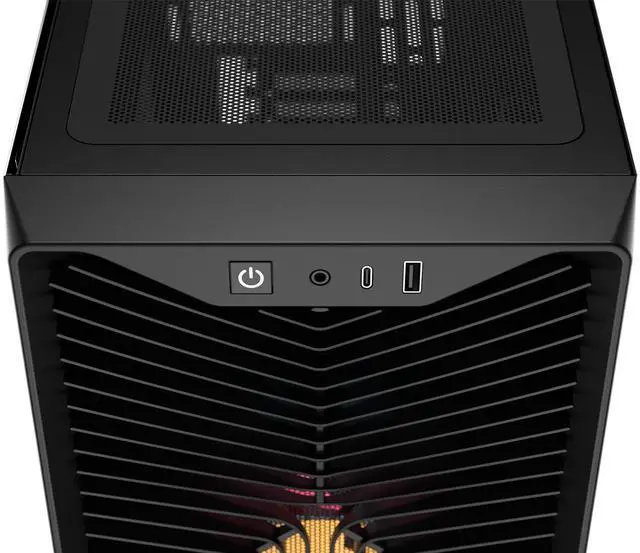
| Front I/O & Ports | Front panel provides one USB 3.0 port |
| Dust Filters & Maintenance | Removable dust filters on the bottom, front and top |
| Case Features & Accessories | Includes ARGB lighting and a GPU anti-sag stabilization arm, plus support notes for vendor projects listed in highlights |
| Regulatory & Packaging | Safety attestation present; ships as single unit with package quantity and unit count information available from the box specifications |
Q: Should I buy the CORSAIR 3200D RS ARGB or the CORSAIR FRAME 4000D RS ARGB?
A: Choose the 3200D RS ARGB if you want a simpler, lower-cost airflow case with three included ARGB fans, support for reverse-connector motherboards, dual 360mm radiator options, and enough room for long GPUs. Choose the FRAME 4000D RS ARGB if modularity is a priority. Corsair positions the FRAME 4000D as a more customizable platform with its fully modular design and InfiniRail fan mounting system, and reviewers have treated it as the more upgrade-focused option. In short: 3200D RS ARGB for value and straightforward builds; FRAME 4000D RS ARGB for users who want more layout flexibility and future customization.
Q: Is the CORSAIR 3200D RS ARGB a better buy than the 3000D RGB AIRFLOW?
A: The 3200D RS ARGB is the better choice if you want newer platform support and more headroom for cooling and large GPUs. Compared with the 3000D RGB AIRFLOW, the 3200D RS ARGB adds support for reverse-connector motherboards, includes a GPU anti-sag arm, and is designed around dual 360mm radiator support. The 3000D RGB AIRFLOW remains the more straightforward pick if you just want a conventional airflow mid-tower with three RGB fans and do not need the newer compatibility features.
Q: CORSAIR 3200D RS ARGB vs 4000D Airflow: which one makes more sense today?
A: The 3200D RS ARGB makes more sense if you want a more current feature set out of the box: three included ARGB fans, reverse-connector motherboard support, a GPU anti-sag arm, front USB-C, and top 360mm radiator support listed in current product materials. The 4000D Airflow is still a practical choice for users who prefer the established 4000D layout and do not need those newer features. A common buying pattern is to choose the 3200D RS ARGB for a fresher spec list at mainstream build budgets, while the 4000D Airflow remains a known quantity for traditional ATX builds.
Q: Should I get the CORSAIR 3200D RS ARGB or the non-RGB 3200D RS?
A: Get the 3200D RS ARGB if you want the more complete out-of-box setup for a visible gaming build, since it includes three RS120 ARGB fans. Get the non-RGB 3200D RS if you plan to choose your own fans or want a cleaner non-lit build. The core chassis feature set is otherwise aimed at the same user: airflow-focused ATX builds with support for large GPUs, large radiators, and reverse-connector motherboards.
Q: Is the CORSAIR 3200D RS ARGB better for compact setups or performance-first builds?
A: The 3200D RS ARGB fits performance-first builds better than compact-first builds. Reviews and official positioning emphasize airflow, radiator support, and accommodation for long GPUs rather than minimum footprint. It is still a mid-tower that stays fairly manageable for a desk setup, but its stronger use case is a mainstream gaming or creator build that needs cooling flexibility and easier cable management rather than the smallest possible case.
Q: Will this case fit a large modern GPU and a 360mm AIO without major clearance issues?
A: Yes for most builds. The 3200D RS ARGB supports GPUs up to 400 mm and radiators up to 360 mm in the front or top, so it is suited to many current high-end graphics cards and 360 mm liquid coolers. The main trade-off is build planning: very large front-mounted radiators, long power supplies, and thick cable runs can still reduce working room, so it is best for builders who want strong cooling headroom in a standard mid-tower rather than a compact layout.
Q: Is this a good case for airflow-focused gaming builds?
A: Yes. It is a good fit for airflow-focused gaming builds because it includes three 120 mm ARGB fans, supports up to a 360 mm top radiator, and adds an angled PSU shroud fan mount that can direct air toward the GPU. It is better suited to users who prioritize cooling flexibility and mainstream ATX compatibility than to buyers seeking the smallest possible footprint or extensive storage capacity.
Q: Who is the CORSAIR 3200D RS ARGB best suited for?
A: It is best suited for mainstream to performance PC builders who want an ATX mid-tower with easy assembly features, visible RGB fans, and room for large components. It makes the most sense for first-time or upgrade builders who value cable management, simple front-panel wiring, and compatibility with newer reverse-connection motherboards. It is less ideal for storage-heavy builds because it only supports one 3.5-inch drive or two 2.5-inch drives on its combination plate.
Q: What are the main trade-offs versus a larger or more premium airflow case?
A: The 3200D RS ARGB gives you strong cooling support and builder-friendly features in a simpler mid-tower format, but the trade-off is less expansion than larger cases. Compared with larger airflow-focused alternatives, you typically give up extra motherboard size support, more drive capacity, and more room for multi-radiator or highly customized layouts. In return, this model stays more straightforward and should cover the needs of most single-system gaming or workstation builds.
Q: Is this better than a compact mid-tower for a first PC build?
A: Usually yes, if ease of building matters more than saving desk space. The 3200D RS ARGB offers roomy GPU clearance, top 360 mm radiator support, included fans, a single-connector front-panel cable, and a built-in cable shroud, which are all practical advantages for first-time builders. A more compact case may save space, but it usually makes cable routing, cooler fitment, and future GPU upgrades less forgiving.
Q: Is the CORSAIR 3200D RS ARGB worth buying for a budget-to-midrange ATX build?
A: Yes, if you want a relatively affordable airflow-focused ATX case with three included ARGB fans, 360mm radiator support, USB-C, and support for large GPUs. It is a stronger fit for builders who value cooling and easy building features more than premium panel feel or extra front USB ports.
Q: Who is the CORSAIR 3200D RS ARGB best suited for?
A: It is best suited for mainstream gaming or performance PC builders who want strong airflow, support for big graphics cards, room for up to a 360mm radiator, and cleaner-looking builds with reverse-connection motherboard support. It is less ideal for buyers who need many front I/O ports or a more premium-feeling chassis.
Q: What are the main trade-offs of the CORSAIR 3200D RS ARGB?
A: The main trade-offs are that it prioritizes airflow and core compatibility over premium finishing. Community discussion repeatedly points to lighter panel feel, limited front I/O, and some convenience compromises around panel access. In return, you get strong cooling support, included fans, and builder-friendly features at a lower price tier.
Q: Is the CORSAIR 3200D RS ARGB a good choice for large GPUs and high-airflow gaming builds?
A: Yes. It is a practical choice for high-airflow gaming builds because it supports GPUs up to 400mm, includes three 120mm ARGB fans, and has an angled PSU shroud fan mount aimed at GPU cooling. It also includes a GPU anti-sag arm, which makes it more suitable for heavier modern graphics cards.
Q: Is the CORSAIR 3200D RS ARGB a good pick if I plan to use a 360mm or 280mm AIO?
A: Generally yes, because the case supports up to 360mm radiators at the front and top. The main caution from community discussion is top-mount clearance planning: a 360mm top AIO may be less flexible depending on tube routing and nearby components, while a 280mm top AIO may be easier if motherboard heatsinks and RAM clearance are checked first.


