


 All CategoriesAll CategoriesAll Categories
Shipped by Newegg


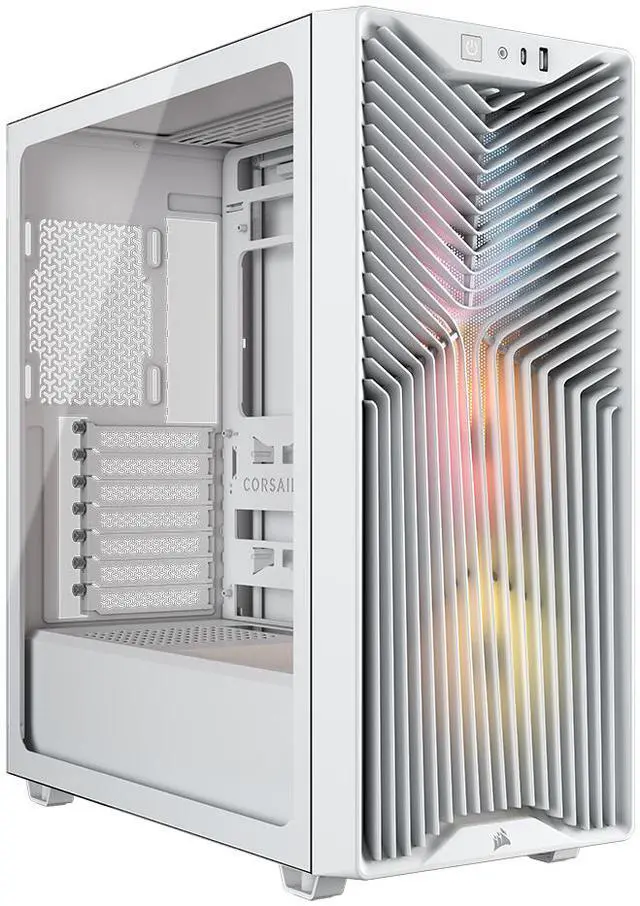
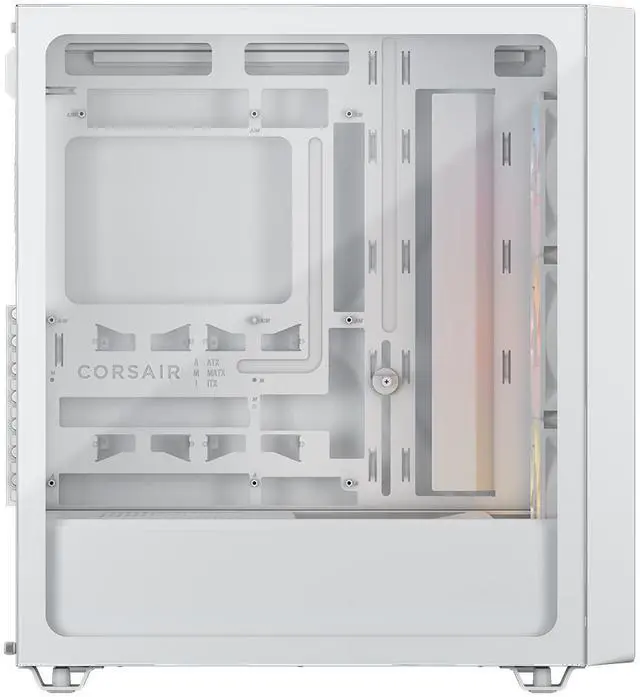
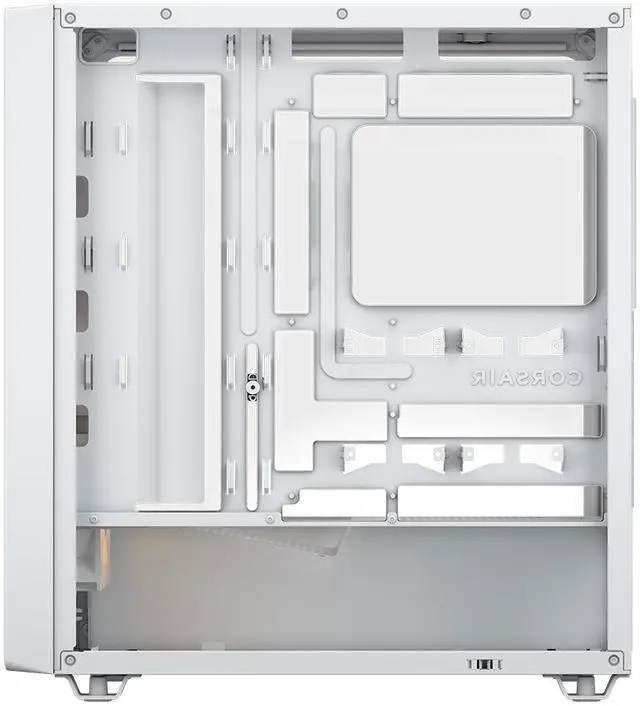
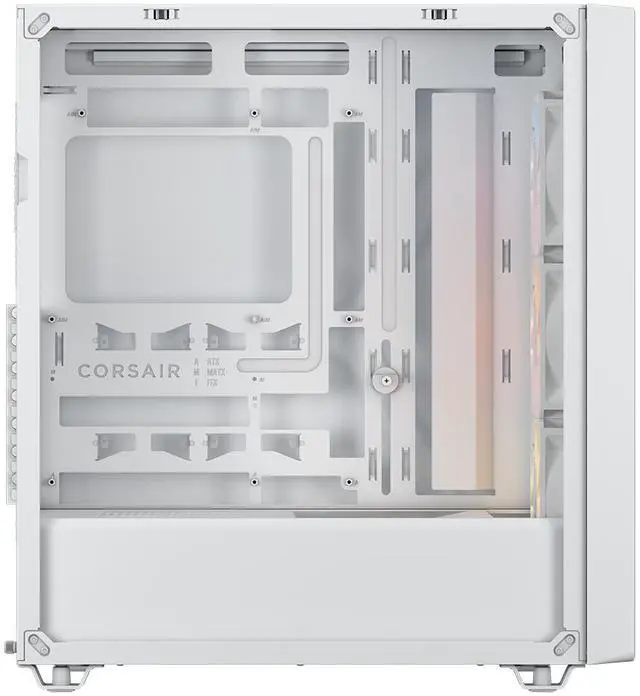


| Brand | Corsair |
|---|---|
| Model | 3200D RS ARGB, WHITE |
| Part Number | CC-9011345-WW |
| Color | White |
|---|---|
| Case Material | Steel / Plastic / Tempered Glass |
| Motherboard Compatibility | ATX / Micro ATX / Mini ITX |
| Dust Filters | Bottom / Front / Top |
| Internal 3.5" Drive Bays | 1 |
|---|---|
| Internal 2.5" Drive Bays | 2 |
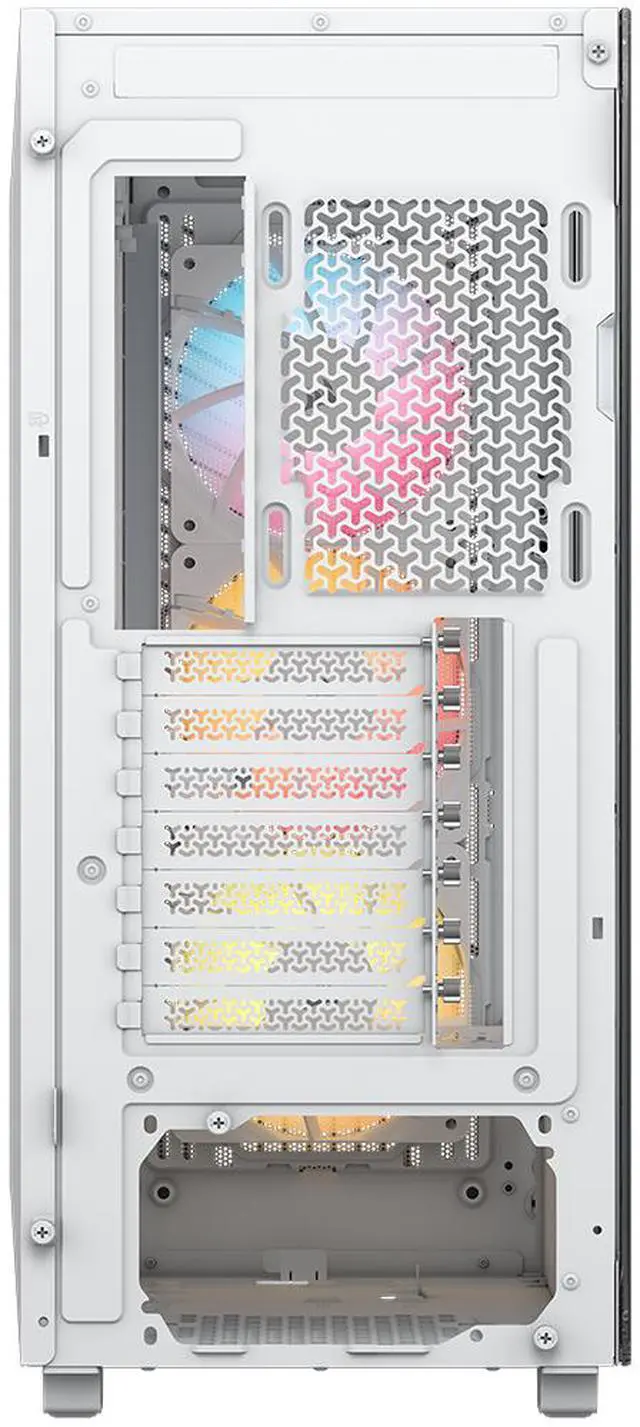
| Expansion Slots | 7 Horizontal |
| Fan Options | 3x 120mm, 2x 140mm (3x RS120 ARGB Fans Included) |
|---|---|
| Radiator Options | Front - Up to 240mm / Front - Up to 280mm / Front - Up to 360mm / Top - Up to 240mm / Top - Up to 280mm / Top - Up to 360mm |
| Max GPU Length | 400 mm |
|---|---|
| Max CPU Cooler Height | 170 mm |
| Max PSU Length | 180 mm |
| Dimensions | 476 x 214 x 446 mm |
| Weight | 6.9kg |
| First Listed on Newegg | June 11, 2026 |
|---|
Warranty Notice:
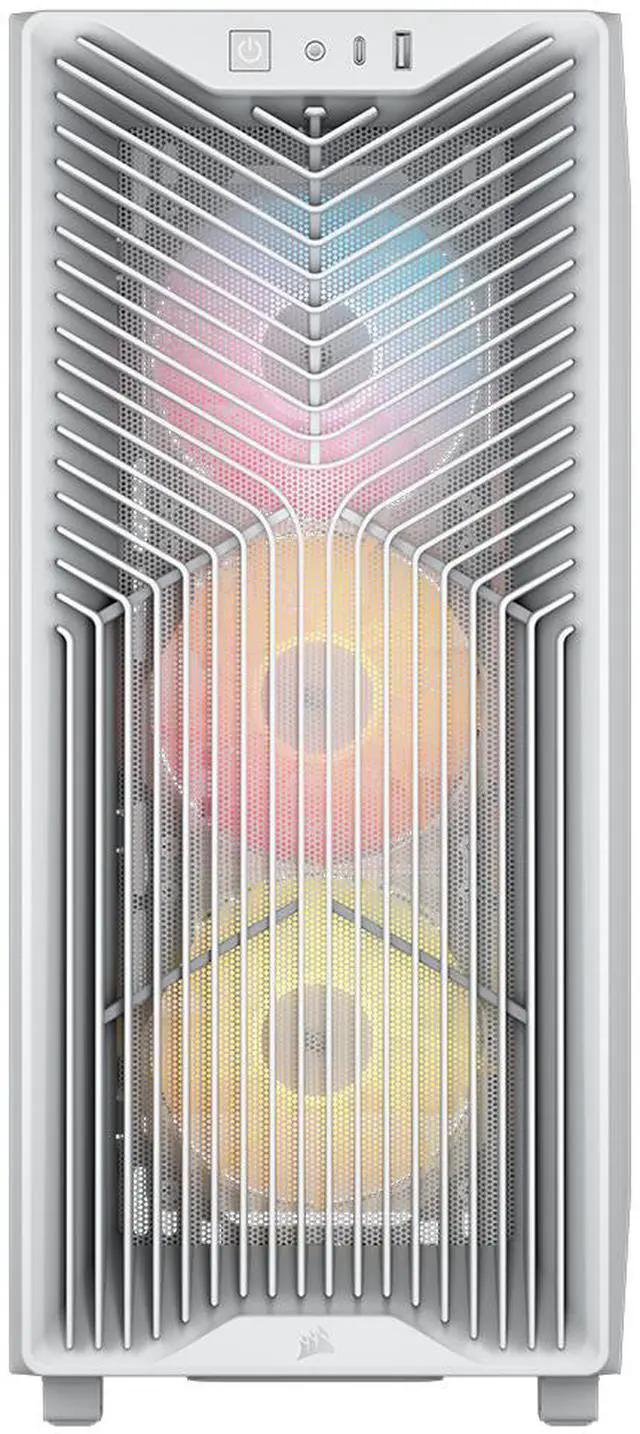
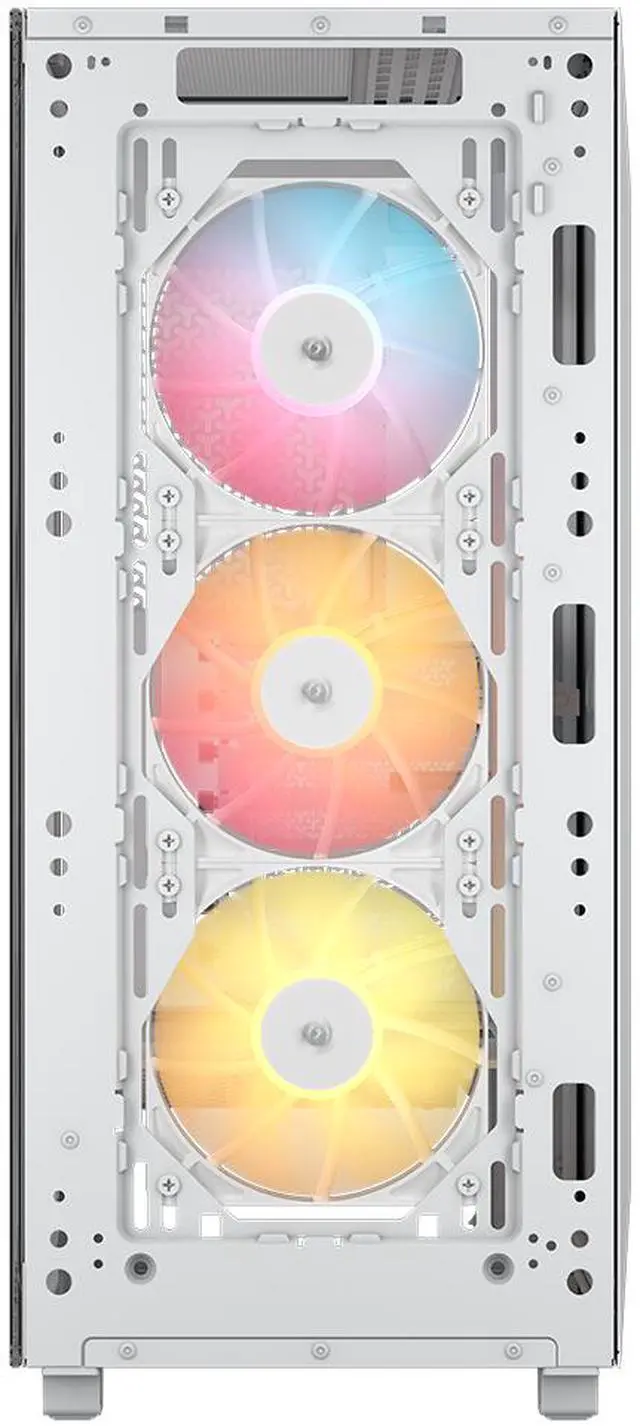
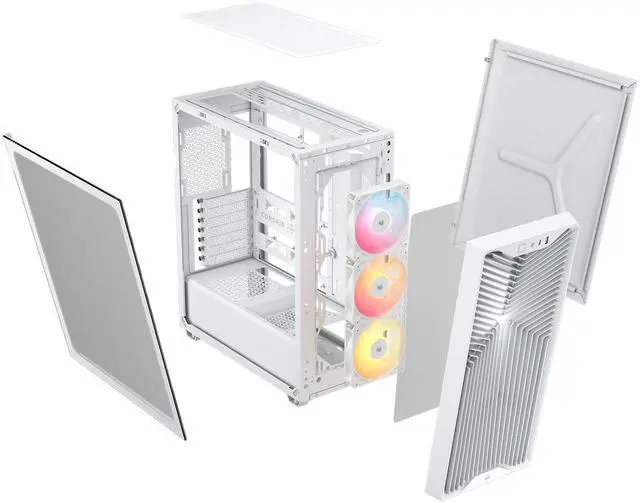
This product does not include manufacturer warranty when purchased or used outside of its designated sales region. By purchasing internationally, you acknowledge that warranty support from the manufacturer will not be available.The CORSAIR 3200D RS ARGB is a white mid-tower PC case built for mainstream to high-performance gaming and DIY builds, offering strong cooling with three included RS120 ARGB fans, support for up to a 360mm radiator, and room for large components like GPUs up to 400mm.
| Attribute | Value |
|---|---|
| Best For | Builders who want a white mid-tower with ARGB lighting and room for long GPUs and multi-position 360 mm radiators |
| Case Type & Materials | Mid-tower steel and plastic chassis with a tempered glass side panel and white finish |
| Cooling & Fans | Air-cooled design with three pre-installed RS120 ARGB 120 mm PWM fans; supports 120 mm and 140 mm fan configurations and ARGB lighting |
| Radiator Compatibility & Liquid Cooling | Front and top radiator support up to 360 mm (front: up to 240/280/360; top: up to 240/280/360) |
| Motherboard & Expansion | Compatible with ATX, Micro ATX and Mini ITX motherboards; 7 horizontal expansion slots |
| Drive Bays & Storage | One internal 3.5-inch drive bay and two internal 2.5-inch drive bays |
| GPU, PSU & Cooler Clearance | GPU clearance up to 400 mm, CPU cooler height up to 170 mm, PSU length up to 180 mm with bottom-mount PSU configuration |
| Dust Filters & Airflow | Removable dust filters at bottom, front and top to help keep airflow paths clean |
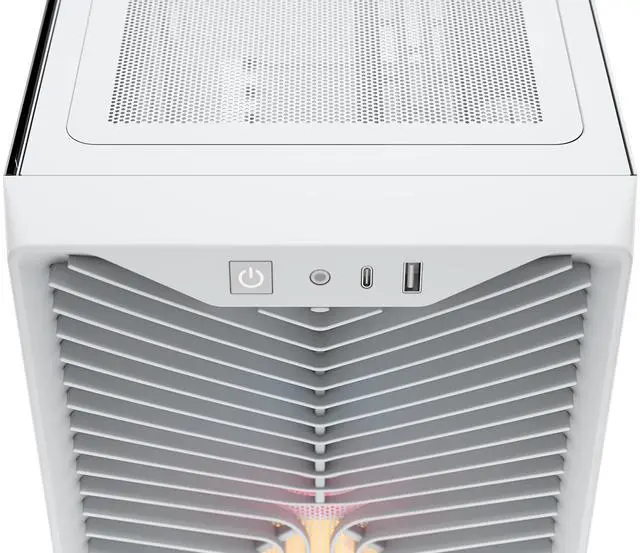
| Front I/O & Ports | One front USB 3.0 port |
| Case Features & Extras | Tempered glass side panel and included GPU anti-sag stabilization arm; ARGB lighting for front/side illumination |
| Dimensions & Weight | 476 x 214 x 446 mm (depth x width x height); weight 6.9 kg |
| Packaging & Shipping | Package dimensions 30.48 x 53.34 x 55.88 cm; package weight 8.709 kg; package quantity 1 |
| Model Identifiers | Corsair 3200D RS ARGB — model/part number CC-9011345-WW |
Q: Should I buy the Corsair 3200D RS ARGB or the Corsair 3200D RS?
A: Choose the 3200D RS ARGB if you want the same chassis, airflow layout, 360mm top/front radiator support, reverse-connector motherboard support, and GPU-focused bottom fan mount, but with included ARGB fans for a ready-to-build RGB setup. Choose the 3200D RS if you want the lower-cost version of the same case and plan to add your own fans or keep lighting minimal. This is mainly a value and aesthetics decision, not a layout or compatibility decision.
Q: Is the Corsair 3200D RS ARGB a better buy than the Corsair 4000D Airflow?
A: The 3200D RS ARGB is the better fit if you want more out-of-box value in a newer budget airflow case, especially because it includes three ARGB fans, supports reverse-connector motherboards, and allows 360mm radiators at both the front and top. The 4000D Airflow still makes sense if you specifically want the long-established 4000D platform and its broad install-base, but it is typically the simpler, older-layout option rather than the more feature-forward one.
Q: Should I choose the Corsair 3200D RS ARGB or step up to the Corsair FRAME 4000D?
A: Choose the 3200D RS ARGB if your priority is a straightforward airflow case with modern compatibility at a lower price. Step up to the FRAME 4000D if you want a more expandable platform with Corsair's modular FRAME system and InfiniRail fan mounting, which is better suited to builders who expect to customize the case over time. In short: 3200D RS ARGB for simpler value, FRAME 4000D for longer-term customization.
Q: Is the Corsair 3200D RS ARGB a better choice than the Corsair 3500X for airflow builds?
A: For a performance-first airflow build, the 3200D RS ARGB is usually the clearer choice because Corsair positions it around direct airflow, large GPU clearance, dual 360mm radiator support, and an angled PSU shroud fan mount aimed at GPU cooling. The 3500X is the better pick if you want a more showcase-oriented design with panoramic presentation and reverse-rotor ARGB fans, while still keeping strong compatibility for large components. The trade-off is airflow-first practicality versus display-focused styling.
Q: Should I pick the Corsair 3200D RS ARGB or a smaller case for a desk-friendly build?
A: Choose the 3200D RS ARGB if hardware flexibility matters more than minimizing case size. Reviews and community discussion consistently frame it as a budget mid-tower that is easy to build in, with room for long GPUs, tall air coolers, and 360mm radiators. Choose a smaller case only if desk footprint is the priority and you are comfortable giving up some radiator, GPU, or cable-management headroom. The 3200D RS ARGB is the safer choice for high-performance mainstream ATX builds.
Q: Is the CORSAIR 3200D RS ARGB a good choice for a high-airflow gaming build with a large GPU and a 360mm AIO?
A: Yes. It is well-suited for mainstream to high-performance gaming builds because it supports up to a 360mm radiator at the top or front, includes three 120mm ARGB fans, and allows up to 400mm GPU length. That makes it a practical fit for modern large graphics cards and strong CPU cooling. The main trade-off is storage flexibility: it is optimized more for airflow and component clearance than for multi-drive builds.
Q: Who is the CORSAIR 3200D RS ARGB best for?
A: It is best for builders who want an ATX mid-tower that is easy to work in, supports current full-size gaming parts, and includes RGB fans out of the box. It is a stronger fit for first-time and intermediate DIY builders than for users who need many internal drives, because the case only supports one 3.5-inch drive or two 2.5-inch SSDs in its listed drive plate configuration.
Q: Is it a better buy than older airflow-focused Corsair cases like the 4000D AIRFLOW?
A: For buyers choosing between similar Corsair airflow cases, the 3200D RS ARGB appears better if you want more included value and newer compatibility features. Compared with older 4000D-class models that commonly ship with fewer fans, the 3200D RS ARGB includes three ARGB fans, USB-C on the front I/O, reverse-connection motherboard support, and a GPU anti-sag arm. The older alternative may still be enough if your priority is a simpler, lower-cost chassis and you plan to replace fans anyway.
Q: Are the included fans and RGB setup good enough for most users, or should you expect extra accessories?
A: For most users, the included cooling setup should be enough to start a standard gaming build without immediately buying extra case fans. The case includes three RS120 ARGB fans, which is better than many older mid-tower bundles. However, buyers should not assume it includes a separate advanced RGB controller ecosystem; similar Corsair RS ARGB retail discussions show these fans are commonly controlled through standard motherboard ARGB and PWM connections.
Q: What are the main trade-offs of the CORSAIR 3200D RS ARGB?
A: Its main strengths are cooling support, modern component clearance, and easier cable management features. Its main trade-offs are modest internal drive capacity and the fact that it is still a standard mid-tower, so buyers focused on compact size or heavy storage expansion may want a different case. In short: it is better for modern gaming and showcase builds than for NAS-style or storage-heavy PC builds.
Q: Is the CORSAIR 3200D RS ARGB worth buying for a mainstream gaming PC build?
A: Yes, if you want a mid-tower case that already includes three ARGB fans, supports large GPUs, and offers strong radiator flexibility without moving into a larger or more expensive chassis. It is a better fit for builders who prioritize airflow, easy cable management, and modern motherboard compatibility than for buyers who need premium extras or extensive drive storage.
Q: Who is the CORSAIR 3200D RS ARGB best suited for?
A: It is best suited for builders who want an ATX case with modern cooling support and clean building features, including top or front 360mm radiator support, reverse-connection motherboard support, a USB-C front port, and included GPU anti-sag support. It is especially suitable for gaming-focused builds with long graphics cards, but less suitable for storage-heavy builds because it only supports one 3.5-inch drive and two 2.5-inch drives.
Q: What are the main trade-offs of the CORSAIR 3200D RS ARGB?
A: The main trade-offs are expansion and convenience rather than core compatibility. It has limited internal drive capacity, a relatively simple front I/O layout, and some builders may find the front-panel removal and glass-panel fastening less convenient than on higher-tier cases. In return, it focuses its budget on airflow, GPU clearance, included fans, and broad radiator support.
Q: Is the CORSAIR 3200D RS ARGB a good choice for large GPUs and strong cooling?
A: Yes. It is a strong fit for high-airflow gaming builds because it supports GPUs up to 400 mm, includes three 120 mm ARGB fans, supports up to a 360 mm radiator at the front or top, and includes an angled PSU-shroud fan position intended to direct air toward the GPU. Buyers should still verify final clearance when combining very large components with thick radiators.
Q: Should you buy the CORSAIR 3200D RS ARGB if you plan to use a top-mounted AIO?
A: Usually yes, but it is worth checking your exact cooler and motherboard dimensions before buying. Community discussion around the 3200D repeatedly focuses on top-mounted radiator fitment, especially with 280 mm and 360 mm AIOs. The case officially supports up to 360 mm on top, but real-world fit can depend on tube routing, RAM height, and VRM heatsink clearance.


