


 All CategoriesAll CategoriesAll Categories
Shipped by Newegg




| Brand | ASUS |
|---|---|
| Part Number | 90DC00P0-B18000 |
| Color | Black |
|---|---|
| Case Material | Steel / Plastic / Tempered Glass |
| Motherboard Compatibility | Micro ATX / Mini ITX |
| Dust Filters | Bottom / Top |
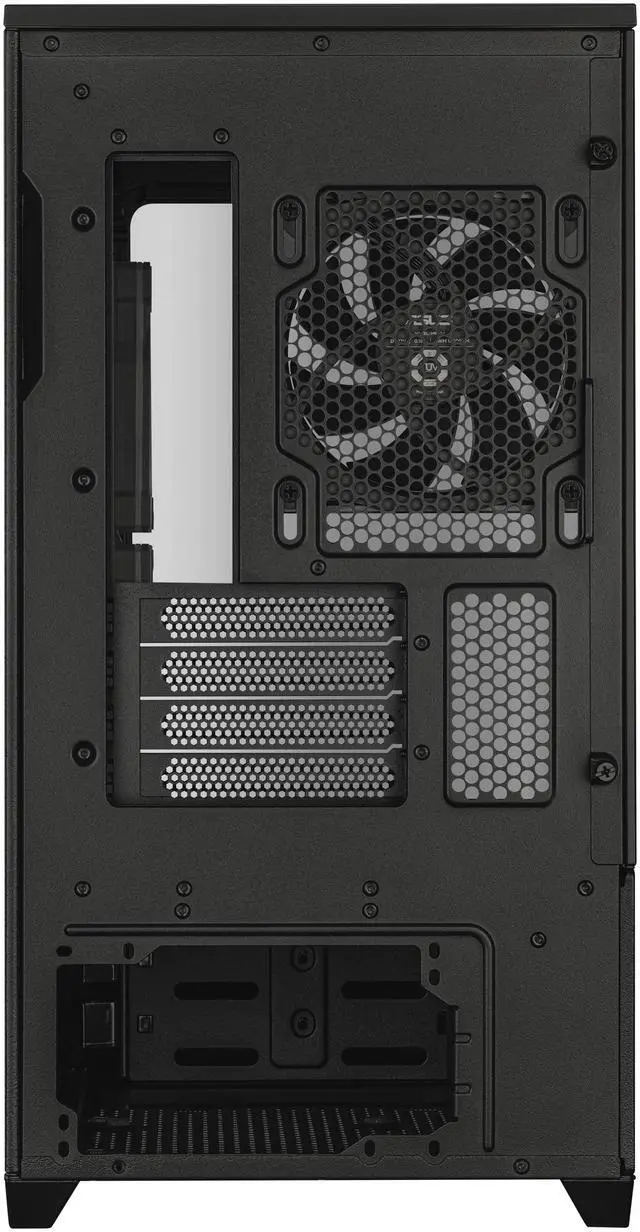
| Expansion Slots | 4 |
|---|
| Fan Options | Bottom - 3 x 120mm / Rear - 1 x 120mm / Side - 2 x 120mm / Top - 3 x 120mm |
|---|
| Max GPU Length | 420 mm |
|---|---|
| Max CPU Cooler Height | 175 mm |
| Max PSU Length | 200 mm |
| Dimensions | 18.1" x 9.3" x 17.4" |
| First Listed on Newegg | August 29, 2025 |
|---|
Warranty Notice:
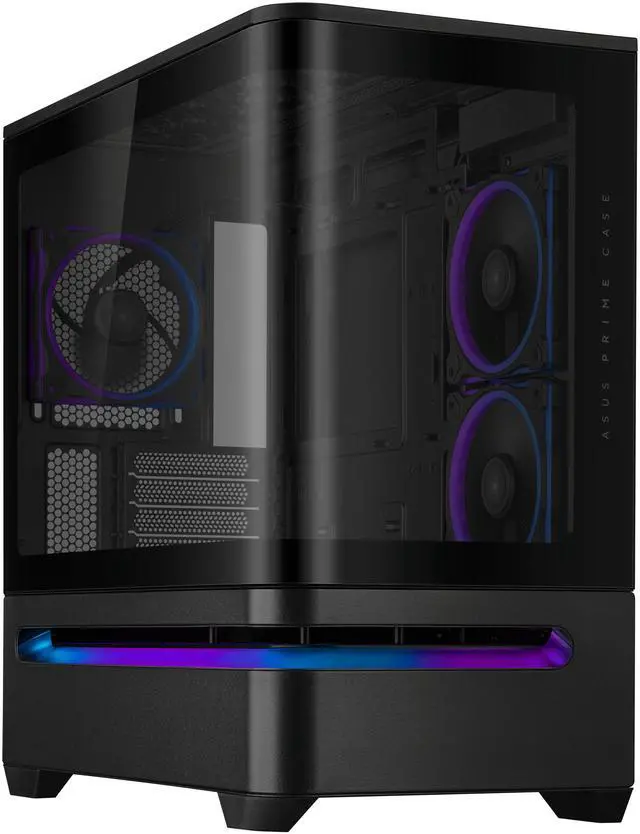
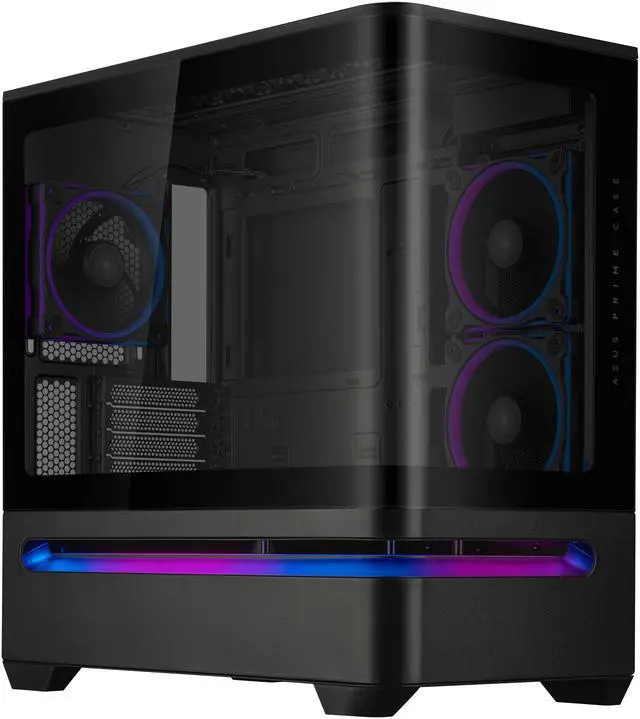
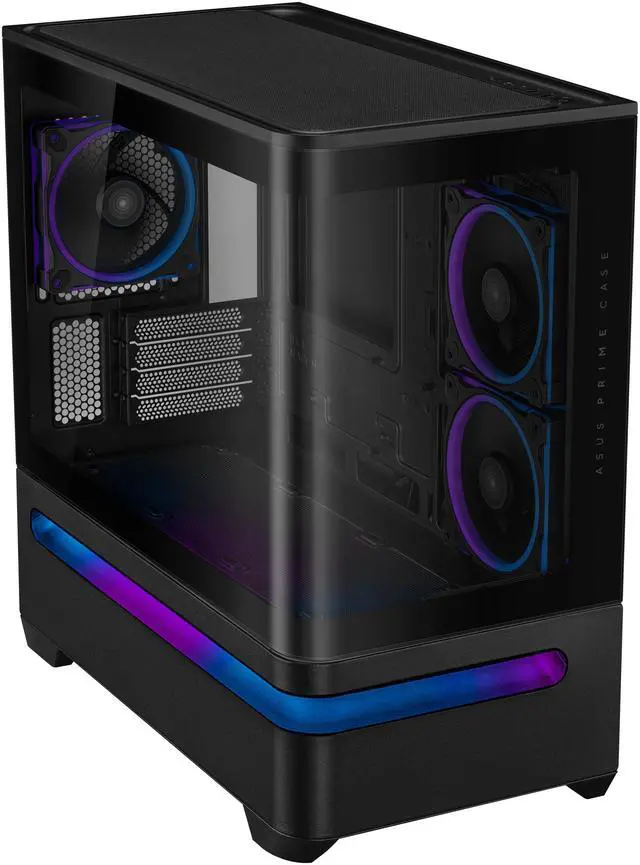
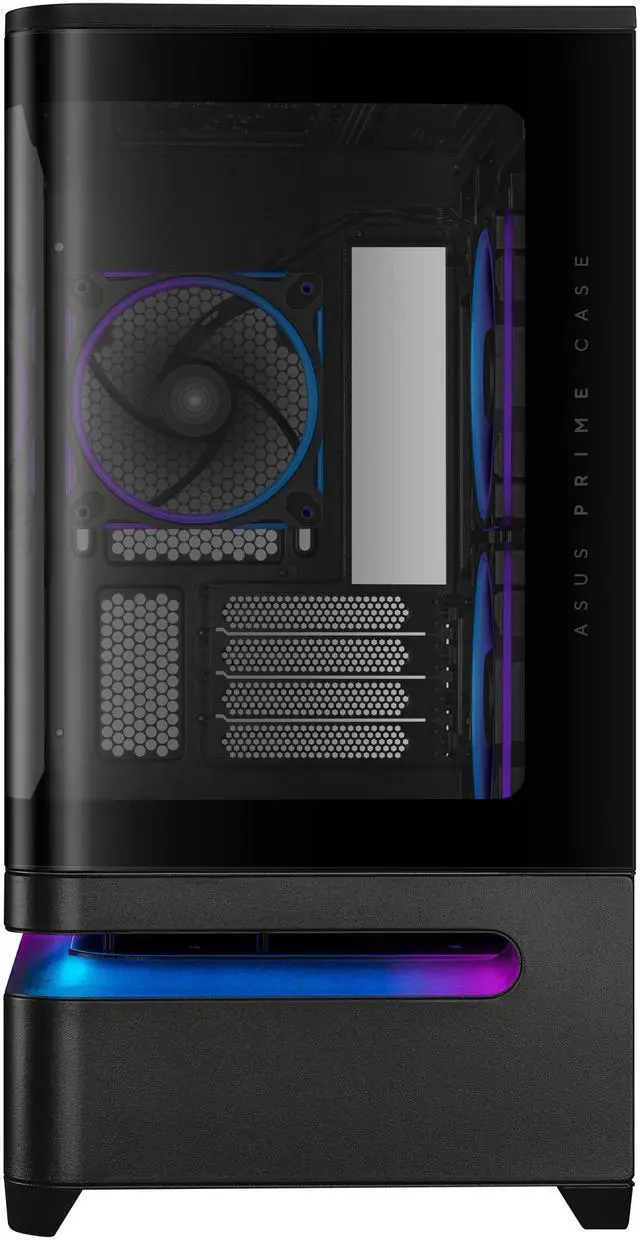
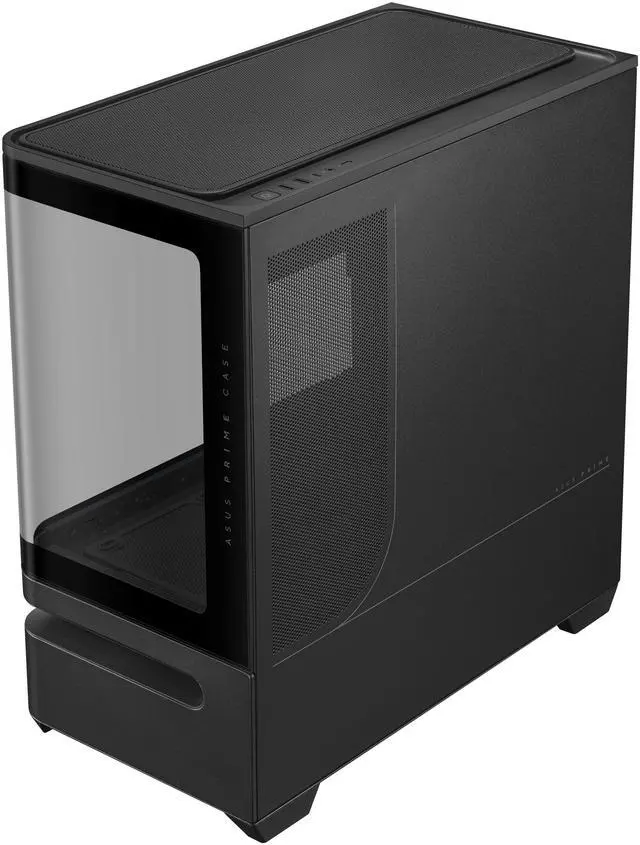
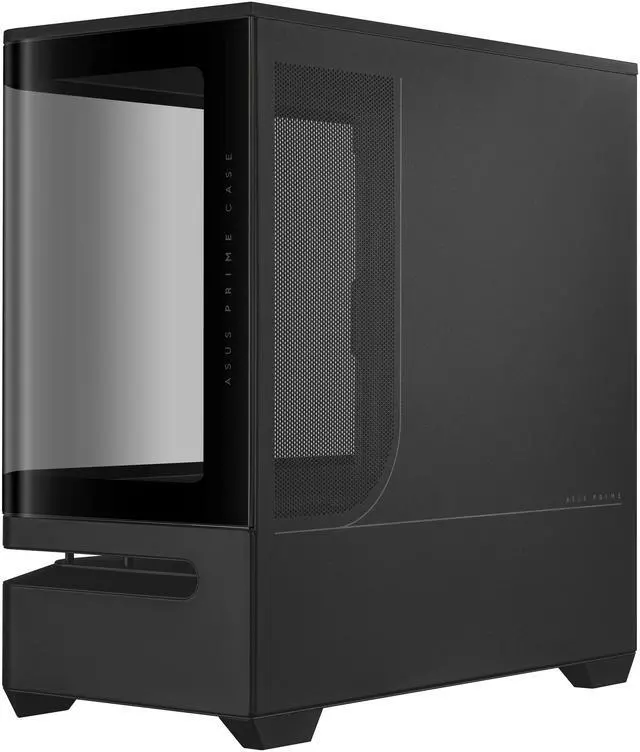
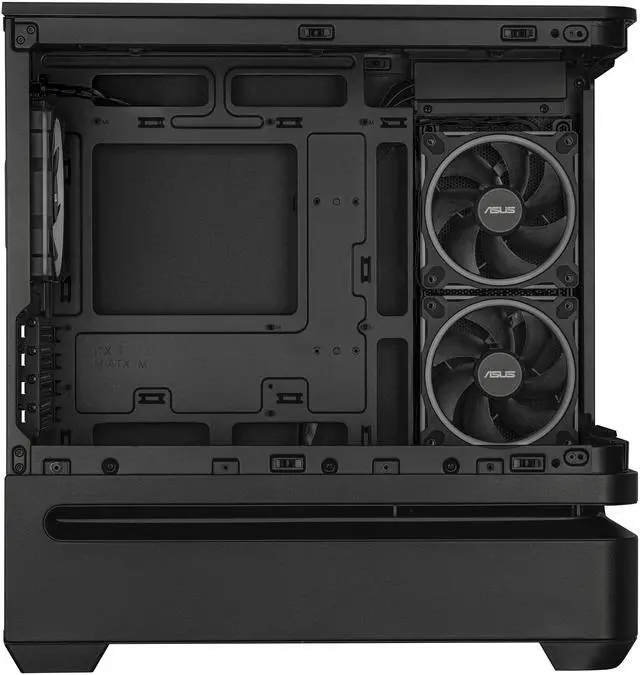
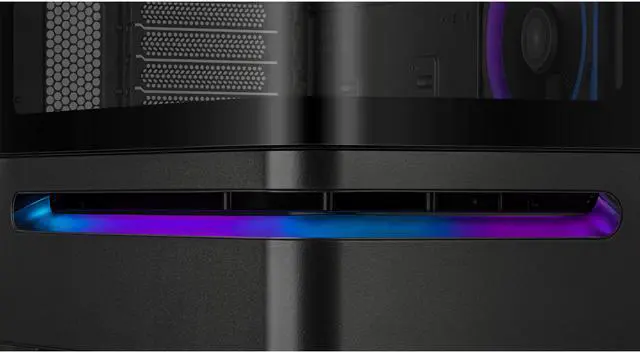
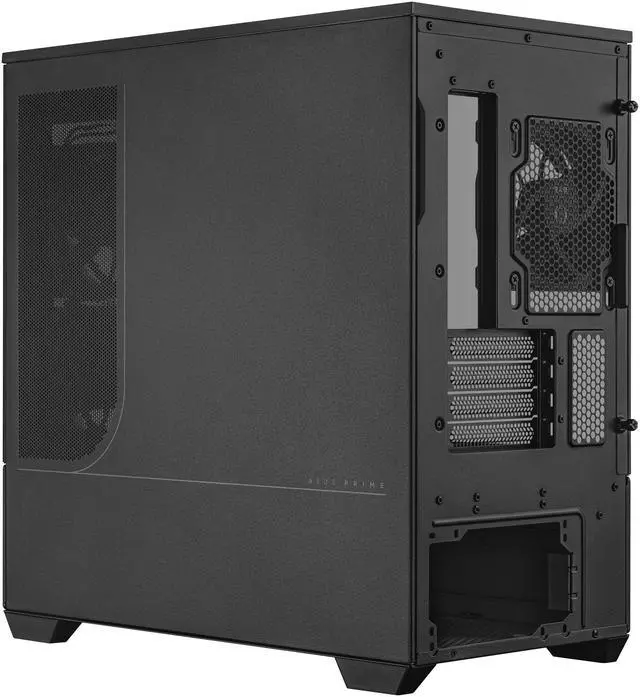
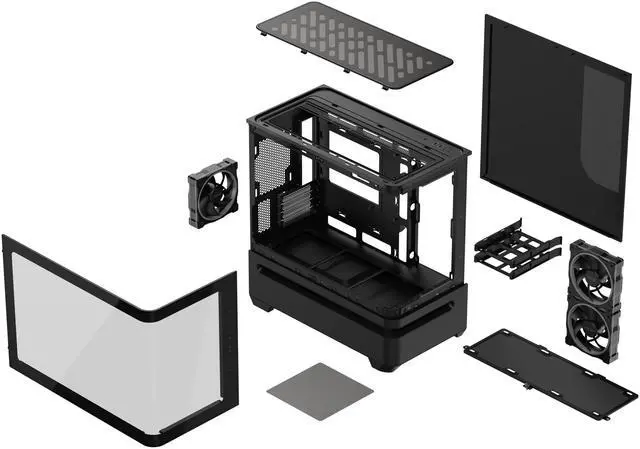
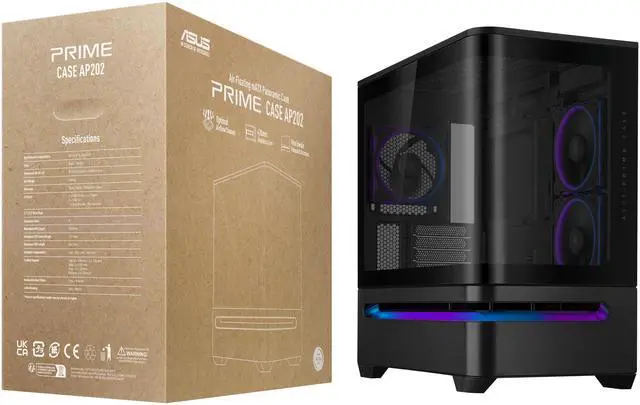
This product does not include manufacturer warranty when purchased or used outside of its designated sales region. By purchasing internationally, you acknowledge that warranty support from the manufacturer will not be available.The ASUS Prime AP202 ARGB is a black Micro ATX and Mini ITX PC case designed for high-performance gaming builds, with support for graphics cards up to 420 mm, CPU coolers up to 175 mm, and radiators up to 360 mm. Its curved tempered-glass panel, patented GPU slot vent, and three built-in ARGB fans suit users who want strong component visibility and cooling potential.
| Attribute | Value |
|---|---|
| Best For | Micro-ATX and Mini-ITX desktop builds that need air cooling, support for long graphics cards, and a panoramic curved-glass presentation with built-in ARGB lighting |
| Compatibility And Expansion | Supports Micro-ATX and Mini-ITX motherboards with four expansion slots and graphics cards up to 420 mm long; CPU coolers can be up to 175 mm tall |
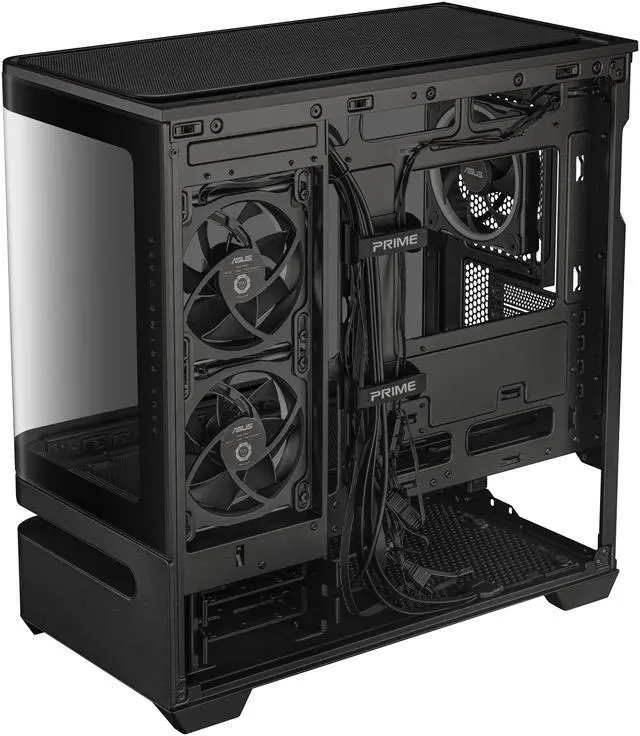
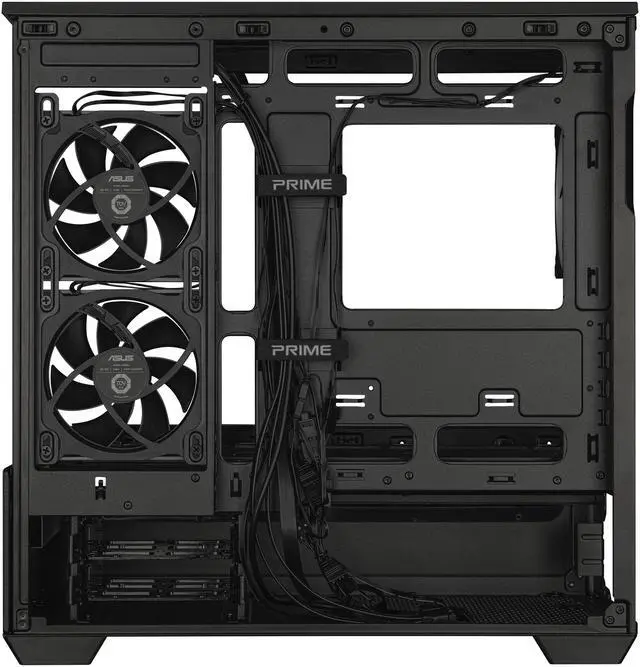
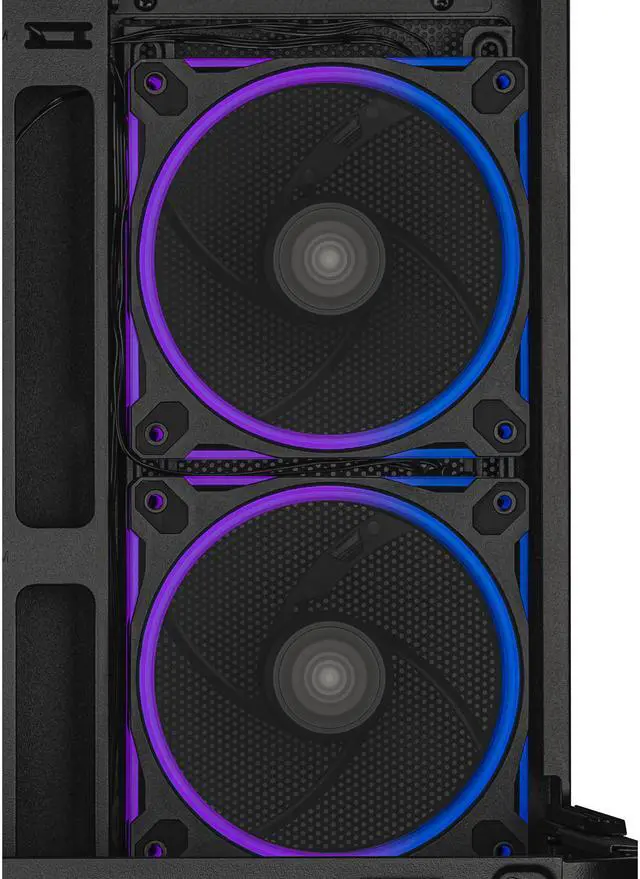
| Cooling And Dust Management | Air-cooled layout with mounting for three 120 mm fans on the bottom, three on top, two on the side, and one at the rear, plus bottom and top dust filters |
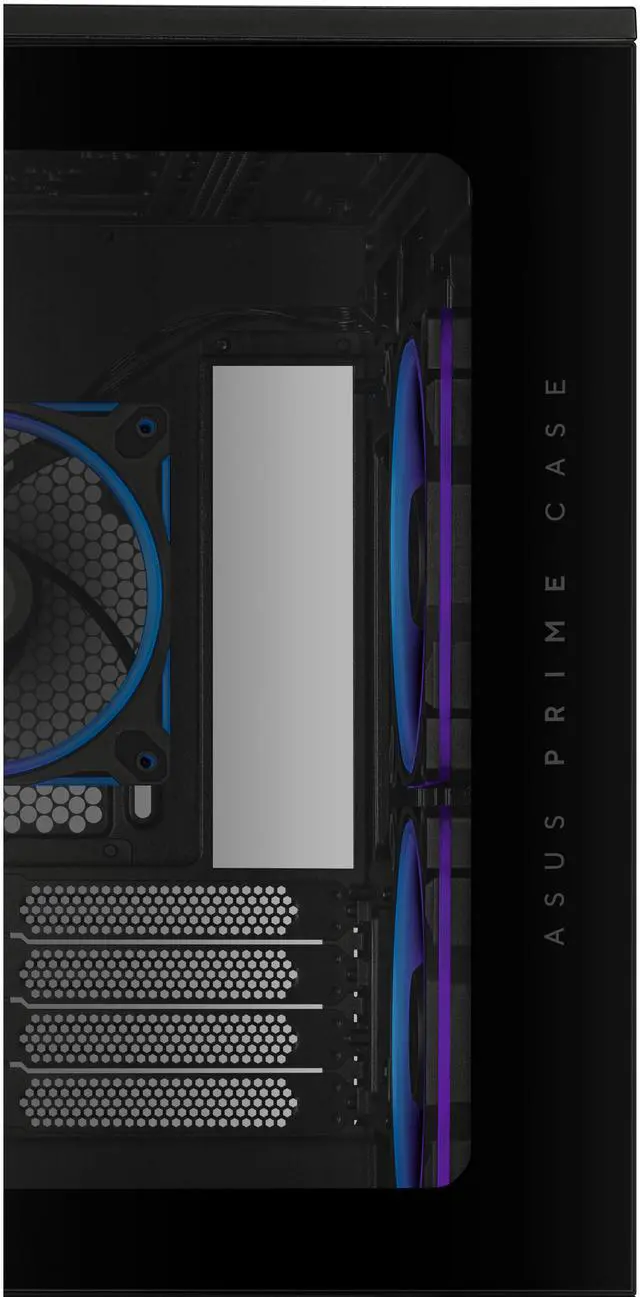
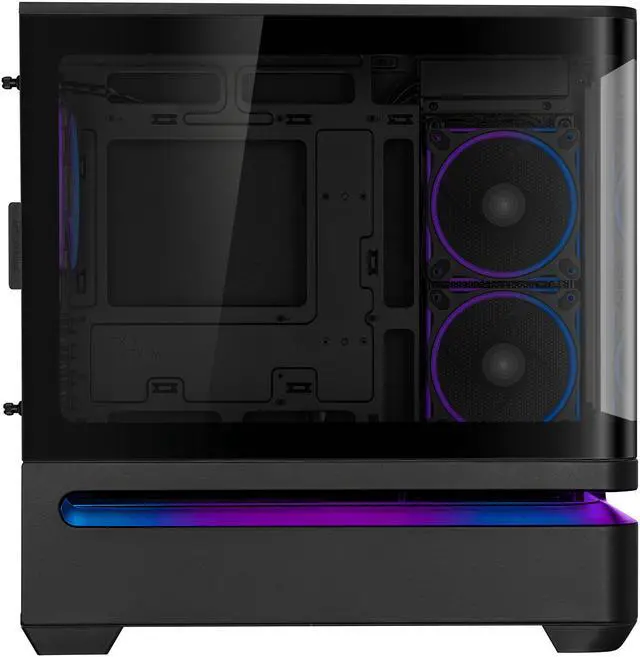
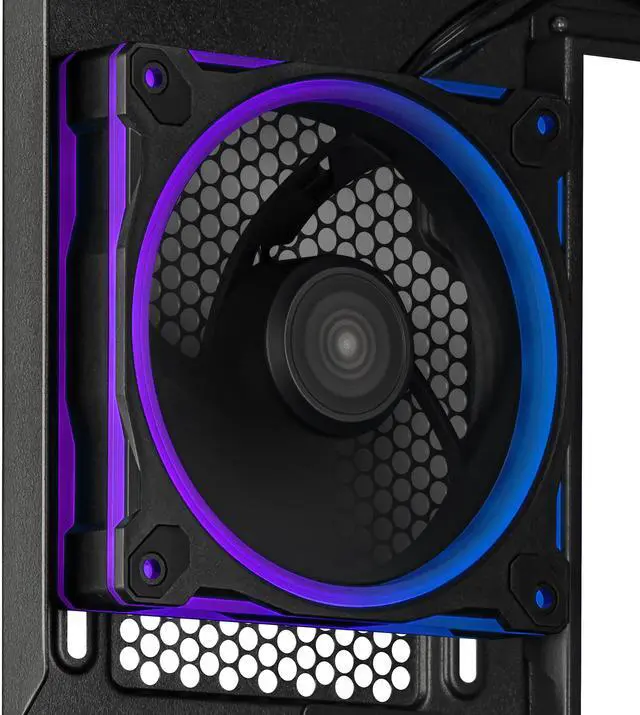
| Design And Materials | Mid-tower enclosure made of steel, plastic, and tempered glass, featuring a fully curved glass panel, an easy-detach rail system, a patented slot vent, and integrated ARGB lighting with three pre-installed ARGB fans |
| Storage And Internal Capacity | Includes three internal bays for storage hardware |
| Power Supply Fit | Compatible with power supplies up to 200 mm long |
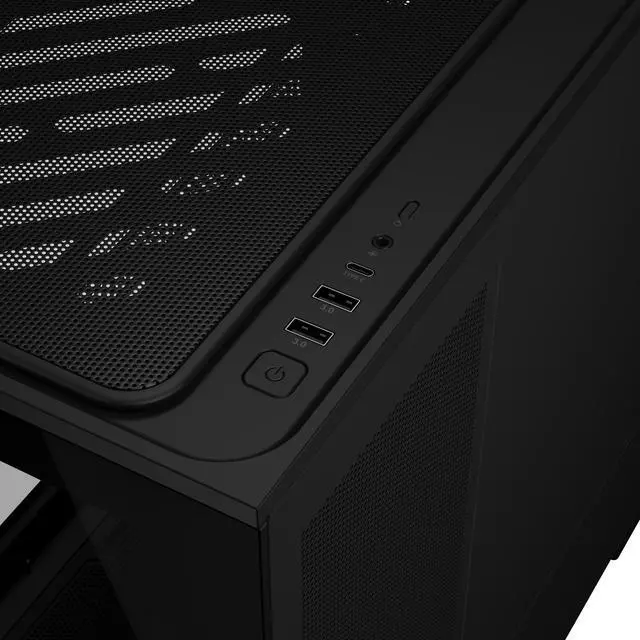
| Ports And Connectivity | Provides one USB 3.0 port |
| Dimensions And Weight | Measures 18.1 × 9.3 × 17.4 inches and weighs 20.1 pounds |
| Color And Model Identifiers | Black ASUS Prime AP202 TG ARGB case, model PRIME AP202 TG ARGB BLACK, part number 90DC00P0-B18000 |
Q: Should I choose the ASUS Prime AP202 ARGB or the ASUS Prime AP201 for a gaming PC?
A: Choose the ASUS Prime AP202 ARGB if you want a panoramic curved-glass showcase, three pre-installed ARGB fans, support for graphics cards up to 420 mm, and compatibility with 360 mm radiators. Choose the AP201 if a smaller, lighter micro-ATX enclosure is more important; its official limits are 338 mm for the GPU, 170 mm for the CPU cooler, and 140–180 mm for the PSU, compared with 420 mm, 175 mm, and 200 mm for the AP202. The AP202 provides more component clearance, while the AP201 is more compact.
Q: Is the ASUS Prime AP202 ARGB worth buying over the non-ARGB AP202?
A: Choose the AP202 ARGB if you want the case ready to use with three included MR120 ARGB fans and Aura Sync lighting. Choose the standard AP202 if you already own fans, want to select a quieter or higher-performance fan layout, or prefer to avoid paying for lighting hardware. Both versions share the same micro-ATX layout, curved tempered-glass design, 420 mm GPU support, and 360 mm radiator compatibility.
Q: ASUS Prime AP202 ARGB or Fractal Design Pop Mini Air: which is better for a high-end mATX build?
A: Choose the ASUS Prime AP202 ARGB when large graphics cards, a 360 mm radiator, panoramic glass, and included ARGB fans are priorities. Choose the Fractal Design Pop Mini Air when you want a more traditional airflow layout, front or top radiator support up to 240 mm, and a smaller maximum GPU requirement of 365 mm. The AP202 offers more clearance for high-end components, while the Pop Mini Air is the more compact and conventional cooling design.
Q: Can the ASUS Prime AP202 ARGB handle a powerful GPU and CPU without changing the included fans?
A: The AP202 ARGB has the hardware clearance for a performance-focused build, including graphics cards up to 420 mm, CPU coolers up to 175 mm, and radiators up to 360 mm. Testing from OC3D found that the case could cool a Ryzen 9 9900X and RTX 3080 effectively, while other testing found that fan orientation affects the balance between GPU and CPU temperatures. For high-power components, the AP202 is suitable, but checking the final fan direction and adding bottom or side intake may improve thermal balance.
Q: Is the ASUS Prime AP202 ARGB a good choice if I need a portable PC case?
A: Choose the AP202 ARGB for a desk-based micro-ATX system where component clearance, cable space, curved glass, and cooling flexibility matter more than carrying size. Choose a smaller portable case if frequent transport is the priority. The AP202 supports full-size ATX power supplies up to 200 mm and large GPUs, but its panoramic glass structure and relatively spacious layout make it better suited to a stationary performance build than a compact travel system.
Q: Will a long graphics card fit in the ASUS Prime AP202?
A: Yes. The ASUS Prime AP202 supports graphics cards up to 420 mm long. Check the exact length, thickness, power-connector placement, and any clearance required by the card manufacturer before installation, especially when using a front-mounted radiator or additional fans. ([bestbuy.com](https://www.bestbuy.com/site/questions/msi-mpg-gungnir-110r-atx-mid-tower-case-black/11079410?utm_source=openai))
Q: Can this case support a 360 mm liquid-cooling radiator?
A: Yes. The ASUS Prime AP202 supports radiators up to 360 mm. Actual installation space can depend on radiator thickness, fan thickness, motherboard components, and graphics-card clearance, so verify the radiator dimensions and intended mounting position before buying. ([bestbuy.com](https://www.bestbuy.com/site/questions/msi-mpg-gungnir-110r-atx-mid-tower-case-black/11079410?utm_source=openai))
Q: Which motherboards, CPU coolers, and power supplies fit this case?
A: The case is designed for Micro ATX and Mini ITX motherboards. It supports CPU coolers up to 175 mm tall and power supplies up to 200 mm long. It is not intended for full-size ATX motherboards, so confirm the dimensions of each component before building. ([newegg.com](https://www.newegg.com/p/3C6-074B-00003/questions?utm_source=openai))
Q: How many fans are included, and can more fans be added?
A: Three ARGB fans are included. The case provides 120 mm fan mounting options for up to three fans on the bottom, three on the top, two on the side, and one at the rear, allowing additional fans to be installed if needed. ([bestbuy.com](https://www.bestbuy.com/site/questions/corsair-4000d-airflow-atx-mid-tower-pc-case-black/6424213?utm_source=openai))
Q: Who is the ASUS Prime AP202 best suited for?
A: It is best suited for Micro ATX or Mini ITX gaming and performance builds that need room for a large graphics card, a 360 mm radiator, and a tall air cooler. The trade-offs are support for only four expansion slots, compatibility limited to smaller motherboard formats, and the need to handle the curved tempered-glass panel carefully. ([newegg.com](https://www.newegg.com/p/11-133-603/questions?utm_source=openai))
Q: Is the ASUS Prime AP202 worth buying for a high-end gaming PC?
A: It is suitable if you want a visually focused mATX case with room for large components. It supports GPUs up to 420 mm, CPU coolers up to 175 mm, ATX power supplies up to 200 mm, and radiators up to 360 mm. The main trade-offs are its relatively large footprint for an mATX case and the need to optimize fan placement for best airflow.
Q: Is the AP202 actually a compact mATX case?
A: It supports only Micro ATX and Mini ITX motherboards, but it is not especially small for an mATX case. Community discussions and reviews repeatedly describe it as relatively large, with dimensions of approximately 18.1 × 9.3 × 17.4 inches. Choose it for component clearance and the curved-glass layout rather than for the smallest possible footprint.
Q: Does the ASUS Prime AP202 have good airflow out of the box?
A: Airflow can be effective, but the default fan arrangement may not be ideal for every build. A review found that the stock exhaust-oriented setup can limit thermal performance, while community builds commonly add or reposition intake fans—especially at the bottom or side—to improve internal air pressure and GPU cooling.
Q: Is the AP202 a good choice for a large graphics card or 360 mm liquid cooler?
A: Yes, the case is designed for relatively large components. It supports graphics cards up to 420 mm long and radiators up to 360 mm, making it appropriate for many high-end GPU and liquid-cooling configurations. Compatibility should still be checked against the card's thickness, motherboard slot position, radiator thickness, and fan placement.
Q: Who should avoid the ASUS Prime AP202?
A: Avoid it if you need an ATX motherboard, a back-connect motherboard layout, or a particularly small mATX enclosure. It is also a weaker fit if you prefer minimal glass and RGB, want the simplest possible dust-cleaning routine, or do not want to adjust the included fan configuration.


