


 All CategoriesAll CategoriesAll Categories
Shipped by Newegg

Make informed decisions with expert advice. Learn More



Warranty Notice:
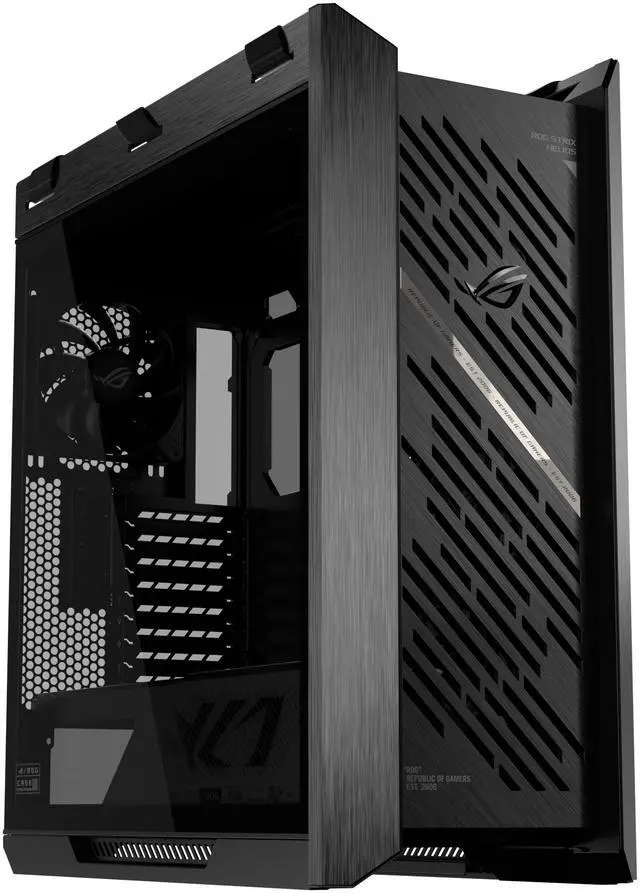
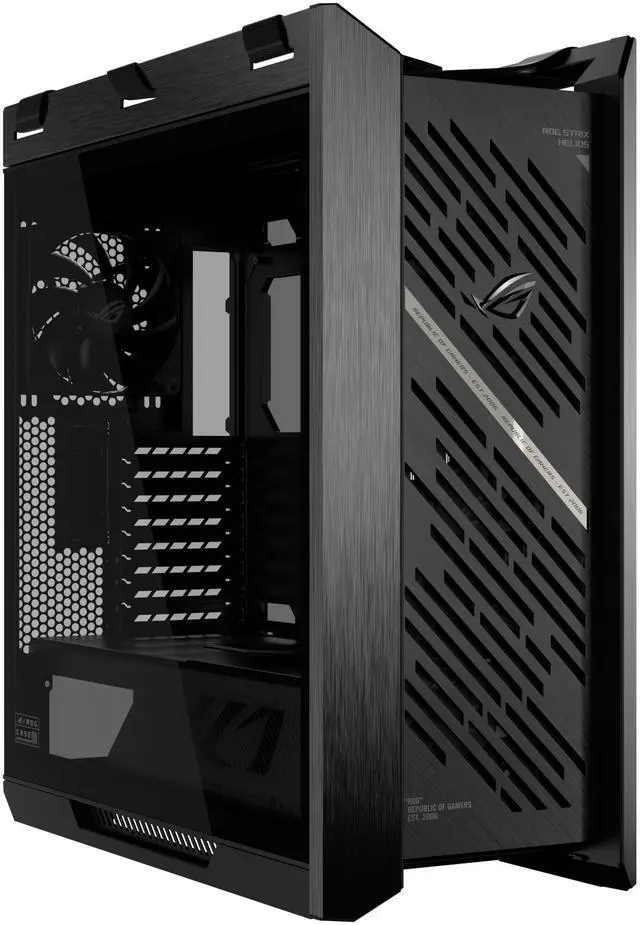
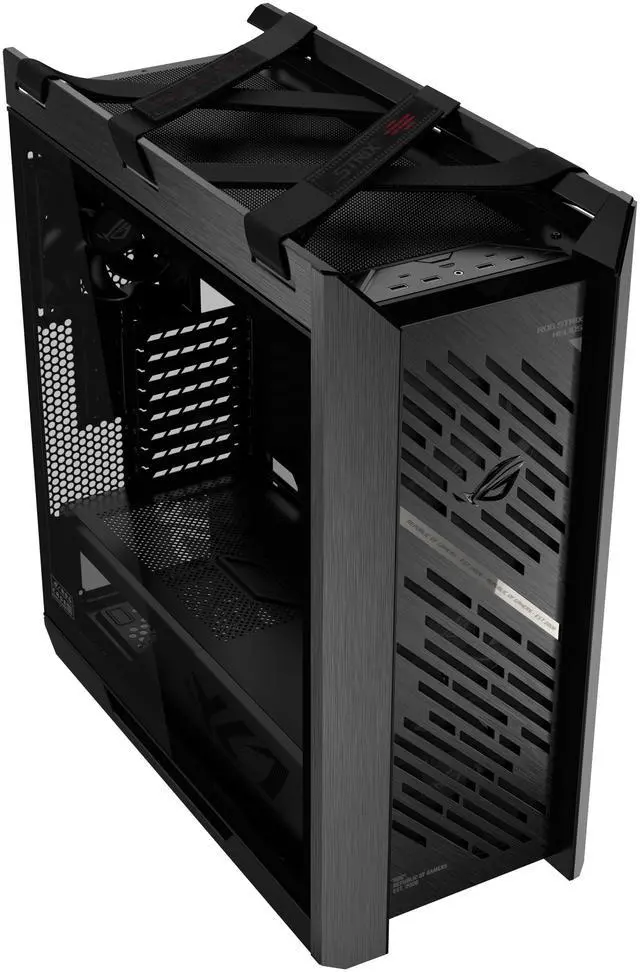
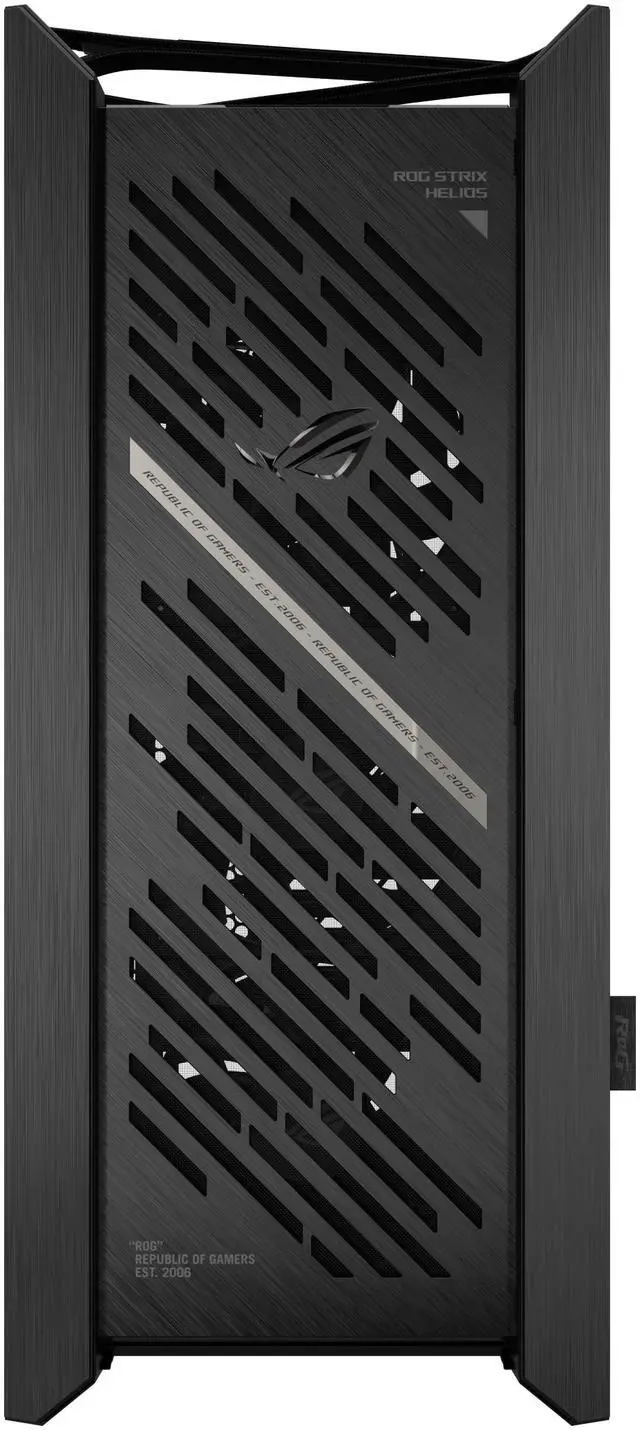
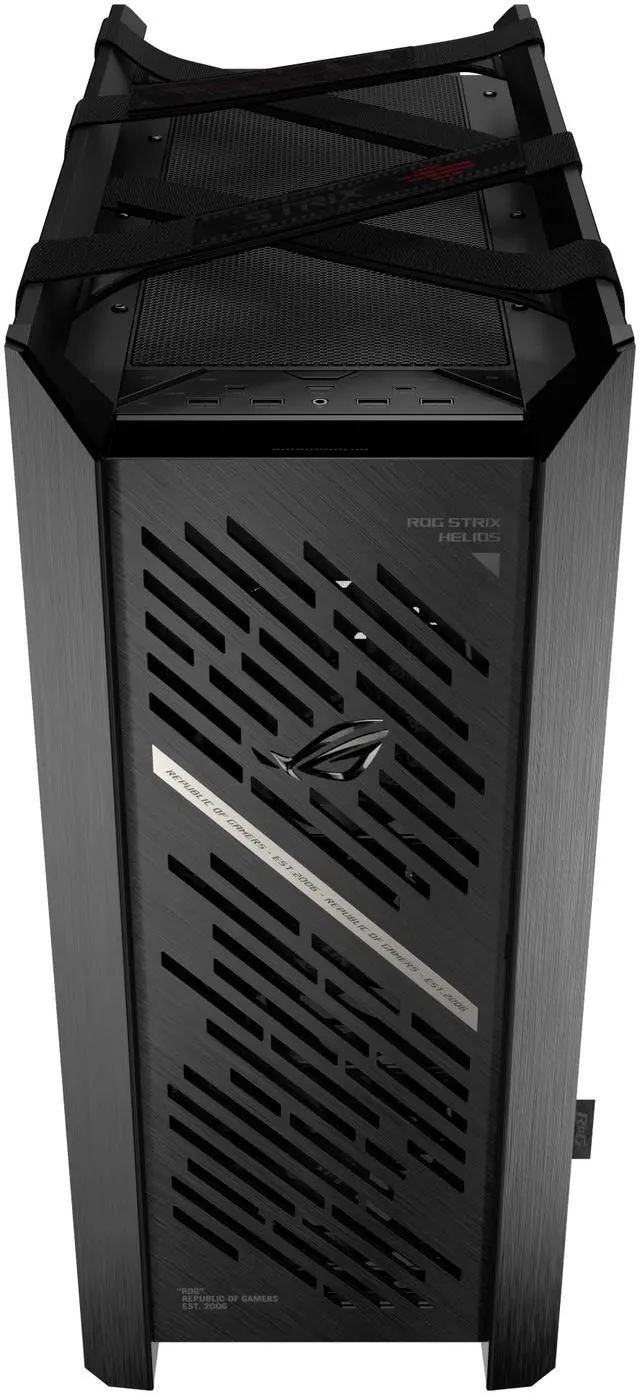
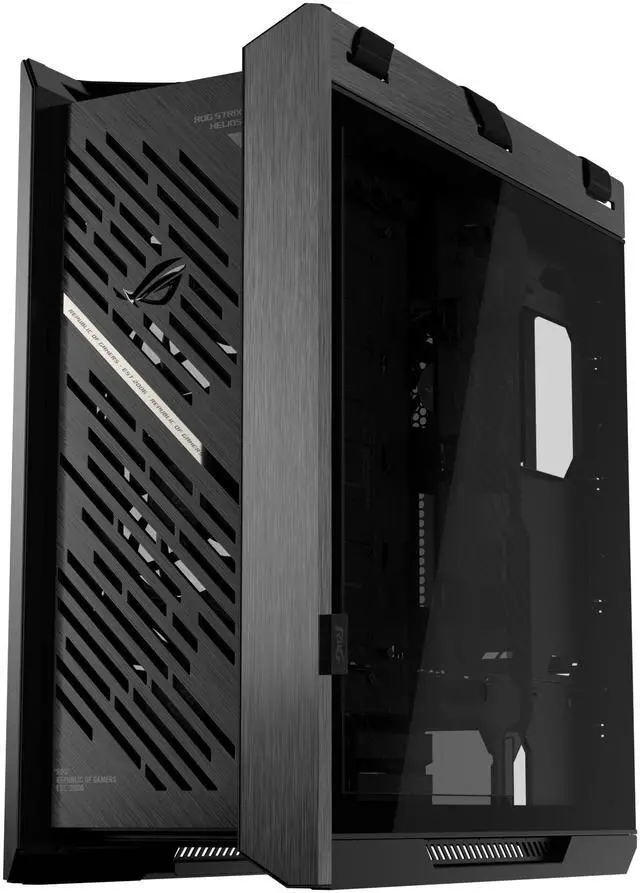
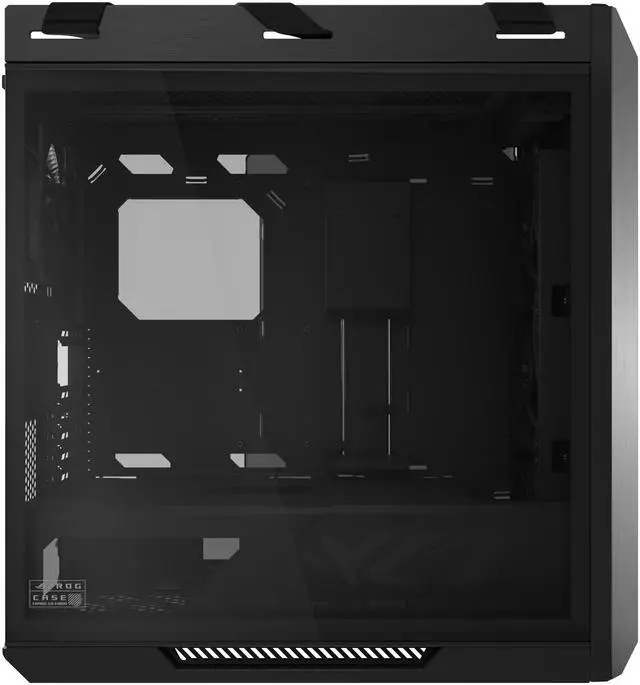
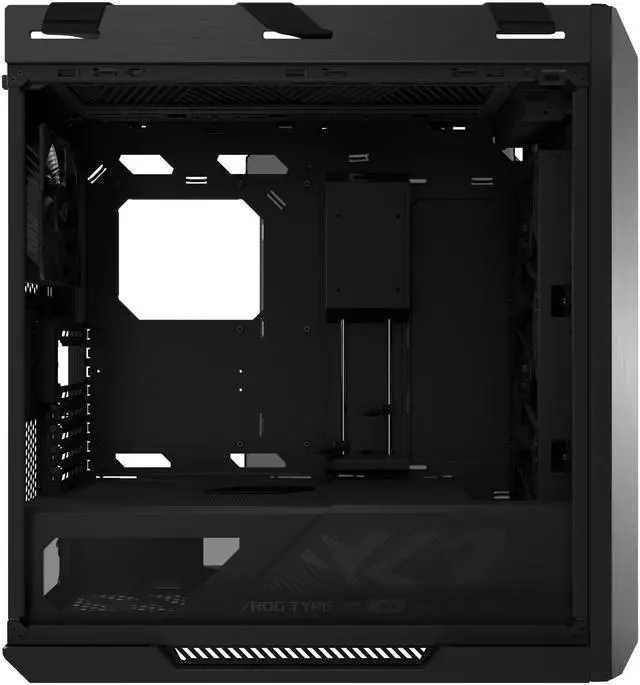
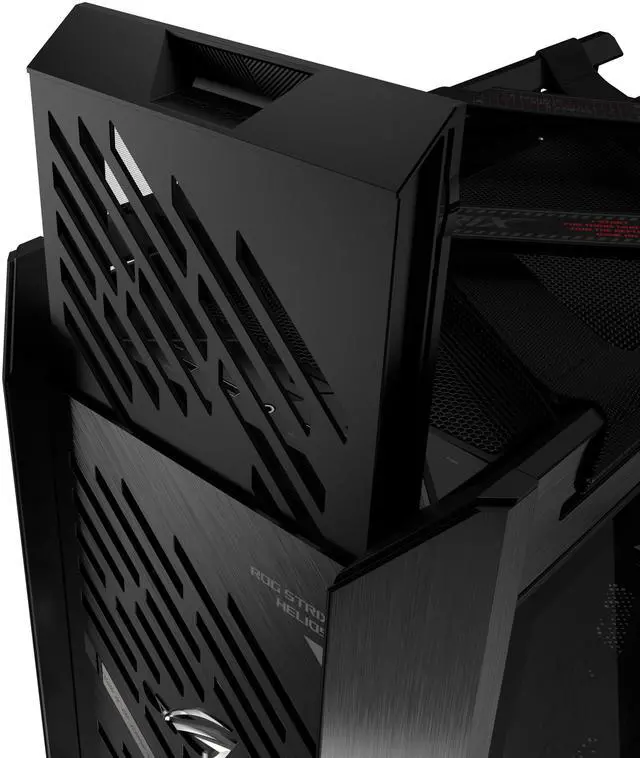
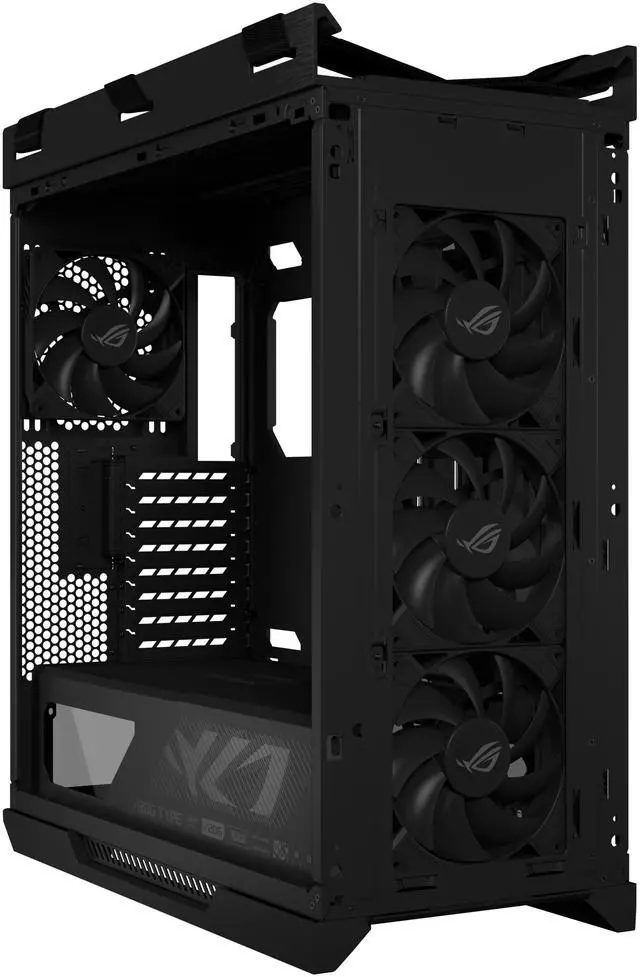
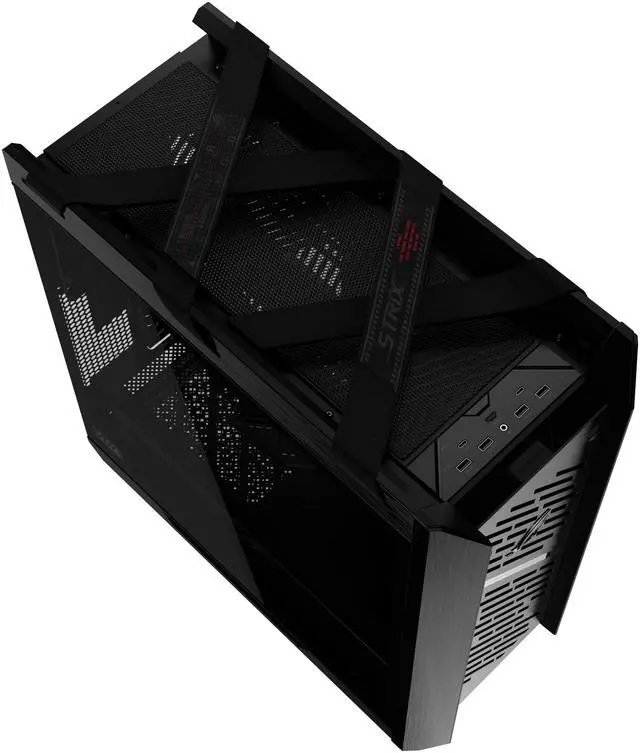
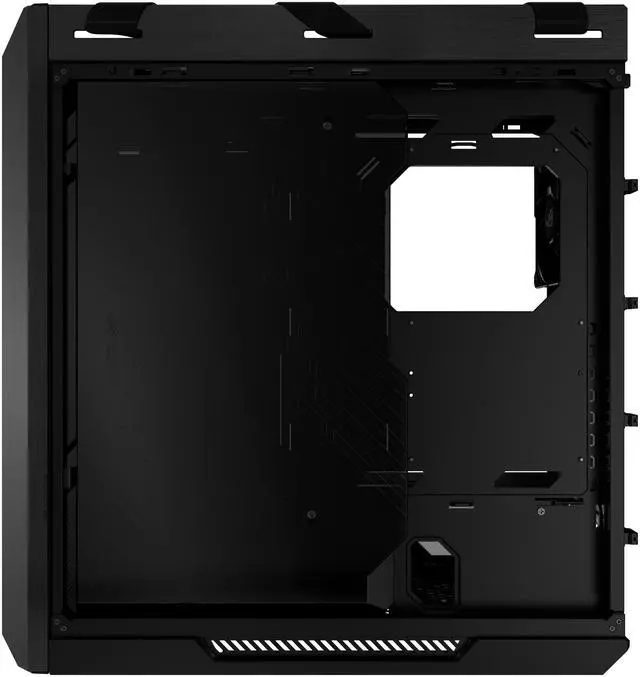
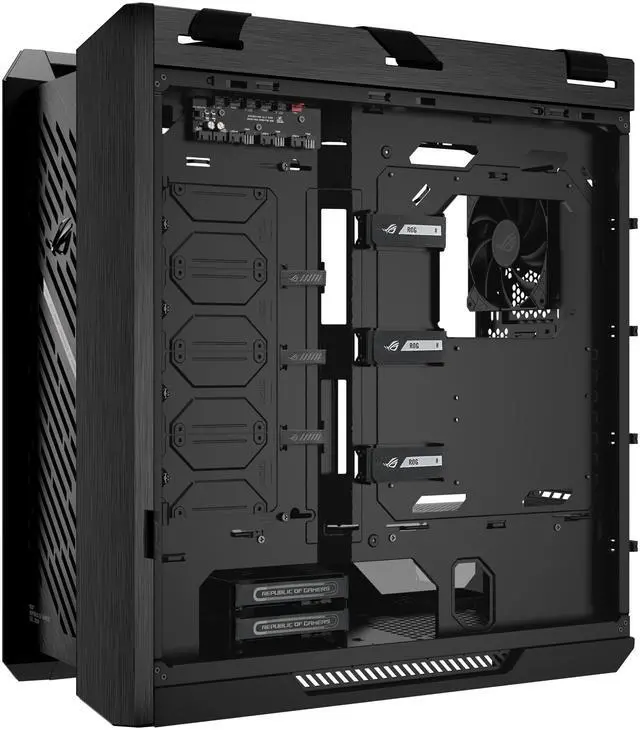
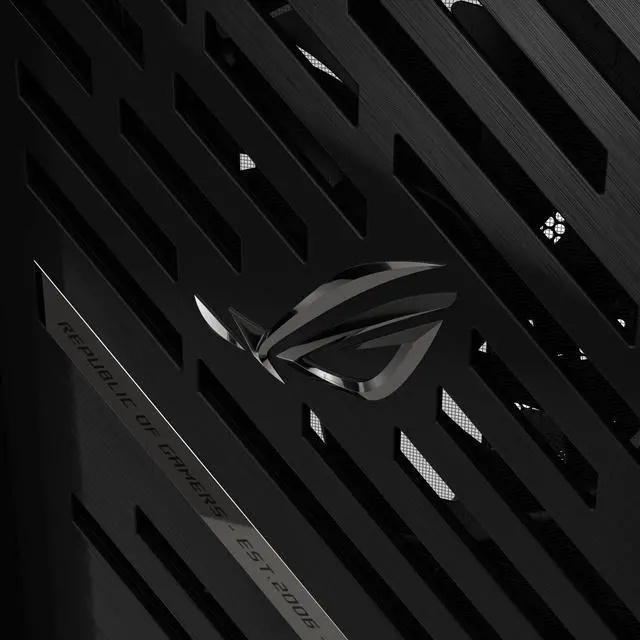
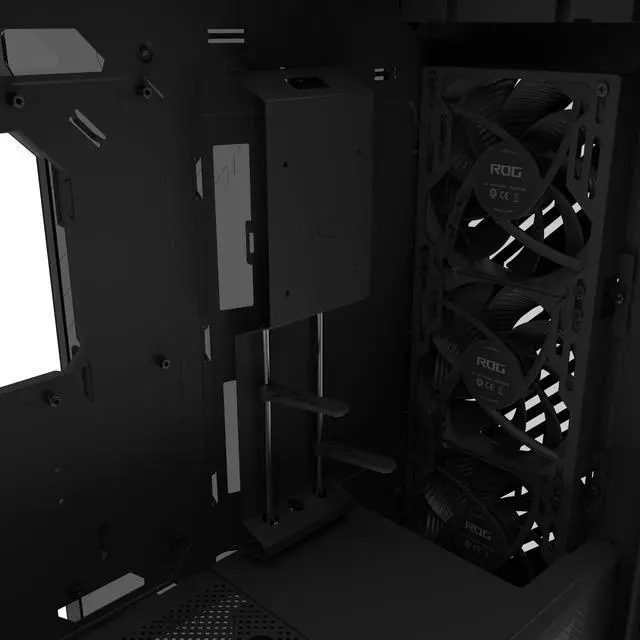
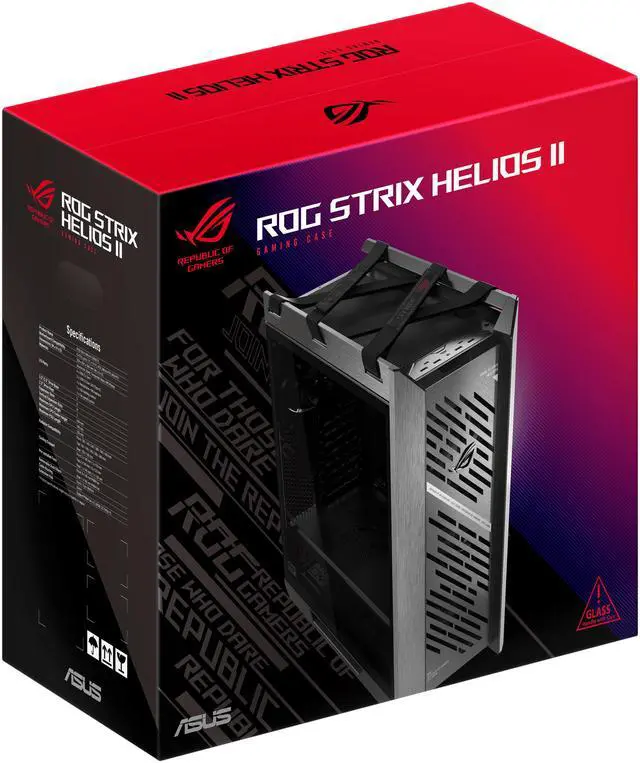
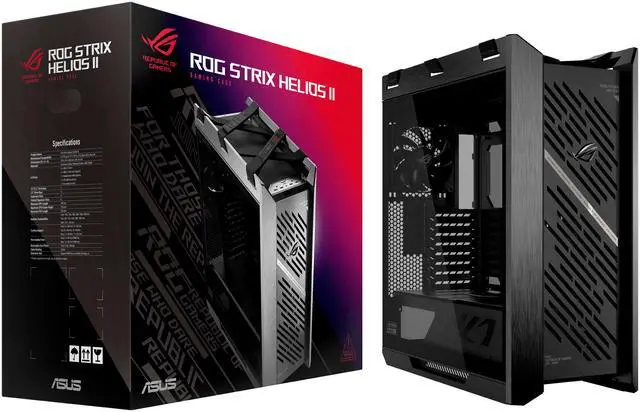
This product does not include manufacturer warranty when purchased or used outside of its designated sales region. By purchasing internationally, you acknowledge that warranty support from the manufacturer will not be available.The ASUS ROG Strix Helios II is an EATX mid-tower gaming PC case for showcase builds, combining dual tempered-glass panels, an aluminum diamond-grille front, four pre-installed 140mm fans, and support for graphics cards up to 450mm.
| Attribute | Value |
|---|---|
| Best For | Mid-tower PC builds using E-ATX, ATX, Micro-ATX, or Mini-ITX motherboards, with room for GPUs up to 450 mm and multiple air-cooling or radiator configurations |
| Case Design And Materials | Black mid-tower chassis made from aluminum, steel, tempered glass, and ABS plastic |
| Motherboard And Expansion | Supports E-ATX, ATX, Micro-ATX, and Mini-ITX motherboards with 8 expansion slots |
| Cooling And Dust Management | Air-cooled design with built-in fan support, positions for 3 x 140 mm front, 1 x 140 mm rear, or 2 x 140 mm top fans, and removable front, top, and bottom dust filters |
| Radiator And Component Clearance | Radiator support spans 120, 140, 240, 280, 360, and 420 mm at the front; 120, 140, 240, 280, and 360 mm at the top; and 120 or 140 mm at the rear, with clearance for CPU coolers up to 190 mm, GPUs up to 450 mm, and power supplies up to 220 mm |
| Storage Bays | Two internal 3.5-inch drive bays and four internal 2.5-inch drive bays |
| Cable Management And Lighting | Provides 33 mm of cable-routing space with support for up to six PWM fans and six ARGB LED strips |
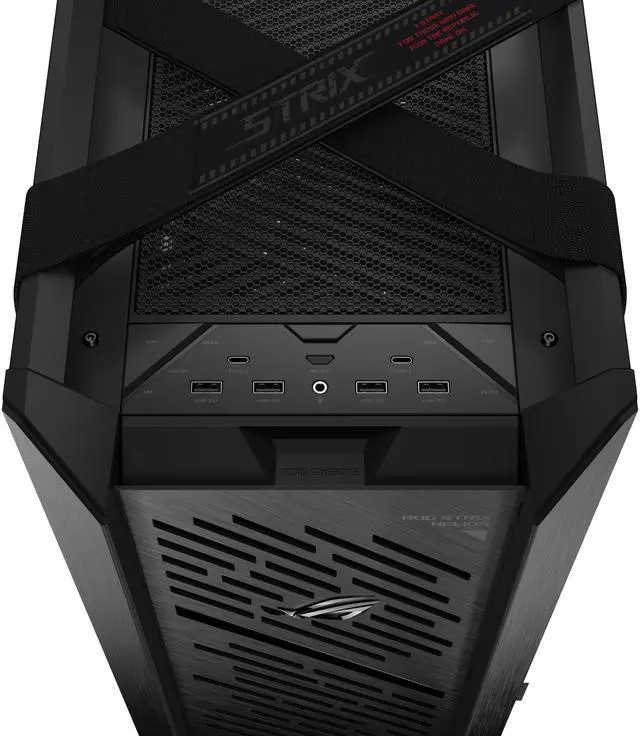
| Front I O | Four USB 3.0 ports |
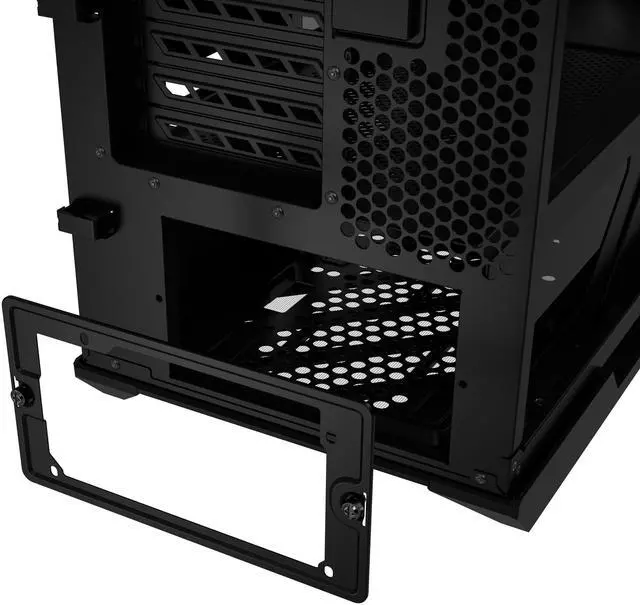
| Power Supply Mounting | Rear-mounted power supply with support for units up to 220 mm long |
| Dimensions And Weight | Measures 23.27 x 9.84 x 22.24 inches and weighs 39.7 pounds |
| Model Identifiers | ASUS ROG STRIX HELIOS II GX601S BLACK, part number 90DC00W0-B38000 |
Q: Should I buy the ASUS ROG Strix Helios II or the original ROG Strix Helios?
A: Choose the Helios II when you want the newer front-panel design, four included 140 mm PWM fans, two USB 20 Gbps Type-C ports, and the same broad support for EATX boards, 450 mm graphics cards, and front-mounted radiators up to 420 mm. The original Helios remains suitable if its lower price is more important and you do not need the additional fan or upgraded USB-C connectivity; the two cases share the same listed dimensions and major component clearances.
Q: Is the ASUS ROG Strix Helios II or Cooler Master HAF 700 better for a high-performance gaming PC?
A: Choose the Helios II for a premium showcase build that needs strong out-of-box cooling, EATX support, a 450 mm GPU clearance, extensive radiator compatibility, and a more manageable mid-tower format. Choose the HAF 700 when airflow capacity and custom-cooling flexibility take priority: it uses an unrestricted mesh front, includes two 200 mm PWM fans, and provides a multi-chamber layout with advanced radiator-mounting options. The trade-off is that the HAF 700 is oriented more toward a large full-tower-style performance build, while the Helios II emphasizes premium materials, organization, and easier transport with integrated straps.
Q: Should I choose the Helios II or Lian Li O11D EVO XL for a custom water-cooled build?
A: Choose the Lian Li O11D EVO XL when you want a highly modular layout for multiple radiators, side or bottom cooling, and showcase-oriented component placement. Choose the Helios II when you prefer simpler installation and useful stock hardware, including four pre-installed 140 mm fans, a 190 mm CPU-cooler clearance, and front radiator support up to 420 mm. The O11D EVO XL offers slightly more GPU clearance at 460 mm and more multi-radiator mounting flexibility, while the Helios II offers greater CPU-cooler height clearance and a more conventional airflow layout.
Q: Is the ASUS ROG Strix Helios II worth choosing over a more affordable case such as the Corsair 5000D Airflow?
A: Choose the Helios II when you need EATX motherboard support, a 450 mm GPU limit, front radiator support up to 420 mm, dual USB 20 Gbps Type-C ports, four included 140 mm PWM fans, and premium aluminum construction. Choose the Corsair 5000D Airflow when a conventional ATX build is sufficient and you want a lighter, simpler mid-tower with 420 mm GPU support, 360 mm front-radiator support, and standard front I/O. The Helios II mainly justifies its higher tier through expanded compatibility, included cooling, materials, and build-management features rather than a guaranteed performance advantage in every configuration.
Q: Is the Helios II practical if I need to move my PC regularly?
A: The Helios II is easier to handle than a case without carrying points because it includes integrated woven straps, but it is still a large 18 kg chassis before components are installed. Choose it for occasional moves between rooms or LAN events when you also need full-size hardware support and premium build features. For frequent transportation, a smaller and lighter case is the more practical choice because the Helios II's size, tempered-glass panels, and completed-build weight reduce portability despite the straps.
Q: Will a long graphics card fit in the ASUS ROG Strix Helios II?
A: Yes. The case supports graphics cards up to 450 mm long. Check the exact length of the GPU, including its cooler and power-cable clearance, before installation.
Q: What motherboard sizes are compatible with this case?
A: The ASUS ROG Strix Helios II supports E-ATX, ATX, Micro-ATX, and Mini-ITX motherboards. It is suitable for both large workstation-style builds and standard gaming PCs.
Q: Does the case include fans, and can it support liquid cooling?
A: Yes. Four 140 x 28 mm performance fans are pre-installed. The case supports radiators up to 420 mm at the front, 360 mm at the top, and 140 mm at the rear, making it suitable for high-performance air-cooled or liquid-cooled systems.
Q: Is this case suitable for a large, high-end gaming or workstation build?
A: Yes. Its EATX support, 450 mm GPU clearance, 190 mm CPU-cooler clearance, 220 mm PSU clearance, eight expansion slots, and extensive radiator support make it suitable for large builds. The trade-off is its substantial size: approximately 23.27 x 9.84 x 22.24 inches.
Q: Does the ASUS ROG Strix Helios II come with the other PC components?
A: No. This product is a PC case, not a complete computer. The motherboard, processor, graphics card, memory, storage, power supply, and operating system must be supplied separately.
Q: Who is the ASUS ROG Strix Helios II best suited for?
A: It is best suited for large, high-end showcase builds that need EATX support, space for GPUs up to 450 mm, multiple 140 mm fans, and large radiators. It is less suitable if you want a compact or lightweight case. ([youtube.com](https://www.youtube.com/watch?v=VqKLaIiTb0E&utm_source=openai))
Q: Can the Helios II handle a high-end GPU and liquid-cooling setup?
A: Yes. The case supports graphics cards up to 450 mm and radiators up to 420 mm at the front and 360 mm at the top according to the provided specifications. Users have specifically discussed fitting large GPUs and 420 mm AIOs, so radiator thickness, motherboard clearance, and the exact GPU design should still be checked before purchase. ([youtube.com](https://www.youtube.com/watch?v=mmFnwlePQ6M&utm_source=openai))
Q: Are the Helios II's RGB and fan controls straightforward with non-ASUS motherboards?
A: Not always. Reddit users have reported difficulty getting the case lighting or fan hub recognized with Gigabyte motherboards and have discussed motherboard-sync modes, ARGB connections, and fan-control wiring. The case may work with standard ARGB and PWM connections, but setup can require checking the manual and motherboard headers. ([reddit.com](https://www.reddit.com/r/ASUS/comments/1pea5wf/helios_2_case_leds_not_working_at_all/?utm_source=openai))
Q: What are the main trade-offs of buying the Helios II?
A: The main trade-offs are size, weight, and cost versus expansion room, cooling support, and showcase design. A YouTube build described the case as weighing about 18 kg before hardware, while Reddit discussions compare its premium appearance and airflow with larger or better-value alternatives. It is a stronger fit for buyers prioritizing capacity and design than for buyers prioritizing portability or low cost. ([youtube.com](https://www.youtube.com/watch?v=VqKLaIiTb0E&utm_source=openai))


