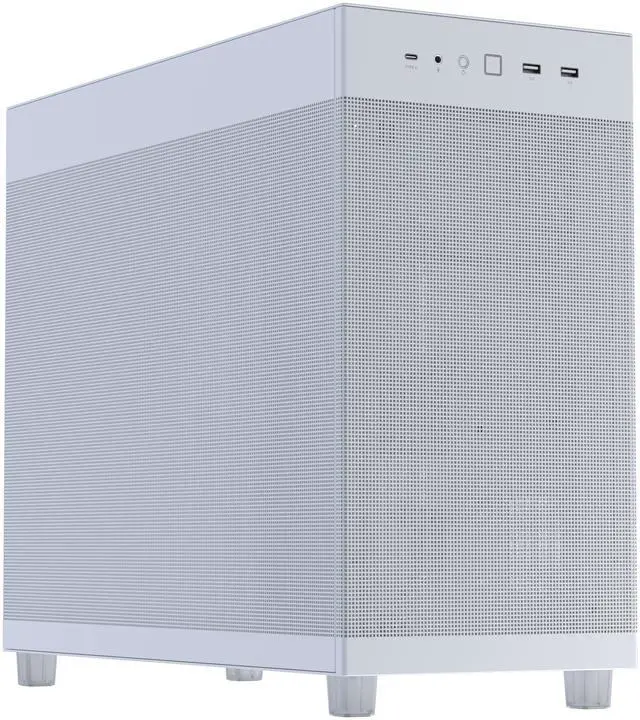
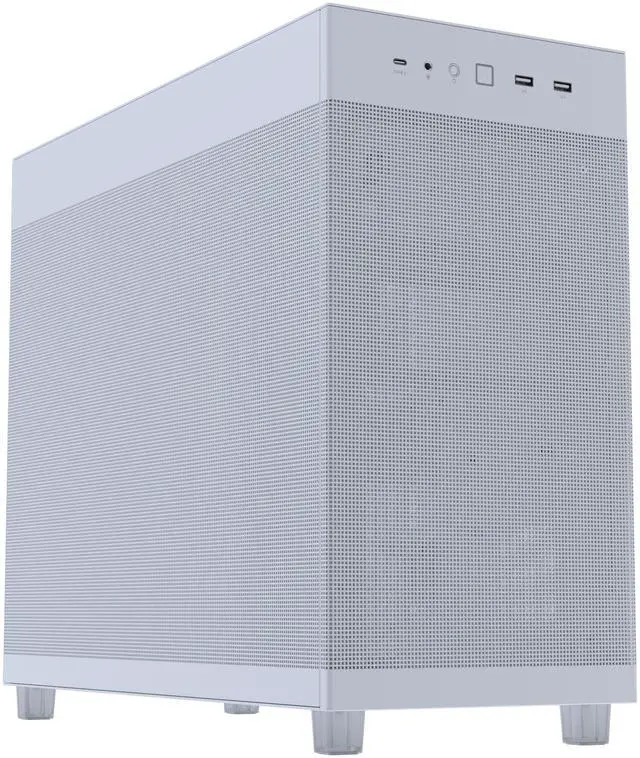
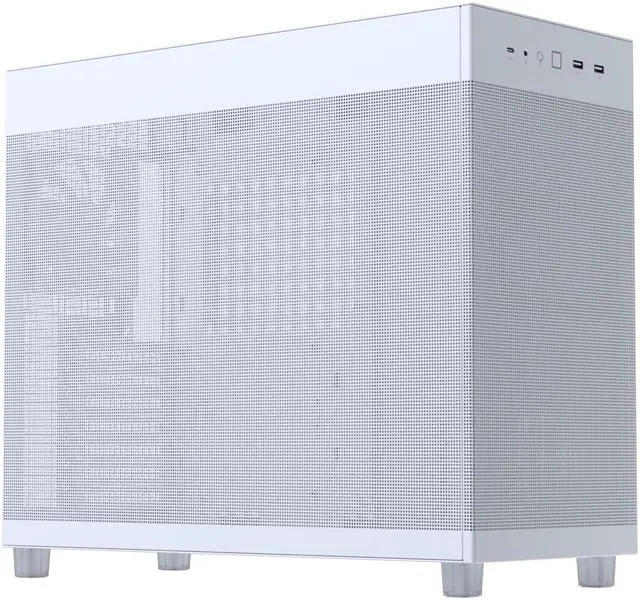
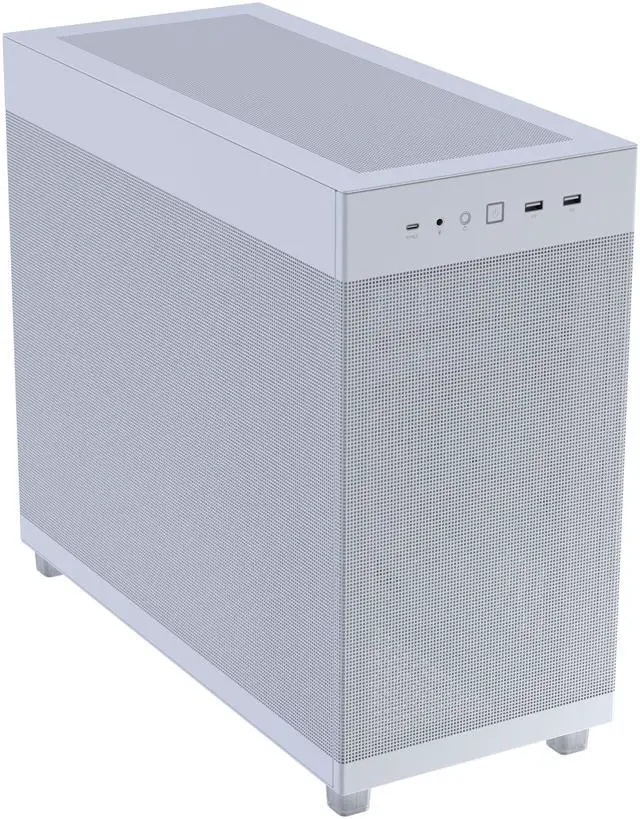
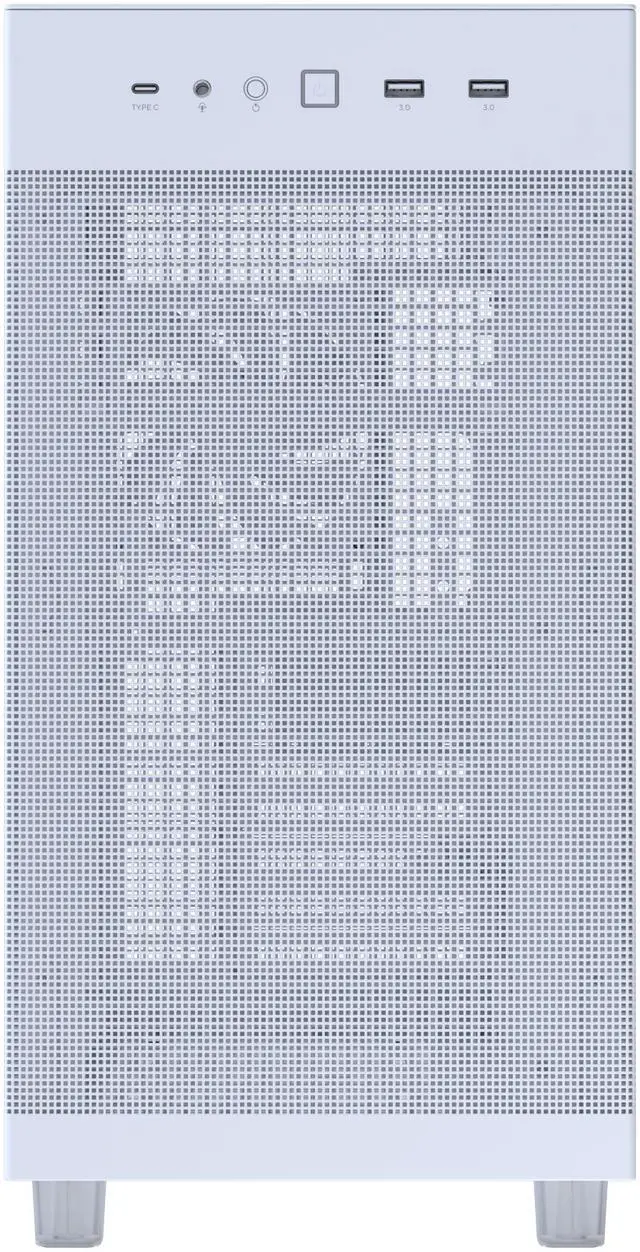
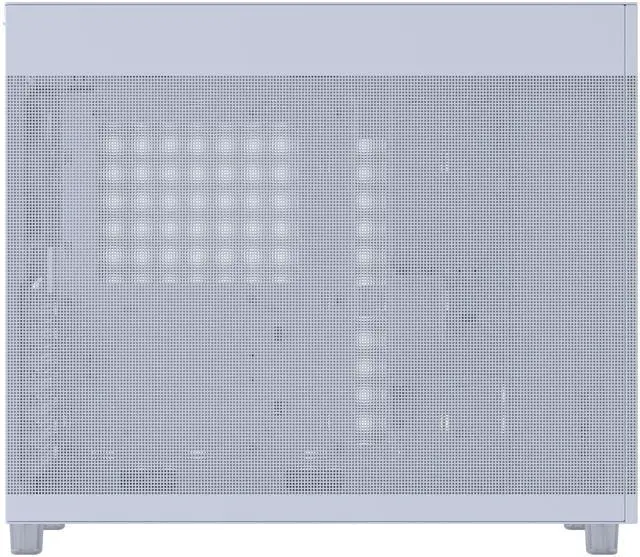
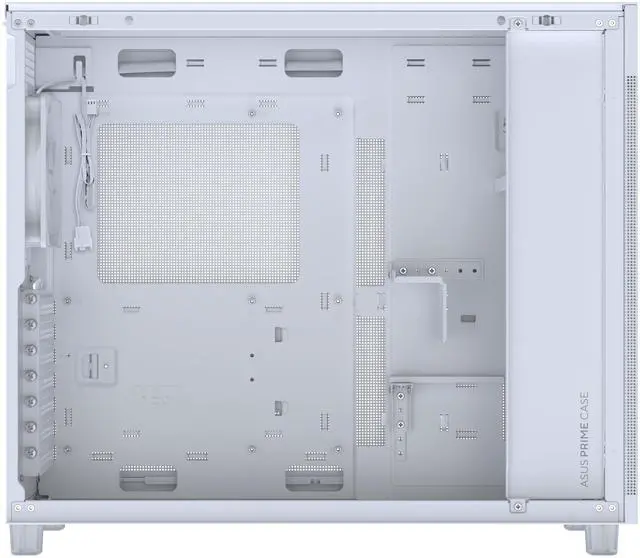
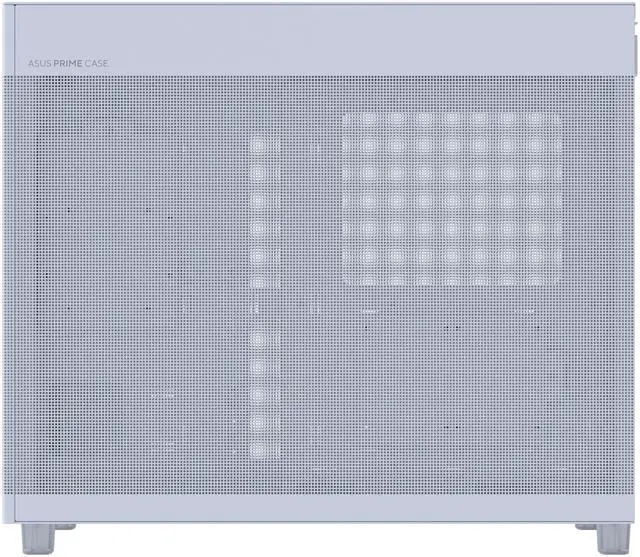
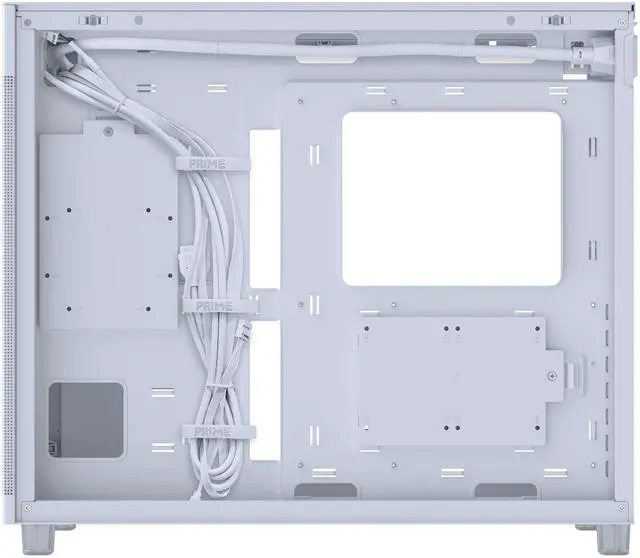
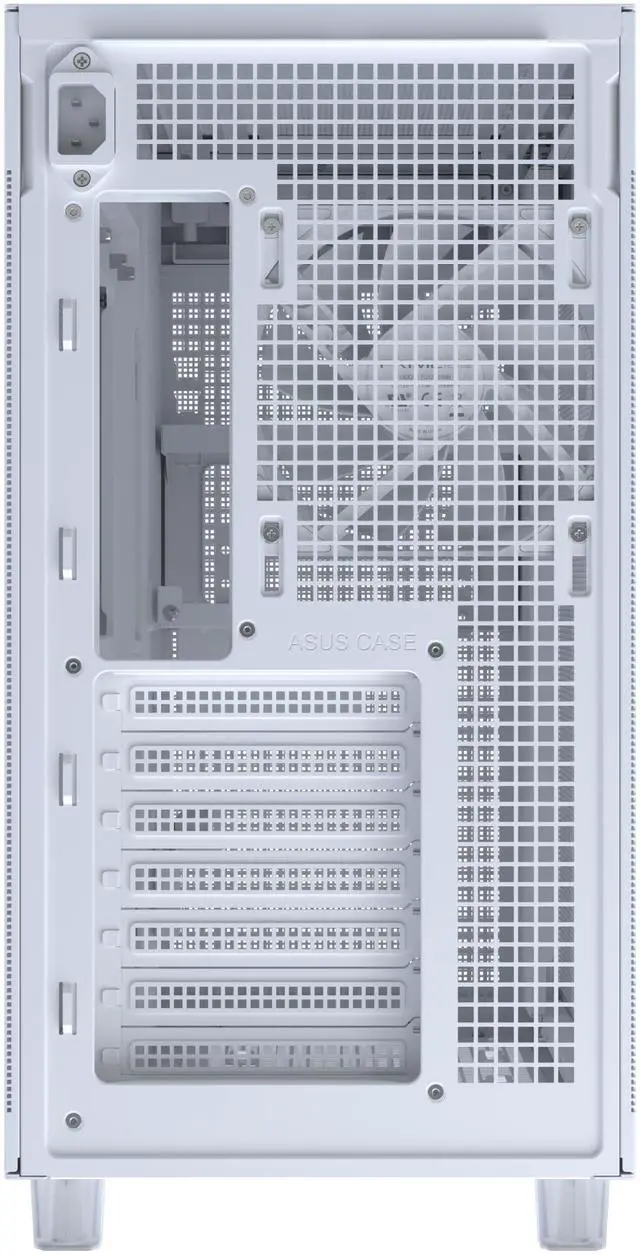
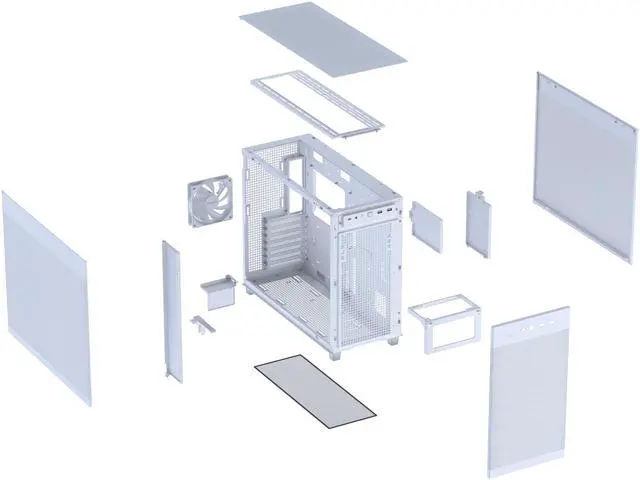
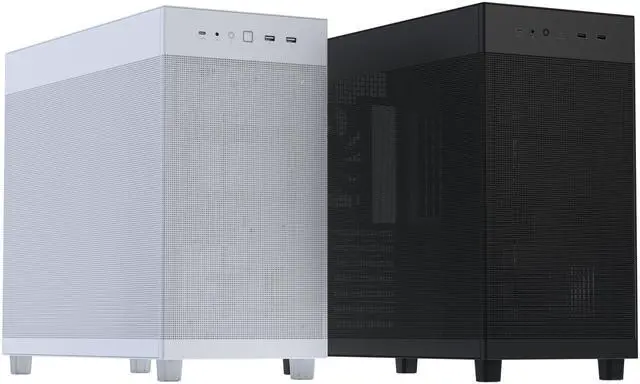
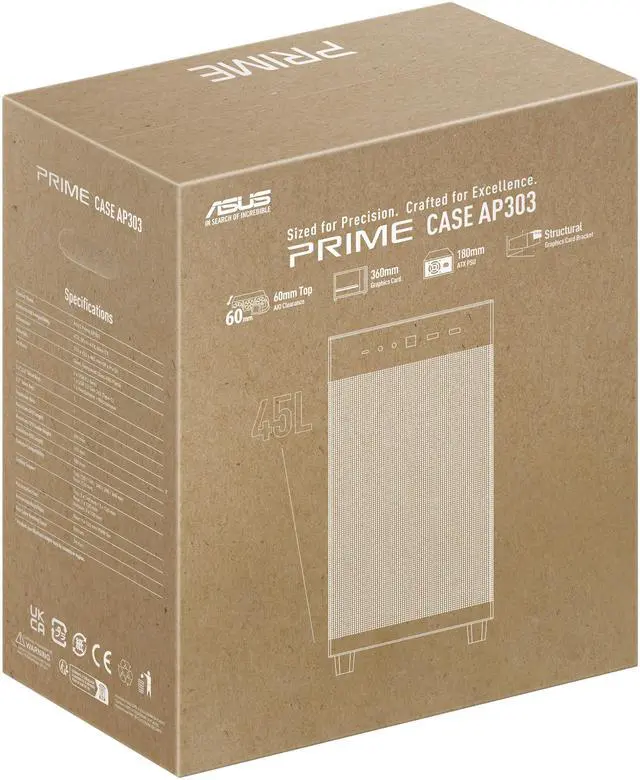
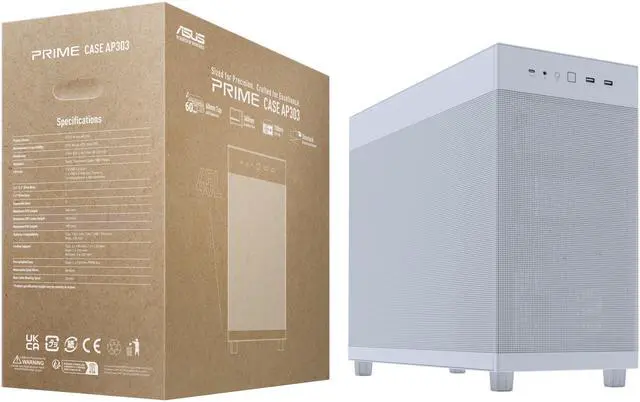
The ASUS Prime AP303 White Edition is a compact 44.3-liter ATX PC case for high-performance gaming and workstation builds, supporting graphics cards up to 360 mm, top-mounted radiators up to 360 mm, and up to seven fans. It suits users who want strong cooling capacity in a space-efficient white chassis.
Recommended For
- PC builders who want a smaller-than-standard ATX case without moving to Mini-ITX: the AP303 keeps ATX motherboard and ATX power-supply compatibility while using a 44-liter layout that community users describe as a compact or medium-form-factor alternative to conventional towers.
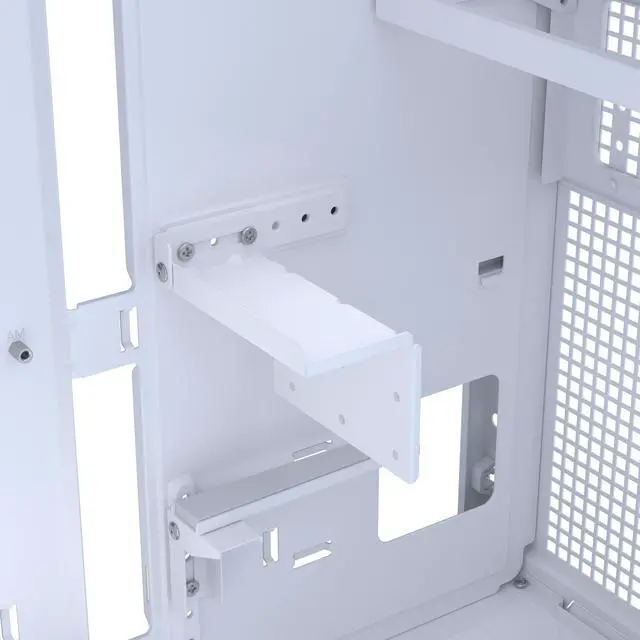
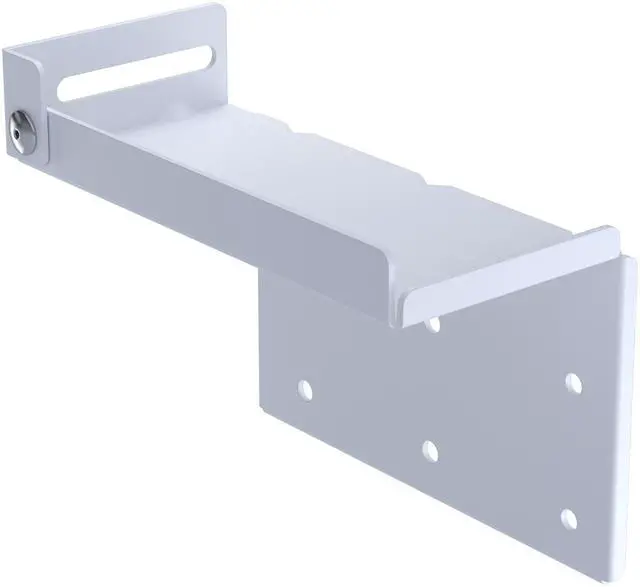
- High-end gaming PC builders using long graphics cards and liquid CPU cooling: the case is positioned for GPUs up to 360 mm and supports top-mounted radiators up to 360 mm, while the included structural bracket helps support heavy graphics cards.
- Builders prioritizing airflow for sustained gaming, rendering, or other GPU-heavy workloads: the mesh-panel design and support for multiple top and bottom fans give users room to create a high-airflow configuration, although additional fans are needed beyond the included rear fan.
- Users downsizing a large gaming or workstation tower while keeping existing full-size components: the AP303 is suited to relocations from larger ATX cases when the build uses a compatible GPU, cooler, and power supply rather than specialized small-form-factor parts.
Real-World Use Scenarios
- A user building a compact ATX gaming PC with a long, heavy graphics card can install a GPU up to 360 mm and use the included support bracket to reduce sag and movement. The result is a smaller desktop footprint without giving up standard ATX compatibility or large-GPU support.
- A user assembling a high-end gaming or workstation system with a 240 mm, 280 mm, or 360 mm liquid cooler can mount the radiator at the top while keeping an ATX motherboard and full-size graphics card. However, the case ships with only one rear exhaust fan, so adding intake and exhaust fans is important for sustained heavy workloads.
- A user who wants an airflow-focused PC can install up to three top fans, three bottom fans, and one rear fan. Community builds commonly use bottom intake with top and rear exhaust, which gives the mesh-panel chassis a more balanced airflow setup than the stock configuration.
- A user replacing a bulky mid-tower with a smaller ATX case can keep an ATX, Micro-ATX, or Mini-ITX motherboard while reducing the amount of desk space used. In practice, the internal layout remains capable of accommodating large GPUs and tower coolers, although the front-mounted vertical PSU makes the layout less conventional than a traditional mid-tower.
- A user building a clean white desktop for gaming, content creation, or a professional workspace can use the AP303’s restrained design without relying on extensive RGB lighting. The mesh-panel version emphasizes ventilation and a minimalist appearance, while the 20 Gbps front USB-C port is useful for connecting fast external SSDs and other high-speed peripherals.
Spec Summary
| Attribute | Value |
|---|
| Best For | ATX, Micro-ATX, and Mini-ITX desktop builds requiring support for graphics cards up to 360 mm, top radiators up to 360 mm, and multiple fan configurations in a 44.3-liter chassis |
|---|
| Chassis Compatibility And Capacity | Supports ATX, Micro-ATX, and Mini-ITX motherboards with seven expansion slots, a bottom-mounted power supply, and clearance for CPU coolers up to 165 mm tall |
|---|
| Cooling Support | Air-cooled chassis with top support for three 140 mm or three 120 mm fans, bottom support for three 120 mm fans, rear support for one 120 mm fan, and radiator compatibility from 120 mm to 360 mm; includes one pre-installed rear 120 mm PWM fan |
|---|
| Front I O And Controls | Front panel includes two USB 3.2 Gen 1 ports, one USB 3.2 Gen 2x2 Type-C port, and a combined headphone and microphone connection, with push-button control |
|---|
| Storage And Expansion | Provides one internal 3.5-inch drive bay and two internal 2.5-inch drive bays for three internal drive positions in total |
|---|
| Construction And Cable Management | White enclosure made from steel and plastic with a bottom dust filter and up to 34 mm of cable-routing space |
|---|
| Power Supply And Component Clearance | Bottom-mounted ATX power supply support with clearance for power supplies up to 185 mm long |
|---|
| Dimensions And Weight | Measures 215 x 425 x 485 mm with a 44.3-liter volume and weighs 6.8 kg |
|---|
| Model Identifiers | ASUS Prime AP303 Mesh White, model PRIME AP303 MESH WHITE, part number 90DC00V3-B38000 |
|---|
Reference Q&A
Q: ASUS Prime AP303 vs AP201: which case should I choose?
A: Choose the ASUS Prime AP303 when you need a standard ATX motherboard, seven expansion slots, or a graphics card up to 360 mm. Choose the smaller AP201 when a Micro-ATX or Mini-ITX motherboard is sufficient and reducing case volume is the priority. The AP303 is about 44 liters, while the AP201 is approximately 33 liters based on its official dimensions. ([press.asus.com](https://press.asus.com/news/press-releases/asus-prime-ap303-atx-case/?utm_source=openai))
Q: Is the ASUS Prime AP303 better than the Lian Li A3-mATX for a compact gaming PC?
A: The AP303 is the better fit when you want ATX motherboard support, a conventional seven-slot layout, a top-mounted 360 mm radiator, and a built-in support bracket for long graphics cards. The Lian Li A3-mATX is more compact and supports graphics cards up to 415 mm, but it requires a Micro-ATX or Mini-ITX motherboard and its radiator-and-fan configuration can reduce available GPU space. Choose the A3 for maximum volume efficiency; choose the AP303 for broader ATX compatibility and simpler high-end component planning. ([press.asus.com](https://press.asus.com/news/press-releases/asus-prime-ap303-atx-case/?utm_source=openai))
Q: Should I buy the ASUS Prime AP303 or a Corsair 4000D Airflow?
A: Choose the AP303 when you want a smaller 44-liter ATX case with bottom intake support, a top-mounted 360 mm radiator, 20Gbps front USB-C, and an integrated GPU support bracket. Choose the Corsair 4000D Airflow when you prefer a more traditional front-intake layout, two included fans, more 3.5-inch drive capacity, and support for longer power supplies up to 220 mm. The 4000D is easier to configure around conventional front-mounted cooling, while the AP303 prioritizes compact ATX dimensions and top-mounted cooling. ([press.asus.com](https://press.asus.com/news/press-releases/asus-prime-ap303-atx-case/?utm_source=openai))
Q: Is the ASUS Prime AP303 a good upgrade from the Jonsbo D41?
A: Upgrade to the AP303 when you want a larger 44-liter workspace, support for a 360 mm radiator up to 60 mm thick, a 20Gbps front USB-C port, and ASUS's structural GPU bracket. Stay with the D41 when minimizing case volume, adding multiple storage drives, or using a bottom-mounted 360 mm radiator is more important. The D41 is approximately 35.4 liters and supports more drive bays, while the AP303 offers a roomier ATX layout and newer front-panel connectivity. ([press.asus.com](https://press.asus.com/news/press-releases/asus-prime-ap303-atx-case/?utm_source=openai))
Q: Can I use the ASUS Prime AP303 for a high-performance PC without adding many fans?
A: The AP303 can support up to seven fans and a top-mounted 360 mm radiator, but the mesh-panel model ships with only one 120 mm rear fan. For a high-performance air-cooled or high-power GPU build, plan to add bottom intake and top or rear exhaust fans. Choose the AP303 when you want compact ATX support with strong cooling expansion; choose a case with more included fans when minimizing additional cooling purchases is the priority. ([press.asus.com](https://press.asus.com/news/press-releases/asus-prime-ap303-atx-case/?utm_source=openai))
Q: Will a long graphics card fit in the ASUS Prime AP303?
A: Yes. The case supports graphics cards up to 360 mm long. It also includes a structural GPU bracket designed to reduce sag and movement, including support for compatible GeForce RTX 50 Series cards measuring approximately 310 to 360 mm. Verify the exact card length, thickness, power connector clearance, and radiator placement before installation.
Q: Can this case support a 360 mm radiator and multiple fans?
A: Yes. The ASUS Prime AP303 supports up to a 360 mm radiator at the top, with a maximum stated radiator thickness of 60 mm. It supports up to seven fans: three 120 or 140 mm fans at the top, one 120 mm rear fan, and three 120 mm bottom fans. Only one 120 mm rear fan is pre-installed, so additional fans or a radiator must be purchased separately.
Q: What motherboard, power supply, and CPU cooler sizes are compatible?
A: The case supports ATX, Micro ATX, and Mini ITX motherboards. It supports ATX power supplies up to 180 mm according to the product description, with the specification listing a maximum PSU length of 185 mm. The maximum CPU cooler height is 165 mm, so oversized air coolers and long power supplies should be checked against the specific build configuration.
Q: Does the ASUS Prime AP303 come with a power supply, full PC components, or several fans?
A: No. This is an empty PC case, not a complete computer, and it does not include a power supply, motherboard, processor, memory, storage, or graphics card. Only one 120 mm rear fan is pre-installed; additional fans and cooling hardware must be purchased separately.
Q: What storage and front-panel connectivity does this case provide?
A: The case provides one internal 3.5-inch drive bay and two internal 2.5-inch drive bays, so it is better suited to builds using a limited number of storage drives or primarily M.2 storage. Front-panel connections include two USB 3.2 Gen 1 Type-A ports, one 20Gbps USB 3.2 Gen 2x2 Type-C port, and a combined headphone and microphone jack. The USB-C port requires a compatible motherboard header to operate at its rated speed.
Q: Is the ASUS Prime AP303 actually compact compared with a standard ATX mid-tower?
A: It is compact for an ATX case, but it is not a true small-form-factor case. The AP303 has a 44.3-liter volume and supports ATX motherboards, while Reddit comparisons indicate that its volume is only modestly smaller than some compact mid-towers. It is best for users who want full-size ATX hardware in a somewhat reduced footprint.
Q: Can the AP303 handle a high-end GPU and a 360mm radiator?
A: The case is rated for graphics cards up to 360mm long and top-mounted radiators up to 360mm with a maximum listed thickness of 60mm. However, Reddit discussions show that radiator, fan, GPU, and power-supply clearances may interact, so exact component dimensions should be checked before purchase.
Q: Is the AP303 suitable for an air-cooled gaming PC?
A: Yes, it supports CPU coolers up to 165mm tall and provides mesh ventilation, bottom fan support, and up to seven total fans. Only one 120mm rear fan is preinstalled, so an air-cooled build may require additional fans. Floor placement and surrounding clearance should also be considered because the case uses bottom airflow and a front-mounted PSU layout.
Q: Should I choose the AP303 over the smaller ASUS AP201?
A: Choose the AP303 if you need ATX motherboard support, a longer GPU allowance, or 360mm radiator compatibility. Choose the AP201 if minimizing size and portability is more important and you can use a Micro-ATX motherboard. Reddit discussions describe the AP201 as substantially smaller, while the AP303 retains more full-size hardware compatibility.
Q: Does the AP303 provide enough storage and cable-management space?
A: It is designed for a modest storage setup, with one internal 3.5-inch bay and two internal 2.5-inch bays. Reddit users have raised concerns about limited cable-management space, so it is better suited to builds with streamlined cabling and fewer drives than to storage-heavy systems.



 All Categories