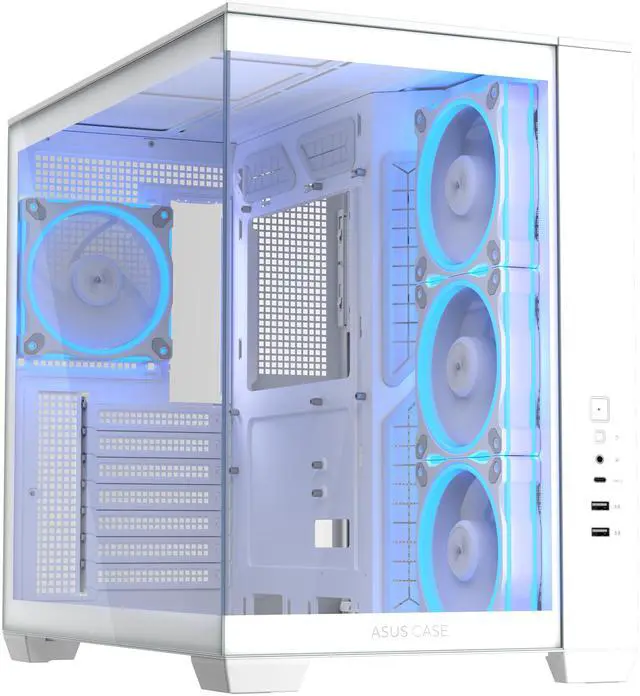
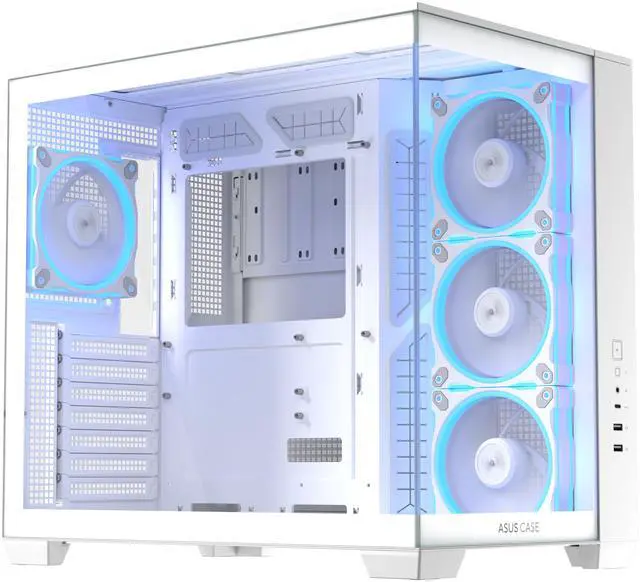
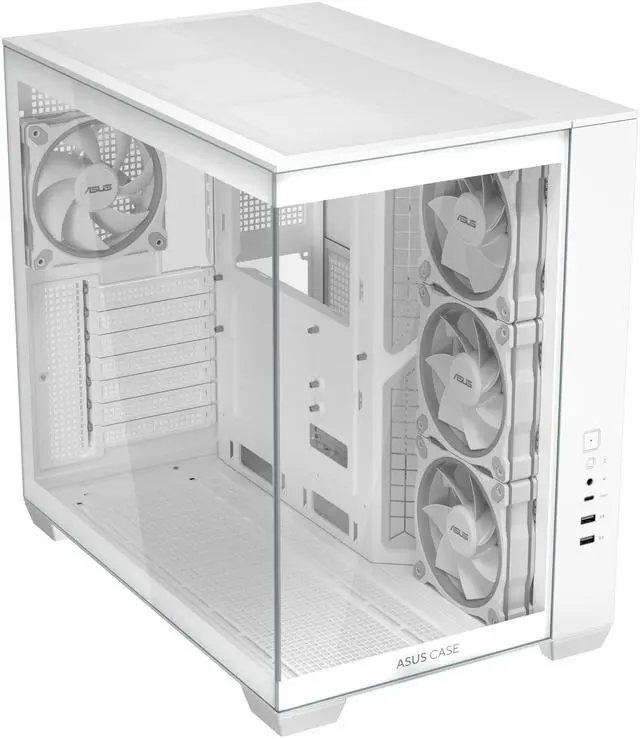
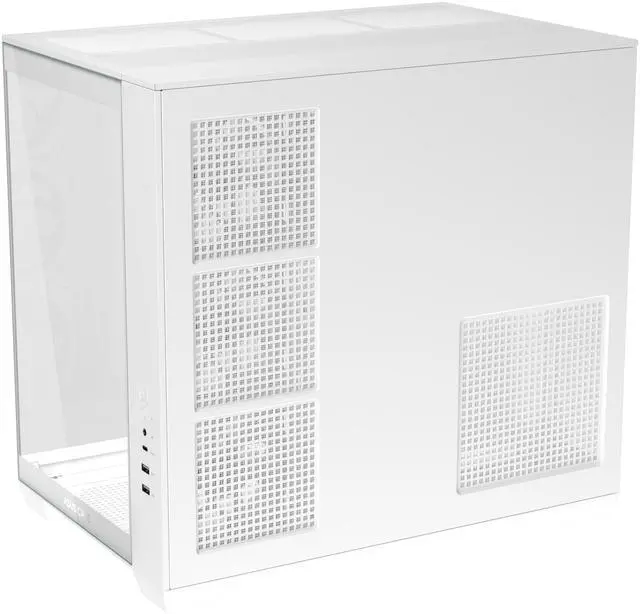
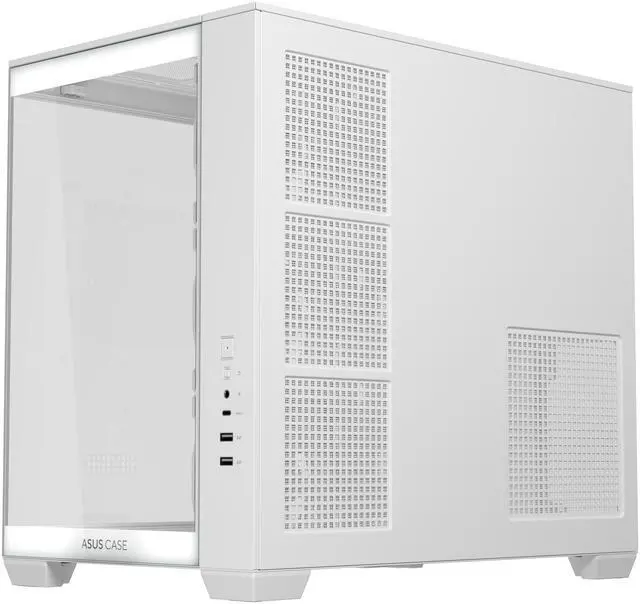
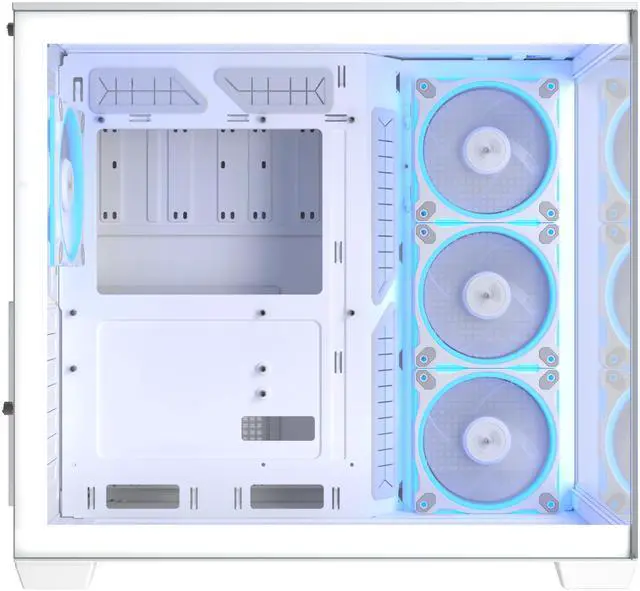
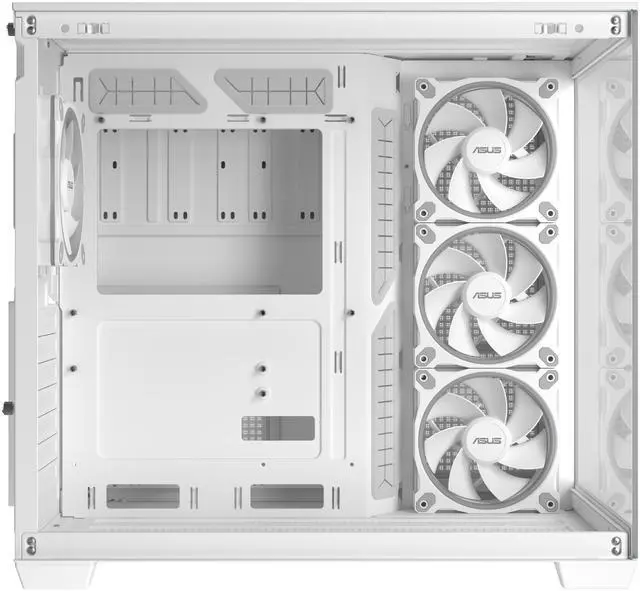
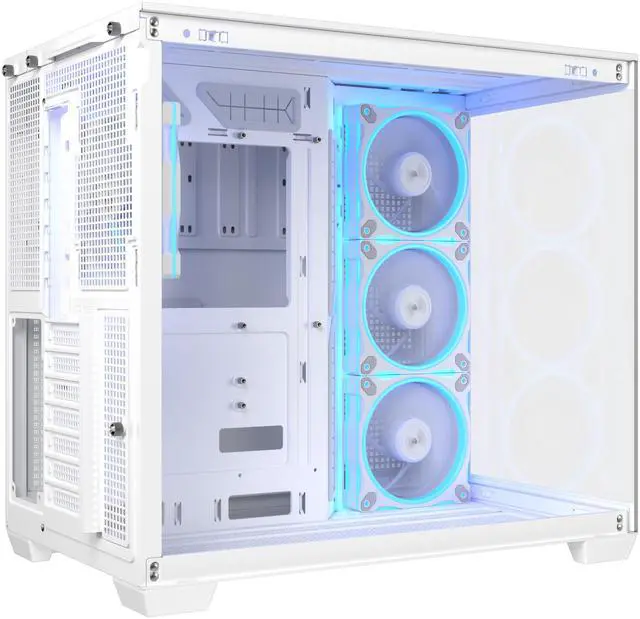
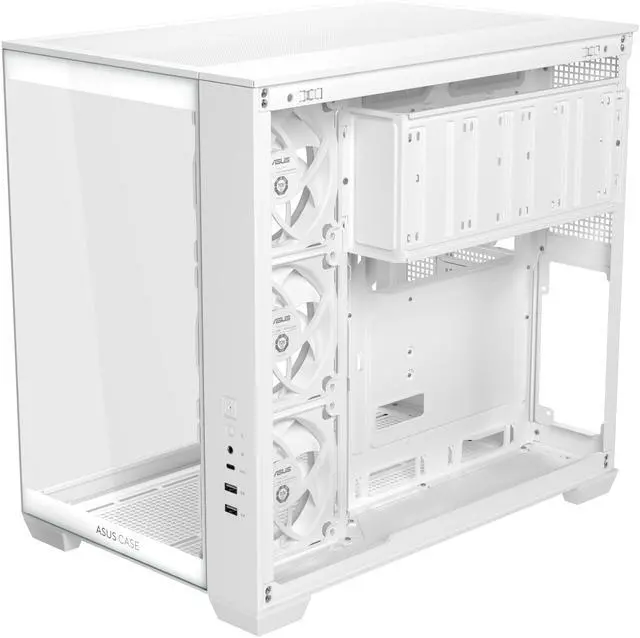
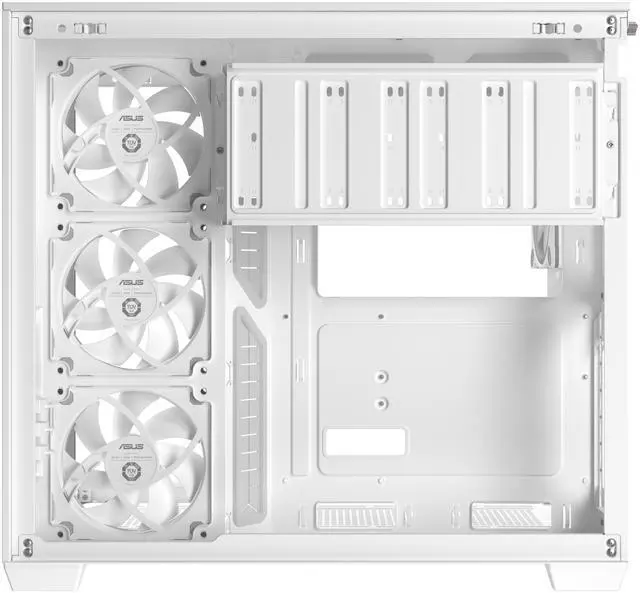
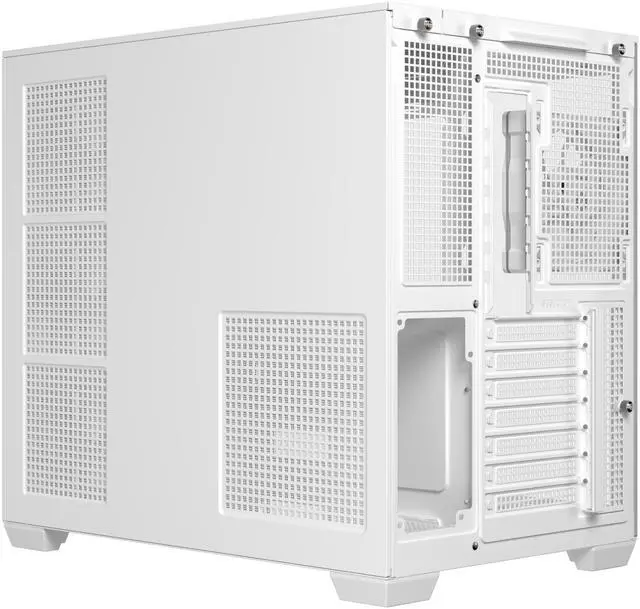
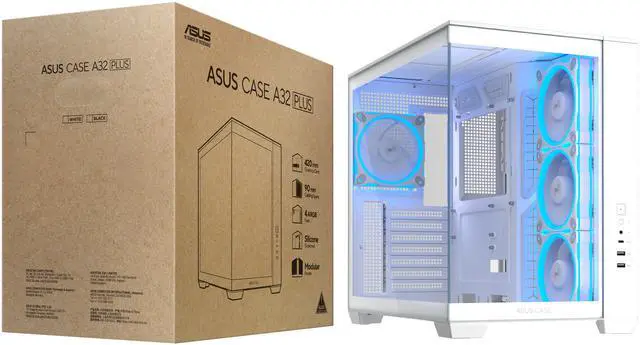
The ASUS A32 PLUS TG ARGB WHITE is a dual-chamber ATX gaming PC case designed for high-performance builds, with support for graphics cards up to 420 mm, radiators up to 360 mm, and four pre-installed ARGB fans. It suits gamers and enthusiasts who want strong component compatibility, separated cooling zones, and a panoramic tempered-glass design.
Recommended For
- Users building a showcase gaming PC who want a 270-degree panoramic glass view, coordinated white components, and visible ARGB lighting for a desk display.
- DIY builders assembling a high-end gaming or workstation PC with a long graphics card and a 240–360 mm liquid cooler, because the case provides substantial GPU, radiator, and CPU-cooler clearance.
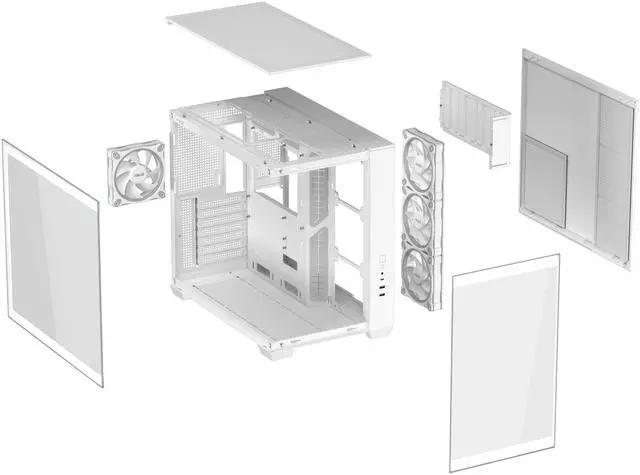
- PC builders who prioritize a clean-looking interior and easier component access, since the dual-chamber layout hides much of the power supply and cable routing while the panels are designed for tool-assisted access.
- Users who want flexible platform support for an ATX, Micro-ATX, or Mini-ITX build while keeping room for several 120 mm fans, moderate internal storage, and front-panel USB-C connectivity.
Real-World Use Scenarios
- A gamer building a high-end ATX system with a long graphics card and 360mm liquid cooler can use the A32 PLUS to fit modern flagship-class components while keeping the main chamber visually clear; completed builds typically emphasize clean presentation, controlled lighting, and unobstructed cooling around the CPU and GPU.
- A first-time PC builder or frequent upgrader can use the dual-chamber layout to route the power supply and excess cables away from the motherboard area; reviews describe the result as easier component installation, fewer visible cables, and a cleaner build behind the glass.
- A user creating a white gaming setup or RGB-focused desk display can use the panoramic tempered-glass design and four included ARGB fans to showcase the hardware immediately after assembly; the likely experience is a more visible, presentation-oriented build rather than a concealed office tower.
- A photographer, video editor, or other creator assembling a workstation can use the A32 PLUS as a visible showcase for a large GPU, multiple cooling components, and heavily lit internal hardware; testing has used the case for a real photographer’s workstation and found the layout suitable for a spacious, organized build.
- A user choosing a large air cooler instead of an AIO can configure the side and bottom fan positions for intake, but community discussion indicates that a heavily intake-biased layout may benefit from added top exhaust; the practical outcome depends on fan balance, and the stock rear exhaust alone may not be ideal for the hottest builds.
- A buyer replacing a cramped micro-ATX case with a more upgrade-friendly enclosure can use the A32 PLUS for an ATX, Micro-ATX, or Mini-ITX build while gaining more working room around the motherboard, graphics card, cooler, and power-supply cabling; the likely experience is easier maintenance and fewer clearance compromises.
Spec Summary
| Attribute | Value |
|---|
| Best For | Mid-tower ATX, Micro-ATX and Mini-ITX gaming builds needing graphics cards up to 420 mm, CPU coolers up to 165 mm and radiators up to 360 mm, with four pre-installed ARGB fans |
|---|
| Chassis And Compatibility | White mid-tower chassis built with steel, tempered glass and ABS plastic, compatible with ATX, Micro-ATX and Mini-ITX motherboards |
|---|
| Cooling Support | Air-cooling support with four pre-installed ARGB fans: three 120 mm side fans and one 120 mm rear fan; additional fan positions are available at the bottom, rear, side and top, with radiator support up to 360 mm at the bottom or top and up to 120 mm at the rear. Dust filters are fitted on the right and bottom |
|---|
| Component Clearance | Supports graphics cards up to 420 mm long, CPU air coolers up to 165 mm tall and power supplies up to 220 mm long |
|---|
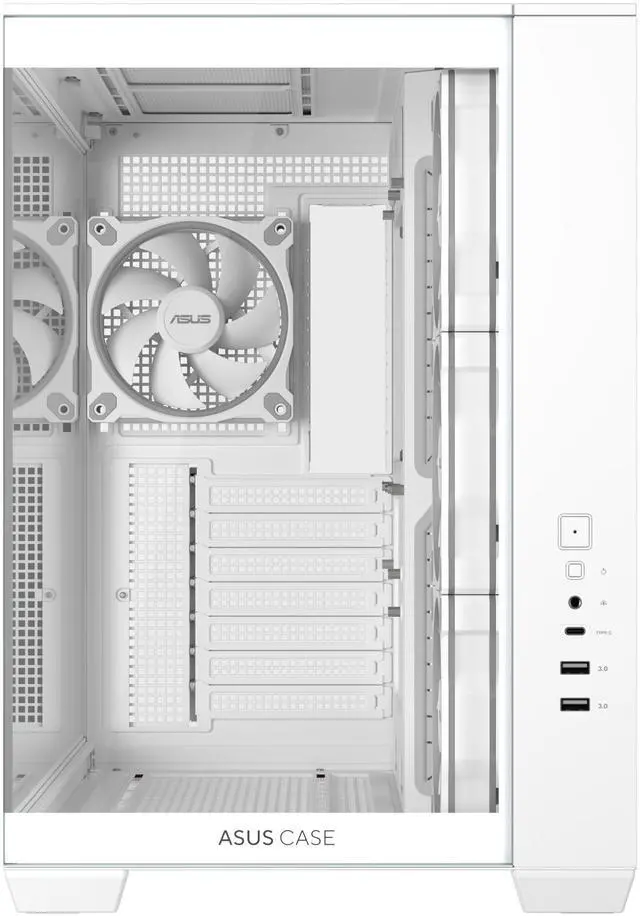
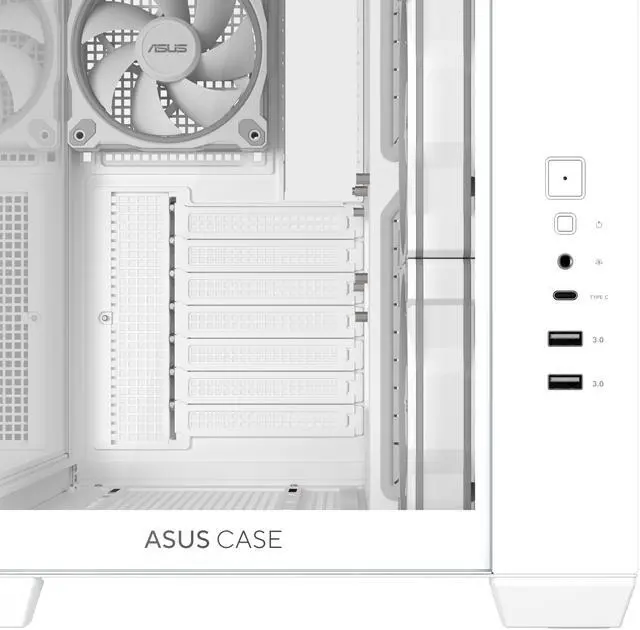
| Front I/O And Cable Management | Front I/O includes one headphone/microphone connection, one USB 3.2 Gen 2x1 Type-C port and two USB 3.0 ports, with 90 mm of cable-routing space |
|---|
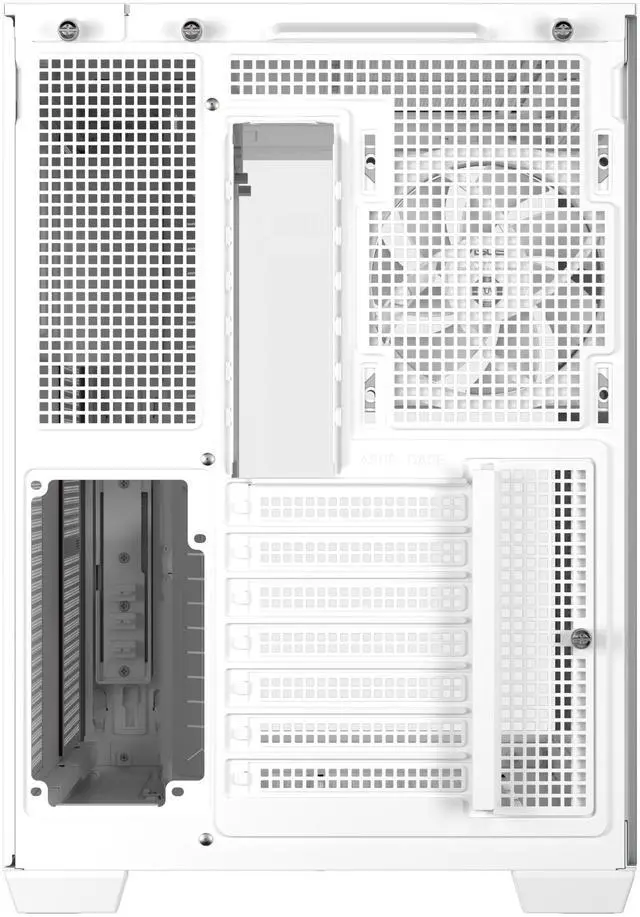
| Storage And Expansion | Provides two internal 3.5-inch drive bays, three internal 2.5-inch drive bays and seven expansion slots |
|---|
| Power Supply Installation | Supports power supplies up to 220 mm long with a bottom-mounted PSU layout |
|---|
| Dimensions And Weight | Measures 285 x 390 x 435 mm and weighs 9.2 kg |
|---|
| Model Identifiers | ASUS A32 PLUS TG ARGB WHITE |
|---|
Reference Q&A
Q: Should I get the ASUS A32 PLUS or the Lian Li O11 Vision Compact?
A: Choose the ASUS A32 PLUS if you want a panoramic dual-chamber ATX case with four pre-installed ARGB fans, 420 mm GPU clearance, and support for a 360 mm radiator without immediately buying additional case fans. Choose the Lian Li O11 Vision Compact if you prefer its optional mesh-top configuration, support for up to 11 fans, broader radiator-layout flexibility, and back-connect motherboard compatibility. The A32 PLUS is the more convenient starting point for a high-end build, while the O11 Vision Compact offers more configuration flexibility for enthusiasts.
Q: Is the ASUS A32 PLUS better than the ASUS Prime AP201 for a gaming PC?
A: The ASUS A32 PLUS is the better choice for an ATX gaming PC, large graphics cards, panoramic presentation, and multi-zone airflow. It supports ATX, Micro-ATX, and Mini-ITX motherboards, GPUs up to 420 mm, and four included ARGB fans. The ASUS Prime AP201 is better when desk space and portability matter more because it is a 33-liter Micro-ATX case with a maximum GPU length of 338 mm. Choose the A32 PLUS for expansion and high-end component clearance; choose the AP201 for a smaller Micro-ATX system.
Q: Should I choose the ASUS A32 PLUS or the Montech KING 95 PRO?
A: Choose the ASUS A32 PLUS for a white panoramic ATX build with a simpler out-of-box setup, four pre-installed ARGB fans, 420 mm GPU clearance, and ASUS ecosystem integration. Choose the Montech KING 95 PRO if you want six pre-installed fans, an included ARGB/PWM fan hub, an adjustable side-fan bracket, and a mesh-panel option that prioritizes airflow. The KING 95 PRO provides more bundled cooling hardware, while the A32 PLUS offers strong component clearance and a cleaner four-fan starting configuration.
Q: Is the ASUS A32 PLUS a worthwhile upgrade from the ASUS A31 PLUS?
A: The ASUS A32 PLUS is a worthwhile upgrade when you need more graphics-card clearance or prefer its broader dual-chamber layout. It supports GPUs up to 420 mm compared with 380 mm for the A31 PLUS, while both support ATX motherboards, 360 mm radiators, 165 mm CPU coolers, panoramic glass, and four pre-installed ARGB fans. Choose the A31 PLUS if your graphics card fits within 380 mm and you want its hidden-connector motherboard support and thicker top-AIO clearance. Choose the A32 PLUS for larger current or future GPUs and a more spacious showcase-oriented layout.
Q: Will this case fit a long graphics card and a large CPU cooler?
A: Yes. The ASUS A32 PLUS supports graphics cards up to 420 mm long and CPU air coolers up to 165 mm tall. Actual clearance can vary if a radiator, fan, or other component occupies the same space, so check the graphics card manufacturer's dimensions before building.
Q: Can this case support a 360 mm liquid-cooling radiator?
A: Yes. The ASUS A32 PLUS supports radiators up to 360 mm, with compatible mounting positions listed on the top, bottom, and rear of the chassis. Radiator, fan, memory, and graphics-card clearance should be checked together because the usable space depends on the installation layout.
Q: How many fans are included, and is the case suitable for airflow-focused gaming builds?
A: The case includes four pre-installed 120 mm ARGB fans: three side-mounted fans and one rear fan. It also supports additional 120 mm fans on the bottom, top, side, and rear, allowing the cooling layout to be expanded. The dual-chamber design separates major heat-producing components into independent zones, but final cooling performance depends on the selected components and fan configuration.
Q: What motherboard sizes and storage drives can this case accommodate?
A: The ASUS A32 PLUS supports ATX, Micro-ATX, and Mini-ITX motherboards. It provides two internal 3.5-inch drive bays and three internal 2.5-inch drive bays, making it suitable for standard gaming or workstation builds that use a combination of hard drives and SSDs.
Q: Does the case have convenient front-panel connectivity for modern peripherals?
A: Yes. The front panel includes one USB 10 Gbps Type-C port, two USB 3.0 ports, and a combined headphone/microphone connection. It is suitable for users who regularly connect external storage, phones, audio devices, or other USB peripherals at the front of the case.
Q: Is the ASUS A32 PLUS suitable for a high-end, long graphics card?
A: Yes. The case supports graphics cards up to 420 mm, so it is suitable for many large GPUs. Buyers using especially long cards, such as some Radeon XTX models, should still compare the exact card length with the available clearance before ordering. ([reddit.com](https://www.reddit.com/r/pcmasterrace/comments/1v2kpkp/case_options/?utm_source=openai))
Q: Can the ASUS A32 PLUS use an air cooler without adding top fans?
A: Yes, it supports CPU air coolers up to 165 mm tall, and the included fan layout can operate with a rear exhaust and side intake fans. However, Reddit discussions recommend adding top exhaust fans or reducing the number of bottom intake fans when using high-performance components, because the case supports up to three top 120 mm fans. ([reddit.com](https://www.reddit.com/r/buildapc/comments/1vad2i1/will_a_single_rear_exhaust_be_enough_in_the_asus/?utm_source=openai))
Q: Is the ASUS A32 PLUS a good choice for a 360 mm liquid cooler?
A: It is compatible with radiators up to 360 mm at the top or bottom, with up to 120 mm supported at the rear. This makes it suitable for builds using a 360 mm AIO, but radiator, fan, motherboard, and graphics-card clearances should be checked together because mounting location affects component spacing. Reddit builds show the case being paired with 360 mm liquid coolers.
Q: Does the ASUS A32 PLUS support back-connect motherboards?
A: No. Reddit discussion indicates that the A32 PLUS does not provide back-connect motherboard support, unlike some related ASUS cases. Buyers using a rear-connector motherboard should choose a case that explicitly lists back-connect compatibility.



 All Categories