


 All CategoriesAll CategoriesAll Categories
Shipped by Newegg




Warranty Notice:
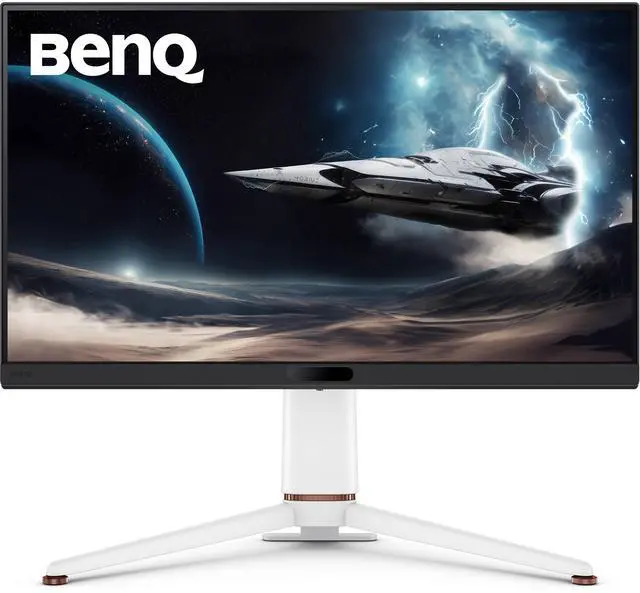
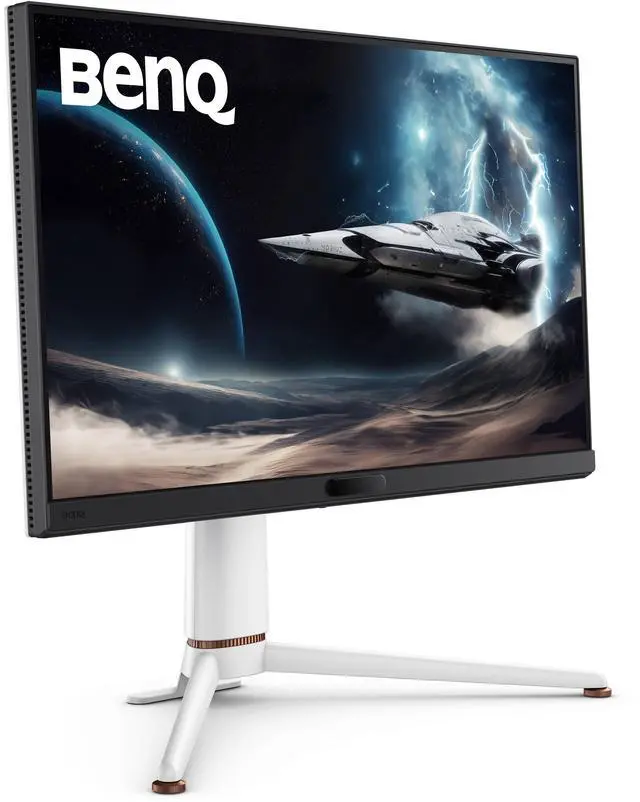
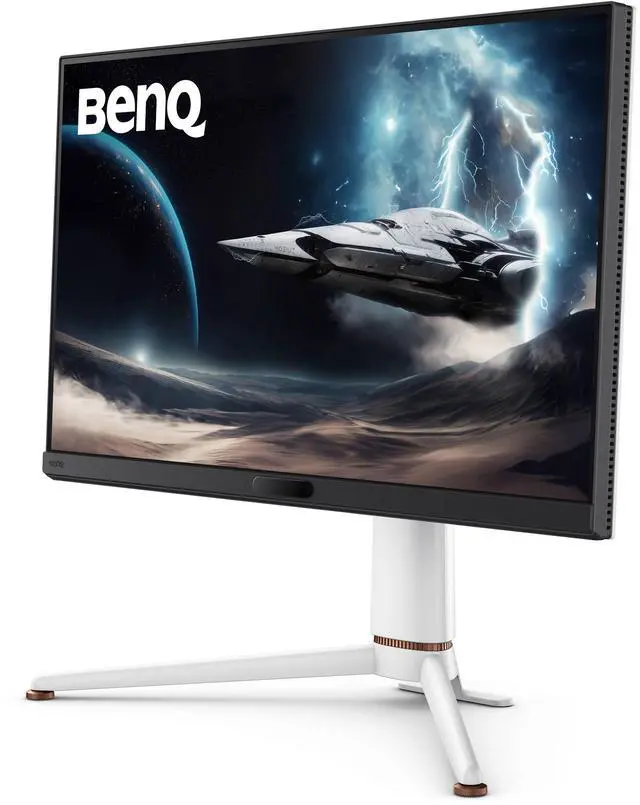
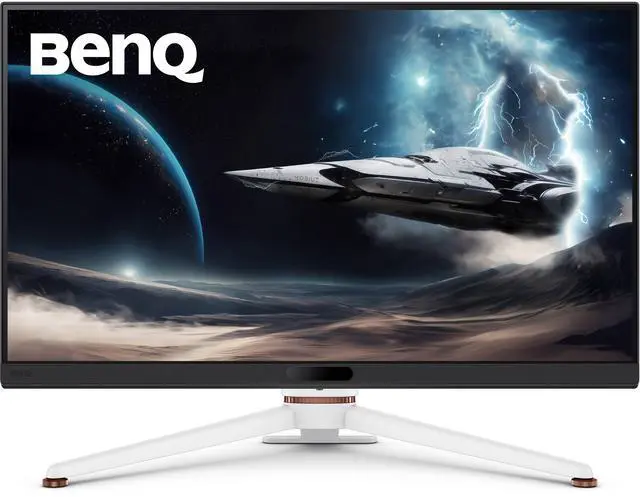
This product does not include manufacturer warranty when purchased or used outside of its designated sales region. By purchasing internationally, you acknowledge that warranty support from the manufacturer will not be available.The BenQ MOBIUZ EX271U is a 27-inch 4K IPS gaming monitor with a 165Hz refresh rate, 1ms GtG response time, and FreeSync Premium, making it suitable for PC and console gamers who want detailed visuals and smooth gameplay.
| Attribute | Value |
|---|---|
| Best For | 4K gaming with a 165Hz refresh rate and FreeSync Premium |
| Panel And Resolution | 27-inch flat IPS panel with 3840 × 2160 resolution, 16:9 aspect ratio, anti-glare finish, 178° horizontal and vertical viewing angles, 400 cd/m² brightness, and 1,200:1 contrast ratio |
| Refresh Rate And Response | 165Hz refresh rate, 1ms GtG response time, and FreeSync Premium adaptive sync |
| Color And HDR | 95% P3 color gamut, 99% sRGB, 1.07 billion display colors, HDR10, and VESA DisplayHDR 400 certification |
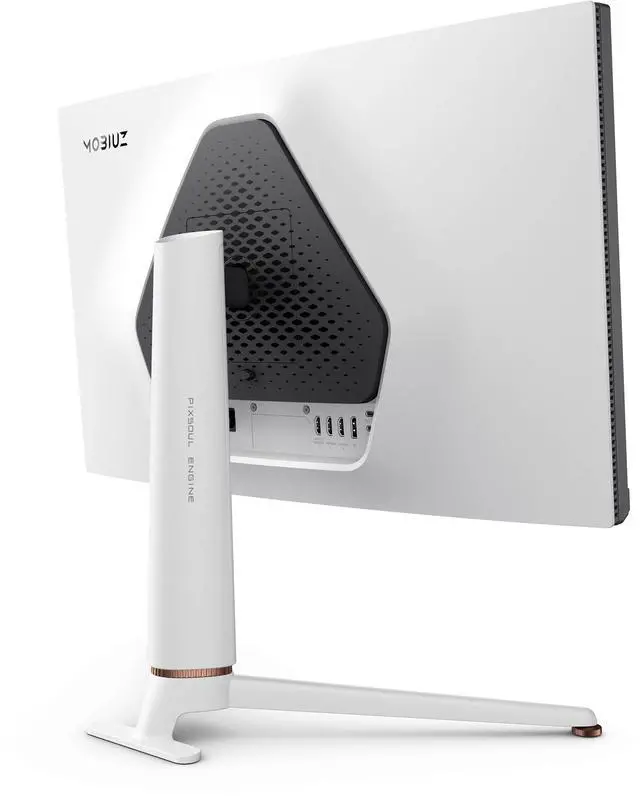
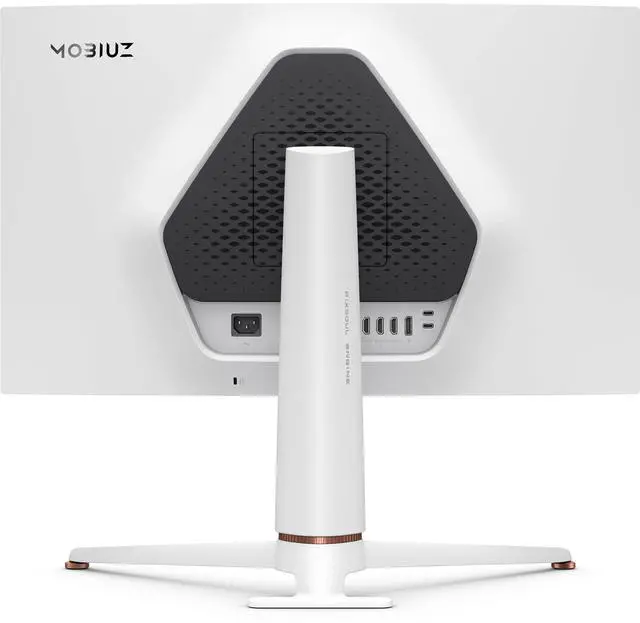
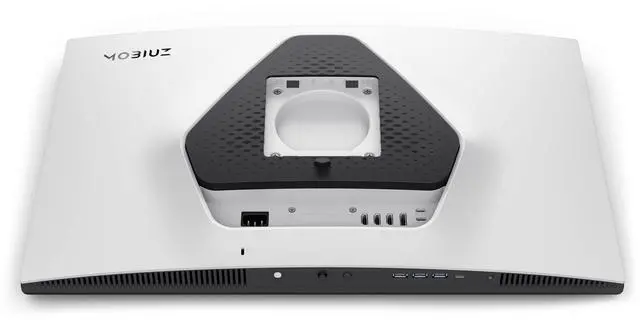
| Ports And Connectivity | 1 DisplayPort 1.4, 3 HDMI 2.1 ports, USB-C with DisplayPort Alt Mode, data, and 65W power delivery; additional USB-C and USB-A ports for data and charging, plus a headphone connection |
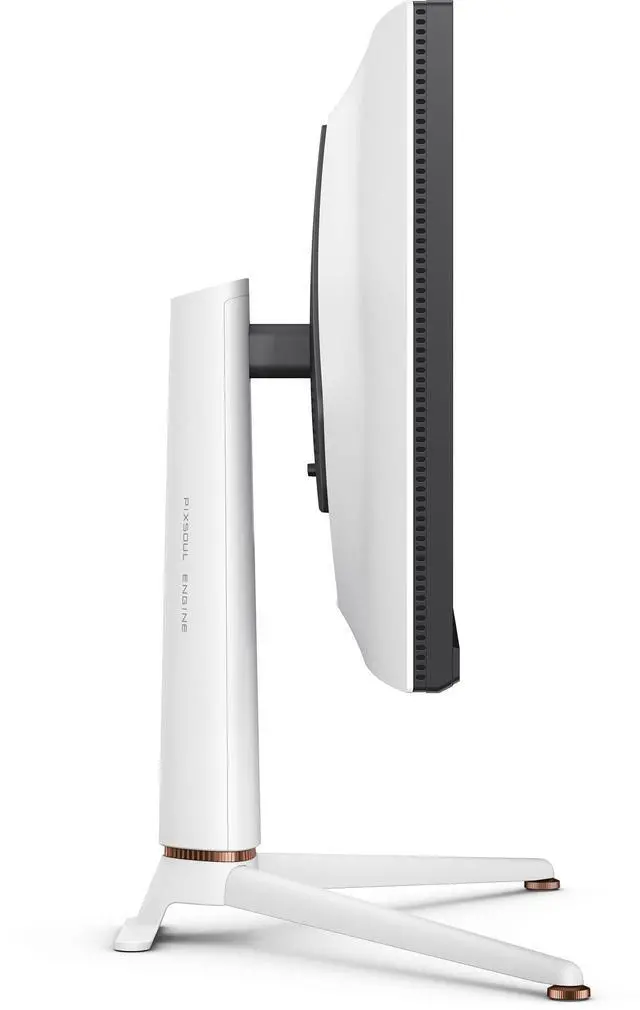
| Stand And Ergonomics | Height adjustment up to 100 mm, tilt from -5° to 15°, swivel 15° left and right, 90° pivot, and 100 × 100 mm VESA mounting |
| Power | 100–240 VAC, 50/60Hz input; 32W typical, 180W maximum, and less than 0.5W in sleep mode |
| Audio | Headphone connection; no built-in speakers |
| Physical Specifications | 15.4 lb with stand and 11 lb without base; measures 21.5 × 24.2 × 10.9 inches in landscape orientation and 14.8 × 24 × 3.6 inches without the base |
| Model Identifiers | BenQ EX271U; white cabinet |
Q: BenQ MOBIUZ EX271U or EX2710U: which should I choose?
A: Choose the EX271U if you want 4K at 165Hz, USB-C with up to 65W power delivery, and a built-in KVM. Choose the EX2710U if its 144Hz refresh rate is sufficient and you prefer built-in speakers or its higher DisplayHDR 600 certification and local dimming. Both are 27-inch 4K IPS gaming monitors; the choice is mainly between the newer model’s connectivity and refresh rate and the older model’s audio and HDR features.
Q: BenQ EX271U or Gigabyte M28U for a 4K gaming setup?
A: Choose the EX271U if you want a 165Hz refresh rate, USB-C with up to 65W power delivery, eARC, and a stand with swivel and pivot adjustment. The M28U is a fit if its 144Hz refresh rate and 28-inch screen suit you, or you want built-in speakers. Both offer 4K IPS panels, HDMI 2.1, and KVM; RTINGS reports fast response and low input lag on the M28U, while noting that its HDR performance is limited by low contrast.
Q: Is the BenQ EX271U worth choosing over a 4K 144Hz monitor?
A: Choose the EX271U if you want its specific combination of 4K resolution, 165Hz refresh rate, USB-C laptop charging up to 65W, KVM, and eARC. A 4K 144Hz model may be a better fit if 144Hz meets your needs and its other features or price better match your setup. The refresh-rate difference is 21Hz, so it is one factor—not by itself a guarantee of a noticeable gaming advantage.
Q: Should I get the IPS EX271U or the OLED BenQ EX271UZ?
A: Choose the EX271U for a 4K 165Hz IPS display with DisplayHDR 400 certification. Choose the EX271UZ if you want a 4K OLED panel, 240Hz refresh rate, and DisplayHDR True Black 400 certification. The EX271UZ’s higher refresh rate and OLED panel are the key distinctions; the EX271U remains the IPS option in this comparison.
Q: Can I connect a laptop to the monitor with one USB-C cable?
A: Yes, if the laptop’s USB-C port supports DisplayPort video output. The EX271U’s USB-C port supports video, data, and up to 65W power delivery, so it can connect and charge a compatible laptop over one cable. A higher-power laptop may still need its own charger.
Q: Is this monitor suitable for both gaming and everyday office work?
A: Yes. Its 4K IPS display, 165Hz refresh rate, USB-C connectivity, USB hub, and KVM make it suitable for gaming and typical desk work, including switching peripherals between two computers. It has no built-in speakers, so plan on separate audio for meetings or media.
Q: Can I use it for 4K gaming at 120Hz with a console?
A: The EX271U has HDMI 2.1 inputs and supports up to 4K at 165Hz, so it can accommodate 4K/120Hz console output. The console, game, and HDMI cable must also support the selected resolution and refresh rate.
Q: Does the monitor have built-in speakers for calls or gaming?
A: No. The EX271U does not have built-in speakers. Use headphones or connect external audio equipment; the supplied specifications list a headphone connection.
Q: Is the BenQ EX271U a good choice for both work and gaming?
A: It suits mixed use if you want 4K resolution, up to 165Hz, USB-C with 65W charging, and a built-in USB hub and KVM. Reddit owners describe using it for both productivity and gaming. Its IPS panel does not offer OLED-level black levels, and one owner described its HDR as unimpressive.
Q: Is the EX271U worth considering if I want to avoid OLED?
A: It is a 4K, 165Hz IPS alternative for someone who prefers not to use OLED. A Reddit owner who reported eye discomfort with OLED chose the EX271U for work and gaming, while noting that its black levels are not OLED-like. Individual eye comfort varies, so that experience is not a guarantee.
Q: Is the EX271U's HDR a strong reason to buy it?
A: Probably not if HDR impact is your main priority. The listed DisplayHDR 400 and HDR10 support establish compatibility, but a Reddit owner said the HDR was not especially impressive. Consider it primarily for its 4K, high-refresh IPS display and connectivity rather than assuming OLED-like HDR contrast.
Q: Can the EX271U handle a laptop, PC, and console on one desk?
A: Its connections support that kind of multi-device setup: it has HDMI 2.1, DisplayPort 1.4, USB-C with DisplayPort Alt Mode and 65W power delivery, plus a USB hub and KVM. Reddit users specifically discuss connecting work laptops and gaming systems. Check that your laptop can charge adequately at 65W and that your devices support the features you plan to use.

