


 All CategoriesAll CategoriesAll Categories
Shipped by Newegg





Warranty Notice:
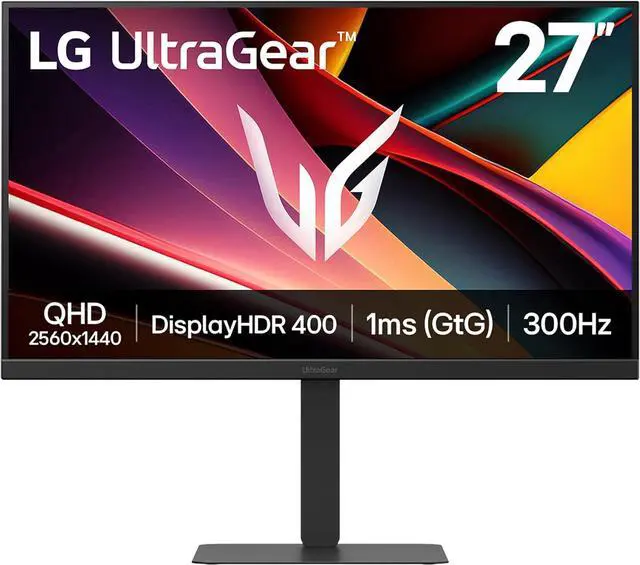
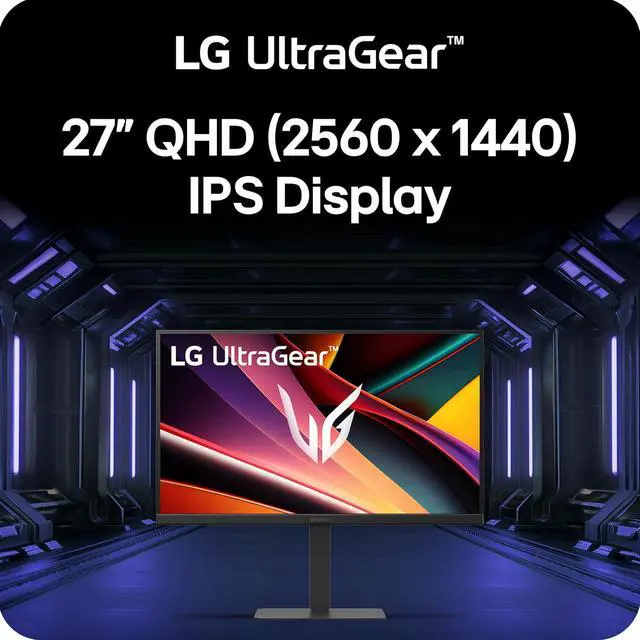
This product does not include manufacturer warranty when purchased or used outside of its designated sales region. By purchasing internationally, you acknowledge that warranty support from the manufacturer will not be available.The LG UltraGear 27G640A-B is a 27-inch QHD IPS gaming monitor with a 300Hz refresh rate, 1ms response time, and FreeSync Premium and G-SYNC compatibility, suited to competitive PC gamers who prioritize fast, smooth motion.
| Attribute | Value |
|---|---|
| Best For | Competitive gaming and desktop entertainment, with a QHD IPS display, 300Hz refresh rate, 1ms response time, and FreeSync Premium and G-Sync Compatible support |
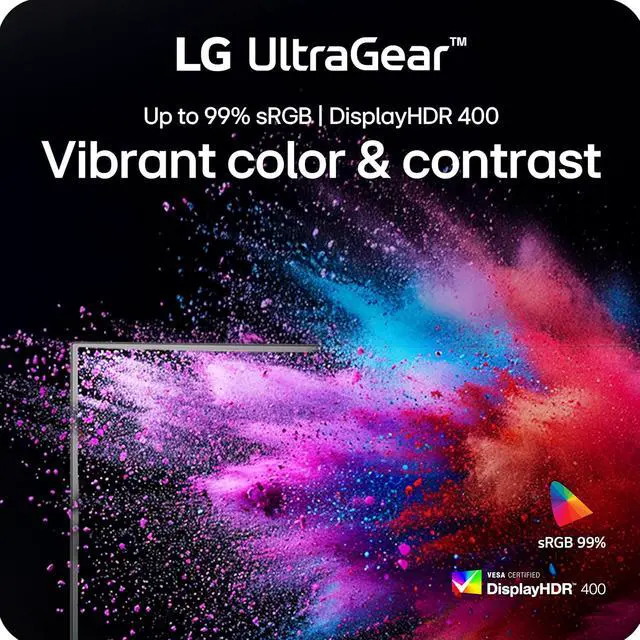
| Panel And Picture Quality | 27-inch flat IPS display with 2560 × 1440 resolution, 16:9 aspect ratio, 178° horizontal and vertical viewing angles, 400 cd/m² brightness, 1,300:1 contrast ratio, and 95% DCI-P3 color gamut; supports HDR10 and VESA DisplayHDR 400 |
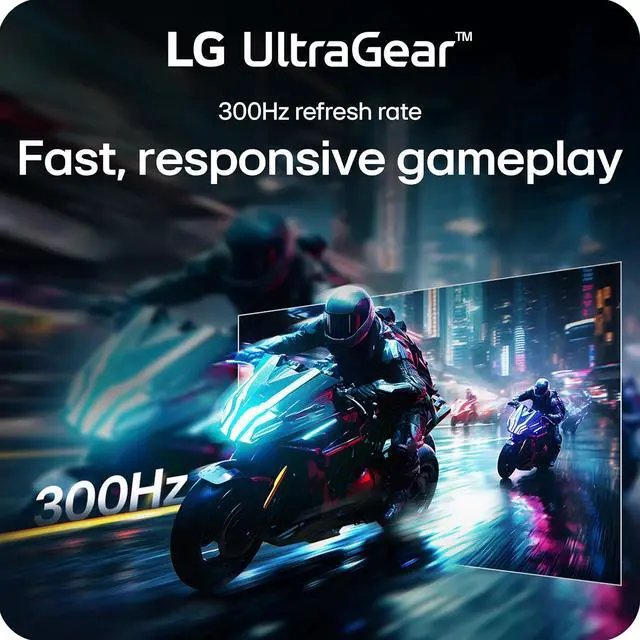
| Refresh Rate And Response | 300Hz refresh rate and 1ms response time, with FreeSync Premium and G-Sync Compatible adaptive sync |
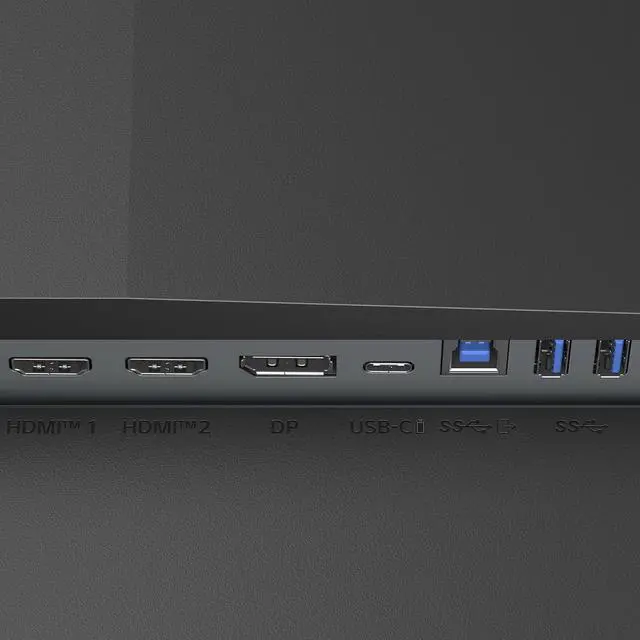
| Ports And Connectivity | 2 HDMI 2.1 ports, 1 DisplayPort 1.4, USB-C with DisplayPort Alt Mode, 1 USB 3.0 upstream port, 2 USB 3.0 Type-A downstream ports, and a headphone connection; supports HDCP |
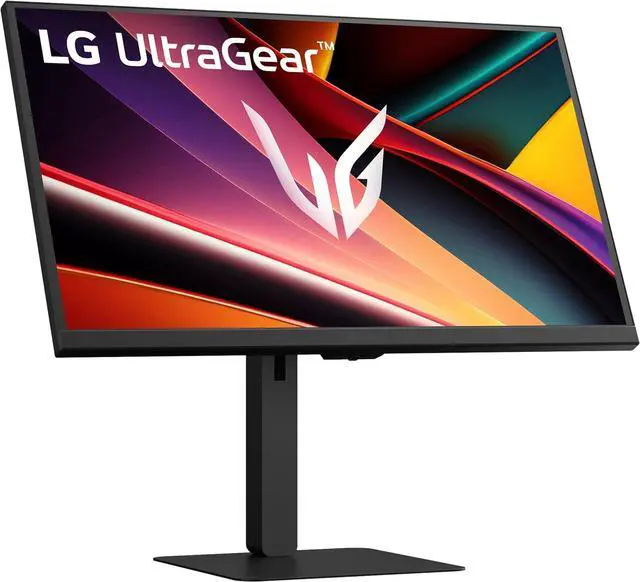
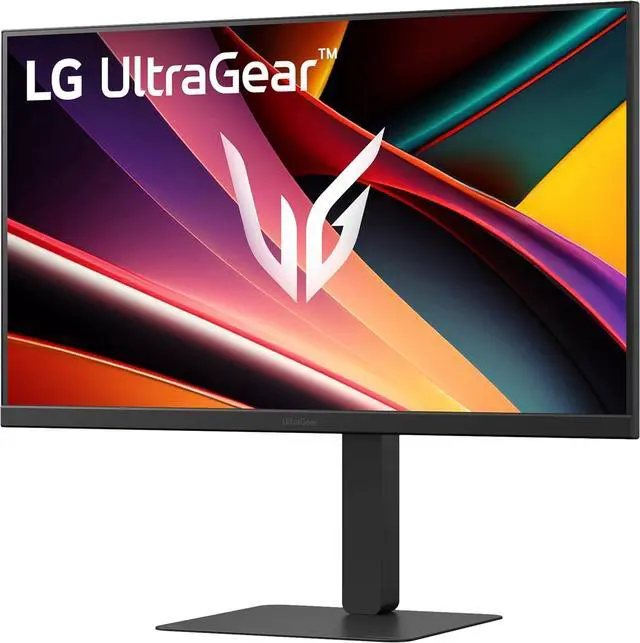
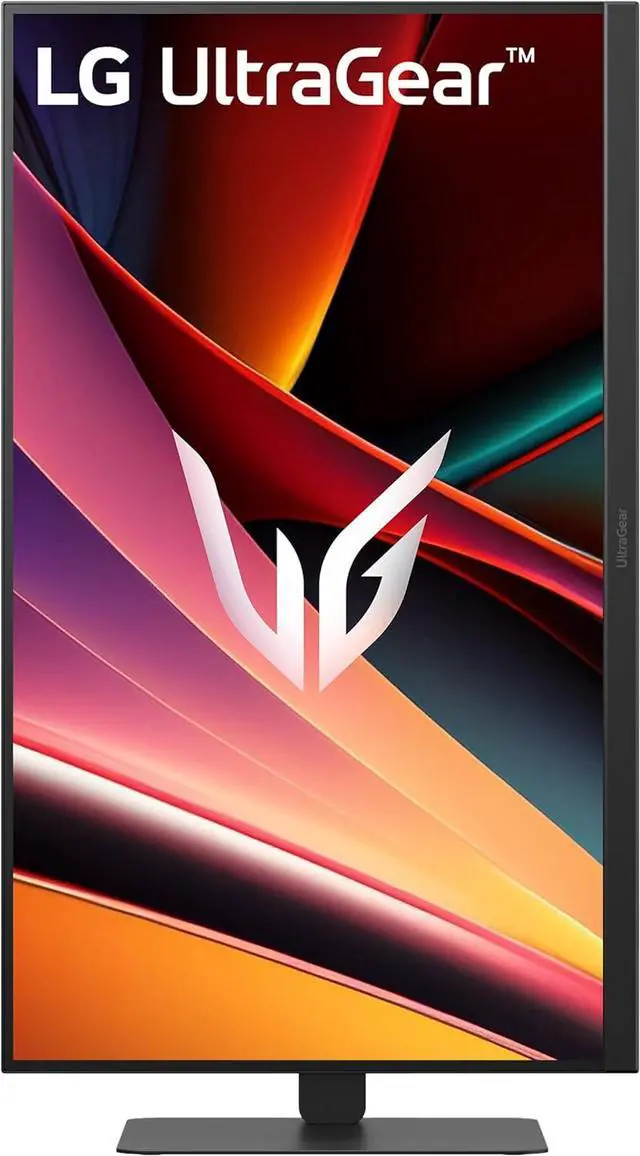
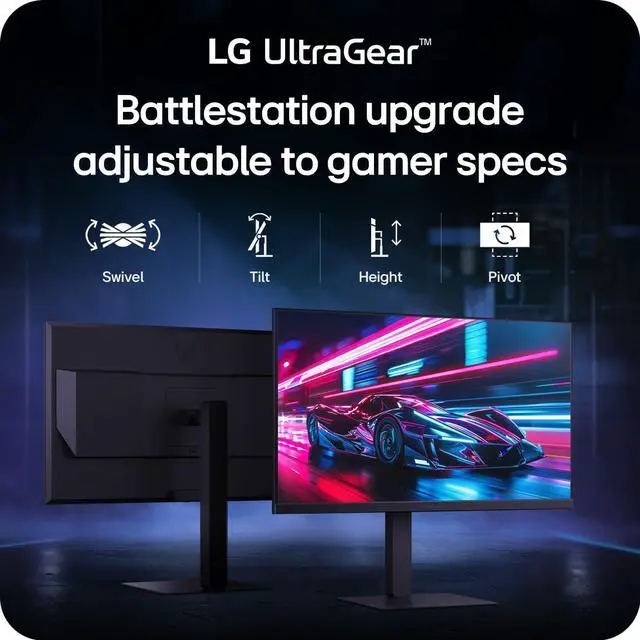
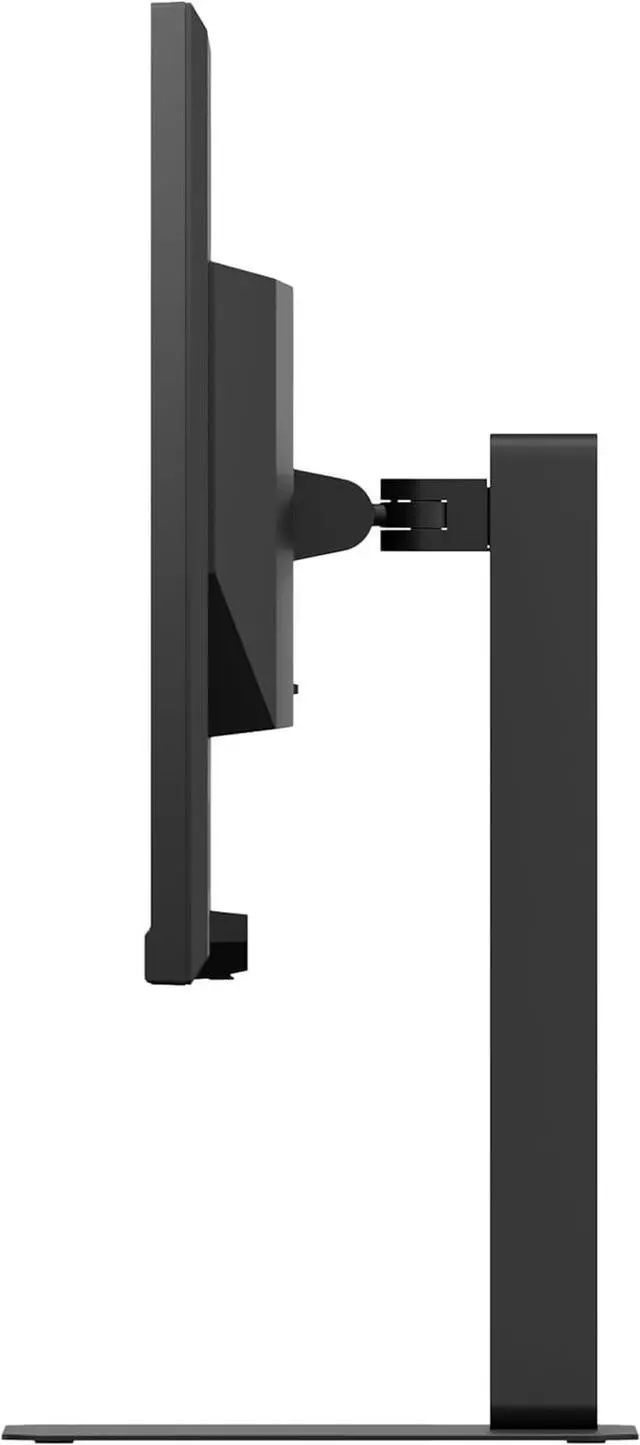
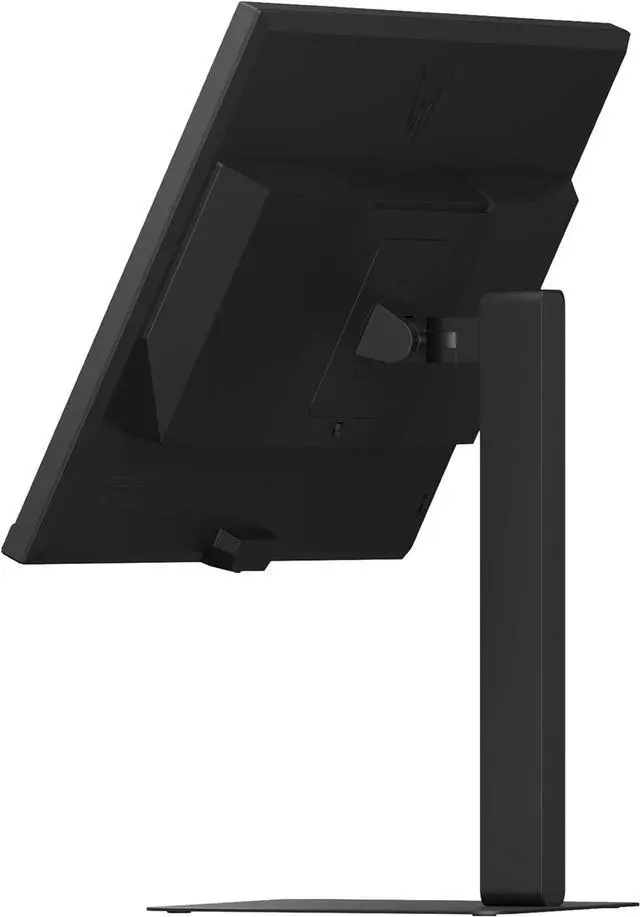
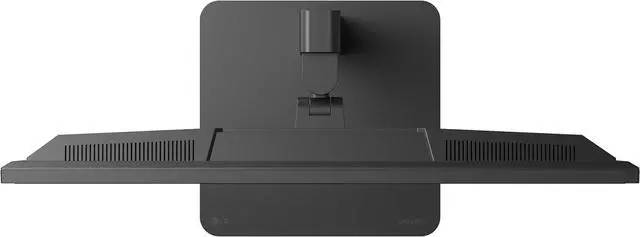
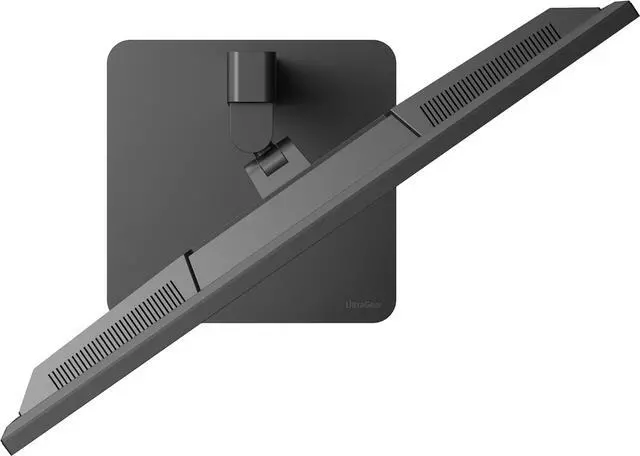
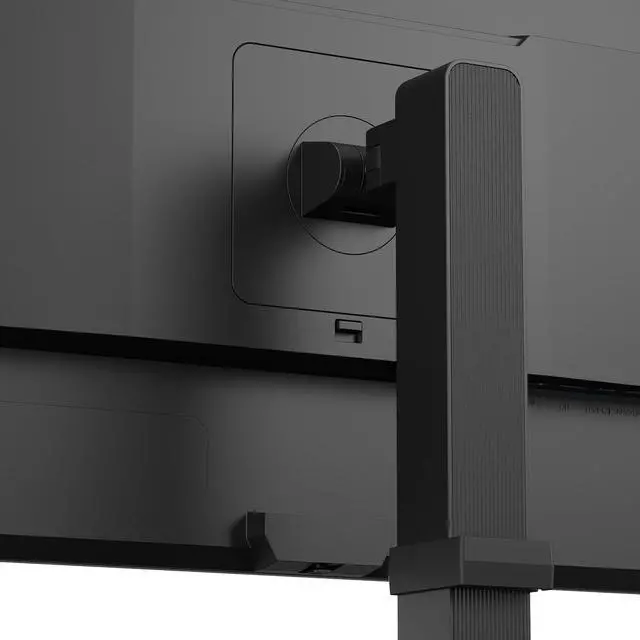
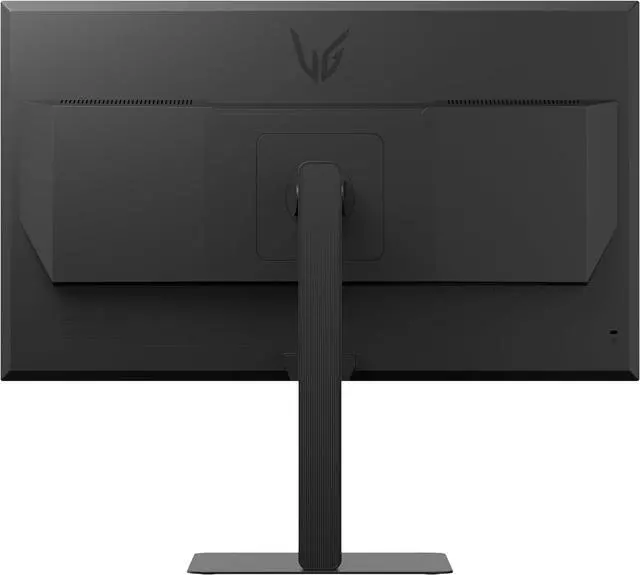
| Stand And Mounting | Stand adjusts for height, pivot, swivel, and tilt; also supports 100 × 100mm VESA mounting |
| Audio | Built-in speakers |
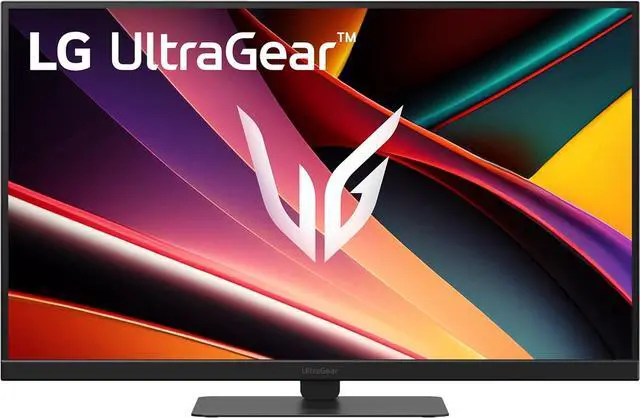
| Physical Design | Black, flat-panel monitor with a thin bezel; measures 24.2 × 9.4 × 15.3–21.2 inches with stand and weighs 12.1 lb |
| Power | 100–240 VAC, 50/60Hz; power-save/sleep consumption under 0.5W and DC-off consumption under 0.3W |
| Model Identifiers | LG UltraGear G640A, model 27G640A-B |
| Included Components | Monitor, power cable, HDMI 2.1 cable, and DisplayPort cable |
Q: LG 27G640A-B vs ASUS TUF VG27AQM5A: which 1440p 300Hz monitor should I choose?
A: Both are 27-inch QHD Fast IPS monitors with a 300Hz refresh rate and adaptive sync. Choose the LG 27G640A-B if you want USB-C video input and 15W power delivery; choose the ASUS VG27AQM5A if ELMB Sync, which combines motion-blur reduction with variable refresh rate, is a priority. Check the features and connections you’ll actually use, since their headline resolution and refresh rate are similar.
Q: Is the LG 27G640A-B worth choosing over the 240Hz LG 27GR83Q-B?
A: Choose the 27G640A-B if you want the higher 300Hz ceiling and its USB-C video input with 15W power delivery. The 27GR83Q-B reaches 240Hz and may suit you if that refresh rate meets your needs or its price is lower. Both are 27-inch QHD IPS monitors with adaptive sync, so the practical difference is mainly the refresh-rate headroom, connectivity, and price.
Q: Should I get the LG 27G640A-B or spend more on the LG 27GS95QE-B OLED?
A: Choose the 27G640A-B for a 300Hz IPS display and its USB-C video input. Choose the 27GS95QE-B if OLED contrast, deeper blacks, HDR True Black 400, and its rated 0.03ms response time matter more to you; it refreshes at up to 240Hz. The OLED model emphasizes contrast and pixel response, while the IPS model offers the higher refresh-rate ceiling.
Q: Do I need a 300Hz monitor, or is the LG 27G640A-B’s 240Hz-or-lower use still worthwhile?
A: The 27G640A-B can still be a practical choice if your games often run below 300 frames per second: its QHD resolution, IPS panel, and adaptive sync remain useful, while the maximum refresh rate is headroom for games and hardware that can deliver more frames. In testing, Monitor Garage found its overdrive behavior adapted across refresh rates, with a trade-off between faster transitions and more overshoot in some settings. If you rarely play at high frame rates, a lower-refresh monitor may offer better value.
Q: What kind of PC do I need to take advantage of the 300Hz refresh rate?
A: The monitor supports up to 300Hz at QHD, but your computer and game must be able to output high frame rates to make full use of it. Actual performance depends on the connected system and game.
Q: Can I connect and charge a laptop through USB-C?
A: USB-C supports video input, and the monitor provides up to 15W of power delivery. That may power or slowly charge some compatible devices, but it is limited for laptop charging; keep the laptop’s own charger available if needed. The computer’s USB-C port must support video output.
Q: Is this monitor suitable for office work as well as gaming?
A: Yes. Its 27-inch QHD IPS screen and height, tilt, swivel, and pivot adjustments suit everyday desk work, while the high refresh rate supports gaming. It has built-in speakers but no webcam, and its 15W USB-C power delivery is limited for charging a laptop.
Q: Does it have built-in speakers?
A: Yes. The monitor has built-in speakers and a headphone connection. The provided specifications do not state speaker power or audio quality, so users who need room-filling or richer sound may prefer external speakers or headphones.
Q: Is the LG 27G640A-B a worthwhile upgrade from a 144Hz or 165Hz monitor?
A: It is most relevant if you play competitive games and your PC can produce high frame rates at 1440p. The monitor supports up to 300Hz, but discussion from owners suggests the benefit depends on the game and the frame rate your system can sustain; the upgrade may be less meaningful if you rarely exceed your current monitor’s refresh rate.
Q: Is 300Hz worth choosing over a 240Hz monitor?
A: The 300Hz maximum may suit buyers prioritizing competitive gaming, but Reddit discussion characterizes the difference between high refresh rates such as 240Hz and 300Hz as relatively small. If prices are similar, compare the monitors’ other features and your PC’s ability to deliver high frame rates rather than choosing on refresh rate alone.
Q: Is the LG 27G640A-B suitable for both work and gaming?
A: It can serve both uses if you want a 27-inch, 1440p IPS screen and a stand with height, tilt, swivel, and pivot adjustments. Its 300Hz refresh rate is aimed at gaming, while the USB-C port supports display input and only 15W power delivery, so it should not be treated as a high-power laptop charging dock.
Q: Should HDR be a main reason to buy this monitor?
A: Probably not if you are seeking a pronounced HDR experience. The monitor is specified as DisplayHDR 400, and a YouTube review specifically questions whether that level meets typical expectations for HDR. Its 1440p resolution, high refresh rate, and connectivity may be more useful purchase criteria.


