


 All CategoriesAll CategoriesAll Categories
Shipped by Newegg


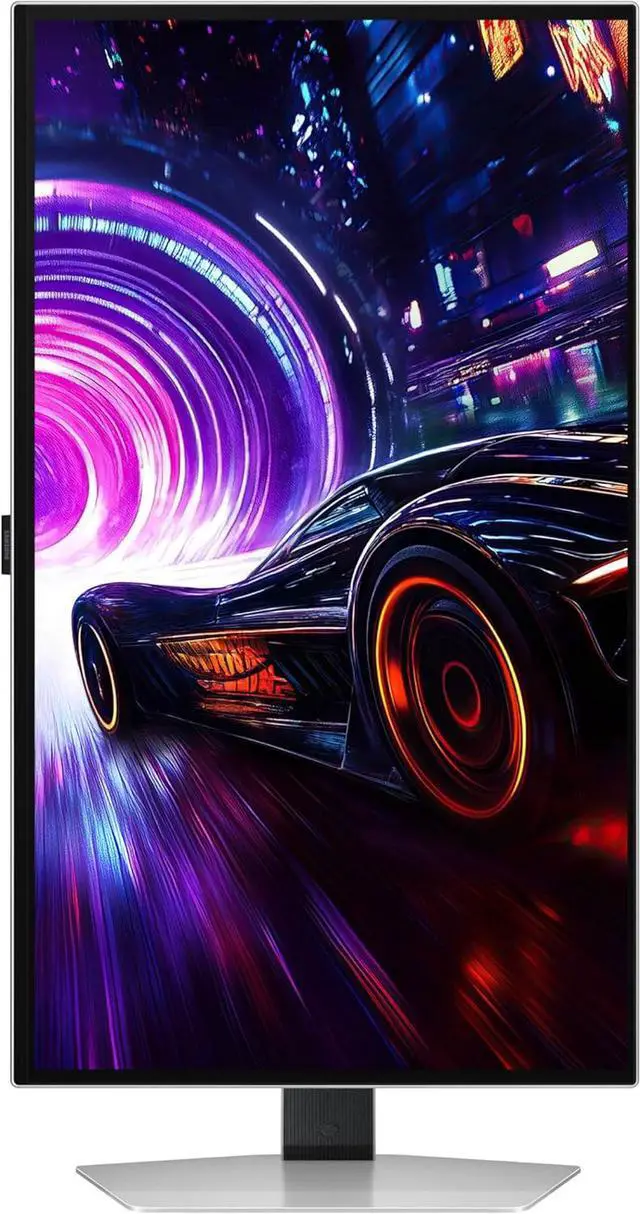
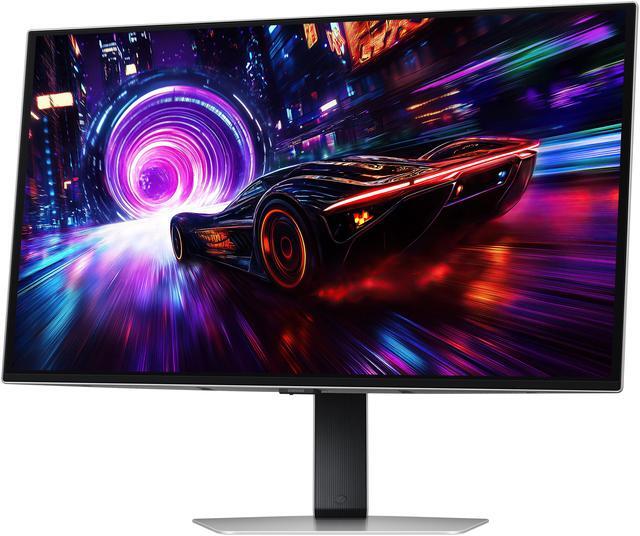
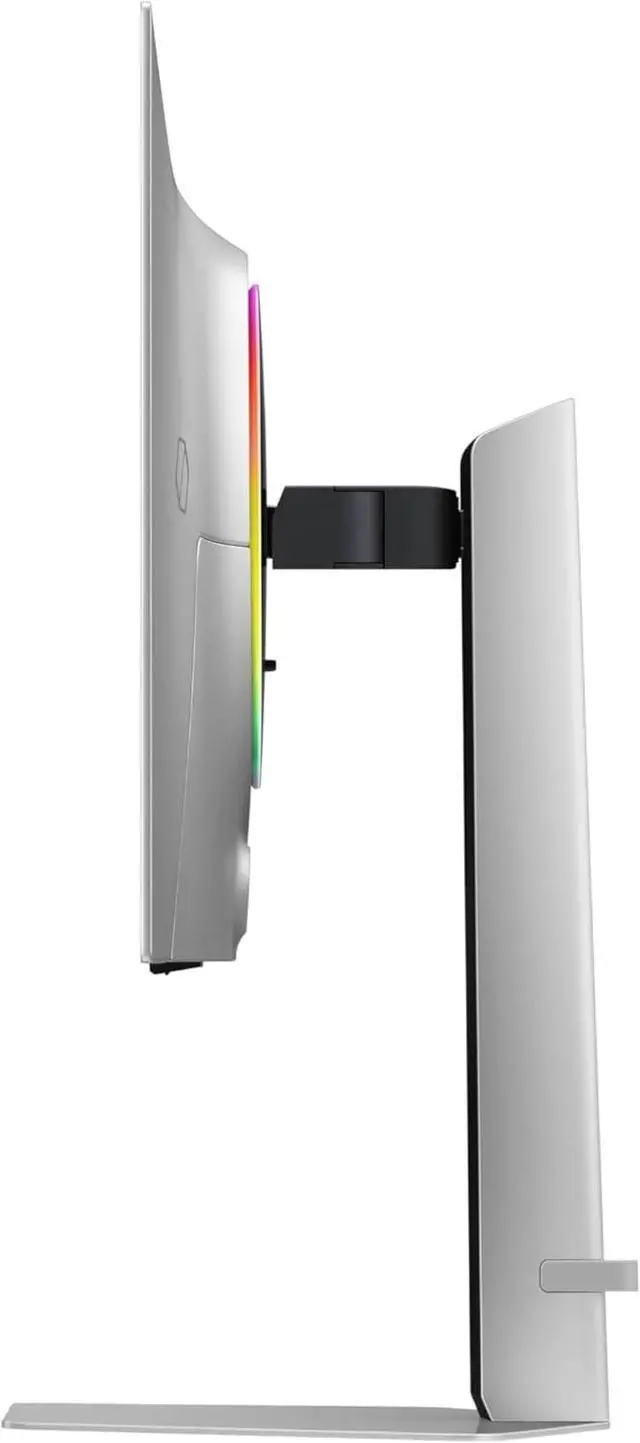
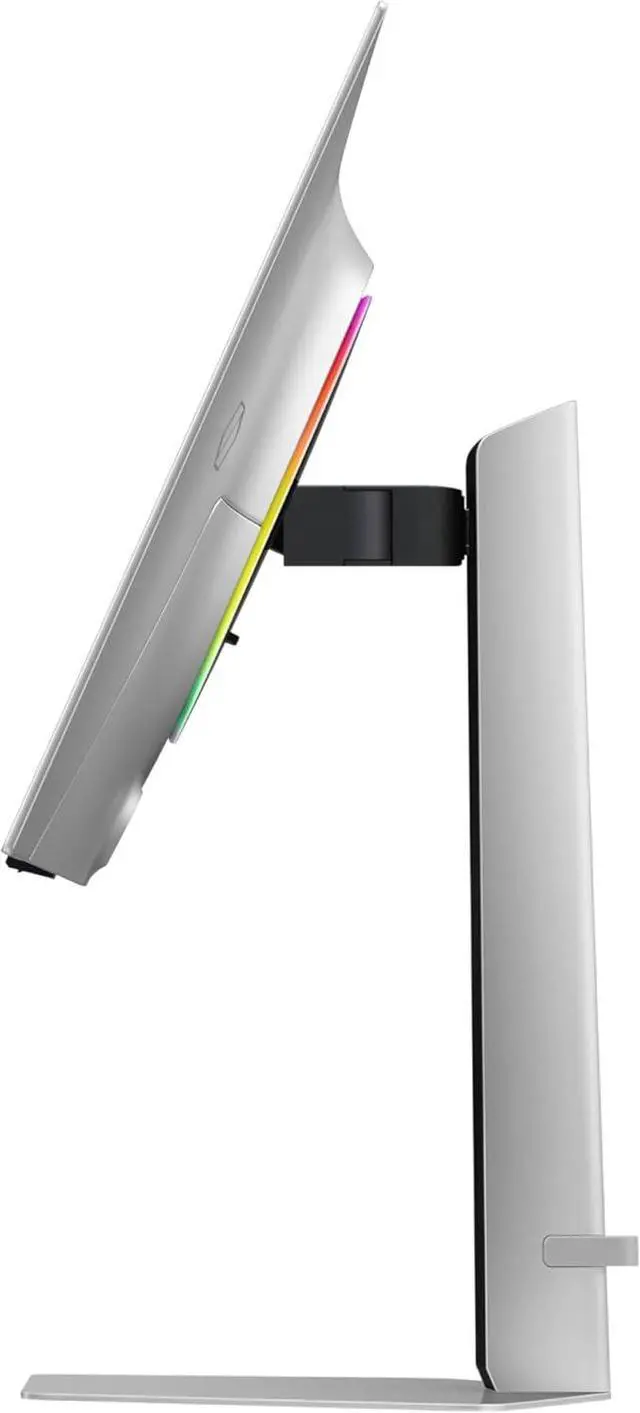
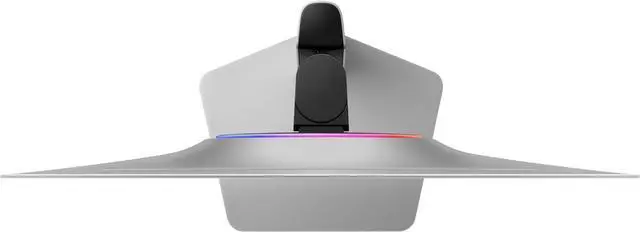


| Brand | SAMSUNG |
|---|---|
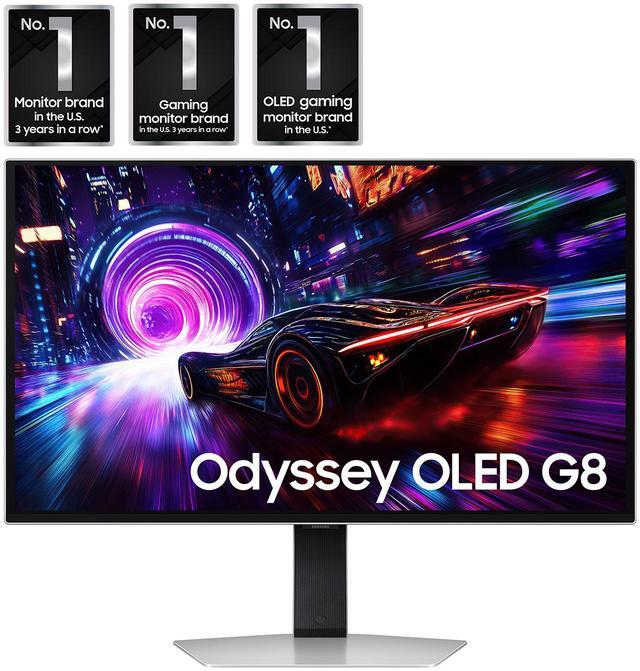
| Series | Odyssey OLED G8 |
| Model | LS27FG810SNXZA |
| Part Number | LS27FG810SNXZA |
| Cabinet Color | Silver |
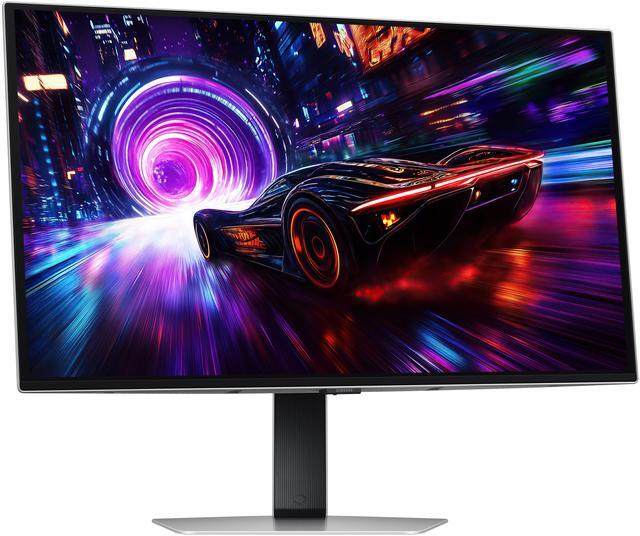
| Bezel Design | 3 Sided Thin Frame |
| Screen Size | 27" |
|---|---|
| Widescreen | Yes |
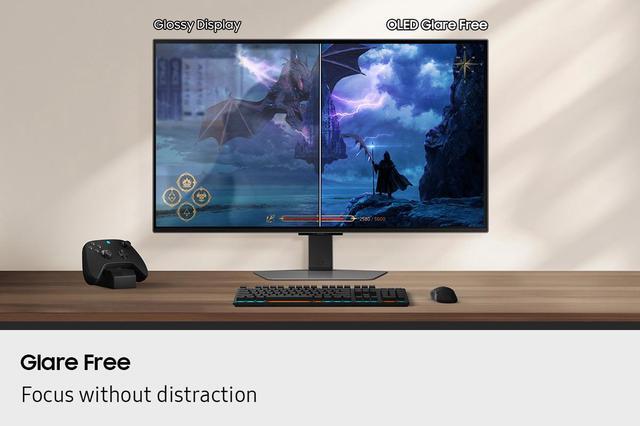
| Glare Screen | Non-glare |
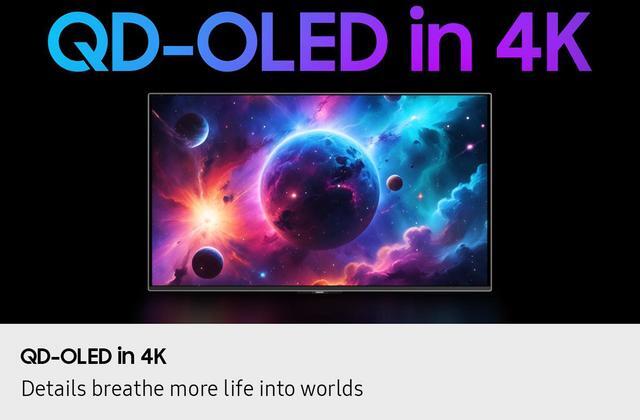
| Panel | OLED |
| Adaptive Sync Technology | FreeSync Premium Pro |
| Resolution | 3840 x 2160 (4K) |
| Viewing Angle | 178° (H) / 178° (V) |
| Aspect Ratio | 16:9 |
| Brightness | 250 cd/m2 |
| Contrast Ratio | 1,000,000:1 |
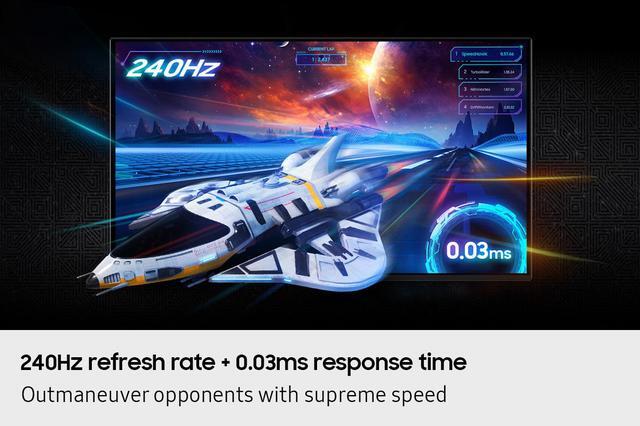
| Response Time | 0.03ms (GTG) |
| Color Gamut | 99% DCI |
| Display Colors | Max 1B |
| Refresh Rate | 240Hz |
| VESA Certified DisplayHDR | DisplayHDR True Black 400 |
| Curved Surface Screen | Flat Panel |
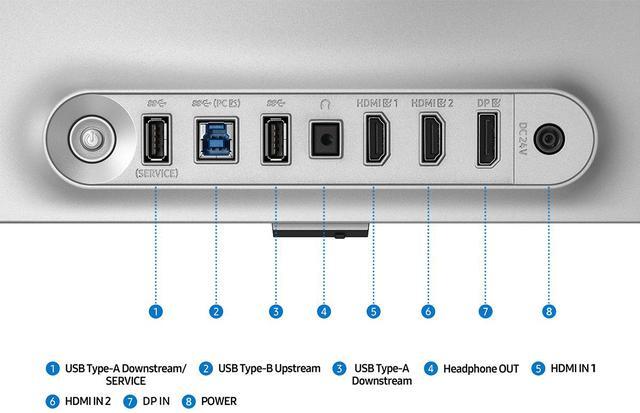
| HDMI | 2 x HDMI 2.1 |
|---|---|
| DisplayPort | 1 x DisplayPort 1.4 |
| Video Ports | 1 x DisplayPort 1.4 / 2 x HDMI 2.1 |
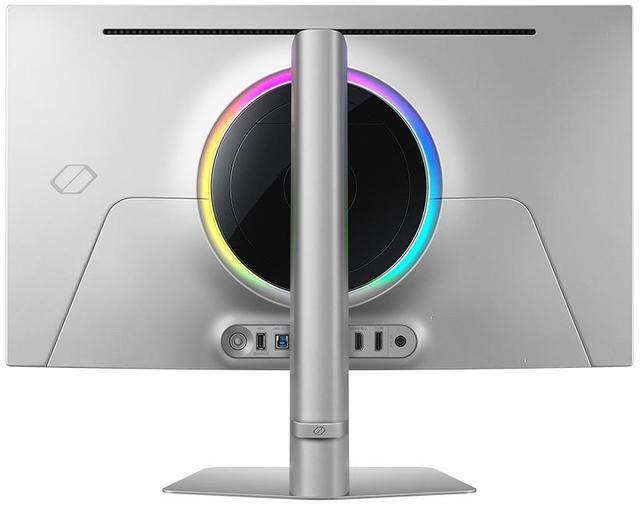
| USB Ports | 2 x USB 3.2 Gen 1, 1 x USB Type B Upstream |
| Power Supply | AC100-240V External Adaptor |
|---|---|
| Power Consumption | 140 Max |
| Stand Adjustments | Height, Pivot, Swivel, Tilt |
|---|---|
| Built-in Speakers | No |
| Built-in Webcam | No |
| VESA Compatibility - Mountable | 100 x 100mm |
| Features | Energy Saving Solution Eye Saver Mode Flicker Free Picture-In-Picture Quantum Dot Color Image Size Windows Certification: Windows11 FreeSync FreeSync Premium Pro Off Timer Plus Black Equalizer Virtual AIM Point Core Sync Super Arena Gaming UX Auto Source Switch+ Super Ultrawide GameView |
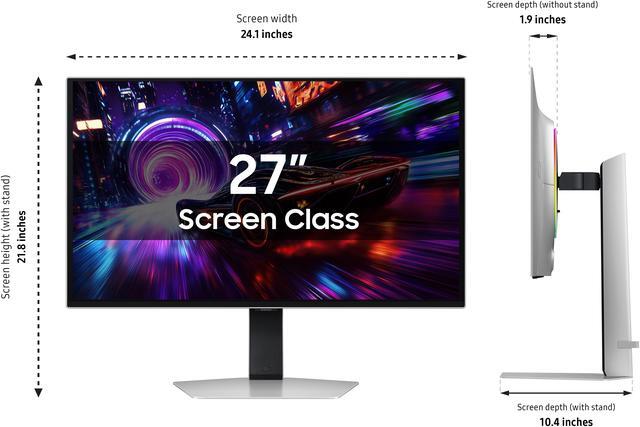
| Dimensions | 21.8" x 24.1" x 10.4" with stand 13.9" x 24.1" x 1.9" without stand |
|---|---|
| Weight | 15.2 lbs. with stand 8.4 lbs. without stand |
| Temperature Range | 0 - 40 °C |
|---|---|
| Humidity Range | 10~80, non-condensing % |
| Package Contents | 1.5m Power Cable Length HDMI Cable DP Cable |
|---|
| First Listed on Newegg | April 08, 2025 |
|---|
Warranty Notice:
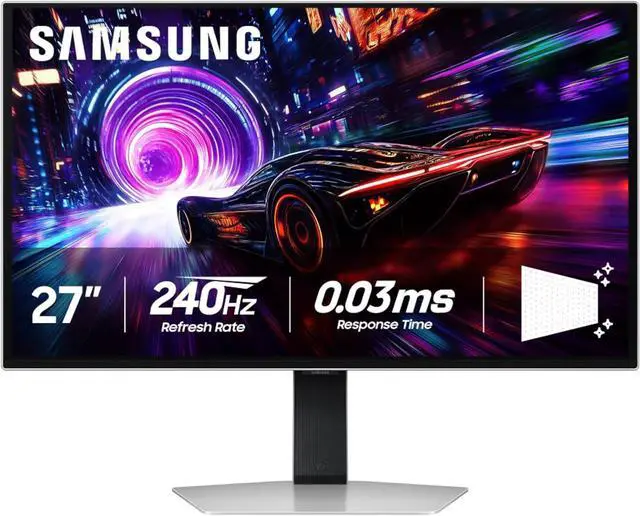
This product does not include manufacturer warranty when purchased or used outside of its designated sales region. By purchasing internationally, you acknowledge that warranty support from the manufacturer will not be available.The Samsung Odyssey OLED G8 LS27FG810SNXZA is a 27-inch 4K gaming monitor with a 240Hz refresh rate, 0.03ms response time, and AMD FreeSync Premium Pro, suited to PC gamers seeking sharp detail and responsive, smooth gameplay.
| Attribute | Value |
|---|---|
| Best For | Gaming setups seeking 4K OLED detail, a 240Hz refresh rate, and FreeSync Premium Pro variable-refresh-rate support |
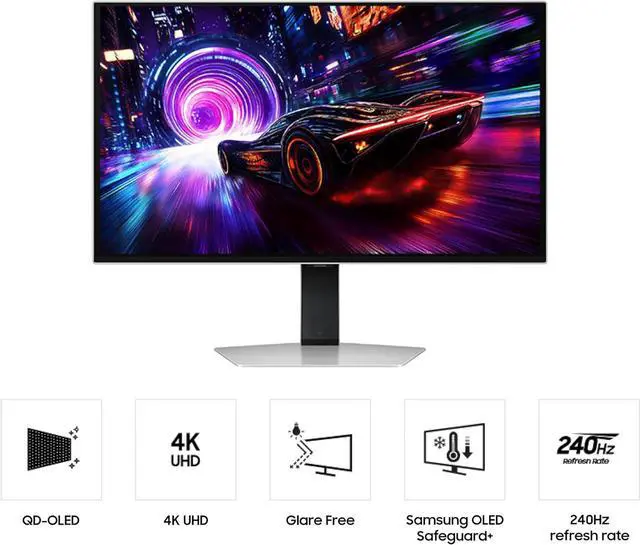
| Panel And Resolution | 27-inch flat OLED display with 3840 × 2160 4K resolution, 16:9 aspect ratio, matte non-glare finish, and 178° horizontal and vertical viewing angles |
| Refresh Rate And Response | 240Hz refresh rate with a 0.03ms GTG response time and FreeSync Premium Pro adaptive sync |
| Image Quality And HDR | DisplayHDR True Black 400, 1,000,000:1 contrast ratio, 250 cd/m² brightness, 99% DCI color gamut, and up to 1 billion display colors |
| Ports And Connectivity | 2 HDMI 2.1 ports, 1 DisplayPort 1.4, 2 USB 3.2 Gen 1 ports, and 1 USB Type-B upstream port |
| Stand And Mounting | Stand adjusts for height, pivot, swivel, and tilt; VESA 100 × 100mm mount compatible |
| Gaming And Display Features | Includes Eye Saver Mode, Flicker Free, Picture-In-Picture, Quantum Dot Color, Core Sync, Black Equalizer, Virtual AIM Point, Super Ultrawide GameView, Auto Source Switch+, Off Timer Plus, and Energy Saving Solution |
| Integrated Hardware | No built-in speakers or webcam |
| Dimensions And Weight | With stand: 21.8 × 24.1 × 10.4 inches and 15.2 lb; without stand: 13.9 × 24.1 × 1.9 inches and 8.4 lb |
| Power And Operating Conditions | External AC adapter supports 100–240V; maximum power consumption is 140W. Operating temperature: 0–40°C; humidity: 10–80%, non-condensing |
| Included Accessories | 1.5m power cable, HDMI cable, and DisplayPort cable |
| Model Identifiers | Samsung Odyssey OLED G8; model and part number LS27FG810SNXZA |
Q: Samsung Odyssey OLED G8 G81SF vs. MSI MPG 272URX: which should I buy?
A: Choose the Samsung G81SF if you prefer a matte, glare-reducing screen; choose the MSI 272URX if you need DisplayPort 2.1, USB-C video and charging, or a KVM switch. Both are 27-inch 4K QD-OLED monitors with a 240Hz refresh rate, so the main differences are screen coating and connectivity.
Q: Samsung Odyssey OLED G8 G81SF or Odyssey OLED G6 G60SD for competitive gaming?
A: Choose the G81SF for 4K detail and sharper text; choose the G60SD if you prefer QHD at up to 360Hz. The G81SF runs 4K at up to 240Hz, while the G60SD runs 2560 × 1440 at up to 360Hz, so the choice is higher resolution versus a higher maximum refresh rate.
Q: Samsung Odyssey OLED G8 G81SF vs. ASUS PG27UCDM: which is better for a bright room?
A: The Samsung G81SF is the more suitable choice if reducing direct reflections is your priority: its matte screen diffuses reflections more effectively in a side-by-side comparison. Consider the ASUS if you need its DisplayPort 2.1 connection or USB-C with up to 90W power delivery. Both offer 27-inch 4K OLED gaming at up to 240Hz.
Q: Can I use this monitor for work as well as gaming?
A: Yes. Its 4K resolution and adjustable stand suit general desk work, while its 240Hz refresh rate and 0.03ms response time are aimed at gaming. It has no built-in webcam or speakers, and the listed connections do not include USB-C, so check that your computer has a compatible video output.
Q: Can I connect a console to this monitor?
A: Yes. It has two HDMI 2.1 ports for connecting a console. The monitor supports FreeSync Premium Pro and VRR; the resolution and refresh rate available will depend on the console and game.
Q: Does this monitor have built-in speakers?
A: No. It does not have built-in speakers, so plan to use headphones or external speakers for audio.
Q: Can I mount it on a monitor arm?
A: Yes. It supports 100 x 100 mm VESA mounting. Check that the arm supports the monitor’s weight and mounting pattern; the monitor weighs 8.4 lb without its stand.
Q: Is the 27-inch Odyssey OLED G8 worth buying as a gaming upgrade?
A: It may suit buyers who specifically want 4K, OLED, and up to 240Hz in a 27-inch monitor. Whether it is worth the upgrade depends on the price and how much you value those changes over your current display; community discussions do not establish a universal upgrade recommendation.
Q: Is the G8’s matte screen a drawback?
A: It depends on your preference. The anti-glare finish is a recurring point of discussion: some buyers value reduced reflections, while others say the coating can make bright areas look grainy. If possible, view the screen in person before buying, especially if you often work with white backgrounds.
Q: Is the 27-inch G8 suitable for work that involves reading or writing text?
A: It can be used for text work, but community reports are mixed: some users describe text as sharp, while others notice grain on bright backgrounds. Because sensitivity to the coating varies, consider testing it with your usual apps before deciding to keep it.
Q: Does 4K make sense on a 27-inch screen, or should I choose 32 inches?
A: The 27-inch model combines 4K resolution with a smaller footprint, a size that comes up in buyer discussions from people whose desks cannot accommodate a larger display. Choose based on your desk space and preferred screen size; the product data confirms 4K resolution but does not determine which size will feel better to you.


