


 All CategoriesAll CategoriesAll Categories
Shipped by Newegg




Warranty Notice:
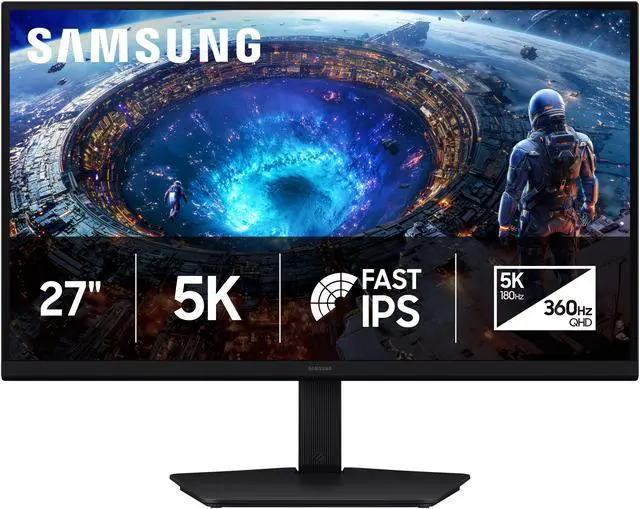
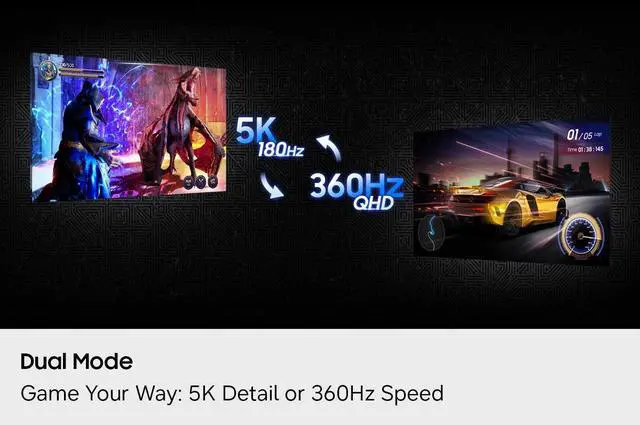
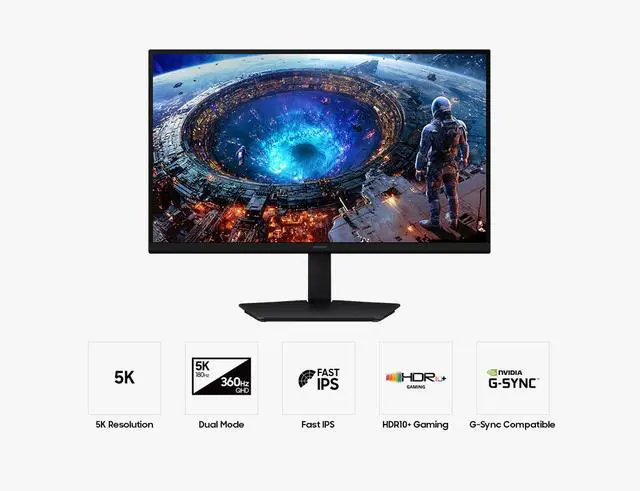
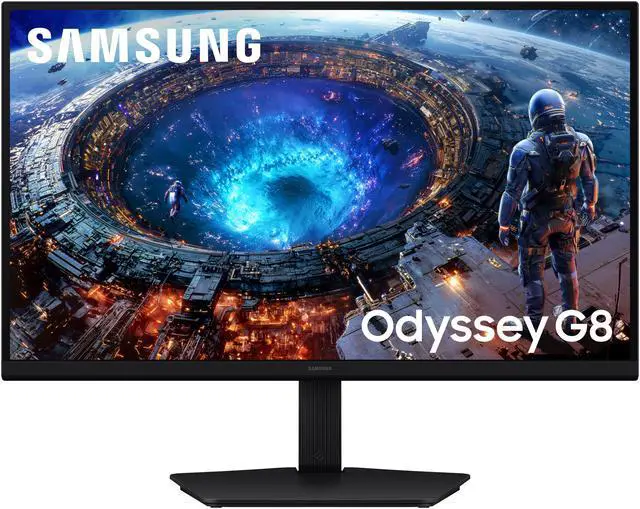
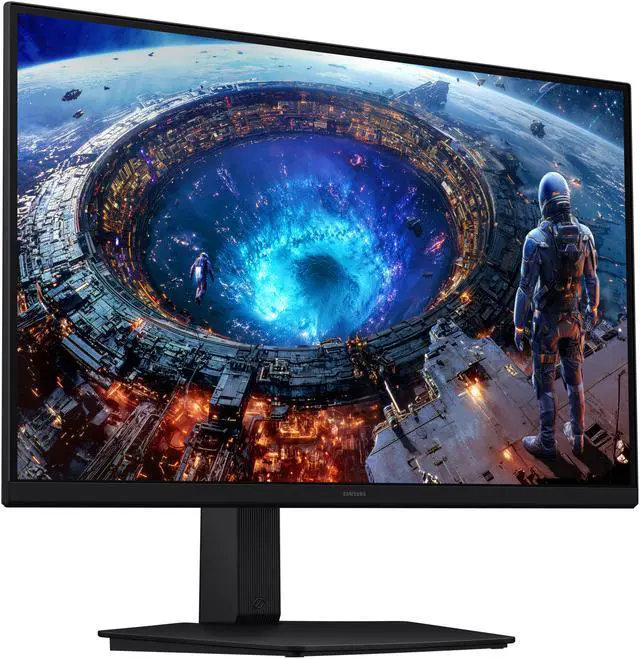
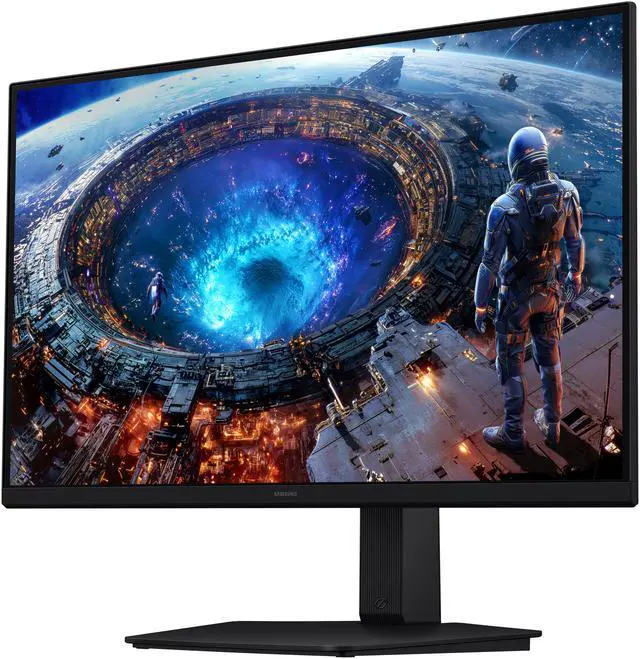
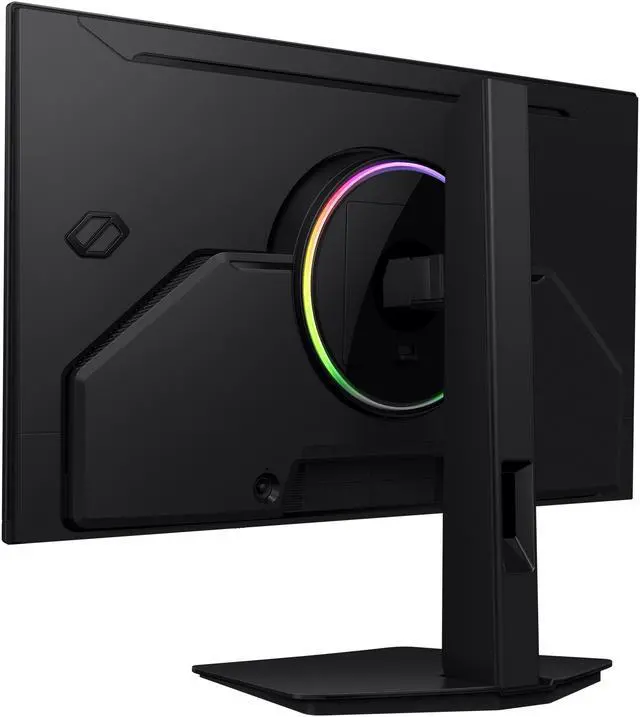
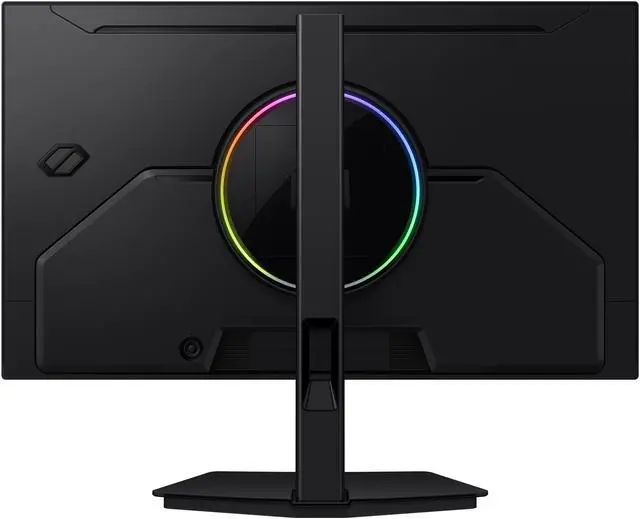
This product does not include manufacturer warranty when purchased or used outside of its designated sales region. By purchasing internationally, you acknowledge that warranty support from the manufacturer will not be available.The Samsung Odyssey LS27HG802EFXZA is a 27-inch 5K IPS gaming monitor with dual-mode refresh rates up to 180Hz at 5K or 360Hz at QHD, making it suitable for gamers who want detailed visuals for immersive play and higher refresh rates for competitive gaming.
| Attribute | Value |
|---|---|
| Best For | Gaming with a choice of 5K at 180 Hz or QHD at 360 Hz, plus adaptive sync |
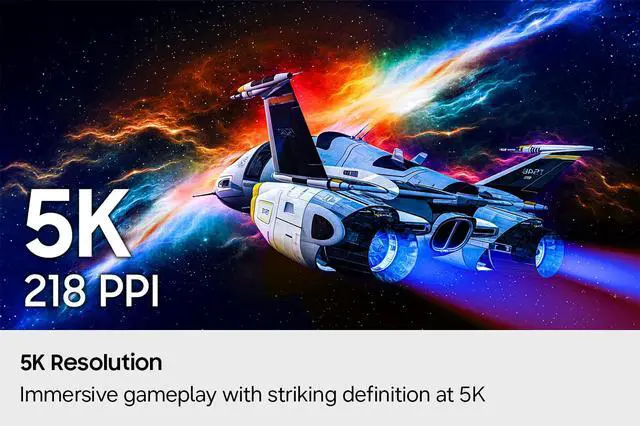
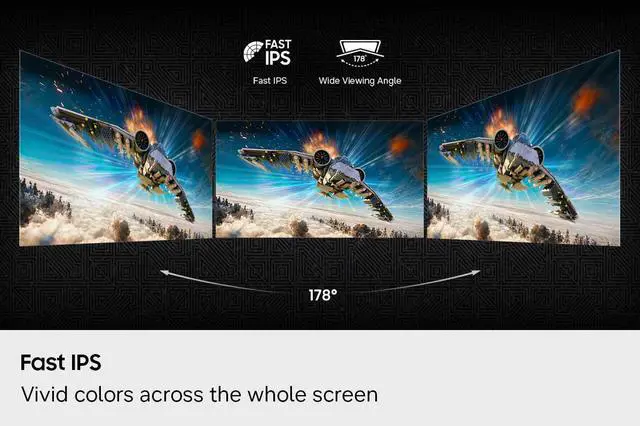
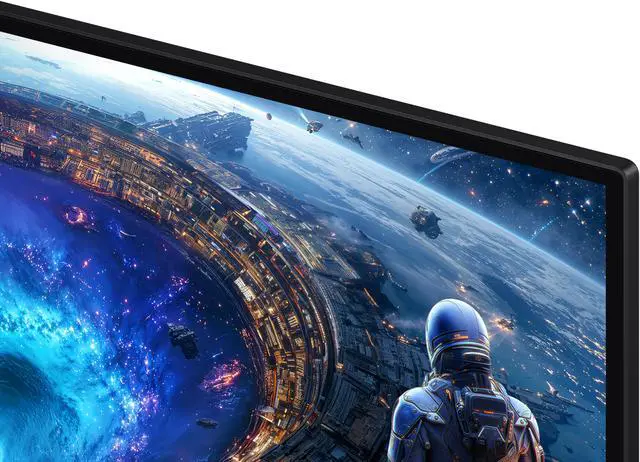
| Panel And Resolution | 27-inch flat, matte IPS display with a 16:9 aspect ratio, 5120 × 2880 resolution, and 178° horizontal and vertical viewing angles |
| Refresh Rate And Response | Up to 180 Hz at 5K or 360 Hz at QHD, with a 1 ms response time |
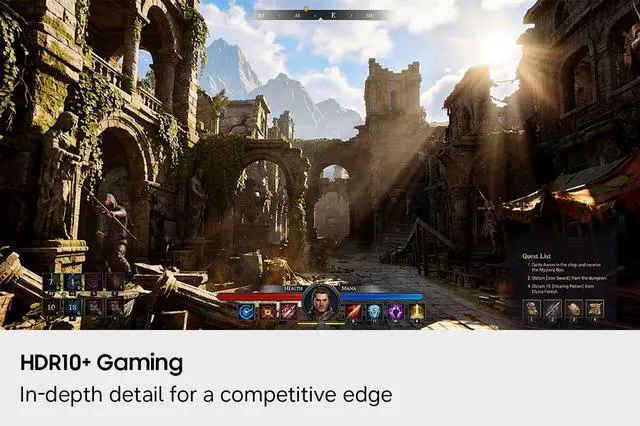
| Picture Quality And HDR | 350 cd/m² brightness, 1,000:1 contrast ratio, 99% sRGB color gamut, 1 billion display colors, and HDR10+ |
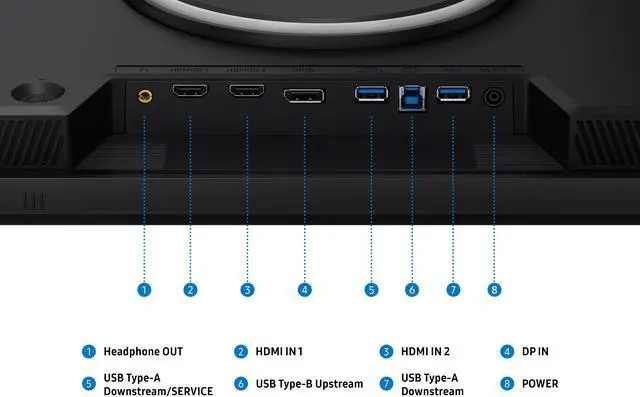
| Ports And Connectivity | 2 HDMI 2.1 ports, 1 DisplayPort 2.1, USB-C with DisplayPort Alternate Mode, 2 USB 3.2 Gen 1 Type-A ports, 1 USB-B upstream port, and 1 headphone jack |
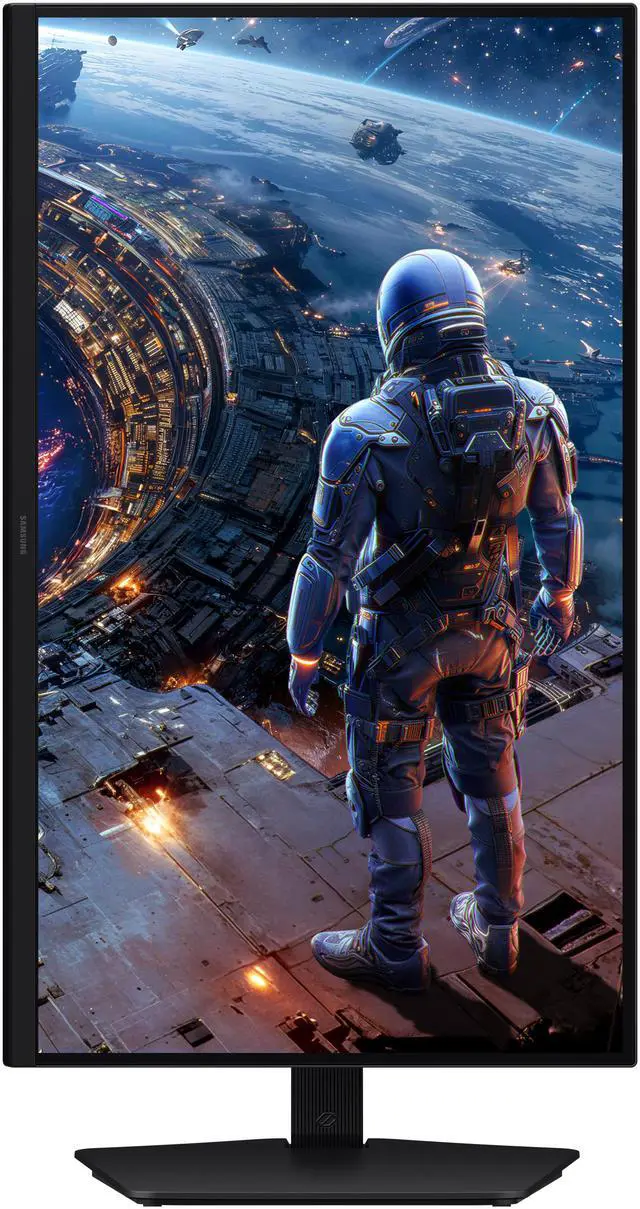
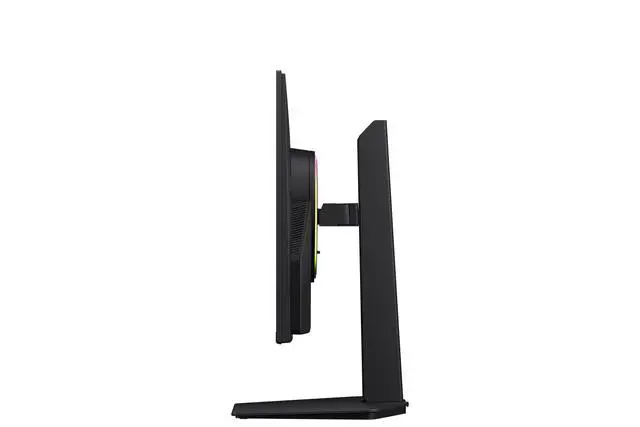
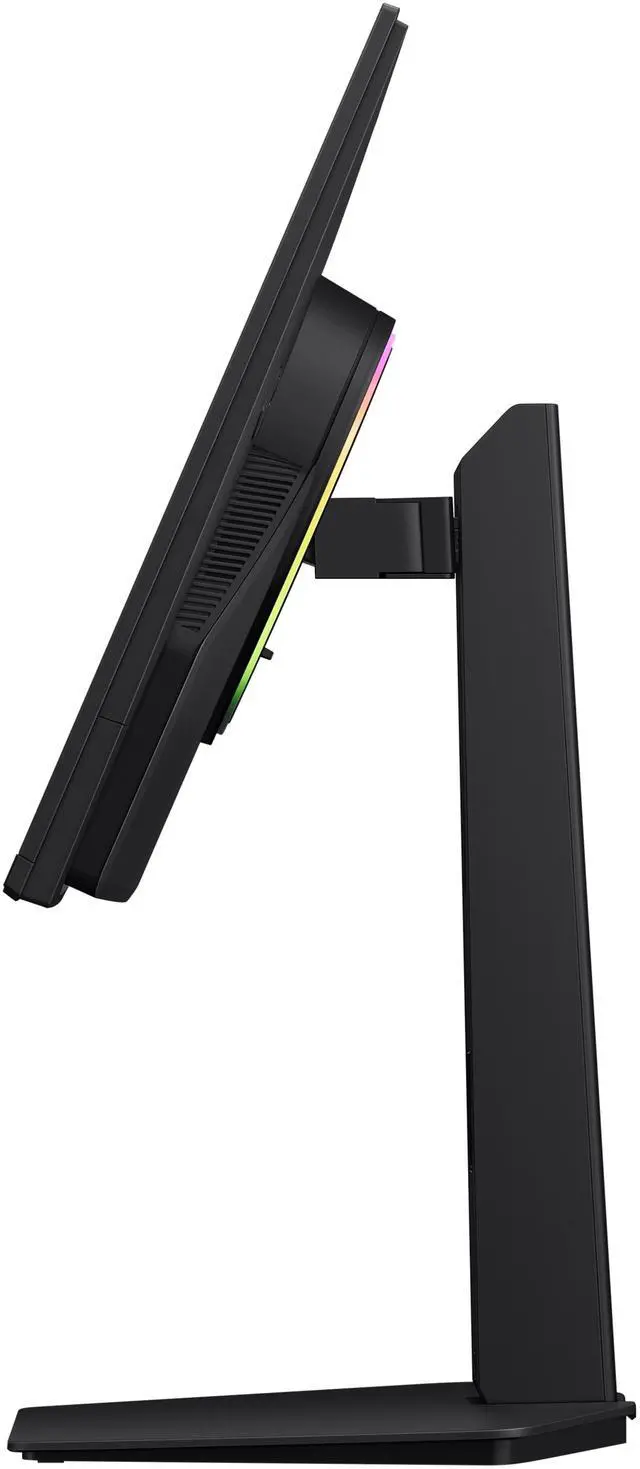
| Stand And Mounting | Height, pivot, swivel, and tilt adjustments; VESA 100 × 100 mm mounting compatibility |
| Audio And Webcam | No built-in speakers or webcam |
| Power | 100–240 VAC, 50/60 Hz power supply; 78 W maximum power consumption |
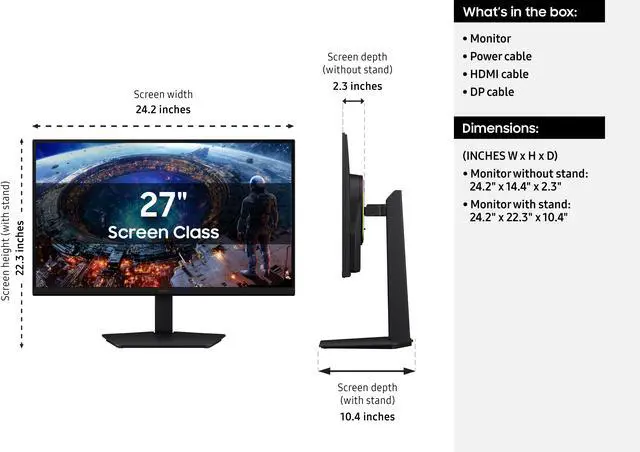
| Physical Dimensions And Weight | With stand: 22.31 × 24.18 × 10.39 inches; without stand: 14.37 × 24.18 × 2.34 inches; item weight: 13.67 lb |
| Model Identifiers | Samsung Odyssey, model LS27HG802EFXZA |
Q: Samsung Odyssey G80HF vs ASUS ROG Strix XG27JCG: which 5K dual-mode monitor should I choose?
A: Choose the Samsung Odyssey G80HF if you want its listed 5K 180Hz and QHD 360Hz modes, or value its DisplayPort 2.1 connection. The ASUS ROG Strix XG27JCG also offers 5K up to 180Hz, but its QHD mode reaches 330Hz. Both are 27-inch IPS dual-mode gaming monitors, so compare their ports and the refresh rate you prefer in QHD; available evidence does not establish a universal image-quality winner.
Q: Should I get the Odyssey G80HF or the 27-inch Odyssey OLED G6 G60SD?
A: Choose the G80HF for 5K detail at 180Hz and the option to switch to QHD at 360Hz. Choose the G60SD if you want a 27-inch QHD OLED monitor with a 360Hz refresh rate. In short, the G80HF prioritizes higher-resolution IPS versatility; the G60SD prioritizes OLED display technology at native QHD.
Q: Is the Odyssey G80HF a better fit than Samsung’s 32-inch 4K OLED G80SD?
A: Choose the G80HF if you prefer a 27-inch screen, 5K resolution, and a dual mode that reaches QHD 360Hz. Choose the 32-inch G80SD if you want a larger 4K OLED display with a 240Hz refresh rate. The decision is mainly between the G80HF’s higher pixel density and dual-mode refresh options and the G80SD’s larger OLED screen.
Q: Should I use the G80HF at 5K 180Hz or switch to QHD 360Hz?
A: Use 5K 180Hz when fine image detail and desktop sharpness matter more; switch to QHD 360Hz when you prioritize the monitor’s highest refresh rate for fast competitive games. The modes trade resolution for refresh rate, so choose based on the game and your preferred balance rather than expecting both maximum settings at once.
Q: Is this monitor good for both competitive gaming and detailed 5K work?
A: It offers two refresh-rate and resolution modes: up to 5K at 180 Hz or QHD at 360 Hz. That gives users a choice between higher resolution and higher refresh rate; the connected computer must support the mode you want to use.
Q: Can I connect a laptop to this monitor with USB-C?
A: Yes, if the laptop’s USB-C port supports DisplayPort Alternate Mode for video. The listed specifications do not state that this monitor charges a connected laptop, so plan to power the laptop separately.
Q: Can I use this monitor for console gaming?
A: It has two HDMI 2.1 inputs for connecting a console. The actual resolution and refresh rate depend on the console and its supported video modes; the monitor’s maximum listed rates are 5K at 180 Hz and QHD at 360 Hz.
Q: Is it suitable for office work and video meetings?
A: Its 5K resolution, IPS panel, and height, tilt, swivel, and pivot adjustments support desk-based work. It has no built-in webcam or speakers, so video meetings require separate camera and audio equipment.
Q: Is this a good choice for coding or other work during the day and gaming later?
A: It can suit that mix if you want a sharp 27-inch 5K workspace and high-refresh gaming: the monitor supports 5K at up to 180 Hz and QHD at up to 360 Hz. A Reddit buyer considering it for programming and gaming described that same use case. Note that USB-C video input does not mean laptop charging is included; the product information does not specify USB-C power delivery.
Q: Does the QHD 360 Hz mode look as sharp as native 1440p?
A: Not necessarily. One G80HF owner reported that QHD mode looked less sharp on the desktop and somewhat blurrier than a native 1440p display, though they found the difference less noticeable in games. The mode trades the monitor’s native 5K detail for a higher refresh rate.
Q: Can USB-C connect a laptop and charge it at the same time?
A: The provided product information describes USB-C as a DisplayPort Alternate Mode video input, but does not list laptop power delivery. Samsung’s Reddit discussion says the G80HF does not include USB-C power delivery, so plan on a separate charger if your laptop needs one.
Q: Can an RTX 4090 run this monitor at 5K and 180 Hz?
A: Do not assume it will work at the full refresh rate with every GPU and connection setup. A Reddit user with an RTX 4090 reported being unable to select 5K at 180 Hz, and the discussion did not establish a definitive fix or universal compatibility result. Check current GPU, driver, cable, and monitor support for your specific setup before buying if 5K at 180 Hz is essential.


