


 All CategoriesAll CategoriesAll Categories
Shipped by Newegg




Warranty Notice:
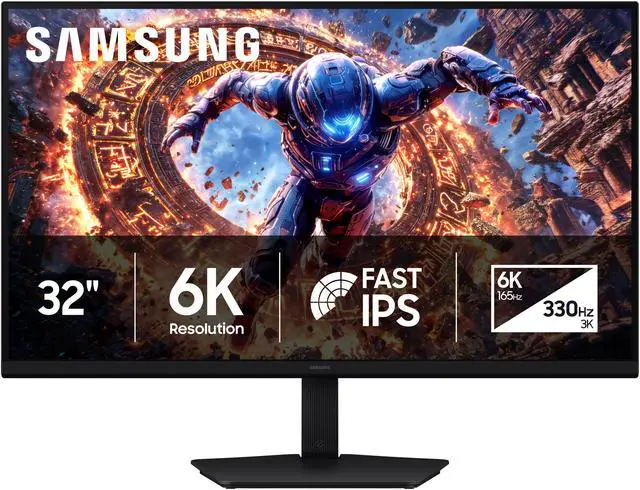
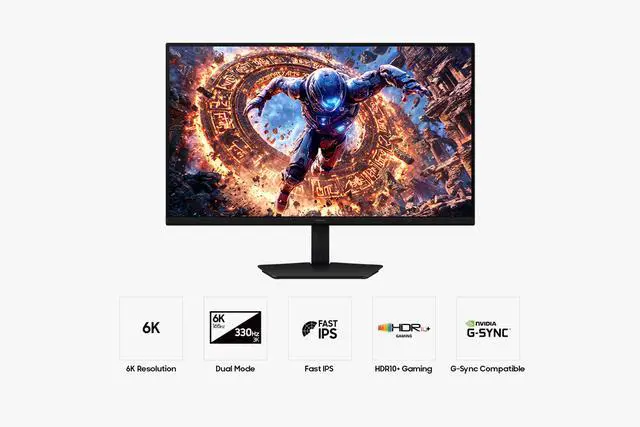
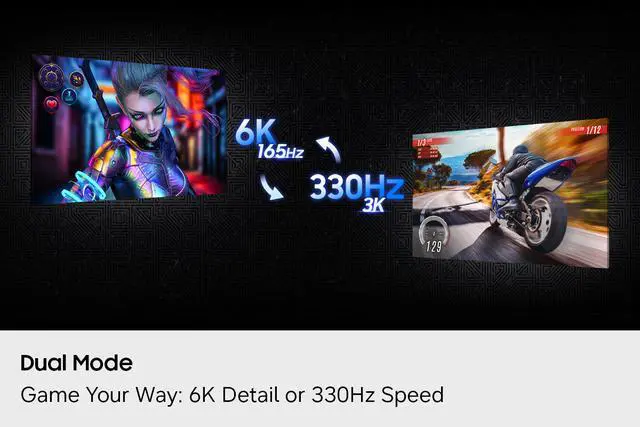
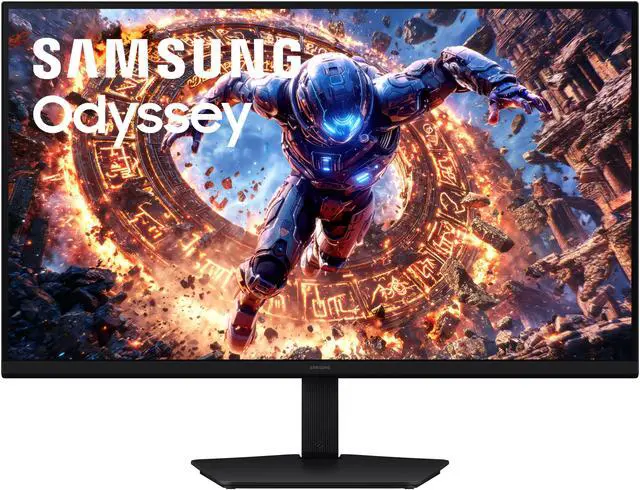
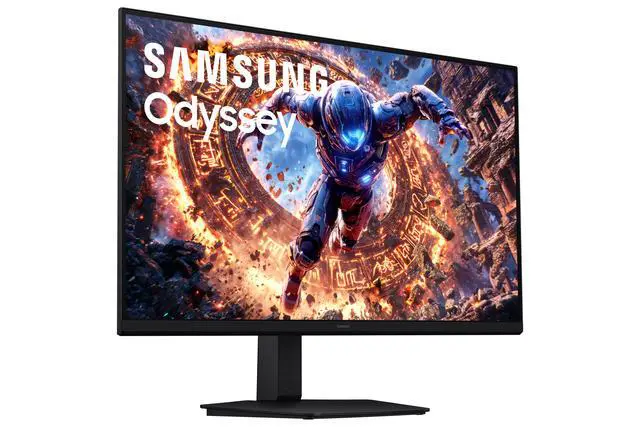
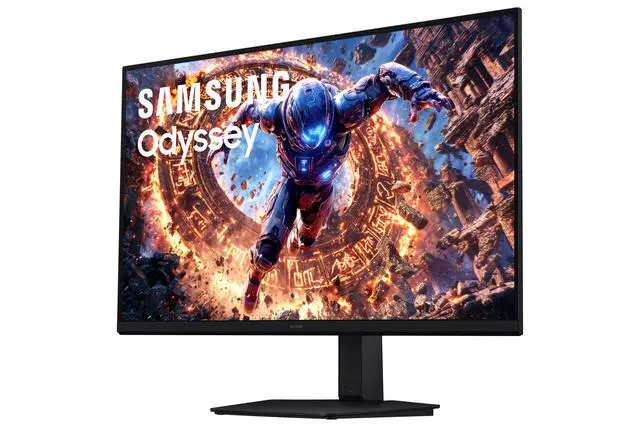
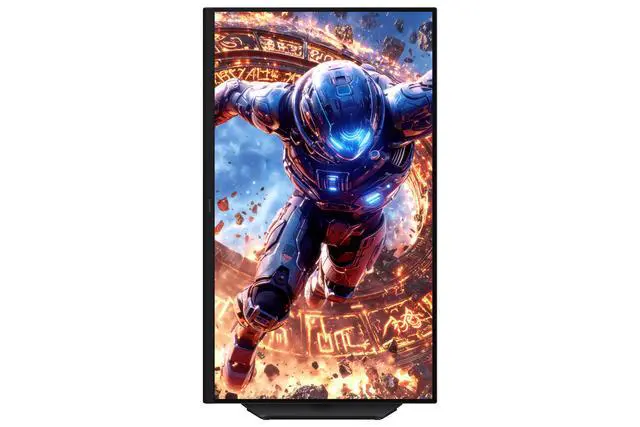
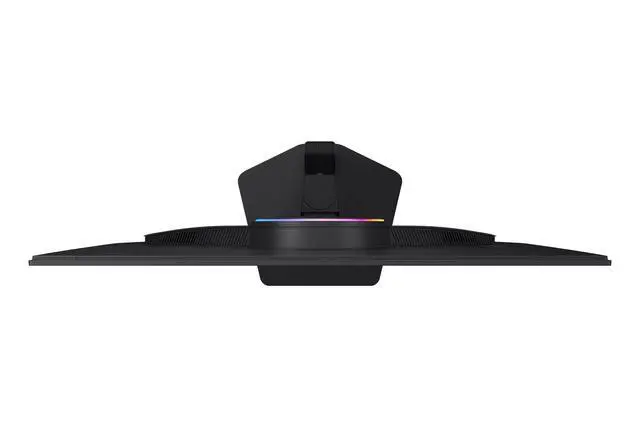
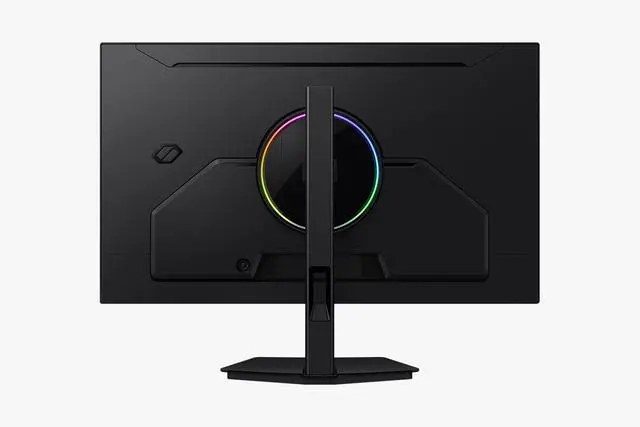
This product does not include manufacturer warranty when purchased or used outside of its designated sales region. By purchasing internationally, you acknowledge that warranty support from the manufacturer will not be available.The Samsung Odyssey LS32HG802ESXZA is a 32-inch flat IPS gaming monitor with Dual Mode switching between 6K at 165 Hz and 3K at 330 Hz, making it suitable for PC gamers who want a choice between high-resolution play and very high refresh rates.
| Attribute | Value |
|---|---|
| Best For | Gaming setups suited to detailed 6K play at 165 Hz or 3K play at 330 Hz, with adaptive sync support |
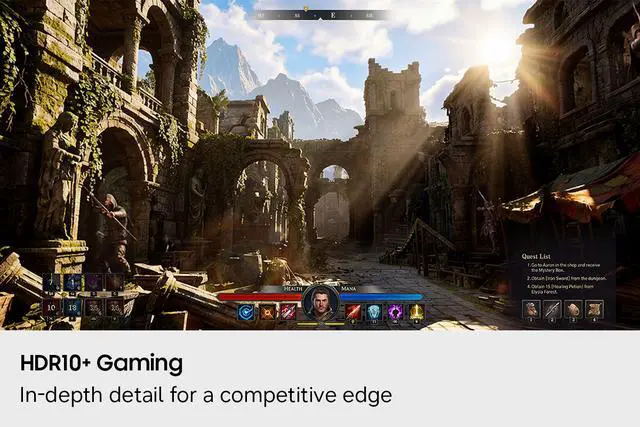
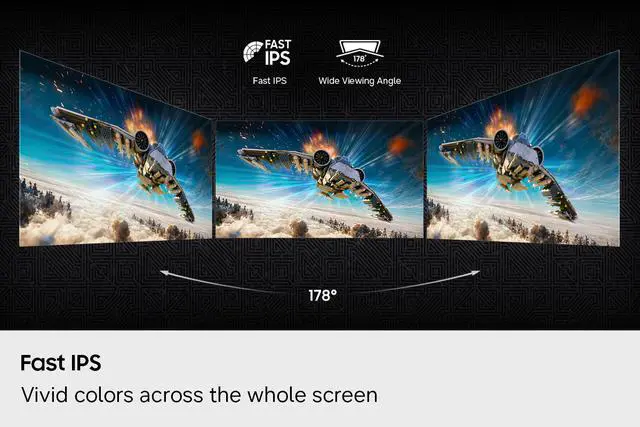
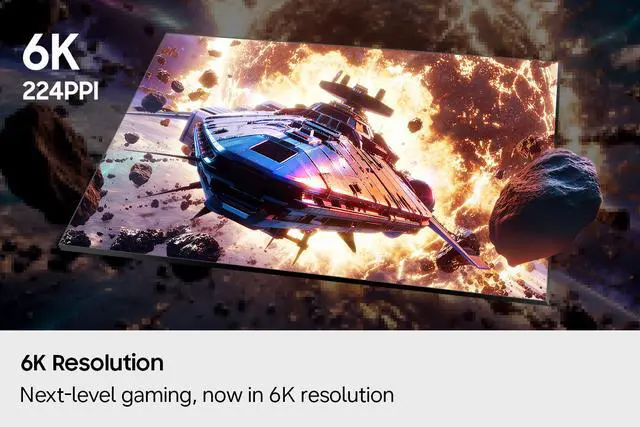
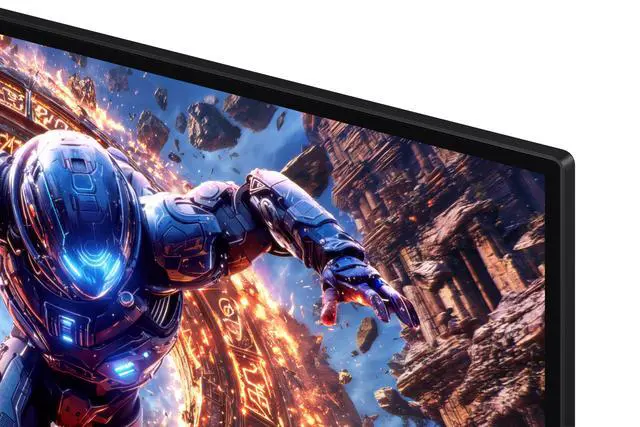
| Panel And Picture Quality | 32-inch flat IPS panel with 6144 × 3456 resolution, 16:9 aspect ratio, 178° horizontal and vertical viewing angles, 350 cd/m² brightness, 1,000:1 contrast, 99% sRGB coverage, 1 billion colors, matte finish, and HDR10+ |
| Refresh Rate And Response | Dual mode: up to 165 Hz at 6K or 330 Hz at 3K; 1 ms response time with FreeSync Premium and G-Sync compatibility |
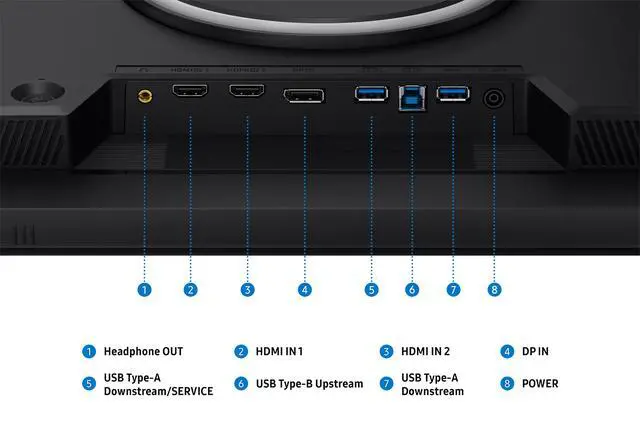
| Ports And Connectivity | 2 HDMI 2.1 ports, 1 DisplayPort 2.1, 2 USB 3.2 Gen 1 Type-A ports, USB-B upstream, USB service port, and headphone output |
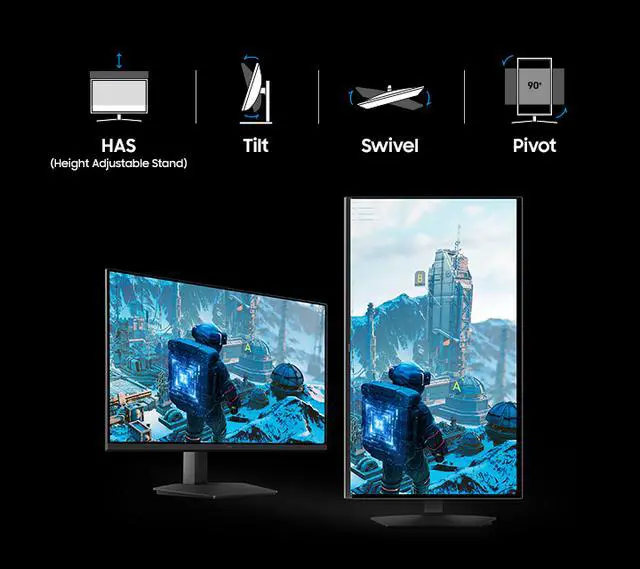
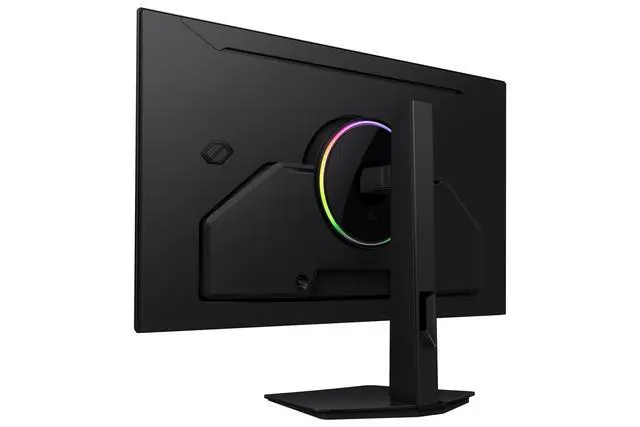
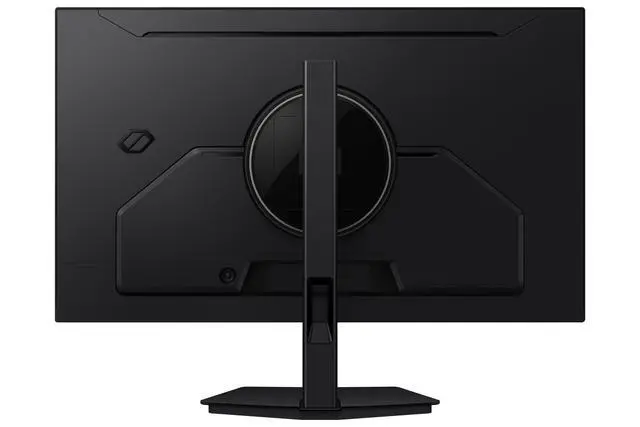
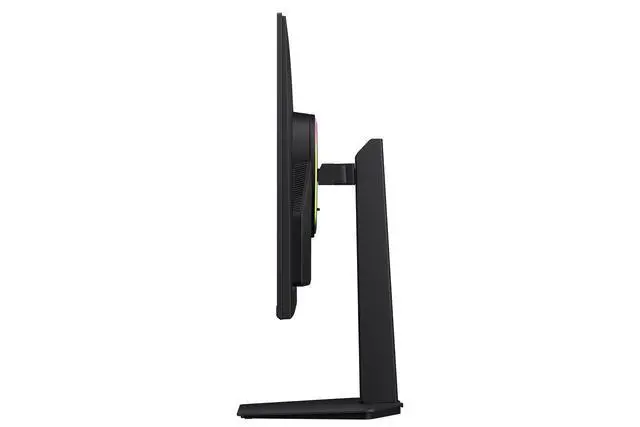
| Stand And Mounting | Height, pivot, swivel, and tilt adjustment; VESA 100 × 100 mm mounting compatibility |
| Gaming And Display Features | Eye Saver Mode, Flicker Free, Energy Saving Solution, Off Timer Plus, Black Equalizer, Virtual AIM Point, Core Sync, Super Arena Gaming UX, Auto Source Switch+, and Windows 11 Certification |
| Audio And Webcam | No built-in speakers or webcam |
| Power | 100–240 VAC, 50/60 Hz power supply; 100 W power consumption |
| Dimensions And Weight | With stand: 23.44 × 28.13 × 10.40 inches and 16.31 lb; without stand: 16.62 × 28.13 × 2.33 inches and 10.80 lb |
| Model Identifiers | Samsung Odyssey, model LS32HG802ESXZA; also identified as Samsung G80HS; black |
Q: Should I choose the Samsung Odyssey G80HS 6K or the G80SH 4K OLED?
A: Choose the G80HS if you prioritize a 32-inch IPS display with 6K detail for desktop work and the option to switch to 3K at 330Hz for gaming. Choose the G80SH if gaming image quality is the priority: it is a 32-inch 4K QD-OLED with 240Hz refresh, deeper blacks, and stronger motion handling. The G80HS offers higher resolution; the G80SH emphasizes OLED picture quality and gaming performance.
Q: How does the Samsung G80HS compare with the ASUS ProArt PA32QCV?
A: Both are 32-inch-class 6K IPS monitors, but they target different uses. The G80HS is the better fit for gaming and mixed use when you want 165Hz at 6K or 330Hz at 3K. The ProArt PA32QCV is aimed at color-focused creative work, with factory color-accuracy features and Thunderbolt 4 connectivity, and has a maximum 60Hz refresh rate.
Q: Should I get the 32-inch Samsung G80HS or the 27-inch G80HF 5K?
A: Choose the G80HS if you want a larger 32-inch screen, 6K resolution, and dual modes up to 330Hz. Choose the G80HF if a more compact 27-inch display suits your desk better and 5K at 180Hz or QHD at 360Hz meets your needs. Both are IPS gaming monitors with high-resolution and high-refresh dual-mode options.
Q: Is this monitor suitable for both gaming and regular computer work?
A: Yes. Its 32-inch IPS display supports a listed maximum of 6K at 165Hz or 3K at 330Hz, and the stand supports height adjustment, pivot, swivel, and tilt. The computer and connection must support the resolution and refresh rate you want to use.
Q: Can I mount this monitor on a monitor arm or wall mount?
A: Yes. It has a 100 × 100 mm VESA mounting pattern. Check that the mount supports that pattern and the monitor’s weight; the monitor weighs 10.80 lb without its stand.
Q: Does it have built-in speakers or a webcam?
A: No. This monitor has neither built-in speakers nor a webcam, so use separate audio equipment and a separate camera if you need them.
Q: Can the stand rotate the screen into portrait orientation?
A: Yes. The stand supports pivot as well as height adjustment, swivel, and tilt. Portrait display orientation may also need to be selected in your computer’s display settings.
Q: Will my PC run this monitor at 6K and 165Hz?
A: Not necessarily. The monitor supports 6K at up to 165Hz, but owners report that the refresh rate they can use depends on the computer and its display connection. Check your graphics card’s and port’s supported resolution and refresh rate before buying; the monitor’s advertised maximum does not guarantee your system can reach it.
Q: Is it suitable as one monitor for both work and gaming?
A: It may suit people who want sharp 6K text and workspace alongside high-refresh gaming. Its native mode is 6K at up to 165Hz; the 330Hz dual mode lowers resolution to 3072 × 1728, which users report can look less sharp for desktop text. The product has no built-in speakers or USB-C port.
Q: Will it work well with a Mac?
A: Mac compatibility and achievable refresh rate can vary by Mac, connection, cable, and setup. One owner reports reaching 6K at 120Hz with a Mac, while another discussion describes connection and refresh-rate limitations. Confirm your Mac’s supported external-display modes and connection path before buying.


