


 All CategoriesAll CategoriesAll Categories
Shipped by Newegg
 Top Rated



Warranty Notice:
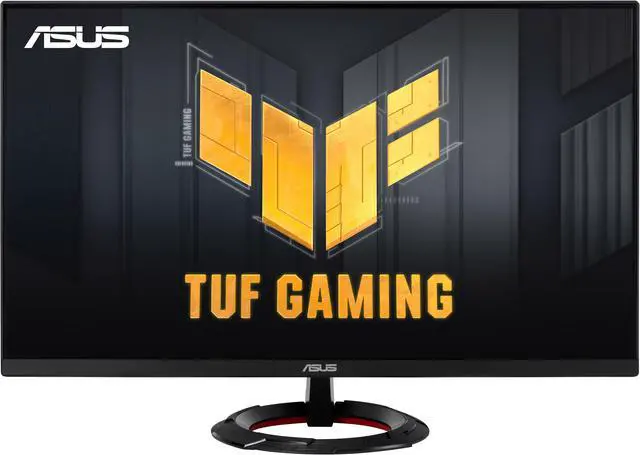
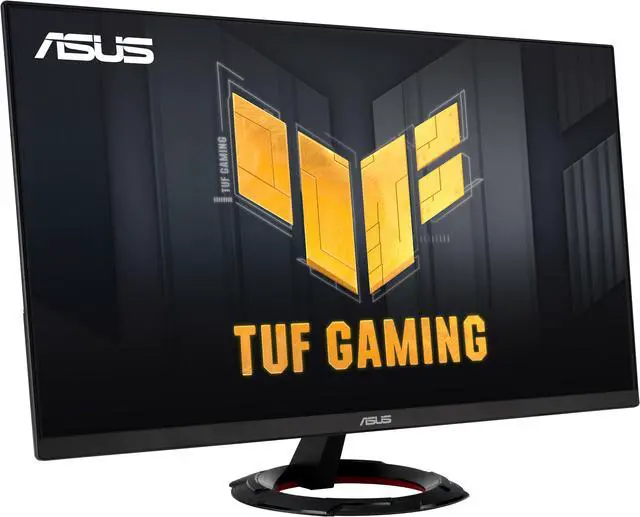
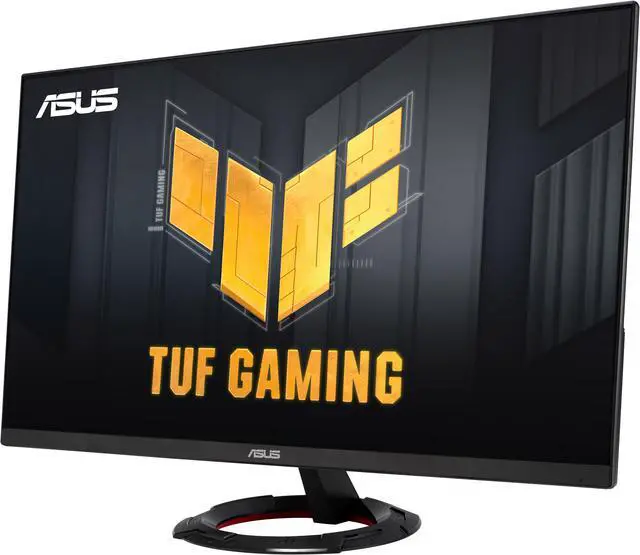
This product does not include manufacturer warranty when purchased or used outside of its designated sales region. By purchasing internationally, you acknowledge that warranty support from the manufacturer will not be available.The ASUS TUF Gaming VG279Q3R is a 27-inch Full HD gaming monitor with a 180Hz refresh rate, Fast IPS panel, and 1ms GTG response time, suited to gamers who prioritize fast, responsive gameplay at 1080p.
| Attribute | Value |
|---|---|
| Best For | 27-inch Full HD desktop gaming and the listed photo/video editing uses |
| Panel And Resolution | 27-inch flat matte Fast IPS LCD with 1920 × 1080 resolution, 16:9 aspect ratio, 100% sRGB color gamut, and 178° viewing angle |
| Refresh Rate And Response | 180 Hz refresh rate, 1 ms response time, and FreeSync adaptive sync |
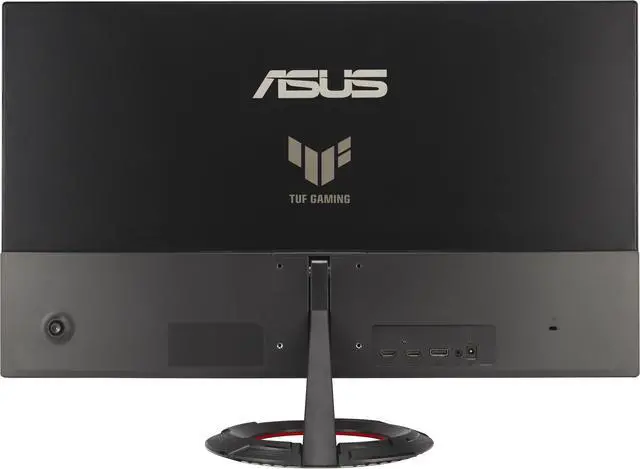
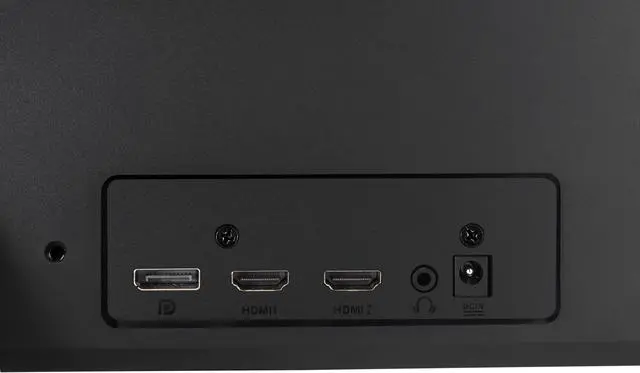
| Ports And Connectivity | One HDMI port and DisplayPort connectivity; no USB or USB 3.0 ports |
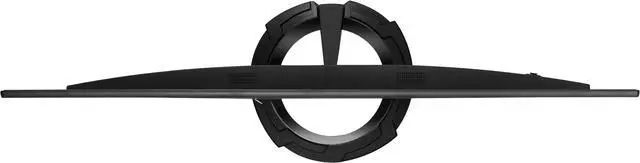
| Stand And Mounting | Supports 75 × 75 mm mounting |
| Included Accessories | DisplayPort cable, L-shaped screwdriver, power cord and adapter, and quick-start guide |
| Model Identifiers | ASUS VG279Q3R |
Q: ASUS TUF VG279Q3R or LG UltraGear 27GS75Q-B: which should I choose?
A: Choose the ASUS VG279Q3R if you want 27-inch Full HD gaming at up to 180Hz and prefer the lower pixel workload of 1080p. Choose the LG 27GS75Q-B if sharper detail is more important: its 27-inch QHD resolution provides more pixels, while it also offers a 180Hz refresh rate. QHD requires your PC to render more pixels, so consider your graphics card’s capabilities.
Q: Should I get the VG279Q3R or a 24-inch 1080p 180Hz monitor?
A: Choose the VG279Q3R if you want a larger 27-inch screen for gaming and general use. A 23.8-inch Full HD model such as the ASUS TUF VG249Q3A keeps the same resolution and maximum refresh rate in a smaller display, which provides higher pixel density. Both are 1080p, 180Hz-class ASUS gaming monitors, so the main trade-off is screen size versus pixel density.
Q: VG279Q3R or VG279Q3A: which ASUS 27-inch 1080p 180Hz monitor should I buy?
A: Both offer a 27-inch Full HD Fast IPS panel with a maximum 180Hz refresh rate and 1ms GTG response time. Consider the VG279Q3A if you specifically want ASUS-listed ELMB Sync, which lets motion-blur reduction and variable refresh rate work simultaneously. The VG279Q3R lists ELMB and Adaptive-Sync; compare current prices and confirm which feature set you need before choosing.
Q: Who is this monitor best suited for?
A: It suits gamers who prioritize smooth, fast-paced gameplay on a 27-inch 1080p screen. Its 180Hz refresh rate, Fast IPS panel, 1ms GTG response time, FreeSync, and ELMB are gaming-focused features.
Q: Can I get 180Hz with any PC or console?
A: Not necessarily. The monitor supports up to 180Hz, but the connected device, game, and connection must support the refresh rate you want. The product information provided does not specify its ports, so check that they match your device and target resolution and refresh rate.
Q: Is 27-inch Full HD the right choice if I want a sharp image?
A: This monitor has a 1920 × 1080 Full HD resolution. It may suit buyers who value its 180Hz gaming features, but buyers prioritizing higher resolution should note that it is not a QHD or 4K display.
Q: Do FreeSync and ELMB help reduce tearing and ghosting?
A: They are designed to improve motion clarity: FreeSync enables variable refresh rate to help reduce screen tearing, while ASUS ELMB is intended to reduce motion blur and ghosting. The result can depend on the content, settings, and connected device.
Q: Would this work as a temporary 1080p gaming monitor?
A: It fits that use if you want a 27-inch, 1080p screen with a high refresh rate: the listed specification is 180Hz. A Reddit buyer considering a temporary 1080p gaming and general-use replacement included this model among their options, but the discussion does not establish that it is better than the alternatives. ([reddit.com](https://www.reddit.com/r/buildapc/comments/1joesst?utm_source=openai))
Q: Is 27-inch 1080p a good choice if I care about image sharpness?
A: It depends on your preference: this model pairs a 27-inch screen with 1920×1080 resolution, and Reddit commenters discussing it noted that some users prefer a smaller 1080p screen or a higher-resolution 27-inch display for clarity. Choose it if its 180Hz refresh rate matters more to you than sharper fine detail. ([reddit.com](https://www.reddit.com/r/Monitors/comments/1joeqdw?utm_source=openai))
Q: Are there reports of dull colors on this monitor?
A: One Reddit owner reported dull colors and a green shadow in a game; replies suggested checking the source-device color settings, and the owner later said changing PS5 output settings resolved the issue. This is an individual troubleshooting report, not evidence that the monitor commonly has a color problem. ([reddit.com](https://www.reddit.com/r/ASUS/comments/1iabmn2?utm_source=openai))