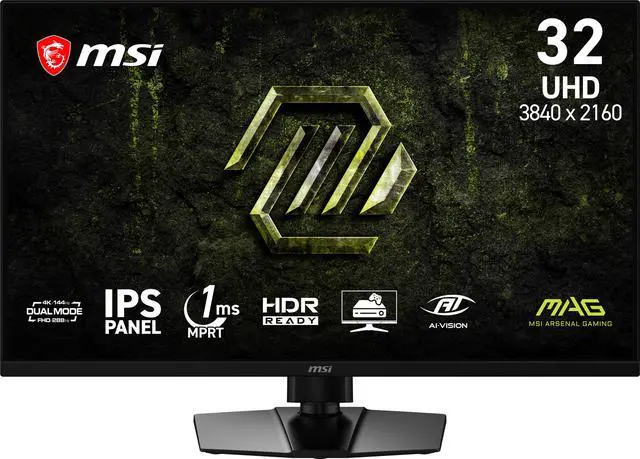
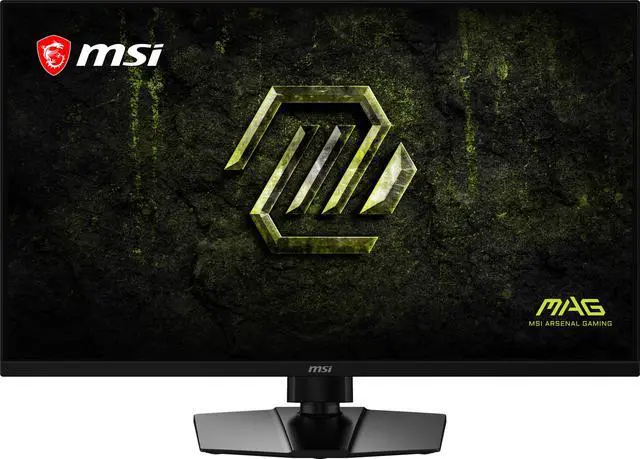
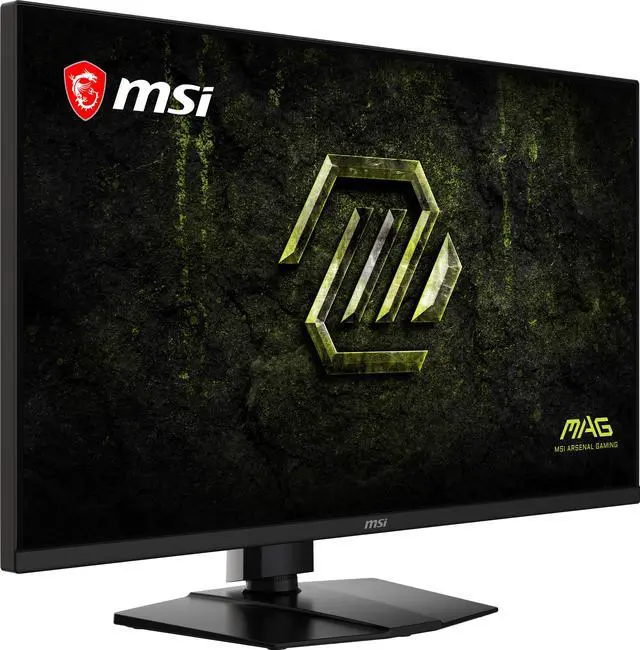
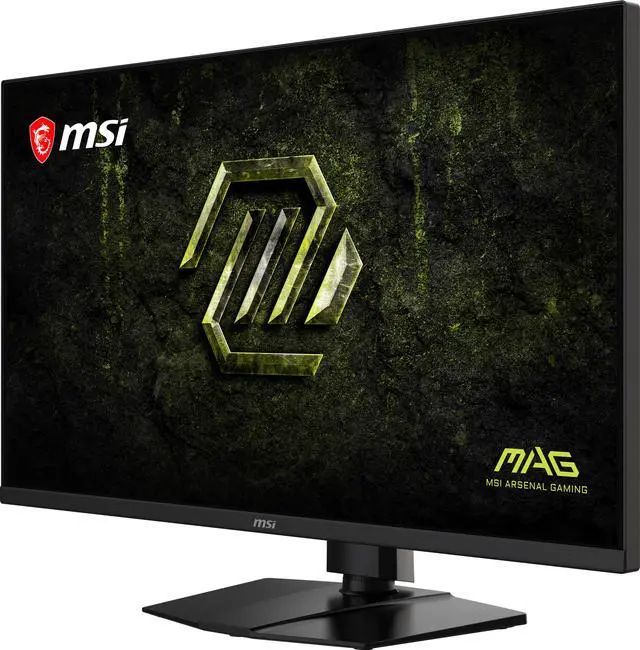
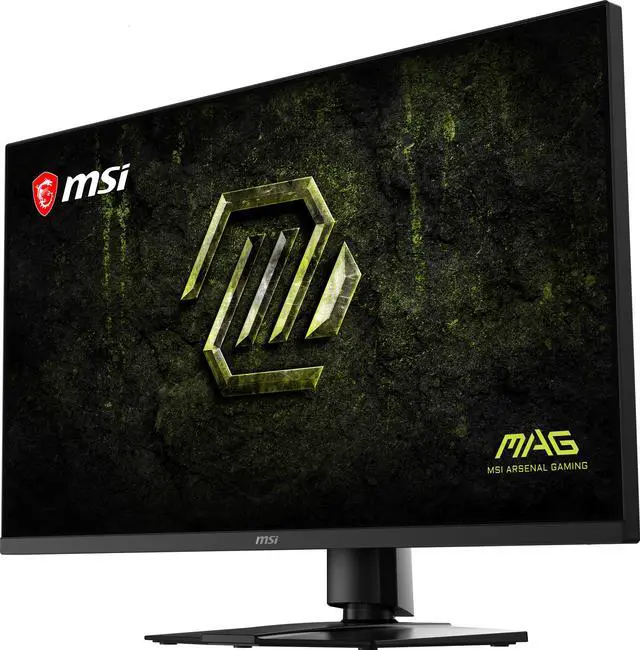
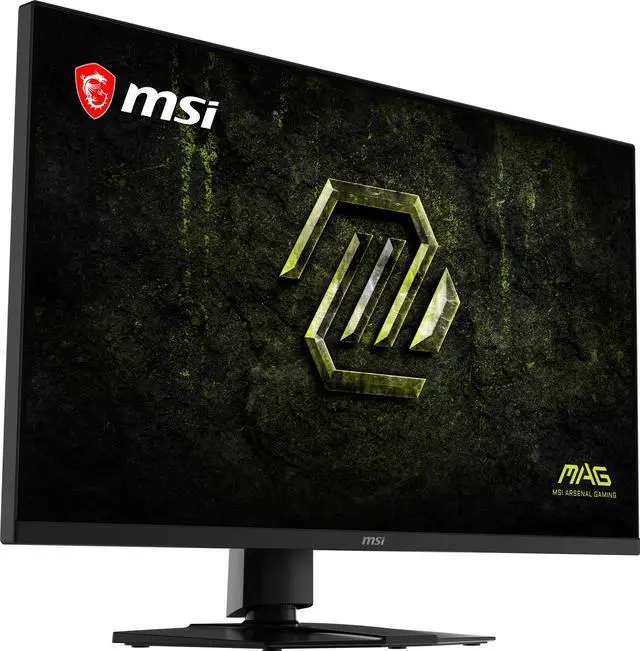
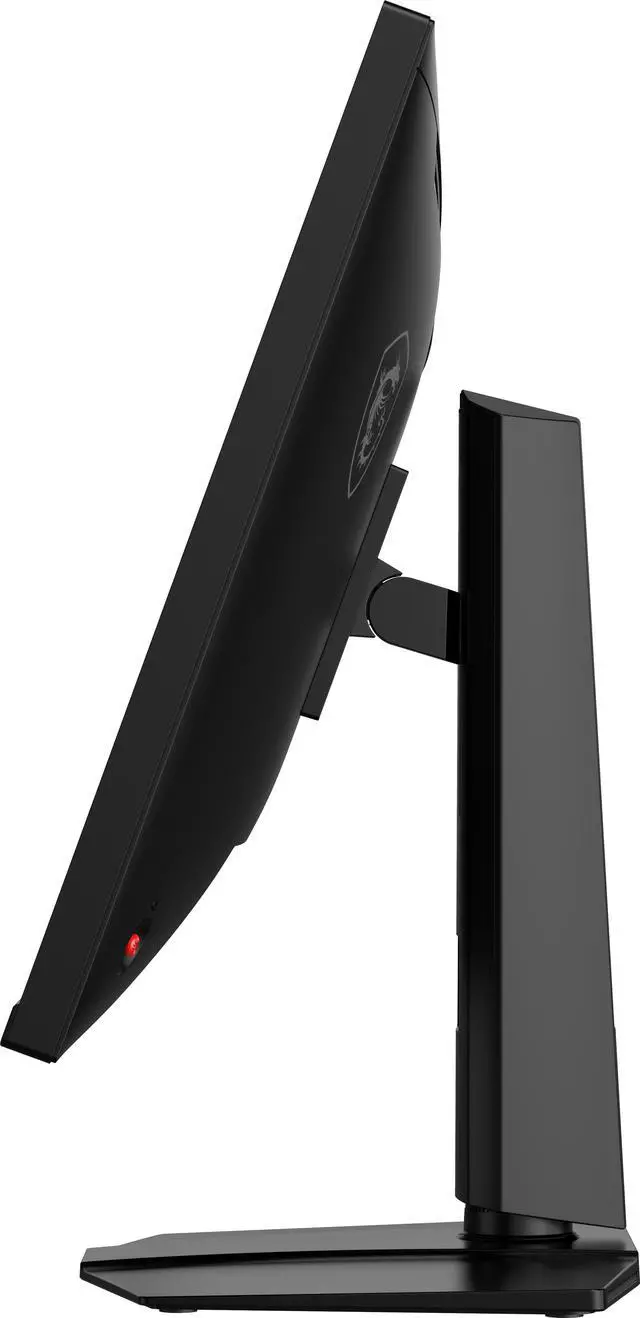
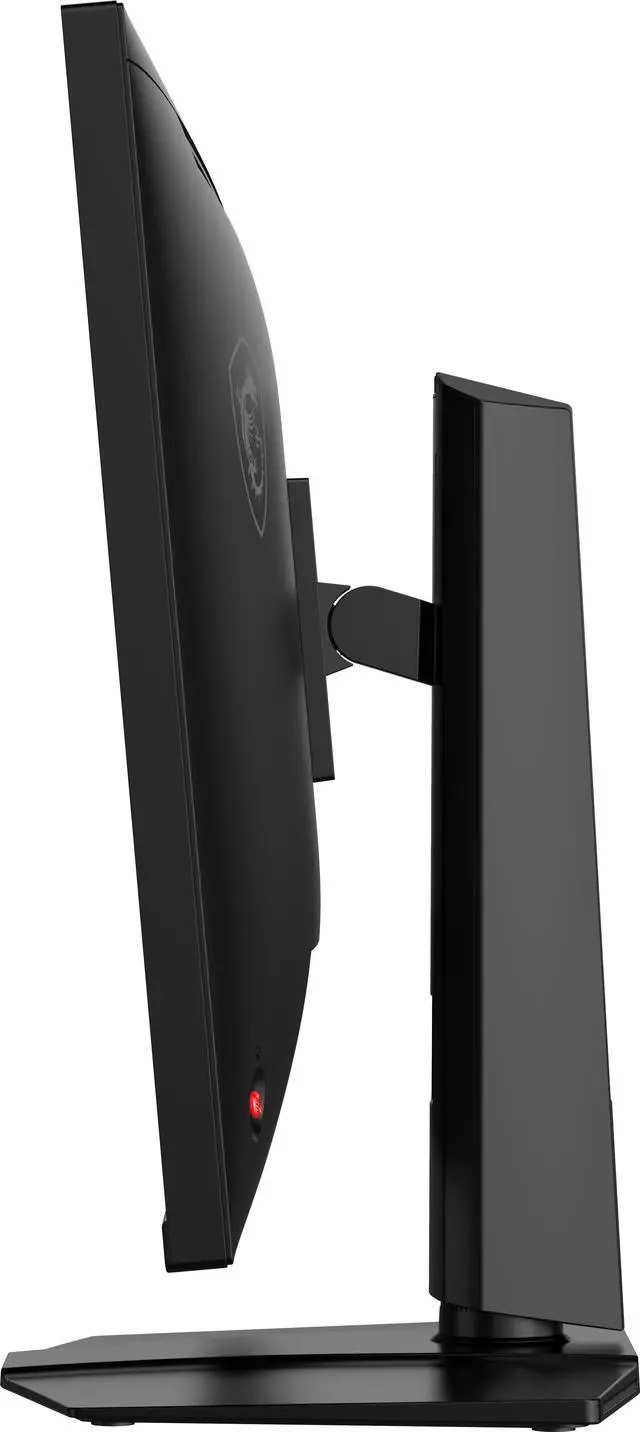
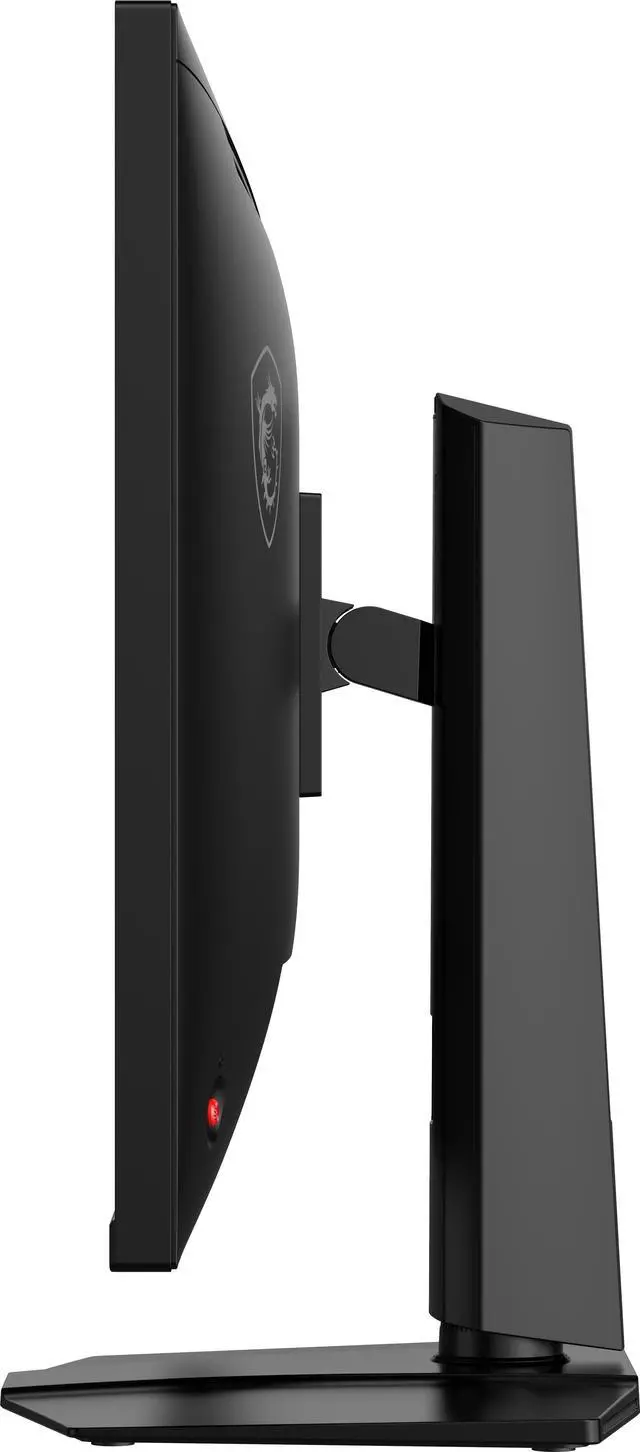
The MSI MAG 321UPD E14 is a 31.5-inch 4K IPS gaming monitor with Dual Mode, switching between 4K at 144Hz and Full HD at 288Hz. It suits PC gamers who want detailed visuals for immersive games and a higher refresh rate for fast-paced play.
Recommended For
- PC gamers who switch between detailed 4K play at up to 144Hz and fast-paced competitive games at up to 288Hz in 1080p on one screen.
- Players who use one monitor for both immersive single-player games and competitive FPS: MSI positions this model for those genres, with a 4K mode and a higher-refresh 1080p mode.
- PS5 and Xbox Series X|S owners who want a large 4K display with HDMI 2.1, console VRR support, and refresh rates up to 120Hz in console mode.
- People sharing a display between gaming and everyday desk work who value an anti-glare screen and a stand with height, tilt, swivel, and pivot adjustments.
Real-World Use Scenarios
- When switching between visually rich single-player games and fast competitive shooters, use 4K mode for detailed worlds and Full HD mode when prioritizing higher refresh rates; the display offers a distinct mode for each play style.
- For a one-monitor gaming and study setup, use the 4K screen for coding, documents, and everyday desktop tasks, then switch to gaming; its large, high-resolution workspace suits this mixed-use pattern.
- When playing on a PS5 or Xbox Series X|S, connect through HDMI and use the monitor’s console mode for a setup intended to support console play; it can also serve as the screen for films and shows.
- For flight or racing simulators, use the 4K mode when visual detail is the priority; MSI specifically positions this monitor for flight and racing simulation games.
- For hobby photo or video work alongside gaming, use the 4K display for editing and previewing content, while treating it as a general-purpose screen rather than assuming it replaces a dedicated professional color-grading display.
Spec Summary
| Attribute | Value |
|---|
| Best For | Gaming with a choice between UHD 4K at 144Hz and Full HD at 288Hz, plus FreeSync Premium adaptive sync |
|---|
| Panel And Image Quality | 31.5-inch flat IPS panel with 3840 × 2160 UHD resolution or 1920 × 1080 FHD in Dual Mode, 16:9 aspect ratio, 178° horizontal and vertical viewing angles, 300 cd/m² brightness, 1,500:1 contrast, anti-glare finish, HDR10, and 1.07 billion display colors; color gamut coverage is Adobe RGB 91%, DCI-P3 94%, and sRGB 132% |
|---|
| Refresh Rate And Response | 144Hz at UHD or 288Hz at FHD, with 1ms MPRT response time and FreeSync Premium adaptive sync |
|---|
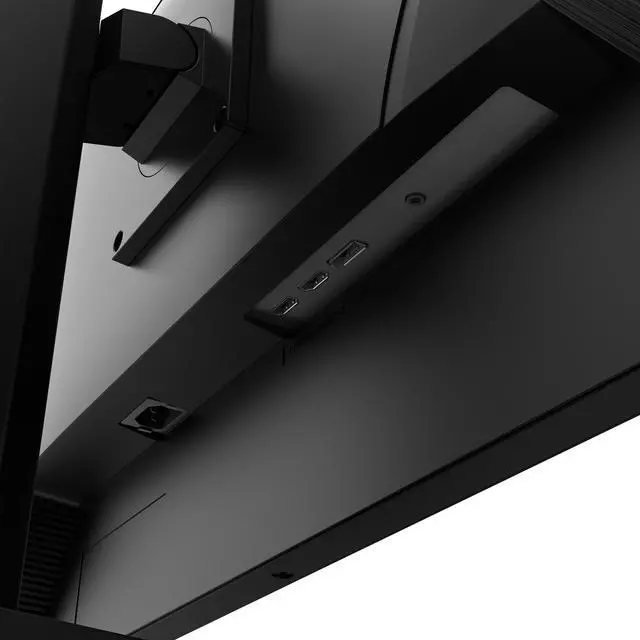
| Ports And Connectivity | Two HDMI 2.1 ports, one DisplayPort 1.4a, one headphone-out, and three USB ports including one USB 3.0 port |
|---|
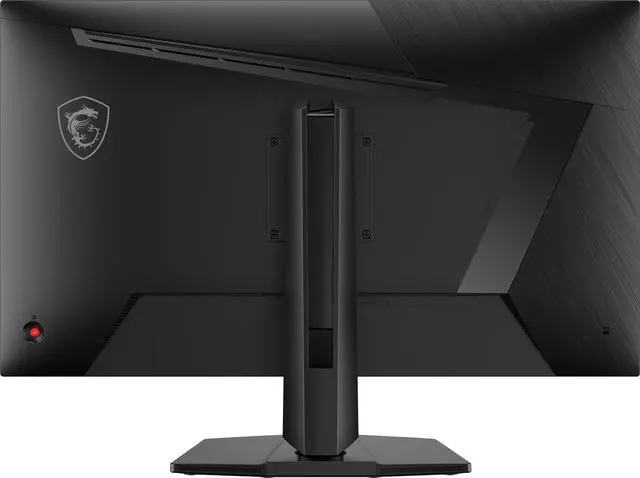
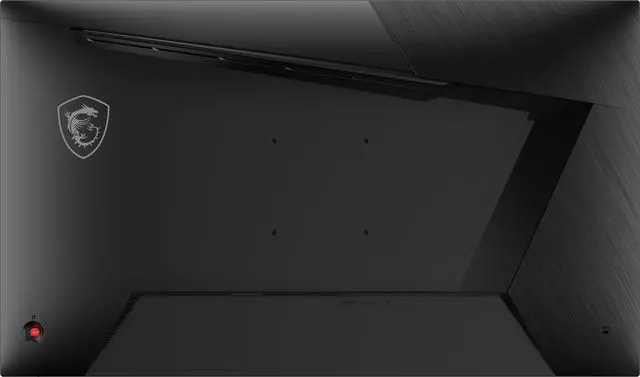
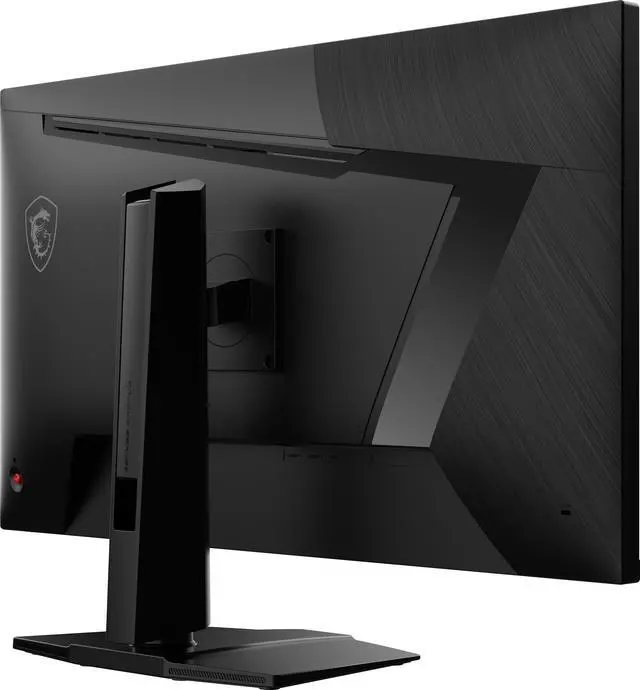
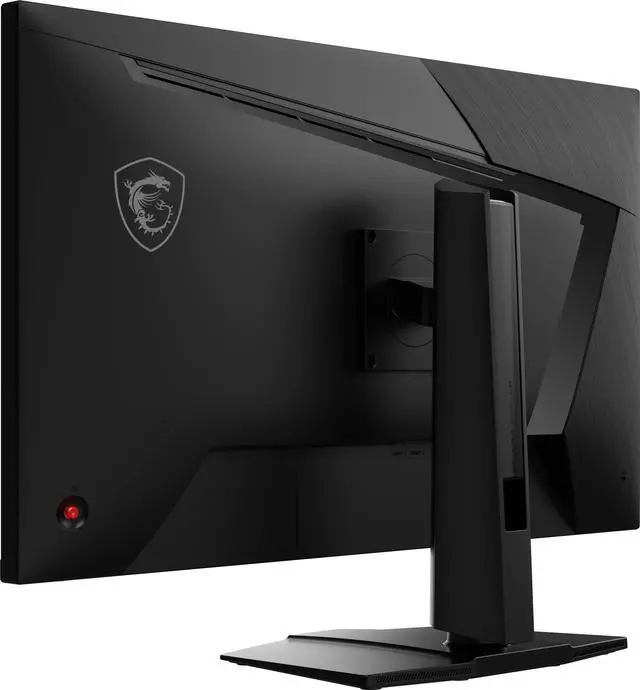
| Stand And Mounting | Height, pivot, swivel, and tilt adjustments; VESA-compatible 100 × 100 mm mounting |
|---|
| Built-In Features | No built-in speakers or webcam; image enhancement features include Night Vision and Anti-Motion Blur |
|---|
| Power | 100–240 VAC, 50/60Hz internal power supply; listed power consumption is 55W |
|---|
| Physical Specifications | Black cabinet; listed dimensions are 20.24 × 37.17 × 5.91 inches and weight is 12.13 lb |
|---|
| Included Items | DisplayPort 1.4a cable, C13 power cord, and quick guide |
|---|
| Model Identifiers | MSI MAG 321UPD E14 |
|---|
Reference Q&A
Q: MSI MAG 321UPD E14 vs MAG 275UPD E14: which should I choose?
A: Choose the MAG 321UPD E14 if you want a larger 31.5-inch screen for games and general use. Choose the 27-inch MAG 275UPD E14 if desk space or a smaller display is more important. Both offer 4K at 144Hz and Full HD at 288Hz, so the main difference is screen size.
Q: Should I get the MAG 321UPD E14 or the MAG 321UPX QD-OLED?
A: Choose the MAG 321UPD E14 if you want an IPS monitor that switches between 4K at 144Hz and Full HD at 288Hz. Choose the MAG 321UPX QD-OLED if you prioritize OLED contrast, HDR support, and 4K gaming up to 240Hz. The E14’s dual mode suits switching between detailed games and high-refresh competitive play; the UPX keeps its higher refresh rate at 4K.
Q: Is the MAG 321UPD E14 worth choosing over the 1440p MAG 32CQ6F?
A: Choose the MAG 321UPD E14 if you want 4K detail and a 288Hz Full HD mode. Choose the MAG 32CQ6F if 1440p resolution and its 180Hz refresh rate fit your needs better. The 32CQ6F has fewer pixels to render than the E14 in 4K mode, while the E14 offers the higher-resolution option and dual-mode flexibility.
Q: Can I switch between 4K image quality and a higher refresh rate?
A: Yes. The MAG 321UPD E14 has two modes: UHD 4K at up to 144Hz and Full HD at up to 288Hz. The higher refresh rate is available at the lower resolution, so the choice depends on whether you prioritize detail or speed.
Q: Will this monitor work with a PS5 or Xbox Series X|S?
A: It is designed for console compatibility and has two HDMI 2.1 ports. The monitor supports up to 4K at 144Hz, but the resolution and refresh rate you get depend on the console and game.
Q: Can I adjust the stand or mount the monitor on a monitor arm?
A: The included stand supports height, tilt, swivel, and pivot adjustments. The monitor also has a 100 × 100 mm VESA mounting pattern for a compatible mount or arm.
Q: Does it have built-in speakers?
A: No. The monitor has no built-in speakers, but it includes a headphone-out port for connecting headphones or compatible audio equipment.
Q: Does dual mode make sense for a mix of story and competitive games?
A: It can: the MAG 321UPD E14 offers 4K at 144Hz for higher-resolution play and 1080p at 288Hz for games where refresh rate is the priority. The higher refresh mode is most useful if your PC can produce enough frames; the Reddit discussion raises this same trade-off for players who switch between single-player and competitive games.
Q: Is it a practical choice for coding and everyday work as well as gaming?
A: Its 31.5-inch IPS panel and 4K resolution are suited to a large desktop workspace, and the stand supports height, pivot, swivel, and tilt adjustment. Consider another option if you need USB-C connectivity or built-in speakers: this model has neither, and a Reddit buyer specifically raised those features and desk space when comparing it with a smaller monitor.
Q: Is it a sensible option if my PC is better suited to 1080p gaming than 4K gaming?
A: The monitor can be set to 1080p at up to 288Hz, so it offers a lower-resolution mode alongside 4K. Whether that is a good fit depends on the games and frame rates your PC can deliver; the resolution and refresh-rate options alone do not guarantee a particular gaming performance. Reddit users considering this setup have asked whether 4K and 1080p modes suit their hardware and use case.
Q: Should I choose it over a dual-mode Mini-LED monitor?
A: Choose this model if you prioritize its 31.5-inch 4K IPS panel and dual 144Hz/288Hz modes. Its listed HDR10 support and 300 cd/m² brightness do not establish Mini-LED-level HDR performance. A Reddit discussion of a similar MSI dual-mode IPS monitor framed the choice around high-refresh flexibility versus Mini-LED contrast; compare the specific alternatives and prices before deciding.



 All Categories