


 All CategoriesAll CategoriesAll Categories
Shipped by Newegg
 Top Rated




Warranty Notice:
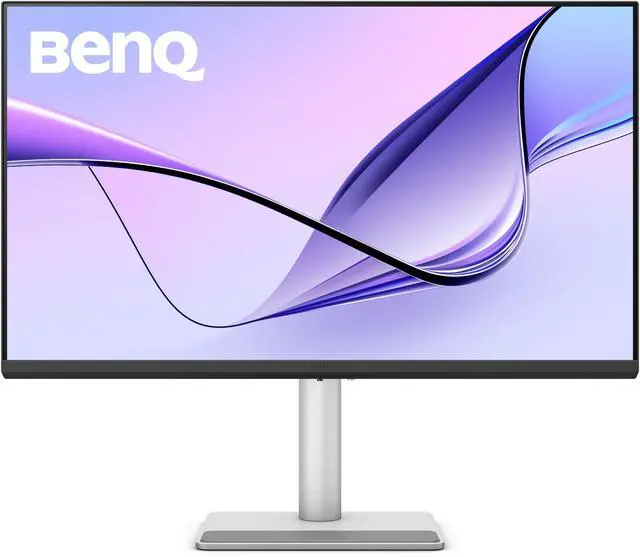
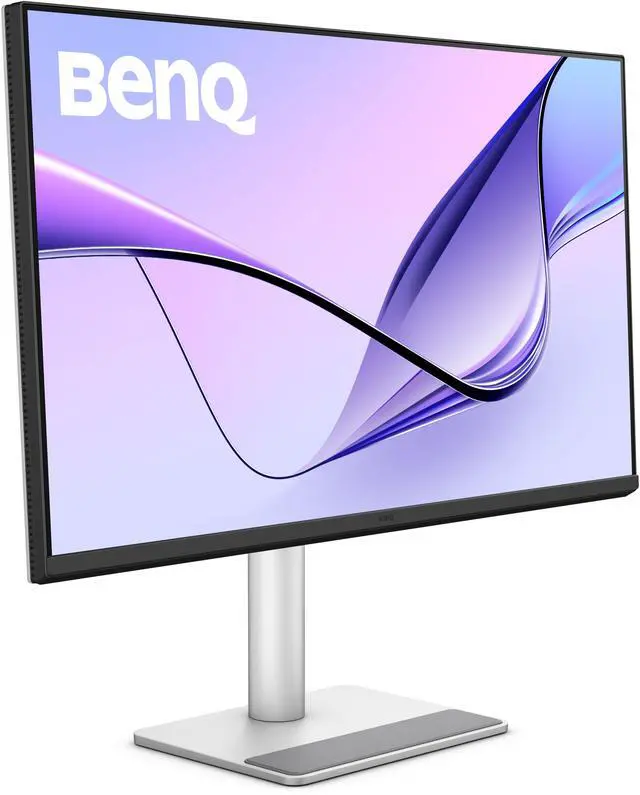
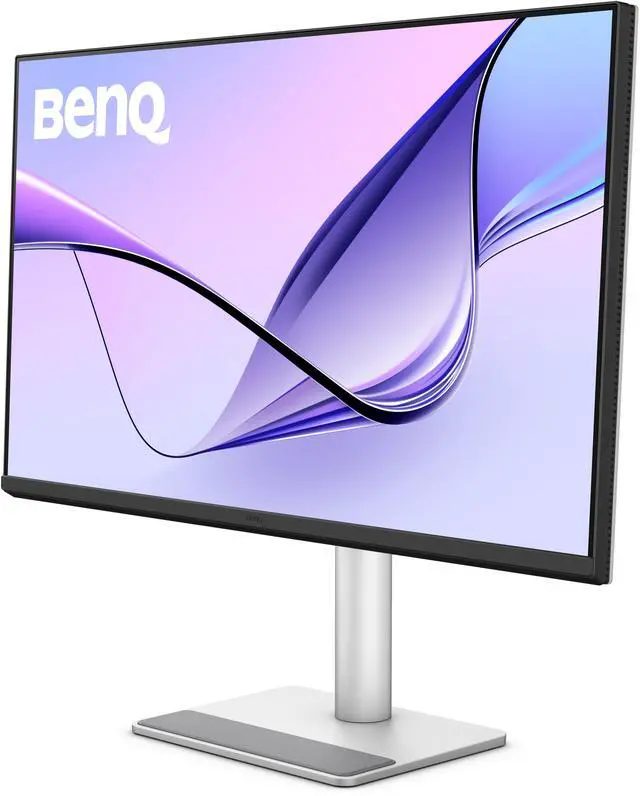
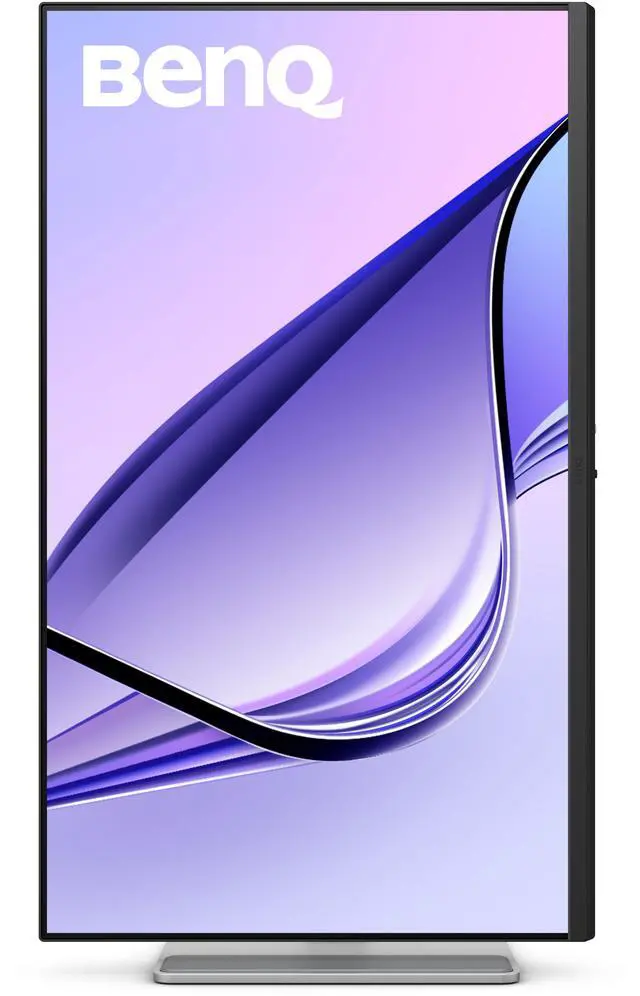
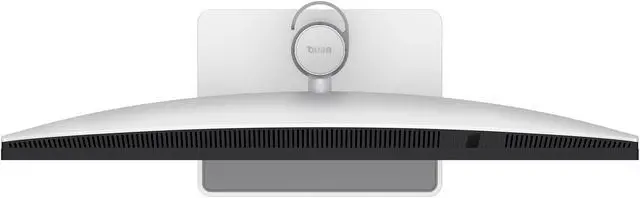
This product does not include manufacturer warranty when purchased or used outside of its designated sales region. By purchasing internationally, you acknowledge that warranty support from the manufacturer will not be available.The BenQ MA320UP is a 32-inch 4K IPS monitor with 97% P3 and 99% sRGB coverage, suited to creators and professionals who want a large, detailed display for color-focused work and everyday use.
| Attribute | Value |
|---|---|
| Best For | MacBook Pro/Air users seeking a 4K IPS display for multipurpose work, with Mac color matching and USB-C connectivity |
| Panel And Resolution | 32-inch flat IPS LED panel with 3840 × 2160 (4K) resolution, 16:9 aspect ratio, 178° horizontal and vertical viewing angles, and glossy finish |
| Refresh Rate And Response | 60 Hz refresh rate with 5 ms GtG response time |
| Color And HDR | 97% P3 and 99% sRGB color gamut, 1.07 billion colors, 550 cd/m² brightness, 1,300:1 contrast ratio, HDR10, and VESA DisplayHDR 600 certification; includes Mac color tuning |
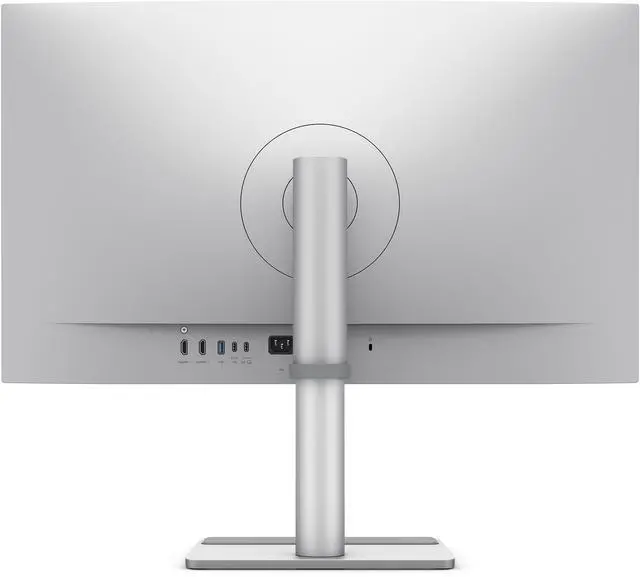
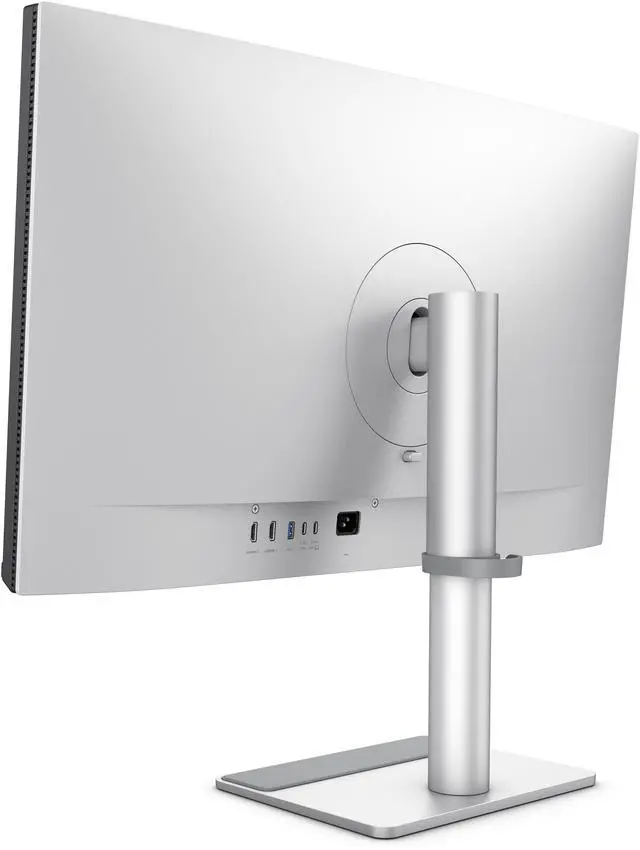
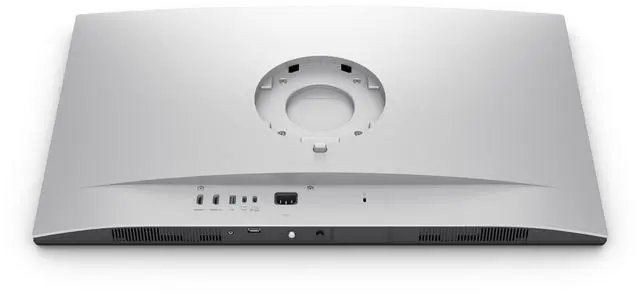
| Ports And Connectivity | 1 USB-C port with DisplayPort Alternate Mode and 90 W Power Delivery, 2 HDMI 2.0 ports, and 3 USB 3.2 Gen 1 Type-A ports; USB hub supports connected peripherals |
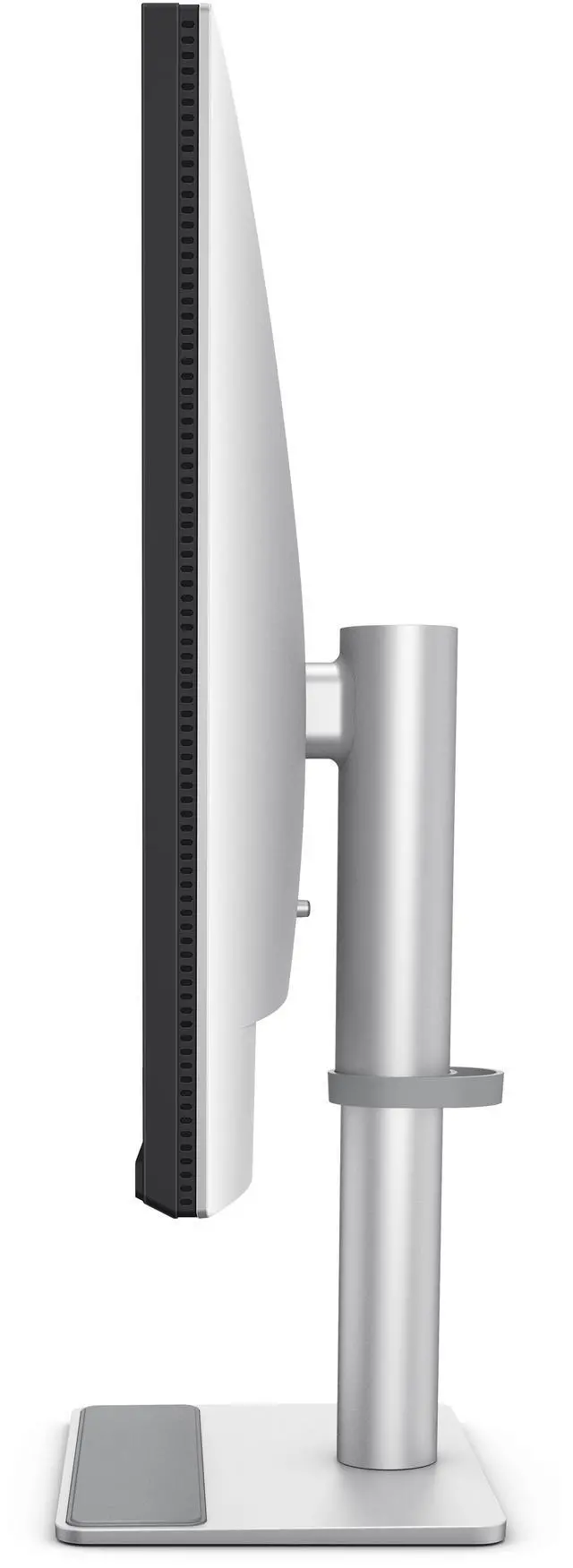
| Stand And Ergonomics | Stand adjusts -5° to 20° tilt, 15° swivel in either direction, 90° pivot, and up to 115 mm height; includes a blue-light filter and eye-care features |
| Audio And Webcam | Two built-in 3 W speakers; no built-in webcam |
| Power | 100–240 VAC, 50/60 Hz input; power consumption is 45 W typical, 250 W maximum, and under 0.5 W in sleep mode |
| Mounting And Physical Design | VESA 100 × 100 mm mount compatible; silver cabinet, approximately 24.0–19.4 × 28.1 × 8.7 inches, and 20.06 lb |
| Included Components | Monitor, stand, HDMI cable, DisplayPort cable, and power cable |
| Model Identifiers | BenQ MA320UP |
Q: BenQ MA320UP vs MA320U: which should I choose?
A: Choose the MA320UP if you prefer a glossy screen; choose the MA320U if you prefer a matte screen. Both are 31.5-inch 4K monitors with Mac-focused color features and 90W USB-C laptop charging, so the main choice is the screen finish.
Q: Should I get the MA320UP or the BenQ MA320UG?
A: Choose the MA320UP for a 31.5-inch 4K screen with a glossy finish and 60Hz refresh rate. Choose the MA320UG if you want the same screen size and resolution with 120Hz refresh, Thunderbolt 4, and Smart KVM for switching between computers.
Q: BenQ MA320UP vs MA270UP: is the larger screen worth choosing?
A: Choose the MA320UP for a 31.5-inch 4K workspace with more physical screen area. Choose the MA270UP for a more compact 27-inch 4K glossy display. Both are Mac-focused monitors with 90W USB-C charging.
Q: BenQ MA320UP vs MA270S: 32-inch 4K or 27-inch 5K?
A: Choose the MA320UP for a larger 31.5-inch 4K workspace. Choose the MA270S if 5K resolution and finer pixel detail on a 27-inch screen are the priority. Both have glossy panels and Mac-focused color features.
Q: Can I connect a laptop to this monitor with USB-C, and will it charge the laptop?
A: The USB-C port supports DisplayPort video, so it can carry a compatible laptop’s display signal. The provided specifications do not state USB-C power delivery, so they do not confirm that it will charge a laptop; check the laptop’s charging requirements and the monitor’s full specifications before relying on one-cable charging.
Q: Is this monitor suitable for gaming?
A: It can display 4K games at up to 60Hz and has a 5ms GtG response time. That suits general or casual gaming, but the 60Hz refresh rate is a limitation for players seeking high-refresh competitive gameplay.
Q: Can I use this monitor for video meetings?
A: It has built-in 2 × 3W speakers, but no built-in webcam. You can use it for meetings with a separate webcam; the supplied specifications do not list a built-in microphone.
Q: Can I adjust the stand or mount this monitor on a monitor arm?
A: Yes. The stand supports height adjustment up to 115mm, tilt, swivel, and 90-degree pivot. The monitor is also VESA-compatible with a 100 × 100mm mounting pattern.
Q: Is the BenQ MA320UP a good choice for Mac work?
A: It may suit desk-based Mac work if you want a large 32-inch 4K screen. Its USB-C port supports DisplayPort Alt Mode, and Reddit users discuss using it with MacBooks and Mac minis. Check your computer’s ports and connection needs before buying.
Q: Is the MA320UP sharp enough for text, or should I consider a smaller 4K or 5K display?
A: Experiences differ: one Reddit user reported no visible pixel artifacts at 32 inches and 4K, while another preferred a smaller, sharper-feeling display. The MA320UP is 32 inches at 3840 × 2160; if fine text sharpness is a priority, compare it in person with a smaller 4K or 5K screen.
Q: Is the MA320UP suitable for gaming?
A: Its 60Hz refresh rate makes it a better fit for general work and casual gaming than for users seeking high-refresh-rate gameplay. Reddit discussion also characterizes the 60Hz MA320U/UP as aimed more at productivity than gaming.
Q: Are the built-in speakers and monitor switching features good enough?
A: Reddit feedback describes the built-in speakers as mediocre and notes there is no internal KVM. The MA320UP has two 3W speakers, but users who need stronger audio or built-in switching between computers may want separate equipment.


