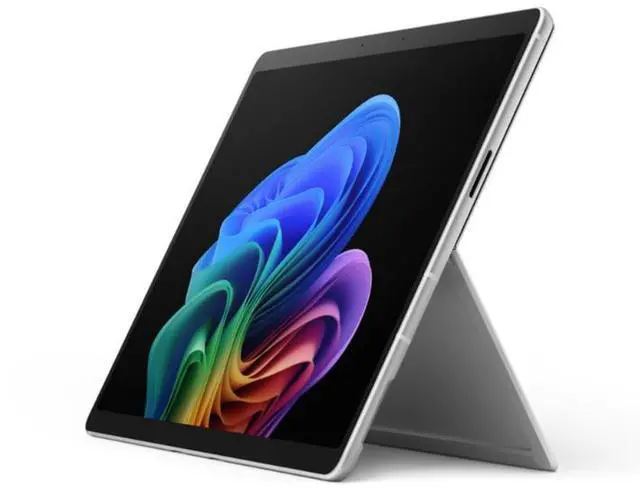
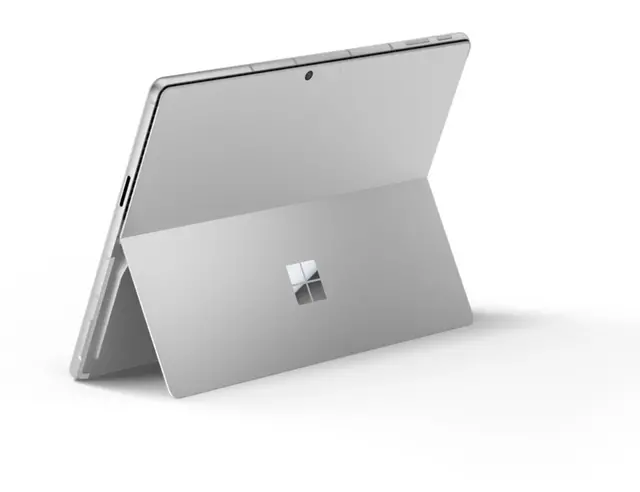
The Microsoft Surface Pro 12th Edition (EP2-54491) is a 13-inch Windows 11 Pro tablet with an Intel Core Ultra 5 335, 32GB of memory, and 5G cellular connectivity, suited to professionals who want a portable device for everyday work both at a desk and on the go.
Recommended For
- Mobile business users who need Windows 11 Pro and 5G connectivity for email, documents, browser-based work, and calls while away from Wi-Fi; the tablet weighs about 2 pounds before accessories.
- Windows users who rely on Intel-compatible business software and want a detachable tablet for meetings, travel, and desk work; TechRadar found the tested Core Ultra 5 model handled many browser tabs, office tools, video meetings, and photo editing.
- People who review, annotate, or sketch documents directly on a touchscreen and are willing to add a compatible Surface keyboard or pen; the kickstand supports adjustable viewing angles, and the pen is suited to markup and note-taking.
- Traveling workers who want a compact device for a full day of typical productivity, with the option to connect external displays or storage at a desk; TechRadar reported over 12 hours in its battery test and used the Thunderbolt ports for peripherals.
Real-World Use Scenarios
- When working between client sites, classrooms, or other places without dependable Wi-Fi, use the 5G connection to check email, access cloud documents, and join online work; mobile data requires an appropriate cellular plan.
- For a workday split between desk tasks and meetings, attach the optional keyboard for typing and detach it when using the touchscreen; the kickstand lets the tablet sit upright for viewing or presenting.
- When reviewing contracts, class materials, or meeting documents, use the touchscreen to navigate and an optional Surface Slim Pen to handwrite notes or mark up files; it can shift the task from laptop-style typing to direct on-screen editing.
- For email, web research, office documents, and video calls in one session, use it as a Windows work PC; a hands-on review found it handled a typical workday, though the fan became more noticeable as browser activity increased.
- At a permanent desk, connect an external display and storage through USB-C to make the tablet part of a larger workstation; the same device can then be detached and carried to another room or meeting.
Spec Summary
| Attribute | Value |
|---|
| Best For | Business use with a Windows 11 Pro touchscreen tablet and 32GB of memory |
|---|
| Processor And Graphics | Intel Core Ultra 5 335 (Series 3), listed at 1.8 GHz, with integrated Intel Graphics |
|---|
| Display And Touch | 13-inch PixelSense touchscreen with 2880 × 1920 resolution |
|---|
| Memory And Storage | 32GB DDR5 memory and a 256GB SSD |
|---|
| Wireless Connectivity | 802.11be Wi-Fi and Bluetooth 5.4 |
|---|
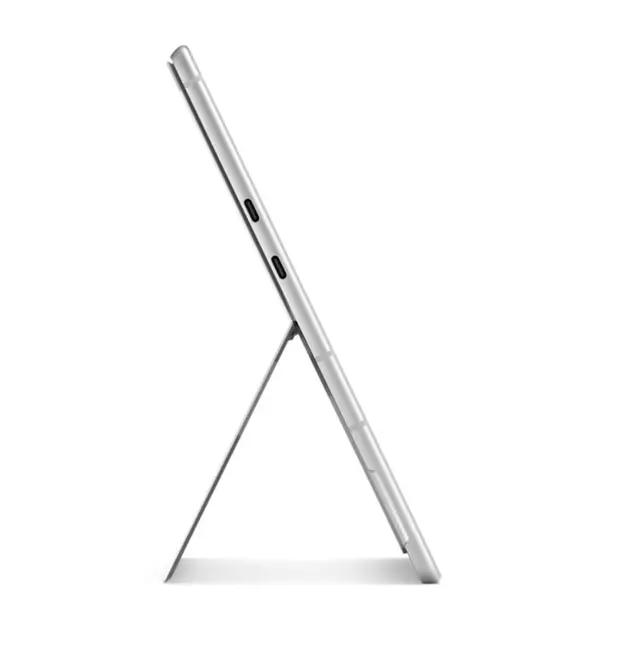
| Ports And Expansion | Two USB4 ports supporting Thunderbolt 4 and DisplayPort 2.1 Alt Mode for charging, data, and video, plus Surface Keyboard and SurfaceConnect connections |
|---|
| Camera | 5-megapixel webcam |
|---|
| Battery And Power | 36Wh lithium-ion battery with four cells |
|---|
| Physical Specifications | Platinum finish; dimensions 11.3 × 8.2 × 0.4; weight 31.95 oz |
|---|
| Operating System | Windows 11 Pro |
|---|
| Model Identifiers | Microsoft Surface Pro 12th Edition; model and part number EP2-54491; model year 2026 |
|---|



 All Categories