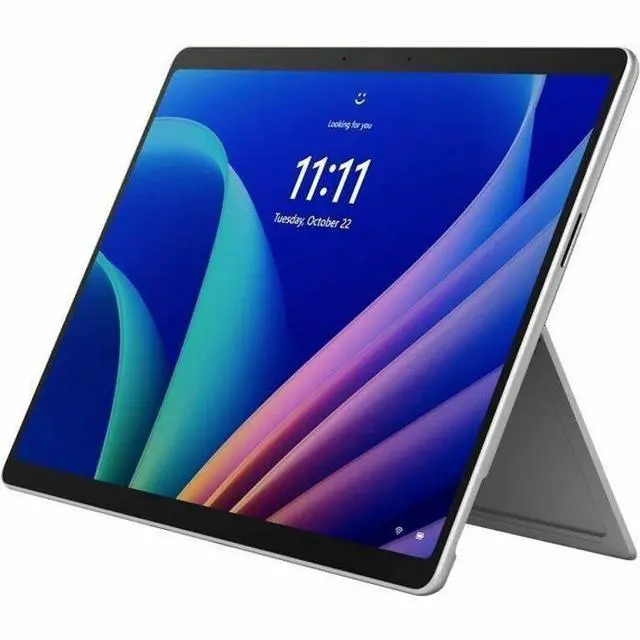
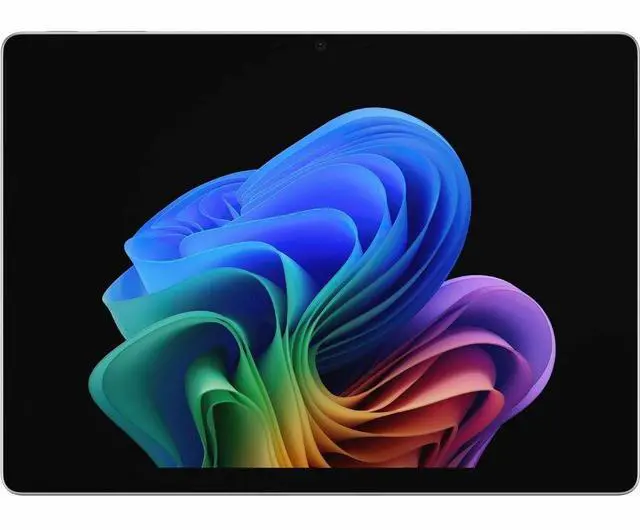
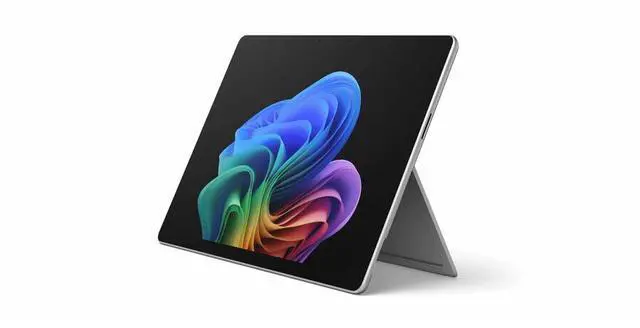
The Microsoft Surface Pro for Business (12th Edition) is a 13-inch Copilot+ 2-in-1 tablet with an Intel Core Ultra 7 366H, 32GB memory, and Windows 11 Pro, suited to professionals who want a capable device for work in tablet or laptop mode.
Recommended For
- Mobile professionals who need a Windows tablet with built-in 5G for working between offices, client sites, or other places without dependable Wi-Fi; cellular service and a plan are required.
- Business users who need a portable 2-in-1 that runs Windows software on Intel hardware, including workplaces that depend on existing desktop applications; TechRadar found the tested Intel model handled everyday office work and multitasking.
- People who move between video meetings, document review, and handwritten notes or markups, and want to switch between tablet and laptop modes; the keyboard and pen are separate purchases.
- Office workers who want one portable Windows device for browser-heavy work, video calls, and light photo editing; TechRadar reported that its tested Intel configuration managed those tasks, though demanding workloads made the fan more noticeable.
Real-World Use Scenarios
- When working between offices or on the road, use the optional keyboard for email, documents, and browser-based work; the 5G configuration can keep you connected where Wi-Fi is unavailable, subject to carrier coverage and plan.
- For a meeting-heavy workday, use the front camera and Windows Studio Effects for video calls, then switch to the detachable-keyboard setup for notes and follow-up work; a TechRadar hands-on test used the Intel model for multiple video meetings alongside other work.
- For everyday business multitasking—such as switching among office apps, many browser tabs, and video calls—the Intel Surface Pro can serve as a compact Windows work device; one hands-on test reported it handled that mix, with a brief slowdown during a call under load.
- When reviewing or discussing documents, detach the keyboard and use the touchscreen with a compatible Surface Slim Pen to mark up pages or sketch notes; the pen is an accessory, not listed as included with this configuration.
- For light photo-editing tasks between appointments, use the touchscreen Surface Pro with desktop Windows creative software; a TechRadar hands-on test edited photos in Photoshop, though demanding sustained workloads may make the cooling fan noticeable.
Spec Summary
| Attribute | Value |
|---|
| Best For | Business users who want a Windows 11 Pro tablet that can serve as a laptop, with detachable-keyboard support, a built-in kickstand, and 5G cellular connectivity |
|---|
| Processor And AI Features | Intel Core Ultra 7 366H with 16 cores, built-in NPU for Copilot+ PC, and vPro technology |
|---|
| Display And Touch | 13-inch PixelSense touchscreen with 2880 × 1920 resolution, up to 120Hz refresh rate, and 900-nit brightness |
|---|
| Memory And Storage | 32 GB memory and 256 GB SSD storage |
|---|
| Wireless And Cellular Connectivity | Wi-Fi 7, Bluetooth 5.4, and cellular support for GPRS, EDGE, LTE, LTE Advanced Pro, and 5G NR |
|---|
| Cameras | Ultrawide front-facing camera with AI-powered Windows Studio Effects and a high-resolution rear camera |
|---|
| Battery And Charging | Up to 17 hours of battery life; fast charging via USB-C or Surface Connect |
|---|
| Design And Portability | Platinum 2-in-1 tablet/laptop with a built-in kickstand; 13.7 × 9.7 × 2.0 inches and 3.3 lb |
|---|
| Operating System | Windows 11 Pro |
|---|
| Model Identifiers | Microsoft Surface Pro (12th Edition), part number EP2-54525 |
|---|
| Included Materials | Surface Pro for Business 13-inch (12th Edition), Quick Start Guide, Safety and Warranty Documents |
|---|


 All Categories