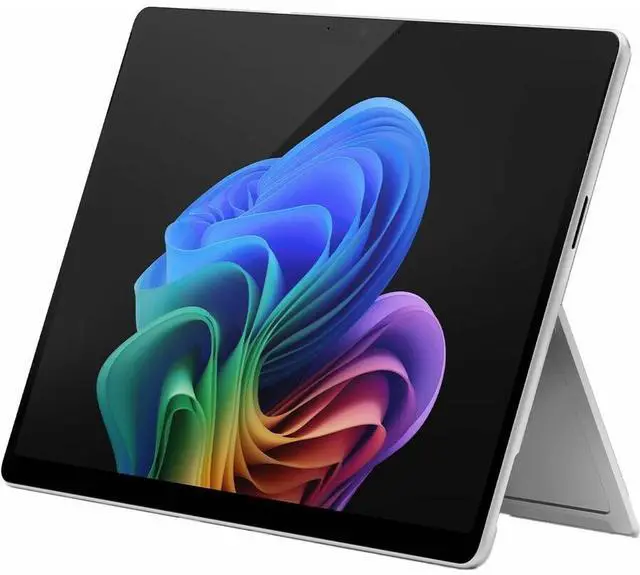
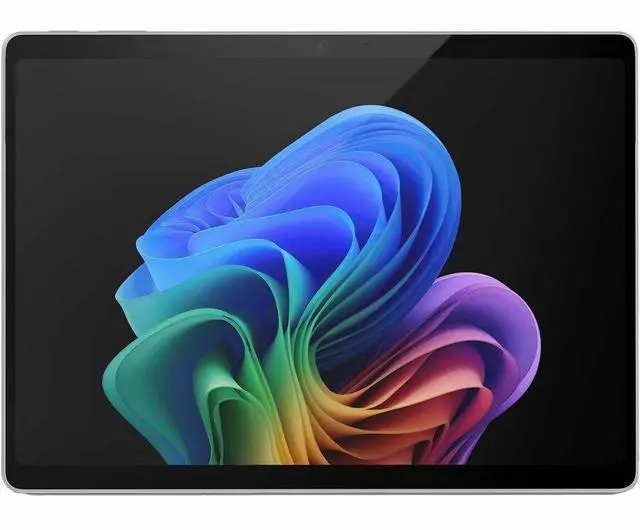
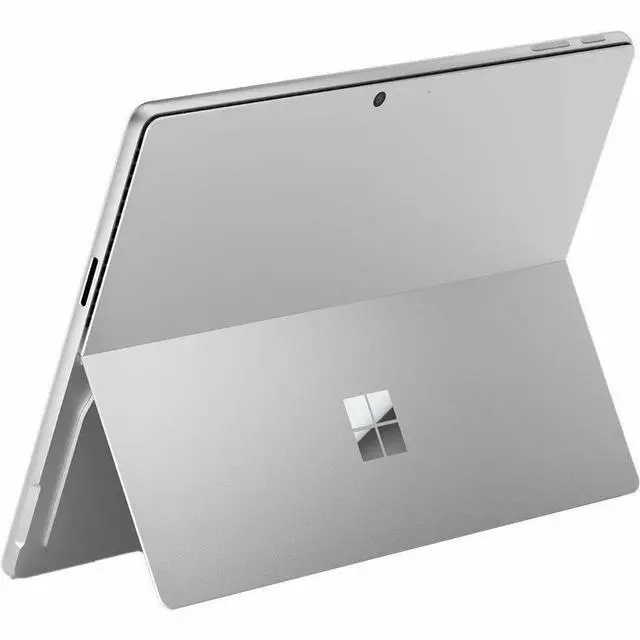
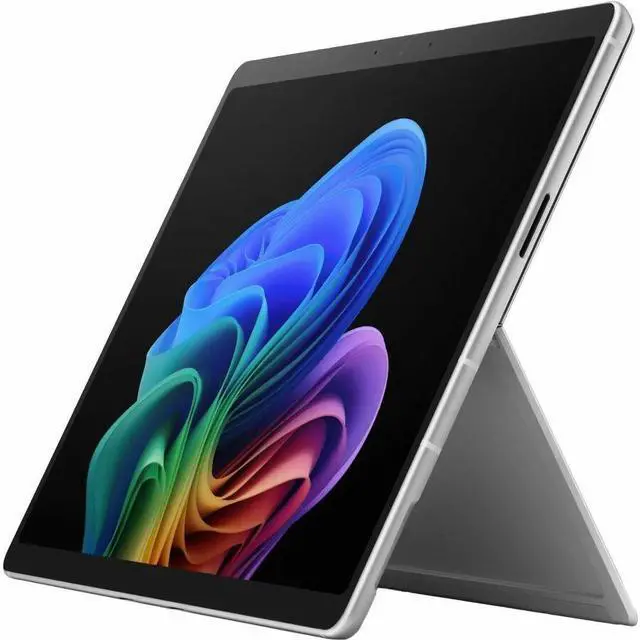
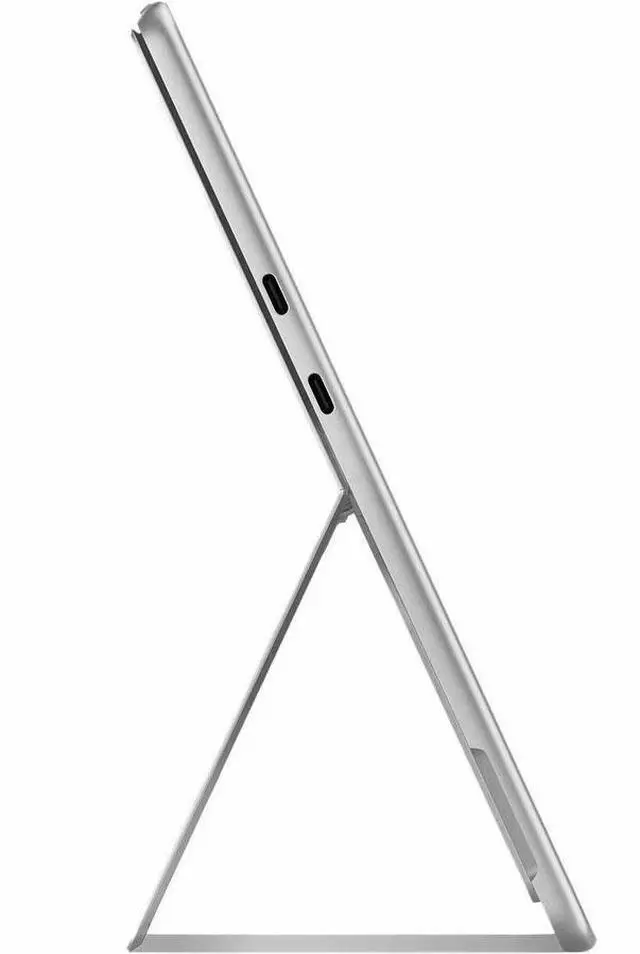
The Microsoft Surface Pro (12th Edition) is a 13-inch Windows 11 Pro 2-in-1 tablet with an Intel Core Ultra 7 366H, 16 GB memory, 256 GB SSD, and 5G cellular. It suits professionals who want a touchscreen PC that can switch between tablet use and laptop-style work with a detachable keyboard.
Recommended For
- Mobile professionals who work in browser tabs, video calls, and documents away from reliable Wi-Fi: the Intel Surface Pro combines a detachable tablet design with an optional keyboard and a 5G configuration for staying connected on the move.
- Windows users who alternate between laptop-style typing and tablet use for meetings, presentations, or reading: its built-in kickstand and optional detachable keyboard support those different work modes.
- People who mark up documents, sketch, or take handwritten notes alongside Windows work: the touchscreen supports Surface Slim Pen, while Microsoft positions the keyboard-and-pen setup for business productivity.
- Business users who want a portable work device that can connect to external displays or a dock at a desk: Microsoft lists two USB-C ports with USB4/Thunderbolt 4 and support for up to three 4K monitors.
Real-World Use Scenarios
- For a mobile workday between offices or client sites, use the 5G connection to access online documents and email without relying on public Wi-Fi; availability and performance depend on carrier coverage and plan.
- For sales, real-estate, or other client-facing work, carry it between appointments to show materials on screen, then attach a compatible keyboard for typing notes or updating records; the keyboard is an optional accessory.
- For video meetings while traveling or working away from a desk, use the front camera and Windows Studio Effects; the ultrawide view is suited to keeping the user in frame during calls.
- For reviewing or annotating documents in a meeting, use the touchscreen as a tablet and pair a compatible Surface Slim Pen; the pen is not listed in this product’s included contents.
- For a desk-based work session, use the kickstand with a compatible keyboard and connect an external monitor or storage device over USB-C; it can shift from a portable tablet to a desktop-style setup.
Spec Summary
| Attribute | Value |
|---|
| Best For | Portable work and tablet use, with a built-in kickstand and support for a detachable keyboard |
|---|
| Processor And Core Count | Intel Core Ultra 7 366H processor with 16 cores |
|---|
| AI And Business Platform | Built-in NPU for Copilot+ PC capabilities and vPro technology |
|---|
| Display And Touch | 13-inch PixelSense touchscreen with 2880 x 1920 resolution, up to 120Hz refresh rate, and 900-nit brightness |
|---|
| Memory And Storage | 16 GB memory and 256 GB SSD storage |
|---|
| Cameras | Ultrawide front camera with AI-powered Windows Studio Effects and a high-resolution rear camera |
|---|
| Wireless And Cellular Connectivity | Wi-Fi 7, Bluetooth 5.4, and cellular support for GPRS, EDGE, LTE, LTE Advanced Pro, and 5G NR |
|---|
| Battery And Charging | Up to 17 hours of battery life; fast charging via USB-C or Surface Connect |
|---|
| Operating System | Windows 11 Pro |
|---|
| Size And Weight | 13.8 x 9.8 x 2.1 inches (W x D x H); 3.4 lb |
|---|
| Included Items | Surface Pro for Business 13-inch (12th Edition), Quick Start Guide, and Safety and Warranty Documents |
|---|
| Model And Appearance | Microsoft Surface Pro (12th Edition), part number EP2-54493, in Platinum |
|---|
| Product Condition | New |
|---|


 All Categories