- Free 30-day Returns
- ₱11,815.26 Shipping
₱131,179.99
VAT-Inclusive Price
Ships from United States.
Sold by Newegg
Shipped by Newegg
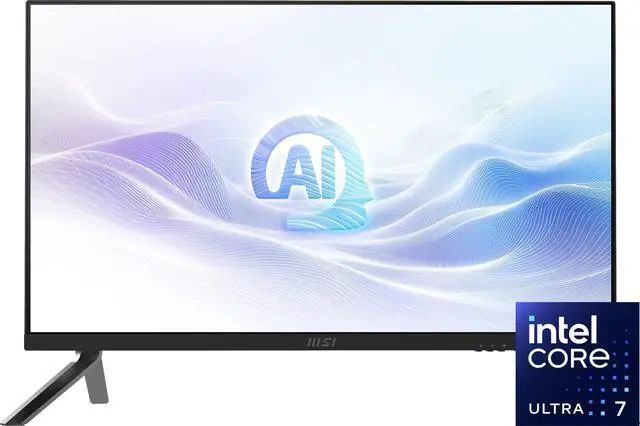
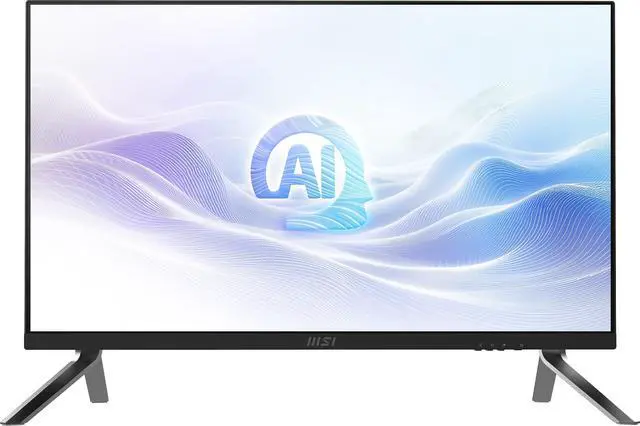
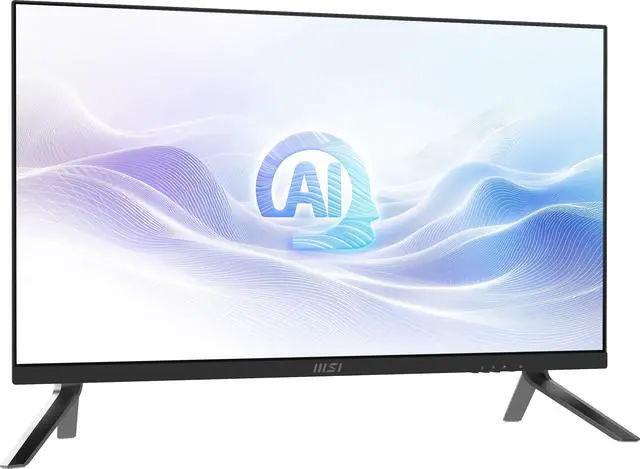
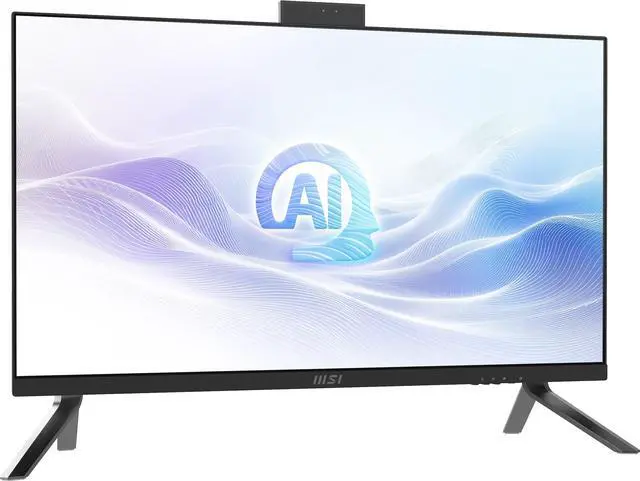
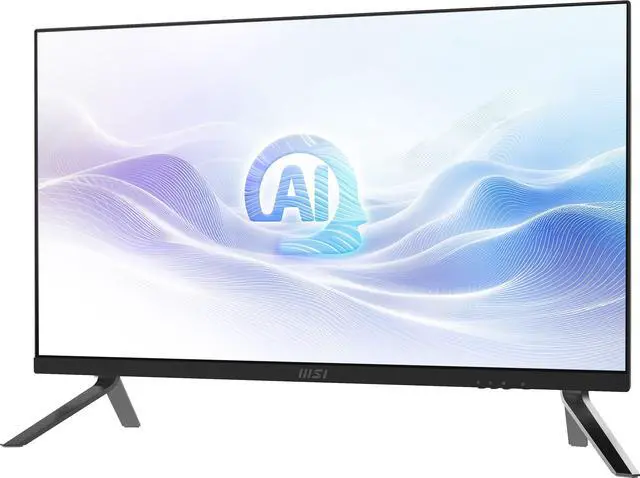
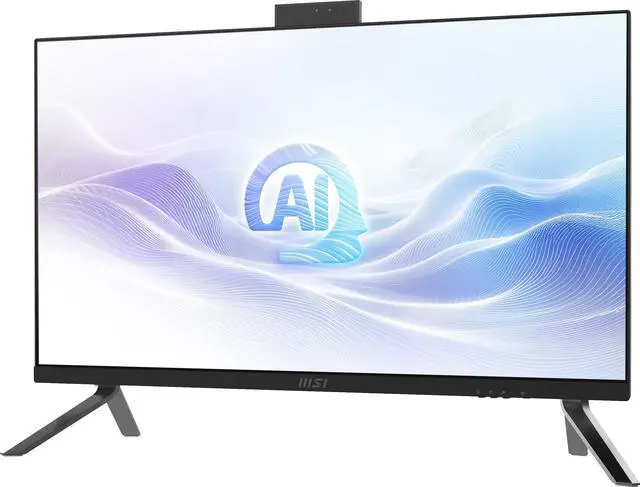
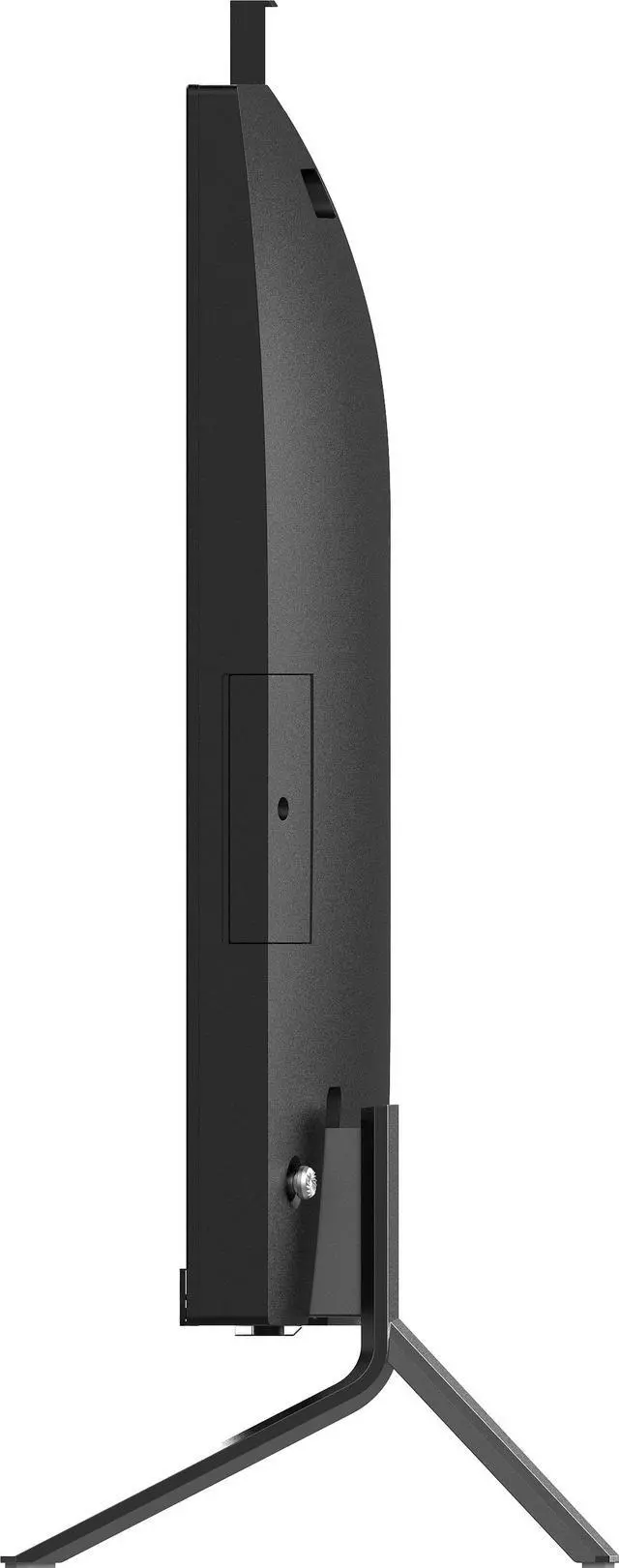
MSI All-in-One PCs Modern AM273Q AI 1UM-037US Intel Core Ultra 7 155H 32GB DDR5 1TB SSD 27" Windows 11 Pro
- Intel Core Ultra 7 155H
- 32GB DDR5 1TB SSD
- 27"
- Windows 11 Pro
+
+
Overview
Specs
Reviews
Working Smarter, Faster and Greener
To Be Future-Ready
The AI era is upon us. Are you ready for the transformation in work and everyday life? Let's work together with the Modern AM273Q AI Series to embrace the next-level AI experience with faster, power-saving, AI-enabled processors.
Accelerate Immediately
Neural Processing Unit (NPU)
The latest Intel Core Ultra processor features Intel's first integrated NPU, designed for efficient AI workloads and lower power consumption.
MSI AI Engine
MSI AI Engine automatically detects user scenarios and adjusts performance, sound effects, and display mode accordingly, eliminating the need for manual adjustments.
MSI with Microsoft Copilot
Work smarter, be more productive, boost creativity, and stay connected with Copilot an AI companion adapts to your needs.
Windows Studio Effects
Using AI to enhance videos with features like background effects, eye contact correction, automatic framing, and voice focus for professional and engaging video conferencing.
AI-Powered Productivity
Summarize Content
Instantly sum up the documents, providing key points to boost productivity for users.
Generate New Ideas
Deliver creative ideas, helping users explore new perspectives and solutions.
Enhance Engagement and Communication
Use Windows Studio Effects and Live Captions to keep interactions engaging.
Expand the Imagination
Unleash creativity with Image Creator, an AI-powered tool designed to help users craft unique artworks.
More Comfortable, More Productive
Eye-Care Technology - Protect Your Eyes From Fatigue
Less Blue Light Pro
Less Blue Light PRO with a hardware filter base technology simultaneously protects your eyes and keeps a vivid color & detail for you.
Eye-Q Check
With Eye-Q check, you can self-access your eye health while working long hours, preventing eye problems from escalating.
Astigmatism
To test, cover your left eye with your left hand and look closely at the image, then do the same with your right eye. MSI recommends you to take a rest for 20 minutes if some lines appear grayer than others.
Amsler Grid
MSI recommends you to take a rest for 20 minutes if any of the lines in the grid appear wavy, blurred or distorted; or if some boxes in the grid don't look like a square or the same size.
Posture Correction
MSI recommends you to sit up straight and adjust your eye position to one-ninth of the top edge of the screen. A good sitting posture can effectively prevent neck and shoulder pain.
100Hz High Refresh Rate
A high refresh rate display enhances viewing by showing more images in less time, leading to smoother, clearer visuals and reduced eye strain.
WQHD (2560 x 1440)
WQHD (2560 x 1440) resolution expands your workspace, providing sharper readability, vivid 3D effects, and enhanced aesthetics for a better user experience.
IPS Wide Viewing Angle
Enjoy a wider perspective with a 178 Degree IPS panel that delivers consistent, accurate colors from any angle, minimizing color shift and enhancing the viewing experience
To Be Future-Ready
The AI era is upon us. Are you ready for the transformation in work and everyday life? Let's work together with the Modern AM273Q AI Series to embrace the next-level AI experience with faster, power-saving, AI-enabled processors.
Accelerate Immediately
Neural Processing Unit (NPU)
The latest Intel Core Ultra processor features Intel's first integrated NPU, designed for efficient AI workloads and lower power consumption.
MSI AI Engine
MSI AI Engine automatically detects user scenarios and adjusts performance, sound effects, and display mode accordingly, eliminating the need for manual adjustments.
MSI with Microsoft Copilot
Work smarter, be more productive, boost creativity, and stay connected with Copilot an AI companion adapts to your needs.
Windows Studio Effects
Using AI to enhance videos with features like background effects, eye contact correction, automatic framing, and voice focus for professional and engaging video conferencing.
AI-Powered Productivity
Summarize Content
Instantly sum up the documents, providing key points to boost productivity for users.
Generate New Ideas
Deliver creative ideas, helping users explore new perspectives and solutions.
Enhance Engagement and Communication
Use Windows Studio Effects and Live Captions to keep interactions engaging.
Expand the Imagination
Unleash creativity with Image Creator, an AI-powered tool designed to help users craft unique artworks.
More Comfortable, More Productive
Eye-Care Technology - Protect Your Eyes From Fatigue
Less Blue Light Pro
Less Blue Light PRO with a hardware filter base technology simultaneously protects your eyes and keeps a vivid color & detail for you.
Eye-Q Check
With Eye-Q check, you can self-access your eye health while working long hours, preventing eye problems from escalating.
Astigmatism
To test, cover your left eye with your left hand and look closely at the image, then do the same with your right eye. MSI recommends you to take a rest for 20 minutes if some lines appear grayer than others.
Amsler Grid
MSI recommends you to take a rest for 20 minutes if any of the lines in the grid appear wavy, blurred or distorted; or if some boxes in the grid don't look like a square or the same size.
Posture Correction
MSI recommends you to sit up straight and adjust your eye position to one-ninth of the top edge of the screen. A good sitting posture can effectively prevent neck and shoulder pain.
100Hz High Refresh Rate
A high refresh rate display enhances viewing by showing more images in less time, leading to smoother, clearer visuals and reduced eye strain.
WQHD (2560 x 1440)
WQHD (2560 x 1440) resolution expands your workspace, providing sharper readability, vivid 3D effects, and enhanced aesthetics for a better user experience.
IPS Wide Viewing Angle
Enjoy a wider perspective with a 178 Degree IPS panel that delivers consistent, accurate colors from any angle, minimizing color shift and enhancing the viewing experience
Warranty & Returns
Warranty, Returns, And Additional Information
Return Policies*
- Return for refund within: 30 days
- Returns are subject to restocking fees and return shipping fees. Please click here to learn more about restocking fees and return shipping fees.
- This item is covered by Newegg.com's International Order Return Policy.
- Read full return policy for details.
- *Subject to applicable law
Warranty Notice:
This product does not include manufacturer warranty when purchased or used outside of its designated sales region. By purchasing internationally, you acknowledge that warranty support from the manufacturer will not be available.
Manufacturer Contact Info
- Manufacturer Product Page
- Manufacturer Website
- Support Phone: 1-626-913-0828
- Support Website
- View other products from MSI
LOADING...
The MSI Modern AM273Q AI 1UM-037US is a 27-inch all-in-one PC with an Intel Core Ultra 7 155H, 32GB DDR5 memory, a 1TB SSD, and Windows 11 Pro, suited to business users who want capable everyday work performance in an integrated desktop.
Recommended For
- Fixed-desk professionals who want a tidy workstation for office apps, video calls, and multitasking on a 27-inch QHD screen, without setting up a separate desktop tower and monitor.
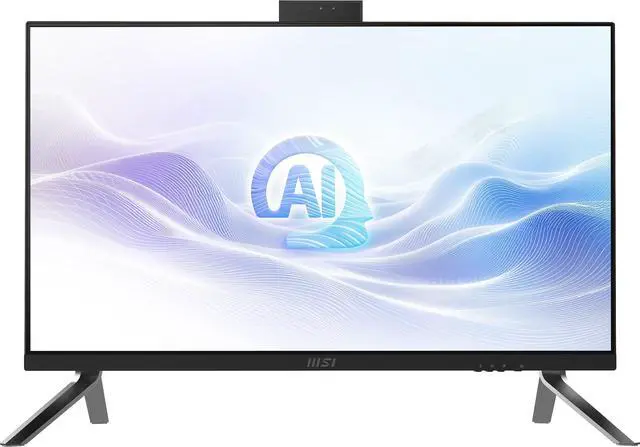
- Business users who regularly join video calls and value a retractable webcam with Windows Hello, Windows 11 Pro, and a compact all-in-one setup.
- Users who want one screen for both the PC and another video source, such as a work laptop or console; MSI lists HDMI input, and coverage notes the display can also be used with an external device.
- People doing everyday photo editing and other CPU-led creative tasks at a fixed workstation who prefer an integrated PC-and-display setup over a separate monitor and computer.
Real-World Use Scenarios
- For a home-office workday with email, documents, spreadsheets, and browser tabs open together, the 27-inch QHD screen provides room to view several windows side by side, reducing how often you need to switch between them.
- For remote meetings and daily calls, the built-in retractable Full HD webcam and Windows Hello support make it convenient to join video calls and sign in; retracting the camera provides a physical privacy measure when it is not in use.
- For a tidy office or reception desk, the all-in-one design keeps the computer and display together, helping reduce separate desktop equipment and cable clutter while covering everyday business tasks.
- When you want to use a laptop or another compatible device at the desk, HDMI-in or USB-C DisplayPort input lets the MSI screen serve as an external display without starting the all-in-one PC.
- For light photo editing and other everyday creative tasks, the system can handle typical projects alongside general work; it is better suited to these lighter workloads than graphics-intensive production, since it uses integrated graphics.
Spec Summary
| Attribute | Value |
|---|---|
| Best For | Business, everyday work, education, and content creation in an all-in-one desktop setup |
| Processor And Cache | Intel Core Ultra 7 155H with 14 cores and 24 MB L3 cache |
| Processor Speed | 3.8 GHz listed processor speed, with a maximum speed of 4.8 GHz |
| Graphics | Integrated Intel Arc Graphics |
| Display | 27-inch LCD display with 2560 × 1440 resolution and a 16:9 aspect ratio |
| Memory Configuration | 32 GB DDR5 memory at 5600 MHz, expandable to a maximum of 64 GB |
| Storage | 1 TB SSD storage; no HDD |
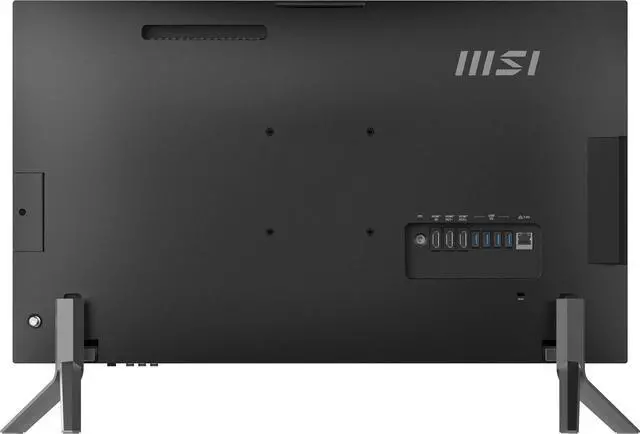
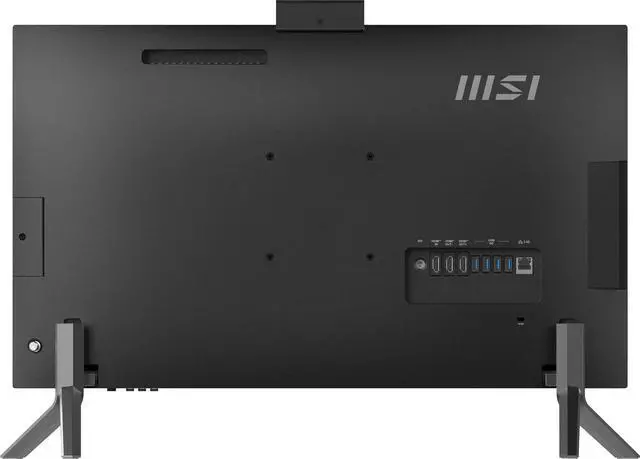
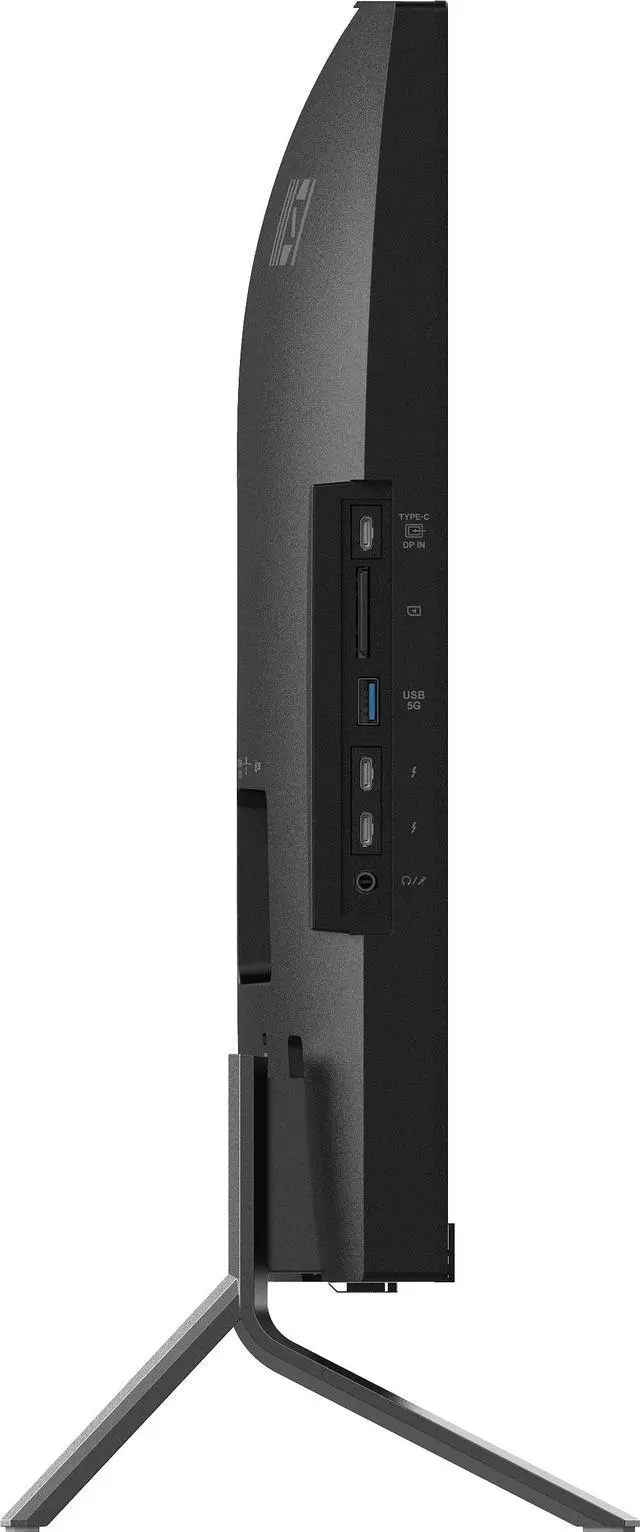
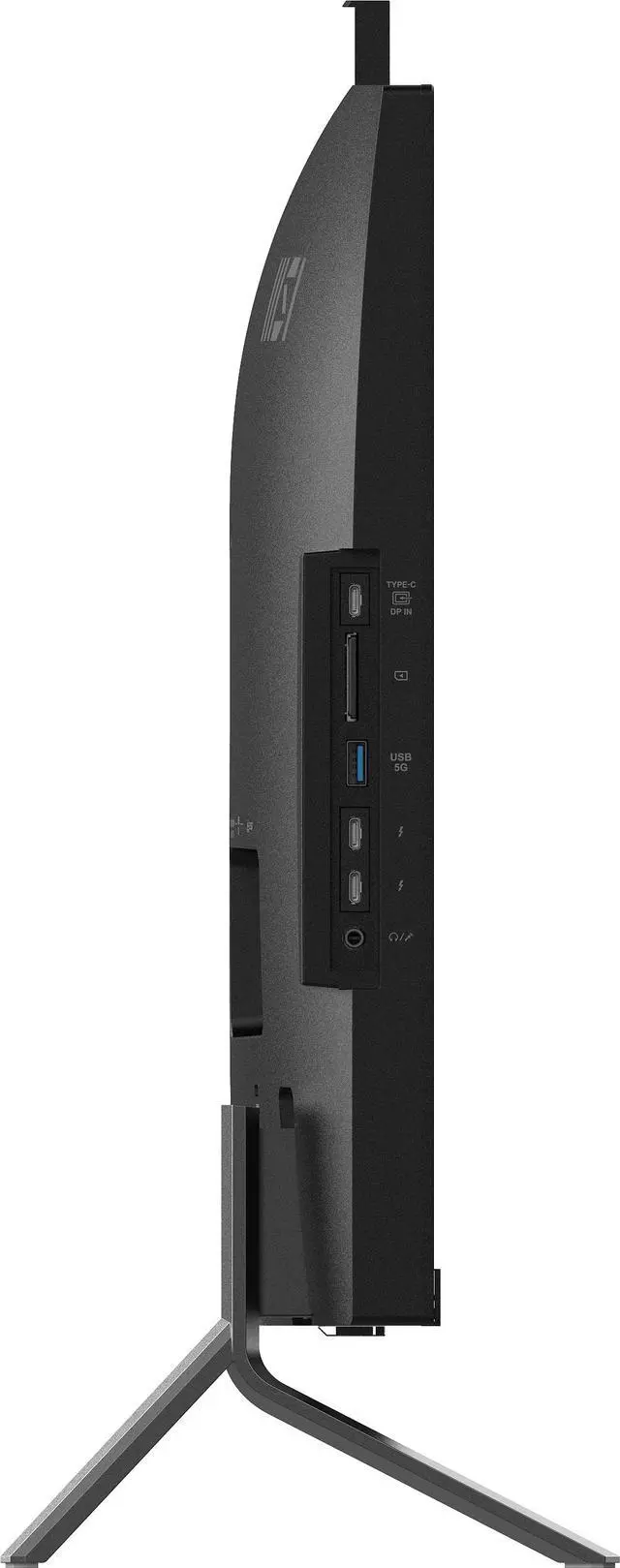
| Ports And Connectivity | 2 HDMI ports, 2 Thunderbolt ports, 6 USB ports, Ethernet, and USB-C connectivity |
| Wireless Networking | Wi-Fi 6 (802.11ax) and Bluetooth |
| Built-In Equipment | Webcam, speakers, and microphone; includes a keyboard and mouse |
| Keyboard | Standard wired QWERTY keyboard |
| Operating System | Windows 11 Pro |
| Power | 120 W power consumption |
| Dimensions And Weight | 25.12 × 7.11 × 17.05 inches; 11.03 lb |
| Design And Form Factor | Black all-in-one PC |
| Model Identifiers | MSI Modern AM273Q AI 1UM-037US; model number AM273QAI1UM037 |
Reference Q&A
Q: Should I get the MSI Modern AM273Q AI 1UM-037US or the Lenovo Yoga AIO 27?
A: Choose the MSI for 32GB of upgradeable memory, Windows 11 Pro, and two Thunderbolt 4 ports. Choose the Yoga AIO 27 if you value its adjustable stand, optional touch display, and 120Hz screen. The Lenovo review configuration has soldered memory, so check the exact model before buying.
Q: Is the MSI AM273Q AI 1UM-037US worth choosing over the 16GB AM273Q AI configuration?
A: Choose the 1UM-037US if you regularly multitask or use memory-intensive work apps: it has 32GB RAM and a Core 7-155H, compared with 16GB and a Core 5-125H in the 1UM-039US. Both have a 27-inch WQHD display and 1TB SSD; the 16GB model is the lower-memory option for lighter workloads. MSI lists both models with two memory slots and support for up to 64GB.
Q: Should I pay more for the MSI Modern AM273QP AI instead?
A: Consider the AM273QP AI if you want a stand with height and swivel adjustment; the AM273Q AI 1UM-037US has a fixed stand. MSI lists both series with Core Ultra 7 155H and Core Ultra 5 125H processor options, so the QP is primarily a choice for stand flexibility rather than a guaranteed CPU-performance upgrade. Confirm the exact configuration before comparing prices.
Q: Should I buy this MSI all-in-one or a laptop?
A: Choose the MSI for a mostly fixed workspace where you want a built-in 27-inch WQHD screen, webcam, and desktop-style setup in one unit. Choose a laptop if you need to carry your computer between locations; this all-in-one is designed for a desk, not routine portable use.
Q: Is this all-in-one suitable for office work and multitasking?
A: Yes. Its 14-core Intel Core Ultra 7 155H, 32GB of DDR5 memory, 1TB SSD, and Windows 11 Pro make it suitable for typical office workloads and running multiple applications. The provided specifications do not establish its suitability for demanding graphics-intensive work.
Q: Is this a good computer to take to work or travel with?
A: It is better suited to a stationary workspace than regular travel. This is a 27-inch all-in-one desktop, not a laptop; its screen and integrated computer are designed as one workstation rather than a portable setup.
Q: Can you upgrade the memory or storage later?
A: The listed configuration already includes 32GB of DDR5 memory and a 1TB SSD. The supplied product information does not confirm whether either component can be upgraded, so check the model’s service specifications before buying if future upgrades are important.