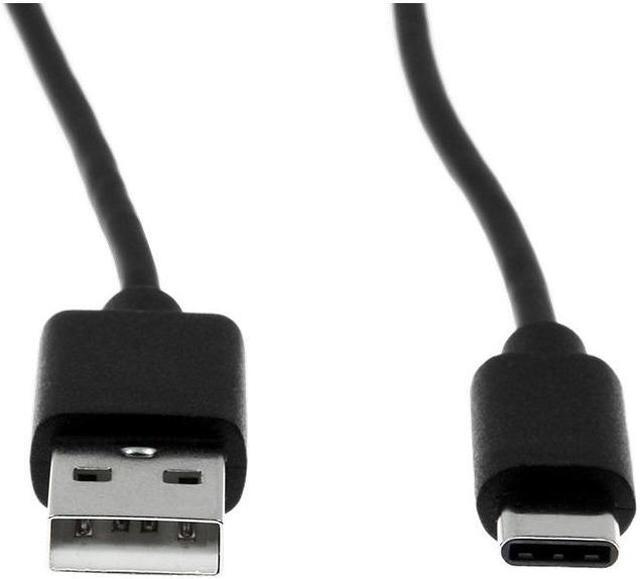
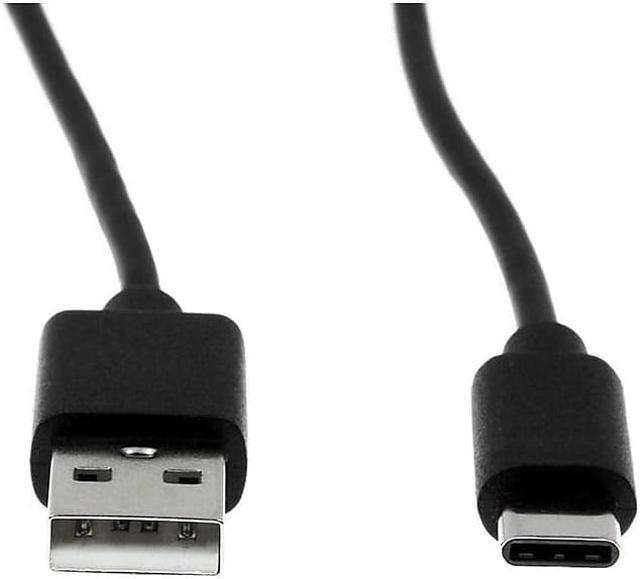
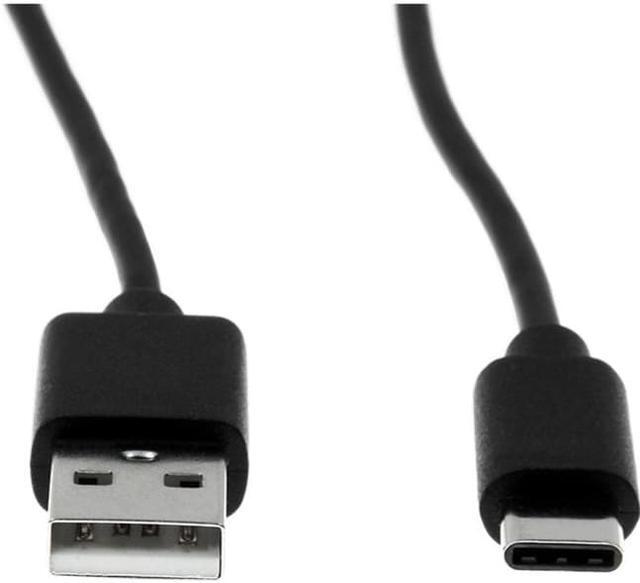
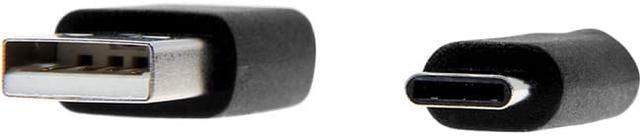
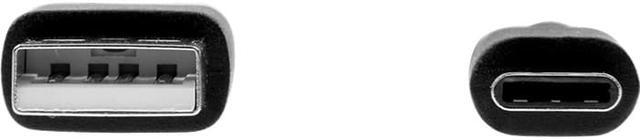
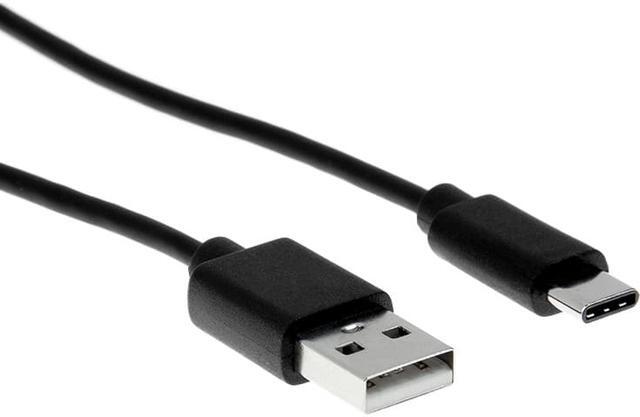
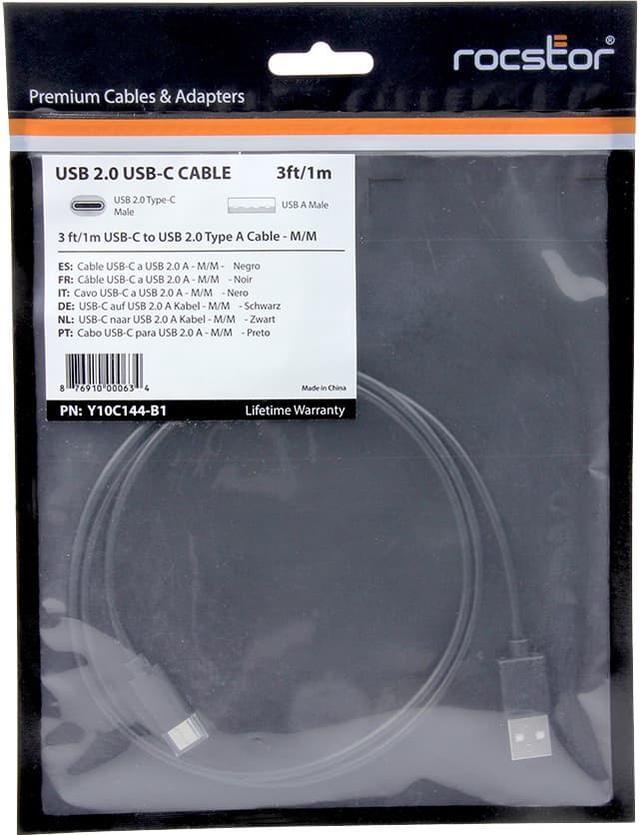
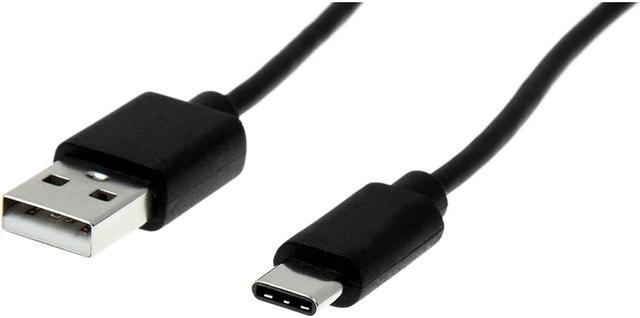
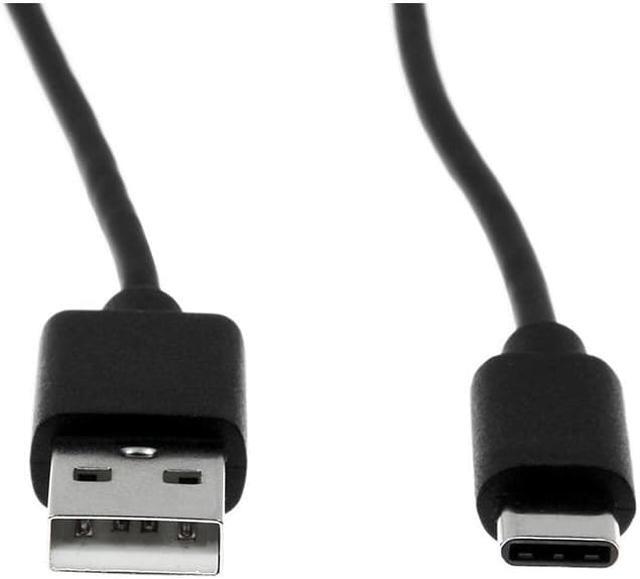
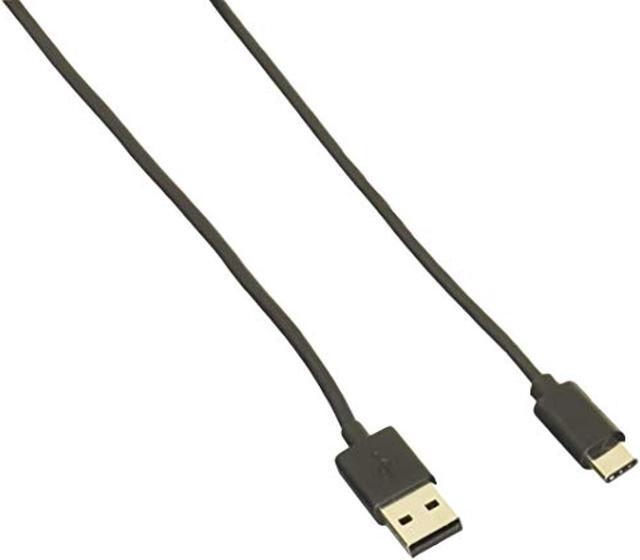
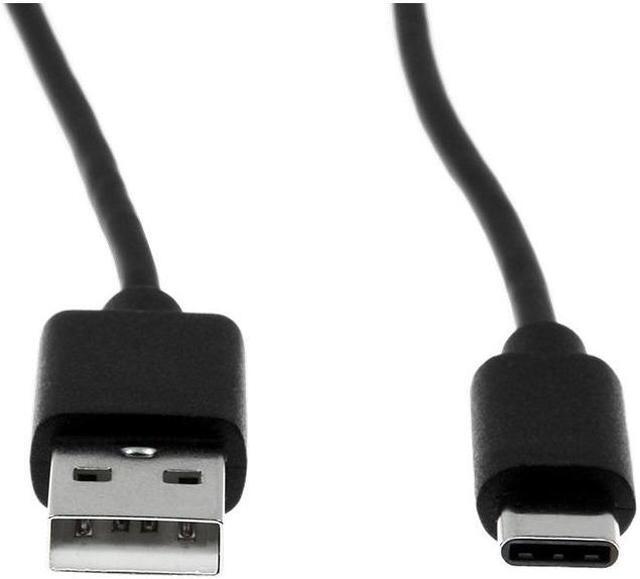
The Rocstor Y10C144-B1 is a 3 ft. USB-A-to-USB-C cable for connecting USB-C computers or chargers with USB-A 2.0 smartphones, tablets, cameras, and external drives for data syncing or charging; it supports data transfer up to 480 Mbit/s.
Recommended For
- Laptop or Chromebook users with a USB-C port who need to connect a USB-A phone or tablet for routine syncing and charging.
- People with a USB-C computer who occasionally connect USB-A cameras or other legacy accessories for basic data transfer.
- Users who want a short, 3-foot cable for a nearby USB-A device rather than a long reach across a room or desk.
- People transferring smaller files or syncing devices who do not need more than USB 2.0’s rated 480 Mbps data rate.
Real-World Use Scenarios
- Connect a USB-C phone to a computer’s USB-A port to move photos and other files; on Android, select File transfer when prompted. Transfers are limited by the cable and connected devices’ USB 2.0 capabilities.
- Charge a USB-C phone or tablet from a USB-A computer port or charger when a USB-C charger is unavailable. Charging speed depends on the power source and device, so this cable should not be assumed to provide fast charging.
- Connect a USB-A peripheral to a USB-C computer when the peripheral has a compatible USB-A port. This can help with basic syncing or access to files, but the connected device and USB 2.0 link determine the experience.
- Use it for occasional file access or transfers with a compatible USB-A external drive and a USB-C computer. Large backups may take longer than with a faster-rated cable, and some drives may need more power than the computer port supplies.
Spec Summary
| Attribute | Value |
|---|
| Best For | Connecting USB-C computers to USB-A 2.0 devices for data syncing and charging, including Chromebooks, PCs, cameras, hard drives, notebooks, smartphones, and tablets |
|---|
| Cable Length And Connectors | 3-ft USB 2.0 cable with male USB Type-A and USB Type-C connectors |
|---|
| Construction And Finish | Shielded, round cable with nickel-plated connectors and a black finish |
|---|
| Package Quantity | 1 cable |
|---|
| Model Identifiers | Rocstor Y10C144-B1 |
|---|



 All Categories