


 All CategoriesAll CategoriesAll Categories







Warranty Notice:
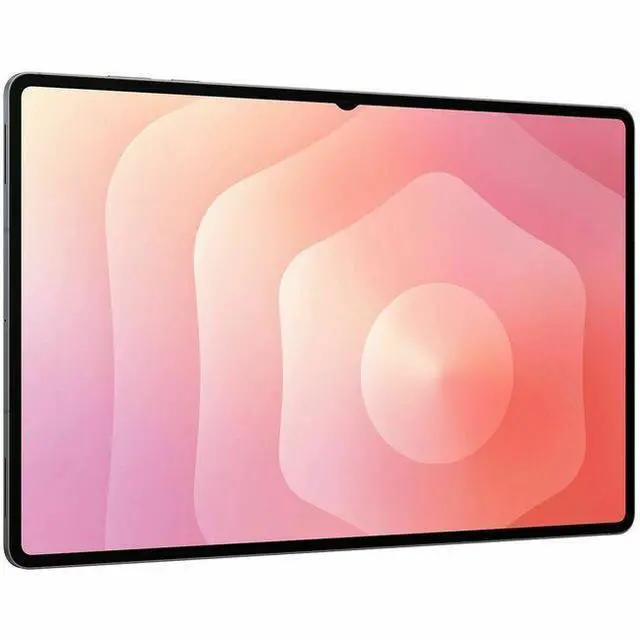
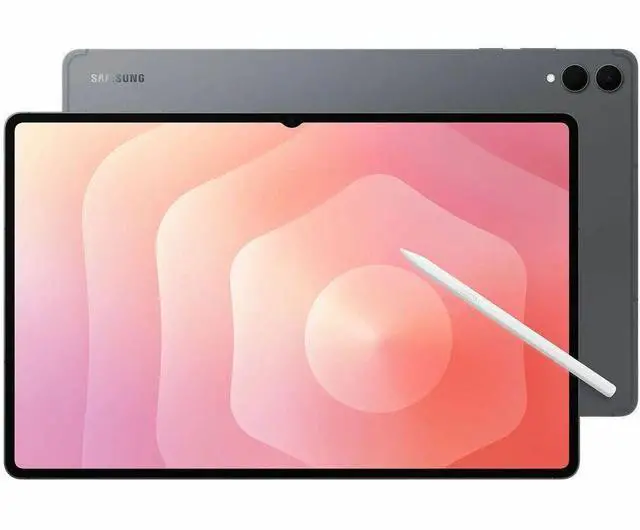
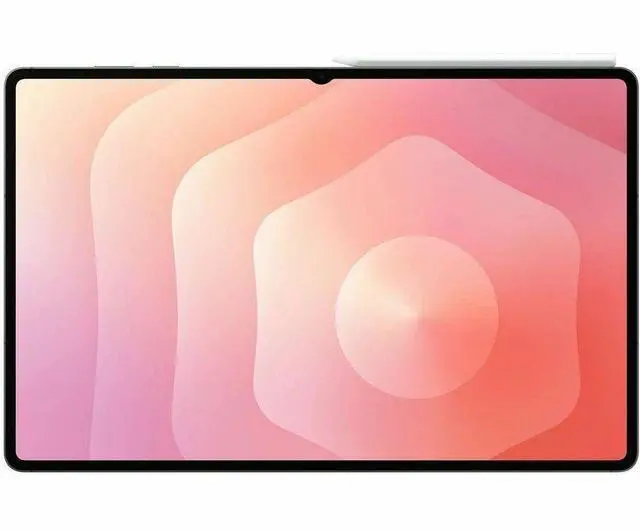
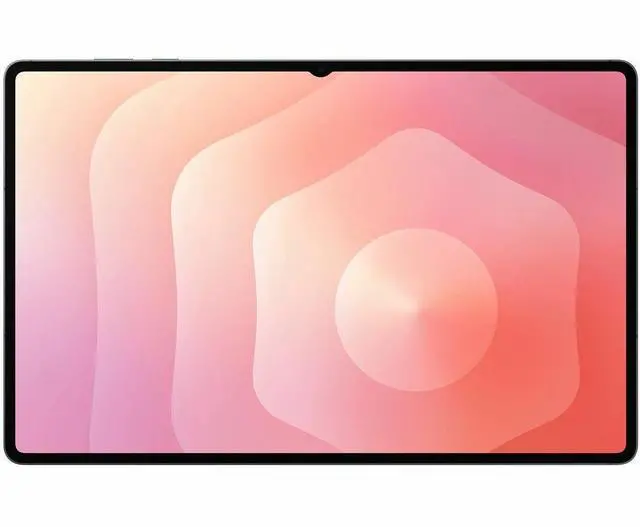
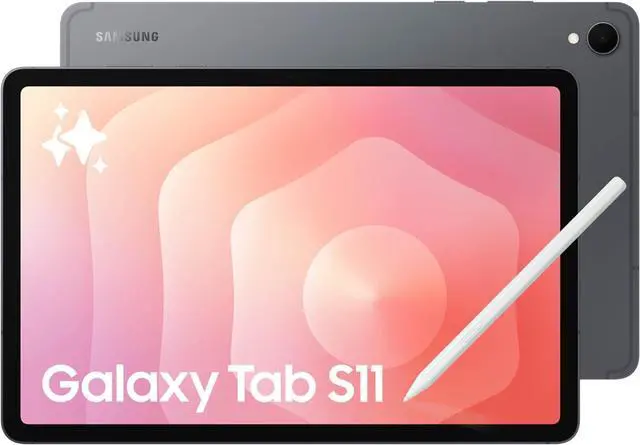
This product does not include manufacturer warranty when purchased or used outside of its designated sales region. By purchasing internationally, you acknowledge that warranty support from the manufacturer will not be available.The Samsung Galaxy Tab S11 Ultra is a 14.6-inch Android tablet with a high-resolution display, MediaTek Dimensity 9400+ performance, 12GB of memory, and 256GB of storage, making it a strong fit for users who want a large-screen device for multitasking, streaming, and premium everyday productivity.
| Attribute | Value |
|---|---|
| Best For | Large 14.6-inch 3840 x 2160 Android tablet with an octa-core CPU and 12 GB RAM, best for high-resolution media, multitasking, and productivity with Bluetooth accessory support |
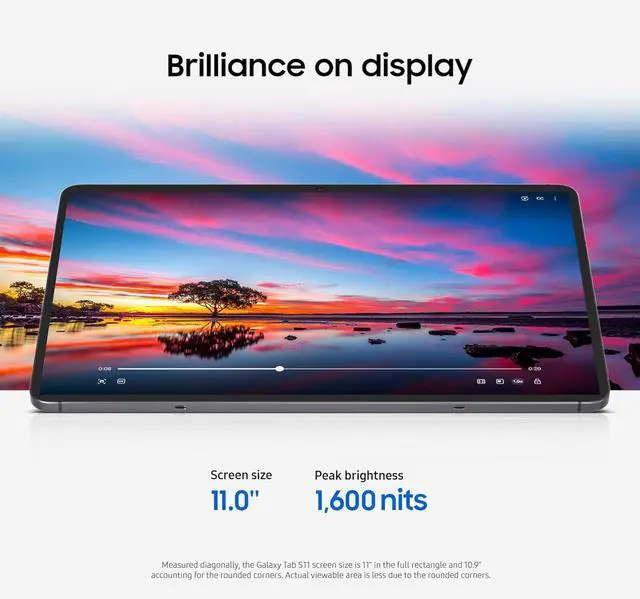
| Display | 14.6-inch display with 3840 x 2160 resolution for detailed visuals and high-definition media |
| Processor And Core Count | Octa-core CPU (base 2.4 GHz, max turbo 3.73 GHz) for responsive performance and burst single-core workloads |
| Memory Configuration | 12 GB RAM for heavy multitasking and fluid app switching |
| Operating System | Android operating system for access to Android apps and services |
| Connectivity | Bluetooth available for pairing wireless accessories such as keyboards, mice, and earbuds |
| Model Identifiers | Samsung Galaxy Tab S11 Ultra (Galaxy Tab series) in Gray |
Q: Should I buy the Samsung Galaxy Tab S11 Ultra or the iPad Pro 13-inch?
A: Choose the Galaxy Tab S11 Ultra if you want a larger 14.6-inch display, bundled S Pen support, Samsung DeX-style multitasking, and Android flexibility for split-screen and media use. Choose the iPad Pro 13-inch if your priority is maximum app performance, longer software optimization around pro creative apps, and tighter integration with Apple's ecosystem. Across reviews and benchmark-based comparisons, the iPad Pro's M4 chip is consistently faster, while the Tab S11 Ultra is usually positioned as the better fit for users who specifically want a very large Android tablet and desktop-style multitasking.
Q: Is the Galaxy Tab S11 Ultra worth buying over the Galaxy Tab S10 Ultra?
A: The Galaxy Tab S11 Ultra is the better choice if you are buying new and want Samsung's current flagship large-screen tablet with a newer chipset and updated platform support. If you already own a Galaxy Tab S10 Ultra, reviews generally describe the upgrade as modest rather than essential. The comparison pattern across reviews is that the S11 Ultra improves performance and keeps the same large-format productivity and entertainment focus, but it does not change the overall experience enough to make most S10 Ultra owners switch immediately.
Q: Should I get the Galaxy Tab S11 or the Galaxy Tab S11 Ultra?
A: Choose the Galaxy Tab S11 if portability matters more than maximum screen size. Choose the Galaxy Tab S11 Ultra if you want the largest canvas for multitasking, drawing, document work, and movie viewing. Samsung positions the Ultra as the bigger productivity and creativity model, and community feedback consistently treats the regular S11 as easier to carry for everyday use while the Ultra is better suited to desk, couch, or keyboard-case use.
Q: Is the 12GB/256GB Galaxy Tab S11 Ultra enough, or should I move up to a higher storage version?
A: The 12GB/256GB version is the practical choice for most buyers who plan to stream media, use office apps, browse, take notes, and do standard multitasking. Move up to 512GB or 1TB if you expect to keep large video files, offline media libraries, art assets, or heavier pro workflows on the tablet itself for several years. Samsung's own lineup shows that the higher-tier versions mainly add storage headroom, so this is usually a capacity decision rather than a different user experience.
Q: Should I buy the Galaxy Tab S11 Ultra or an Android alternative like the OnePlus Pad 3?
A: Choose the Galaxy Tab S11 Ultra if you want the largest screen, Samsung's tablet software features, included S Pen support, and stronger fit with the Samsung ecosystem. Choose an alternative like the OnePlus Pad 3 if you care more about raw chip performance per dollar and do not need the Ultra's oversized display format. Review coverage around the S11 Ultra frequently frames it as a premium large-screen Android tablet first, while competing Android tablets can be a better match for buyers who prioritize speed and value over screen size.
Q: Is the Galaxy Tab S11 Ultra a good travel work device for email, documents, and meetings?
A: Yes, for light-to-moderate mobile work. The 14.6-inch display is useful for split-screen apps, video calls, and document review, and the included S Pen helps with markup and handwritten notes. The main trade-off is portability: this is a very large tablet, and a keyboard is not included by default, so buyers who want a laptop-like setup should plan on adding a keyboard case.
Q: Is it good for note-taking, meetings, and office work?
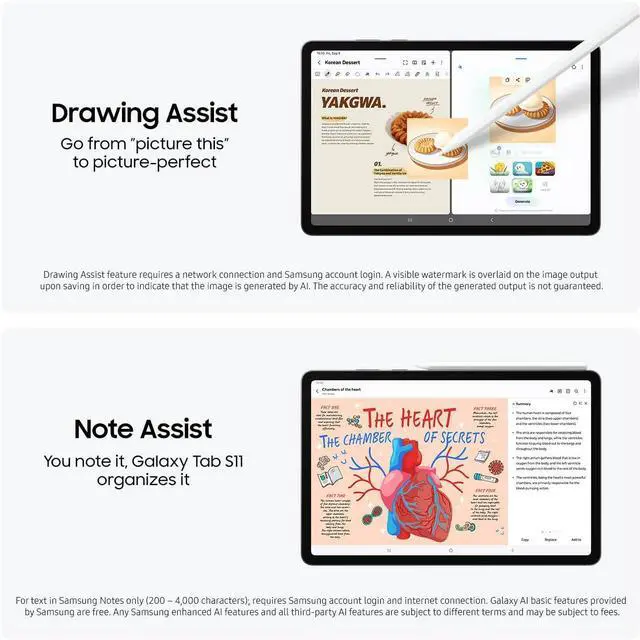
A: Yes. This class of Galaxy Tab Ultra is well suited to note-taking and meeting use because it supports pen input, handwriting, and Samsung note features, while the large screen makes it easier to view notes and documents side by side. For heavier office workflows, the limitation is still app environment and accessory dependence rather than screen size or memory.
Q: Who is the Galaxy Tab S11 Ultra most suitable for?
A: It is best for buyers who want a very large Android tablet for media, drawing, note-taking, multitasking, or desktop-style use with optional accessories. It is less suitable for buyers who want a compact tablet for casual reading or maximum portability. In short: it fits power users better than casual tablet shoppers.
Q: What are the main trade-offs versus an iPad Pro or a laptop?
A: The main advantage is a very large Android tablet experience with pen support and expandable storage, which some competing tablets do not offer. The main trade-offs are that this model is Wi‑Fi only in the referenced retail listings, the keyboard is optional, and a tablet OS still does not fully replace a laptop for every desktop app workflow. Buyers choosing between this and a laptop should decide whether they value tablet flexibility more than traditional desktop software.
Q: Is 256GB enough, or should buyers plan to use expandable storage?
A: For many users, 256GB is enough for apps, documents, and moderate offline media. Buyers with large video libraries, creative files, or long-term offline storage needs should expect to use microSD expansion if available on the final retail unit. That makes the 256GB version a practical entry point, but not always the best fit for heavy local-storage users.
Q: Is the Galaxy Tab S11 Ultra worth buying if I mainly want a premium Android tablet for media, multitasking, and light work?
A: Yes, if your priority is a very large display, Android app use, split-screen multitasking, and light productivity. Based on the product data, this model combines a 14.6-inch high-resolution screen, 12 GB RAM, 256 GB storage, and an octa-core MediaTek Dimensity 9400+ chip, which fits media use, note-taking, browsing, and everyday work. The main trade-off is size and price: buyers in Reddit discussions repeatedly question whether the Ultra model is more tablet than they need.
Q: Is the Galaxy Tab S11 Ultra a good laptop replacement?
A: It can replace a laptop for light work, but not for every workflow. Reddit discussions repeatedly frame it as suitable for web browsing, email, note-taking, document editing, and external-monitor use. It is less suitable if you rely on desktop-class software, specialized apps, or want the simplicity of a traditional laptop setup. This makes it a better fit for mobile productivity than for full desktop replacement.
Q: Is the 14.6-inch Galaxy Tab S11 Ultra too big for note-taking or travel?
A: For many buyers, yes. The 14.6-inch screen is useful for multitasking, media, and desk use, but Reddit users repeatedly raise size as a trade-off for handwritten notes, portability, and casual use away from a desk. It is best for people who specifically want a large-screen tablet; if portability is a top priority, a smaller tablet is usually the safer choice.
Q: Who is the Galaxy Tab S11 Ultra best suited for?
A: It is best suited for buyers who want a large Android tablet for media, multitasking, note-taking at a desk, and light productivity. The 12 GB RAM, 256 GB storage, and high-resolution 14.6-inch display make sense for users who value workspace and screen quality more than compactness. It is less suited to buyers who mainly want a portable note-taking device or who only need basic tablet tasks.
Q: What are the main trade-offs of choosing the Galaxy Tab S11 Ultra instead of a smaller tablet or a laptop?
A: The main trade-offs are portability, cost efficiency, and workflow flexibility. Compared with a smaller tablet, the S11 Ultra gives you more screen space for multitasking but is less convenient to carry and handhold. Compared with a laptop, it is better for touch, media, and pen use, but may be less practical for desktop-style software needs. It is the strongest choice when a large tablet form factor is the priority, not when maximum portability or full laptop compatibility matters most.


