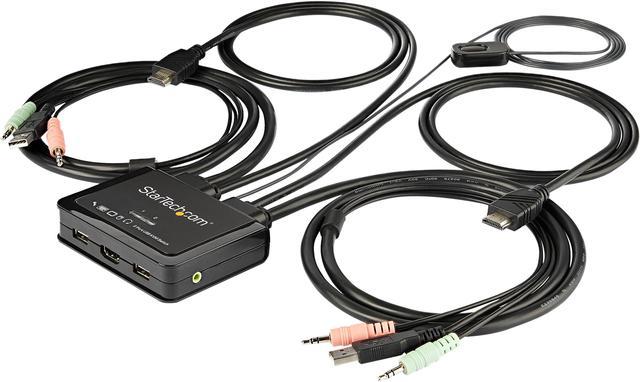
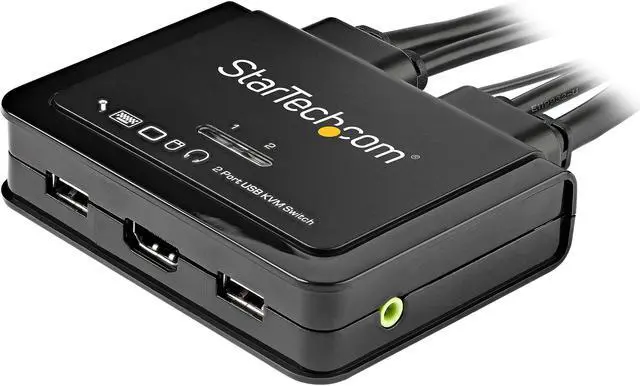
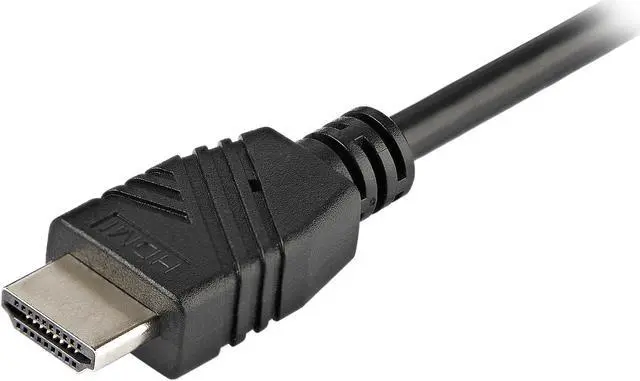
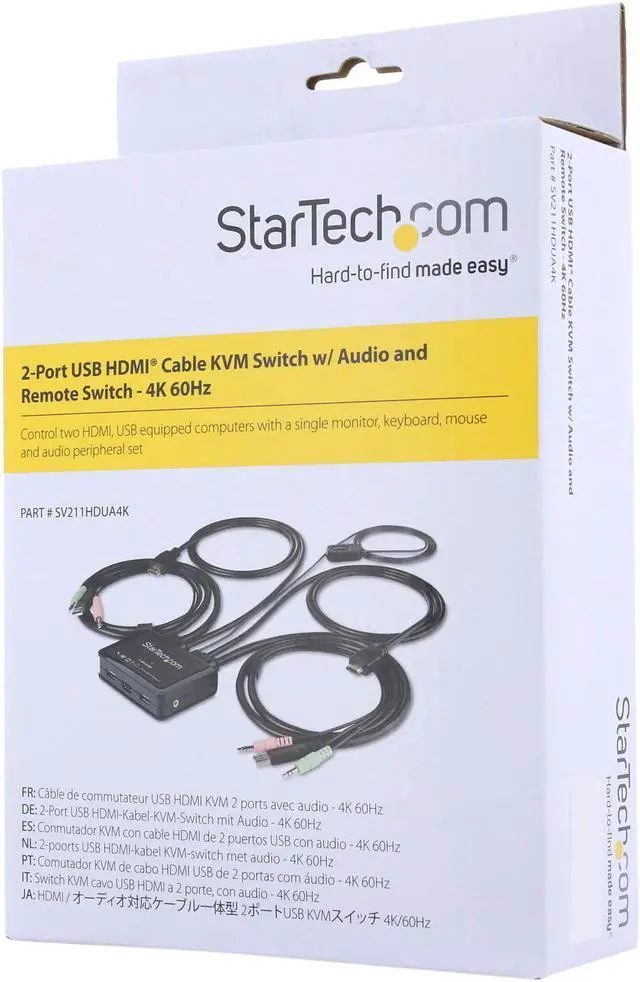
The StarTech.com SV211HDUA4K is a 2-port HDMI KVM switch that lets users control two computers from one workstation, with support for 4K at 60Hz, USB peripherals, and 3.5mm audio—suited to people sharing a display and input devices between two systems.
Recommended For
- Hybrid workers switching between a work laptop and a personal desktop can share one HDMI monitor, keyboard, and mouse instead of reconnecting those peripherals each time.
- People with two HDMI/USB computers and one 4K monitor who want to switch the shared display and peripherals between systems; the switch supports up to 4K at 60Hz.
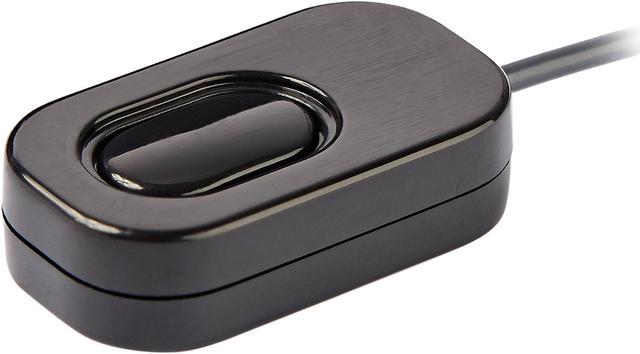
- Desk users who want a compact, ready-to-connect KVM setup can use its integrated cables and remote push-button switch without adding a separate power adapter.
- Users switching between HDMI/USB computers with different operating systems can use the physical push button for OS-independent switching; hotkeys and switching software are optional alternatives.
Real-World Use Scenarios
- At a shared home-office desk, switch one HDMI monitor, keyboard, and mouse between a work computer and a personal PC instead of keeping a second set of peripherals on the desk.
- When moving between two computers during the workday, use the remote push button to change which computer controls the shared screen and peripherals without reaching behind the computers.
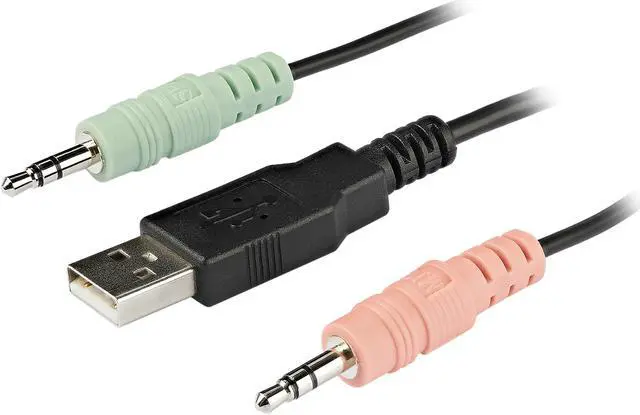
- For a desk setup that uses speakers or a headset connected through 3.5 mm audio, switch audio along with the selected computer, or use the independent audio switching feature when you want audio from one computer while controlling the other.
- At a compact workstation with two HDMI computers, use the built-in cables and bus-powered switch to reduce setup clutter and avoid needing a separate power adapter.
- In a mixed Windows and Mac workspace, share the same monitor, keyboard, and mouse between both computers; use the physical button for switching if you do not want to rely on the operating-system switching software.
Spec Summary
| Attribute | Value |
|---|
| Best For | Sharing one HDMI/USB workstation setup, including 3.5 mm audio, between two computers at up to 4K 60 Hz |
|---|
| Video And Computer Connections | Switches two HDMI-connected computers; the console has one HDMI receptacle and two USB 2.0 Type-A receptacles |
|---|
| Audio Connections | Two 3.5 mm mini-jack receptacles for audio and microphone connections |
|---|
| Switching And Controls | Select computers with push buttons; remote control is listed |
|---|
| Power | Bus-powered; no external power adapter is required |
|---|
| Status Indicators | Two orange LED indicators |
|---|
| Operating Environment | Operating temperature: 0–40 °C; storage temperature: −20–60 °C; humidity: 0–90% RH, non-condensing |
|---|
| Physical Details | Black plastic housing; tabletop mounting; item weight 0.95 lb |
|---|
| Model Identifiers | StarTech.com SV211HDUA4K |
|---|


 All Categories
 Top Rated