


 All CategoriesAll CategoriesAll Categories
Shipped by Newegg

Make informed decisions with expert advice. Learn More


| Brand | ViewEra |
|---|---|
| Model | V172SV2 |
| Cabinet Color | Black |
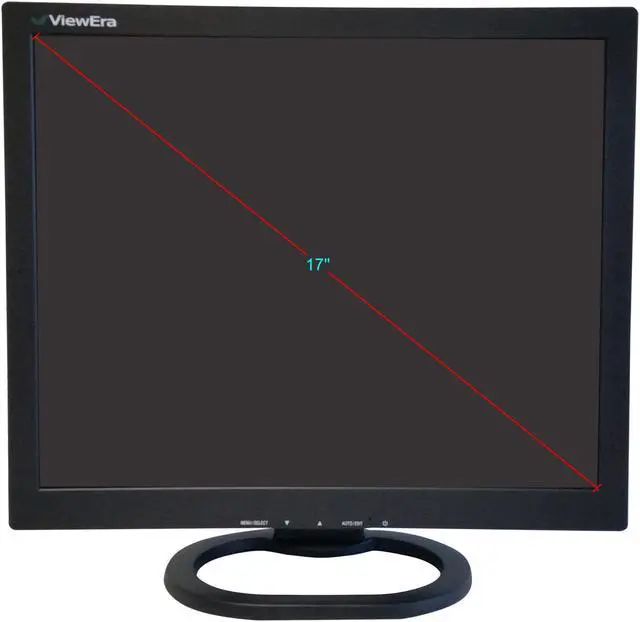
| Screen Size | 17" |
|---|---|
| Resolution | 1280 x 1024 |
| Viewing Angle | 170° (H) / 160° (V) |
| Monitor Pixel Density | 0.264mm |
| Display Colors | 16.7 Million |
| Brightness | 250 cd/m2 |
| Contrast Ratio | 1,000:1 |
| Aspect Ratio | 5:4 |
| Response Time | 5 ms |
| Panel | Active Matrix, TFT LCD |
| Vertical Refresh Rate | 50 - 75Hz |
| Curved Surface Screen | Flat Panel |
| Video Ports | 1 x D-Sub |
|---|---|
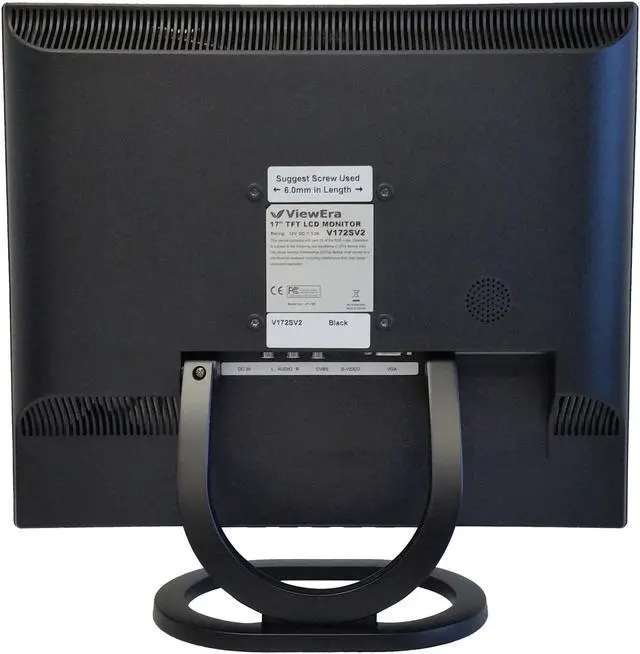
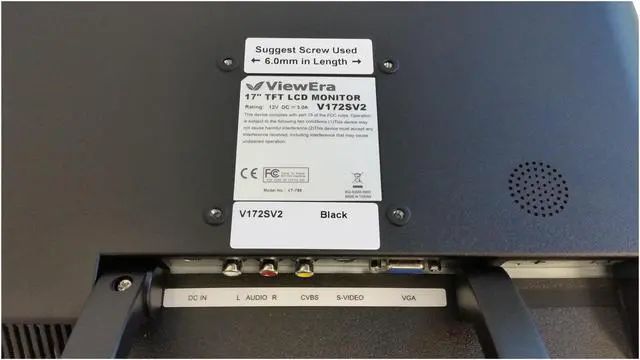
| Connectors | D-Sub, S-Video, Composite |
| D-Sub | 1 |
| Video | Composite (RCA) Video, S-Video |
| Power Supply | 100 - 240 VAC, 50/60Hz |
|---|---|
| Power Consumption | 40W (Max.) |
| User Controls | Power, Menu, Down, Up, Auto Image Adjustment |
|---|---|
| Regulatory Approvals | FCC-B, CE |
| Built-in Speakers | 1 x 3W |
| VESA Compatibility - Mountable | 75 x 75mm |
| Dimensions | 14.25" x 14.80" x 5.50" w/ stand 12.40" x 14.80" x 1.89" w/o stand |
|---|---|
| Weight | 6.60 lbs. |
| Package Contents | Accessories: Power adapter, power cord, VGA cable, audio cable, User manual |
|---|
| First Listed on Newegg | February 21, 2019 |
|---|
Warranty Notice:
This product does not include manufacturer warranty when purchased or used outside of its designated sales region. By purchasing internationally, you acknowledge that warranty support from the manufacturer will not be available.The ViewEra V172SV2 is a 17-inch, 1280 × 1024 monitor with VGA, composite, and S-Video inputs, making it suitable for users connecting a computer or legacy video equipment that uses these connections.
| Attribute | Value |
|---|---|
| Best For | Gaming and viewing content from VGA, composite-video, or S-Video sources |
| Panel And Resolution | 17-inch flat TFT LCD panel with 1280 × 1024 resolution, 5:4 aspect ratio, 0.264 mm pixel pitch, 16.7 million colors, 250 cd/m² brightness, 1,000:1 contrast, and 170° horizontal / 160° vertical viewing angles |
| Refresh Rate And Response | 50–75 Hz vertical refresh rate with 5 ms response time |
| Ports And Connectivity | VGA/D-Sub, composite video, and S-Video inputs |
| Audio | Built-in 3 W speaker |
| Stand And Ergonomics | Flat-panel design with 75 × 75 mm VESA mounting compatibility and button controls for power, menu navigation, and automatic image adjustment |
| Power | 100–240 VAC, 50/60 Hz power supply; maximum power consumption 40 W |
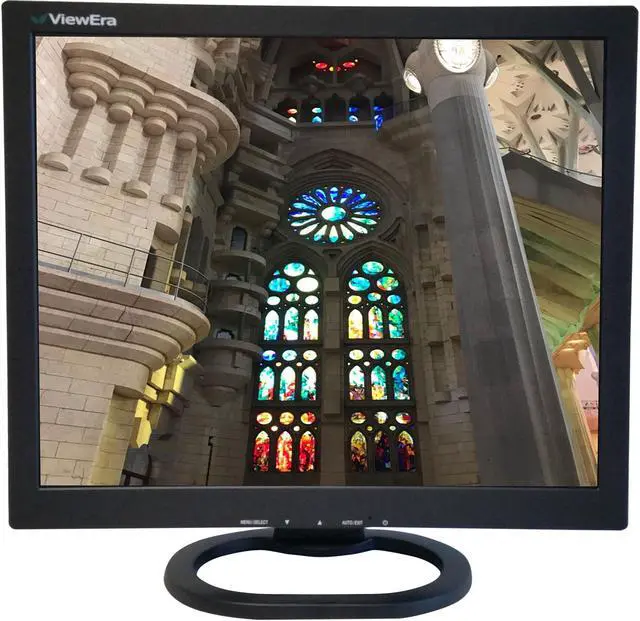
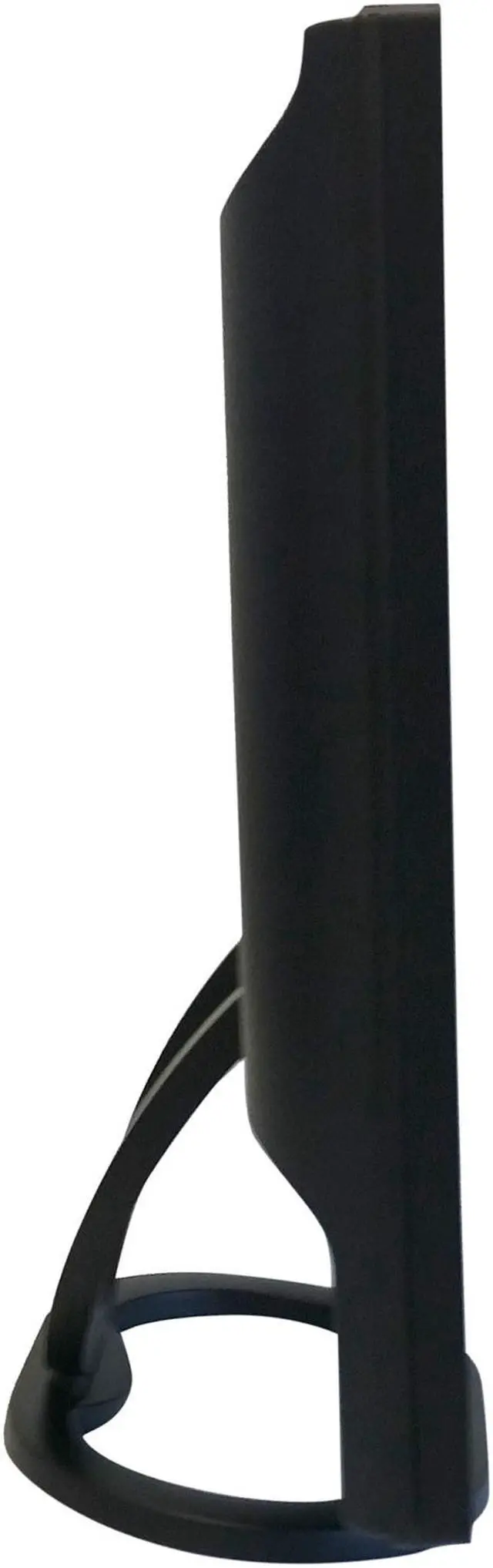
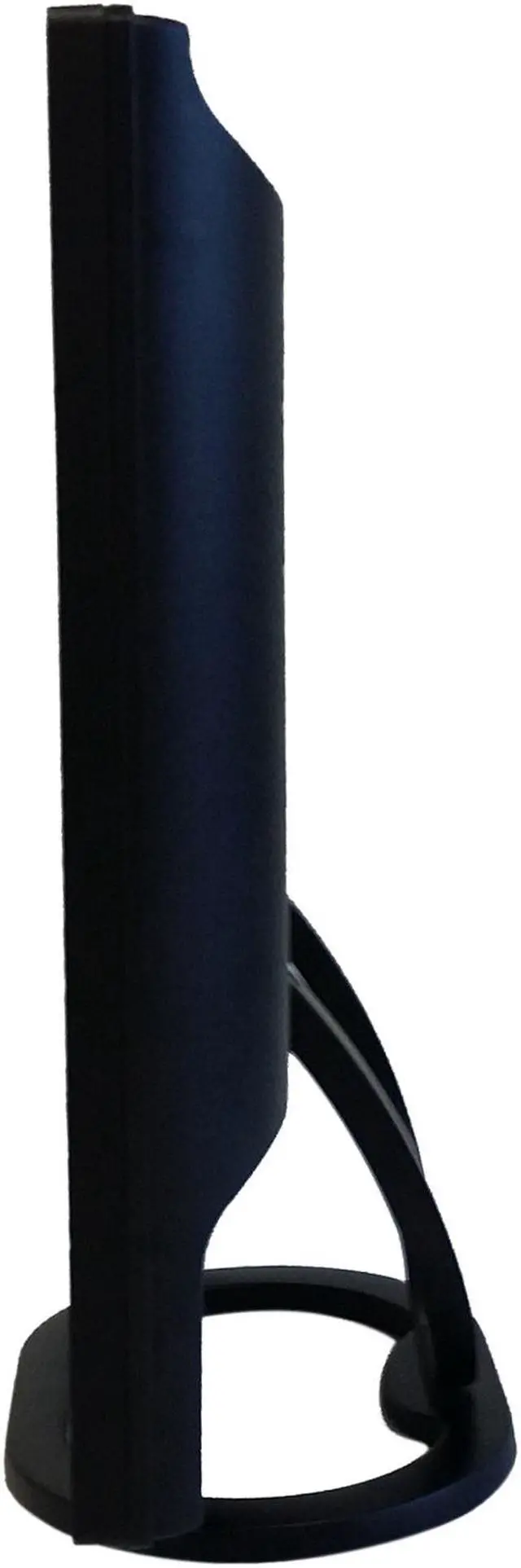
| Physical Design | Black rectangular cabinet; dimensions are 14.25 × 14.80 × 5.50 inches with stand and 12.40 × 14.80 × 1.89 inches without stand; weight 6.60 lb |
| Included Accessories | Power adapter, power cord, VGA cable, audio cable, and user manual |
| Compliance | FCC-B and CE approvals |
| Model Identifiers | ViewEra V172SV2 |
Q: ViewEra V172SV2 vs. V172BN2: which is better for analog video connections?
A: Choose the V172SV2 for S-Video and RCA composite video sources. Choose the V172BN2 when a BNC video connection and BNC signal loop-through are the priority. Both are 17-inch, 1280 × 1024 ViewEra monitors with VGA input.
Q: ViewEra V172SV2 vs. V178HB: which has HDMI and BNC connections?
A: The V178HB is the ViewEra option with HDMI and BNC video input/output, making it a fit for setups using those connections. The V172SV2 is the choice for S-Video and RCA composite video sources; both models also include VGA and have a 17-inch, 1280 × 1024 display.
Q: ViewEra V172SV2 vs. V178TP: which is the touchscreen model?
A: The V178TP is ViewEra’s 17-inch touchscreen model, with a resistive touch sensor and VGA, DVI, and HDMI inputs. Choose the V172SV2 for S-Video and RCA composite video connections; choose the V178TP when touch interaction or its digital video inputs are central to the setup.
Q: ViewEra V172SV2 vs. V191HV2: should I choose 17 or 19 inches?
A: Choose the V191HV2 for a larger 19-inch screen while keeping 1280 × 1024 resolution and VGA, S-Video, and composite video connections. Choose the V172SV2 for the same resolution and those analog video connection types in a 17-inch size.
Q: Can I connect this monitor to a computer or video device?
A: The monitor accepts VGA, composite video, and S-Video. It does not list HDMI or DisplayPort, so a device without a compatible output may require an appropriate active video converter. Check that the converter supports the device and input you plan to use.
Q: Is this monitor suitable for everyday office work?
A: It can suit basic tasks such as documents, email, and web browsing. Its 17-inch, 5:4 screen and 1280 × 1024 resolution provide less workspace than a larger, higher-resolution display, so it may be limiting for multitasking or viewing wide spreadsheets.
Q: Can I mount it on a monitor arm or wall mount?
A: Yes. It is VESA-compatible with a 75 × 75 mm mounting pattern. Choose a mount that supports that pattern and the monitor’s 6.6-pound weight; the product information does not specify whether the stand is removable.
Q: Does it have built-in speakers?
A: Yes. The monitor has one built-in 3-watt speaker. The listed specifications do not describe it as a substitute for dedicated external speakers.