• S$700.21
  • GST-Inclusive Price
  • S$80.98 Shipping
Ships from United States.
Most customers receive within 9-17 days.
Sold by Velztorm
Hot Seller
4.4 (2,201 seller ratings)

Shipped by Velztorm

Shop it at NeweggBusiness.

Meet Your Seller

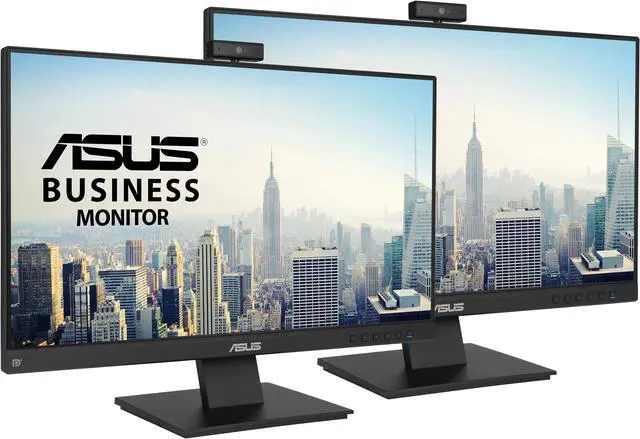
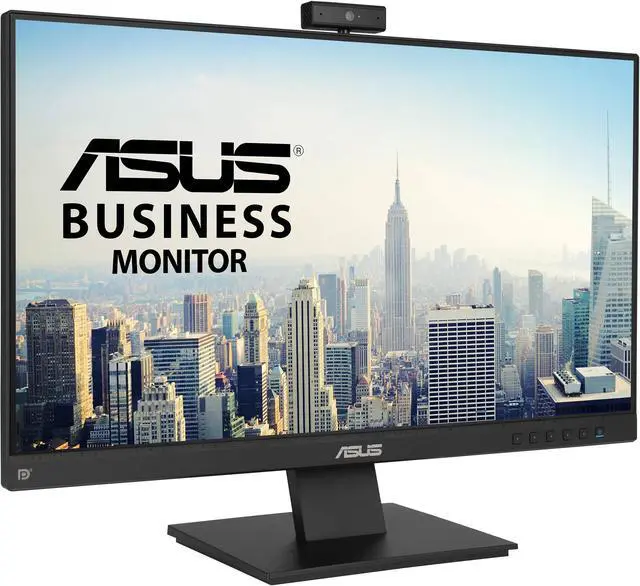
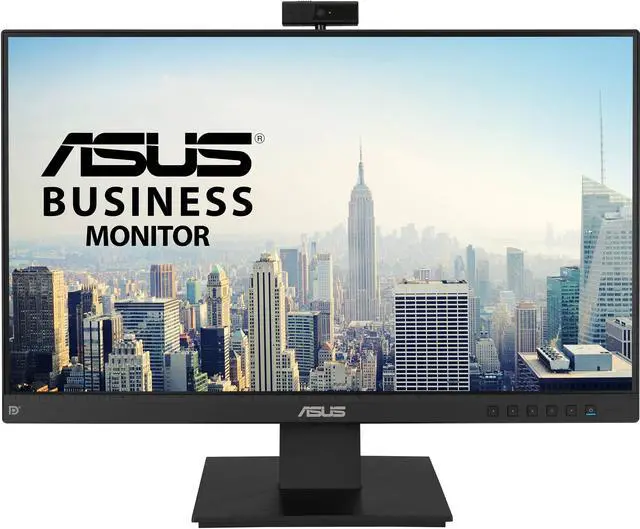
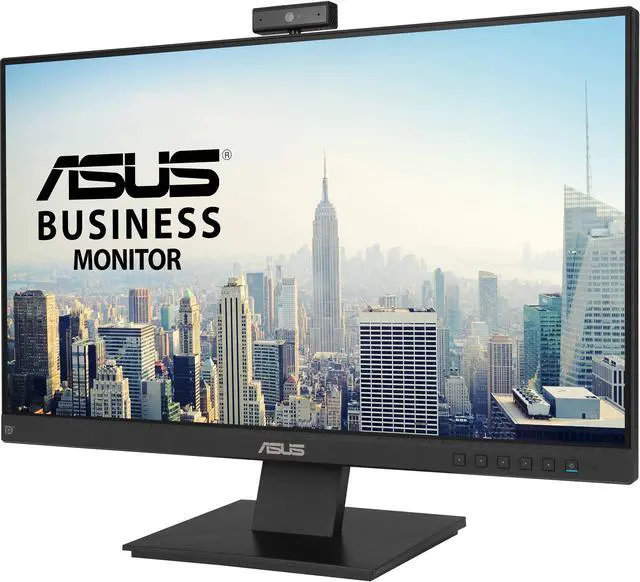
ASUS BE24EQK 24" Monitor: 60Hz Refresh Rate, 5 ms response time, Full HD (1920x1080) FHD, Anti-glare Screen, VESA Compatible- Ideal for Home & Business Use, Pack-2

  • Stunning, Crystal Clear Image: Enjoy beautiful images on a 24" Anti-glare Screen and a Full HD (1920x1080) 16:9 Aspect Ratio resolution for dazzling visuals with brilliant colors.
  • Fast Response Time: With a 60Hz refresh rate and a response time of 5 ms, enjoy smoother and more reactive content from business applications, games, videos, and other forms of media.
  • Customizable Comfort: With a 178° (H) / 178° (V) viewing angle, this display can be adjusted to fit any home, office, or gaming setup.
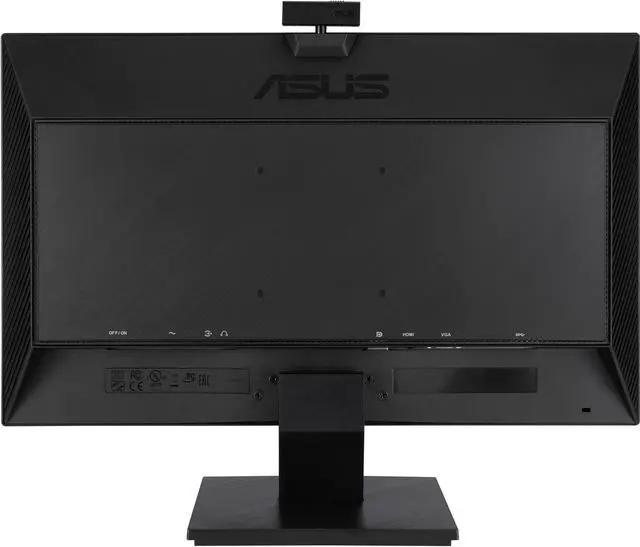
  • Quick Connections: Comes with plenty of ports (Display Port 1.2, HDMI 1.4, VGA) for connecting any and all your devices easily., Additional Features: Brightness: 300 Nits, VESA Compatible, Eye-Care Features: Low Blue Light, Flicker-Free Technology. monitorwarinfo
  • Includes ASUS Monitor/ HDD()
+
+
Overview
Specs
Reviews
monitorwarinfo

  • Model: ASUS BE24EQK
  • Color: Black
  • Display Size: 24"
  • Resolution: Full HD (1920x1080)
  • Refresh Rate: 60Hz
  • Panel Type Details: IPS, Anti-Glare Screen
  • Video Ports: DisplayPort (DP) 1.2, HDMI 1.4, VGA
  • Aspect Ratio: 16:9
  • Contrast Ratio: 1,000:1
  • Built-In Audio: Built-in Speakers
  • Response Time: 5 ms
  • Viewing Angle: 178° (H) / 178° (V)
  • Display Colors: 16.7 Million
  • Brightness: 300 Nits
  • Display Pixel Pitch: 0.2745mm x 0.2745mm (92 Pixels Per Inch)
  • Additional Audio Ports: 3.5mm Audio Output
  • VESA Compatibility: 100x100mm
  • Eye Care Features: Low Blue Light
  • AMD Freesync: No
  • Flicker Free Technology: Yes
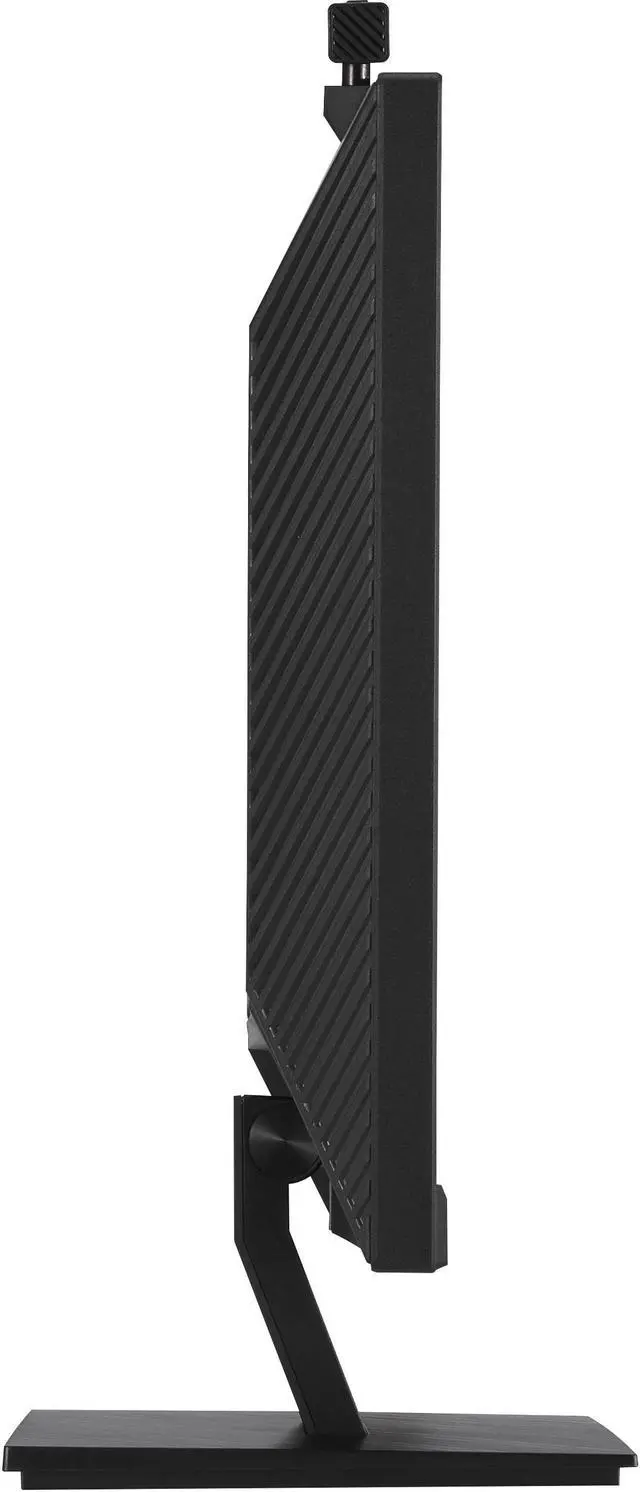
  • Adjustments: Tilt Adjustment -5 to 20°
  • Product Dimensions (WxLxH): 21.3 IN x 7.7 IN x 16.8 IN Weight: 10.14lb
  • monitorwarinfo
  • Warranty & Returns

    Warranty, Returns, And Additional Information

    Return Policies*

    • Return for refund within: 30 days
    • Return for replacement within: non-replaceable
    • This item is covered by Velztorm Return Policy
    • *Subject to applicable law
    • Warranty Notice:

      This product does not include manufacturer warranty when purchased or used outside of its designated sales region. By purchasing internationally, you acknowledge that warranty support from the manufacturer will not be available.

    Manufacturer Contact Info

    LOADING...

    The ASUS BE24EQK Pack-2 is a pair of 24-inch-class Full HD monitors suited to home offices and businesses that need two displays for everyday work, video, and general computing.

    Recommended For

    • Remote and hybrid workers who take frequent video calls and want a single desk display with a built-in webcam, microphone, and speakers instead of separate peripherals.
    • Home learners and office users who need a straightforward 24-inch Full HD screen for video meetings, documents, browsing, and everyday work rather than specialist image-quality tasks.
    • Users connecting a mix of newer and older computers who need HDMI, DisplayPort, or VGA inputs for a basic office display setup.
    • Desk users planning to mount the screen on a VESA arm or wall mount, especially if they want to improve on the included stand’s limited tilt-only adjustment.

    Real-World Use Scenarios

    • For work-from-home video meetings, the built-in webcam, microphone, and speakers let you join calls without setting up separate peripherals; the camera is best treated as a convenient option in a well-lit room, not a high-quality streaming camera.
    • For everyday office tasks such as email, documents, and spreadsheets, the Full HD screen provides a straightforward desktop workspace, while the anti-glare surface and wide viewing angles suit typical home or office use.
    • For online classes or webinars, the integrated camera and audio provide a simple way to participate from a desk; the display is aimed at voice-based calls and learning rather than polished video production.
    • For a two-screen desk setup, the Newegg pack of two can give users separate displays for tasks such as keeping reference material open beside a document or spreadsheet, subject to the computer supporting multiple displays.
    • For casual gaming or watching videos after work, the monitor handles standard 1080p content, but its 60Hz refresh rate makes it a basic choice rather than a fit for high-refresh competitive gaming.

    Spec Summary

    AttributeValue
    Best ForHome and office use, including business applications, videos, and gaming
    Panel And Resolution24-inch FHD display with 1920 × 1080 resolution, 16:9 aspect ratio, 16.7 million colors, 1,000:1 contrast ratio, and 178° horizontal and vertical viewing angles
    Refresh Rate And Response60 Hz refresh rate and 5 ms response time
    Model IdentifiersASUS

    Reference Q&A

    Q: ASUS BE24EQK vs. VA24EHF: which fits a home office with video calls and casual gaming?

    A: Choose the BE24EQK for a ready-to-use video-call setup: it has an integrated Full HD webcam, microphone array, stereo speakers, and DisplayPort, HDMI, and VGA inputs. Choose the VA24EHF if a faster-refresh gaming display is the priority; ASUS lists it with a 100Hz refresh rate and Adaptive-Sync.

    Q: ASUS BE24EQK vs. BE24ECSNK: which is better for a laptop-based video-call desk?

    A: Choose the BE24EQK for video calls with an integrated Full HD webcam, microphone array, and stereo speakers, plus DisplayPort, HDMI, and VGA connections. Choose the BE24ECSNK when you want USB-C laptop docking with up to 80W power delivery, an Ethernet port, a USB hub, and a height-adjustable stand.

    Q: Should I choose the ASUS BE24EQK or VA24EHF for a 24-inch Full HD desk setup?

    A: Both are 23.8-inch Full HD ASUS monitors. Choose the BE24EQK when integrated video-call equipment and a mix of DisplayPort, HDMI, and VGA connections suit your setup. Choose the VA24EHF when you prefer a 100Hz refresh rate and Adaptive-Sync for smoother motion.

    Q: Is this monitor suitable for everyday office work?

    A: Yes. Its 24-inch Full HD screen, anti-glare surface, and 178° viewing angles suit common tasks such as documents, spreadsheets, email, and browsing. It is a 60Hz display, so it is geared toward general productivity rather than high-refresh-rate gaming.

    Q: Can I use the two monitors together as an extended desktop?

    A: Yes, if your computer or dock supports two external displays and has compatible video outputs. Each monitor has DisplayPort, HDMI, and VGA inputs; the monitors themselves do not guarantee that a computer can drive both at once.

    Q: Can I mount these monitors on a VESA arm or wall mount?

    A: The provided product information says the monitors are VESA compatible. Check that your arm or wall mount supports the monitors’ VESA pattern and weight before installing them.

    Q: Will these monitors connect to my laptop or desktop?

    A: They accept DisplayPort, HDMI, and VGA video input. Your computer needs a matching output, or a compatible adapter; check its available ports before buying. The product information does not confirm which cables are included.

    Q: Is the ASUS BE24EQK suitable for video calls without a separate webcam and microphone?

    A: It has an integrated webcam and microphone, and YouTube reviews present it as a video-conferencing setup that can work without separate devices. It may suit basic calls; consider dedicated peripherals if you need higher-quality video or audio.

    Q: Is the BE24EQK a practical choice for a MacBook Pro setup?

    A: It has HDMI and DisplayPort inputs, but a Reddit user reported trouble using it as an independent display with a MacBook Pro. Check compatibility with your Mac and connection setup before relying on it for an extended-display configuration.

    Q: Is setup straightforward, including the webcam and audio?

    A: A YouTube review covers installation, camera, and audio setup, while another describes the monitor’s webcam-and-microphone arrangement as usable for conferencing without extra devices. The sources support considering it as an integrated setup, but do not establish that setup will be trouble-free for every computer.