• S$1,052.45
  • GST-Inclusive Price
  • S$101.82 Shipping
Ships from United States.
Most customers receive within 9-17 days.
Sold by Velztorm
Hot Seller
4.4 (2,201 seller ratings)

Shipped by Velztorm

Shop it at NeweggBusiness.

Meet Your Seller

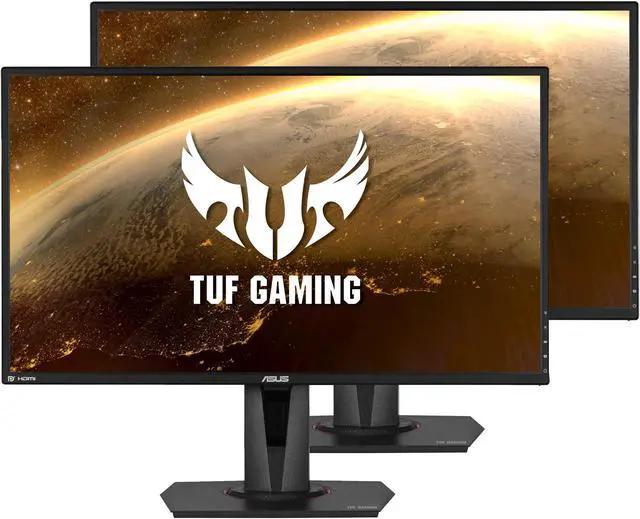
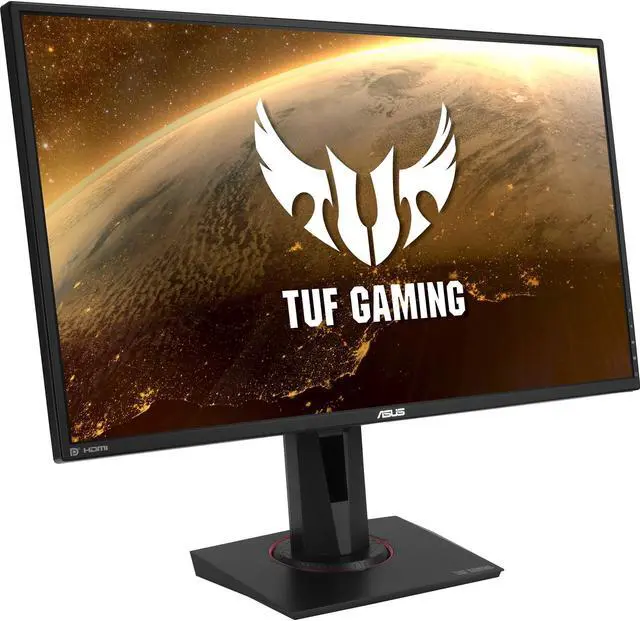
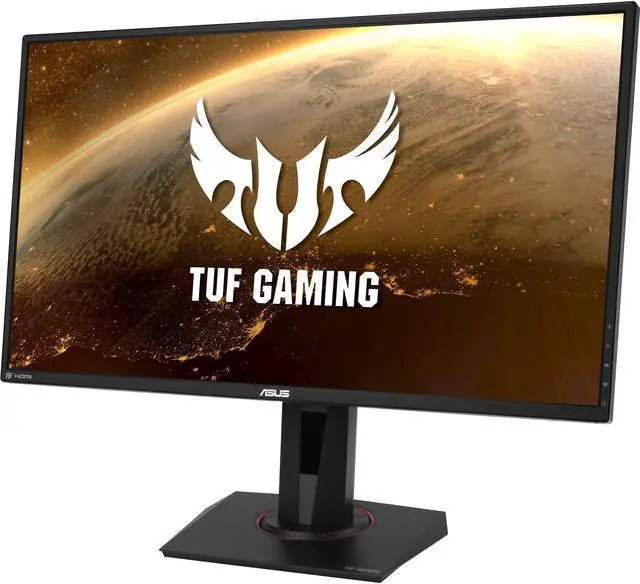
ASUS VG27AQ VG27AQ 27" Monitor: 165Hz Refresh Rate, 1 ms response time, Quad HD (2560x1440) IPS, Anti-glare Screen, VESA Compatible- Ideal for Gaming & Business Use, Pack-2

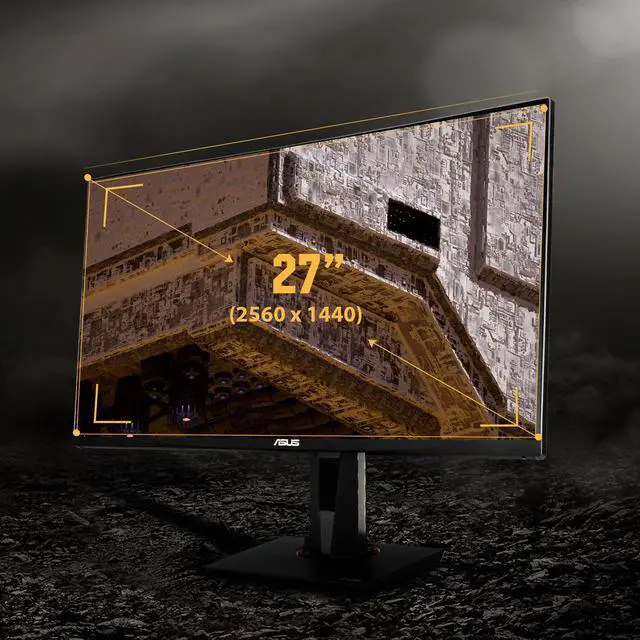
  • Stunning, Crystal Clear Image: Enjoy beautiful images on a 27" Anti-glare Screen and a Quad HD (2560x1440) (16:9 Aspect Ratio) resolution for dazzling visuals with brilliant colors
  • Fast Response Time: With a 165Hz refresh rate and a response time of 1 ms, enjoy smoother and more reactive content from business applications, games, videos, and other forms of media
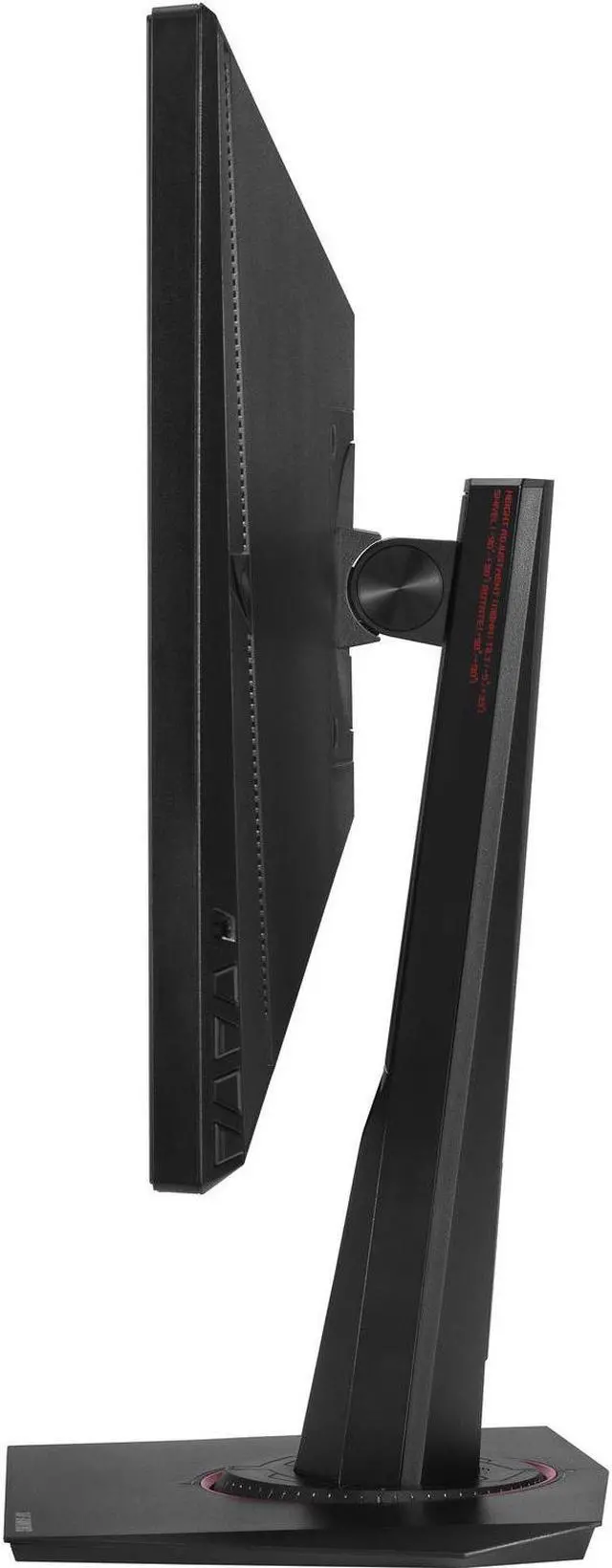
  • Customizable Comfort: With a 178° (H) / 178° (V) viewing angle , and a pivot adjustment (-90° to +90° degrees) and a swivel adjustment (0° to 90° degrees), this display can be adjusted to fit any home, office, or gaming setup
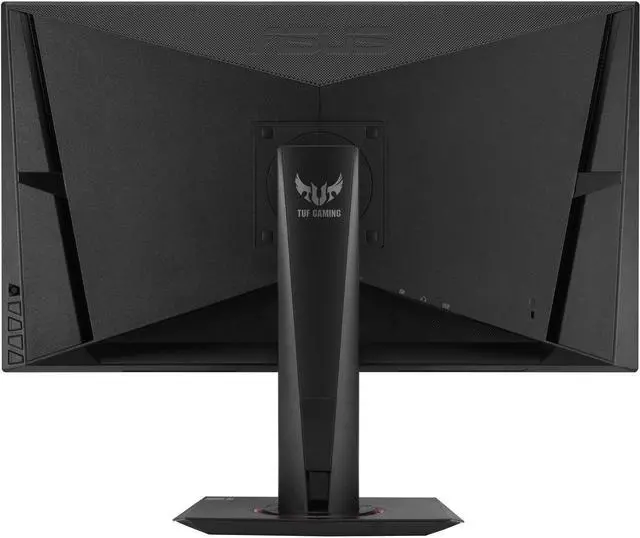
  • Quick Connections:Comes with plenty of ports (1 Display Port (DP), 2 x HDMI 2.0) for connecting any and all your devices easily, Additional Features: Brightness: 350 NIT VESA Compatible; Eye-Care Features: Low Blue Light; Flicker-Free Technology-90° to +90°0° to 90°, monitorwarinfo
  • Includes ASUS VG27AQ Monitor/ HDD()
+
+
Overview
Specs
Reviews
monitorwarinfo

  • Model: ASUS VG27AQ Model No: VG27AQ
  • Color: Black
  • Display Size: 27"
  • Resolution: Quad HD (2560x1440)
  • Refresh Rate: 165Hz
  • Panel Type Details: Panel, Anti-glare Screen,
  • Video Ports: , 1 Display Port (DP), 2 x HDMI 2.0
  • Aspect Ratio: 16:9
  • Contrast Ratio: 1,000:1
  • Built-In Audio: Built-in Speakers
  • Response Time: 1 ms
  • Viewing Angle: 178° (H) / 178° (V)
  • Display Colors: 16.7 Million
  • Brightness: 350
  • Display Pixel Pitch: 0.233mm (109 Pixels Per Inch)
  • Additional Audio Ports: 3.5mm Audio Output
  • VESA Compatibility: 100x100mm
  • Eye Care Features: Low Blue Light
  • Flicker Free Technology: Yes
  • Adjustments: -90° to +90°, 0° to 90°,
  • Product Dimensions (WxLxH): 24.41 IN x 8.31 IN x 19.96 IN Weight: 12.79lb
  • monitorwarinfo
  • Warranty & Returns

    Warranty, Returns, And Additional Information

    Return Policies*

    • Return for refund within: 30 days
    • Return for replacement within: non-replaceable
    • This item is covered by Velztorm Return Policy
    • *Subject to applicable law
    • Warranty Notice:

      This product does not include manufacturer warranty when purchased or used outside of its designated sales region. By purchasing internationally, you acknowledge that warranty support from the manufacturer will not be available.

    Manufacturer Contact Info

    LOADING...

    The ASUS VG27AQ is a 27-inch Quad HD IPS monitor with a 165Hz refresh rate and 1ms response time, suited to gamers who want smooth motion and sharp 2560×1440 visuals, as well as everyday business use.

    Recommended For

    • PC gamers with a graphics card that can drive 1440p at high frame rates who want a 27-inch display with variable refresh rate and up to 165Hz over DisplayPort.
    • PC gamers who want to try motion-blur reduction alongside variable refresh rate, particularly when their games run above about 100Hz; reviews find ELMB Sync works best in this higher-refresh range.
    • Desk-based workers who want a 27-inch 1440p screen for documents and everyday multitasking, with an adjustable stand and wide viewing angles; its gaming refresh rate is an added benefit rather than a work requirement.
    • Gamers who value smooth variable-refresh gameplay across compatible NVIDIA or AMD PC setups and are willing to tune the monitor’s overdrive settings for their usual frame rates.

    Real-World Use Scenarios

    • In fast-paced PC games, players can use a compatible graphics card’s variable refresh rate to reduce tearing when frame rates fluctuate, keeping gameplay smoother without needing a fixed frame rate.
    • For everyday PC gaming and work on one desk, the 27-inch 1440p screen gives users room for game visuals or side-by-side documents while keeping text and interface details clear.
    • When playing games with frequent camera movement, users can try ELMB Sync to make moving objects easier to follow while keeping variable refresh enabled; results can be less clean at lower refresh rates, and the feature may reduce screen brightness.
    • For coding, reading long documents, or reviewing web pages, users can rotate the monitor to portrait orientation to see more lines vertically and reduce scrolling.
    • For 1440p gaming on a system that struggles to render at 4K, users can get a sharper image than 1080p while keeping graphics settings or frame rates more manageable than they might be at 4K.
    • At a shared desk or when changing seating positions, the IPS screen’s wide viewing angles and adjustable stand help keep the image usable without requiring the viewer to sit directly in front of it.

    Spec Summary

    AttributeValue
    Best ForGaming, business applications, and media viewing on a 27-inch Quad HD monitor
    Panel And Resolution27-inch IPS panel with 2560 × 1440 resolution, 16:9 aspect ratio, 178° horizontal and vertical viewing angles, 16.7 million colors, and 1,000:1 contrast ratio
    Refresh Rate And Response165 Hz refresh rate with 1 ms response time
    Model IdentifiersASUS

    Reference Q&A

    Q: ASUS VG27AQ vs. VG27AQ1A: which should I choose?

    A: Choose the VG27AQ if its 27-inch QHD, 165Hz display and pivot-adjustable stand fit your setup. Choose the VG27AQ1A if you prefer its 170Hz overclocked refresh rate and wider advertised color gamut. Both are 27-inch QHD IPS monitors; the VG27AQ1A’s ELMB feature is distinct from the VG27AQ’s ELMB Sync, which TFTCentral reports can operate with adaptive sync.

    Q: ASUS VG27AQ or VG27AQL1A: which is the better fit?

    A: The VG27AQ is a fit for buyers whose priorities are QHD resolution, an IPS panel, up to 165Hz, and adjustable positioning including pivot. Choose the VG27AQL1A if you want its 170Hz overclocked mode, DisplayHDR 400, USB ports, and height-adjustable stand. Both are 27-inch QHD IPS gaming monitors with adaptive-sync support.

    Q: Should I get the ASUS VG27AQ or the newer VG27AQ3A?

    A: Choose the VG27AQ if its 165Hz QHD IPS display and pivot adjustment match your needs. Choose the VG27AQ3A if you want a 180Hz maximum refresh rate, Fast IPS, and ELMB Sync with variable overdrive. Both models are 27-inch QHD monitors, and ASUS lists adaptive-sync support for the VG27AQ3A.

    Q: Is this monitor suitable for both gaming and everyday desk work?

    A: Yes. Its 27-inch QHD IPS screen is suitable for everyday desk tasks, while the 165Hz refresh rate and 1ms response time are aimed at smoother gaming. It is a desk monitor, not a travel work device.

    Q: Can I mount it on a monitor arm or wall mount?

    A: Yes. The product is listed as VESA compatible, so it can be used with a compatible arm or wall mount. Check that the mount matches the monitor’s VESA pattern and supports its weight.

    Q: Does it have HDMI 2.1?

    A: No. The product information lists two HDMI 2.0 ports and one DisplayPort, not HDMI 2.1. If your setup requires HDMI 2.1, check that requirement before buying.

    Q: Can I connect both a computer and another HDMI device?

    A: The monitor has two HDMI 2.0 inputs and one DisplayPort input, so it can connect to devices that use those ports. The supported resolution and refresh rate depend on the connected device and connection.

    Q: Is the ASUS VG27AQ a good fit for both gaming and work?

    A: It can suit mixed use: the listed 27-inch, 2560×1440 IPS panel and 165Hz refresh rate support detailed desktop work and high-refresh gaming. Reddit users also discuss using it for work, though one coding discussion reports eye discomfort and another comparison mentions text sharpness concerns. Those are individual reports, so check text clarity and comfort during the return period.

    Q: Is the VG27AQ worth buying for 1440p gaming?

    A: It is a reasonable option if you want a 27-inch 1440p IPS monitor with a high refresh rate. Its 165Hz specification is relevant for smoother gameplay, but whether it is worth buying depends on its price, condition, and your priorities; the listing alone does not establish its value against current alternatives.

    Q: Is the VG27AQ bright enough for a bright room?

    A: The listing specifies 350 nits, but Reddit users have reported that the screen can seem dim, including at high brightness settings. If your room gets strong daylight or you prefer a very bright display, treat brightness as a potential trade-off and assess it in your own setup.

    Q: Can G-Sync or variable refresh rate cause flicker on the VG27AQ?

    A: Some Reddit users report flicker with G-Sync or variable refresh rate, particularly on desktop apps; one thread reports that disabling G-Sync stopped the flicker. These are user reports, not proof that every unit has the issue, but they are worth considering if you plan to use VRR outside games.