


 All CategoriesAll CategoriesAll Categories
Shipped by Newegg

Make informed decisions with expert advice. Learn More



Warranty Notice:
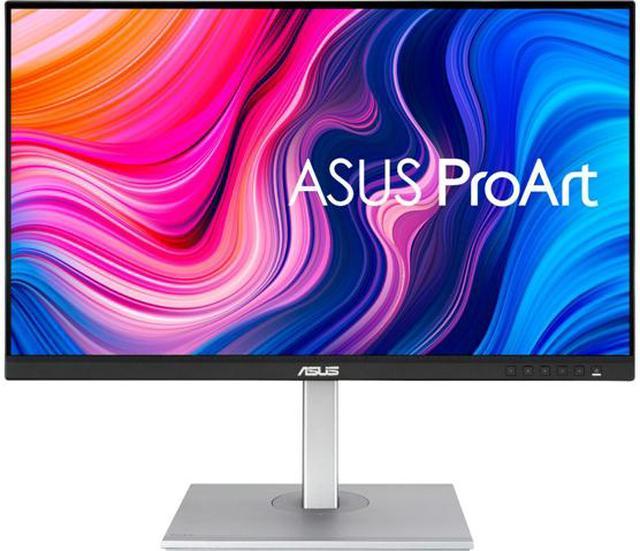
This product does not include manufacturer warranty when purchased or used outside of its designated sales region. By purchasing internationally, you acknowledge that warranty support from the manufacturer will not be available.The ASUS ProArt PA279CV is a 27-inch 4K IPS monitor with 100% sRGB coverage, Calman verification, and Delta E < 2 color accuracy, making it well suited to photo editing, design, and other color-focused creative work.
| Attribute | Value |
|---|---|
| Best For | Color-focused 4K editing and business work, with USB-C connectivity and an adjustable stand for flexible positioning |
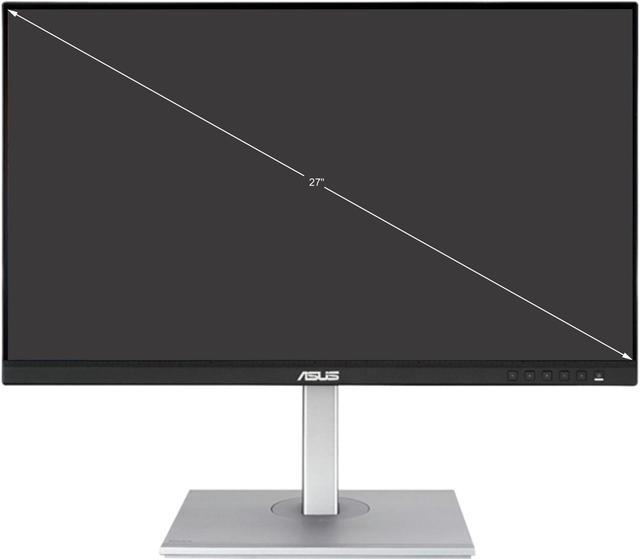
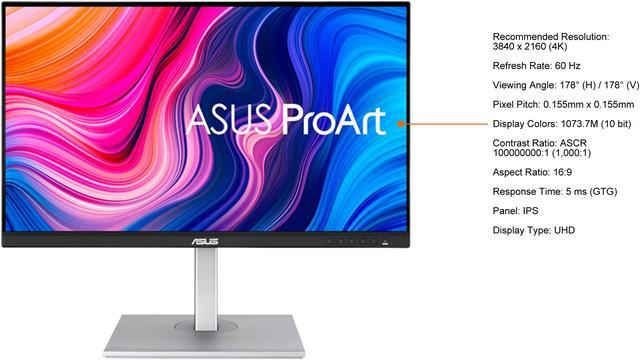
| Panel And Resolution | 27-inch flat IPS LCD with 3840 × 2160 4K resolution, 16:9 aspect ratio, non-glare finish, 178° horizontal and vertical viewing angles, 250 cd/m² brightness, and 1.07 billion colors |
| Color And HDR | 100% sRGB coverage, HDR10 support, Delta E < 2 color accuracy, and Calman Verified |
| Refresh Rate And Response | 60 Hz refresh rate, 5 ms response time, and Adaptive Sync |
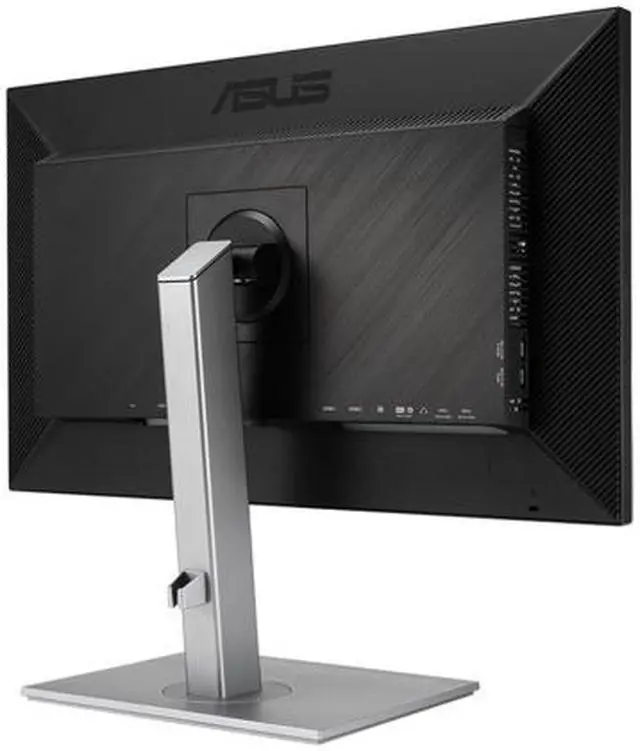
| Ports And Connectivity | DisplayPort 1.2, 2 HDMI 2.0 ports, USB-C with DisplayPort Alternate Mode and 65 W Power Delivery, 4 downstream USB Type-A ports, and a 3.5 mm headphone jack |
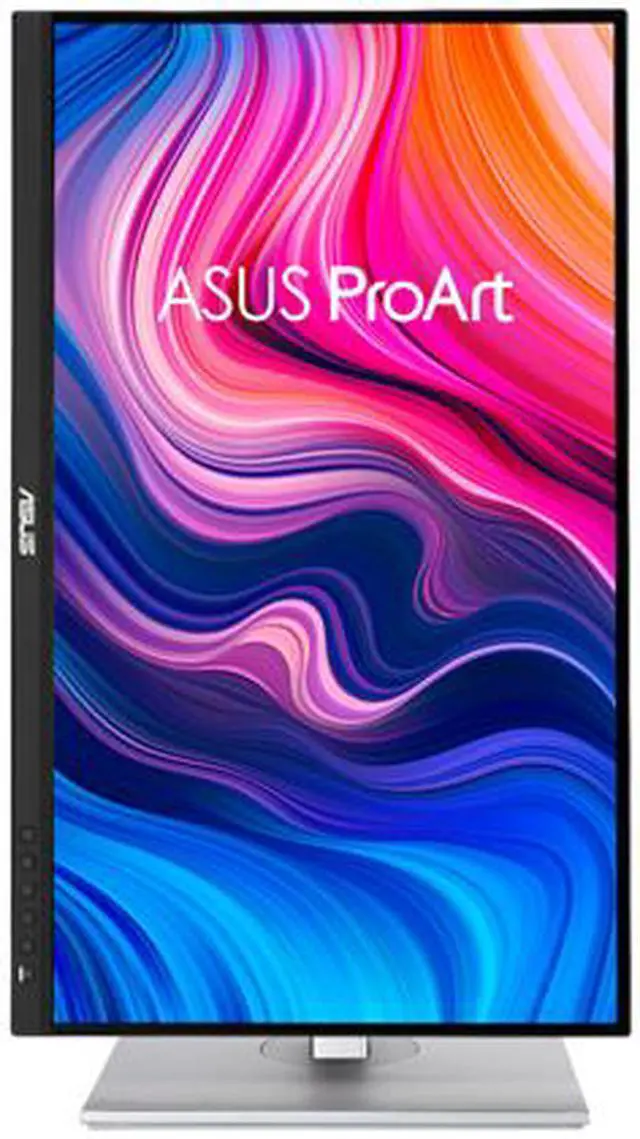
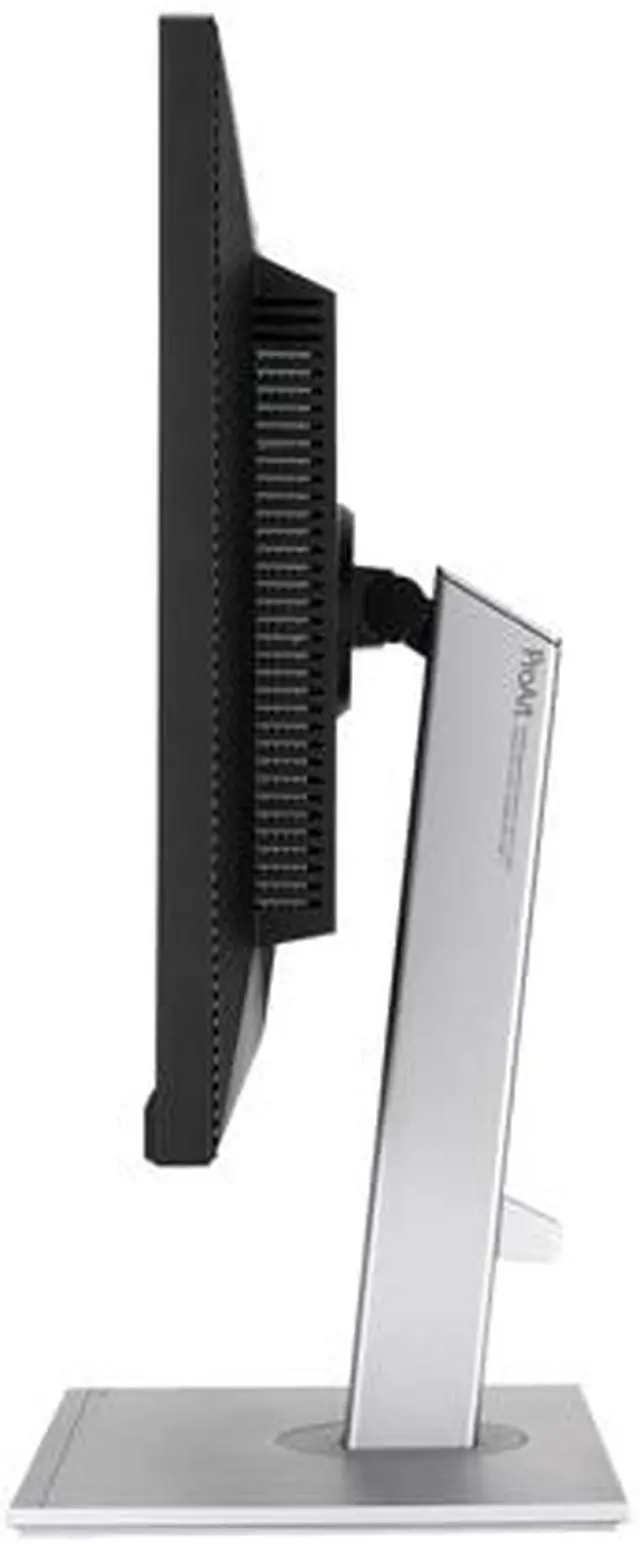
| Stand And Ergonomics | Height, pivot, swivel, and tilt adjustments; compatible with 100 × 100 mm VESA mounts |
| Audio And Webcam | Built-in 2 × 2 W speakers; no built-in webcam |
| Power | 100–240 VAC, 50/60 Hz; power consumption under 32 W, under 0.5 W in power-saving mode, and 0 W when switched off |
| Size And Weight | 24.17 × 8.97 inches, with adjustable height from 14.70 to 20.61 inches; weighs 18.96 lb |
| Model Identifiers | ASUS ProArt PA279CV |
Q: ASUS ProArt PA279CV vs PA279CRV: which is better for photo editing?
A: Choose the PA279CV for 4K photo work centered on sRGB and Rec.709, with USB-C connectivity and 65W laptop charging. The PA279CRV is aimed at wider-gamut workflows, with ASUS specifying 99% Adobe RGB and 99% DCI-P3 coverage, plus 96W USB-C power delivery and DisplayPort output.
Q: Should I get the PA279CV or the PA278CV for a 27-inch editing monitor?
A: Choose the PA279CV when 4K detail is a priority: it has a 3840 × 2160 resolution, compared with the PA278CV’s 2560 × 1440. Both are 27-inch ProArt IPS monitors with USB-C connectivity and 100% sRGB coverage; the PA278CV is specified for a 75Hz refresh rate, while the PA279CV is 60Hz.
Q: PA279CV or PA27JCV: which ASUS ProArt monitor should I choose?
A: Choose the PA279CV for a 27-inch 4K editing setup with 100% sRGB coverage, 65W USB-C power delivery, and an adjustable stand. Choose the PA27JCV when your workflow calls for 5K resolution: ASUS specifies 5120 × 2880 and 218 pixels per inch for that model.
Q: Is this monitor suitable for photo and video editing?
A: It is suited to editing workflows that target sRGB or Rec. 709: it has a 27-inch 4K IPS screen, 100% sRGB coverage, and Delta E < 2 color accuracy. Its 60Hz refresh rate and listed color gamut make it less suited to buyers who need higher refresh rates or broader color-gamut coverage.
Q: Can I connect a laptop with one USB-C cable and charge it?
A: Yes, if the laptop’s USB-C port supports DisplayPort video output. The monitor’s USB-C port supports DisplayPort Alt Mode and up to 65W Power Delivery, so one compatible cable can carry video and provide laptop power. Check whether 65W is sufficient for your laptop.
Q: Does it have a webcam and microphone for video meetings?
A: No. The monitor has no built-in webcam or microphone, so you will need separate equipment for video calls. It does include built-in speakers.
Q: Are the built-in speakers good enough for everyday use?
A: The monitor includes two 2W speakers for basic audio. A Best Buy customer answer describes them as weak and recommends external speakers, so plan on separate audio equipment if sound quality matters.
Q: Is it a good choice for 4K gaming at 120Hz?
A: No, not if 4K at 120Hz is a requirement. The monitor supports up to 4K at 60Hz and has HDMI 2.0 inputs, so it does not provide a 120Hz 4K display mode. It can still suit casual gaming at supported refresh rates.
Q: Is the PA279CV suitable for photo editing and other color-focused work?
A: It is a reasonable fit for photo, design, and video work intended for sRGB or Rec. 709: the product data lists 4K resolution, 100% sRGB coverage, and Delta E < 2. It is less suitable when the workflow requires broader Adobe RGB coverage or high-end color-critical mastering.
Q: Can I connect a laptop to the PA279CV with one USB-C cable?
A: Yes, if the laptop’s USB-C port supports DisplayPort Alt Mode. The monitor supports video, data, and up to 65 W of power delivery over USB-C; laptops that need more than 65 W may still require their own charger.
Q: Is the PA279CV a good choice for gaming as well as work?
A: It can handle casual gaming, but its 60 Hz refresh rate is a limitation for players who prioritize smoother motion or competitive play. It is better suited to work and creative tasks than gaming-first setups.
Q: Is the PA279CV worth choosing over a monitor with wider color gamut coverage?
A: It depends on the work. The PA279CV’s listed 100% sRGB coverage suits many web and standard video workflows; if your photo or print work specifically needs wider Adobe RGB coverage, consider a monitor that lists that gamut.