


 All CategoriesAll CategoriesAll Categories
Shipped by Newegg




Warranty Notice:
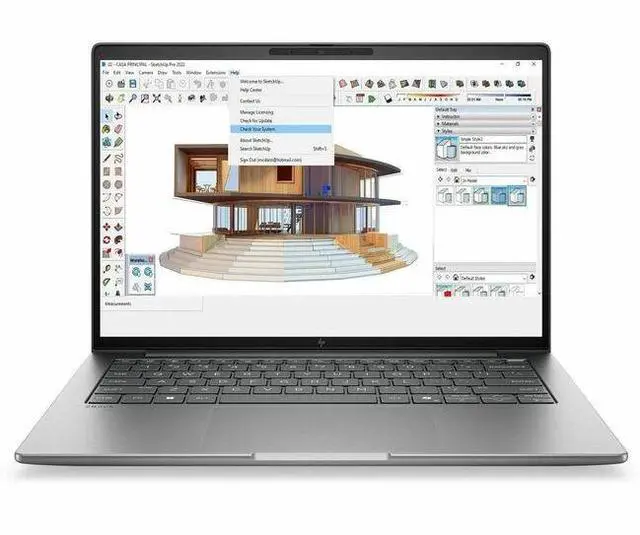
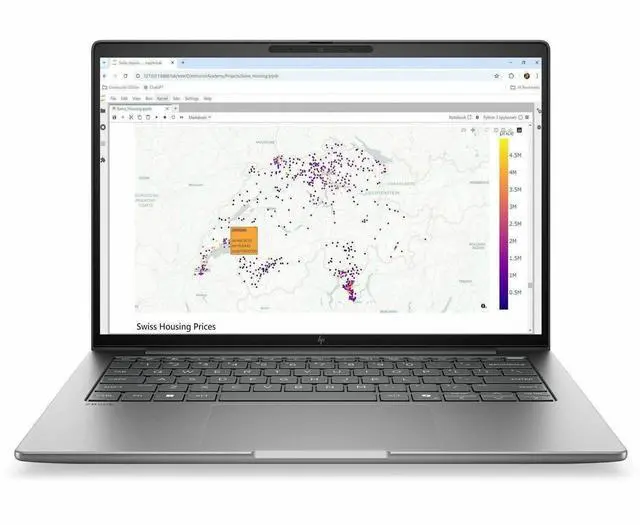
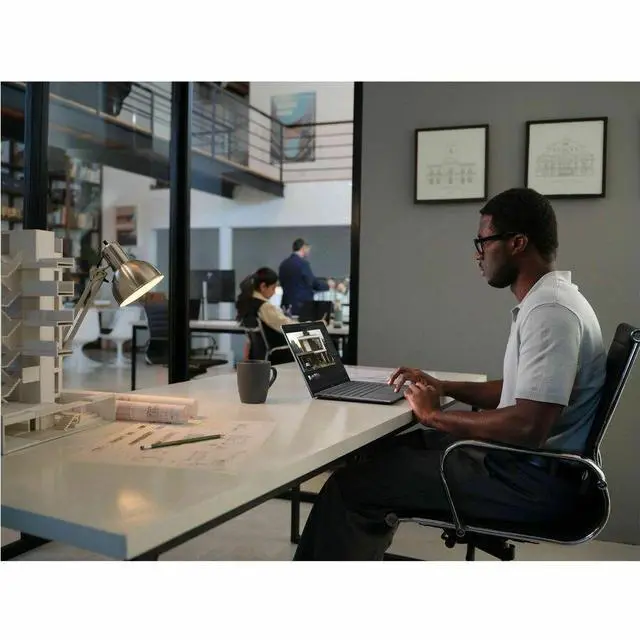
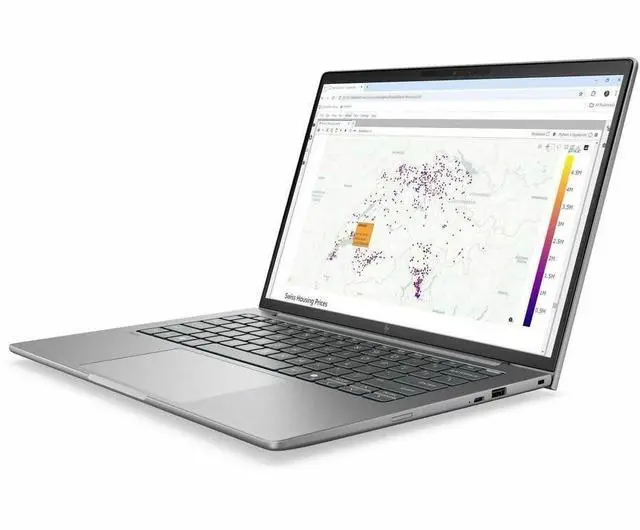
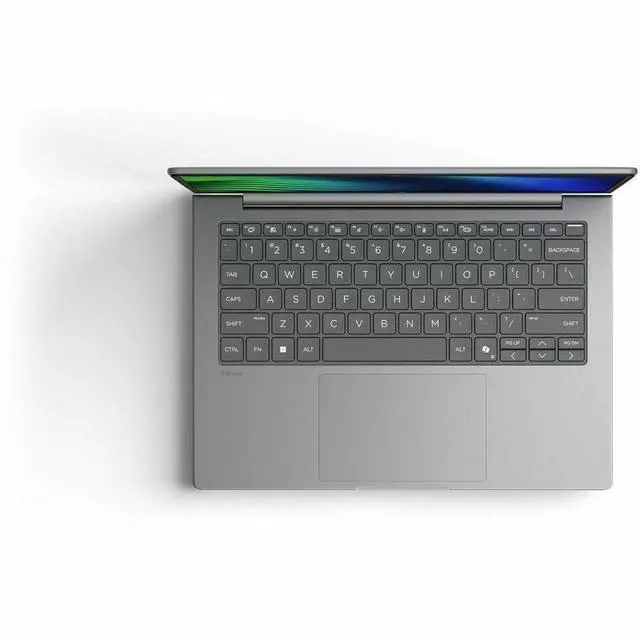
This product does not include manufacturer warranty when purchased or used outside of its designated sales region. By purchasing internationally, you acknowledge that warranty support from the manufacturer will not be available.The HP ZBook 8 G2a is a 14-inch touchscreen mobile workstation built for professionals who need strong everyday performance, AI-ready processing, and business-class mobility in a compact system. It suits engineers, analysts, developers, and hybrid workers who want 32GB RAM, a 1TB SSD, Windows 11 Pro, and Wi-Fi 7 for productivity and multitasking on the go.
| Attribute | Value |
|---|---|
| Best For | 14-inch portable mobile workstation for professionals who need a Windows 11 Pro system with an AMD Ryzen AI 9 HX Pro CPU, integrated Radeon 890M graphics, 32 GB DDR5 memory and a 1 TB M.2 SSD — suited for on-the-go productivity, creative work, and AI-accelerated workflows |
| Processor And Core Count | AMD Ryzen AI 9 HX Pro 470 (Processor Series: Ryzen AI) with a listed base of 2.0 GHz and maximum/turbo frequency up to 5.2 GHz, 24 MB L3 cache |
| GPU And VRAM | Integrated AMD Radeon 890M graphics (integrated GPU) using DDR5 graphics memory |
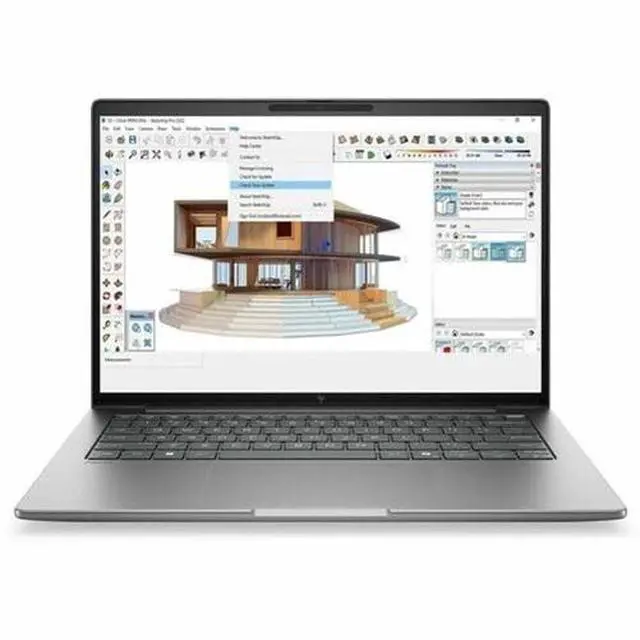
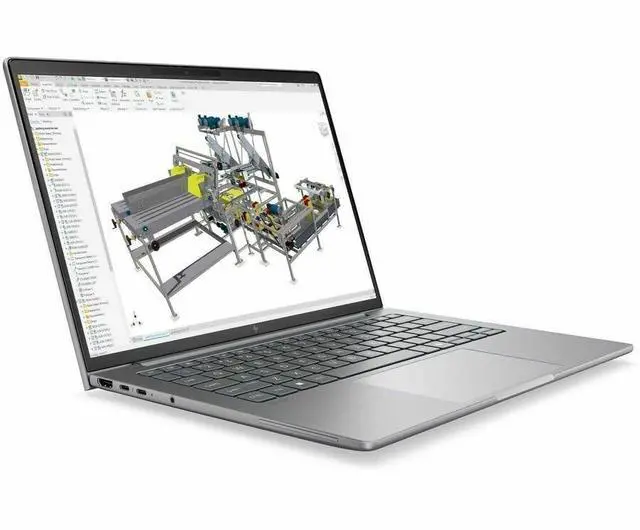
| Display Spec | 14.0-inch WUXGA / 1920 x 1200 IPS touchscreen with up to 400 nits brightness and 100% sRGB color gamut |
| Memory Configuration | 32 GB installed DDR5-5600 (DDR5 SDRAM), 2 memory slots total, expandable up to 64 GB |
| Storage And Expansion | 1 TB solid-state storage in M.2 form factor (1 TB SSD, M.2 interface and form factor listed) |
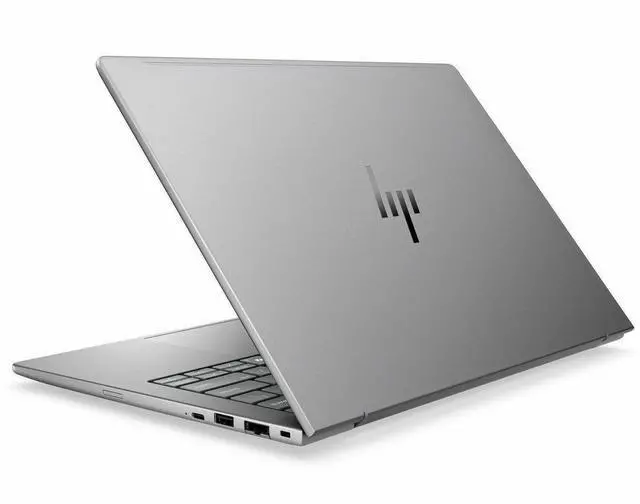
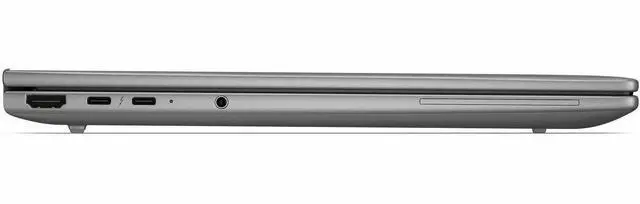
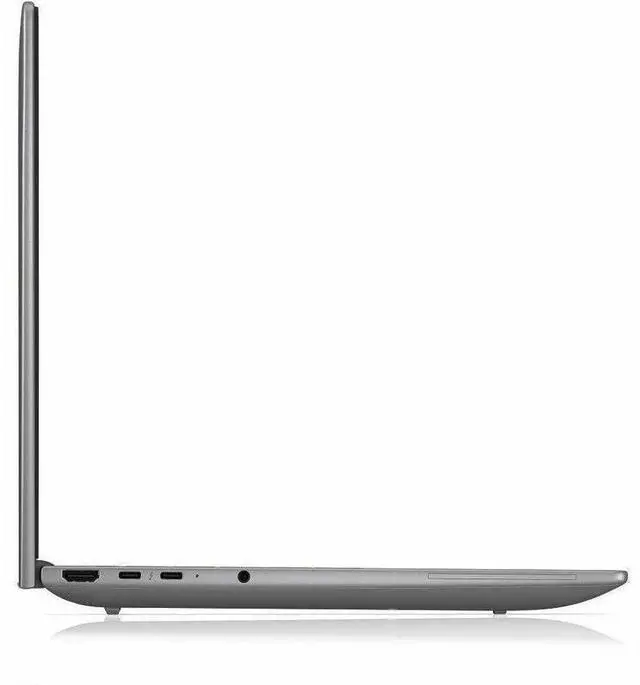
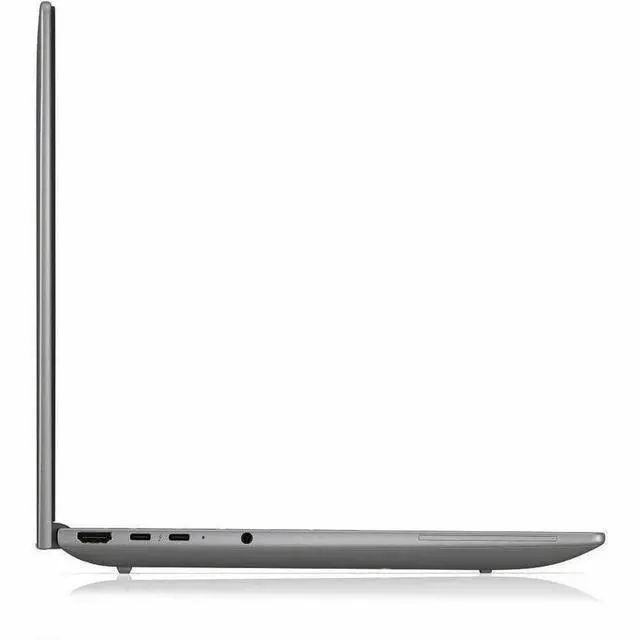
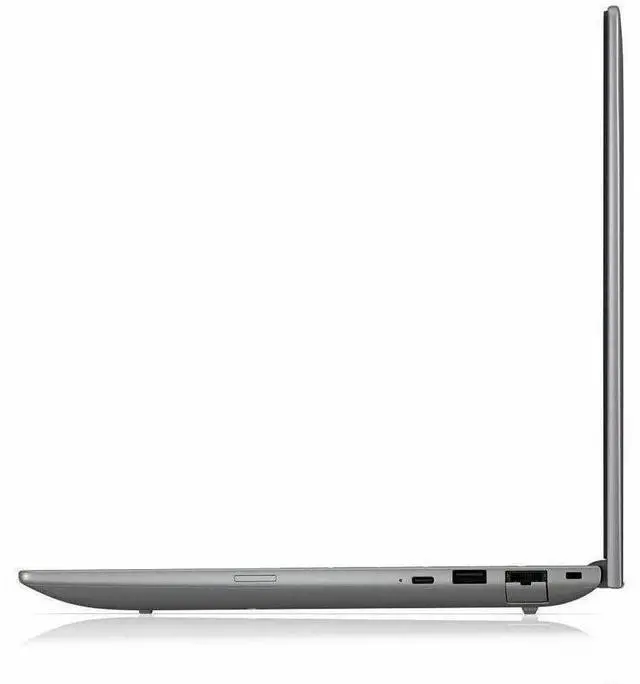
| High Speed I O | Ports include 2 Thunderbolt ports, 2 USB ports, 1 HDMI port, USB Type-C and Ethernet connectivity |
| Wired And Wireless Networking | Wi‑Fi 7 (802.11be) wireless and Bluetooth support |
| Battery And Power | Lithium polymer battery, 68 WHr capacity, 3-cell battery |
| Webcam And Privacy | Built-in front-facing webcam |
| Audio Setup | Stereo audio |
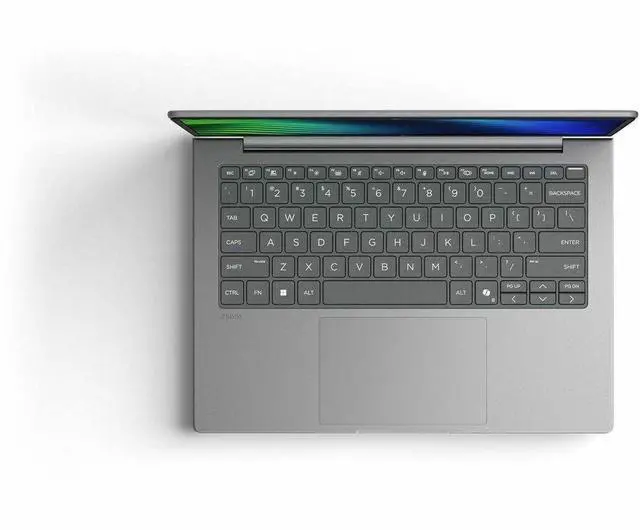
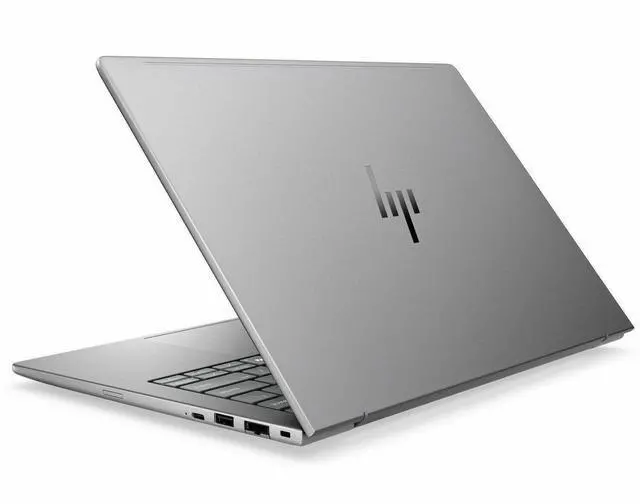
| Chassis And Portability | Meteor Silver finish, mobile workstation form factor with listed item dimensions of 18 x 11 x 2.5 inches |
| External Display And Docking Fit | External displays supported via the onboard HDMI port and two Thunderbolt (USB-C) ports |
| Model Identifiers | HP ZBook 8 G2a (Zbook 8 G2a series), part/model number DK8K8UT#ABA, manufacturer Hewlett Packard |
Q: Should I buy the HP ZBook 8 G2a 14 or a larger workstation like the HP ZBook Power 16 G11 A?
A: Choose the HP ZBook 8 G2a 14 if you want a more travel-friendly workstation with modern connectivity, Copilot+ class Ryzen AI PRO 400-series hardware, and integrated Radeon 890M graphics that are strong enough for office, coding, light 3D, and GPU-assisted creative work. Choose a larger model like the ZBook Power 16 G11 A if your workflow benefits more from a 16-inch chassis and optional discrete RTX graphics, especially for heavier CAD, rendering, or GPU-certified workstation use. The trade-off is portability versus higher graphics headroom.
Q: Is the HP ZBook 8 G2a 14 worth it over a lower-spec ZBook 8 G2a configuration?
A: Yes, this configuration makes more sense if you plan to keep the laptop for several years or run heavier multitasking, local AI features, larger datasets, creative apps, or virtual machines. HP offers the ZBook 8 G2a 14 with lower Ryzen AI 5 PRO 435 and Ryzen AI 5 PRO 440 options, so this Ryzen AI 9 HX PRO 470, 32GB RAM, and 1TB SSD version is the better fit when you want more CPU headroom and stronger Radeon 890M integrated graphics from day one. A lower-tier model is the better value only if your workload is mostly browser, Office, video calls, and basic business apps.
Q: HP ZBook 8 G2a 14 vs last-generation 14-inch business/workstation laptops: is the new model a meaningful upgrade?
A: It is a meaningful upgrade if you want newer on-device AI capability, Wi-Fi 7, newer Radeon 890M graphics, and more modern AMD Zen 5-era platform features. The improvement is most noticeable for buyers moving from older Ryzen 7040 or Intel 11th to 13th gen systems, where graphics, NPU capability, and platform features change more than they do between adjacent generations. If your current laptop already handles your software well and you do not need Copilot+ features or stronger integrated graphics, the upgrade is more about efficiency and platform modernization than a complete workflow reset.
Q: Should I choose the HP ZBook 8 G2a 14 for portability, or move up to a higher-end mobile workstation for maximum performance?
A: Choose the ZBook 8 G2a 14 if your priority is carrying a compact workstation every day without dropping to entry-level performance. HP positions the ZBook 8 as a slim mobile workstation, and the Ryzen AI 9 HX PRO 470 with Radeon 890M gives it a strong balance of CPU, integrated GPU, and NPU capability. Move up to a higher-end workstation only if your software scales clearly with discrete graphics, higher sustained power, or specialized ISV workloads. In practice, the ZBook 8 G2a 14 is the better fit for mixed office, developer, creative, and light workstation use, while bigger systems make more sense for performance-first buyers.
Q: HP ZBook 8 G2a 14 vs a premium 14-inch AI laptop: which is the better buy?
A: Buy the ZBook 8 G2a 14 if you want workstation-oriented design, business security, more workstation-style connectivity such as HDMI and RJ-45, and a configuration aimed at professional deployment. A premium consumer or business AI laptop may be a better fit if you care more about display flair, thinner design, or lifestyle features than workstation identity. The main trade-off is that the ZBook 8 G2a 14 is built around practical professional use, while premium AI laptops often prioritize style, display upgrades, or lighter chassis choices.
Q: Is this a good fit for travel-heavy professional work?
A: Yes, if you want a compact 14-inch Windows workstation for frequent travel, meetings, and client-site work. Its mix of a 14-inch touchscreen, Ryzen AI 9 HX PRO processor, 32GB RAM, 1TB SSD, Windows 11 Pro, webcam, and Wi-Fi 7 makes it better suited to mobile productivity than a bulky desk-first workstation. The main trade-off is that it uses integrated Radeon 890M graphics, so it is better for office, analysis, development, and light-to-moderate creative workloads than for users who specifically need a high-end discrete GPU for heavy 3D or GPU rendering.
Q: Is it good for note-taking, meetings, and office work?
A: Yes for meetings, office apps, web work, multitasking, and touch-based navigation. The 14-inch IPS touchscreen, webcam, Windows 11 Pro, and 32GB of memory are well aligned with video calls, documents, spreadsheets, presentations, and heavy browser use. For handwritten note-taking, the key caution is that the product data confirms touch support but does not confirm pen support, so buyers who need stylus input should verify active pen compatibility before purchase.
Q: Who is this laptop most suitable for?
A: It is most suitable for professionals who need workstation-class memory and business features in a smaller laptop: engineers, analysts, developers, technical managers, and power users running many apps at once. It is less ideal for buyers who mainly want a low-cost everyday laptop, or for creators whose workflow depends on a dedicated graphics card for advanced rendering, simulation, or high-end visual effects.
Q: What are the main trade-offs versus a consumer 2-in-1 Copilot+ laptop?
A: This HP ZBook is the better choice if you value workstation positioning, 32GB RAM, business OS, and a more professional mobile-work setup. A consumer 2-in-1 Copilot+ laptop is often the better choice if your priority is pen use, tablet-style flexibility, or entertainment-first portability. In short: choose the ZBook for professional multitasking and business use; choose a 2-in-1 alternative if you care more about convertible design and stylus workflows than workstation-oriented specs.
Q: Does Copilot+ meaningfully help for everyday work on this laptop?
A: Copilot+ is most useful for productivity-oriented workflows such as drafting, summarizing, organizing information, and assisting with documents, email, and meetings. It should be treated as a workflow aid rather than the main reason to buy the device. The stronger buying case for this model is the overall package of CPU class, 32GB memory, 1TB storage, touchscreen, and business-ready configuration.
Q: Is the HP ZBook 8 G2a a good fit for work and travel if I do not need a dedicated GPU?
A: Yes, if your work is mainly CPU, memory, storage, office apps, browser tabs, coding, and cloud AI tools. This configuration pairs a Ryzen AI 9 HX Pro 470 with 32GB RAM and a 1TB SSD in a 14-inch mobile workstation, which matches the kind of workload Reddit users describe when they want workstation build quality without a discrete GPU. The main trade-off is that integrated Radeon 890M graphics are not the best choice for heavier local AI, advanced 3D, or serious video production.
Q: Who is the HP ZBook 8 G2a most suitable for?
A: It is most suitable for professionals who want a compact 14-inch business or workstation laptop with strong CPU performance, 32GB of RAM, a 1TB SSD, touch display, and modern connectivity such as Wi-Fi 7, but who do not specifically need a discrete GPU. It makes more sense for engineering, office, development, research, multitasking, and mobile productivity than for buyers whose main priority is GPU-heavy rendering or large local AI workloads.
Q: What are the main trade-offs of buying this ZBook 8 G2a configuration?
A: The main trade-offs are graphics capability, display tier, and potential power-management uncertainty compared with more mature models. This unit uses integrated Radeon 890M graphics and a 1920 x 1200 60 Hz IPS touchscreen, so it is more practical than specialized for GPU-intensive workloads or buyers who want a higher-resolution or higher-refresh workstation panel. Reddit discussion around closely related ZBook 8 AMD models also shows that some buyers pay close attention to firmware, standby behavior, and charger-dependent performance, so this is a model category where early-owner feedback matters.
Q: Is the HP ZBook 8 G2a worth buying over similar 14-inch mobile workstations?
A: It can be worth buying if price, business-class features, and a no-dGPU design are higher priorities than peak graphics performance. Reddit comparisons place the ZBook 8 G2a in the same decision set as systems like the Lenovo P14s Gen 7 and Dell Pro 14-class business workstations, especially for buyers focused on portability, durability, memory capacity, and battery-conscious configurations. It is a weaker fit if you expect workstation-class GPU performance from the hardware.
Q: Is this a good replacement for a lighter business laptop or note-taking machine?
A: Only if you want a more powerful, more workstation-oriented 14-inch system. For note-taking, basic office work, and casual portability, this model is likely more laptop than necessary. Its value is in combining business features, workstation positioning, 32GB RAM, and stronger CPU resources than typical mainstream ultrabooks, but that also means buyers who mainly want a simple lightweight companion may find better value in a less specialized model.


