


 All CategoriesAll CategoriesAll Categories
Shipped by Newegg




Warranty Notice:
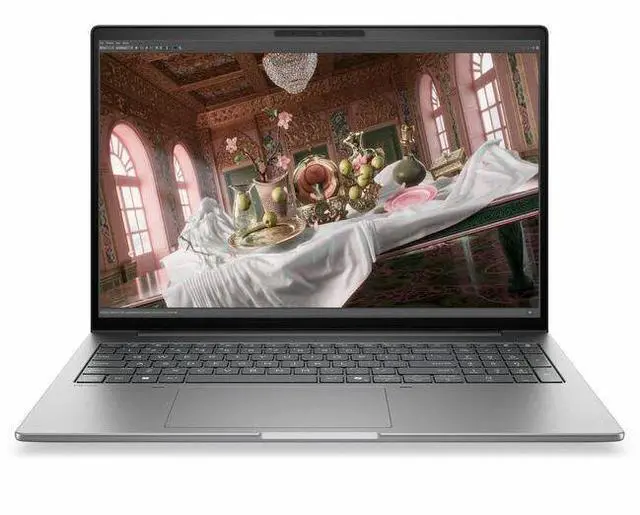
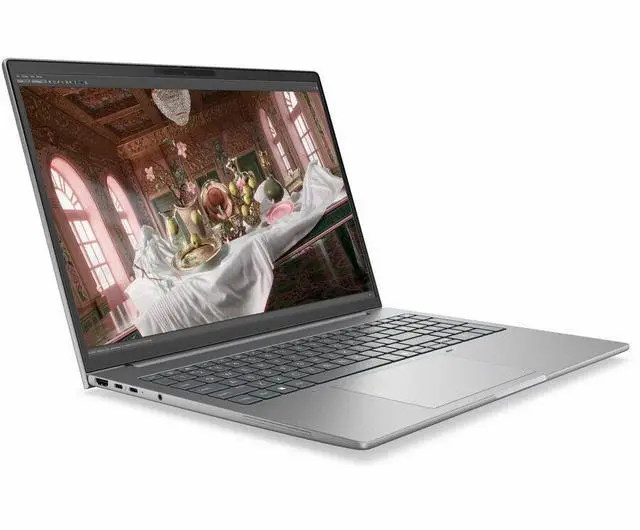
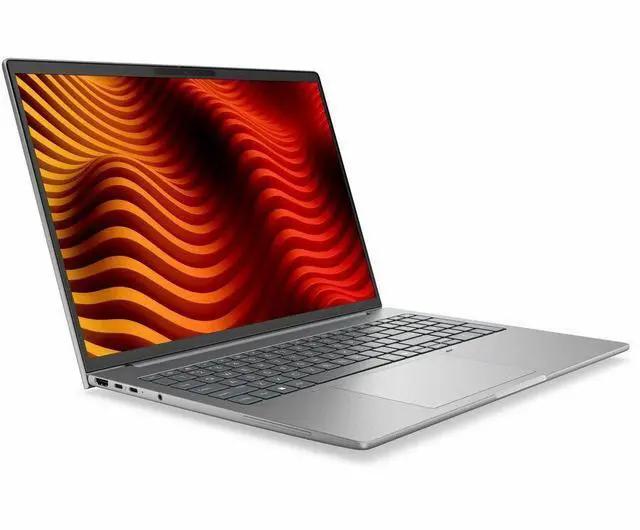
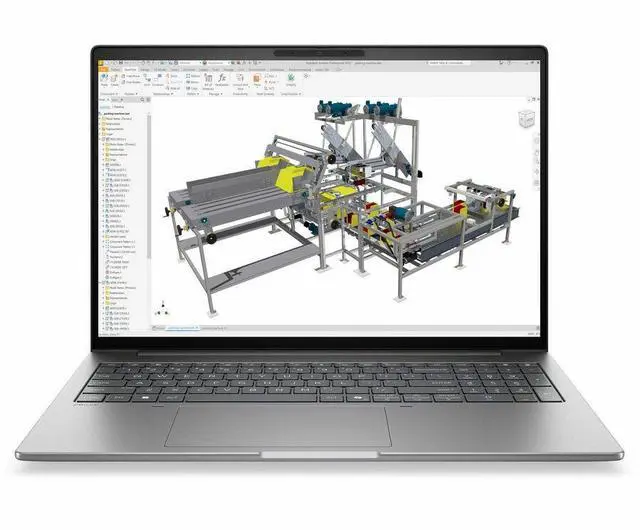
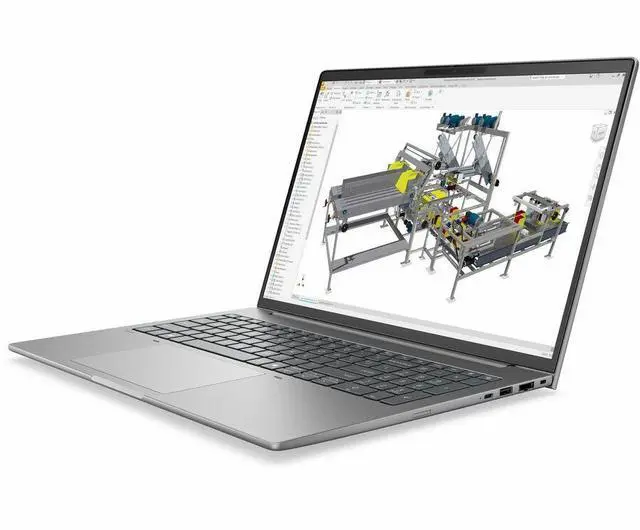
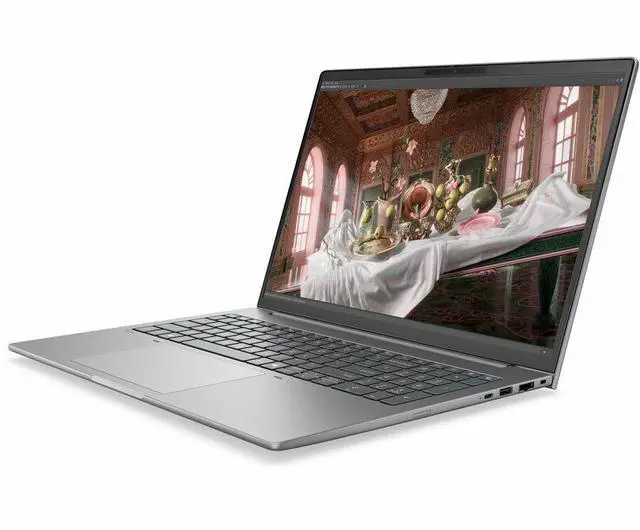
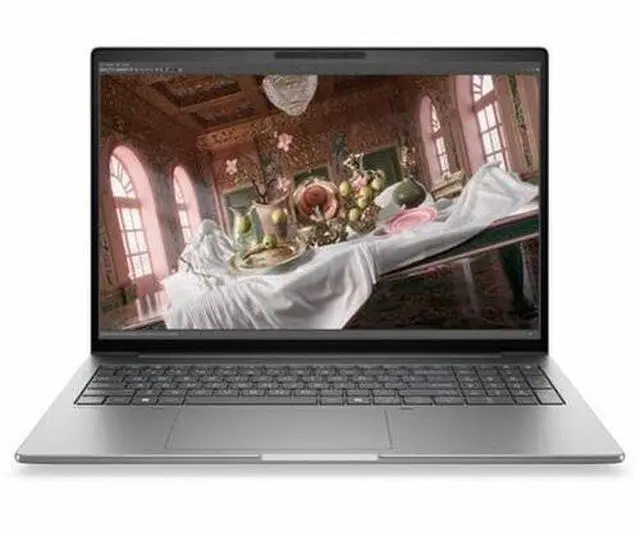
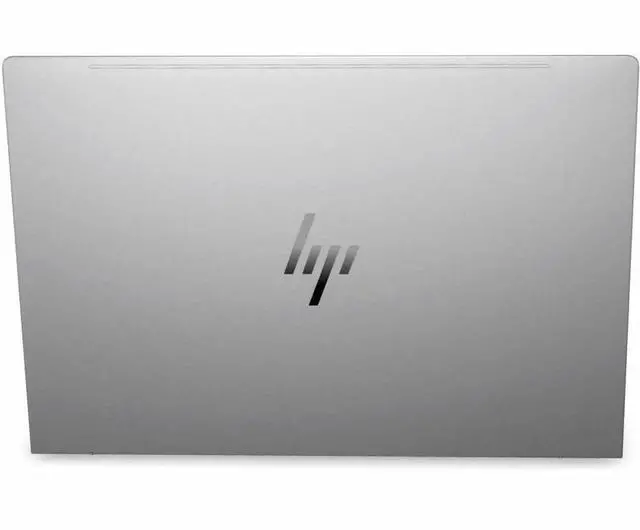
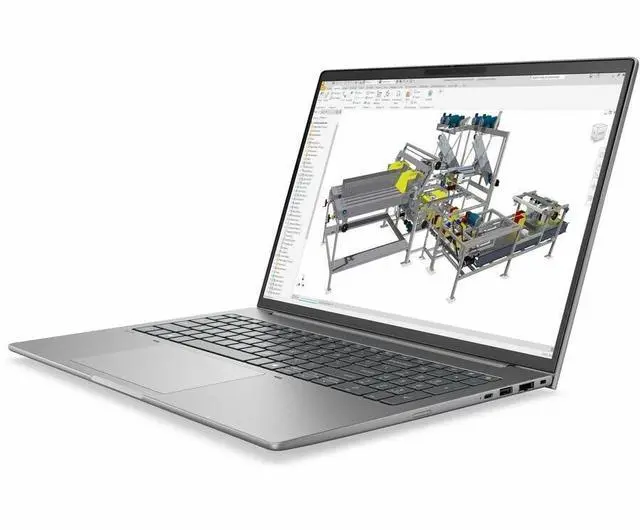
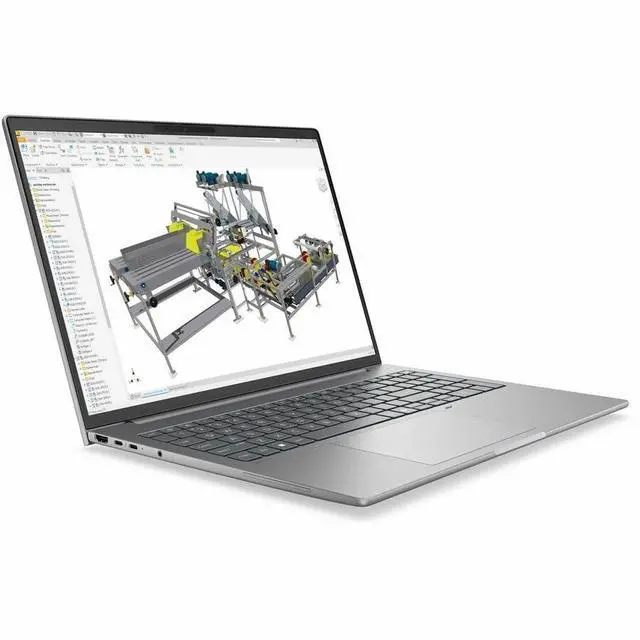
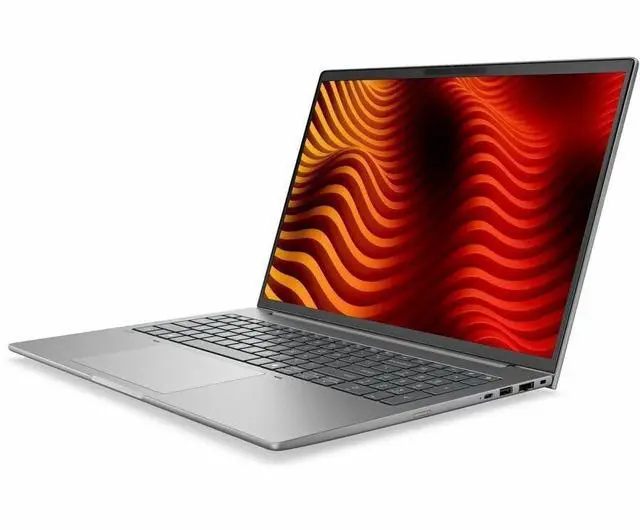
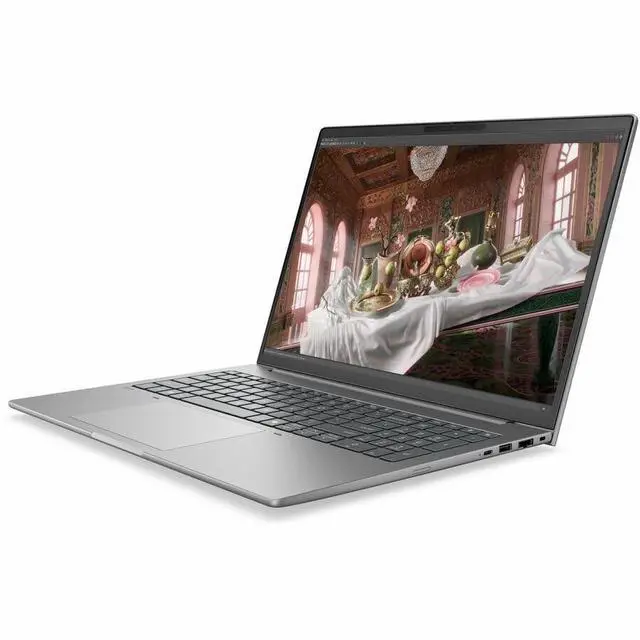
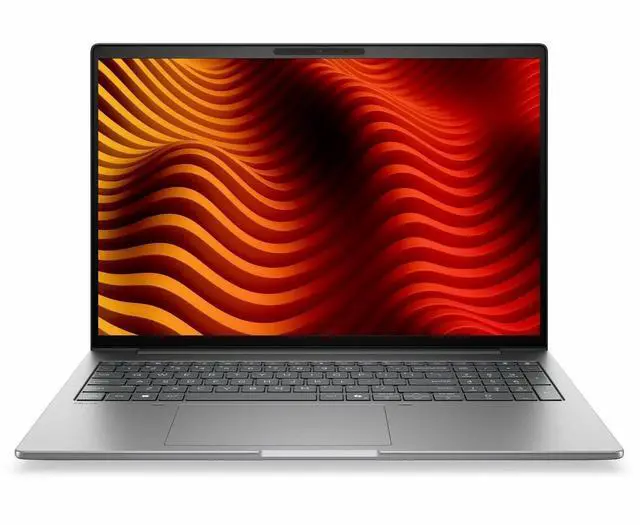
This product does not include manufacturer warranty when purchased or used outside of its designated sales region. By purchasing internationally, you acknowledge that warranty support from the manufacturer will not be available.The HP ZBook 8 G2a is a 16-inch mobile workstation with a touchscreen WUXGA IPS display, AMD Ryzen AI 9 HX PRO 470 processor, 32GB memory, and 1TB SSD, making it well suited for professionals who need a business-focused laptop for multitasking, office productivity, and mobile workstation workflows.
| Attribute | Value |
|---|---|
| Best For | 16" mobile workstation users who need an AMD Ryzen AI-based system for professional and creative tasks with integrated Radeon 890M graphics, 32 GB DDR5 memory and a 1 TB M.2 SSD — suited to on-the-go productivity and AI-assisted workflows |
| Processor And Core Count | AMD Ryzen AI series (model 470) with up to 5.2 GHz maximum boost and 24 MB L3 cache |
| GPU And VRAM | Integrated AMD Radeon 890M graphics using DDR5 graphics memory (integrated GPU) |
| Display Spec | 16.0" IPS LCD, native 1920 x 1200 (WUXGA) resolution with up to 400 nit brightness and 100% sRGB color gamut |
| Memory Configuration | 32 GB DDR5 installed across two slots, expandable to 64 GB maximum |
| Storage And Expansion | 1 TB solid-state drive in M.2 form factor and M.2 interface |
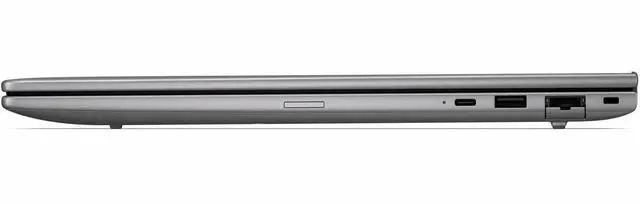
| High Speed I O | 2 Thunderbolt ports, 1 HDMI port and 2 USB ports plus USB Type-C for high-speed peripherals and external connectivity |
| Wired And Wireless Networking | Wi‑Fi and Bluetooth wireless connectivity plus Ethernet for wired networking |
| Battery And Power | AC adapter and power cord included; lithium polymer battery listed in package contents; batteries not required or separately included per listing |
| Webcam And Privacy | Built-in front webcam present |
| Audio Setup | Stereo audio |
| Portability | Package/item dimensions ~19.9 x 3.1 x 11.9 inches and package weight 5.95 pounds for a 16" mobile workstation form factor |
| Operating System | Windows 11 Pro |
| Model Identifiers | HP ZBook 8 G2a (model DK8L9UT#ABA / edition ZBook 8 G2a) by Hewlett Packard |
| External Display And Docking Fit | Two Thunderbolt ports plus HDMI provide direct connection options for external displays and docking solutions |
Q: Should I choose the HP ZBook 8 G2a 16 over a lighter 14-inch mobile workstation?
A: Choose the HP ZBook 8 G2a 16 if you want a larger workspace, a roomier chassis, and workstation-oriented features in a still-portable design. HP positions the ZBook 8 as a mobile workstation with AMD Ryzen AI PRO processors, integrated Radeon graphics, ISV-focused positioning, and business connectivity, while lighter 14-inch models in the category are usually optimized more aggressively for travel first. A 14-inch alternative is the better fit if daily carry weight and footprint matter more than screen size and desk comfort.
Q: Is the HP ZBook 8 G2a 16 a better fit than a workstation with NVIDIA RTX graphics?
A: The HP ZBook 8 G2a 16 is the better fit when your workload is centered on CPU performance, AI-assisted productivity, office creation apps, and moderate graphics needs, and when you prefer the lower complexity of integrated graphics. A workstation with discrete NVIDIA RTX graphics is the better choice for heavier 3D modeling, GPU rendering, larger CAD assemblies, and applications that scale clearly with dedicated GPU memory. This HP configuration uses AMD Radeon 890M integrated graphics, so the main trade-off is portability and efficiency versus higher sustained GPU capability.
Q: Should I get this HP ZBook 8 G2a 16 or a lower-tier Ryzen AI workstation configuration?
A: Get this Ryzen AI 9 HX PRO 470 configuration if you want more headroom for multitasking, local AI features, heavier spreadsheet or code workloads, and longer useful life before you feel limited. Community and review coverage around Ryzen AI 9 HX 470 systems consistently points to strong CPU performance and capable Radeon 890M integrated graphics, while lower-tier Ryzen AI workstation options make more sense for lighter office work, browser-heavy use, and budget-sensitive deployments. The practical trade-off is paying more now for added performance margin later.
Q: How does the HP ZBook 8 G2a 16 compare with older workstation laptops that had dedicated GPUs?
A: The HP ZBook 8 G2a 16 is the more modern choice for users who want newer AI hardware, better efficiency, current connectivity, and a simpler integrated-graphics design. An older workstation with a dedicated professional GPU can still make sense if your software depends more on GPU acceleration than on newer platform features. In other words, the newer ZBook 8 G2a is the better upgrade for mobility, platform longevity, and balanced everyday workstation use, while an older dGPU workstation can remain relevant for narrowly GPU-heavy workflows.
Q: Is this a good fit for office work, meetings, and everyday business use?
A: Yes. This configuration is well-suited to office work, video meetings, multitasking, and large-document workflows because it combines a 16-inch 1920x1200 touchscreen, 32GB of memory, a 1TB SSD, a webcam, Bluetooth, and Windows 11 Pro. The main trade-off is that it is a mobile workstation, so buyers choosing it mainly for email, web apps, and meetings may be paying for more class and performance than a standard business laptop requires.
Q: Is it worth buying as a travel work device?
A: It can work as a travel machine if you need workstation-class memory, storage, and a large screen on the go, but it is not the most travel-first option. A 16-inch mobile workstation usually favors screen space and productivity over minimum size and weight. If your priority is frequent flights, commuting, and long unplugged sessions, a smaller mainstream business laptop is usually the easier carry; if your priority is a bigger workspace and heavier multitasking while traveling, this model makes more sense.
Q: Who is this laptop most suitable for?
A: It is best for buyers who want a business-focused 16-inch touchscreen laptop with workstation positioning, 32GB RAM, and 1TB storage. That makes it a stronger match for professionals managing many apps, large spreadsheets, complex documents, remote meetings, and productivity-heavy workflows than for casual home use. It is less compelling for shoppers who mainly want the lowest price, maximum battery-first portability, or gaming-oriented graphics.
Q: What are the main trade-offs versus a creator laptop with discrete graphics, such as the ASUS ProArt P16?
A: The ZBook 8 G2a is the more business- and workstation-oriented choice, while a model like the ProArt P16 is the stronger choice when dedicated GPU performance is the priority. Based on the provided specs, this HP model uses integrated graphics, a WUXGA 60Hz IPS display, and Windows 11 Pro, which points to productivity, professional use, and simpler thermal trade-offs rather than a creator-first display-and-GPU package. The trade-off is straightforward: choose the HP for business/workstation positioning and practical office use, or choose a discrete-GPU alternative if your workflow depends more on GPU-accelerated creative apps.
Q: Is this better than a typical 16-inch consumer touchscreen laptop?
A: It is better if your priority is professional multitasking, business features, and workstation-class positioning. Compared with mainstream 16-inch consumer touch laptops that commonly ship with 16GB RAM, this model's 32GB memory and Windows 11 Pro make it the more appropriate choice for heavier office workloads and longer-term business use. The trade-off is value: buyers focused on basic browsing, schoolwork, streaming, and light productivity may get enough performance from a less expensive consumer model.
Q: Who is the HP ZBook 8 G2a a good fit for?
A: It fits buyers who want a business-class 16-inch laptop for office work, multitasking, remote meetings, and light-to-moderate professional workloads, but do not need dedicated workstation graphics. Based on the listed configuration, its strengths are 32GB RAM, a 1TB SSD, a 16-inch 1920x1200 touchscreen, and Windows 11 Pro. The main limitation is integrated graphics, so it is a better fit for productivity and general professional use than for heavy 3D, GPU rendering, or advanced CAD workflows.
Q: Is the HP ZBook 8 G2a a good replacement for a heavier mobile workstation?
A: It can be a good replacement only if your work does not depend on a discrete professional GPU. Reddit discussion around the ZBook 8 line repeatedly frames it as a thinner, more affordable option in HP's workstation lineup. That makes it more practical for portability and everyday work, but a weaker substitute for users coming from larger ZBook Fury or older Studio-class systems used for sustained 3D or simulation workloads.
Q: What are the main trade-offs of buying this ZBook 8 G2a instead of a higher-end workstation?
A: The main trade-off is portability and price versus graphics capability and headroom for heavier professional work. Community discussion around the ZBook 8 line describes it as the lighter end of HP's workstation family. In this specific configuration, the key compromise is integrated graphics paired with a 60Hz WUXGA display. That is fine for business use and general content work, but less suitable for buyers who need high-end GPU acceleration, specialized visualization, or a premium display option.
Q: Is the HP ZBook 8 G2a worth buying for travel and hybrid work?
A: Yes, if your priority is a large-screen business laptop that is easier to carry than a traditional desktop-replacement workstation. Reddit discussion around current ZBook lineup changes consistently values the thinner models for travel. For hybrid work, this configuration adds practical features such as a webcam, touchscreen, Bluetooth, HDMI, 32GB memory, and a 1TB SSD. The trade-off is that it is more of a professional productivity machine than a heavy-duty graphics workstation.


