


 All CategoriesAll CategoriesAll Categories
Shipped by Newegg

Make informed decisions with expert advice. Learn More


Warranty Notice:
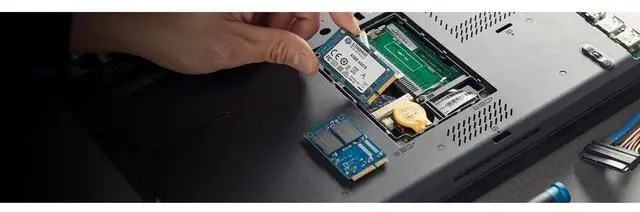
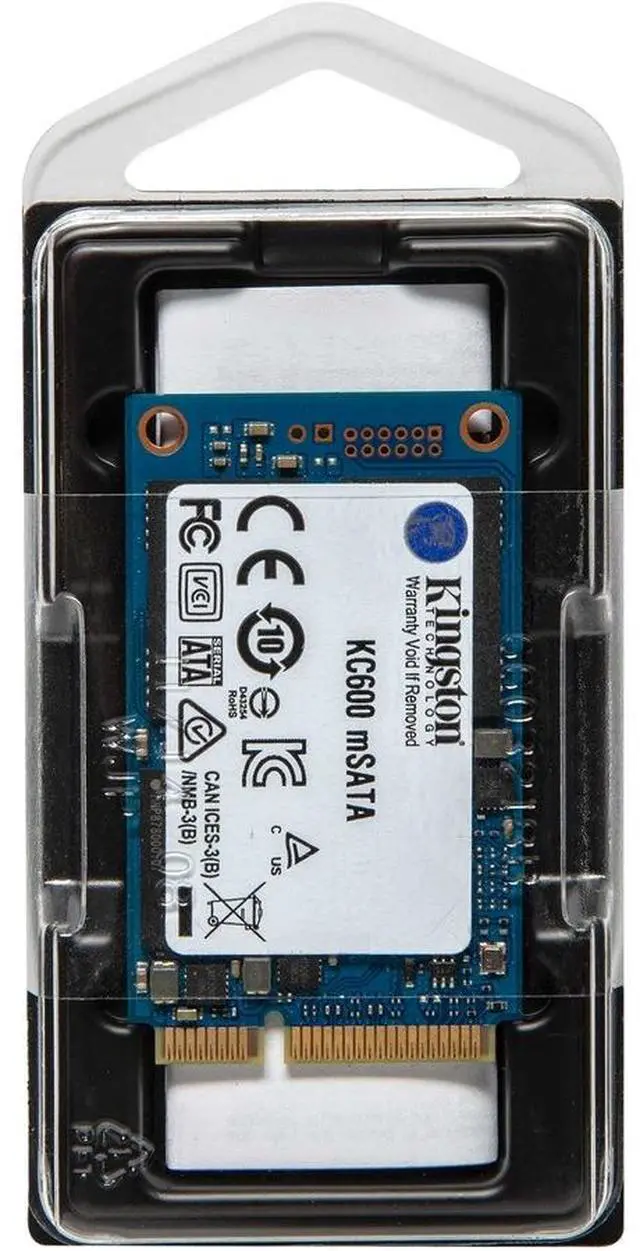
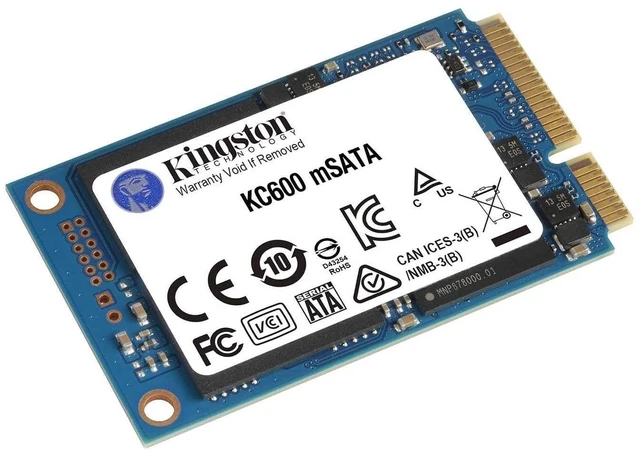
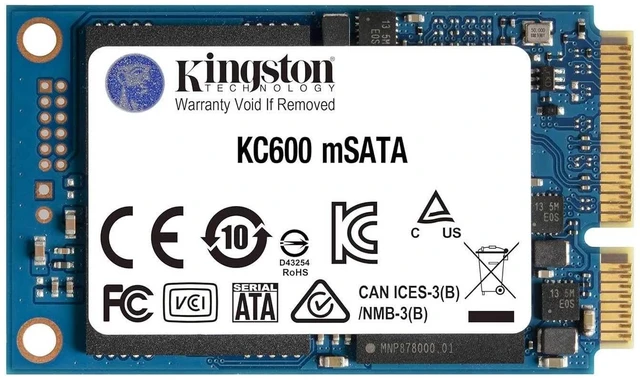
This product does not include manufacturer warranty when purchased or used outside of its designated sales region. By purchasing internationally, you acknowledge that warranty support from the manufacturer will not be available.The Kingston KC600 512GB is an internal mSATA SATA III SSD for users upgrading a compatible computer that has an mSATA slot, offering up to 550 MB/s sequential reads and 520 MB/s writes.
| Attribute | Value |
|---|---|
| Best For | Consumer internal storage for multimedia, personal, or business use in a compatible laptop or desktop with an mSATA connection |
| Capacity | 512GB |
| Interface And Form Factor | mSATA form factor with a SATA III interface rated for up to 6 Gbps |
| Read Write Performance | Sequential speeds up to 550 MB/s read and 520 MB/s write; random performance up to 90,000 IOPS read and 80,000 IOPS write |
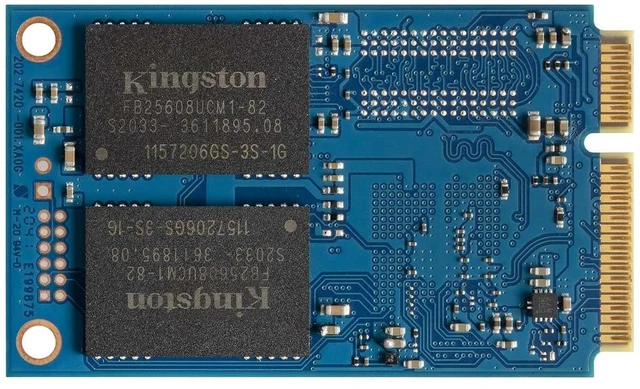
| Drive Architecture And Security | 3D NAND with an SM2259 controller, 512MB DRAM cache, and hardware encryption |
| Model Identifiers | Kingston KC600; model and part number SKC600MS/512G |
Q: Kingston KC600 512GB mSATA vs Samsung 860 EVO 500GB mSATA: which should I choose?
A: Their published peak sequential speeds are the same: up to 550 MB/s read and 520 MB/s write. Choose the KC600 if its price, availability, or Kingston’s stated 512GB capacity suits you better; choose the 860 EVO if you prefer Samsung’s software or already use its SSD tools. Compare the exact drive’s condition and warranty, especially when buying an older model.
Q: Is the Kingston KC600 512GB worth choosing over the 256GB model?
A: Choose the 512GB version if you need more storage or want the higher published endurance rating: Kingston specifies 300 TBW for 512GB versus 150 TBW for 256GB. Both are rated for up to 550 MB/s reads; the 512GB model is rated for up to 520 MB/s writes, compared with 500 MB/s for the 256GB model.
Q: Should I get the KC600 512GB or 1TB mSATA?
A: Choose the 1TB model if you need the extra capacity: Kingston lists the same peak sequential speeds for both—up to 550 MB/s read and 520 MB/s write—and rates the 1TB model at 600 TBW versus 300 TBW for 512GB. The 512GB model is the capacity-focused choice if it already meets your storage needs.
Q: Should I buy the KC600 mSATA or the 2.5-inch KC600?
A: Choose the mSATA version only if your device has an mSATA slot; choose the 2.5-inch version if it has a standard 2.5-inch SATA drive bay. They use the same SATA generation and have similar published peak speeds, but the different form factors are not interchangeable. Check your device’s manual or existing drive before buying.
Q: Will this SSD work in my laptop or desktop?
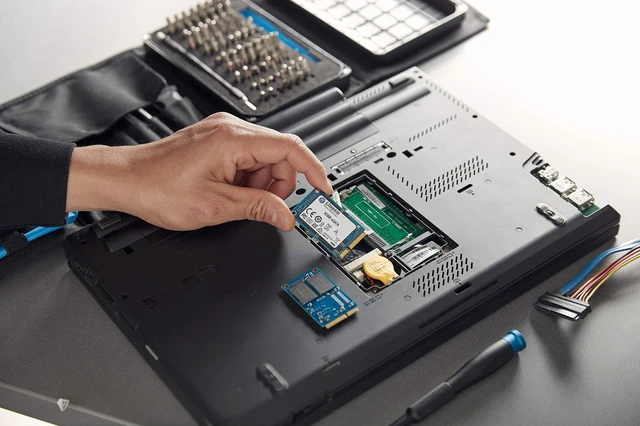
A: Only if the system supports an mSATA SATA SSD. Check the computer’s manual or specifications for an mSATA slot before buying; a standard 2.5-inch SATA bay or an M.2 slot alone does not confirm compatibility.
Q: Can I use this as a boot drive or for extra storage?
A: Yes, it can serve as a boot drive or additional internal storage in a system that supports mSATA SATA drives. Whether it can boot an operating system also depends on the computer’s firmware and setup.
Q: What performance can I expect from this SSD?
A: The listed maximum sequential speeds are up to 550 MB/s read and 520 MB/s write over SATA III. These are maximum specifications, not guaranteed everyday speeds; actual performance depends on the computer and workload.
Q: Will this mSATA SSD fit in an M.2 slot?
A: Not directly. This drive uses the mSATA form factor; mSATA and M.2 are different connector formats. Check the device’s exact slot type before buying.
Q: Is it a suitable replacement for an older laptop or mini PC with an mSATA drive?
A: It can be, if the device supports an mSATA SATA SSD. Confirm the system’s form-factor and interface requirements first; this model is mSATA, SATA III, and 512GB.
Q: Is a SATA KC600 a sensible choice compared with an NVMe SSD?
A: It makes sense when the device requires a compatible mSATA SATA drive. It is not an NVMe drive, so it will not provide NVMe interface speeds; check compatibility and price before choosing.
Q: Could this work as a boot drive in a mini PC or router appliance?
A: It may work if the appliance has a compatible mSATA slot and supports SATA storage. The 512GB capacity is the available storage; confirm the appliance’s requirements before purchase.