


 All CategoriesAll CategoriesAll Categories
Shipped by Newegg




Warranty Notice:
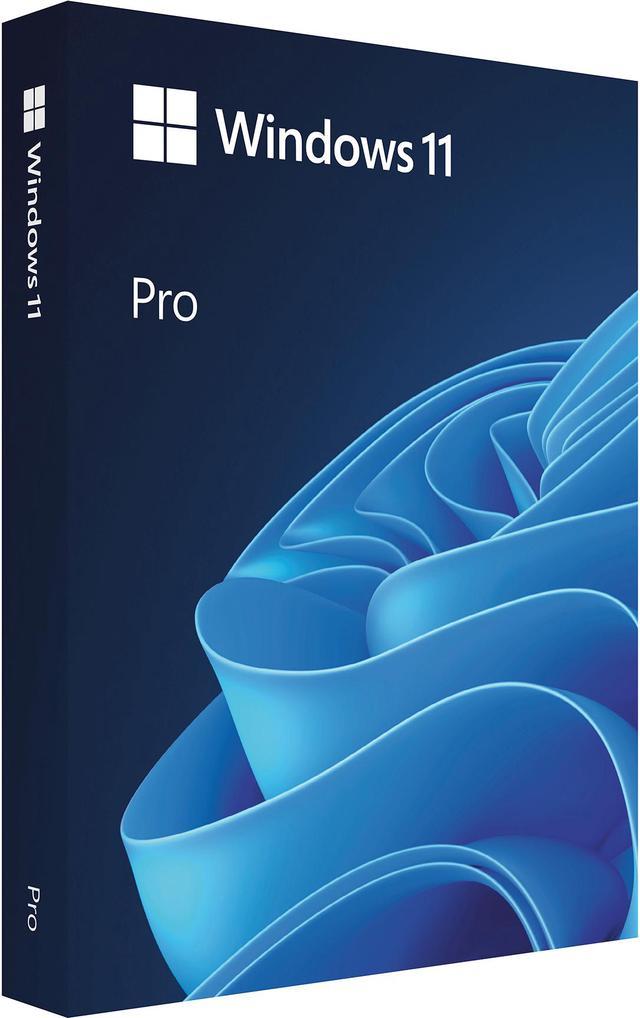
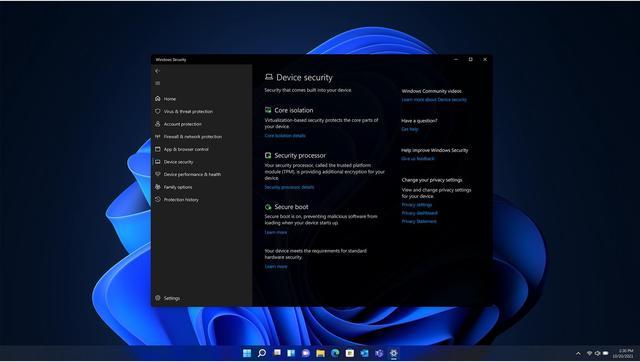
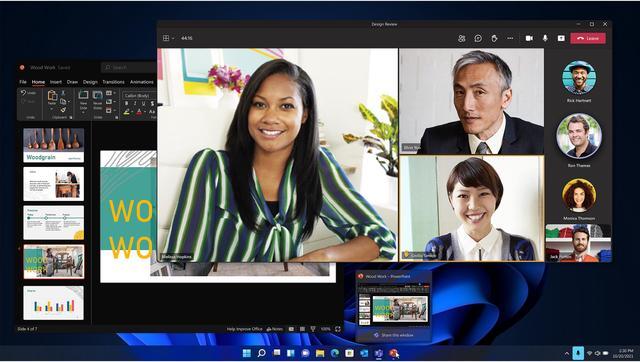
This product does not include manufacturer warranty when purchased or used outside of its designated sales region. By purchasing internationally, you acknowledge that warranty support from the manufacturer will not be available.Microsoft Windows 11 Pro USB is a retail 64-bit operating system for users and businesses who want Windows 11 Pro features, including multitasking tools, built-in security, and deployment options.
| Attribute | Value |
|---|---|
| Best For | Installing Windows 11 Pro on a compatible PC using the USB retail package |
| Operating System And Edition | Windows 11 Pro, 64-bit |
| Platform And Package | USB retail package; quantity of 1 |
| Brand And Manufacturer | Microsoft brand; Microsoft Software manufacturer |
| Model Identifier | HAV-00162 |
Q: Windows 11 Home vs. Windows 11 Pro: which should I choose?
A: Choose Windows 11 Pro if you need business-oriented features such as BitLocker Drive Encryption, Remote Desktop hosting, or the ability to join a domain or Microsoft Entra ID. For everyday personal use without those needs, Windows 11 Home is generally sufficient; both editions provide the core Windows 11 experience.
Q: Windows 11 Pro vs. Windows 10 Pro: is it worth switching?
A: Windows 11 Pro is the practical choice for a compatible PC if you want a currently supported Windows version. Windows 10 support ended on October 14, 2025, so it no longer receives standard security updates or technical support; eligible Windows 10 devices may use the Extended Security Updates program temporarily. Check your PC and essential apps for Windows 11 compatibility before switching.
Q: Windows 11 Pro vs. Pro for Workstations: which edition do I need?
A: Choose Windows 11 Pro for general home, business, and professional use when its security and management features meet your needs. Consider Pro for Workstations for specialized, demanding workloads that can use features such as ReFS, persistent memory, or SMB Direct with compatible hardware; Microsoft specifies support for up to four CPUs and 6 TB of memory. Those workstation capabilities are useful only when the workload and system support them.
Q: Will Windows 11 Pro work on my PC?
A: Only if the PC meets Windows 11’s system requirements. The product listing specifically cautions that a PC unable to install Windows 11 because it does not meet those requirements cannot install this version.
Q: Does the USB package include an activation key?
A: A Best Buy customer answer says the package includes a USB drive and a card with the key. The listing identifies the product as physical USB software and includes one license.
Q: Is Windows 11 Pro a subscription?
A: No. The product’s retailer Q&A says it is not a subscription; the listing specifies one license.
Q: What kind of work is Windows 11 Pro suitable for?
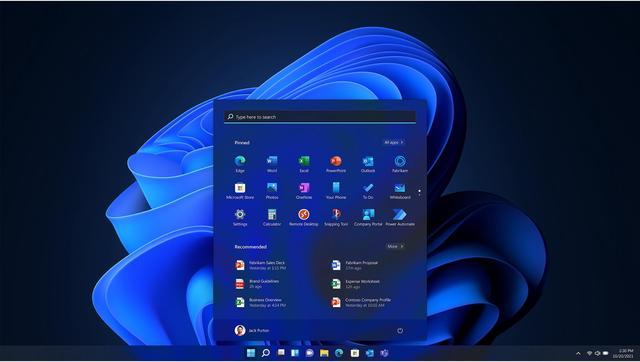
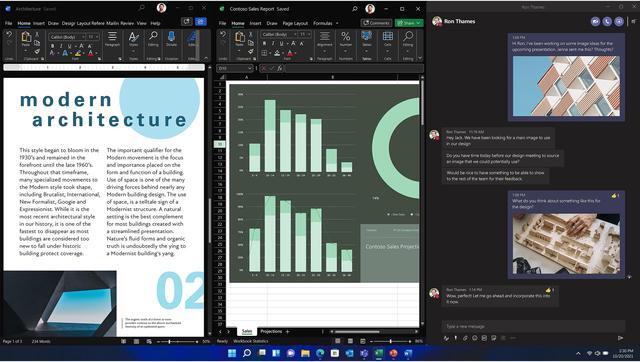
A: It is suited to general PC productivity, including multitasking with Snap Layouts and online collaboration. The listing notes that some features require specific hardware, so check your PC’s capabilities if a particular feature matters.
Q: Do I need a separate Windows 11 Pro installer, or can the Windows 11 USB install Pro?
A: A Reddit discussion reports that Windows 11 installation media can offer an edition choice, including Pro; it also notes that some PCs may default to Home. The key decision is whether you have a valid Pro license to activate Pro.
Q: Can I install Windows 11 Pro on a PC that came with Windows Home?
A: Reddit users report that setup may choose Home automatically on a PC with a Home edition key embedded in its firmware. Installing Pro may require selecting that edition during setup or changing the edition afterward; Pro activation still requires a valid Pro license.
Q: What should I check if the USB setup installs Home instead of Pro?
A: Check whether the PC has a Home edition license embedded in its firmware and whether the installer is selecting Home automatically. Reddit discussions describe this issue during clean installs; make sure the installed edition and the license you intend to use are both Pro.