


 All CategoriesAll CategoriesAll Categories
Shipped by Newegg

Make informed decisions with expert advice. Learn More






Warranty Notice:
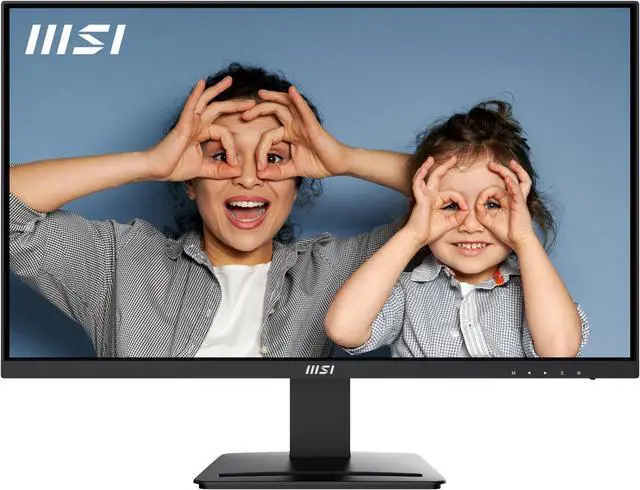
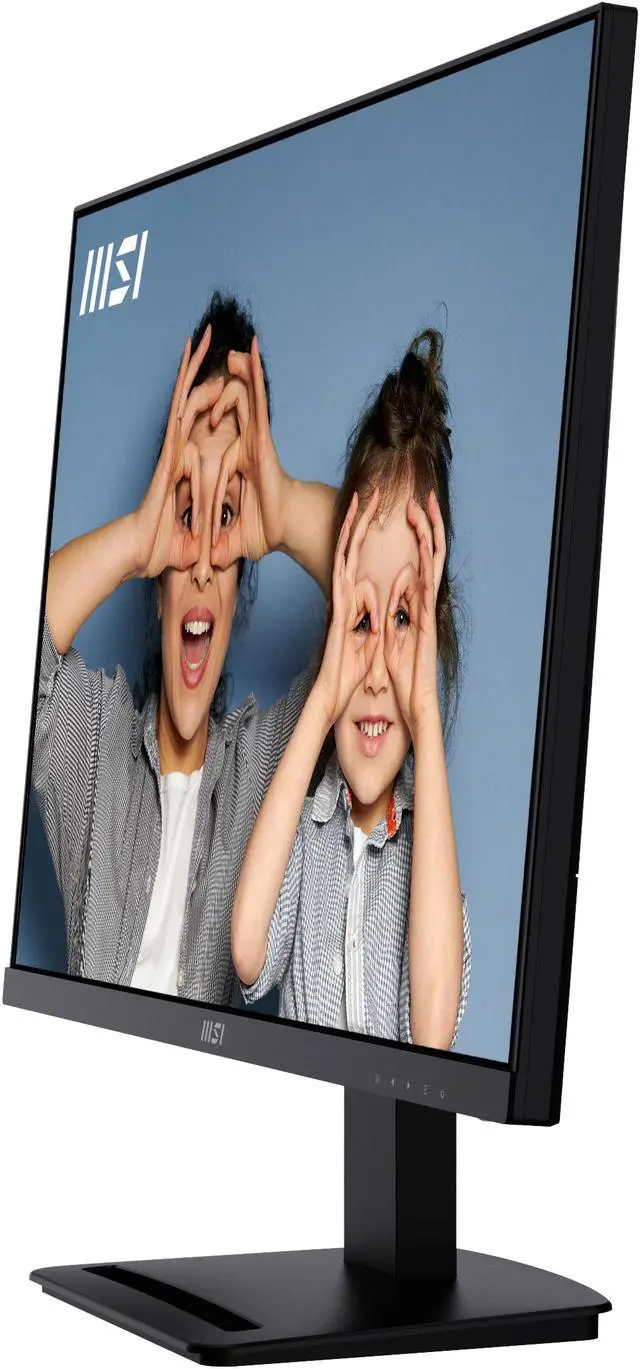
This product does not include manufacturer warranty when purchased or used outside of its designated sales region. By purchasing internationally, you acknowledge that warranty support from the manufacturer will not be available.The MSI PRO MP273U is a 27-inch 4K UHD IPS monitor with a 60Hz refresh rate, suited to programming, video editing, and website design where sharp detail and a roomy workspace matter.
| Attribute | Value |
|---|---|
| Best For | Professional productivity and detailed workspace tasks on a 27-inch 4K display |
| Panel And Resolution | 27-inch flat IPS LCD with 3840 × 2160 UHD resolution, 16:9 aspect ratio, matte non-glare finish, 178° horizontal and vertical viewing angles, 300 cd/m² brightness, 1,000:1 contrast, 16.7 million colors, HDR Ready support, and 0.1554 mm pixel pitch |
| Refresh Rate And Response | 60 Hz refresh rate, 4 ms response time, and FreeSync adaptive sync |
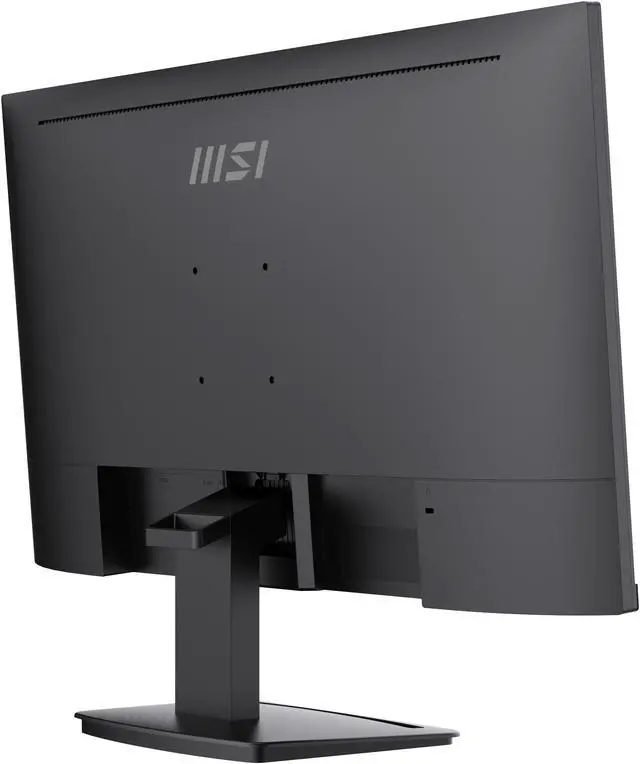
| Ports And Connectivity | Two HDMI 2.0b inputs, one DisplayPort 1.4 input, and a 3.5 mm headphone jack; no USB or Thunderbolt ports |
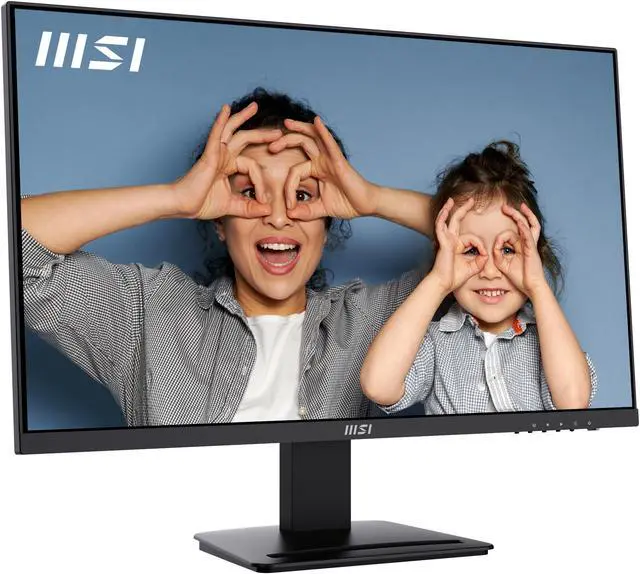
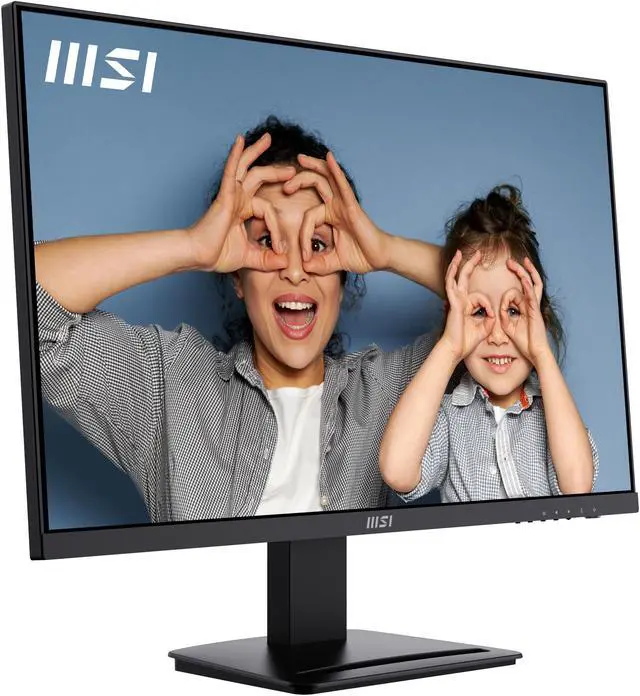
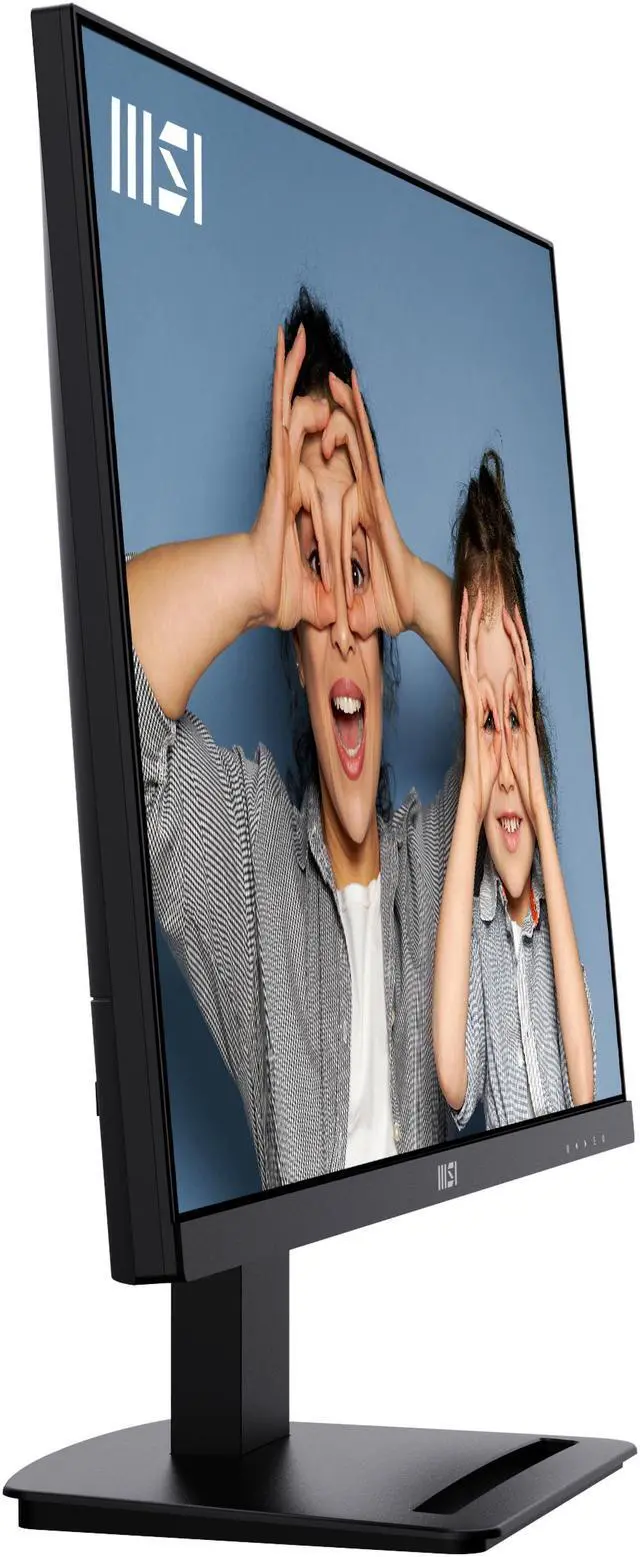
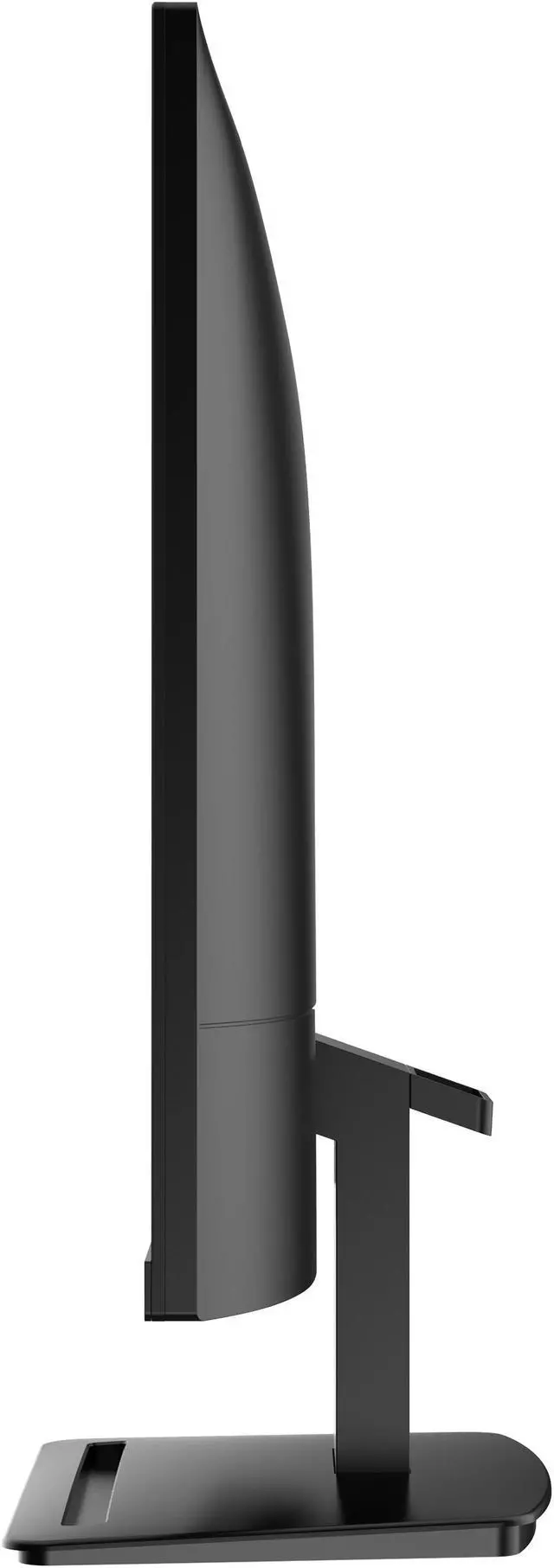
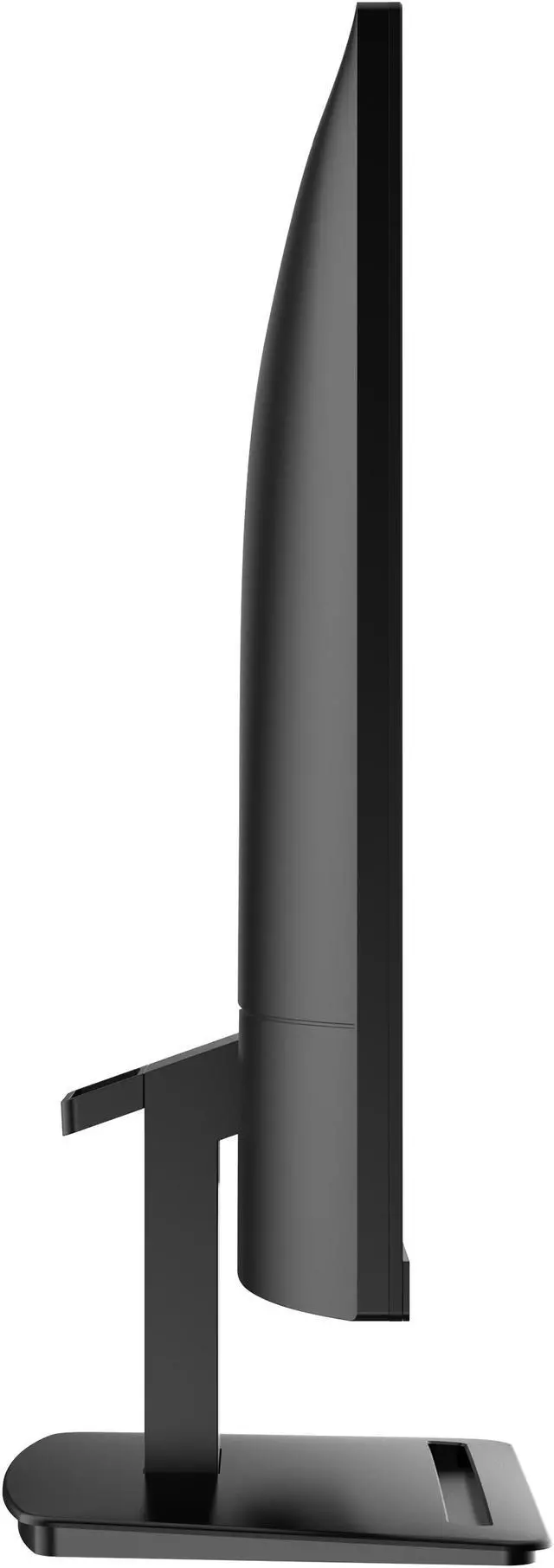
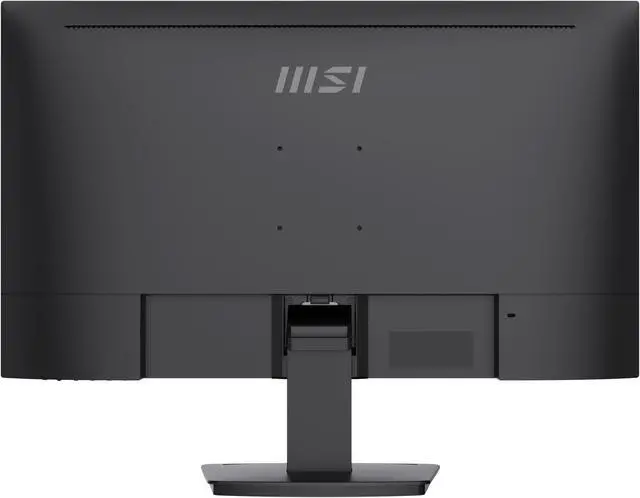
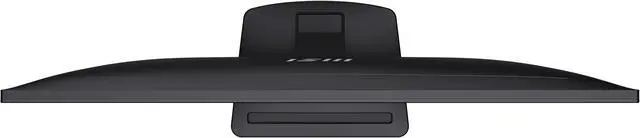
| Stand And Physical Design | Tilt adjustment from -3.5° to 21.5°; supports 75 × 75 mm VESA mounting. Measures 24.15 × 14.27 × 1.83 inches without the stand and 24.15 × 18.21 × 7.13 inches with it; weighs 8.71 lb. Matte black finish |
| Audio | Two built-in 2 W speakers |
| Power | 26 W when on and less than 0.5 W in power-saving or off mode |
| Webcam | No built-in webcam |
| In The Box | Power cord and HDMI cable |
| Model Identifiers | MSI PRO MP273U; part number 9S6-3PB4CH-211 |
Q: MSI PRO MP273U or PRO MP273QP E2 for 4K detail?
A: Choose the PRO MP273U when 4K resolution is the priority: it has 3840 × 2160 pixels on a 27-inch IPS screen, compared with the PRO MP273QP E2’s 2560 × 1440 resolution. The QP E2 is the alternative if you prefer its 100Hz refresh rate and height-, pivot-, and swivel-adjustable stand.
Q: Which is better for coding and detailed office work, the MSI PRO MP273U or MP273QP E2?
A: The PRO MP273U is the 4K option for users who want more pixels for text, documents, and detailed on-screen work. The PRO MP273QP E2 uses a 1440p resolution and offers a 100Hz refresh rate plus a height-adjustable stand, making it a different fit for users who prioritize those features.
Q: MSI PRO MP273U vs PRO MP273A: which 27-inch monitor should I choose?
A: Choose the PRO MP273U for a 27-inch 4K workspace: its resolution is 3840 × 2160, while the PRO MP273A is 1920 × 1080. The MP273A offers a 100Hz refresh rate; the MP273U pairs 4K resolution with a 60Hz refresh rate and two HDMI inputs plus DisplayPort.
Q: Is the MSI PRO MP273U suitable for everyday office work and multitasking?
A: Yes. Its 27-inch 4K IPS screen is suited to office work, programming, and viewing detailed content. The stand adjusts for tilt only; it does not provide height adjustment. Its eye-comfort features may be useful during long sessions, but they do not eliminate the need for breaks.
Q: Can I connect a laptop to the MSI PRO MP273U?
A: Yes, if the laptop has HDMI or DisplayPort video output, or can use an appropriate adapter. The monitor has two HDMI 2.0 ports and one DisplayPort; USB-C video and laptop charging are not listed. An HDMI cable is included.
Q: Can the MSI PRO MP273U be wall-mounted?
A: Yes. It supports VESA mounting with a 75 × 75 mm pattern. Check that the mount or monitor arm supports this pattern and the monitor’s weight.
Q: Is the MSI PRO MP273U ready for video meetings?
A: It has two built-in 2 W speakers, but no built-in webcam. You can use it for meeting video when connected to a computer with a camera, or add an external webcam. The listed connections do not include a microphone input.
Q: Is the MSI PRO MP273U a good choice for gaming?
A: It can suit casual gaming: it supports Adaptive Sync and has a 4K resolution, but its refresh rate is 60 Hz. Choose it with that limit in mind if smooth high-frame-rate or competitive gaming is a priority.
Q: Is the MSI PRO MP273U suitable for coding and everyday work?
A: It is a reasonable fit if you want a 27-inch 4K workspace for coding and general productivity. It runs at 60Hz, and its stand adjusts for tilt only; use a VESA mount if you need different positioning.
Q: Is it suitable for gaming, or should I look for a higher-refresh monitor?
A: It supports 4K at up to 60Hz, so it may suit casual gaming if 60Hz meets your needs. Choose a higher-refresh model if fast motion or competitive gaming is a priority.
Q: Is the MP273U worth considering for budget design or graphics work?
A: Its 27-inch 4K resolution can provide a detailed workspace for design tasks. The provided specifications do not establish color-calibration performance, so color-critical work may call for a monitor with verified color-accuracy specifications.
Q: Can I use it with a PS4 Pro and for movies or YouTube?
A: It has two HDMI inputs and a 4K, 60Hz display, making it suitable for compatible video sources and general video viewing. The product information does not specify HDR performance beyond listing it as HDR Ready.


