Meet Your Seller
Bluetooth Keyboard with Premium Leather Cover Stand, Ultra-Slim Portable Mini Wireless Keyboard Suitable for iPad Pro Apple iPhone Tablets Window Android- Black for 9.7-11 inch
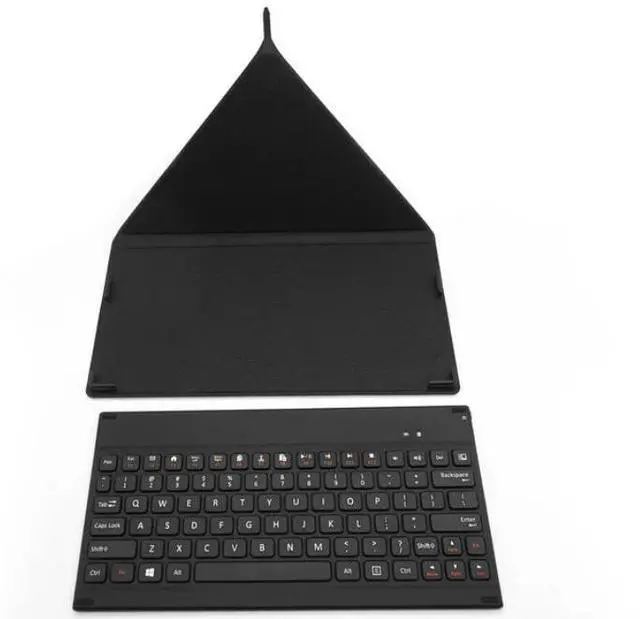
- Ultra-Slim KEYBOARD
- INCLUDING A COVER
- ENERGY SAVING
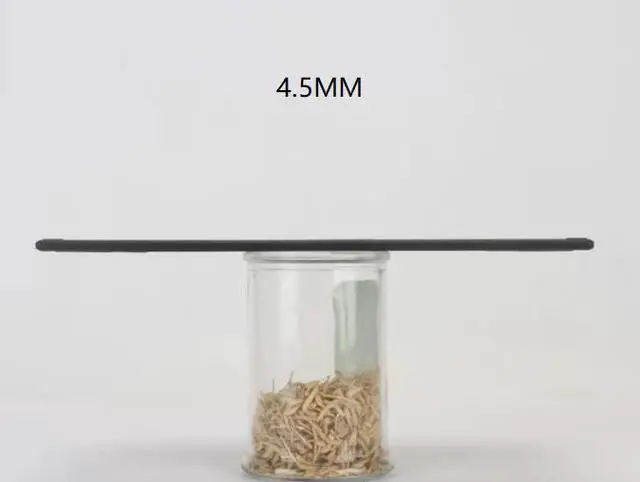
- ULTRA SLIM AND PORTABLE
- CROSS COMPATIBILITY--Compatible with iOS, Android and Windows, including iPad Air 3/2/1, iPad Pro, iPad Mini 4/3/2/1, iPad 4/3/ 2, iPhone X/8/8 Plus, surface tablet, smart phones and etc.
Please note: This product functions as a Bluetooth keyboard with an integrated stand, and it is not designed or intended to be used as an iPad protective case.
It is a Bluetooth keyboard that can be an iPad stand, it is NOT an iPad protective cover.
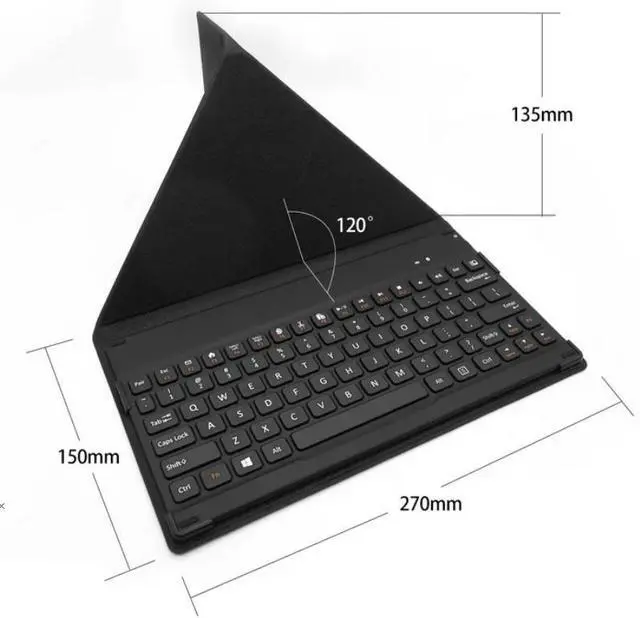
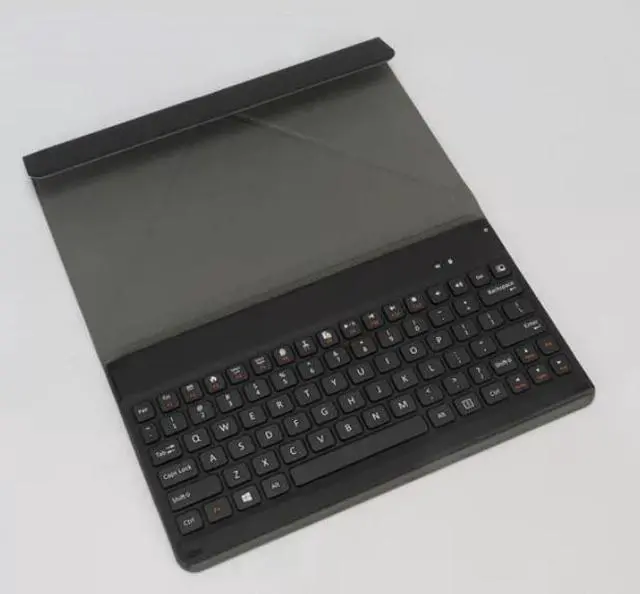
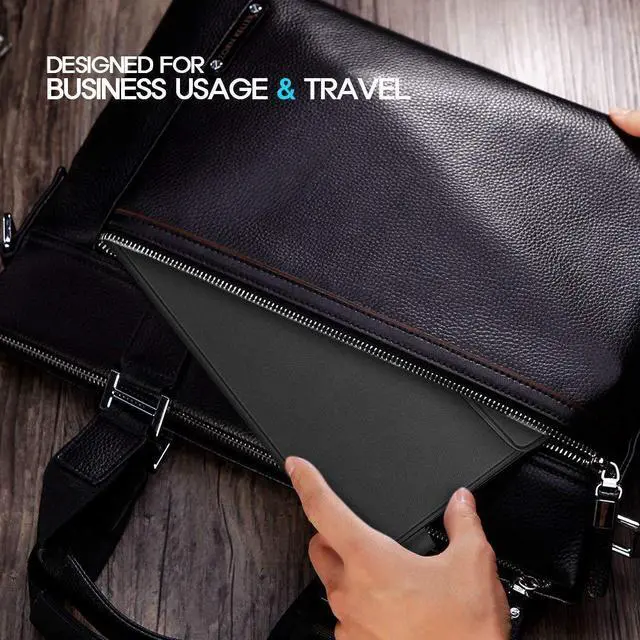
Bluetooth Keyboard is a great combination of protective case and functional laptop-style keyboard. It is specially designed for business users who travel a lot with Bluetooth enabled tablets and smart phones, running iOS, Windows or Android.
INCLUDING A COVER--The decent leather cover offers perfect protection for your portable business keyboard. It can also be folded and used as a smart stand for your iPad, tablet and smart phone. Keeping away from scratches, dust, accidental spills and bumps. ULTRA SLIM AND PORTABLE--The thin and compact design makes wireless keyboard easy to carry with your backpack, best choice for travelling or business trip. Lightweight for carrying around easily. ENERGY SAVING--Automatically goes to sleep if 15 minutes without typing. Last over 60 days (based on two hours use per day) with power-saving mode.
CROSS COMPATIBILITY--Compatible with iOS, Android and Windows, including iPad Air 3/2/1, iPad Pro, iPad Mini 4/3/2/1, iPad 4/3/ 2, iPhone X/8/8 Plus, surface tablet, smart phones and etc.
How to use:
1. Charging Instructions
- Charge the keyboard for 1-2 hours before first use.
- The power indicator will glow solid amber during charging, and turn off automatically when the battery is fully charged.
2. Bluetooth Pairing Steps
- Press and hold the Pair button on the top-left corner of the keyboard for 3 seconds. The Bluetooth indicator will flash blue, indicating the keyboard has entered pairing mode.
- On your phone or tablet, enable Bluetooth and search for available devices. Select the device named "LenovoW500" from the list.
- Tap "Connect" and follow the on-screen prompts to complete the pairing process.
3. Multi-Device Switching Operation
- This Bluetooth keyboard supports simultaneous connection to 2 devices, allowing you to switch between them freely.
- To switch between paired devices, press and hold the switch button on the top-right corner of the keyboard for about 3 seconds. The keyboard will automatically connect to the other pre-paired device.
Method to remap the Ctrl key to Apple Command key
- First complete the Bluetooth pairing between the keyboard and your iPad.
- Go to Settings General Physical Keyboard Modifier Keys, select Control Key, then switch its function to Command Key.
Warranty & Returns
Warranty, Returns, And Additional Information
Return Policies*
- Return for refund within: 30 days
- Return for replacement within: non-replaceable
- This item is covered by Corn Electronics Return Policy
- *Subject to applicable law
Warranty Notice:
This product does not include manufacturer warranty when purchased or used outside of its designated sales region. By purchasing internationally, you acknowledge that warranty support from the manufacturer will not be available.
Manufacturer Contact Info
- For a directory of all our manufacturers, please click below.
- Manufacturers Directory