• S$10.77
  • GST-Inclusive Price
Shop it at NeweggBusiness.

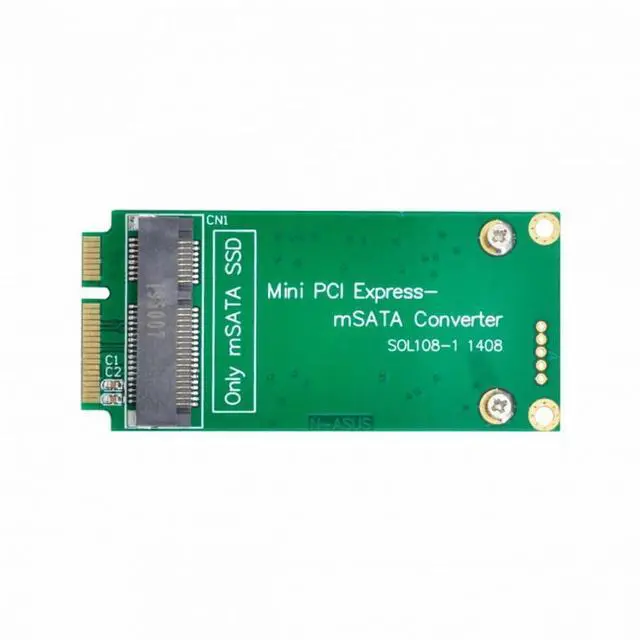
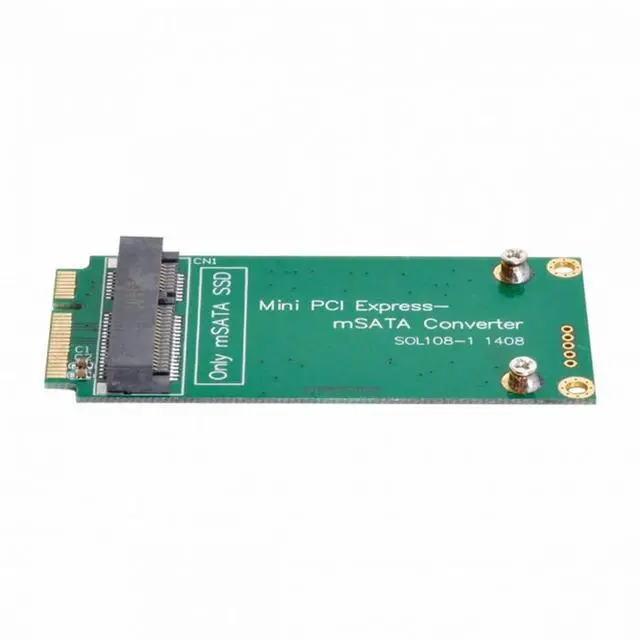
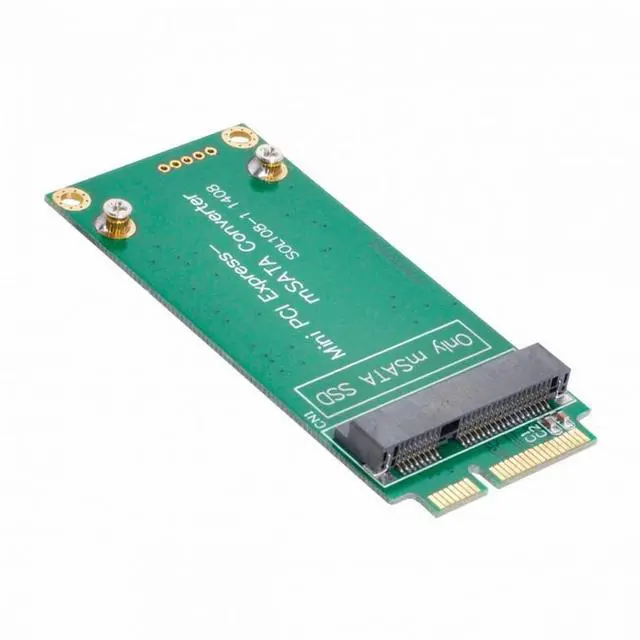
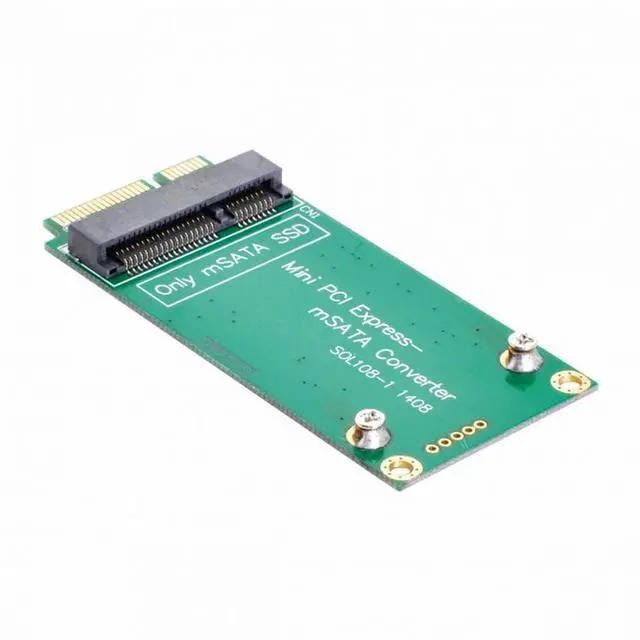
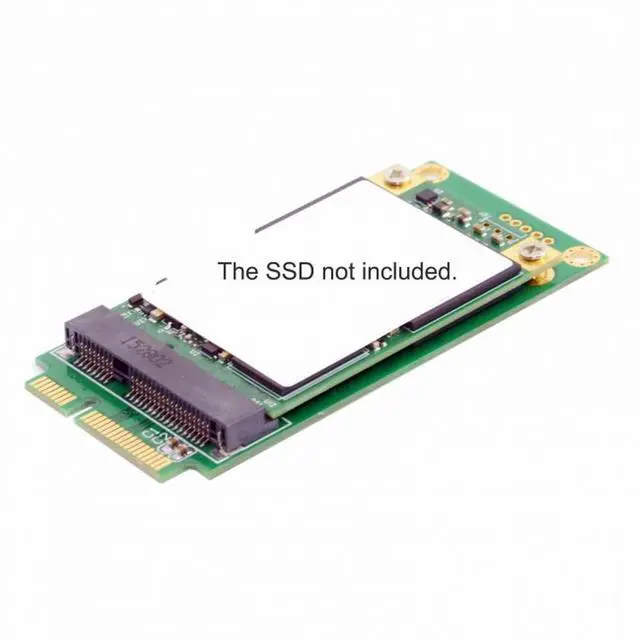
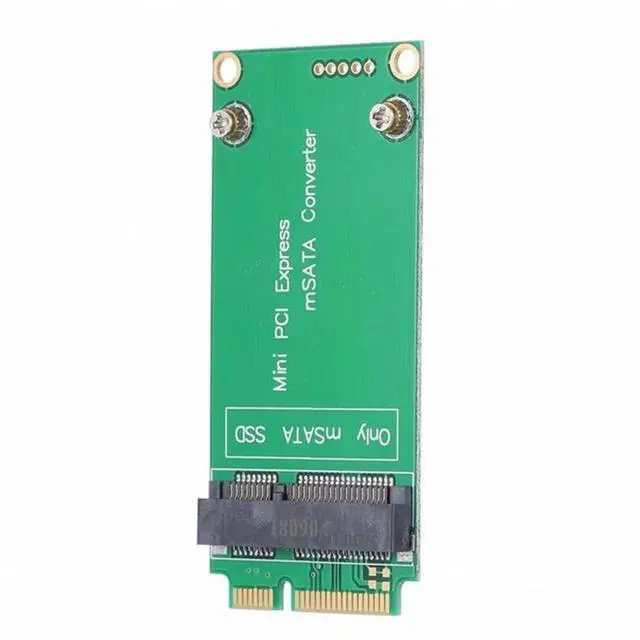
Cablecc 30x50mm mSATA Adapter to 30x70mm Mini PCI-e SATA SSD for Eee PC 1000 S101 900 901 900A T91 SA-112 F

  • 3x5cm mSATA Adapter to 3x7cm Mini PCI-e SATA SSD for Eee PC 1000 S101 900 901 900A T91
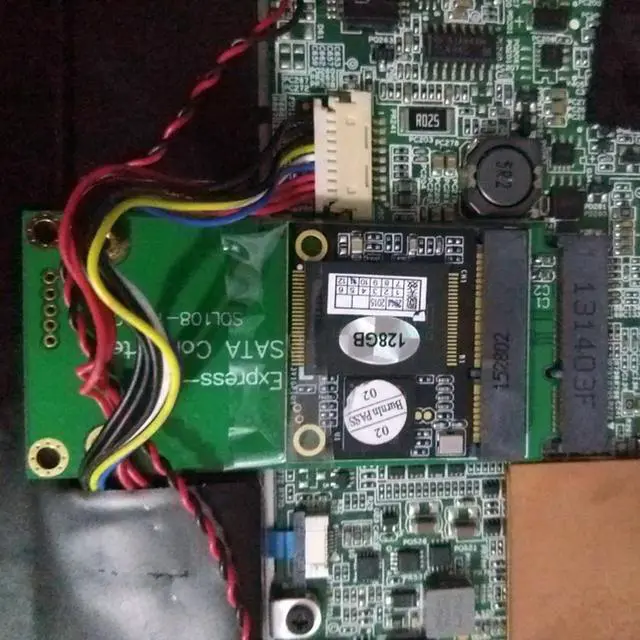
  • Alow mSATA SSD to work as mini PCIe SATA SSD in EEE PC 900/900A/901 laptop
  • Designed for Mini PCI-e SATA Pin-out only,not support mini PCIe PATA or mSATA interface.
  • Only support mSATA 30x50mm SSD.
  • PCB dimension: 70x32x5mm
  • No need driver ,plug and play
  • please note:
  • SSD began to work after updating the version of BIOS with the file 900--1006.ROM from 19.03.2009.
  • To update the version of BIOS, you need to find and download the file "900--1006.zip", unpack it, get the file "900-- 1006.ROM "rename to" 900.ROM "write to the root of any flash drive or CD-card, insert into the computer and at startup, instead of entering Setap about F2, press Ait-F2.
  • At the same time, the program will start, which will find the file "900.ROM" and reinstall DIUS.
  • It's not instantaneous, wait until the reinstallation is complete. After that, the computer will boot from the new MSATA SSD

+
+
Overview
Specs
Reviews

3x5cm mSATA Adapter to 3x7cm Mini PCI-e SATA SSD for Eee PC 1000 S101 900 901 900A T91
Alow mSATA SSD to work as mini PCIe SATA SSD in EEE PC 900/900A/901 laptop
Designed for Mini PCI-e SATA Pin-out only,not support mini PCIe PATA or mSATA interface.
Only support mSATA 30x50mm SSD.
PCB dimension: 70x32x5mm
No need driver ,plug and play
please note:
SSD began to work after updating the version of BIOS with the file 900--1006.ROM from 19.03.2009.
To update the version of BIOS, you need to find and download the file "900--1006.zip", unpack it, get the file "900-- 1006.ROM "rename to" 900.ROM "write to the root of any flash drive or CD-card, insert into the computer and at startup, instead of entering Setap about F2, press Ait-F2.
At the same time, the program will start, which will find the file "900.ROM" and reinstall DIUS.
It's not instantaneous, wait until the reinstallation is complete. After that, the computer will boot from the new MSATA SSD

Warranty & Returns

Warranty, Returns, And Additional Information

Return Policies*

  • Return for refund within: 30 days
  • Return for replacement within: non-replaceable
  • This item is covered by SongFengQiaoMaoYiShangDian Return Policy
  • *Subject to applicable law
  • Warranty Notice:

    This product does not include manufacturer warranty when purchased or used outside of its designated sales region. By purchasing internationally, you acknowledge that warranty support from the manufacturer will not be available.

Manufacturer Contact Info

LOADING...