• S$135.21
  • GST-Inclusive Price
Ships from Hong Kong.
Most customers receive within 7-9 days.
Sold by Zyngear

Shipped by Zyngear

Shop it at NeweggBusiness.

Meet Your Seller

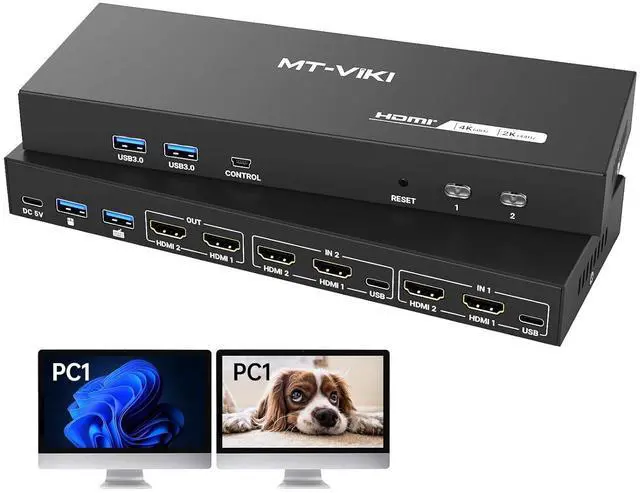
MT-VIKI HDMI KVM Switch 2 Monitors 2 Computers 4K@60Hz, USB3.0 HDMI KVM Switch Dual Monitor with 4 USB 3.0 Ports Sharing Keyboard/Mouse/Printer

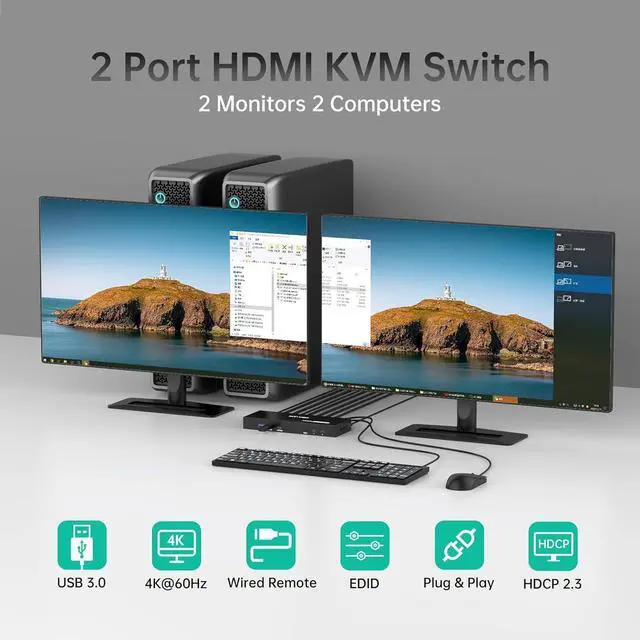
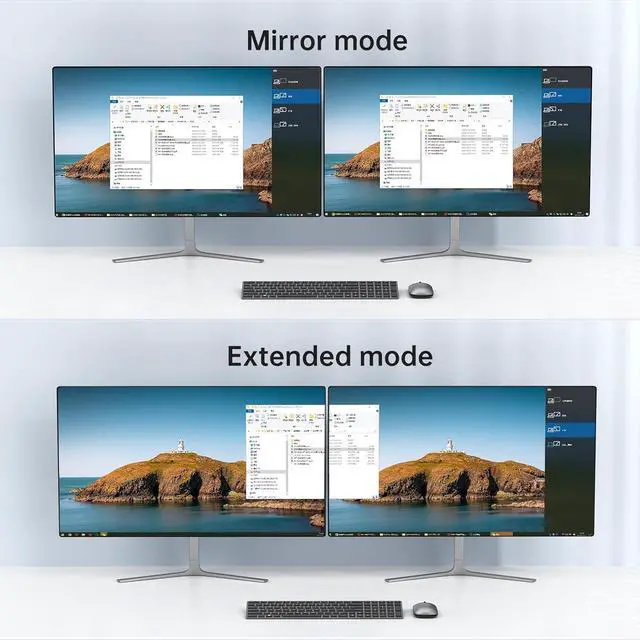
  • MT-VIKI HDMI KVM Switch for 2 Computers 2 Monitors: Control two PCs with one keyboard/mouse and dual monitors to maximize workspace efficiency, Support Extended or Mirror mode
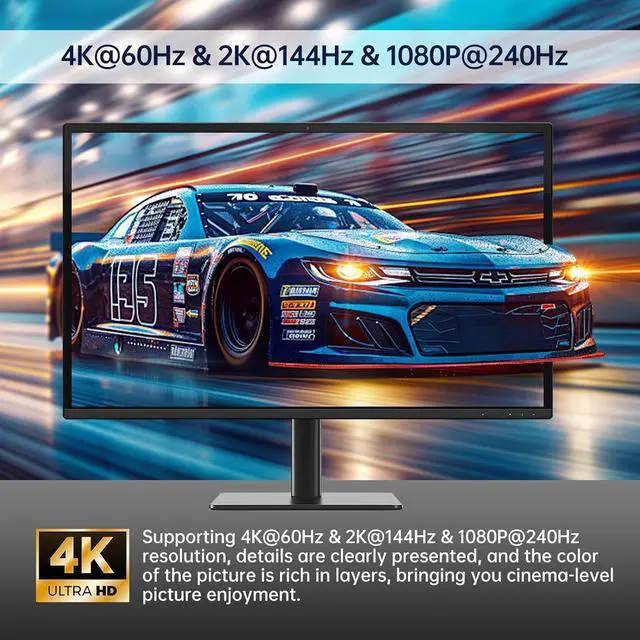
  • 4K@60Hz KVM Switch: Supports 4K@60Hz resolution with HDMI 2.0, HDCP 2.2, and 18Gbps bandwidth. Backward compatible with lower resolutions. Note: Requires 4K@60Hz-compatible sources, displays, and HDMI cables
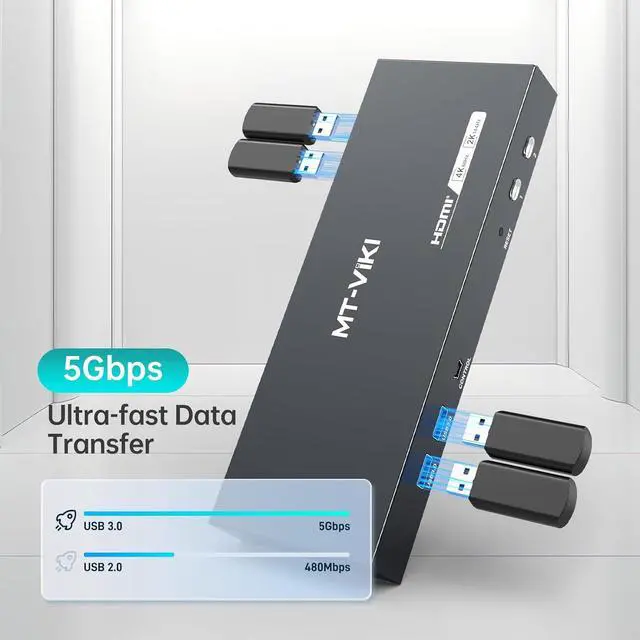
  • USB 3.0 Hub: this dual monitor KVM switch with 4 USB 3.0 ports for sharing printers, drives, or peripherals between systems.
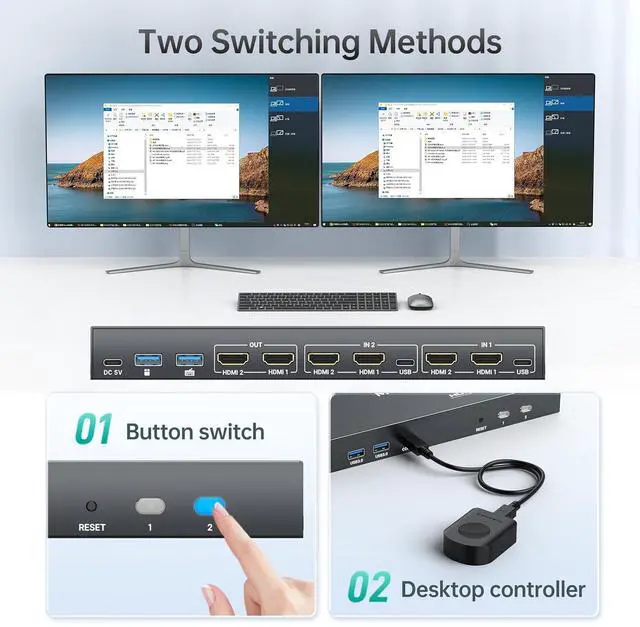
  • Two Switching Ways: Toggle via front-panel button or wired-desktop remote (HDMI KVM Switch can't support keyboard hotkeys switching) Plug & Play.
  • Important Notes Each computer needs to be connected with 2*HDMI2.0 cable + 1*USB cable to get dual screen display properly. For computers that do not have 2 HDMI port, you will need to use them with a reliable adapter or USB C docking station to expand the HDMI signal. Before purchasing, please make sure that each of your computers can su
+
+
Overview
Specs
Reviews
MT-VIKI HDMI KVM Switch for 2 Computers 2
Monitors: Control two PCs with one keyboard/mouse and dual monitors to maximize workspace efficiency, Support Extended or Mirror mode
4K@60Hz KVM Switch: Supports 4K@60Hz resolution with HDMI 2.0, HDCP 2.2, and 18Gbps bandwidth. Backward compatible with lower resolutions.
Note: Requires 4K@60Hz-compatible sources, displays, and HDMI cables
USB 3.0 Hub: this dual monitor KVM switch with 4 USB 3.0 ports for sharing printers, drives, or peripherals between systems.
Two Switching Ways: Toggle via front-panel button or wired-desktop remote (HDMI KVM Switch can't support keyboard hotkeys switching) Plug & Play.
Important Notes Each computer needs to be connected with 2*HDMI 2.0 cable + 1*USB cable to get dual screen display properly. For computers that do not have 2 HDMI port, you will need to use them with a reliable adapter or USB C docking station to expand the HDMI signal. Before purchasing, please make sure that each of your computers can support dual screen display.
Test method: You can connect your computer directly to 2 monitors (not via KVM)
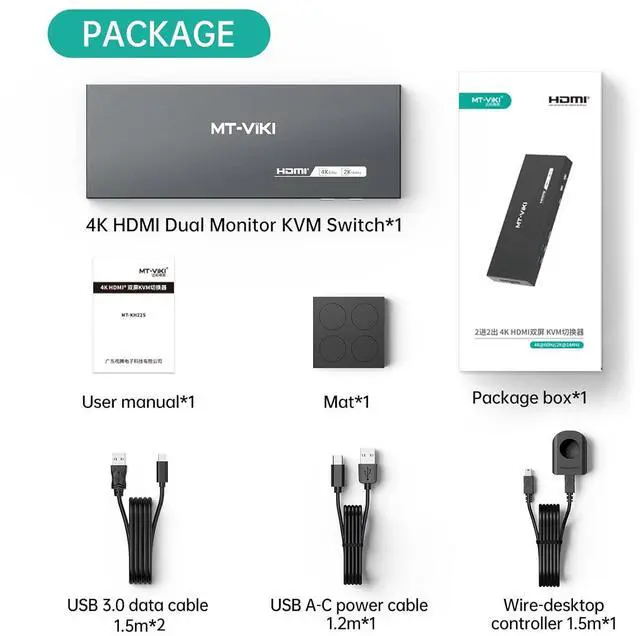
Package: HDMI KVM Switch*1, USB 3.0 data cable*2, USB A-C cable *1, Wire-desktop Controller*1, User
Manual*1(IMPORTANT NOTE: HDMI Cable not included, pls use above 4K@60Hz cable)

Warranty & Returns

Warranty, Returns, And Additional Information

Return Policies*

  • Return for refund within: 30 days
  • Return for replacement within: non-replaceable
  • This item is covered by Zyngear Return Policy
  • *Subject to applicable law
  • Warranty Notice:

    This product does not include manufacturer warranty when purchased or used outside of its designated sales region. By purchasing internationally, you acknowledge that warranty support from the manufacturer will not be available.

Manufacturer Contact Info

LOADING...